Much like a book cover spells out a story, your podcast cover art is a critical marketing tool that lets your potential audience get a glimpse into the engaging audio journey. Even before a single word of your episode is heard, this silent ambassador is working overtime. You have mere seconds to stop the scroll, convey the podcast’s soul, and convince a stranger to hit “play”. More than a pretty image, there's a lot more to it than meets the eye.
This post offers a detailed guide to creating eye-catching, theme-aligned podcast cover art. Master the decisive 3-second audition for new listeners. Let's get started.
- On This Page
-
What is Podcast Cover Art?
-
Effective Tips for Your Ultimate Podcast Cover Art
Guidelines for Your Cover Art
Use Attractive Typography
-
How to Create Podcast Cover Art? [2 Ways]
How to Create Podcast Cover Art Manual
How to Create Podcast Cover Art With AI
-
[Bonus] One-Stop Engaging Podcast Creation with Cover
What is Podcast Cover Art?
Podcast cover art is the square image that appears next to the podcast’s title. Think of it as your show’s storefront window; it is a visual handshake, the first element users will see to stop the frantic scroll of a podcast directory. Mastering this art of click is your very first step to turn passive browsers into loyal subscribers. Also, since some may be confused about the difference between a podcast logo and cover art, here's an explanation:
- Podcast logo: The core, simplified mark that can be used across various aspects of the podcast branding.
- Podcast cover art: An essential package that blends the logo, title, and other design elements into an instant promise of what your podcast delivers.
Effective Tips for Your Ultimate Podcast Cover Art
Prior to your design work, it's crucial to grasp key tips that will maximize the impact of your Podcast cover art.
Guidelines for Your Cover Art
To be accepted on major platforms like Spotify, Apple Podcast, and Google Podcasts, your cover art needs to meet common requirements on size, resolution, and file type. Using Apple as a benchmark:
- Ranging from 1400x1400 to 3000x3000 pixels
- Resolution of 72 dpi
- JPEG or PNG file type
- RGB colorspace
Choose Your Style
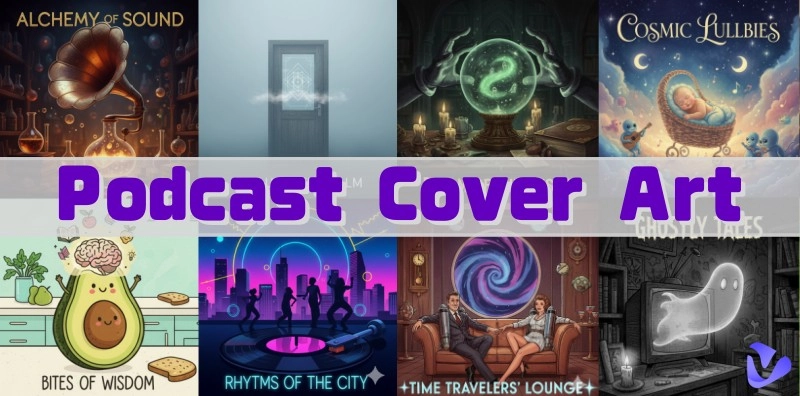
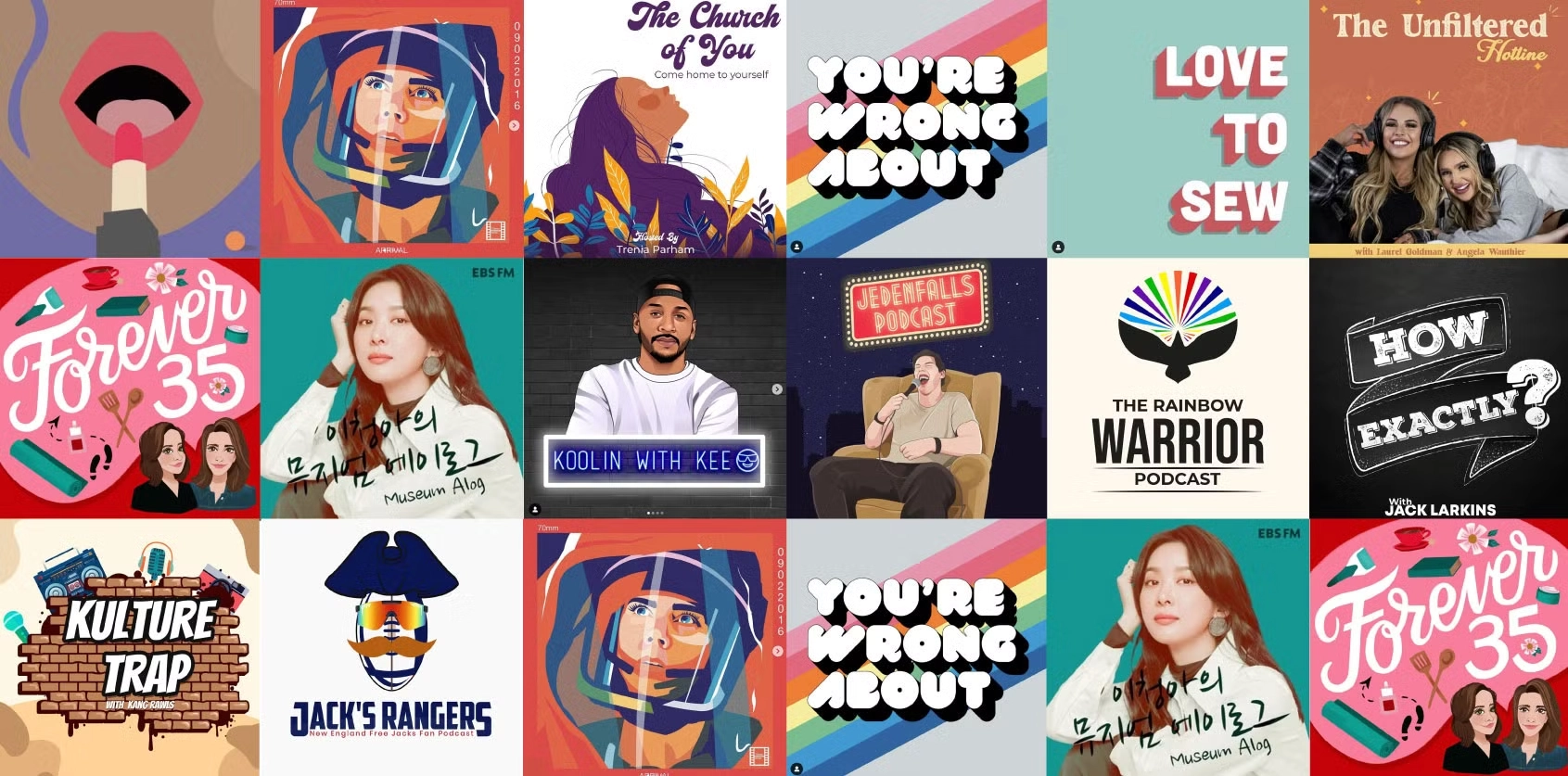
Choose from various visual styles—such as avatar icons, illustrations, or text-based designs—that match your theme and target audience. The key is that your podcast cover art should instantly communicate your podcast's subject and set the right tone.
Color Psychology Matters
Colors evoke emotion. Blue inspires trust and calm, while yellow conveys energy and optimism. Please be intentional about the colors you pick. Select a color palette that aligns with your podcast’s mood and use it consistently.
Also Read: Everything You Need to Know About AI Color Grading >>
Use Attractive Typography
Adhere to the following typography best practices to help your audience focus on readability:
- Choose a clear, high-contrast font for the title, and avoid visually distracting lettering
- Use a maximum of two fonts in your design
- Don't crowd the image with text
- Make sure text remains legible even at small sizes
- Strong contrast between the text color and the background (e.g., dark text on a light background, or vice versa)
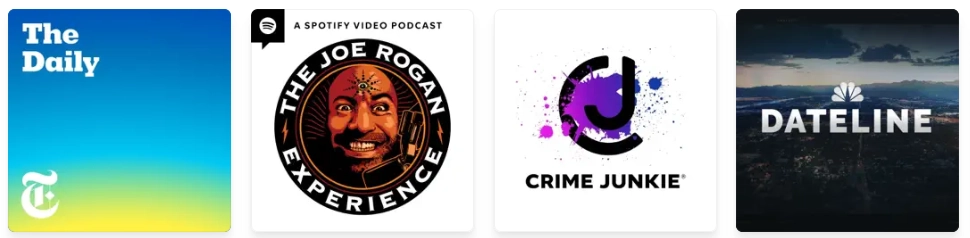
Less is More
Your podcast cover artwork is often viewed as a tiny thumbnail. It should allow potential listeners to grasp the essence of the show from the cover at a glance while scrolling. So avoid cluttered designs or overly complex images; a simple visual concept will make you stand out in a crowded directory.
Use High-Quality Images
This goes without saying. Blurry or low-quality images may give the audience an unprofessional impression. Also, be aware that cover art containing nudity, violence, or obscene content should be removed.
Leave a Margin
Always design with a “safe zone” in mind. Your podcast cover art may be cropped across various platforms. To ensure key elements are always visible, maintain a generous margin around the edges. This prevents important details from being cut off or obscured by interface elements like progress bars.
How to Create Podcast Cover Art? [2 Ways]
Get ready to put these techniques into practice. Here's how to create your stunning podcast cover art, both manually and with AI.
How to Create Podcast Cover Art Manual
Even if you're not a graphic designer, you can create stunning podcast artwork that stands out.
Canva is a free online design tool recommended by podcasters that helps create visuals for various brands. With over 1,800 ready-made podcast templates, more than 100 design types, and a vast library of photos and graphics, you can easily generate professional, high-quality podcast logos and cover art. Check the guide below for inspiration.
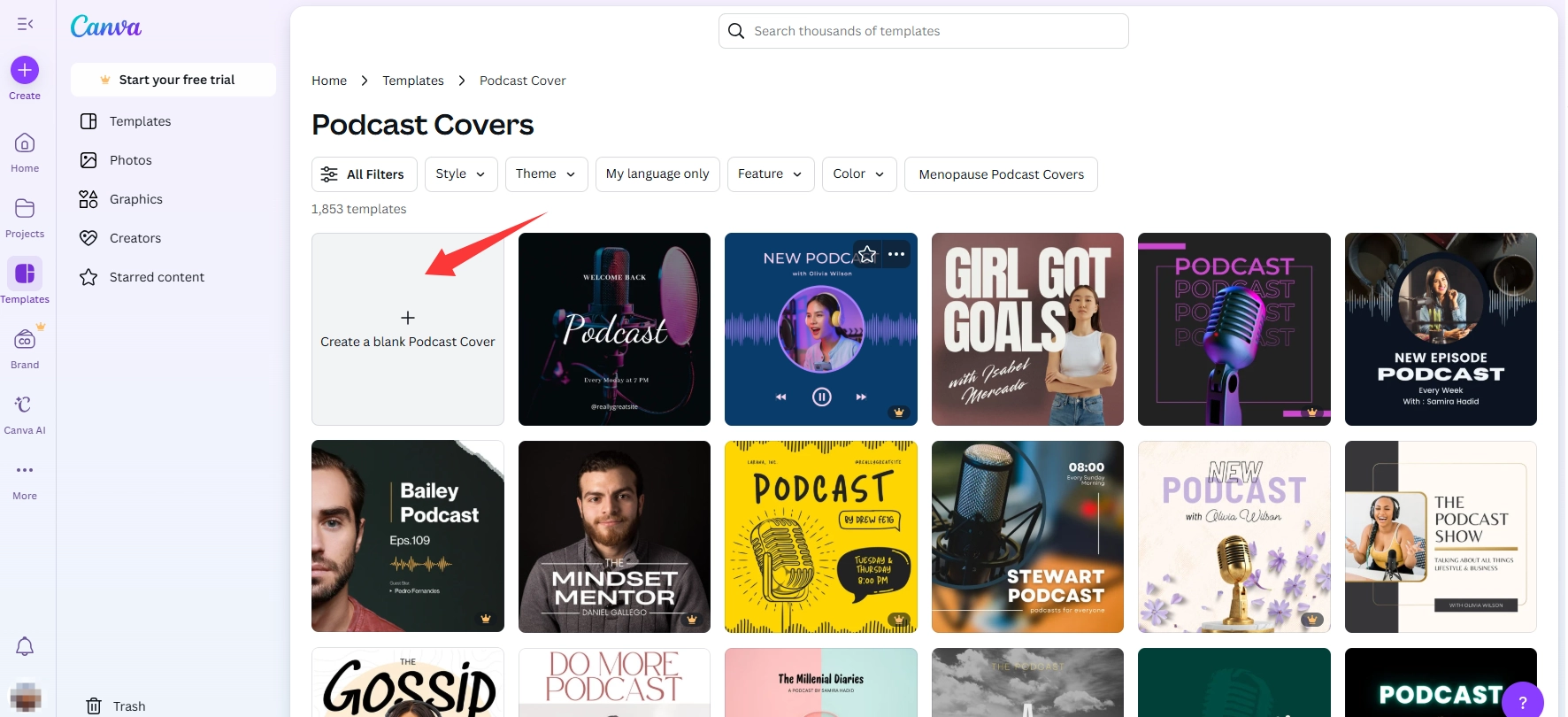
Step 1. Access the Canva podcast cover template page. Pick your favorite template or start creating from a blank canvas.
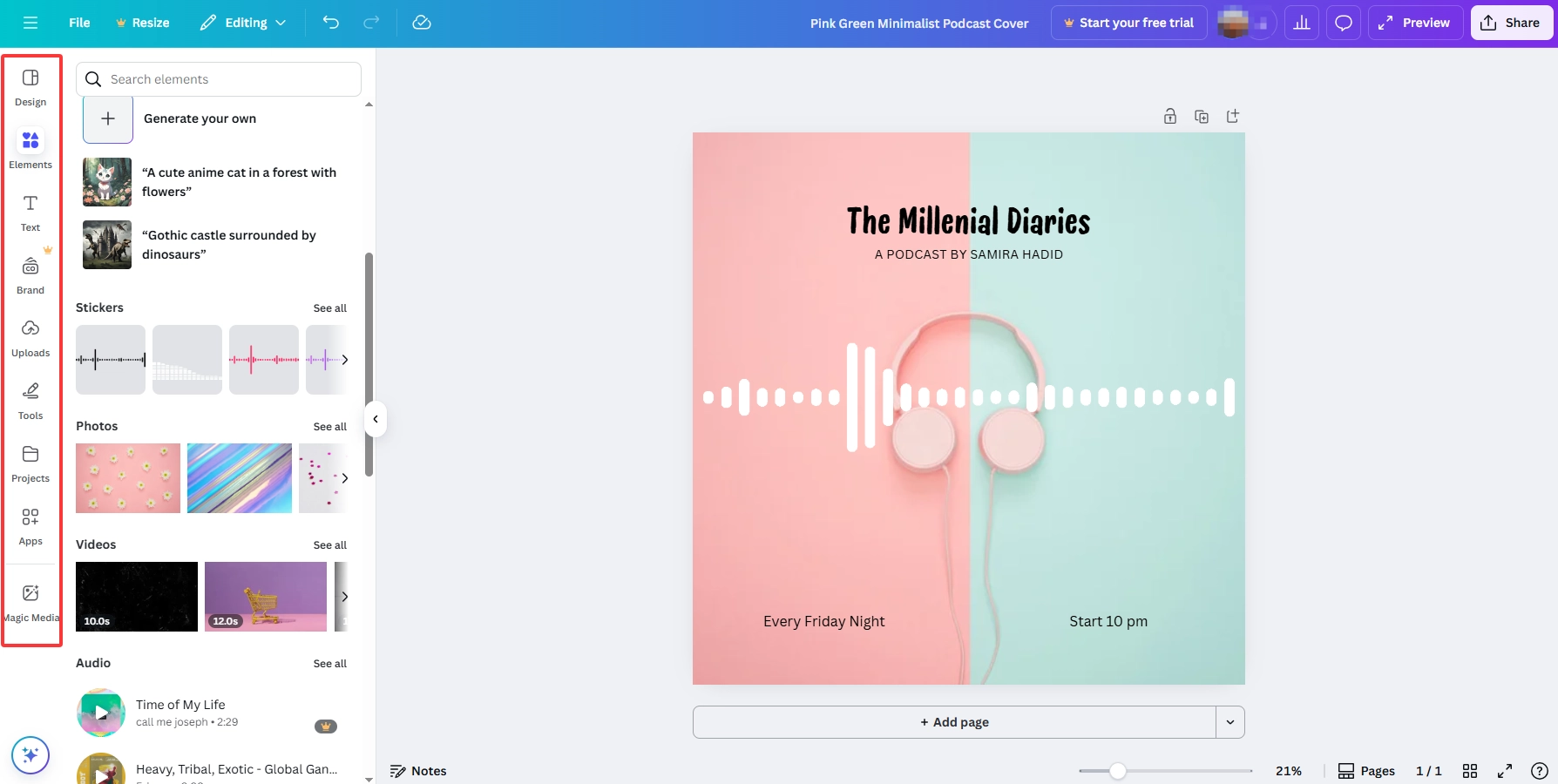
Step 2. Once on the editing page, click the toolbar on the left and customize at will. Add stickers, audio, text, and more to make your podcast cover art visually attractive and convey the right message. Remember, less is more.
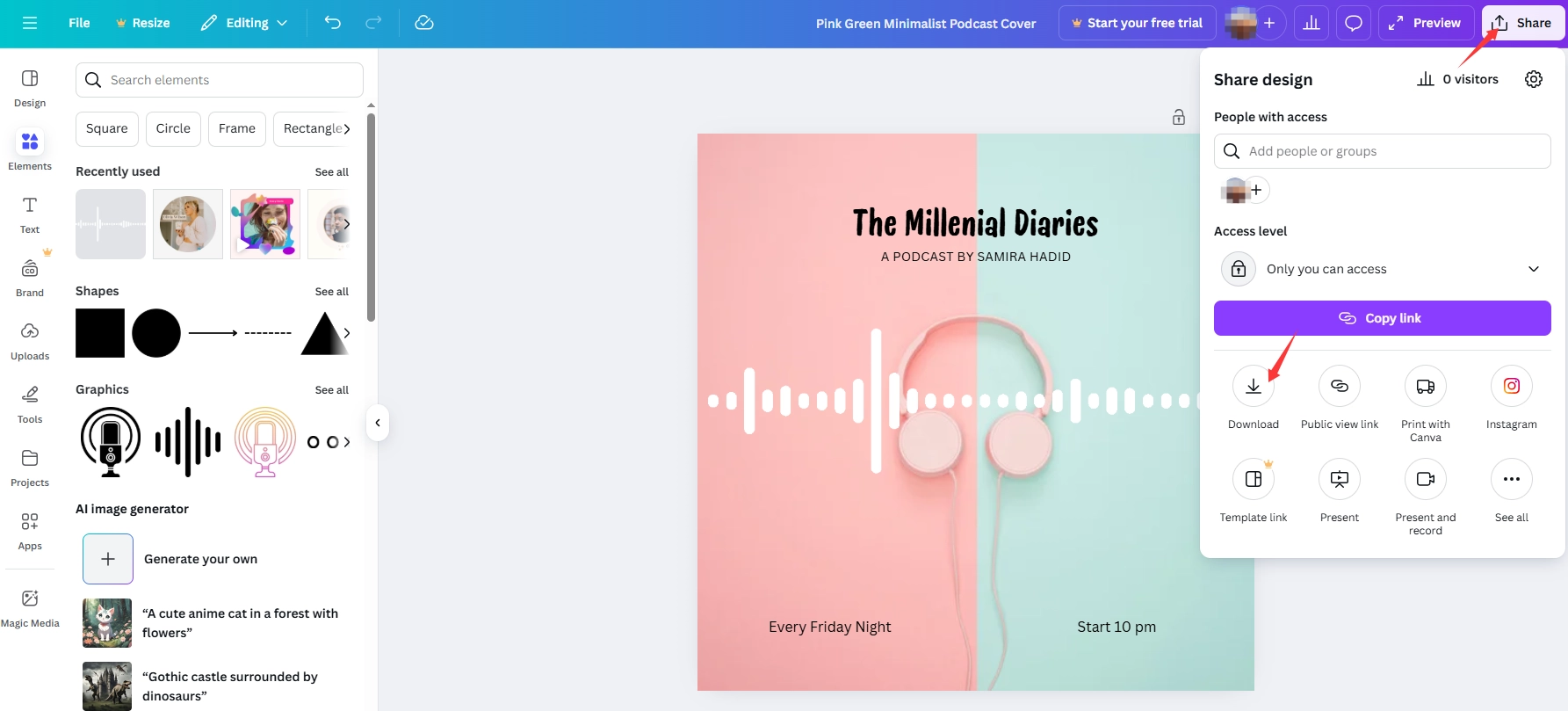
Step 3. Click Share in the top-right corner to download locally or copy the link to share with others.
How to Create Podcast Cover Art With AI
Instead of spending hours on tedious manual editing, there's an easier way to get started. Thanks to advanced AI technology, you can effortlessly generate stunning podcast cover art that perfectly matches your vision. No need to hire expensive professionals, spend hours on mediocre results, or download software; Vidnoz AI Podcast Cover Art Generator is a tool that makes creation simple and fast, featuring a sleek interface and high-quality request functionality. Just enter your detailed request and try as many times as needed until you get the perfect result. Sit back, relax, and immerse yourself in this magical visual world.
Step 1. Access Vidnoz AI podcast cover art generator, and sign in with your account.
Step 2. Enter your podcast cover art ideas into the prompt. The more detailed, the better the results. Additionally, select your desired style, specify the quantity, and set the aspect ratio to 1:1. Click the Generate Now button when you are done.

Step 3. After generation, click the options below the image to download or share. Alternatively, click the Generate Now button again to have Vidnoz AI try again.

[Bonus] One-Stop Engaging Podcast Creation with Cover
Just podcast cover artwork creation? No, Vidnoz AI can let you go farther than you can imagine. This one-for-all AI hub provides you with a free AI podcast generator to generate professional-grade quality podcasts, complete with a theme-matched cover art. No need to hire a host or invest in expensive equipment. One click transformation, with high-quality podcast outcomes.
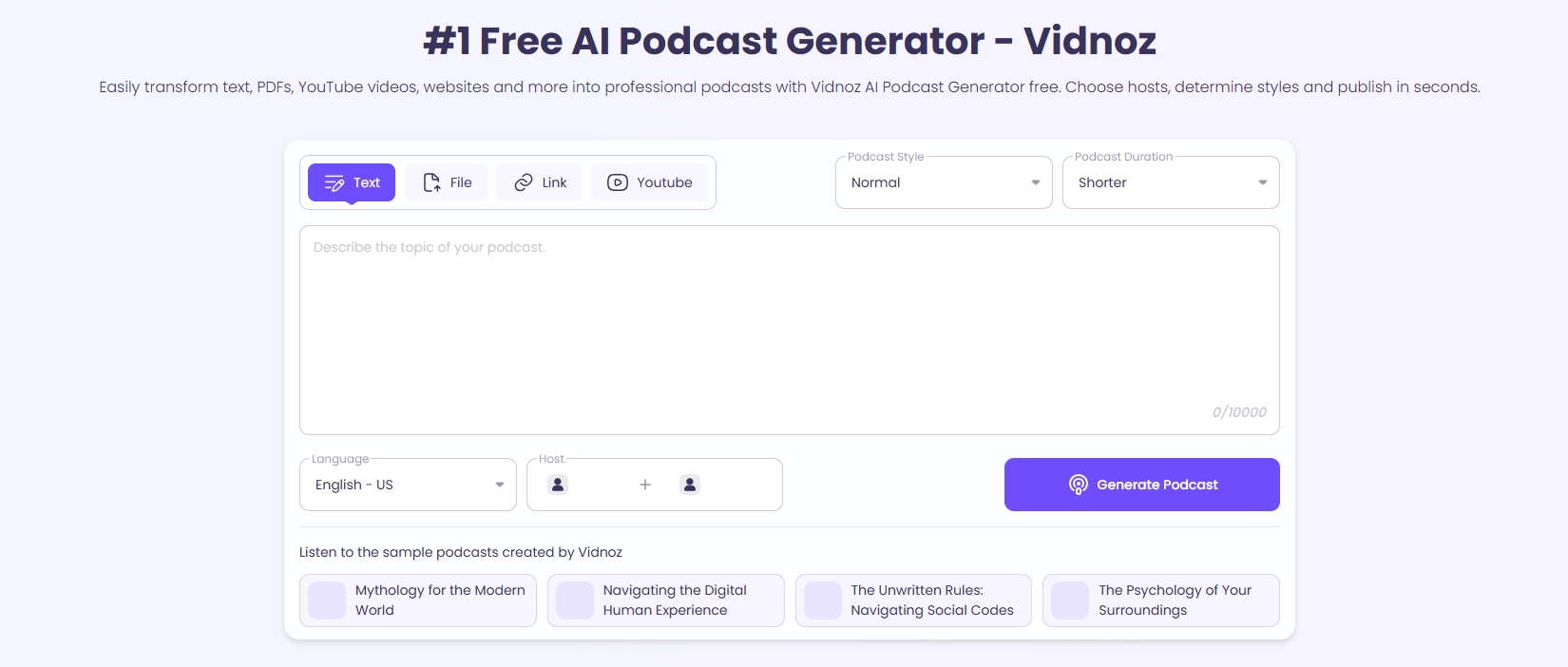
What this free AI podcast generator could deliver to you:
- Instant impressive creation with cover. Vidnoz empowers you to generate complete podcast episodes with an eye-catching cover in seconds. Feed a podcast cover art idea, file, or link for effortless, magical results. No more struggling with podcast cover art design.
- Dynamic dual-hosted conversations. With Vidnoz AI podcast cover art maker, craft a classic solo narrative or lively dialogue between two AI hosts. More importantly, you can even clone your own voice to add a powerful personal touch.
- Professional-grade pods with emotion. Featuring 10 distinct styles and AI hosts with different emotions, Vidnoz makes it easy for you to create a natural-sounding and captivating listener experience, no studio required.
- Multilingual support for global reach. Expand your audience worldwide with multilingual AI capabilities. No language skills required, easily break down language barriers with Vidnoz AI.
Here are the steps to create a flawless podcast with a cover:
Step 1. Head to Vidnoz AI Podcast Generator.
Step 2. Enter the text, drag a file, or paste a link as the originals. Then customize your preferred options such as podcast style, duration, language, and host. Click Generate Podcast and let Vidnoz AI handle the creation.
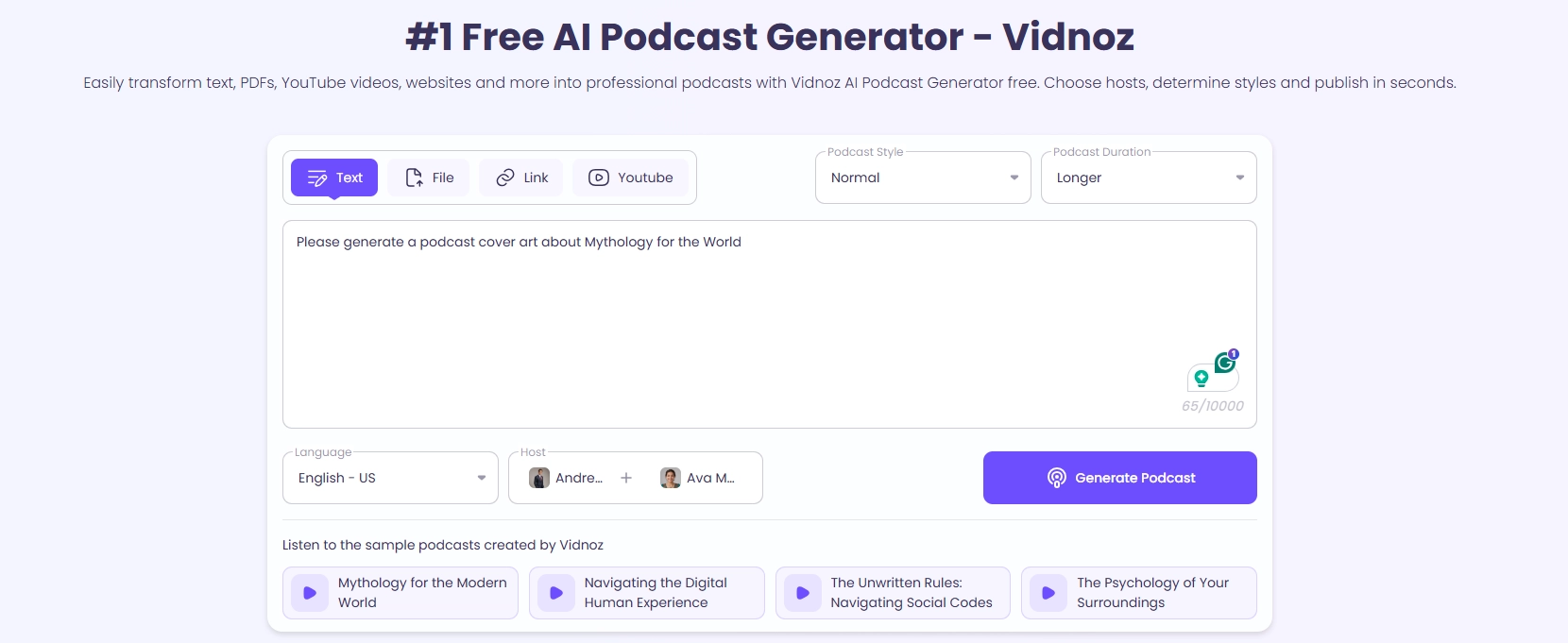
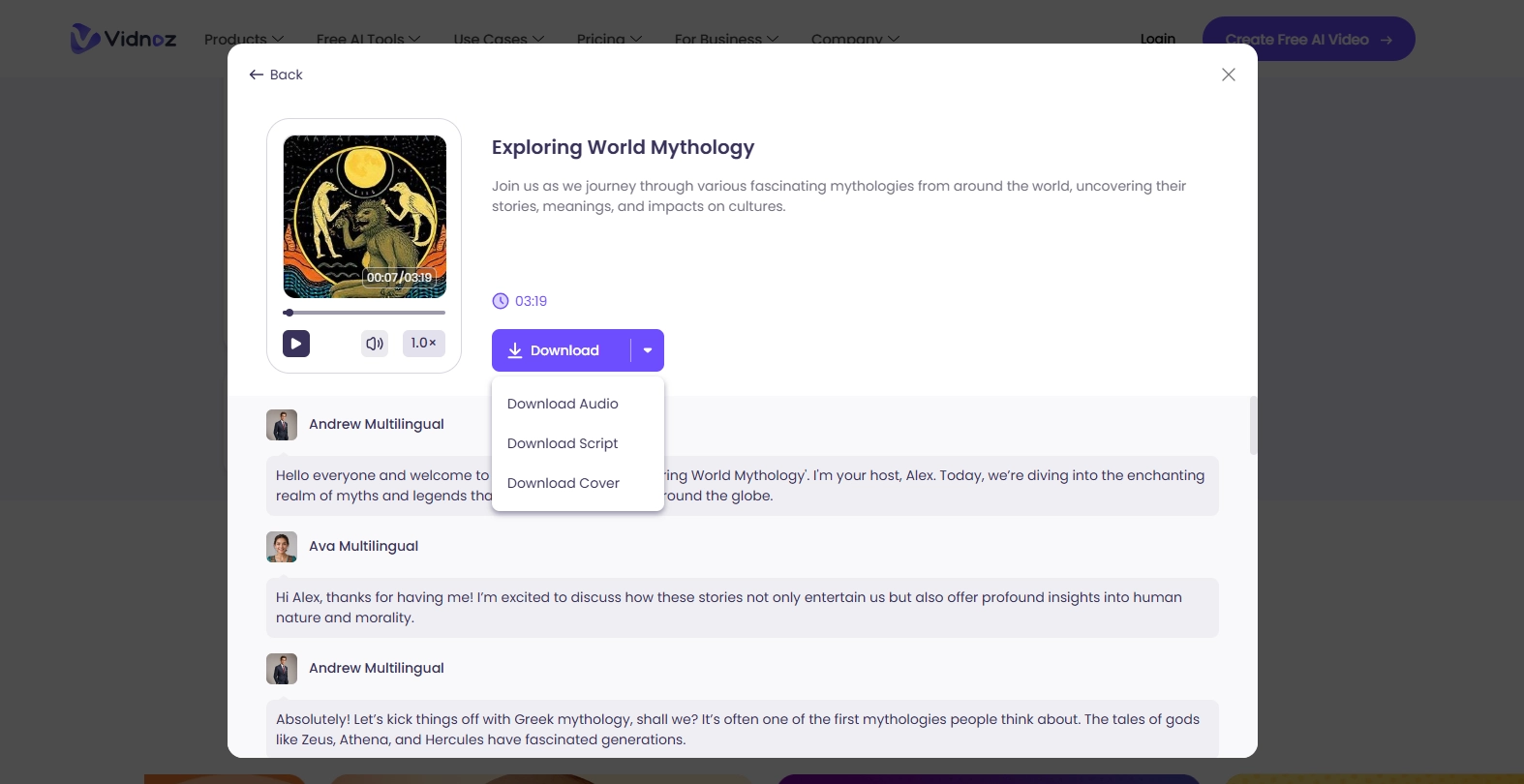
Step 3. Wait a few seconds to get your podcast with cover art. Download the audio, script, cover, or both as you prefer.
Conclusion
Podcast cover art isn't just a pretty picture. It is a strategic visual hook that turns scrolling users into subscribers. You need to make sure your cover image is both intriguing and sufficiently recognizable to attract listeners. Pick a method that works for you and create a stunning cover that makes listeners hit play.
Vidnoz AI Podcast Generator is an all-in-one solution. Not only can you create impressive podcasts with a single click, but you can also generate stunningly beautiful cover art. Say goodbye to tedious manual editing and time-consuming recording. It is also a completely free service with no hidden costs. Try it now.





![5 Best Free Subtitle Generators No Watermark [2026 Tested]](https://www.vidnoz.com/bimg/free-subtitle-generator-no-watermark-tools.webp)