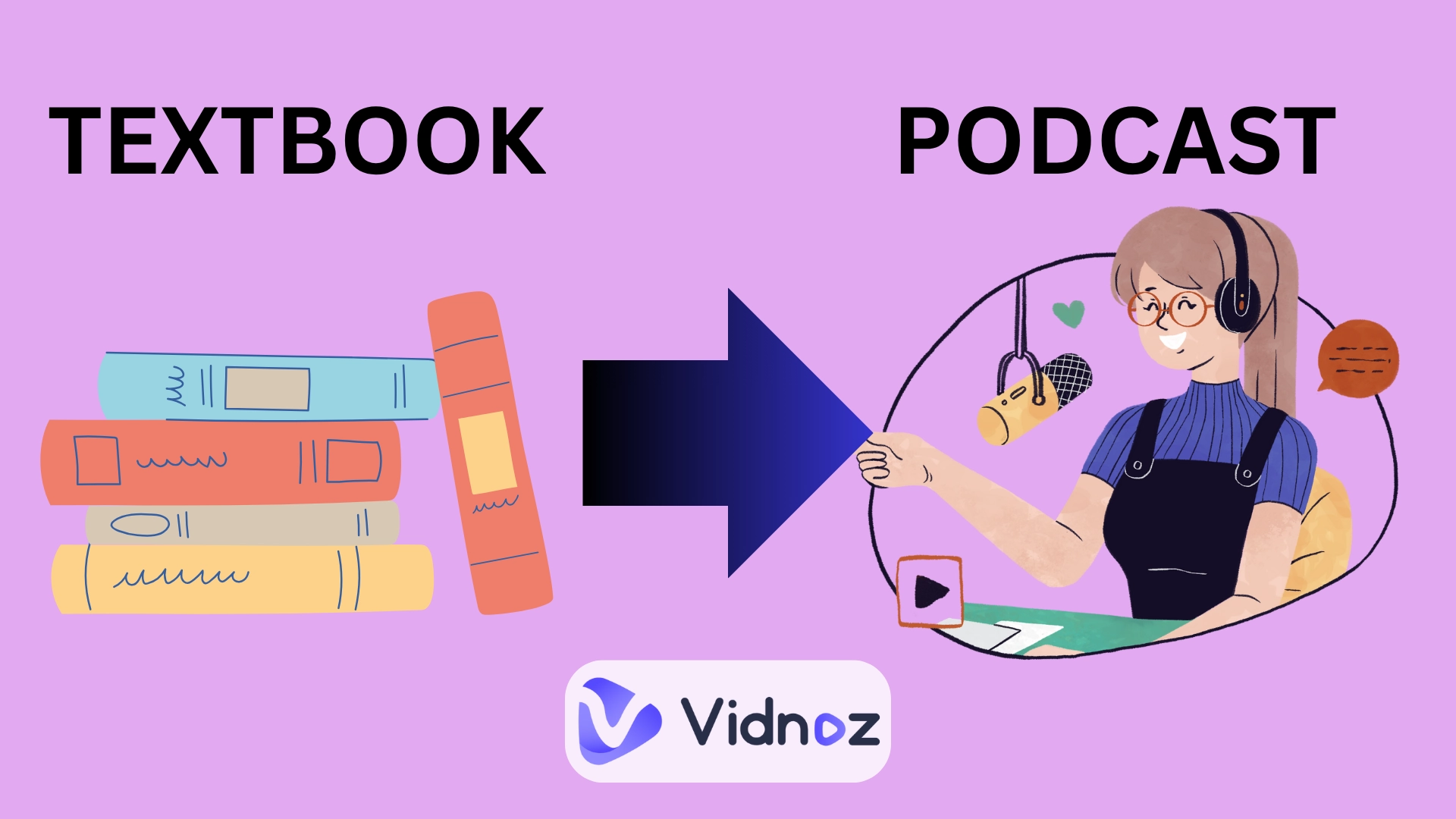
Ever wished your heavy textbooks could talk back to you? Imagine carrying entire chapters in your pocket, not as PDFs with dense text, but as podcasts you can play on the go. With AI podcast generators, it’s now possible to turn textbook into podcast, no studio or expensive gear needed!
Whether you’re a student cramming for exams or an educator creating engaging lessons, audio learning can make studying smarter, easier, and far more convenient. Here you will learn how to do that. Let’s dive in.
- On This Page
-
Why Turn Textbook into a Podcast?
-
Turn Textbook into Podcast Using 4 AI Podcast Generators
1. Vidnoz AI Podcast Generator: Turn Textbook into Conversational Podcast
2. NotebookLM: Make a Textbook into an Interactive Podcast
3. NoteGPT: Turn Textbook into Group Talking Podcast
4. QuizGecko: Turn Textbook into a Podcast for Efficient Study
-
Bonus: Turn Textbook into an Engaging Video Podcast!
Steps to Making Podcasts to Videos:
Why Turn Textbook into a Podcast?
1. To Enhance Memory
Listening helps reinforce learning because audio can be replayed anytime. You might experience such a situation: being able to repeat key chapters or summaries on the bus or during a walk makes knowledge stick. By converting textbook into podcast, you can now get a portable memory tool which helps you to review as often as needed.
2. To Make Textbooks More Acceptable
Common sense — long reading sessions can feel dull. Podcasts, however, break content into conversational and digestible parts. This way makes difficult study material easier to understand, which improves your learning efficiency and boosts comprehension.
3. For Convenience
With the AI ability to turn textbook into podcast, bulky books become truly accessible anytime, anywhere (instead of carrying them everywhere.)
Turn Textbook into Podcast Using 4 AI Podcast Generators
1. Vidnoz AI Podcast Generator: Turn Textbook into Conversational Podcast
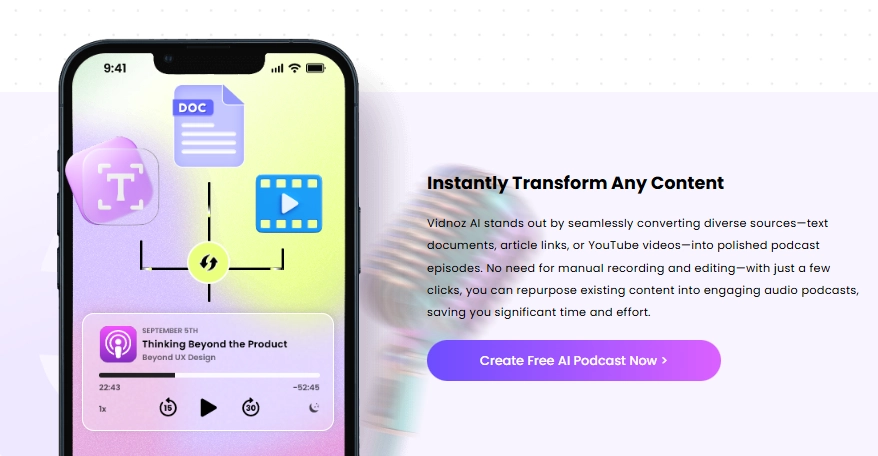
Vidnoz AI podcast generator makes textbook-to-audio conversions simple and engaging. Instead of a flat reading, it lets you turn textbook into podcast with lifelike AI voices, including the option for two hosts who can discuss, explain, and clarify any textual materials as if it were a real conversation.
Steps to Turning Text into Audiobook:
Step 1.Upload a Textbook
Start by uploading your textbook files:
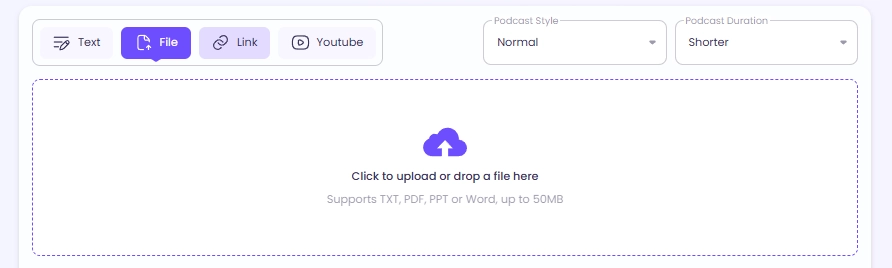
Vidnoz AI podcast generator accepts multiple formats input — TXT, PDF, PPT, and Word documents — up to 50 MB at once, which fully satisfies your textbook-to-podcast needs.

You can also paste text directly, or even import from a webpage or YouTube link.
Step 2.Set Up Transformation Preferences
Then, you can set up audio preferences. Choose the language, select one or two AI hosts, and pick the style (conversational, explanatory, or formal) to your liking.
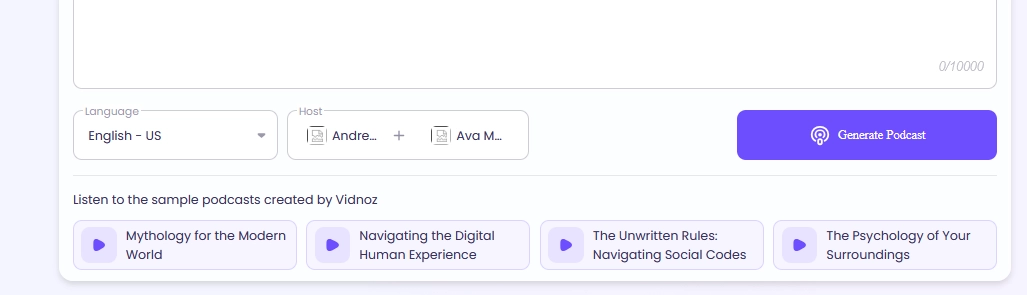
>>You can customize the AI voice without limit, like cloning your own or any other’s sound seamlessly.
Step 3.Generate a Textbook Podcast
Click the button and the AI will create a podcast within minutes. You can listen to the output and save the finished textbook podcast for free.
Pros
- Accepts textbooks in multiple formats (PDF, Word, PPT, TXT).
- Free for core textbook-to-podcast conversion features.
- You can clone any voice for personalized podcasts.
- Quick processing — a textbook podcast is generated in minutes.
- Global languages and accents are supported.
- Option for dual-host conversations for engaging textbook explanations.
Cons
- Large textbook files may need to be split for smoother conversion.
- Some terms may be pronounced robotic.
2. NotebookLM: Make a Textbook into an Interactive Podcast
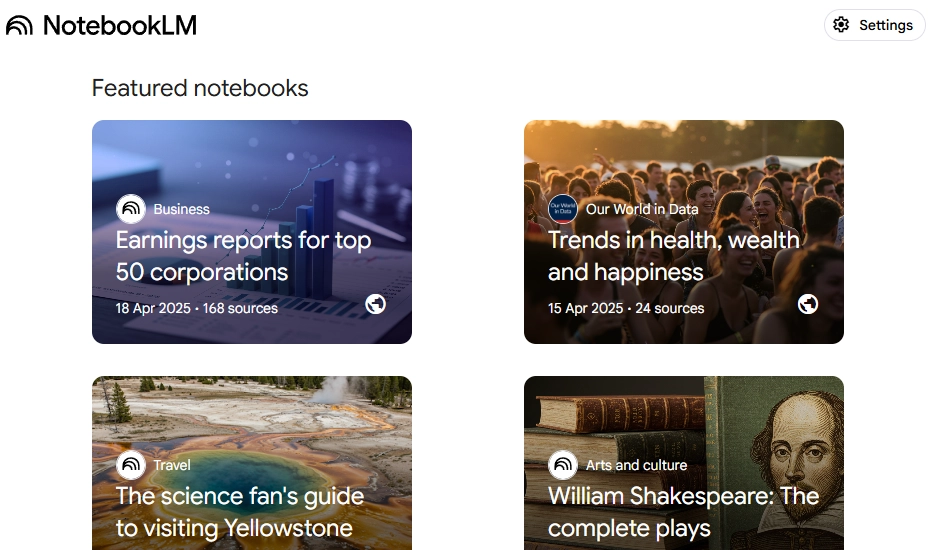
NotebookLM is Google AI research assistant that helps you organize complex sources and then turn textbook into podcast via its “Audio Overviews” feature.
Unlike a simple text-to-speech, NotebookLM’s audio outputs feel more dynamic: you can choose conversational modes (e.g., debate, explanation) and even type in questions during playback to probe deeper into the material.
But you may miss out some information since the feature does not provide word-for-word conversion.
Pros
- You can upload PDFs, websites, Google Docs, Slides, and even YouTube transcripts as the podcast “sources.”
- You can type questions and NotebookLM will answer based on the uploaded sources (with citations).
- Converts chapters or notes into conversational overviews, like mini-podcasts.
- You can get study guides, briefing docs, mind maps, quizzes, and FAQs from your sources.
- Support for 50+ languages & offers flexible output options.
Cons
- Audio is limited to summarization, not full narration.
- When summarizing, deep technical or very dense sections might lose nuance.
- Some features (like Video Overviews, advanced quotas) are available only to paid or Plus users.
3. NoteGPT: Turn Textbook into Group Talking Podcast
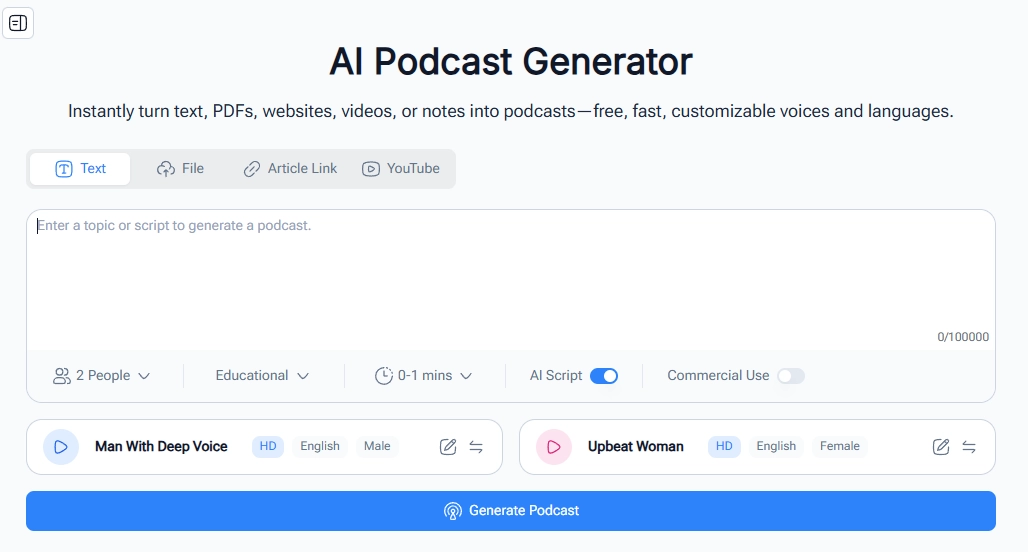
NoteGPT provides a versatile way to turn text into audiobook, giving learners the feel of a round-table discussion rather than a single narrator. It supports adding up to six AI podcast hosts and makes them talk through a chapter and ask questions. This makes textbook-to-audio conversion more dynamic and engaging — perfect for students who learn better through dialogue or for teachers who want to simulate class discussions.
Pros
- Allows up to 6 AI hosts, creating a realistic group discussion feel.
- Multi-language and multi-voice support.
- Simple interface with quick conversion from upload to finished podcast.
Cons
- Limited inputs (50 MB text or 10 MB audio) for each textbook to podcast transformation.
- Advanced customization (extra voices, effects, longer recordings) are locked.
- Technical terms or niche vocabulary might not always be pronounced perfectly.
4. QuizGecko: Turn Textbook into a Podcast for Efficient Study
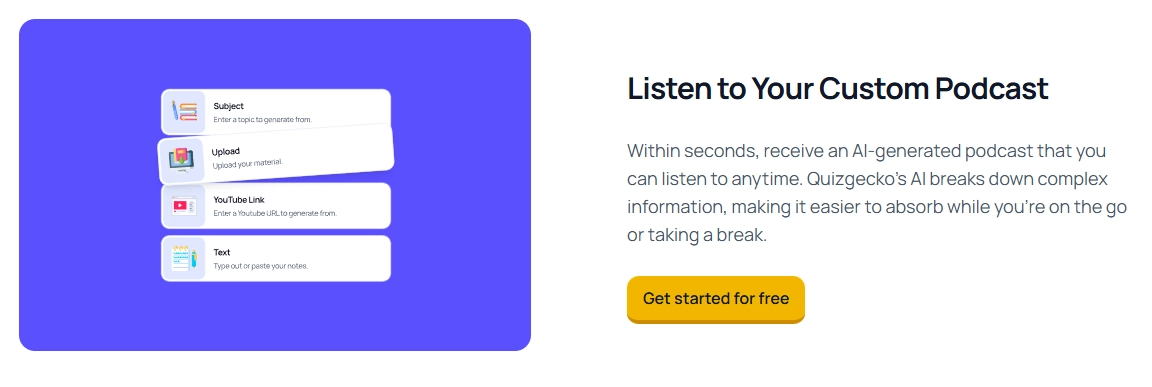
QuizGecko AI Podcast Generator turns textbook into podcast and transforms learning materials into a more active and study-friendly experience. It allows you to engage with its courses even when you can’t physically read something, like while commuting, exercising, or winding down before bed.
Pros
- You can upload PDFs, PPTs, Word docs, or paste URLs/text for conversion.
- Available on iOS and Android for learning on the go.
- It distills dense content into clear, digestible audiobooks.
- You can get started without paying.
Cons
- Some details on textbooks may be omitted.
- Highly technical sections could be oversimplified in audio form.
- Lengthier or more advanced conversions may require a subscription.
Bonus: Turn Textbook into an Engaging Video Podcast!
When pairing images or on-screen texts with spoken explanations, you get dual-coding benefits — visuals often make concepts stick even better than audio alone. That’s why turning textbook into video podcast can deepen recall and make your lessons shareable on social platforms.
You can turn textbook into video podcast easily using Vidnoz free AI video generator as well.

Vidnoz AI - Create Free Engaging AI Video with Talking Avatar
- Easily create professional AI videos with realistic avatars.
- Text-to-speech lip sync voices of different languages.
- 2800+ video templates for multiple scenarios.
Key Feature
- Lifelike TTS to turn text into emotional audio;
- Add AI talking avatars to narrate your textbooks realistically;
- Auto lip-syncing makes the video podcasts look natural and engaging;
- Ready-made video podcast templates for quick transformation;
- Automatic subtitles let you capture complicated theories on time;
- High-quality video podcast export.
Steps to Making Podcasts to Videos:
Step 1.Log in to Vidnoz AI for free
You can create an account for free and access more well-structured video podcast templates:
Step 2.Choose a video podcast template
Then, you can filter and pick a video podcast template that fits your preferences.

Step 3.Upload your textbook or podcast audio
Start uploading the textbook (PDF/DOCX) or the recording you made earlier. You can also paste texts.

Step 4.Customize details (optional)
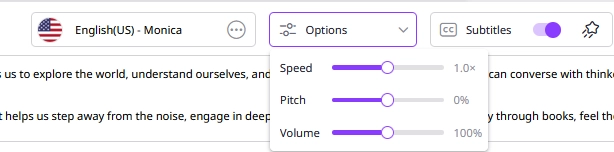
If you want, you can choose an AI voice (or clone your own), select an AI talking avatar, adjust pacing, and enable auto lip-sync to personalize your video podcast:
Step 5.Finish the textbook to video transformation
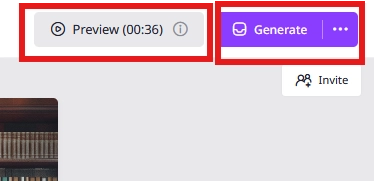
Last, you could add subtitles, tweak timing, preview, then generate the video podcast:
You could add chapter timestamps and a show-notes link before publishing or sharing.
Conclusion
It’s easier than ever to turn textbook into podcast and make studying more engaging with powerful AI tools. From Vidnoz AI’s conversational hosts to NotebookLM’s interactive overviews, each podcast generator brings dense chapters to life. Even better, with video generators, you can not only turn textbook to audiobook further by creating a visual podcast. So now, try to study creatively with AI!






![4 Best Podcast Translators to Easily Change Pods’ Languages [With Practices]](https://www.vidnoz.com/bimg/podcast-translators.webp)