Podcasts have been around for a while; they are the most popular content on streaming apps like Apple Music and Spotify. But audiences now expect visuals, making video podcasts the game changer in 2026. So, how to make a video podcast? You can use a video podcast template to effortlessly produce professional-looking episodes.
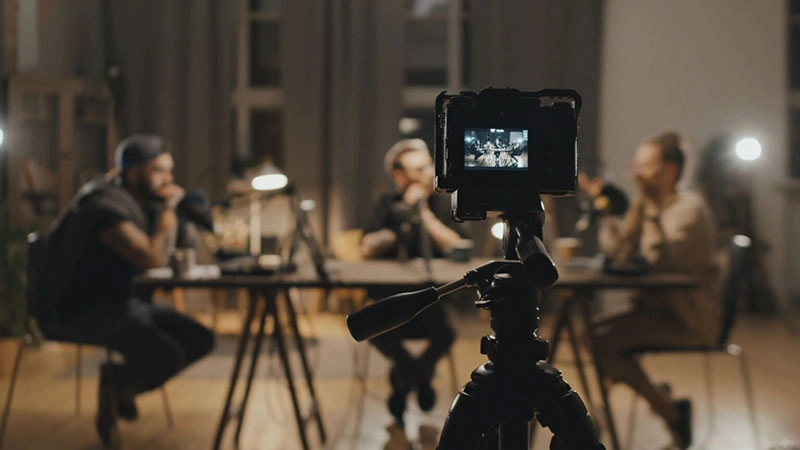
source: freepik.com
This guide has everything you need to know about video podcasts: what they are, why they matter, and you can see how to use a podcast video template to streamline your workflow. Plus, we will show you a free podcast video template tool that will get your content ready in minutes.
- On This Page
-
What is a Video Podcast?
-
Why Use a Podcast Video Template?
-
Meet Vidnoz AI: Your Free Podcast Video Template
How to Make a Podcast Video Using Vidnoz AI
-
Bonus Tips: How to Make Successful Podcast Videos
Step 1. Determine the Type of Video Podcast You Want to Create
Step 2. Write a Clear Script or Episode Outline
Step 3. Prepare the Right Equipment
Step 4. Edit for Quality and Engagement
Step 5. Create an Enticing Opener
-
FAQs about Add a Video to Google Classroom
What is a Video Podcast?
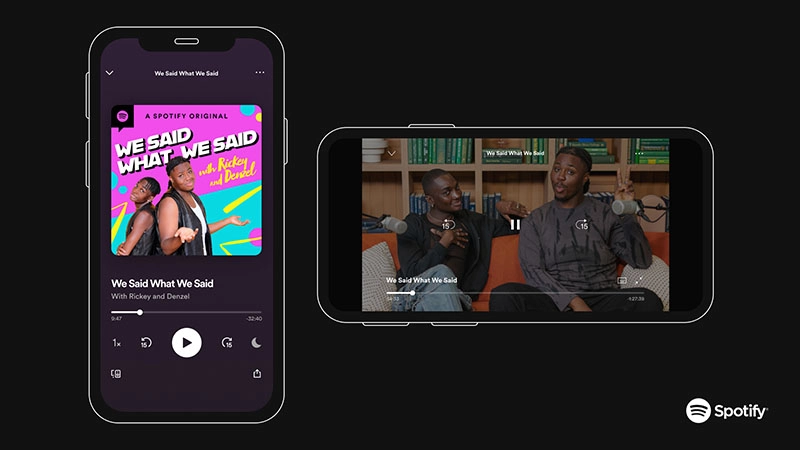
A video podcast is a podcast that’s recorded with visuals; it could be actual footage of the hosts and guests or animated/audio-visual representations. Today, common platforms including YouTube, Spotify, Instagram, and TikTok have introduced video podcasts, even if audio remains the core format for many shows.
Benefits of video podcast:
- Better Engagement: Viewers feel more connected when they get to see facial expressions, gestures, and body language.
- Visual Storytelling: Videos help illustrate complex topics through graphics, slides, or visual metaphors.
- Higher Reach & Discoverability: Social media algorithms prioritize visual content. Hence, videos are always easier to go viral.
- Versatility in Content: You can even repurpose video segments into short clips, teasers, or social reels.
Why Use a Podcast Video Template?
Offering ready-made layouts, overlays, animations, and visual elements, A podcast video template simplifies the production process. You don’t have to build your design from scratch.
Key Feature
- Consistent branding across episodes: A podcast template establishes visual identity by using the same logos, fonts, and colors, strengthening brand recognition over time.
- Faster editing process: It can speed up your workflow; just insert your footage, edit basic text, and export without starting from scratch.
- Professional, studio-quality visuals: A podcast template delivers polished, high-end results that look professionally produced.
- Easy updates: You can quickly swap out text or assets without having to redesign or re-edit the entire video project.
Whether you are a solo podcaster or part of a collaborative team, a video podcast template ensures your content looks polished, consistent, and professional.
Meet Vidnoz AI: Your Free Podcast Video Template
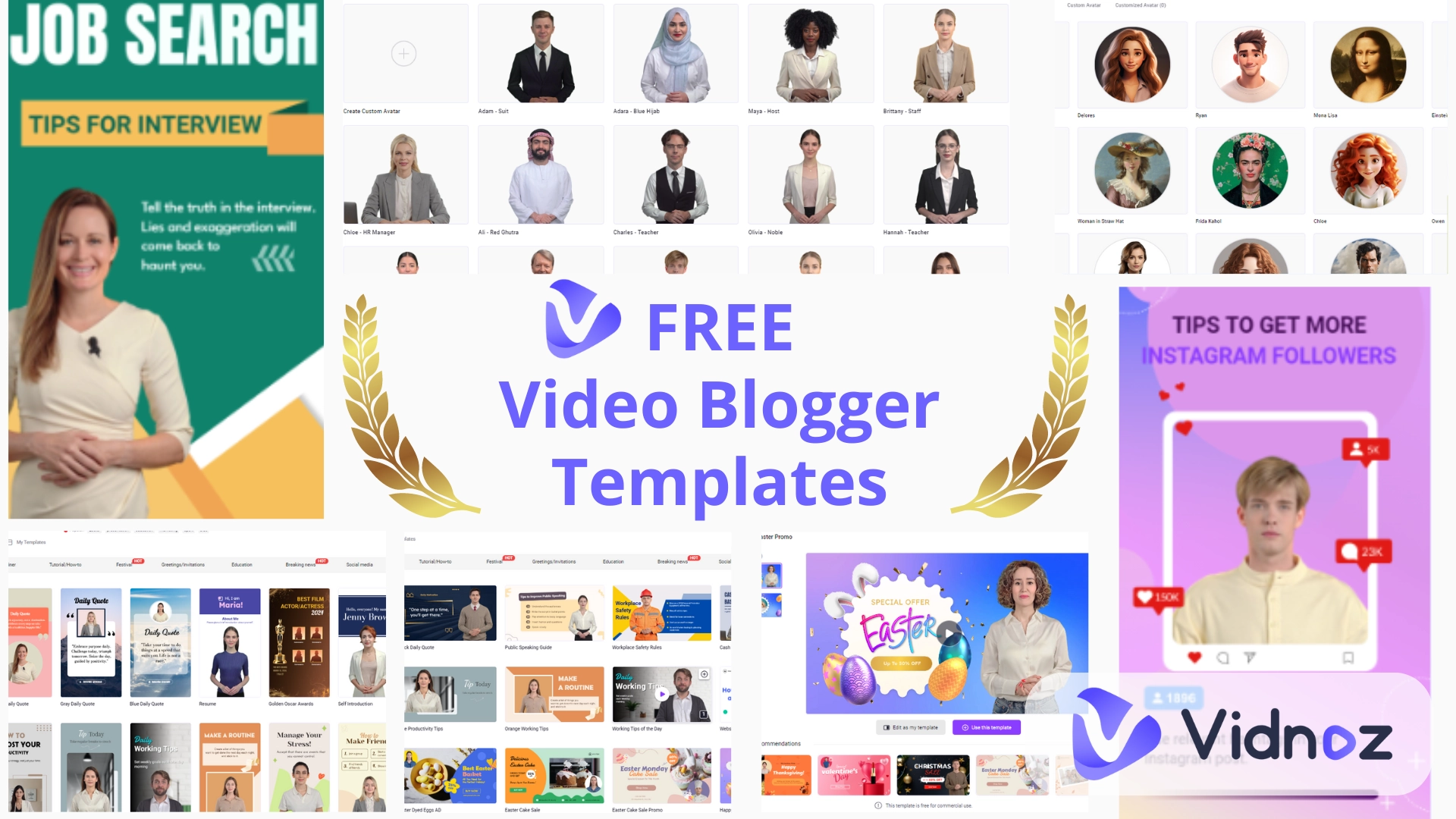
Want to get started with a free podcast video template? Try Vidnoz AI, a free online tool that allows you to create video content from scratch. Packed with tons of ready-made podcast video templates, the AI video generator is the best choice for beginners and pros to easily produce high-quality podcast videos.

Vidnoz AI - Create Free Engaging AI Video with Talking Avatar
- Easily create professional AI videos with realistic avatars.
- Text-to-speech lip sync voices of different languages.
- 2800+ video templates for multiple scenarios.
Key features of Vidnoz AI
- Multi-functional video editor: Edit right in your browser with AI-powered tools. You can easily add captions, titles, images, music, and effects to transform podcast videos on any device without complicated editing software.
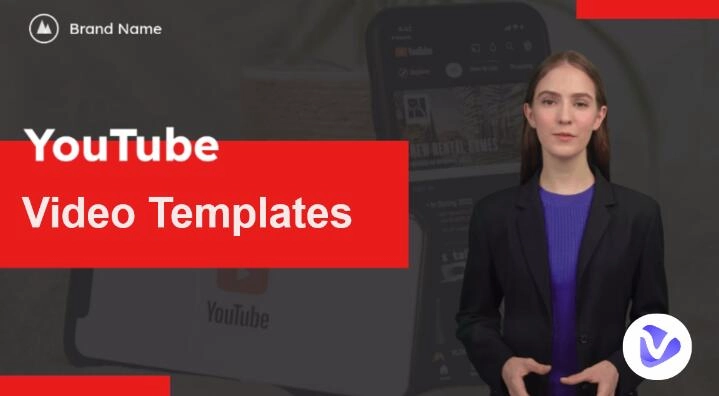
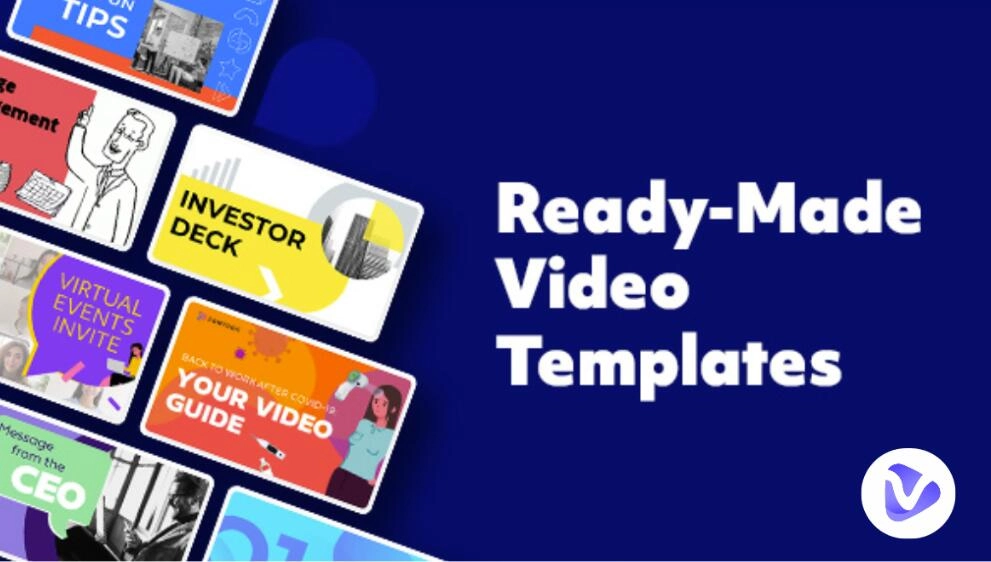
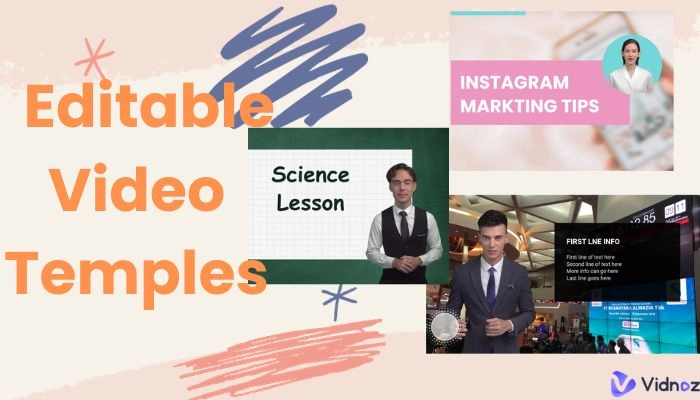
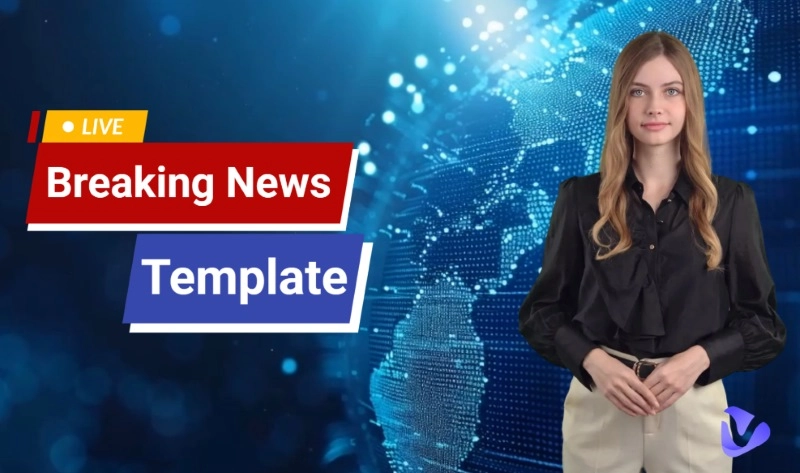
- 2,800+ video templates free online: Freely access a vast library of over 2,800 video templates across various categories, including podcast templates, interviews, explainers, and more. All of them are ready to customize for any podcast format.
- AI-powered text to speech: Convert scripts into realistic AI voiceovers within seconds using the Vidnoz Text to Speech AI tool. Create a video podcast in multiple languages and tones for different audiences.
- Unlimited voiceover conversion: Generate as many AI voiceovers as you need for podcast intros, sponsor messages, or full narration. You can even use its AI voice cloning to create a voice to tailor to any kind of content.
- Support for headshots, avatars, or uploaded footage: Upload your headshot or avatar to animate it with Vidnoz Talking Head. You can also upload your recorded footage for seamless podcast video creation.
- Built-in subtitles and branding elements: Easily add subtitles, insert logos, adjust brand colors, and apply consistent design elements across episodes for a cohesive, professional podcast experience.
How to Make a Podcast Video Using Vidnoz AI
Step 1. Open Vidnoz AI. Sign in with your email address to access its powerful features.
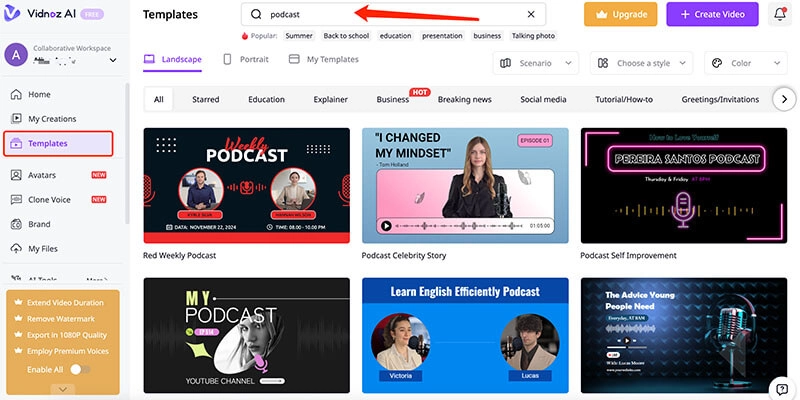
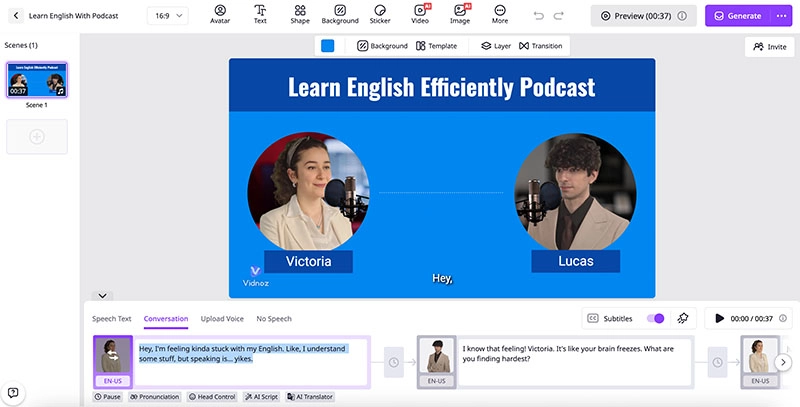
Step 2. Go to the Template menu and choose a video podcast template free to use.
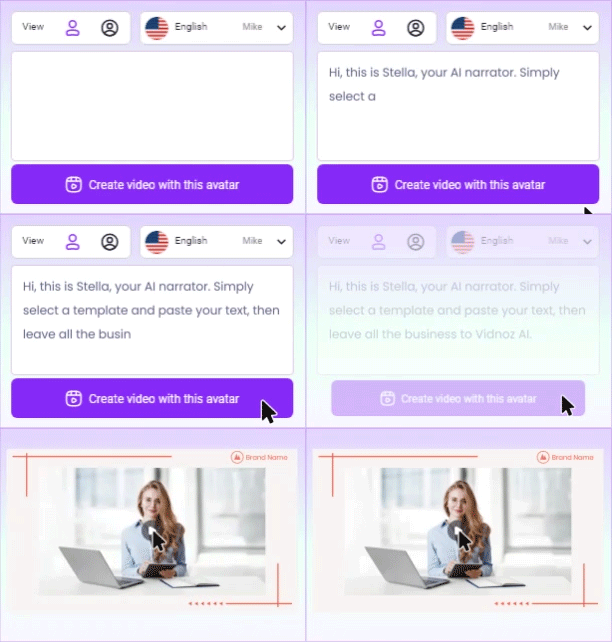
Step 3. Input the script for your podcast. Choose the language, AI voice, etc., as per your needs.
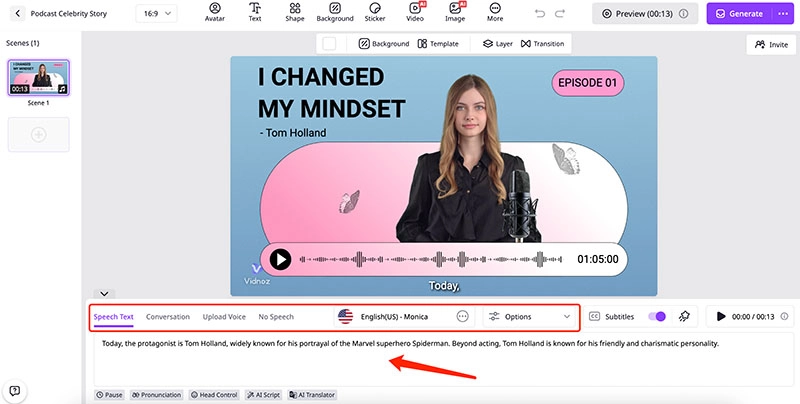
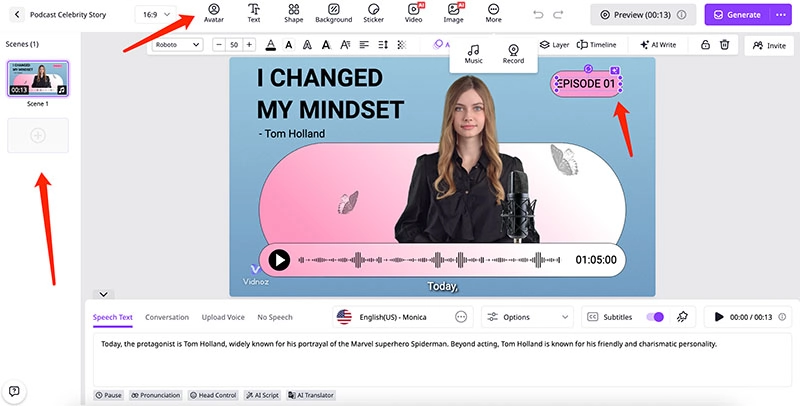
Step 4. Add your episode title, images, or brand assets. Preview and export your podcast video.
Bonus Tips: How to Make Successful Podcast Videos
While Vidnoz free AI video generator allows you to create a podcast with templates easily, you can elevate your podcast videos with a few more steps.
Step 1. Determine the Type of Video Podcast You Want to Create
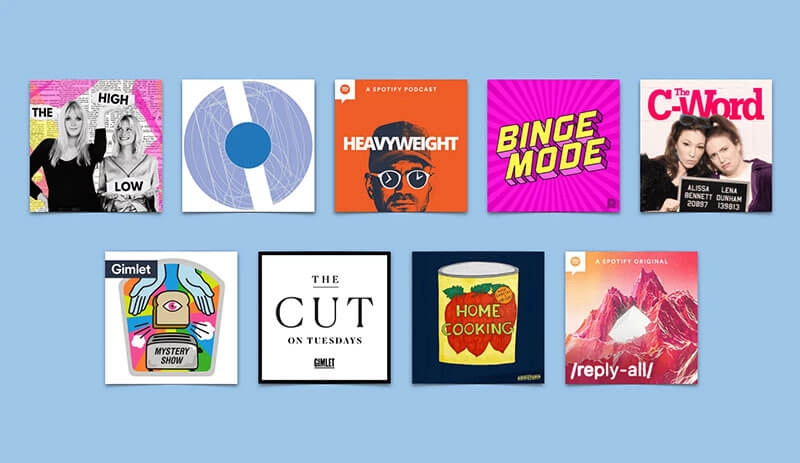
Will it be a solo episode, a guest interview, a co-hosted discussion, or an animated format? Before everything else, choose the video podcast style that best fits your content and audience.
Step 2. Write a Clear Script or Episode Outline
Planning is essential for a smooth and engaging video podcast. The intro, key talking points, guest questions, and transitions can help keep your podcast focused, professional, and easy to follow from start to finish.
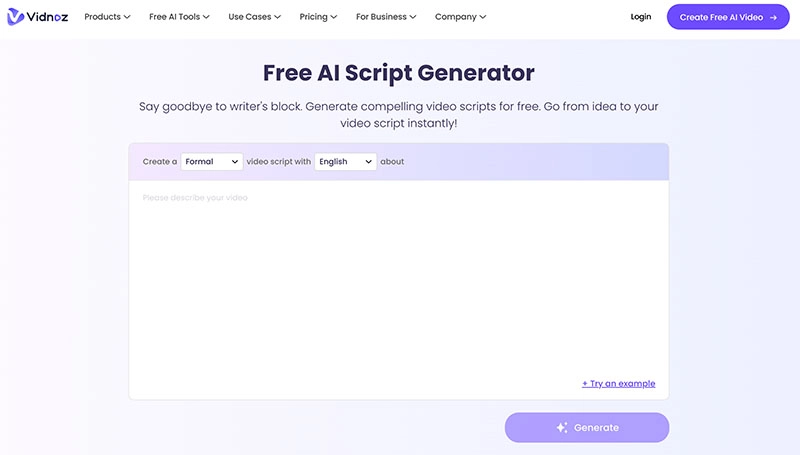
Here, Vidnoz AI Script Generator can help you speed things up. Just input your podcast idea and it will instantly generate a structured outline or full script, saving you so much time and effort.
Step 3. Prepare the Right Equipment
Use a quality microphone, webcam, or DSLR, noise-isolating headphones, and reliable editing or recording software.
Step 4. Edit for Quality and Engagement
Add captions, animated transitions, waveforms, and dynamic overlays to grab attention and boost viewer retention.
Step 5. Create an Enticing Opener
The first 10 seconds determine whether people keep watching. It’s generally recommended to use music or an intro animation to create a powerful hook.
FAQs about Add a Video to Google Classroom
1. What is a podcast video template?
A podcast video template is a pre-made layout that includes placeholders for titles, overlays, transitions, and more. Users can easily customize it and produce visual podcast content faster than traditional methods.
2. Can I use podcast video templates without video editing experience?
Yes! Tools like Vidnoz make it easy for beginners; just choose a podcast video template, upload your content, and customize as per your needs. No editing skills are required.
3. What platforms can I publish my video podcast on?
You can publish your video podcast on YouTube, Spotify with video, Facebook, TikTok, and Instagram Reels. All major platforms support video podcast clips.
4. Is it free to use Vidnoz AI Video Generator for podcast videos?
Yes, Vidnoz AI Video Generator offers free access to templates and tools for creating podcast videos.
5. Can I create short podcast highlight clips with Vidnoz templates?
Yes, Vidnoz has options for both full episodes and short clips. For instance, you can use text to video AI to turn key quotes or highlights into eye-catching short videos for instant sharing on social media.
Turn Text into Video with AI - FREE
Generate high-quality videos from PDFs, PPTs, and URLs in one step!
Final Thoughts
A podcast template is the simplest way to create high-quality content today. You can save so much effort from now on and produce a polished video podcast that can truly boost audience engagement across platforms. Whether you are producing full episodes or quick clips, Vidnoz AI is the best tool available. The beginner-friendly tool supports voiceovers, subtitles, and ready-made layouts for professional content creation. Just try it and bring your podcast vision to life with ease. Your next great episode is just a click away!