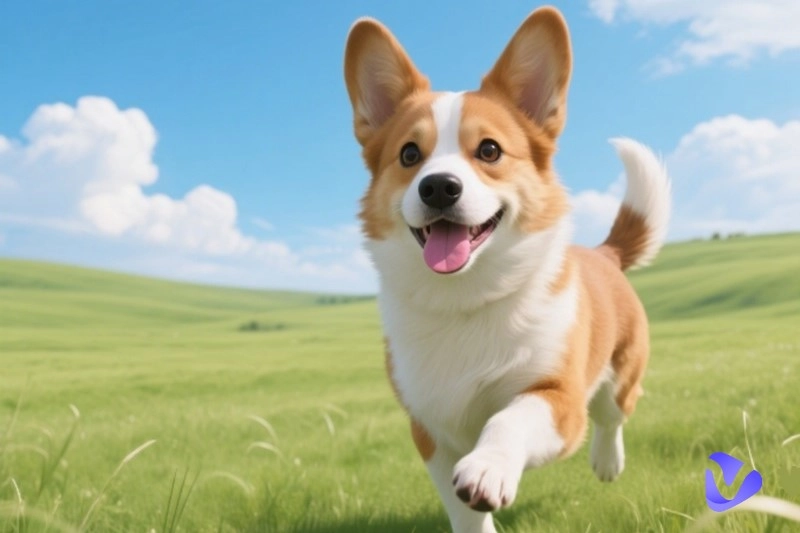
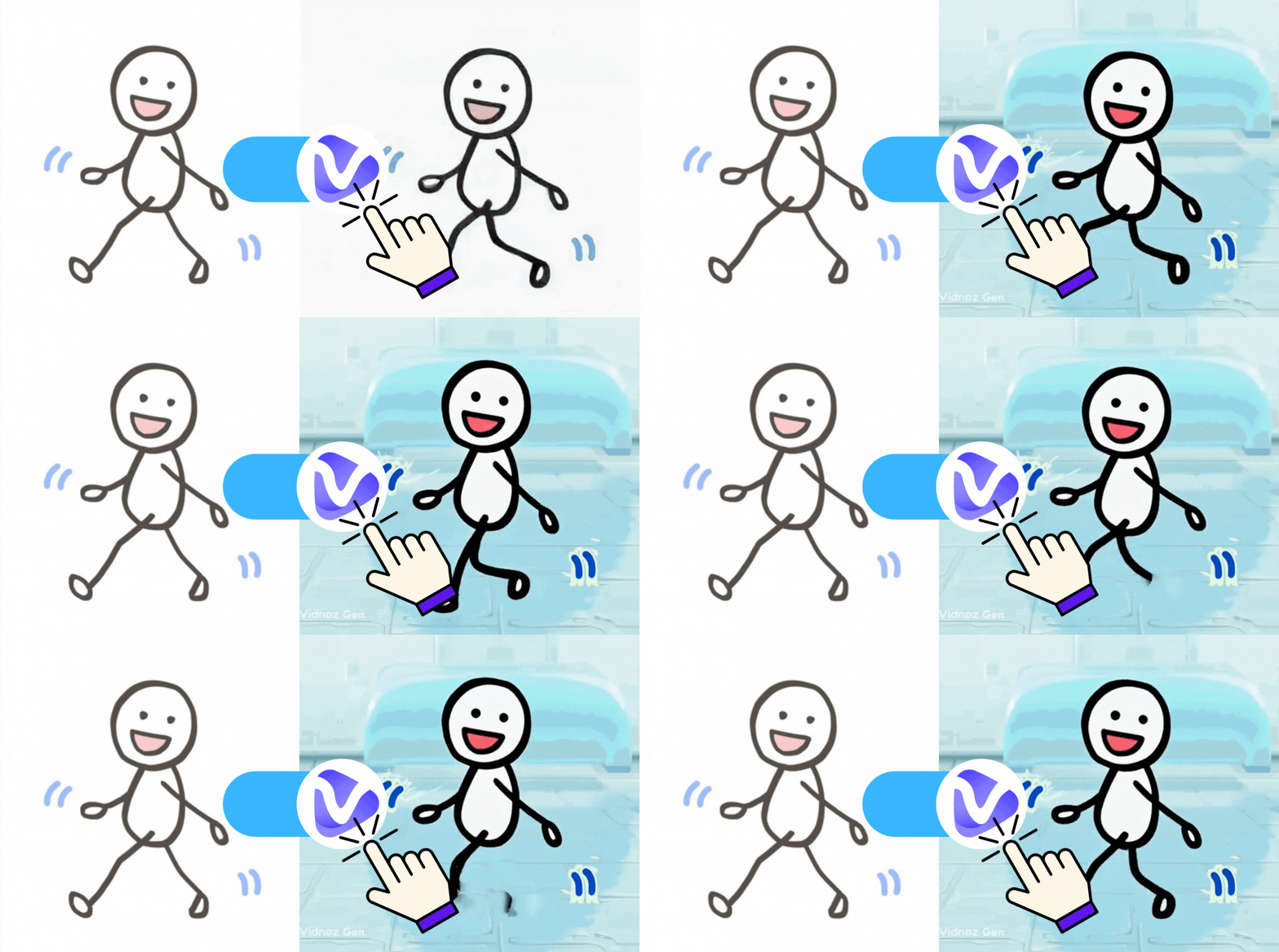
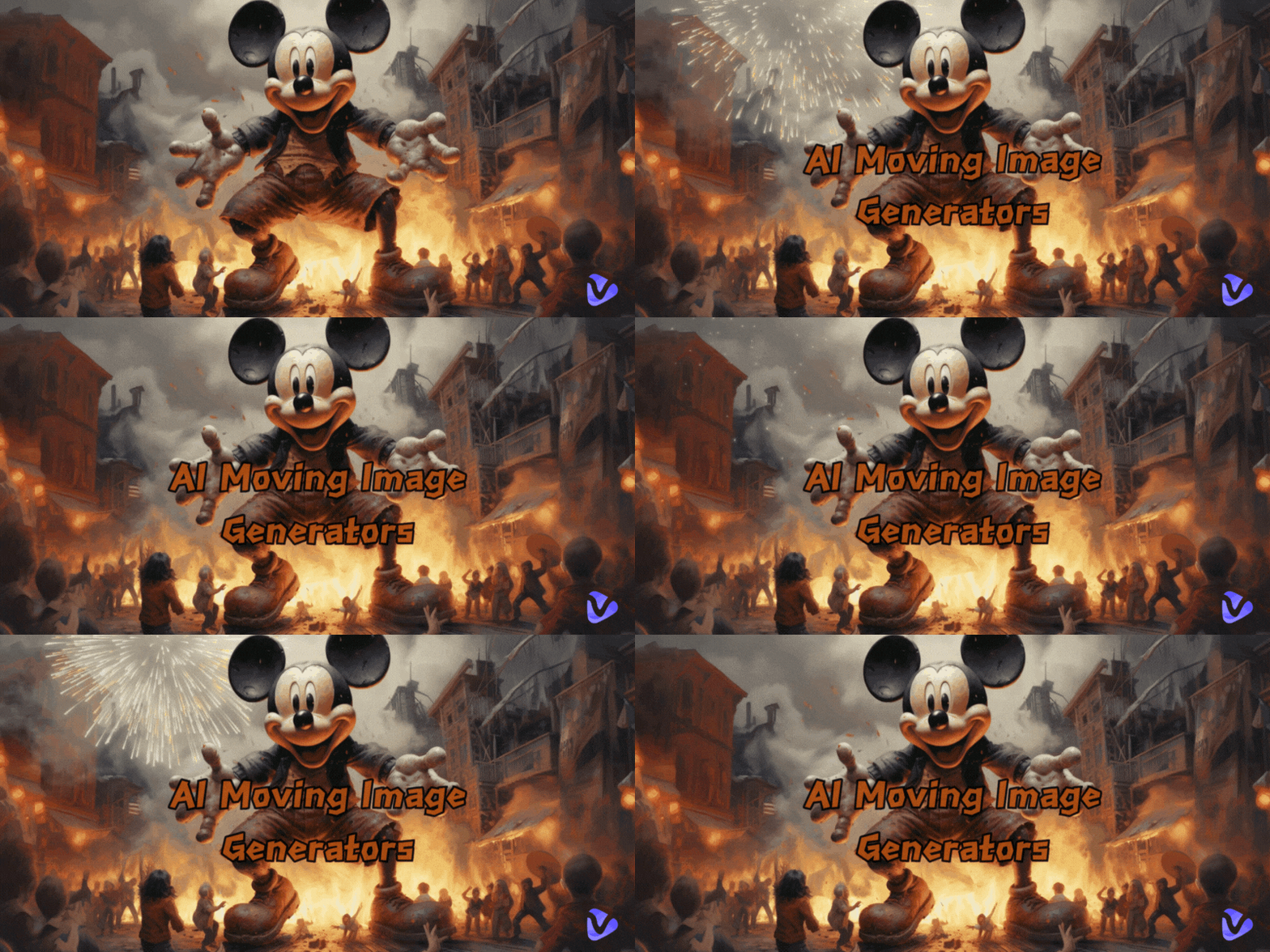
Short-form video is dominating social media. TikTok, Instagram Reels, and YouTube Shorts have turned motion-based content into the internet’s most consumed format, with video now accounting for more than 80 percent of all web traffic.
Brands, influencers, and everyday creators are looking for ways to produce eye-catching animations fast. This is where an AI moving image generator comes in.
It transforms static photos, sketches, or even text into dynamic, scroll-stopping visuals, without the need for design software or editing skills.
The result? More engagement, faster content production, and creative freedom at your fingertips.
- On This Page
-
-
What Is an AI Moving Image Generator?
-
Best 5 Free Online AI Moving Image Generators
Vidnoz AI: Best Free AI Moving Image Generator with Multiple Input Types
Monica AI: Quick & Easy AI Photo Animation Tool for Moving Images
Domo AI: Realistic AI Moving Image Generator for Smooth Motion Effects
Pollo AI: Seamless AI Animation Generator Integrating Multiple AI Models
Leonardo.Ai: High-Quality AI Moving Image Generator for Animated Storytelling
-
Use Cases of AI Moving Image Generator
-
FAQs on AI Moving Image Generator
Q: What output formats do AI moving image generators support?
Q: Can I use AI-generated moving images for commercial purposes?
Q: How to prompt AI image generators effectively?
Q: Do I need technical skills to use AI moving image generators?
What Is an AI Moving Image Generator?
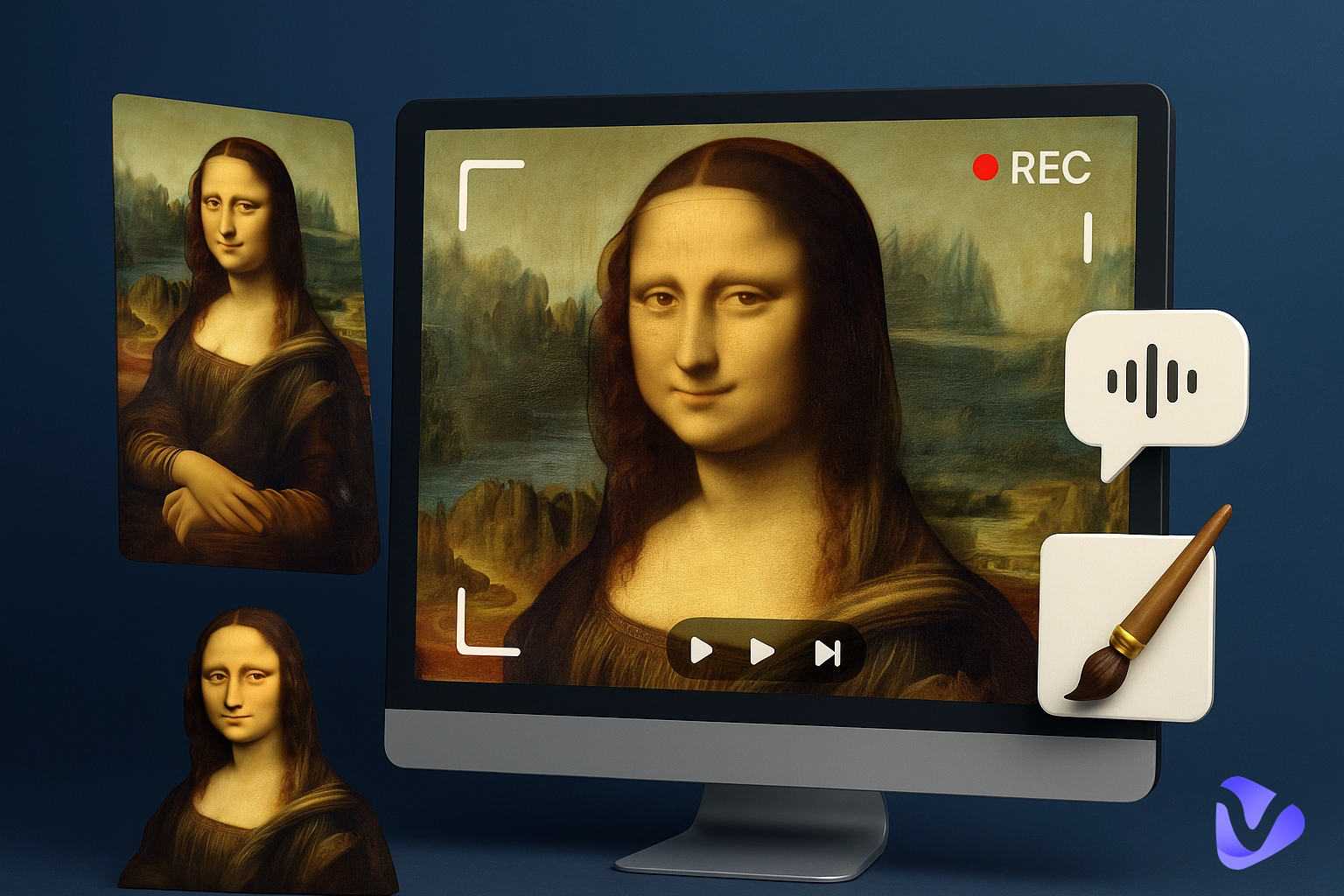
An AI moving image generator is an artificial intelligence tool that transforms static visuals or written descriptions into animated content. Instead of manually creating each frame, users can rely on the advanced AI motion brush to produce smooth, lifelike motion automatically.
These tools are designed to lower the barrier to entry for animation by removing the need for technical knowledge or professional design software.
Key Benefits:
- Time savings: Animations that might take hours to create manually can be produced in seconds.
- No design skills needed: The AI handles motion effects, so beginners with no knowledge or skills can create professional results.
- Versatile outputs: From marketing reels to social media stories, the same tool can produce animations for multiple purposes, like dance animation gifs and moving elements on a single image.
- Cost efficiency: Many offer free plans, making it possible to create content without upfront investment.
This combination of speed, accessibility, and quality explains why AI moving image generators are becoming a must-have in content creation.
Best 5 Free Online AI Moving Image Generators
The following 5 tools stand out for their ease of use, output quality, and free plan options. Each free AI moving image generator listed here has been tested for performance and user-friendliness.
-
Vidnoz AI: Best Free AI Moving Image Generator with Multiple Input Types

This AI moving image generator free Vidnoz AI Image to Video stands out as one of the few platforms that lets users create watermark-free videos with still images. Its free plan offers full functionality, so anyone can experiment with different formats and styles without limitations.
This makes it especially attractive for social media creators, marketers, and educators looking for the best AI moving image generator to produce content for multiple platforms.
Vidnoz offers three distinct ways to bring images to life: image-to-video, text-to-video, and adding motion effects to photos. This versatility means it can handle everything from animated marketing reels to fun social media posts, all while keeping the process quick and beginner-friendly.

Vidnoz AI - Create Free Engaging AI Video with Talking Avatar
- Easily create professional AI videos with realistic avatars.
- Text-to-speech lip sync voices of different languages.
- 2800+ video templates for multiple scenarios.
Key Feature
- Supports multiple input formats, including JPG, PNG, WEBP, and text prompts
- Over 30 animation styles like cartoon, anime, and claymation
- Resizing options for vertical, square, and widescreen formats, perfect for TikTok, Instagram, and YouTube
- High-quality motion rendering with vivid colors and smooth transitions
- 100% free to use
How to Use Vidnoz AI Image to Video Generator:
Step 1. Visit Vidnoz AI website, navigate to the Image to Video feature page, and then upload an image or enter a text prompt.
Step 2. Choose an animation style and adjust the settings for your platform.
Step 3. Click “Generate” and download your animated video.
-
Monica AI: Quick & Easy AI Photo Animation Tool for Moving Images

Monica AI is fast and easy to use, great for turning still images (portraits, product photos, or promo visuals) into AI moving videos, such as avatar images to his/her mouth movement animation videos.
Just upload a JPG, JPEG, or PNG (up to 2048×2048), then pick an AI model like SVD, Wan 2.1, or Kling, or choose a themed “Quick App” such as “We Are Venom” or “Lunar New Year Dress.”
The free plan gives lower-quality results and adds a watermark. Because it runs in your browser with a simple interface, it’s a handy tool for creators, marketers, and social media managers.
Key Feature
- Supports JPG, JPEG, and PNG formats up to 10 MB
- Multiple AI animation models and themed effects
- Simple upload-and-generate process
- MP4 output for easy sharing
- Works entirely in-browser with no software download
-
Domo AI: Realistic AI Moving Image Generator for Smooth Motion Effects

Domo AI focuses on producing lifelike, fluid motion for images, making it well-suited for storytellers, marketers, and artists. This AI moving image generator free tool lets users create moving-photo effects with adjustable clip durations, aspect ratios, and style-guiding text prompts.
The free plan provides basic templates and standard resolution, while upgrades unlock 4K quality and more control. With its built-in upscaler and attention to detail, Domo AI delivers animations that add emotional depth and professional polish.
Key Feature
- Turn still images into high-resolution animations (up to 4K with paid upgrade)
- Adjustable clip durations and aspect ratios for various platforms
- Ideal for marketing, creative storytelling, and social media content
-
Pollo AI: Seamless AI Animation Generator Integrating Multiple AI Models

Pollo AI moving image generator combines several AI models to make smooth, realistic AI movement animations with easy motion control. Upload JPG, PNG, or WEBP files, choose video length and resolution, add a short prompt to guide the style, and even create multiple versions at once.
The free plan gives a small number of credits. Because it lets you tweak motion and look, artists, designers, and marketers like it, especially for animated portraits that show natural expressions and movement.
Key Feature
- Supports JPG, PNG, and WEBP formats up to 10 MB
- Adjustable video length (5 or 10 seconds) and resolution (480p, 720p, 1080p)
- Option to make creations public in a community feed
-
Leonardo.Ai: High-Quality AI Moving Image Generator for Animated Storytelling

Leonardo.Ai creates cinematic-quality moving videos, great for short social posts or full marketing videos on how to make moving backgrounds. The free tier gives daily tokens so you can try Motion 1.0 (quick, simple animations) and Motion 2.0 (more control with prompts and presets). Paid plans unlock Veo 3, which can make full-motion videos with synced audio.
You can tweak motion intensity, resolution, and frame smoothness, so it’s powerful for advanced projects but still easy enough for beginners to use.
Key Feature
- Motion 1.0 for quick image animations (3–4 seconds)
- Motion 2.0 for advanced control with prompts and presets
- Adjustable resolution (480p or 720p) and frame smoothness
Use Cases of AI Moving Image Generator
As AI moving image generator platforms continue to improve, their applications are expanding across industries and platforms. From boosting engagement on social media to creating new forms of digital art, 3D animation AI moving image generators are giving creators more ways to stand out.
Here are some of the most popular uses today:
- Create viral TikTok animated clips: Short, eye-catching animations are perfect for grabbing attention and riding trends.
- Personalize YouTube thumbnails with motion: Adding subtle movement to thumbnails can increase click-through rates.
- Animate Facebook ads for e-commerce: Moving visuals showcase products more dynamically, helping improve conversions.
- Design engaging Instagram story animations: Motion effects make stories more interactive and shareable.
- Produce animated NFT artwork teasers: Bringing digital art to life can help attract collectors and buyers.
FAQs on AI Moving Image Generator
Q: What output formats do AI moving image generators support?
Most tools export in MP4 format, with some also offering GIF or WebM options for easy sharing on different platforms.
Q: Can I use AI-generated moving images for commercial purposes?
Yes, but it depends on the tool’s licensing terms. Always review the usage rights before using animations in ads or commercial projects.
Q: How to prompt AI image generators effectively?
Be specific and descriptive in your prompts. Include the desired motion style, scene details, and mood to guide the AI more accurately.
Q: Do I need technical skills to use AI moving image generators?
No. Vidnoz AI Image to Video is designed for beginners and professionals alike, offering simple, guided workflows for quick results.
Vidnoz AI - Create Free Engaging AI Video with Talking Avatar
- Easily create professional AI videos with realistic avatars.
- Text-to-speech lip sync voices of different languages.
- 2800+ video templates for multiple scenarios.
Conclusion
AI moving image generators are opening the door to professional-quality animation without the steep learning curve or high costs of traditional methods.
Whether you want to create engaging social media posts, enhance marketing campaigns, or explore digital art, experimenting with different platforms can help you find the best AI moving image generator for a variety of needs.
For a versatile starting point, Vidnoz AI offers one of the most flexible and beginner-friendly free AI moving image generator options available today.