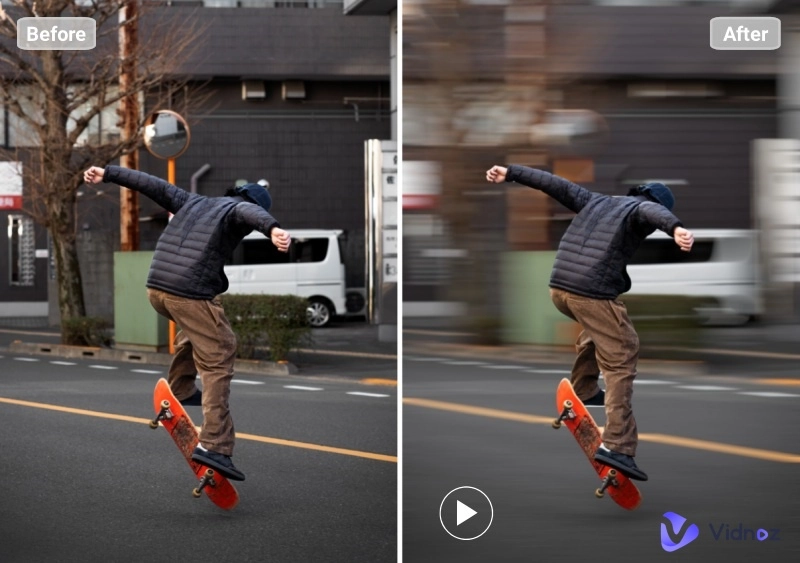
Have you ever imagined a historical figure leaping from a book page or letting clouds slowly drift across a mountain landscape? Well, now it's possible. Thanks to advances in technology, you can add moving photo effects to create an immersive experience that traditional still images often lack, better evoking emotion and telling stories in a more compelling way.
Now, say goodbye to boring still images. In this article, we'll show you how to make a moving effect in photos using Vidnoz's various AI tools. Whether you're storytelling, teaching, or creating content, it's easy to bring photos to life and captivate your audience like never before. Let's get started.
- On This Page
-
Add Moving Photo Effect by Letting it Talk and Move
How to Add Moving Photo Effects with Vidnoz Talking Photo?
-
Generate Dynamic Visuals via Motion Photo Effect
How to Add Moving Photo Effects with Vidnoz Image to Video?
-
Turn Photos into Animated Video with Cartoon Filter
How to Add Moving Photo Effects with Vidnoz Ghibli Filter?
-
Enjoy Romantic Kissing Moving Photo Effect Free
How to Add Moving Photo Effects with AI Kissing Video Generator?
-
Bring Static Images to Life with Photo Animation
How to Add Moving Photo Effects with Vidnoz Video Editor?
Add Moving Photo Effect by Letting it Talk and Move
For starters, you can add a moving photo effect featuring characters that speak the words you want. Vidnoz AI Talking Photo is one such free tool that transforms still images into characters with vivid expressions, further enhancing your visual narratives in more than 140 languages. With just a few clicks, you can bring photos to life and get high-quality talking photo effects for product introductions, education, or customer support without a steep learning curve.
How to Add Moving Photo Effects with Vidnoz Talking Photo?
Step 1. Visit the Vidnoz Talking Photo site and sign in.
Step 2. Upload an individual portrait with a clear front face, input the texts you want, and choose the options (like voice, language, emotions, etc). Click Generate Video to let Vidnoz AI work for you.
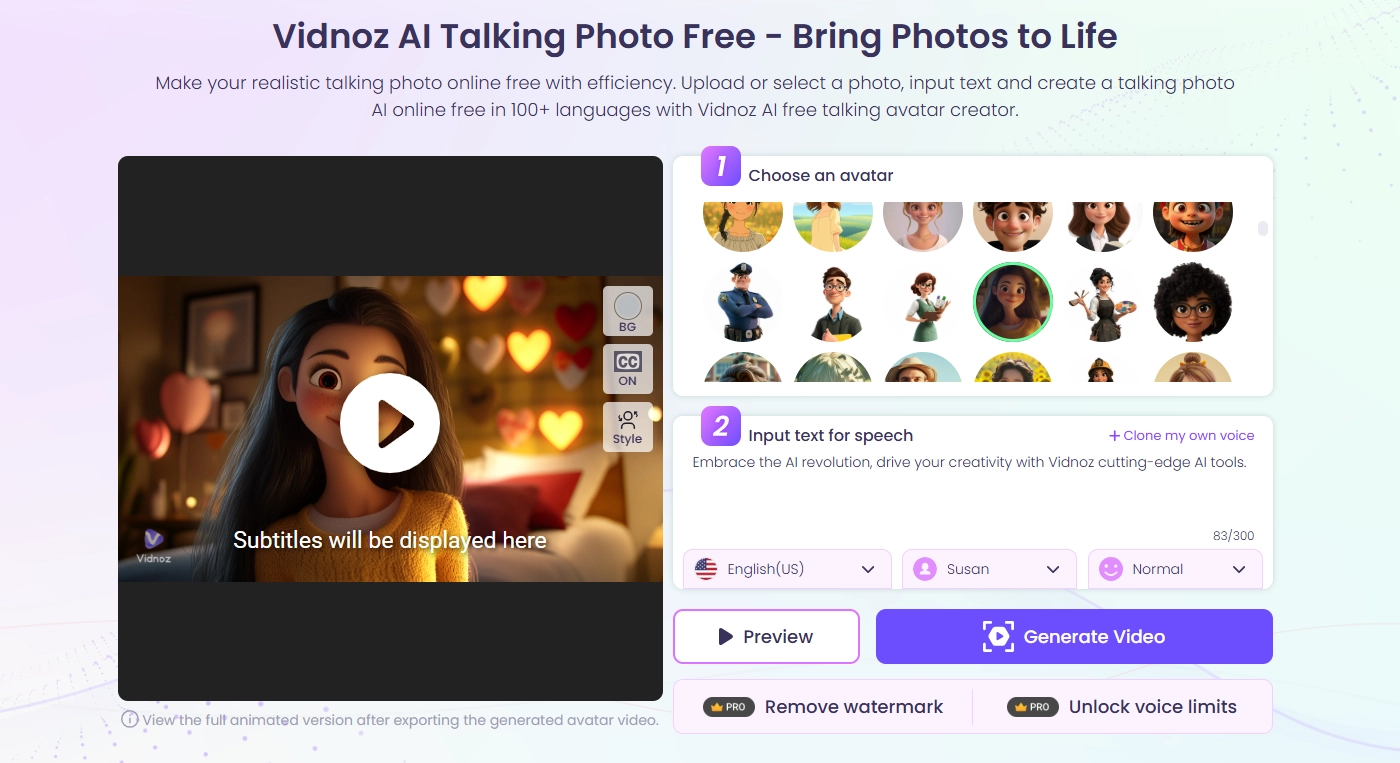
Step 3. Click Download to share it with others.
Generate Dynamic Visuals via Motion Photo Effect
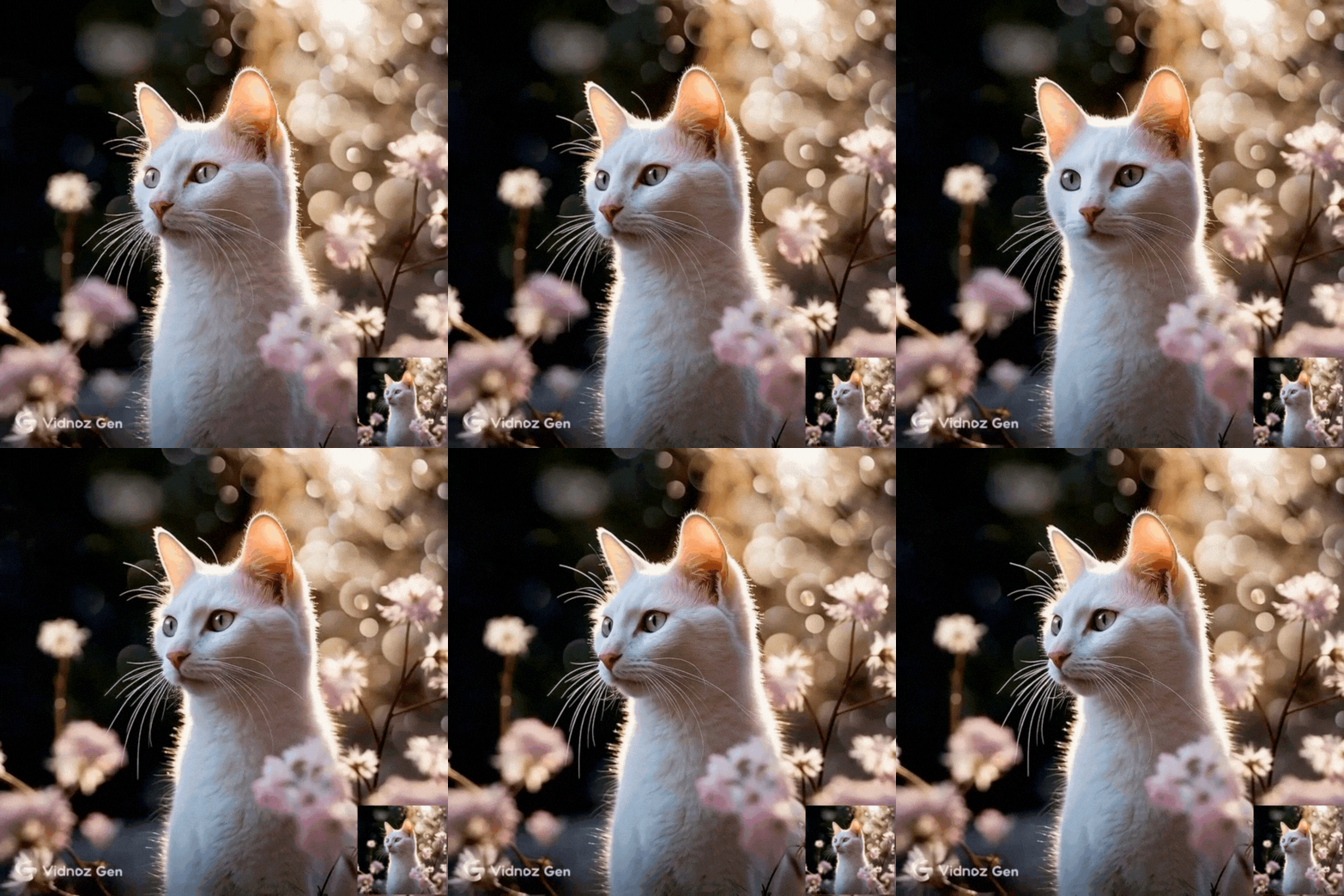
Another method to make static pictures move is through Vidnoz Image to Video AI. It offers 3 moving picture effect models: Image to Video, Text to Video, and Video Effects, which easily transform your ideas into dynamic visuals and unleash your creativity. Be it adding a breeze, water ripples, or the movement of a specific object, Vidnoz Image to Video delivers impressive and realistic effects based on your cues. Why wait? Upload your images and watch Vidnoz AI do its magic!
How to Add Moving Photo Effects with Vidnoz Image to Video?
Step 1. Head to Vidnoz Image to Video AI.
Step 2. Upload an image you want to put moving photo effects on, and click the Generate Now button.
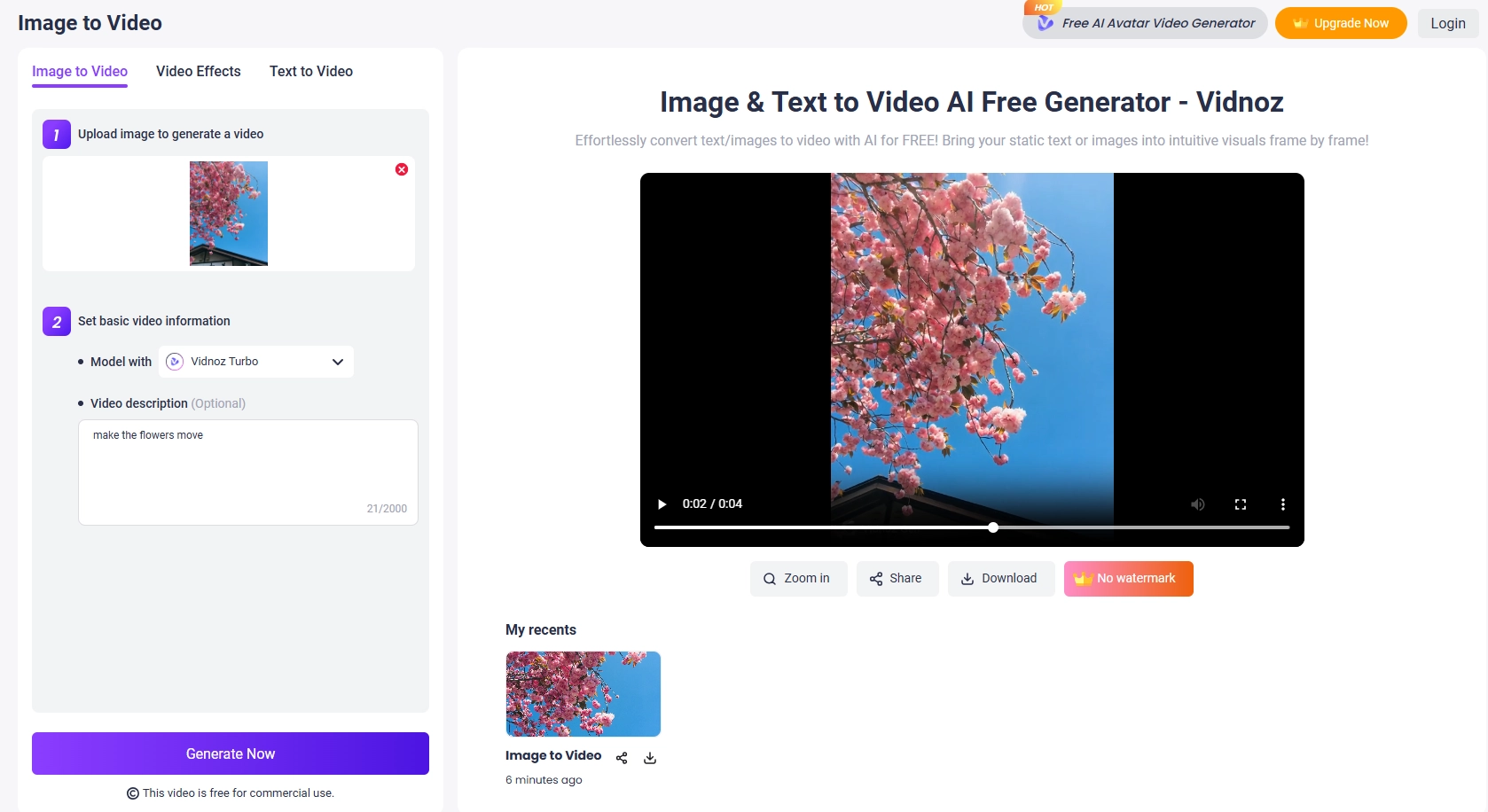
Step 3. (Optional) Switch to Video Effects, upload an image, choose a target effect, and click Generate Now.
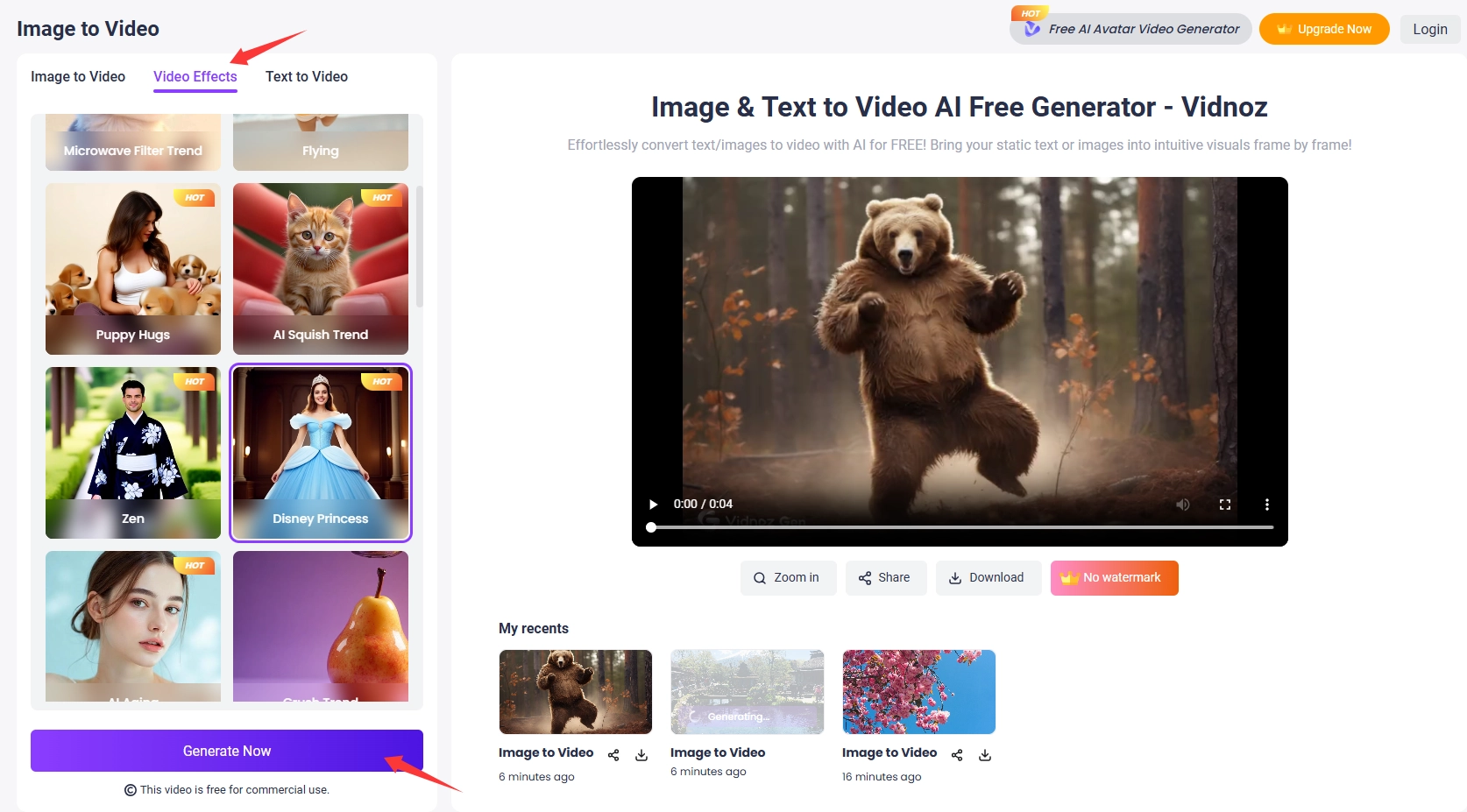
Step 4. Once satisfied with the effect outputs, click Download.
Turn Photos into Animated Video with Cartoon Filter
Want to spice up your photos with cute cartoon motion effects? Try Vidnoz AI Ghibi Filter! Featuring an easy-to-navigate interface, this online tool easily puts an adorable Ghibli motion makeover on stills with its image-to-video model. In just one click, you can apply natural and stunning transformations to pets, travel photos, landscapes, and hand-drawn pictures at any time.
Ready to convert your photos into visuals with Ghibli-style motion photo effects? Here's the step-by-step guide.
How to Add Moving Photo Effects with Vidnoz Ghibli Filter?
Step 1. Go to Vidnoz Ghibli Filter, switch to Video Filter.
Step 2. Upload an image you want to convert to a cartoon moving effect, and click Generate Video.
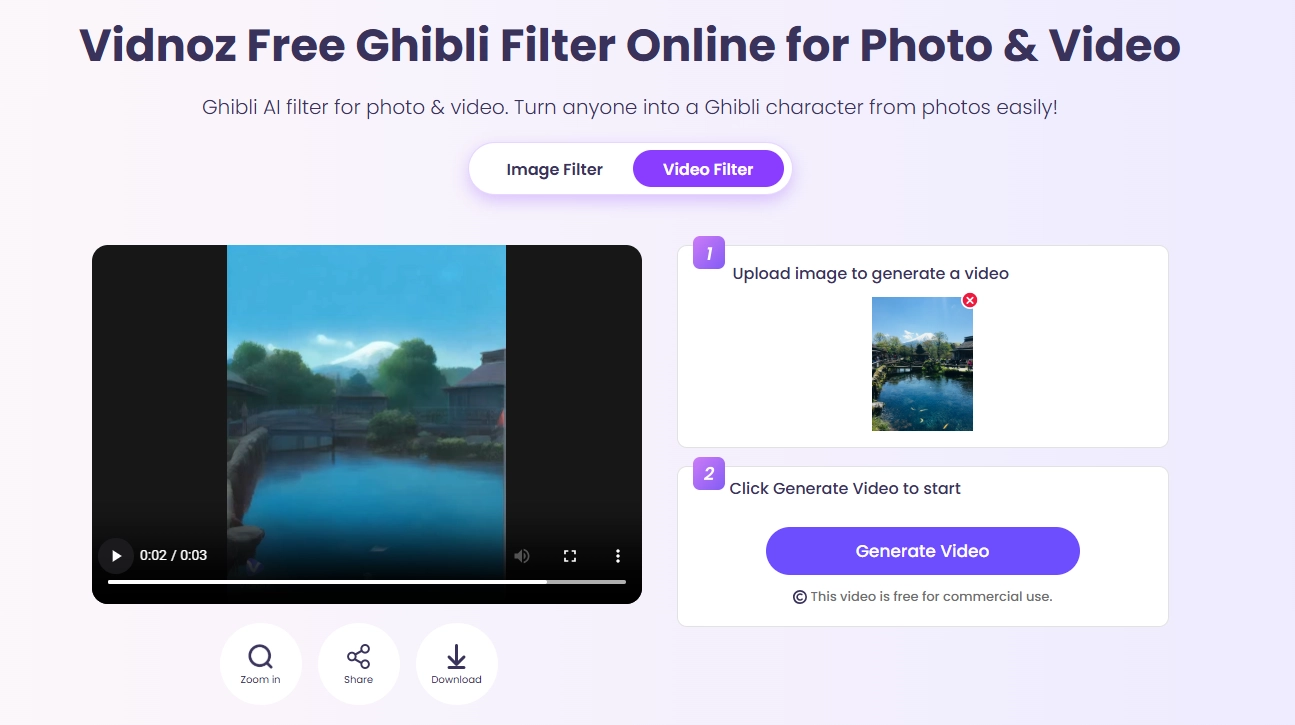
Step 3. Click Share or Download the generated image if you'd like.
Enjoy Romantic Kissing Moving Photo Effect Free
It’s time to join the kissing trend with Vidnoz. Simply using one single image, its AI kissing video generator helps you infuse a moving photo effect and create intimate kissing videos in one click without any additional editing skills. Whether you want a couple kissing, anime kissing, or kissing with pets, it can easily turn your romantic visions into reality at no cost.
In addition, the text-to-kissing model empowers you to generate movie-like kissing visuals that are uniquely yours from scratch. Now, follow the step guide to generate your one-of-a-kind kissing scenes and share your love with others.
How to Add Moving Photo Effects with AI Kissing Video Generator?
Step 1. Access Vidnoz AI Kissing Video.
Step 2. Upload an image that includes 2 people. Then click Generate Video to start.
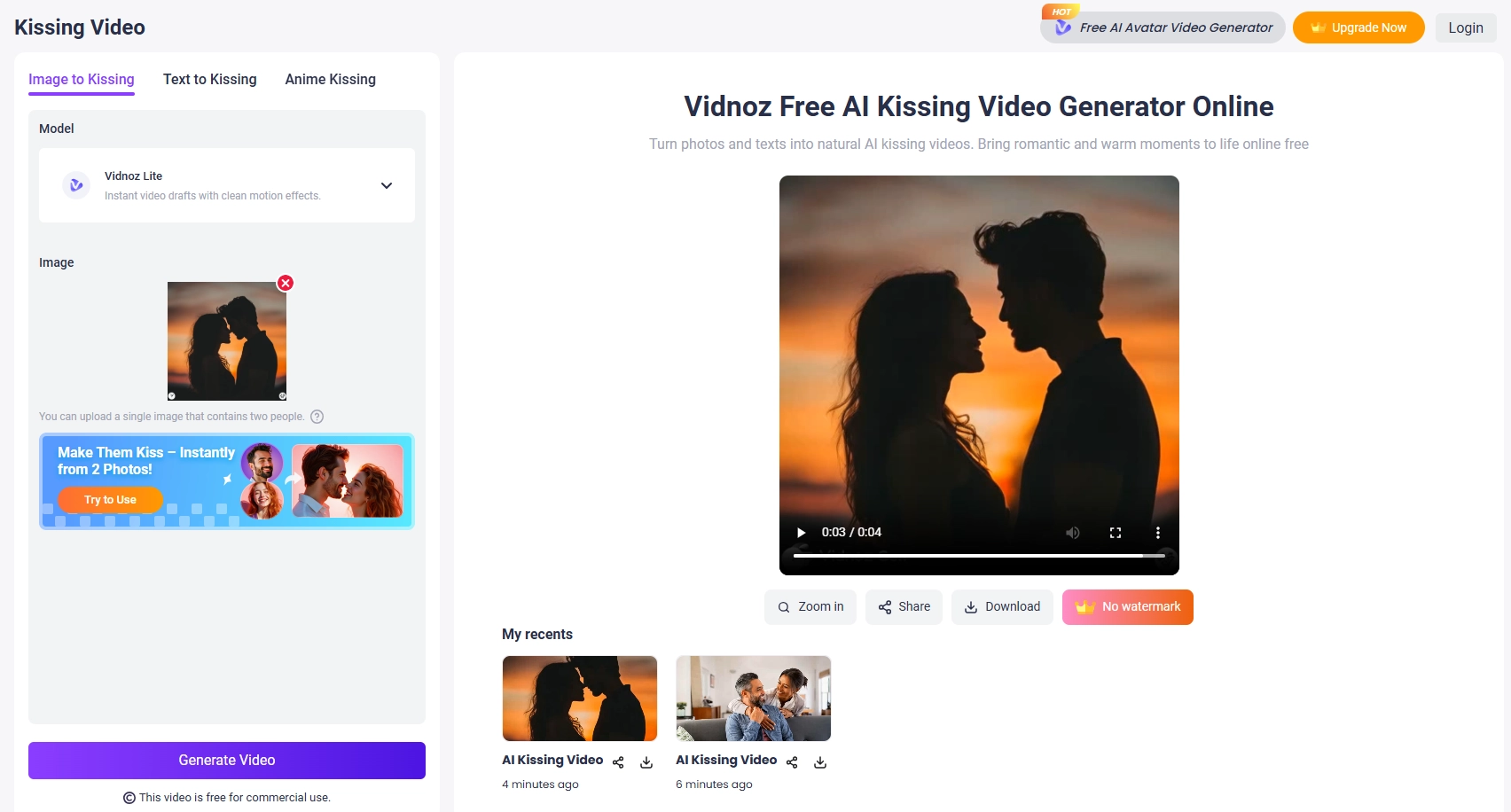
Step 3. Again, click the Download or Share button according to your needs.
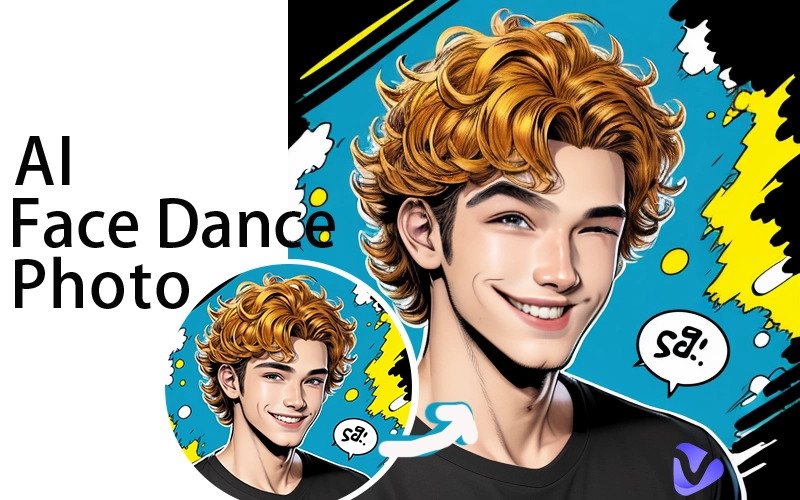
To generate eye-catching and unique dancing videos, use Vidnoz Photo Dance to make your photos move in sequence to music.
Bring Static Images to Life with Photo Animation
In addition to converting images to animated videos, we also offer ways to add moving photo effects to videos. Vidnoz AI Video Editor is one of the best assistants for you. From subtle flicks to dramatic motions, you can easily access all animation styles in its library and create vibrant visual effects for free.
Other customizations are also available, such as stretching, cropping, and flipping images to add depth, or adding matching music, avatars, and stickers to spice up your output. Take a deep dive into the Vidnoz video editor and experiment with a variety of moving photo effects online to create engaging visuals on your social media platforms.
How to Add Moving Photo Effects with Vidnoz Video Editor?
Step 1. Go to the Vidnoz AI Video Editor page, click Edit a Video, and sign in with your account.
Step 2. Click Images on the top center toolbar to upload the photos you want to animate. Otherwise, select an available stock photo from the media library.
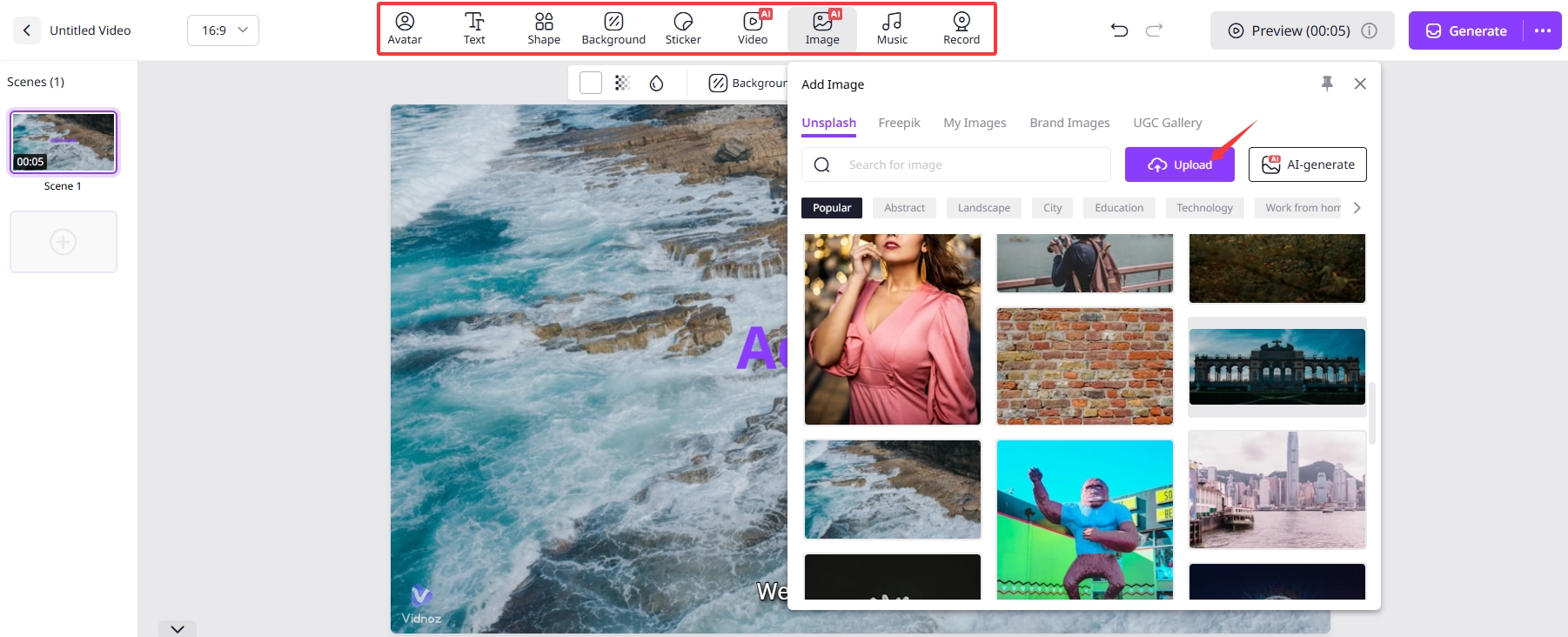
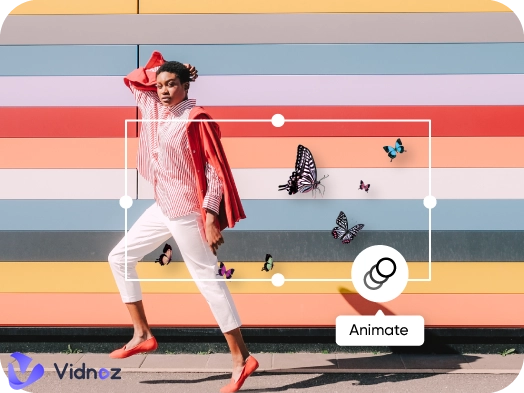
Step 3. Single-click the selected image and hit Animation. Select and apply the action that best suits your design. Other options are available to enhance your photo.
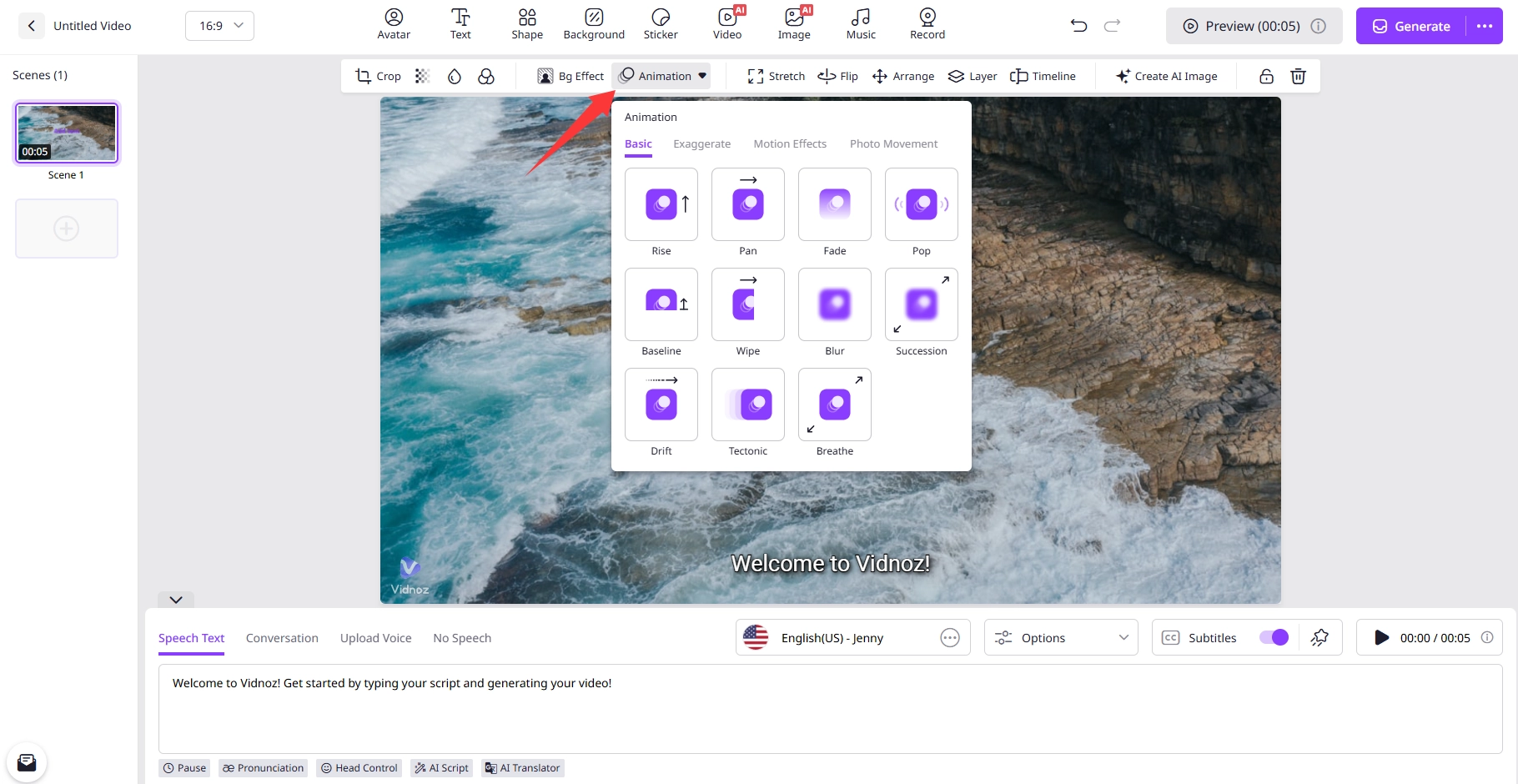
Step 4. Click Generate to produce your animated photo in high-quality MP4 format.
Conclusion
Moving photo effects revolutionize the way we capture and share moments in the digital media world. It's easy to animate a still image, so you can tell stories and explain things in a more engaging way.
In terms of how easily this can be accomplished, Vidnoz is a must-have tool that allows you to try out motion picture effects online for free in a variety of ways, no matter what your goals are. It is designed to make artificial intelligence technology more accessible to more people. Come and enter this animated world and unleash your imagination.

Vidnoz AI - Create Free Engaging AI Video with Talking Avatar
- Easily create professional AI videos with realistic avatars.
- Text-to-speech lip sync voices of different languages.
- 2800+ video templates for multiple scenarios.