Have you ever seen some catchy minimalist stickman videos and wondered how they are made? Professional editor and professional skills? Nah, with an online stick figure animator AI, you can animate any stick figure and make slick & engaging stickman videos easily! Playful fight scenes, dynamic dancing stick figures and fun explainer videos, these creative AI animation tools turn regular stickman activation processes into smooth workflows.
In this article we will highlight the best and free stickman AI generator, and show you how to create your own viral stickman clips in detail. Let's begin!
- On This Page
-
About Online Stick Figure Animator AI - Definition & Use Cases
What Can You Do with an Online Stick Figure Animator AI?
-
Vidnoz Image-to-Video AI: Best Online Stick Figure Animator [FREE]
-
How to Animate Stick Figures Online Using Vidnoz AI? [2 Easy Ways]
Method 1. Animate the Stick Figure by Giving Textual Guides
Method 2. Animate Stick Figures by Adding Effects
-
More Online AI Stick Figure Animators for Diverse Purposes
#1. Pivot Animator: Manual & AI Assistant Stick Figure Animator
#2. Adobe Express: Animate Stickman with Voiceovers
#3. Kling AI: Consistent Stick Figure Animator AI
About Online Stick Figure Animator AI - Definition & Use Cases
As usual, let’s get to know what online stick figure animator AI is. It’s a web-based tool powered by AI that transforms 2D stick figure drawings into animated GIFs or clips.
Traditional stick-figure animation is made by hand-drawing the moves frame by frame, which is repetitive and consumes much time. But with AI’s assistance, a stickman image can be animated smoothly by a simple dropping (or explaining a movement if you need a specific animation.)
What Can You Do with an Online Stick Figure Animator AI?
- Easily Make Interactive Stick Figure Animations
With an online stick figure animator AI, you can effortlessly create interactive stickman animations without programming or drawing skills.
- Create Viral Stick Figure Videos
Stick figures tell stories and always get many views and likes on social media platforms. If you want to jump on the trends, an online stick figure animator AI lets you quickly generate funny, eye-catching videos.
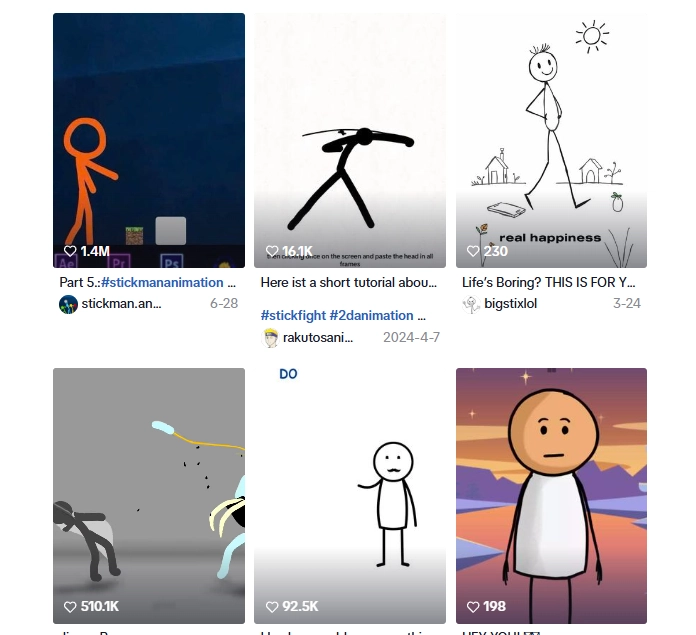
Screenshot from TikTok
Now, let’s try the best AI stick figure animator-Vidnoz image to video AI:
Vidnoz Image-to-Video AI: Best Online Stick Figure Animator [FREE]
Vidnoz Image‑to‑Video AI is a leading powerful tool that can turn your still images to dynamic stick-figure animations in seconds. To fulfill your stickman image to animation changes, this online stick figure animator AI free offers two effective animation tools-either based on your descriptive guides or add viral animation effects. And best of all, it is online and 100% free to animate stick figures, no complicated operation needed.
Convert Image to Video AI Online - Free
- Create a video from an image quickly for free.
- Use various AI models to turn photos into videos.
- Download and share the AI-generated video at no cost.
Convert Image to Video
Prominent Features
- Quickly Animate Stick Figures for Free: just enjoy seamless stick-figure images to animations with no expensive charges;
- Flexible Ways to Animate Stick Figures by AI: you can make photo animation in 2 effective ways;
- Make Stick Figure Animations by Easily Drag & Drop: you can easily drag-and-drop a stick figure image, and let the AI create stickman animations smoothly that are ready to be used;
- Apply Viral Video Effects: you can access a variety of trendy effects to give your stick figures viral appeals;
- Output Stick Figure Animations in High‑Quality for Any Share: you can save the animated stick figure videos with instant sharing options tailored for TikTok, Instagram, or YouTube.
How to Animate Stick Figures Online Using Vidnoz AI? [2 Easy Ways]
Vidnoz AI creates stickman animations that look professional and vibrant. And here is how you can animate a stick figure fluidly:
Method 1. Animate the Stick Figure by Giving Textual Guides
Step 1.Use the Vidnoz Image-to-Video AI Feature;
Step 2.Drop a Still Stick Figure Drawing/Image;
Step 3.Input Description to Guide the AI Stick Figure Animator:
For instance, type in “stickman dancing happily,” or “stickman waving hello.”
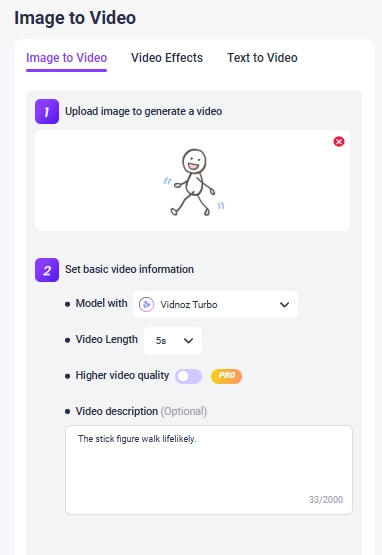
Step 4.Click to Animate the Stick Figure
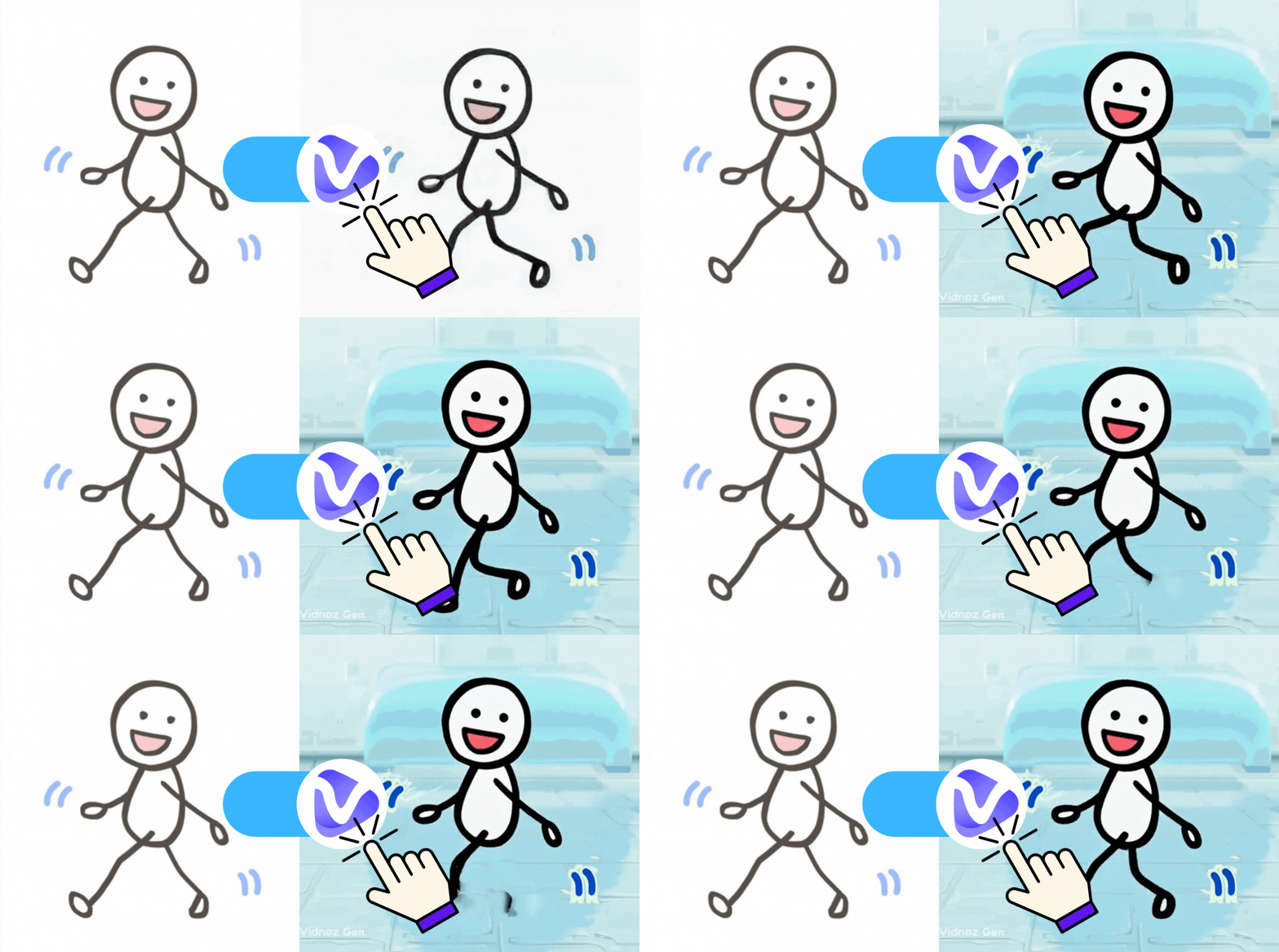
Hit the button and wait a few seconds. Here is the output of the stick figure animation we created together:
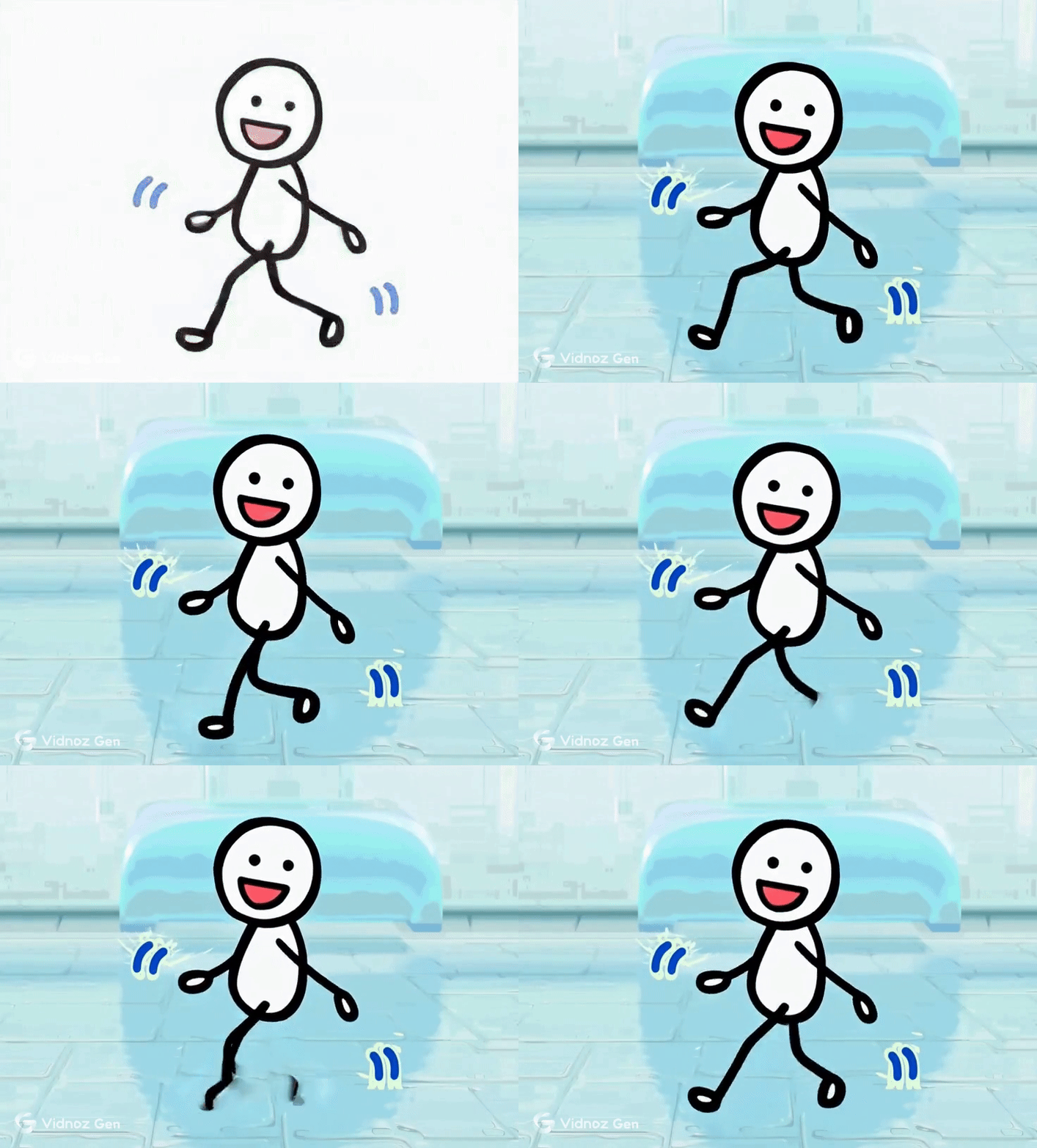
As requested, Vidnoz AI creates a dynamic walking stick figure animation.
Method 2. Animate Stick Figures by Adding Effects
Step 1.Access the “Video Effect” Feature;
Step 2.Upload a Static Stick Figure Picture;
Step 3.Choose Your Preferred AI Filter from the Library:
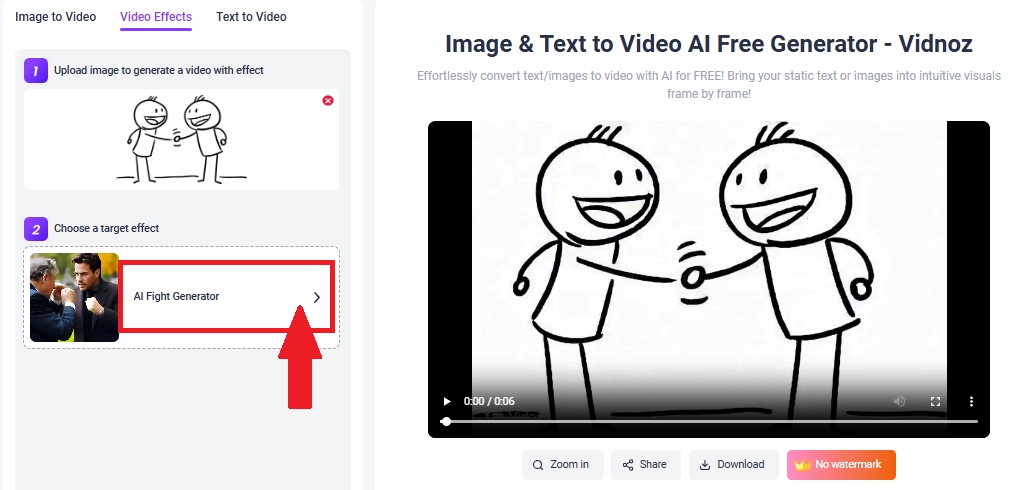
Step 4.Click to Animate the Stick Figure
Here is the animated stick figure image applied to the effect we chose:
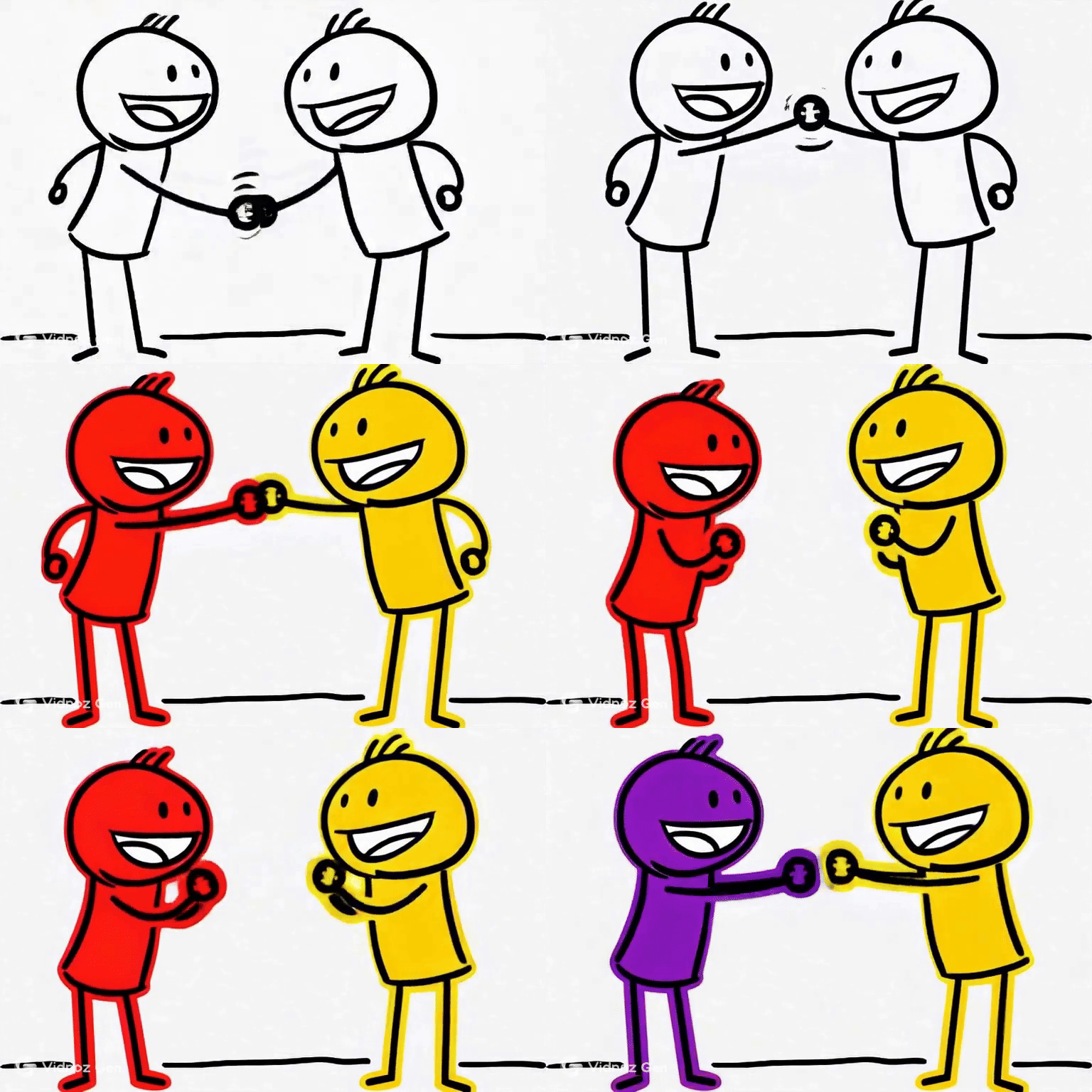
Convert Image to Video AI Online - Free
- Create a video from an image quickly for free.
- Use various AI models to turn photos into videos.
- Download and share the AI-generated video at no cost.
Convert Image to Video
Vidnoz AI image-to-video delivers quick and fun stick figure animations. If you want to explore more possibilities, there are 3 more online stick figure animator AI tools for different:
More Online AI Stick Figure Animators for Diverse Purposes
#1. Pivot Animator: Manual & AI Assistant Stick Figure Animator
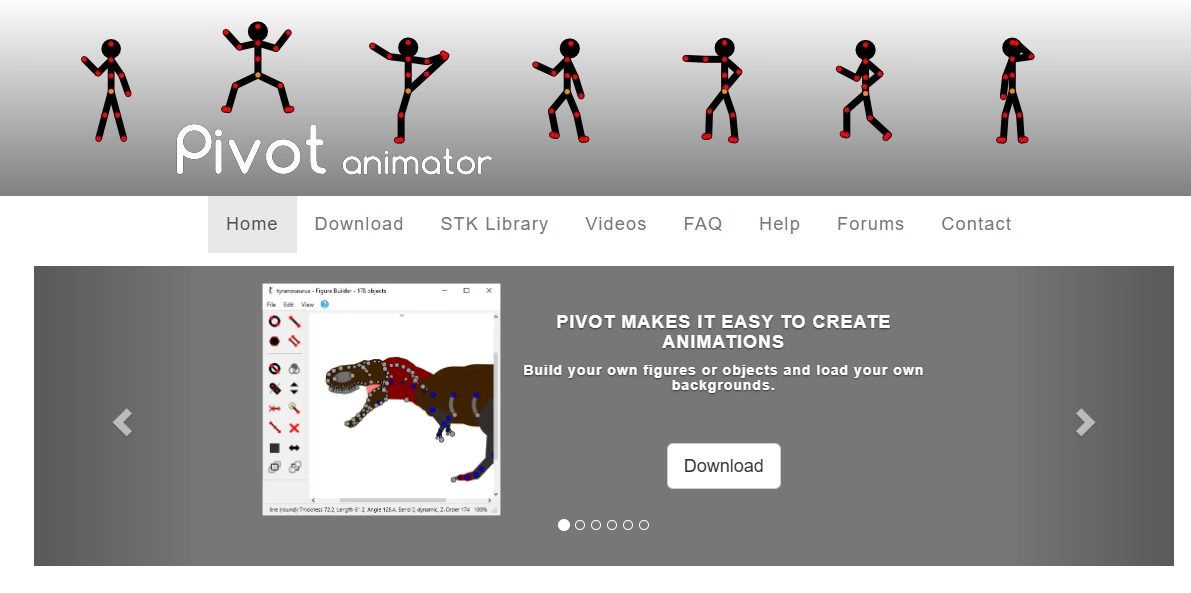
Pivot Animator is an older stickman animator, which integrates the classical frame-by-frame animation. Now, this tool also enables AI to assist your stick figure animation making. To animate a stick figure, you can manually make your own custom figures and move joints, and AI will help to make smooth animations frame-by-frame.
But its precision stickman animation work is more steeply learned, and it does not have advanced audio integration.
Key Feature
- Allows precise stick figure animation frame-by-frame;
- Offers custom stick figure builder and supports STK file imports;
- In-betweening and bendy segments;
- Export animated stickmen in GIF or AVI/MP4 formats.
#2. Adobe Express: Animate Stickman with Voiceovers
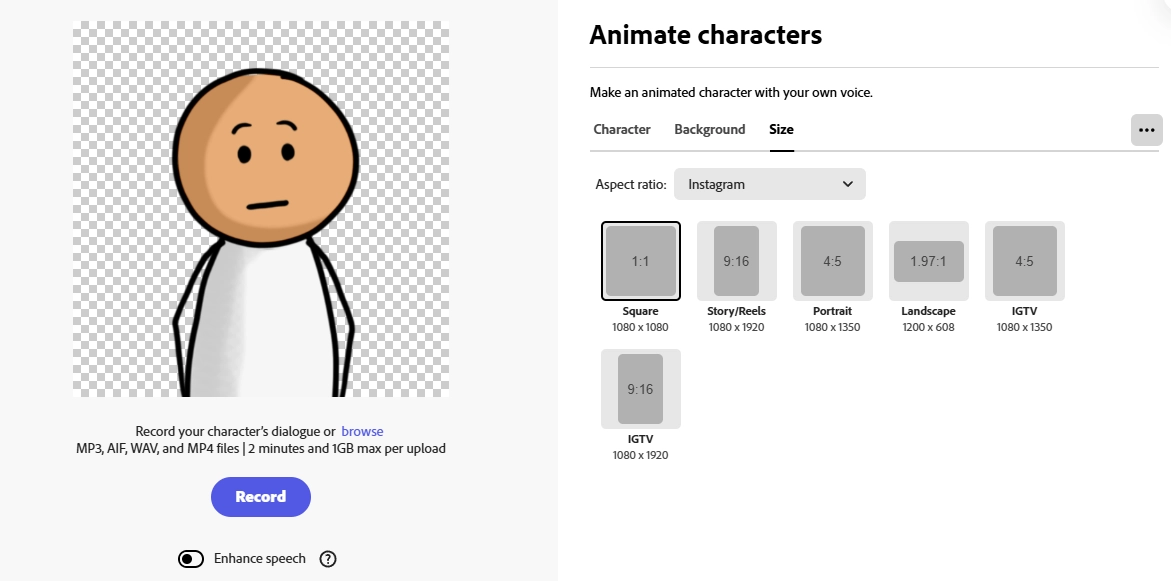
Adobe Express gives a smart solution to make talking stickman animations. It perfectly synchronizes your stick figures with lifelike voiceovers and movements. Just by using the Adobe Express “Animate Character” feature, you can animate stick figures and make a fun video.
For customization, you can change backgrounds and choose pre-made AI voices. However, this feature is currently not available in certain regions and it generates talking videos with limitations.
Key Feature
- Provides a ready-to-use stick figure;
- Multiple video ratio option for easy sharing across social media platform;
- Applies audio-driven AI lip sync and movement;
- Creates stick figure animations on both mobile and web browsers.
#3. Kling AI: Consistent Stick Figure Animator AI
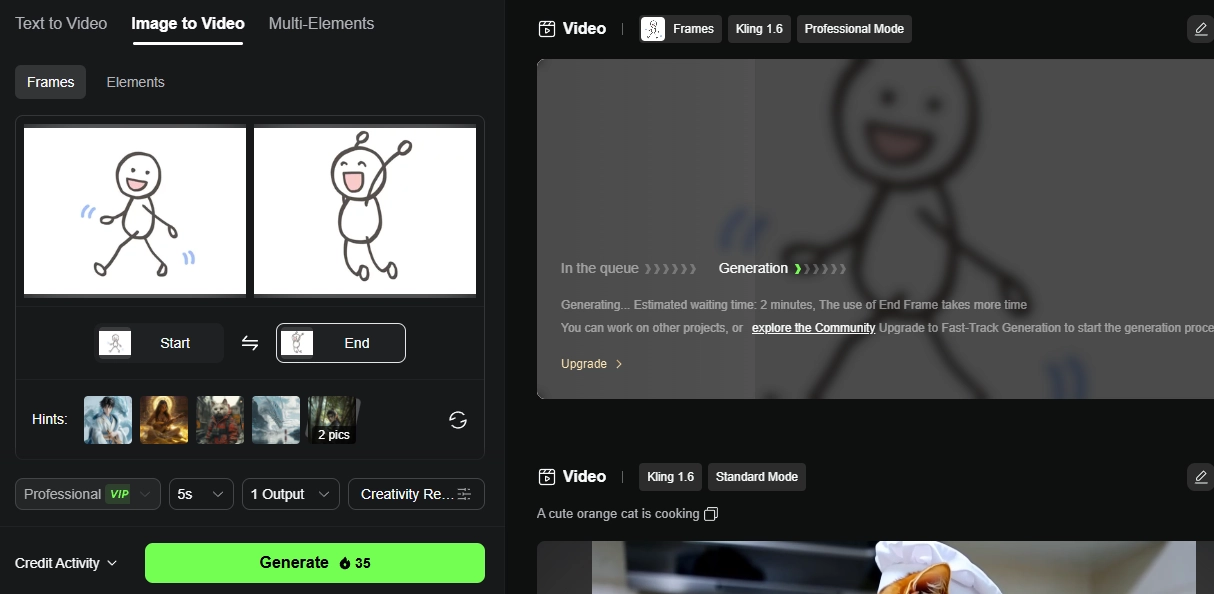
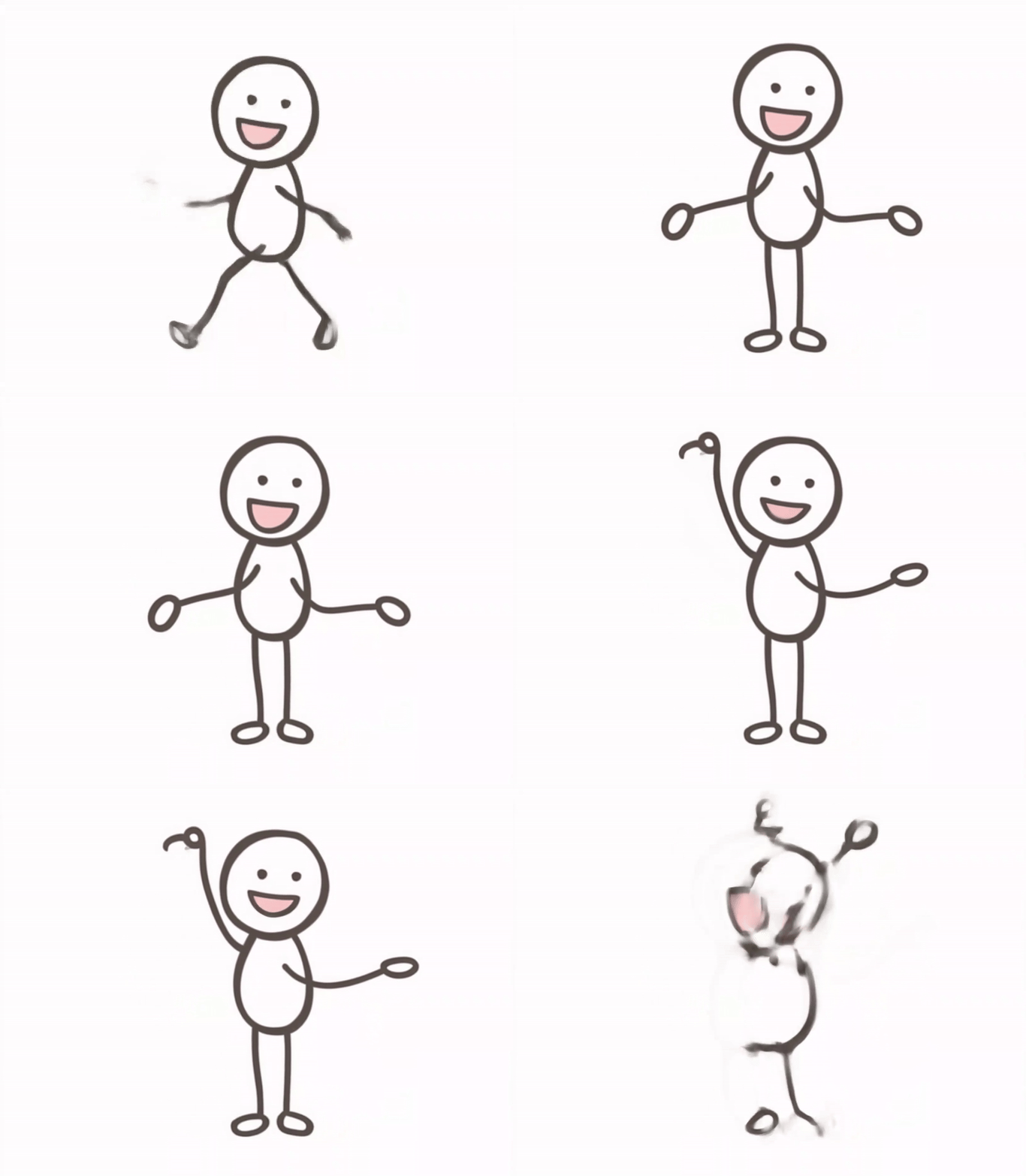
Kling AI is focused on creating consistent stick figure animations. If you draw the start and end motion of your stick figure and want to animate them naturally, you can try this tool. It works by analyzing your stick figure images, then the AI smartly finds some similarity of them, finally it creates a smooth and logical stick figure animation.
It provides very impressive results but needs credits per run, and sometimes you need to queue and wait for minutes only for a 3-seconds stickman animation.
Key Feature
- Adjustable settings for resolution, duration, and creative style;
- “Motion Brush” tool for fine control of specific parts in your stick figure images;
- Multi-format exports ready for posting the final stick figure animations in a click.
Conclusion
A proper online stick figure animator AI helps you to easily make motion out of stick figures. Imagine funny skits, how-to videos, or popular visuals that catch up trends on social media, you can find a free AI video generator to animate stick figures. The best thing? No programming, no drawing experience, just be it by dragging and dropping.
Now, begin animating your stick figures into engaging moving visuals!
Convert Image to Video AI Online - Free
- Create a video from an image quickly for free.
- Use various AI models to turn photos into videos.
- Download and share the AI-generated video at no cost.
Convert Image to Video









![Moving Photo Effect with AI: How to Make a Still Image Move [5 Ways]](https://www.vidnoz.com/bimg/moving-photo-effect.webp)