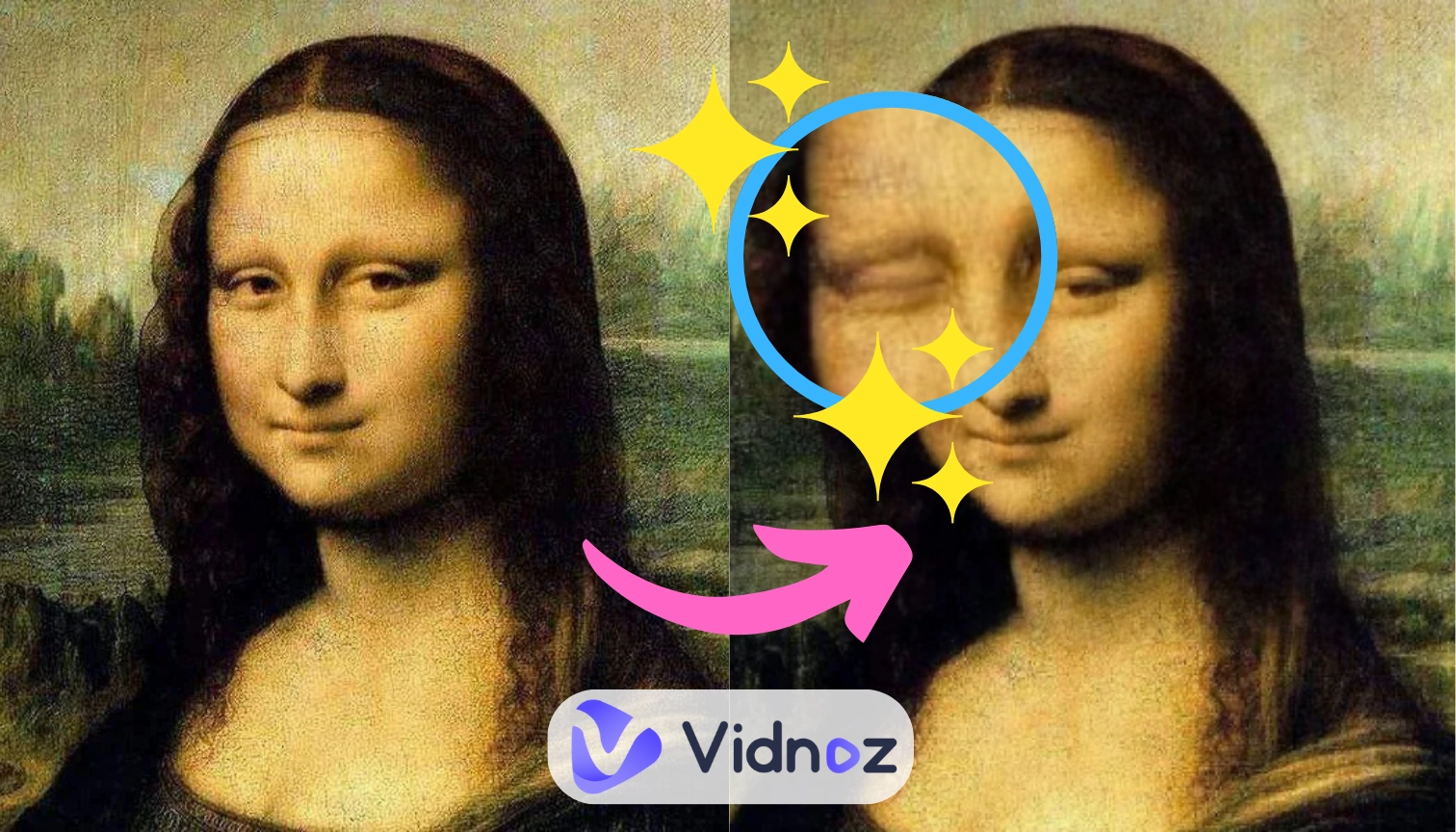
Have you ever been in such a situation: when you looked at your selfies and thought that something was missing? An expressive smile, lively eyes, and proper postures, what else? Maybe a wink to show your playful status? That’s it, but how can you do that? Well, let AI make photos wink and do the magic in a click!
Let’s explore 5 best AI wink filters to modify your picture-perfect pose to strike your quirkier and rizz side!
- On This Page
Can AI Make Photo Wink?
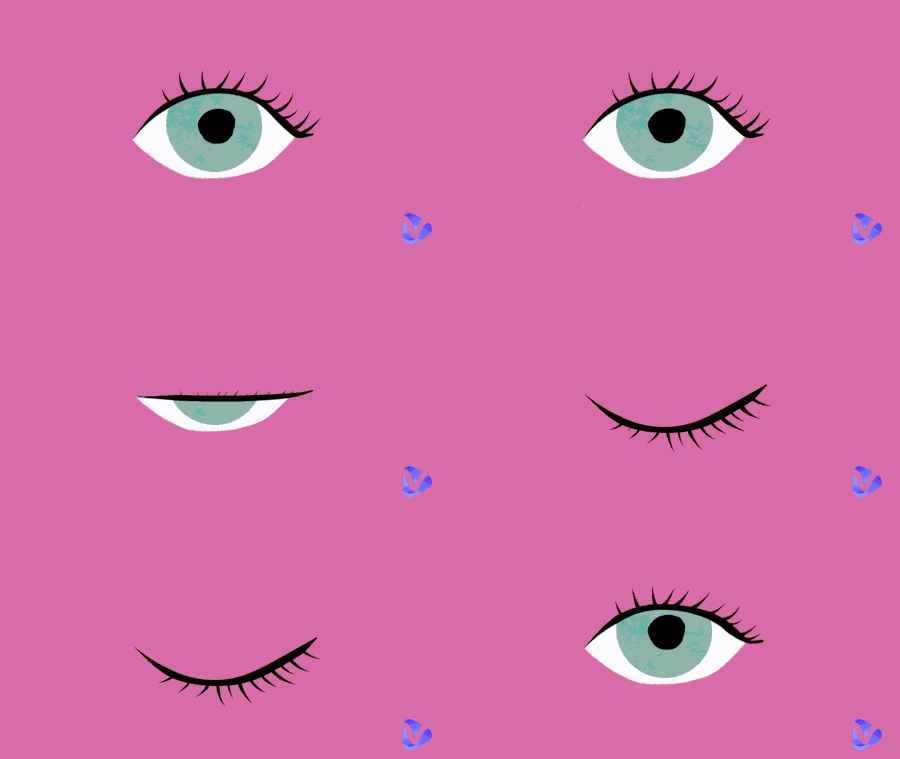
Of course YESSS. AI can make photos wink with surprisingly natural and realistic changes. AI can detect the eyes and simulate realistic blink effects like you really winked when shooting the snap.
The way such wink filters work is by figuring out your facial features(especially the eyes.) then generating a wink and blending it into your original eyes. You would be surprised how indistinguishable the resulting picture is.
Then, why do you need to apply AI winks for photos?
Initially, it’s a creative way to show your lighthearted personality that can immediately grab attention. Another reason is that it can add a bit of story and meaning to your more serious photos, piquing the curiosity of your viewers. And lastly, AI winks are just an entertaining feature for photo retouching.
How Does AI Make Photos Wink Naturally? 5 Tools with Step Guide
In this part, we will introduce 5 photo wink tools to make natural blink effects:
1. Openart AI: Fine-Tune the Wink Effect in Your Portraits
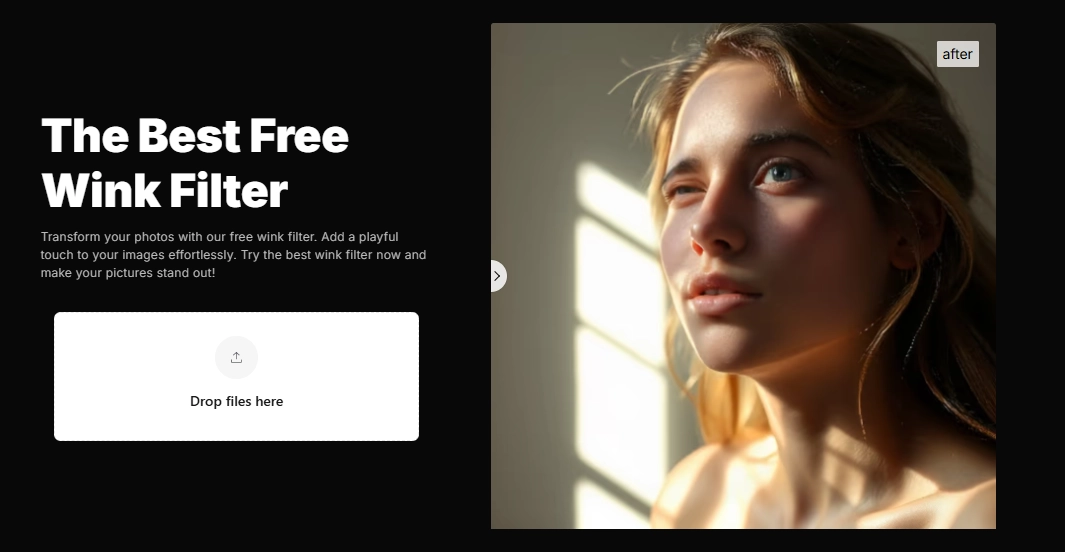
OpenArt gives an online wink effect that glamorizes your pictures with playful expressions, and specifically makes your photos wink seamlessly. It gives you full control over how expressive you want the wink to be.
To make the final wink effect perfect, this tool allows you to adjust the way your head is positioned, how expressive your smile or frown is, and the emotion you convey with your eyes.
However, there are limitations: each adjustment costs one credit, while final results may vary in consistency. Nevertheless, it’s fun and useful especially for content creators and digital artists to do sophisticated picture optimization.
How the AI Wink Works:
Step 1.Sign-up to adjust how your photo would wink;
Step 2.Drop the photo in the box for basic face recognition;.
Step 3.Adjust your facial features in the editing bar on the right part.
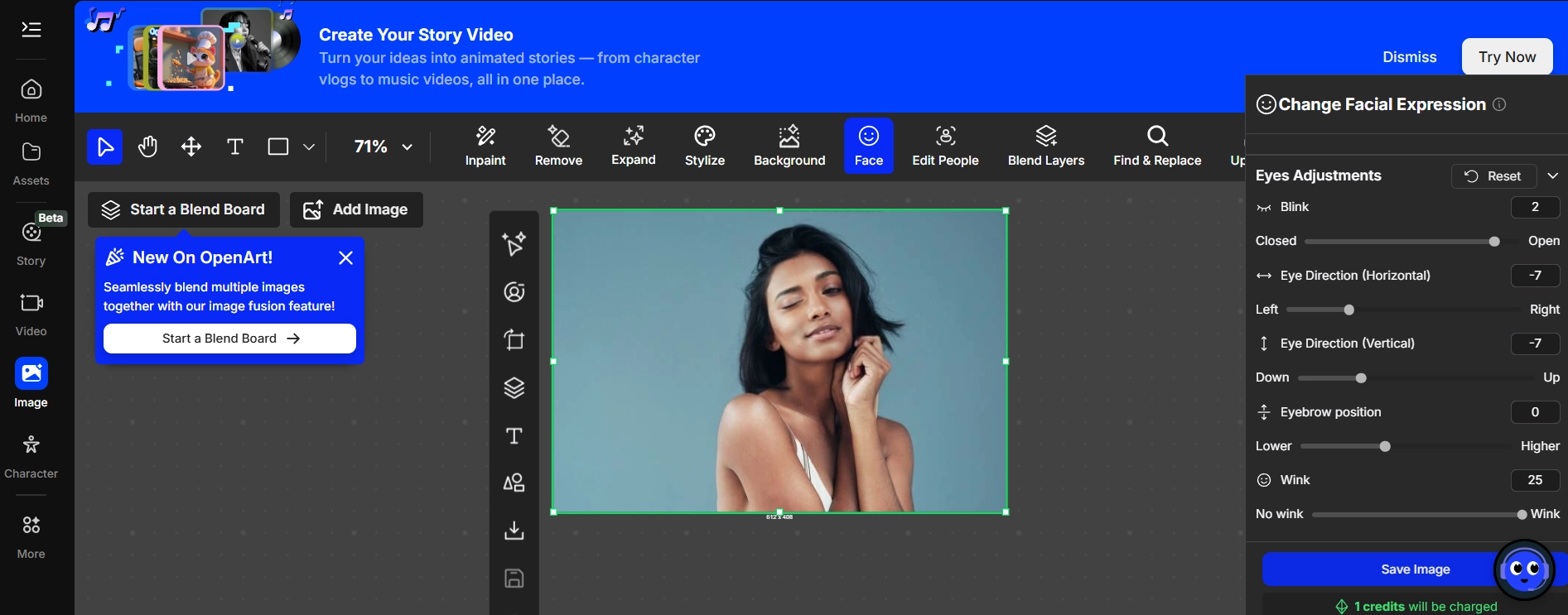
Step 4.Scroll through it until you see the adjustment for your eyes, and tune in with your preferred wink.
Step 5.Click “Save Image” to finish the retouching.
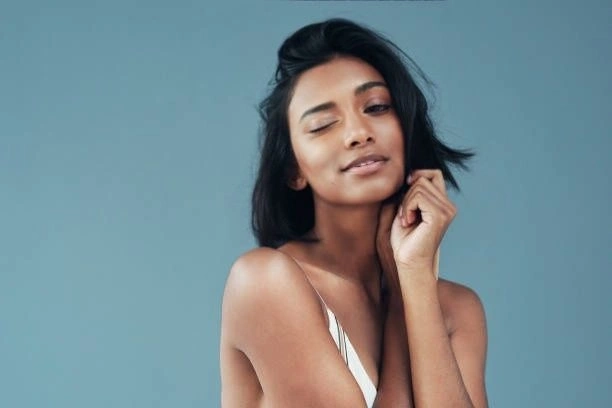
2. InsMind Wink Filter: Make Wink Photos in One Click
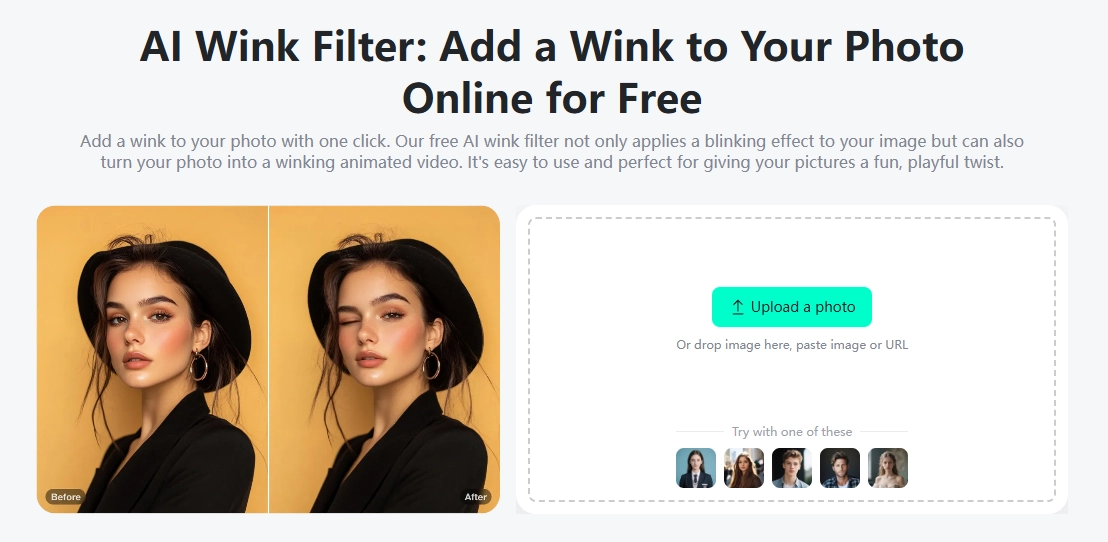
With insMind, you can add a realistic photo wink with no reduction in image quality. This automatic filter doesn't allow you to adjust the wink length, but it ensures you a perfect wink transformation.
Aside from its AI wink effect, insMind also offers other fun facial filters such as a smile filter and amazed effect.
It gives free trials, while more changes and advanced features require credits. The results depend heavily on your original photo quality.
How the AI Wink Works:
Step 1.Upload a photo you want to add an AI wink;
Step 2.Click “Generate” to spark your image:
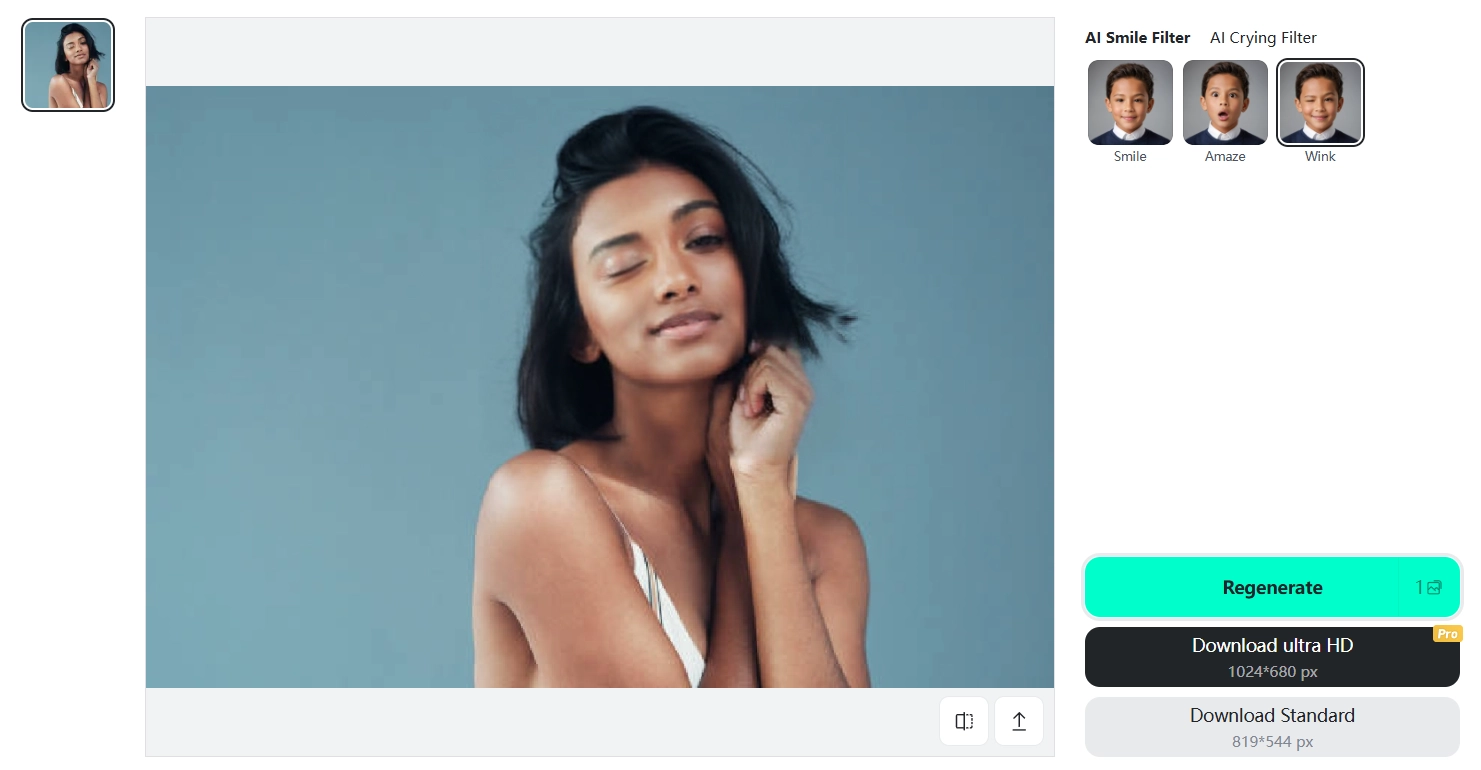
The result looks exactly like a quick and easy retake of your picture. Once you’re satisfied with the results, click to download it for free
3. Media AI Wink Filter: Add Auto Wink Effect & Change Expressions
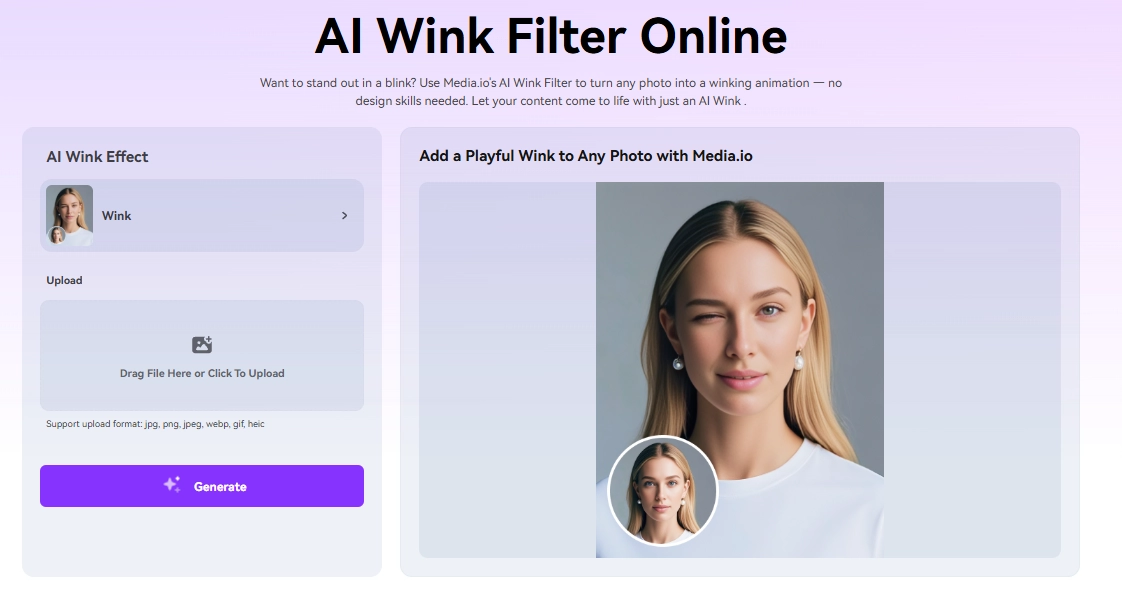
Media.io’s AI wink filter online is an intuitive tool that features a natural wink and applies even for side-view photos.
Going through the emotional spectrum, you can find diverse facial adjustments to make photos funnier, such as smiling, crying, angry, looking innocent, and confused. You can even find out what you would look like as a girl or boy.
However, its realism may vary depending on your photo quality. It’s ideal for anyone to add winks into pictures or try more interesting AI transformations.
How the AI Wink Works:
Step 1.Upload your photo;
Step 2.Click “Generate” to let AI make your photo wink:
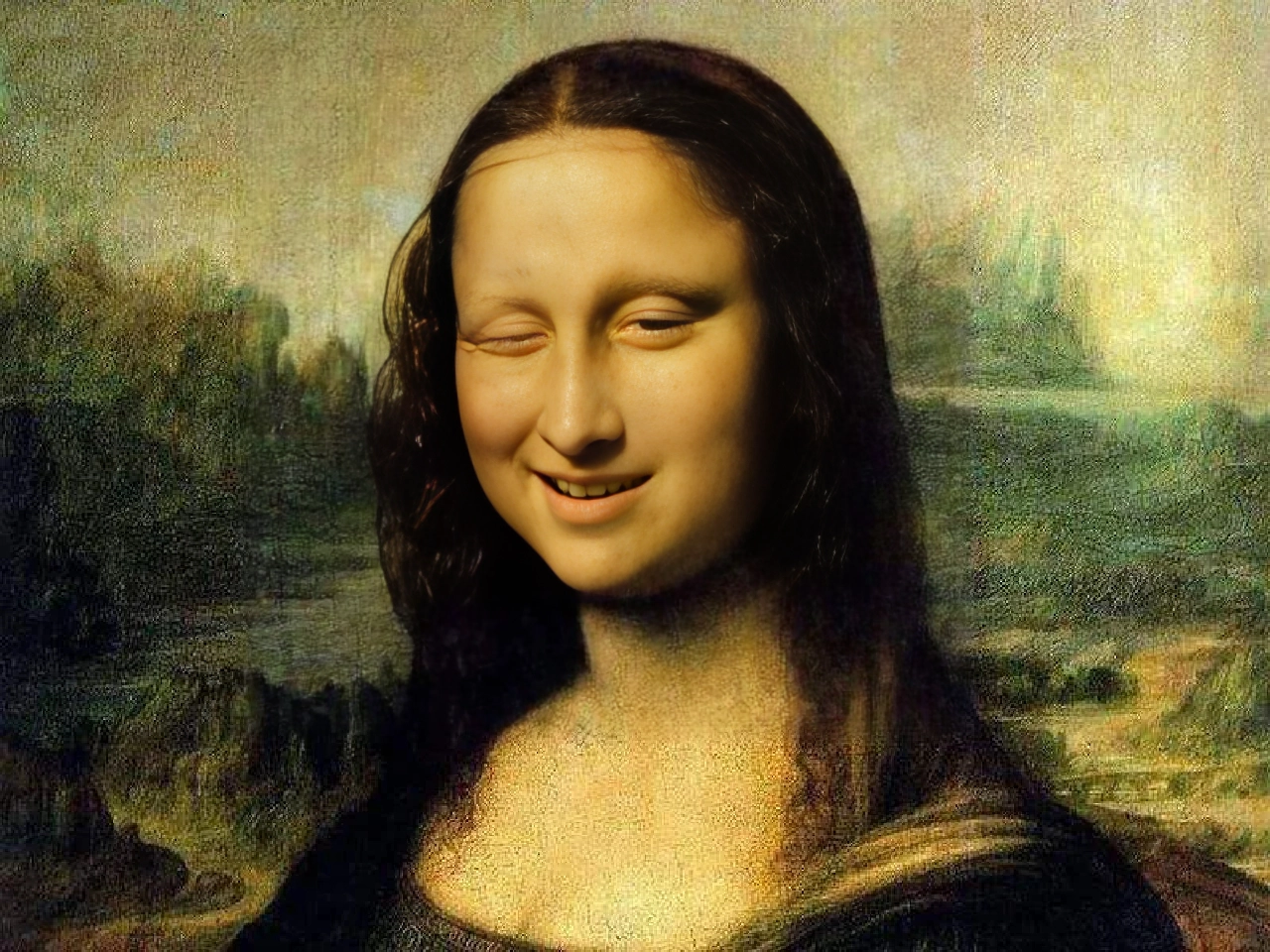
It seems that the photo wink naturally while with weird facial changes.

This option requires credits for premium access.
4. Snapchat: Real-Time Wink Effect While Taking Selfies
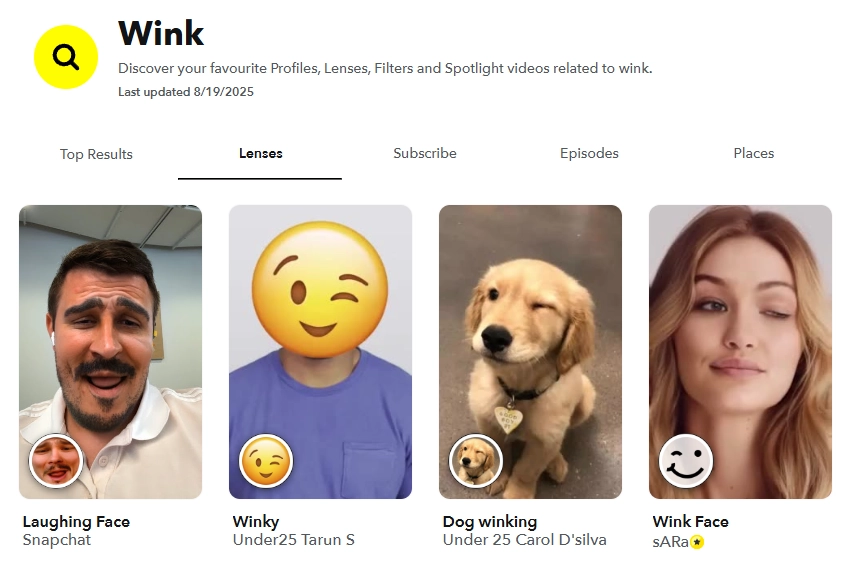
Snapchat collects many real-time wink filters that can apply winks in lives, images and videos. It works by tracking your facial movements, making the eyes blink appear responsive as you pose. It is not only available to make human wink, but also supports adding AI winks to your pets!
All those wink lenses on Snapchat are free to use. All you need to do is open it and take a snap.
How the AI Wink Works:
Step 1.Search for any wink filters in your Snapchat app;
Step 2.The wink filter will automatically be applied to your face!
Convert Image to Video AI Online - Free
- Create a video from an image quickly for free.
- Use various AI models to turn photos into videos.
- Download and share the AI-generated video at no cost.
Convert Image to Video
5. Reshot AI: Create a Wink Photo for Free
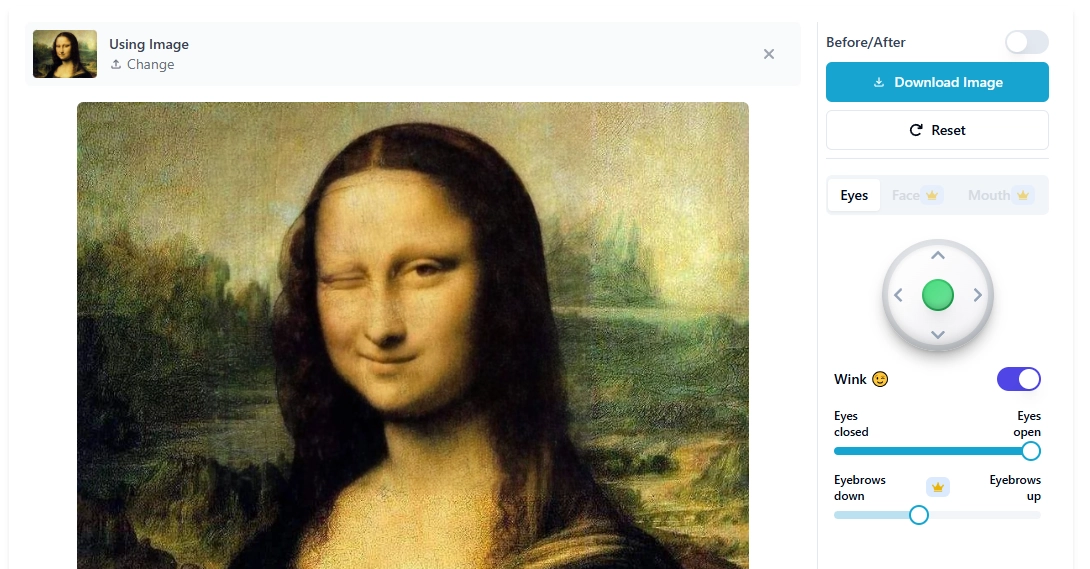
This online tool is designed to fix and edit your eyes in pictures. It gives a one-click wink option, you can directly turn-on it to make your photo wink.
Like Openart AI, this tool also gives editors the ability to make eye adjustments, but with fewer options. Its two useful features are closed eyes correcting and eye contact enhancements.
Out of the five tools, this is the most practical choice, especially for content creators and photographers. It’s honestly easy to use and instantly gives you great photo wink results.
How the AI Wink Works:
Step 1.Upload your photo.
Step 2.Turn on the “Wink” effect;
Step 3.Preview the results and download it for free.

You have to wait for seconds after each eye adjustment.
Bonus: Make Your Wink Photo to Vivid Wink Animations!
AI makes photos wink adding personality. You can turn an image into a wink animation for more engaging effects! For example, you can get playful wink gifs or spice up your social media feeds. Sounds great! You don’t need editing skills, just animate your wink photo in seconds with AI:
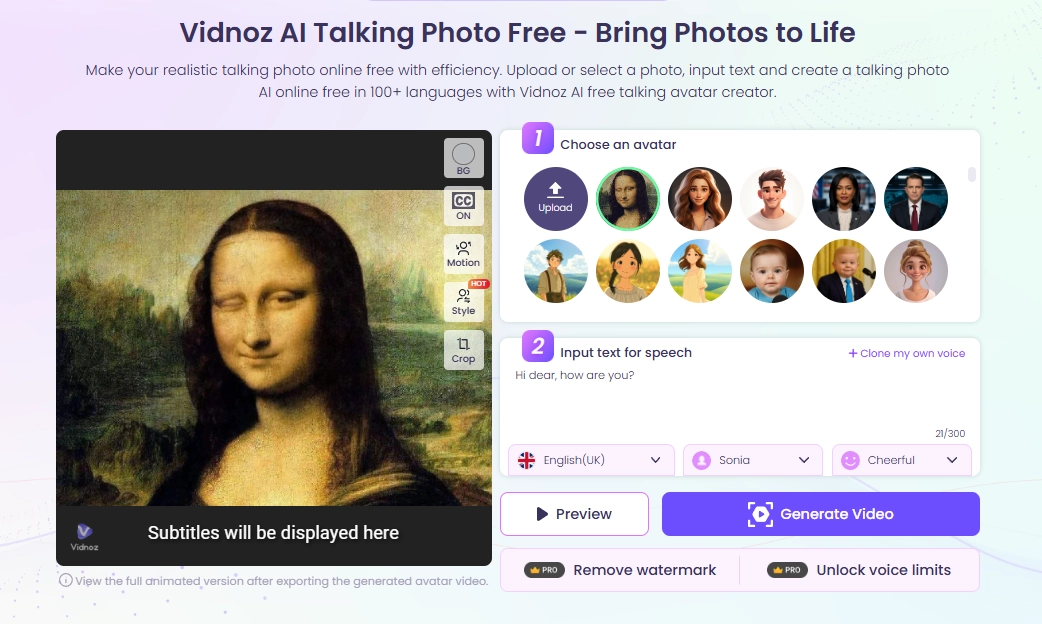
Vidnoz AI talking photo can go beyond to animate your simple blink photos. It allows you to add dynamic facial expressions and even speak out vividly! This AI animator is best for any creative projects! If you’ve already tried adding a wink to your picture, why not push it further? Give this a try!
Conclusion
It's easier to enrich images by adding more expressions, anytime you like. You can manually fine-tune the photo wink or let AI make photos wink seamlessly in a click!
And not limited to basic still photo retouching, AI can animate your wink selfies,blink images, and any visuals in seconds! For example, turning images to videos, making wink photos talking and even dancing, all can be achieved on Vidnoz free AI video generator.
Why stick with ordinary pictures when you can give them a lively personality?Try out the 5 AI wink filters and let your photos attract and entertain like never before!