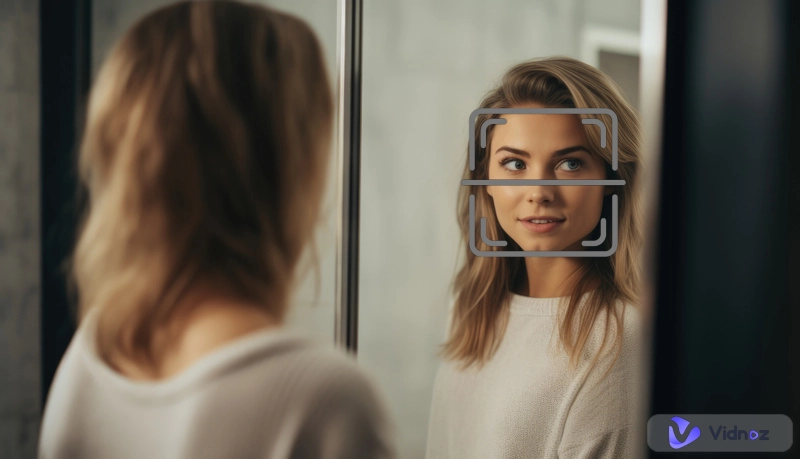
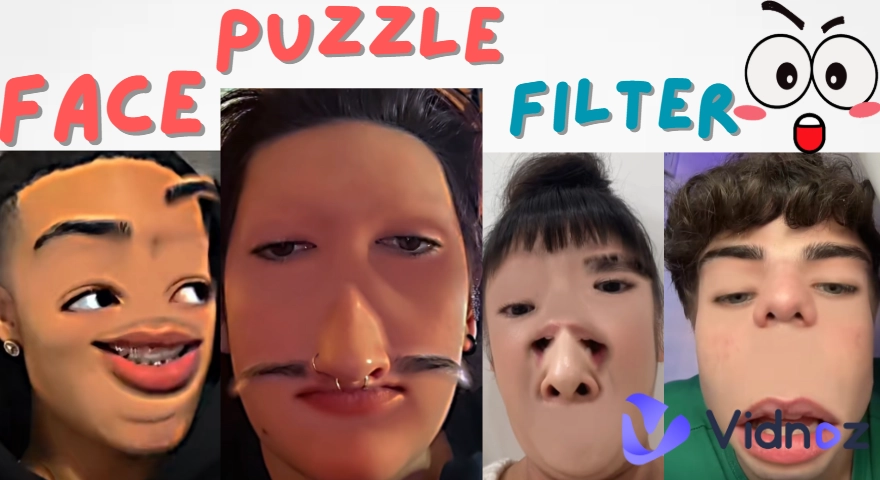
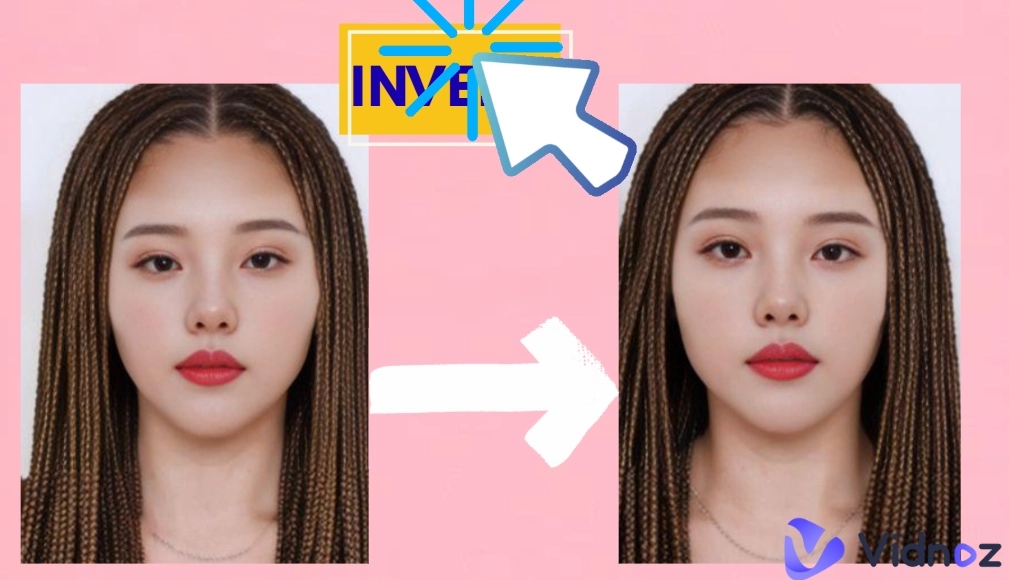
Most of us only ever see our reflection in the mirror, but have you ever wondered how your face looks when it is inverted? That’s where an inverted face filter comes in. These online filters let you check your facial symmetry in seconds by reversing your face on-screen.
What started as a playful trend on TikTok and Snapchat now has quickly turned into a popular way to explore how balanced (or unbalanced) our faces really are. Whether you’re curious about your face symmetry or just tend to join the viral challenge for fun, using the top 4 inverted face filters can be an easy and entertaining way to look at yourself differently.
- On This Page
-
What is Inverted Face Filter
-
4 Best Inverted Face Filters to Test Face Symmetry
1. TikTok Inverted Face Filter - Add an Inverted Face Effect on a Face Instantly
2. Perfectcorp Inverted Face Filter: Invert Your Face with a Built-in Camera
3. Snapchat Inverted Face Filter: Check Face Symmetry in Real Time
4. Reversal Mirror Inverted Face Filter: Make Simple Face Symmetry Test on Mobile Phones
-
How to Make a Face Looked Symmetric Online for Free
-
Bonus: Make a Hilarious AI Talking Photo with the Inverted Face 100% for Free
What is Inverted Face Filter
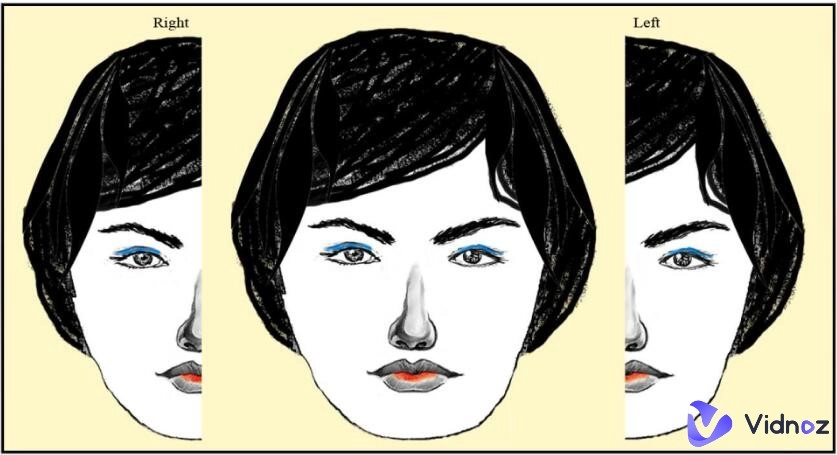
An inverted face filter is an AI effect that flips people’s faces to the opposite side to check whether they have symmetrical faces. Normally, when you look in the mirror, you can see a reversed reflection. With this filter, you can get the true view, which often feels unfamiliar at first glance.
These filters have taken over social media platforms like inverted face filter Instagram, Facebook, AI TikTok filter and Snapchat with their uniqueness. They spread so fast because people are naturally curious about how symmetrical their faces are. Many try it just for fun, while the others want to compare their real appearance with their usual mirror image.
Curiosity about symmetry – Most people only see themselves in mirrors, the flipped face offers a new perspective for them.
Entertainment and humor – The filter often produces surprising and funny results.
Social media trends – Platforms like TikTok and Snapchat thrive on the challenges with inverted face filters.
Vidnoz AI - Create Free Engaging AI Video with Talking Avatar
- Easily create professional AI videos with realistic avatars.
- Text-to-speech lip sync voices of different languages.
- 2800+ video templates for multiple scenarios.
4 Best Inverted Face Filters to Test Face Symmetry
Below are 4 of the best inverted face filters worth trying.
1. TikTok Inverted Face Filter - Add an Inverted Face Effect on a Face Instantly

TikTok is a platform where an inverted face filter first went viral, the inverted face filter flips your camera view so you can instantly see your face as others do, instead of the mirrored version you’re used to. For many people, the results are surprising, sometimes even shocking because it highlights little asymmetries they never notice in the mirror.
What makes the face inverted filter fun is the instant reaction factor. People record themselves switching between the regular and inverted views, often laughing or reacting dramatically to the difference. On top of all that, users don’t need any video editing skills. It’s just as easy as going to the app and choosing the face inverted filter. TikTok also provides hundreds of other AI filters such as the eyebrow filter, Fat face filter, Bald filter, etc.
Pros
- Free to use the inverted face filter.
- Works live on video.
- Quick sharing options.
Cons
- Requires a TikTok account.
- No fine adjustment functions available.
How to Test Face Symmetry with TikTok Inverted Face Filter:
Step 1. Open the TikTok app. Tap the search bar and type “inverted filter”.
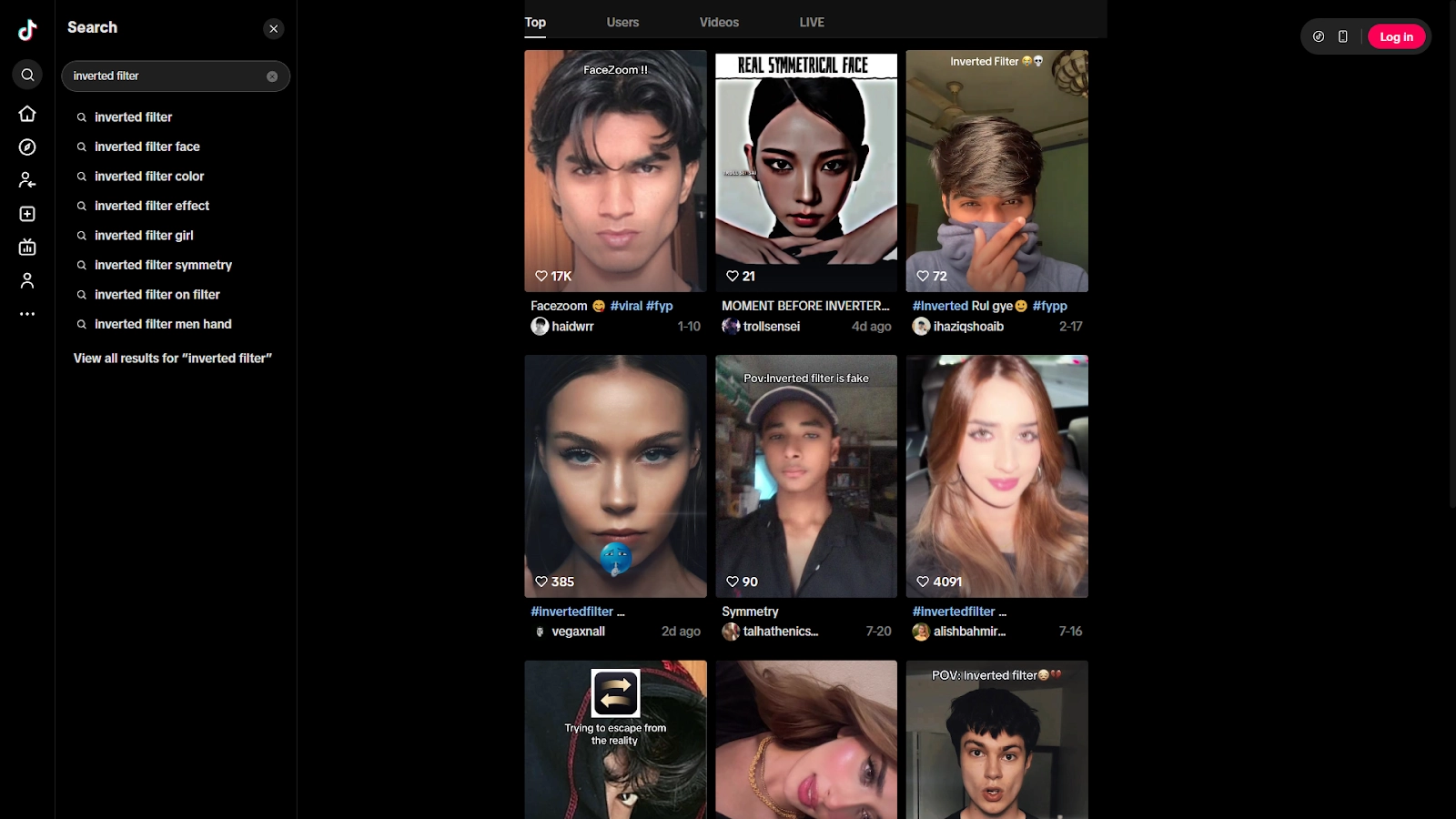
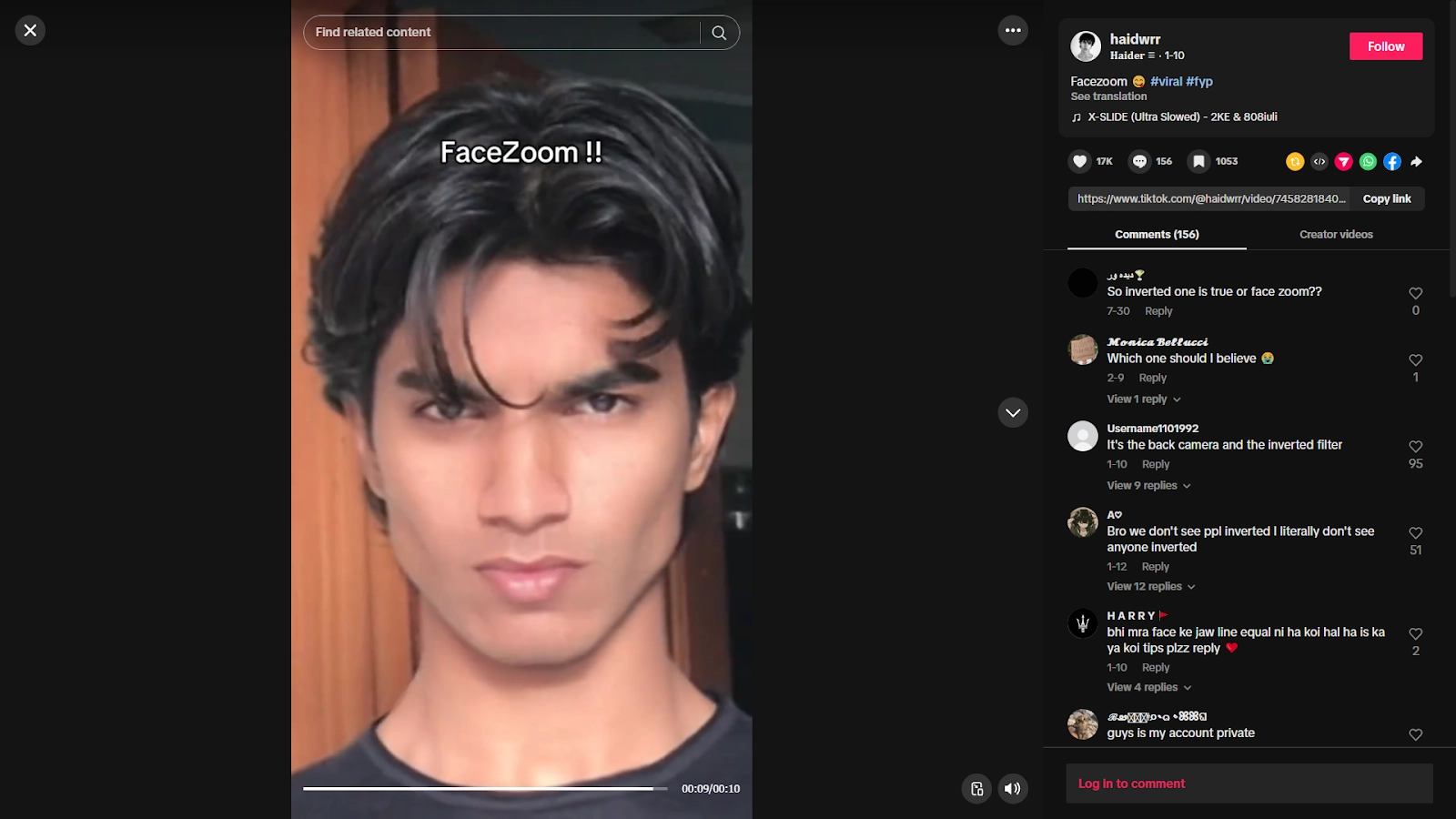
Step 2. Open one of the videos that uses the filter. Open one of the videos that uses the filter and tap “Use this effect” at the bottom.
Step 3. Record your video and watch the filter flip your face back and forth.
>> Rate Your original and inverted Face with Vidnoz AI Attractiveness Test [Free]
2. Perfectcorp Inverted Face Filter: Invert Your Face with a Built-in Camera
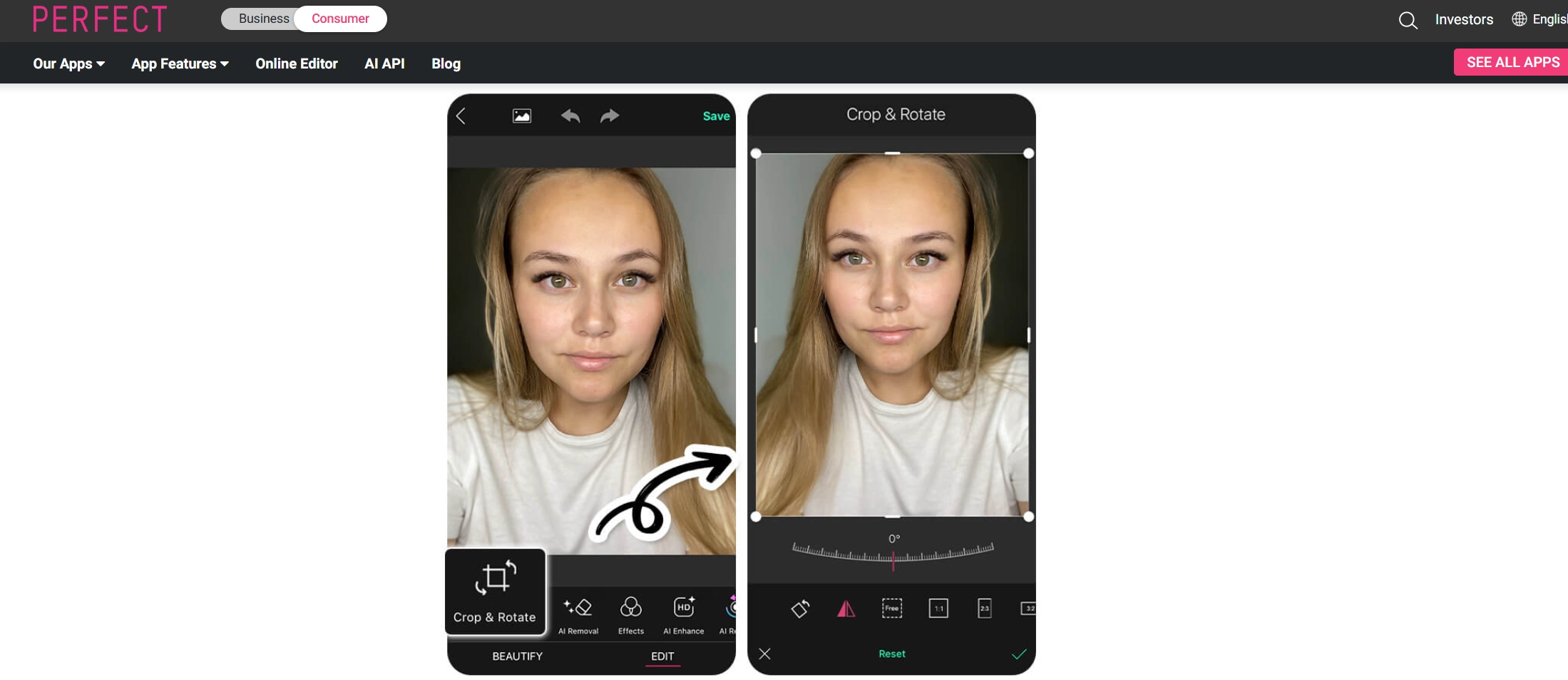
The inverted face filter of Perfectcorp is one of the more practical features it provides. Instead of only flipping faces, it gives users a built-in camera that lets them see themselves live while adjusting symmetry. A mirror slider lets users control how much symmetry is applied. Users can even create a perfectly balanced look if they want to experiment with what that would feel like.
The YouCam app also doesn’t stop at flipping face images. With extra editing functions like reshape, lighting adjustments and smoothing, this AI photo editor can enhance the final photo. Whether you want to check your natural balance or adjust it for style, it provides a neat and professional solution. It is one of the best inverted face filter online that you can use!
Pros
- Adjustable slider for face investing precision.
- Provide extra editing tools.
Cons
- Requires good lighting for best results.
- Some tools require a stable Internet.
- Premium options locked behind paywall.
How to Invert Face with Perfectcorp:
Step 1. Get YouCam Perfect app from the Google Play Store or Apple App Store and install it on your phone.
Step 2. Launch the YouCam app and tap the photo edit option.
Step 3. Upload the photo that you want to test the inverted filter on.
Step 4. From the tools menu, select Crop&Rotate.
Step 5. Adjust the offset and filters and save once you’re satisfied.
3. Snapchat Inverted Face Filter: Check Face Symmetry in Real Time
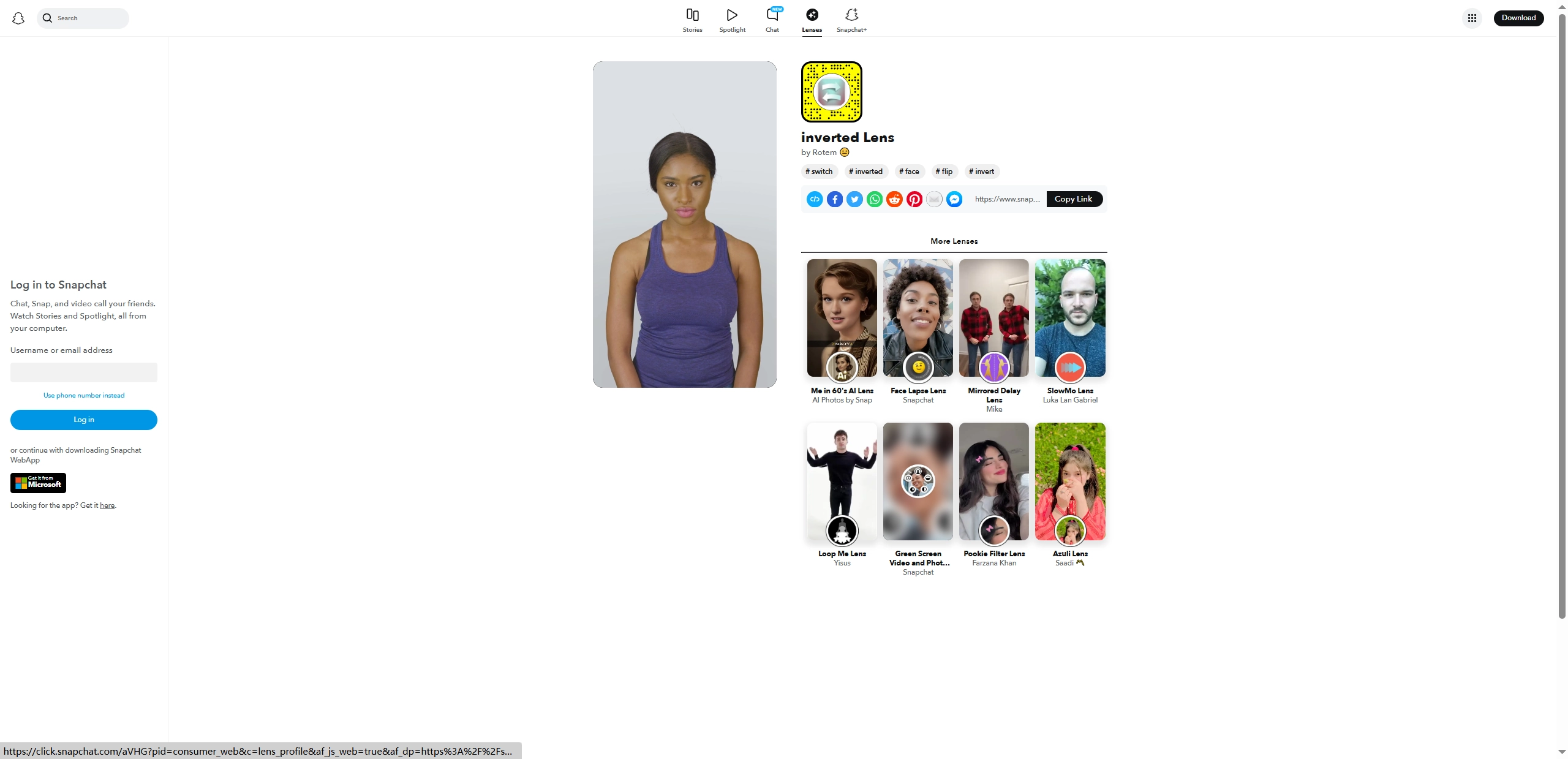
Snapchat has always been about playful lenses, and the inverted face filter Snapchat is also one of the popular AI trendy filters. Unlike apps that focus on still images, Snapchat offers real-time face flipping, so users can move, smile or talk while the effect shows instantly.
Another advantage of Snapchat is that there are thousands of existing filters with new ones being added by users everyday. Alongside the face inverted filter, there are lenses like Mirrored Delay, Face Lapse, and plenty of others designed to entertain. Once you create a video with the Snapchat AI lenses, it can be shared on the app itself or exported to other platforms like Facebook and Reddit.
Pros
- Invert faces in real time.
- A huge variety of fun lenses.
- Easy sharing across platforms.
Cons
- Requires a Snapchat account.
- Some filters are not available everywhere.
- Focused mainly on entertainment, not editing.
4. Reversal Mirror Inverted Face Filter: Make Simple Face Symmetry Test on Mobile Phones
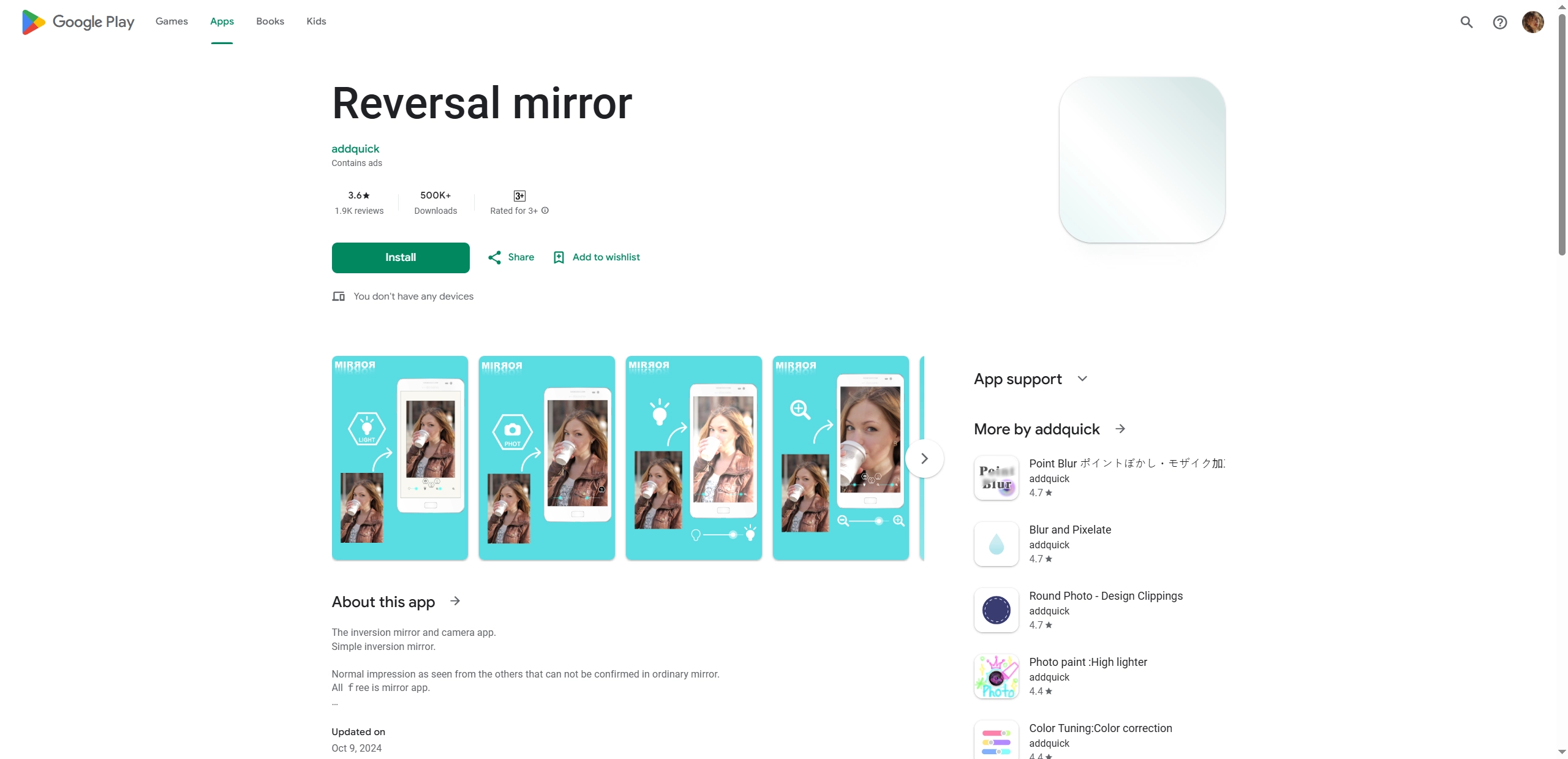
Reversal is one of the simplest inverted face filter apps you can use if you just want to invert your face without fuss. The tool is built with a single feature: it mirrors your selfies or videos so you can instantly see an inverted face in a short time. Unlike some trend-based filters, Reversal keeps things straightforward. Open the app, snap a photo or record a clip, and tap the flip option. Then it will show your inverted face right away.
What people like about Reversal is how fast it works. There aren’t layers of editing tools to scroll through, and users don’t need to dig around for hidden effects. Users can also adjust the screen light and image brightness while using the filter.
Pros
- Brightness adjustment available.
- Works offline once installed on a mobile phone.
Cons
- Works on Android only.
- The free version may include ads.
- Lacks detailed editing tools.
How to Make a Face Looked Symmetric Online for Free
Instead of making your face inverted, you can also try making your face look symmetrical using one of the same tools we mentioned above, YouCam app. Follow the steps below to make your face symmetrical:
Step 1. Get YouCam Perfect app from the Google Play Store or Apple App Store and install it on your phone.
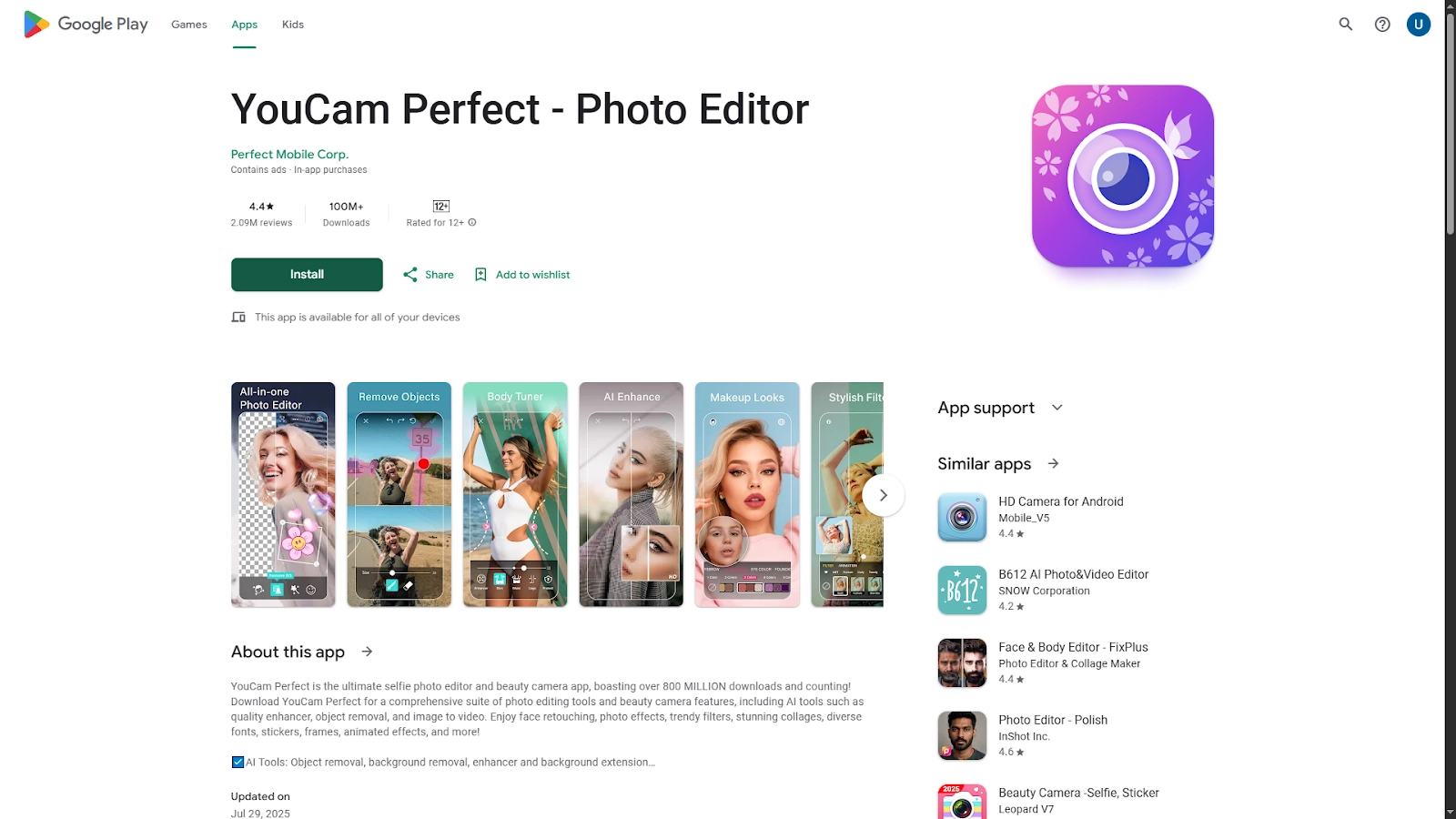
Step 2. Launch the YouCam app and tap the photo edit option.
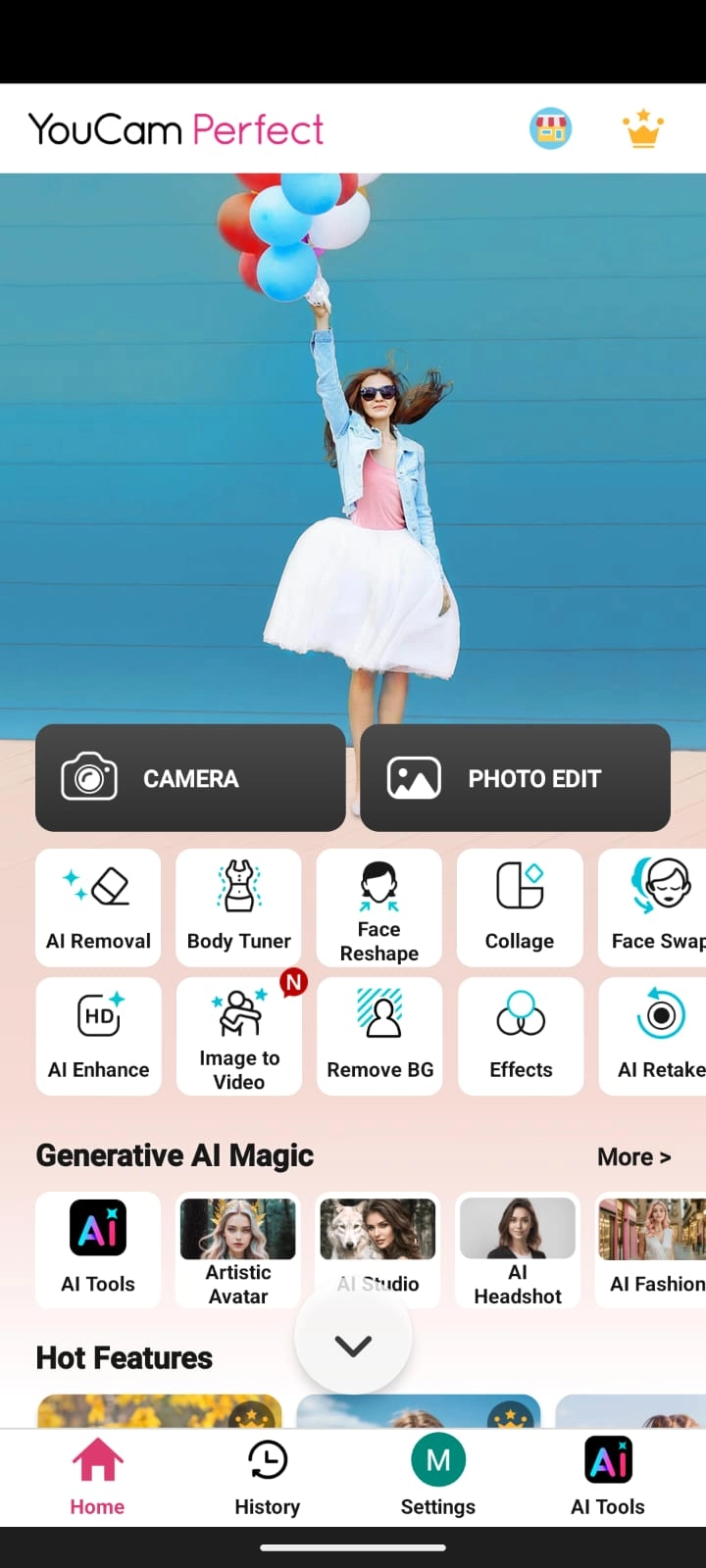
Step 3. Upload the photo that you want to symmetrize.
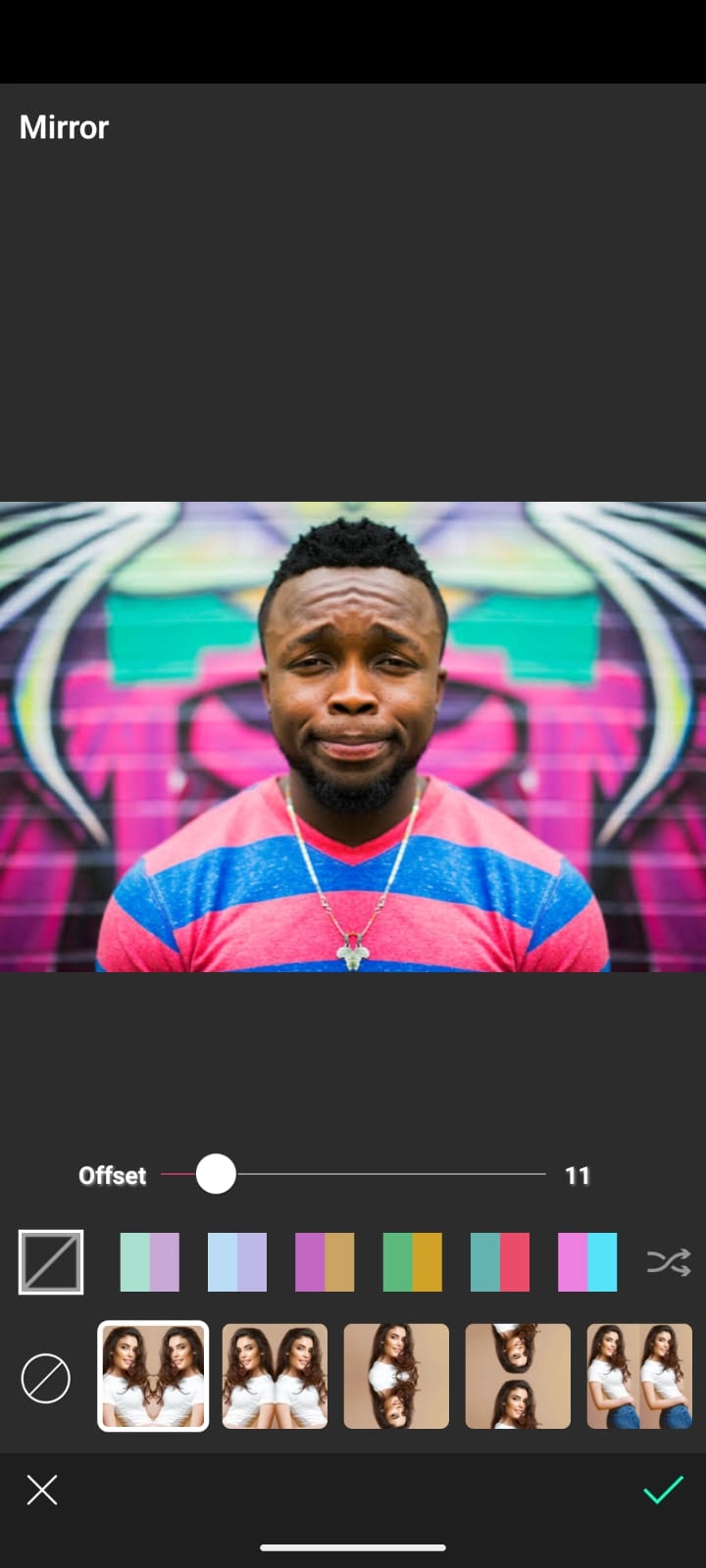
Step 4. From the tools menu, select Mirror.
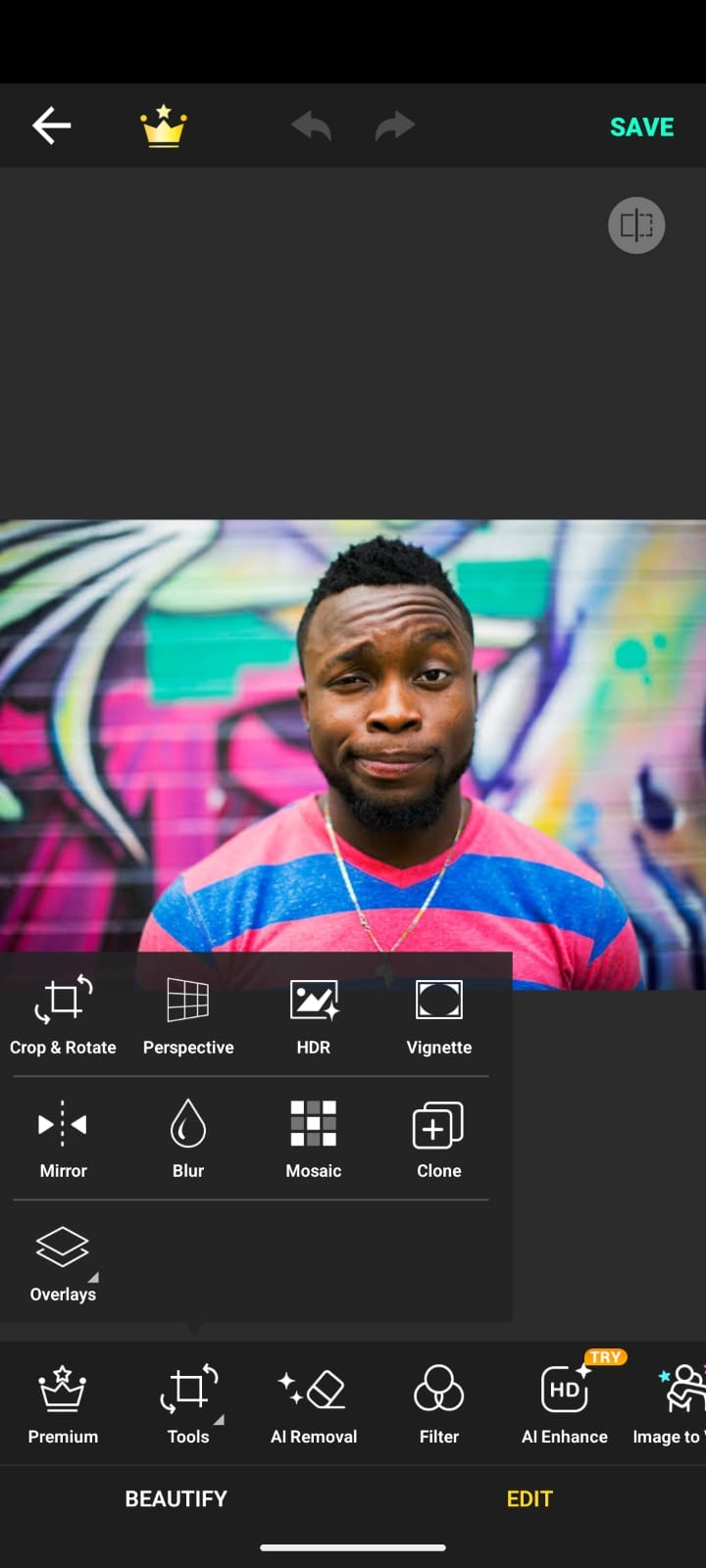
Step 5. Adjust the offset until both sides of the face look symmetrical to you.
Bonus: Make a Hilarious AI Talking Photo with the Inverted Face 100% for Free
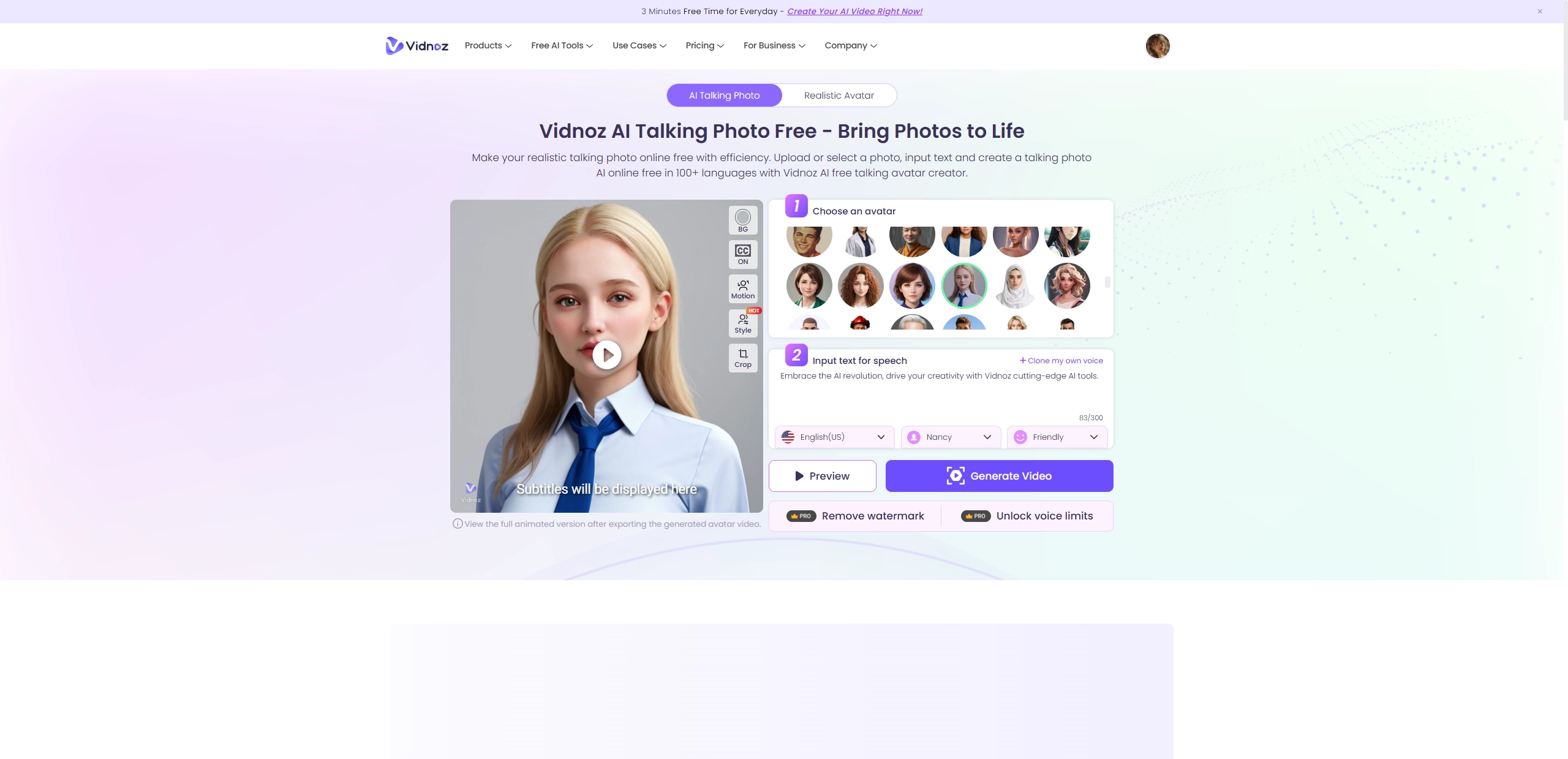
There’s more you can do with an inverted face than just testing symmetry. Vidnoz AI Talking Photo lets you bring photos to life with its advanced AI lip syncing. It creates a talking avatar with natural face expressions based on the selected AI voices and the text you provide. The results can be surprisingly realistic and often quite funny.
Key Feature
- Realistic AI face animation.
- Diverse AI voices, languages and emotions can be selected.
- Quick processing with instant results.
How to Generate Talking Photo with Vidnoz AI
Step 1. Open the Vidnoz Talking Photo page and upload an inverted face image.
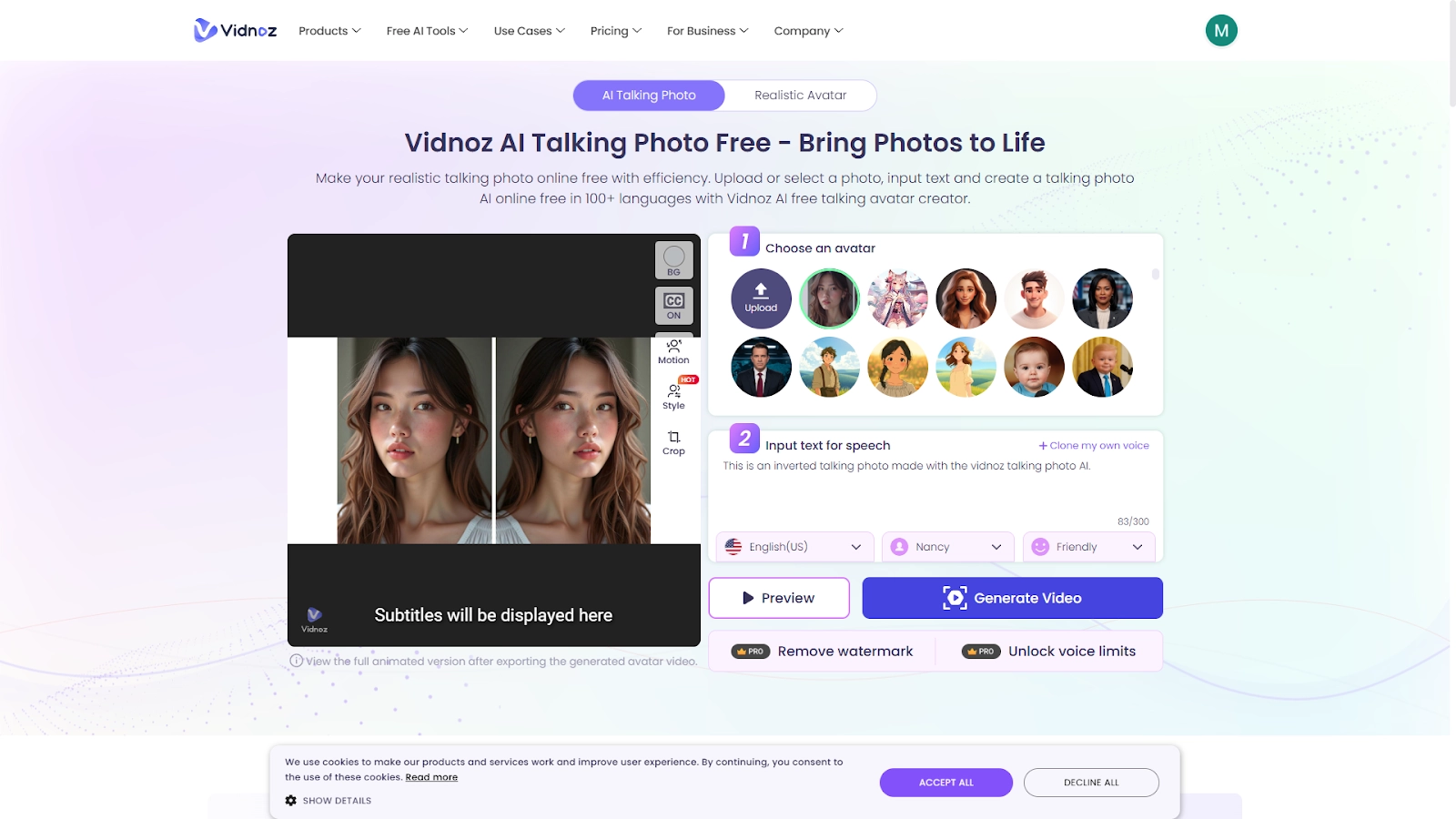
Step 2. Type the words you want the avatar to talk, then select language, AI voices and emotions in turn. If you want the photo to talk with your own voice, then you can click “Clone my own voice” to make it.
Step 3. Click “Generate Video” to a talking video with the selected options and added texts.
Step 4. Download and share the AI generated talking photo with your friends for fun.
Conclusion
The inverted face filters have provided a fun way for users to see how others view their appearances. TikTok and Snapchat make it interactive and social, while Perfectcorp and Reversal Mirror give users more personal control. Whether they want to check face symmetry, adjust their look, or just laugh at the results, these tools make it simple to do so. If you’ve yet to try out the inverted face filter trend, then you can use any of the 4 options we put forward.
Vidnoz AI - Create Free Engaging AI Video with Talking Avatar
- Easily create professional AI videos with realistic avatars.
- Text-to-speech lip sync voices of different languages.
- 2800+ video templates for multiple scenarios.