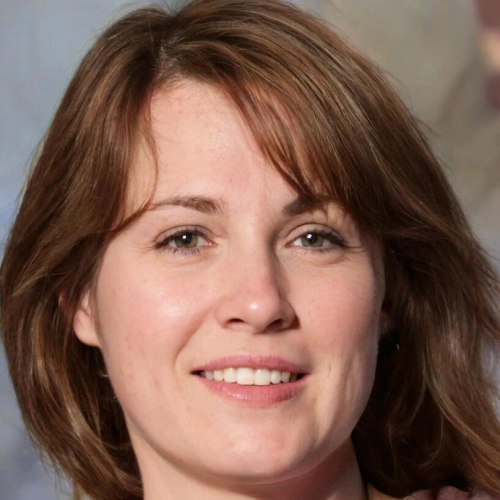
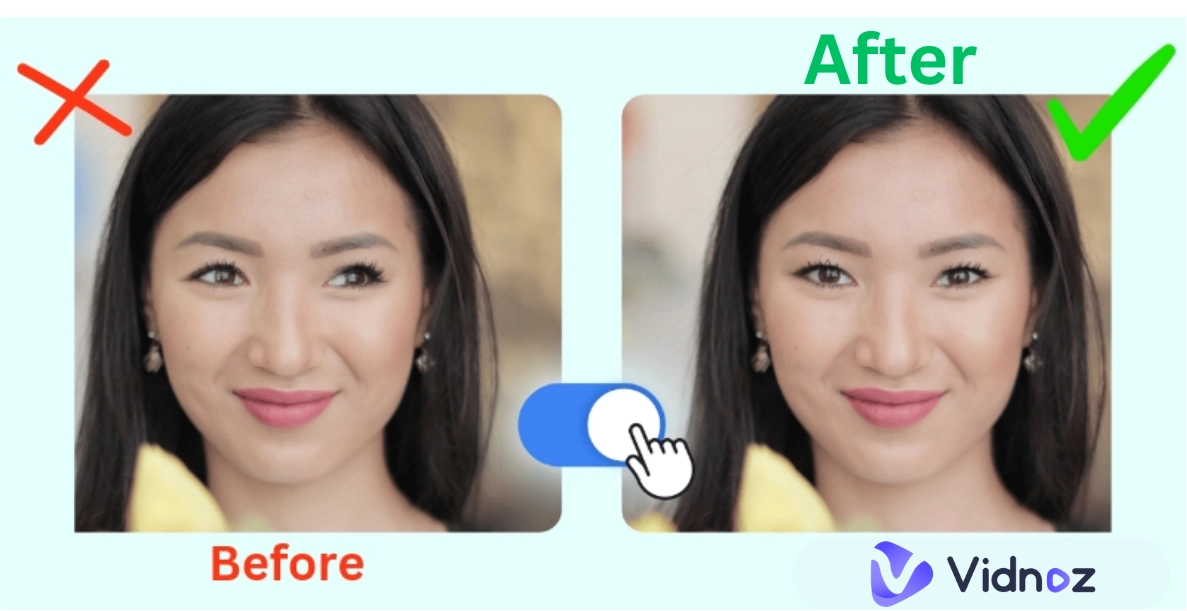
Have you ever wished a photo could feel more alive? Now, with AI tools, you can do that by making the eyes blink naturally. Learning how to make eyes blink in a picture online is easy, and you don't even need a video camera. You can make eyes blink in photo with smooth, lifelike movement in just a few clicks.
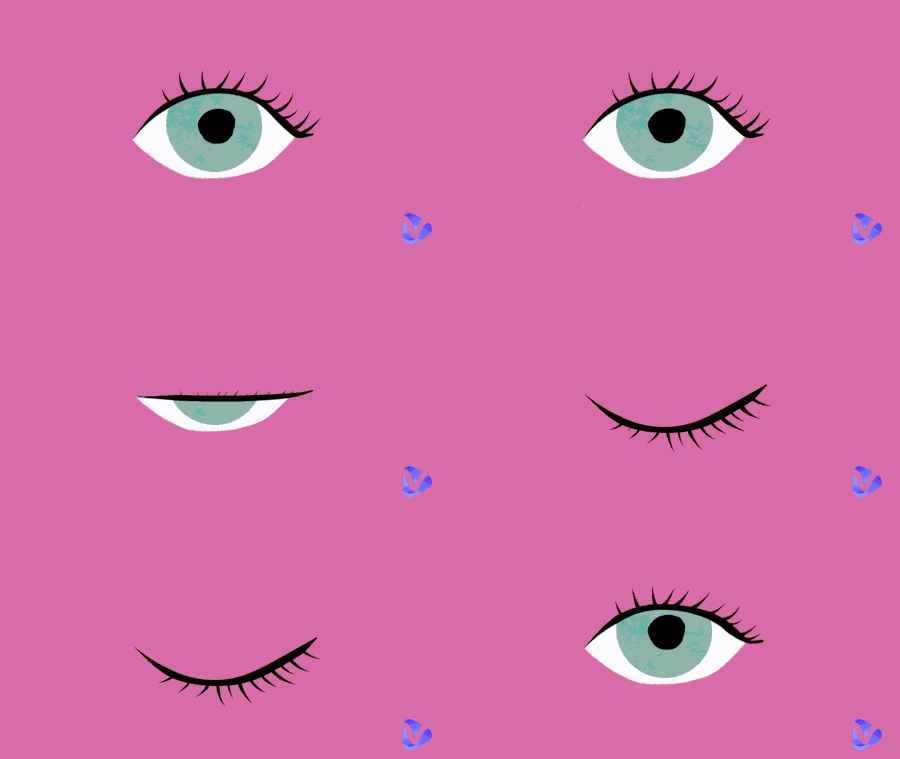
AI Eyes Blink GIF by Kelley Bren Burke
Read on, you'll learn step-by-step methods and discover fun extra ideas to bring your pictures to life. So, let's get started.
- On This Page
-
Blinking Picture Showcase: See It to Blink It
-
How to Make Eyes Blink in a Picture Online with AI?
Way 1: Make Photo Blink Eyes via Image to Video with Descriptions
Way 2: Generate Blinking Picture Animation with Start and End Frames
Way 3: Make Eyes Blink via Video Templates
Way 4: AI Eye Blinking via Lightning Speed Rendering
-
Blink and Think: Cool Ways to Use Your Blinking Pictures
-
Bonus Beyond Blink - Give Your Photo a Voice!
Blinking Picture Showcase: See It to Blink It
Now that you know what's possible, let's look at a few examples of AI blinking effects. These samples show how different photos, from selfies to portraits, can come alive with natural eye movements with the help of eye blinking photo to video AI tools.
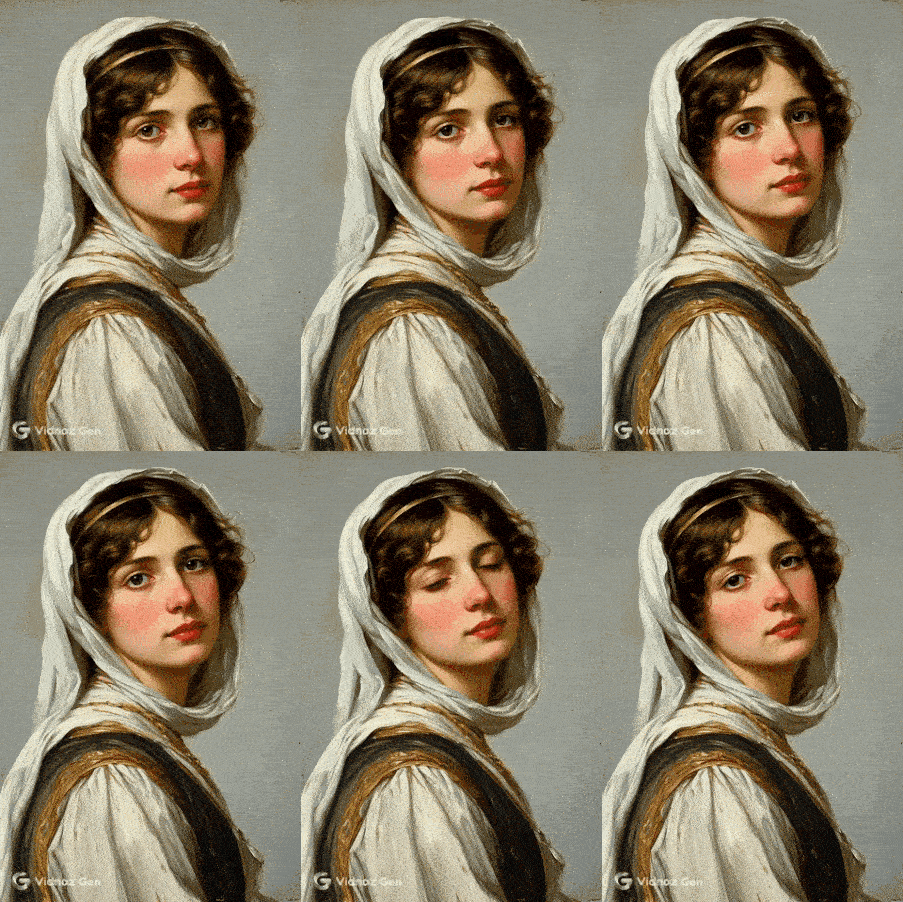
Showcase 1: Blinking Picture of a Religious Portrait
A still religious painting brought to life with gentle blinking.
Showcase 2: Blinking Effect of a Pet Cartoon
A cute pet picture where the animal blinks realistically.

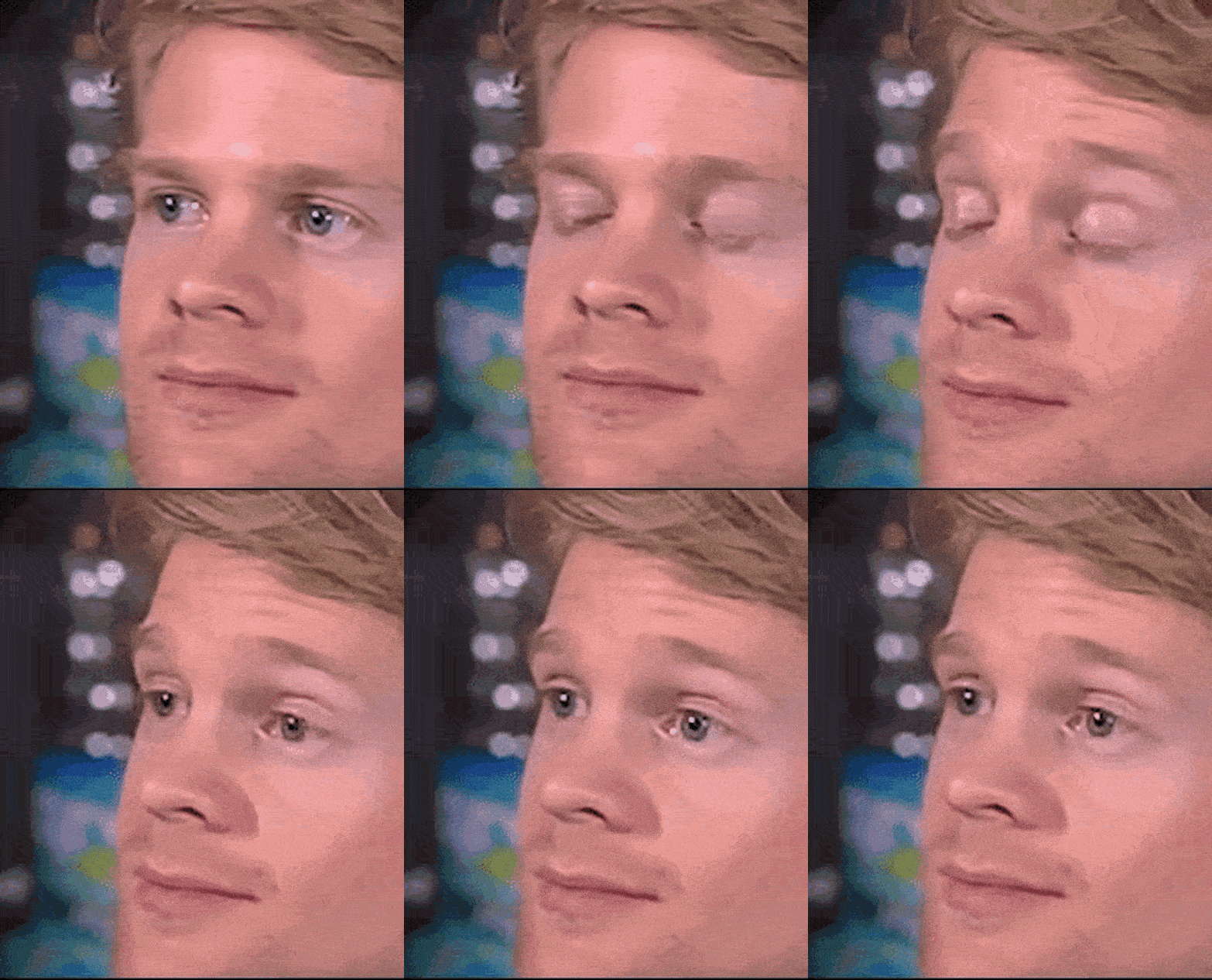
Showcase 3: Eye Blinking Meme
You might also use a blinking eyes meme like this one to show your confusion while text messaging others.
How to Make Eyes Blink in a Picture Online with AI?
Now that you've seen creative examples in the showcase, let's dig into how to actually make eyes blink in a picture online using AI.
In this section, you'll get step-by-step methods with different photo eye blinking effect online free tools, from Vidnoz to other helpful platforms, so you can easily bring your photos to life.
Way 1: Make Photo Blink Eyes via Image to Video with Descriptions
First up is Vidnoz Image to Video AI, a fast photo to video eye blink online free tool that turns your still portrait into a blinking eye animation. Vidnoz uses AI to convert photo to eye blinking videos by adding natural blinking animations and other small facial movements to a static image, making it look more alive.
Convert Image to Video AI Online - Free
- Create a video from an image quickly for free.
- Use various AI models to turn photos into videos and make photo blink eyes.
- Download and share the AI-generated video at no cost.
Convert Image to Video
With its text-to-image technology, the tool understands facial features and creates smooth, realistic eye motion. That makes it one of the best ways to make eyes blink in photo without complicated editing.
Key Feature
- Convert any Image to Blinking Video for Free: Easily turn a static photo into a blinking animation, no cost, no hassle.
- Natural and Consistent Eye Blinks: AI keeps eyelid movement smooth and facial expressions hyperreal, as if it is alive. All movements are consistent with your text descriptions.
- Details Bring Realism: This eye blinking AI analyzes pixels and predicts how elements move, in this case, the eye motion works alongside lighting, color shifts, background, and textures.
How to Make Eyes Blink in a Picture Online
Here's how simple it is to make AI eye blinking:
Step 1: Try It Free Now
Go to the Vidnoz image-to-video AI site to start.
Step 2: Upload Your Photo
Upload your chosen image.
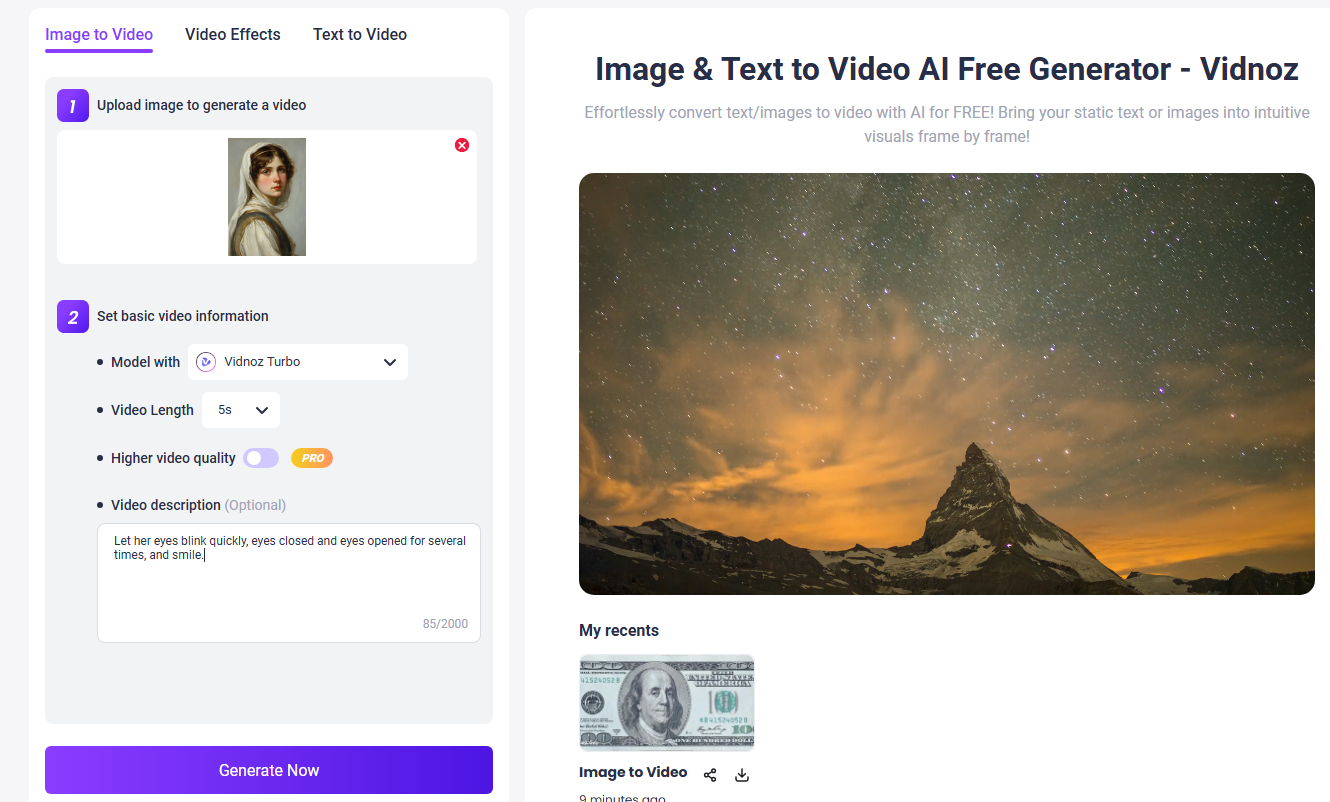
Step 3: Animate the Blink
Set basic video information like Video Length and video Quality. After that, write a video description like "Natural and consistent blinking eyes" and hit the Generate Now button.
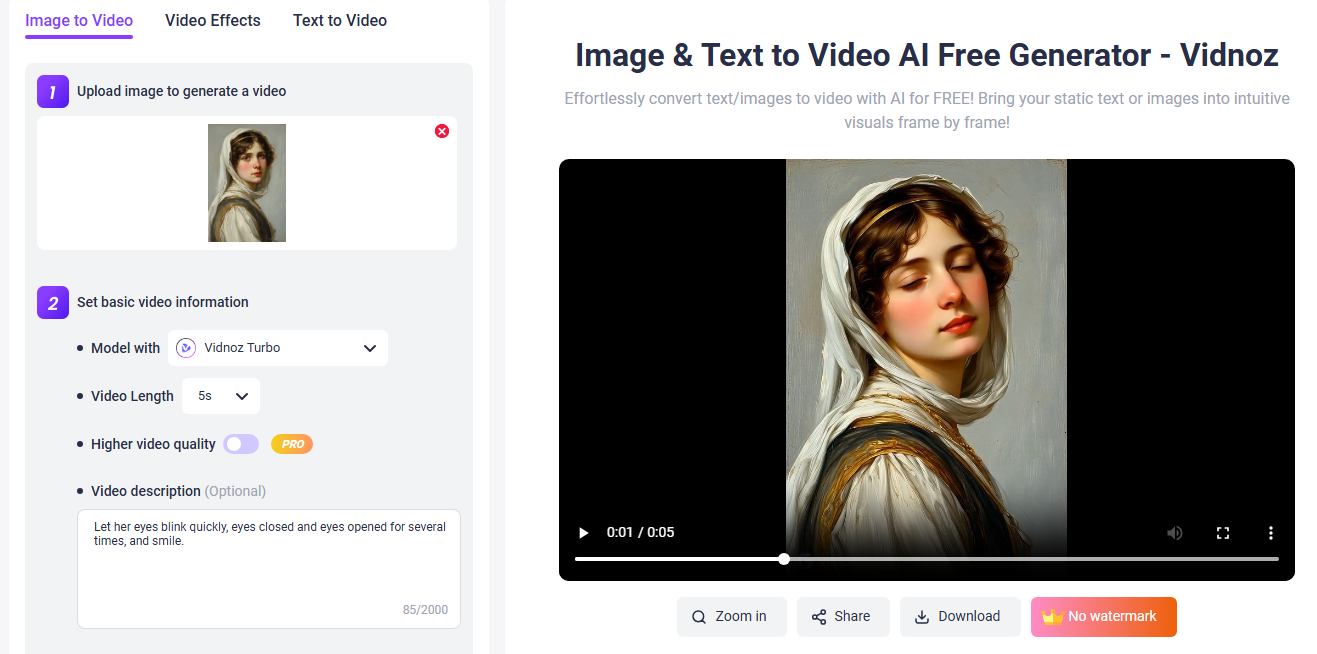
That's how you make a blinking eyes photo online free, just three easy steps, and your static photo is now blinking!
Way 2: Generate Blinking Picture Animation with Start and End Frames
How to blink eyes in photos? This app is also viable. Vivago AI is a free AI platform offering image and video generation tools, including an "Image to Video" feature that can add realistic blink effects and smooth transitions between start and end frames. It excels in making static portraits more lifelike, and its blink effect stands out with professional-grade realism.
Key Feature
- Start-to-end blink effect: Add a realistic blink or wink transition to any portrait in one step.
- AI video editing tools: Includes 4K editing, lip-sync, and image enhancements beyond blinking.
- Free daily credits: Use basic features like blink effects without paying, with extra credits available.
How to Make Eyes Blink in Photo with Vivago AI
Here's how to use this AI eye blinking maker to convert photo to eye blinking videos:
Step 1: Go to vivago.ai and register for a free account to access the tools.
Step 2: Use the "Image to Video" section and upload your still portrait.
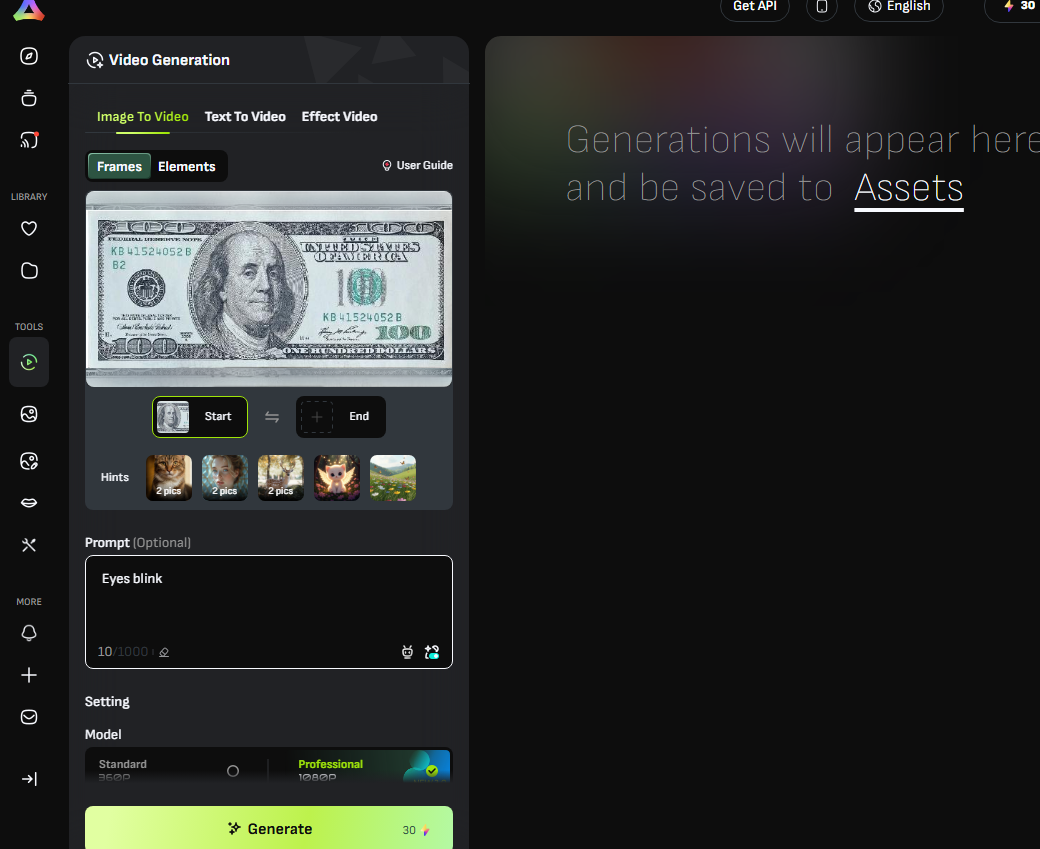
Step 3: Go to the Prompt section and describe the blink effect, then click Generate.
Step 4: Preview and download your finished, blinking photo in video format.
With Vivago AI's built-in, start-to-end photo eye blinking effect online free, you can animate a simple portrait in just a few clicks, no complicated keyframe work needed.
Way 3: Make Eyes Blink via Video Templates
Nero AI Face Animator is an online tool that turns a static photo into a lively animated image (like a GIF) by applying preset face animations. It's especially good at adding natural eye gestures, blinks, smiles, and head nods without any manual editing.
Key Feature
- Preset Face Animation Templates: Easily apply realistic blink, nod, or smile animations with one click, faster than manual keyframing.
- Natural Eye and Head Movement: Automatically adds life-like small movements, blinks, subtle head turns, and eye gestures.
- No Installation or Login Required: Web-based tool that works instantly, just upload your photo and animate.
How to Blink Eyes in Photos?
Here's how simple it is to use Nero AI to make a photo eye blinking effect online free:
Step 1: Visit the Nero AI Face Animation page, then click Upload Image to select your portrait.
Step 2: After the image is uploaded, the tool automatically recognizes the face. Click Start to apply the animation and convert photo to eye blinking videos.
Step 3: Once processing is done, preview the animated result and click Download to save it as a GIF.
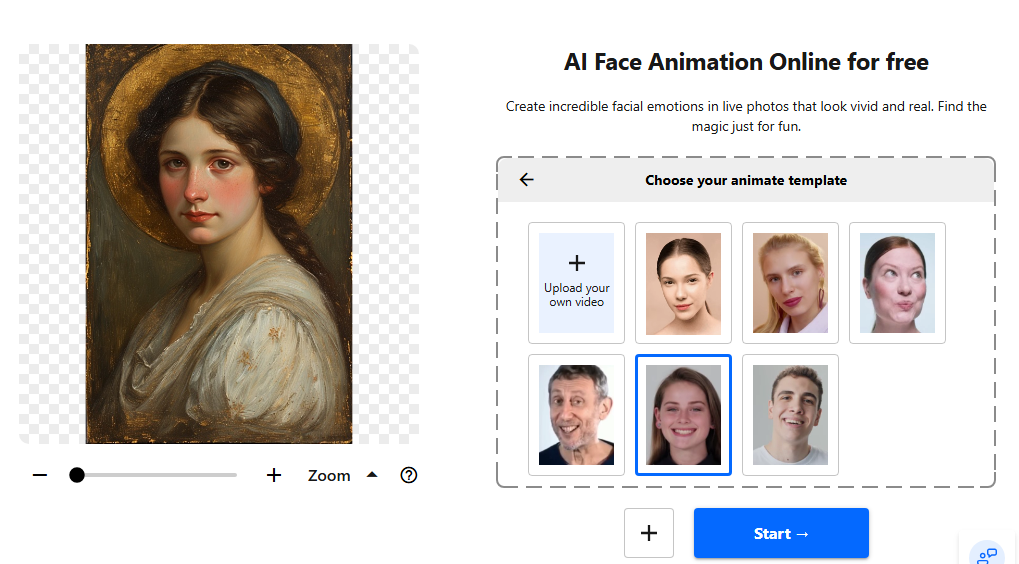
That's it, Nero AI offers a quick and fun way to create blinking eyes pictures using templates, with zero editing skills needed.
Way 4: AI Eye Blinking via Lightning Speed Rendering
If you want to bring still portraits to life in just a few seconds, Cutout.Pro Photo Animer is one of the fastest and most beginner-friendly eye blink AI photo editors out there. It uses advanced AI motion mapping to simulate natural blinking, head movement, and facial expressions without you having to do any manual editing.
Key Feature
- Quick animation from still image: Instantly turns a still portrait into a moving video with natural facial motion.
- High-quality enhancements & sharpening: Automatically sharpens and enhances photos before animation, boosting realism.
- Multiple gesture drivers: Uses pre-recorded facial movement "drivers", like eyebrow raises, head turns, or blinks, to guide animation.
How to Make Blinking Eyes Photo Online Free?
Here is how to make blink eyes in photo with ready-to-use templates.
Step 1: Visit Cutout.Pro and navigate to "Photo Animer" to make eyes blink in photos. Then upload your photo.
Step 2: Now wait for the AI to make your eyes blink. This might take just a few seconds.
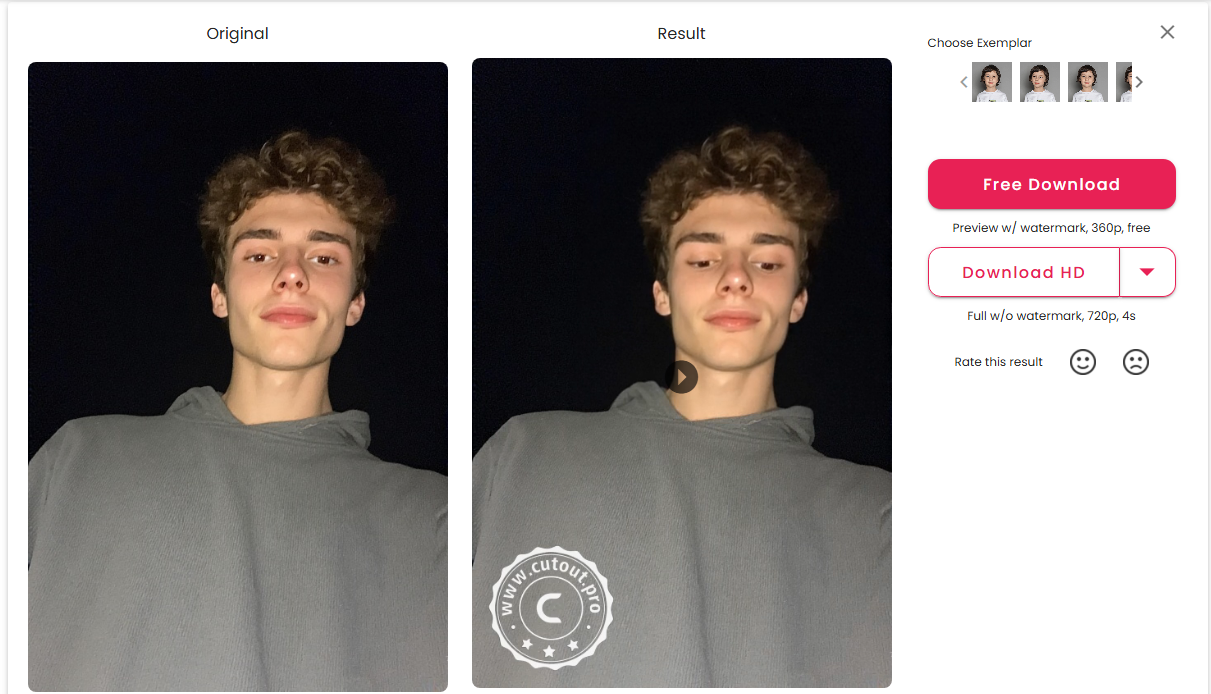
Step 3: Once the animation is ready, preview it and if everything is alright, hit the download button to save blinking eyes photo online free on your device.
Blink and Think: Cool Ways to Use Your Blinking Pictures
Once you've mastered the art of making photos blink, the fun really begins. These animations aren't just for showing off tech skills; they can add humor, nostalgia, or creativity to everyday images. Here are some playful and meaningful ways to use your blinking pictures:
- Family Memory Nostalgia: Animate old family portraits to make loved ones seem alive again, perfect for sharing in family group chats or at reunions.
- Prank Your Friend: Send them a photo of themselves where they suddenly blink, making them think the picture is "haunted" or magically alive.
- Social Media Engagement: Post blinking selfies or celebrity edits to stand out in feeds and catch viewers' attention instantly.
- Creative Storytelling: Use blinking animations in slideshows or video projects to add realism to fictional characters or digital art.
- Romantic Surprise: Make a couple's picture blink subtly and send it as a personalized GIF or anniversary message.
Bonus Beyond Blink - Give Your Photo a Voice!
Now that your photos can blink realistically, let's take it one step further and make them talk with a text-to-speech tool! Introducing Vidnoz Talking Photo AI, an AI tool that not only animates blinking but also syncs your image's mouth and expressions perfectly with speech. It's a compelling way to bring static images to life, whether for fun, education, or marketing.
Create Your AI Talking Avatar - FREE
- 1900+ realistic AI avatars of different races
- Vivid lip-syncing AI voices & gestures
- Support 140+ languages with multiple accents
Why Vidnoz Talking Photo stands out:
Key Feature
- Not Just Blink, But Talk: Turns still images into fully animated talking videos, complete with natural lip sync, facial expressions, and head movements, giving your visual content a powerful, lifelike impact.
- From Visual to Auditory: The tool converts written text to speech with nuanced tone, accents, pauses, and intonation, bringing more personality and engagement to your talking picture.
- Multilingual Eye-Blinking Picture: Supports over 140 languages and voices, making it ideal for global audiences, perfect for creators aiming to connect across language barriers.
How to Infuse More Life into AI Eye Blinking Pictures?
Step 1: Try It Free Now
Head over to Vidnoz AI Talking Photo tool for free.
Step 2: Upload Your Photo & Script
Upload a clear, front-facing portrait and enter the text you'd like the image to speak. Select language and voice options.
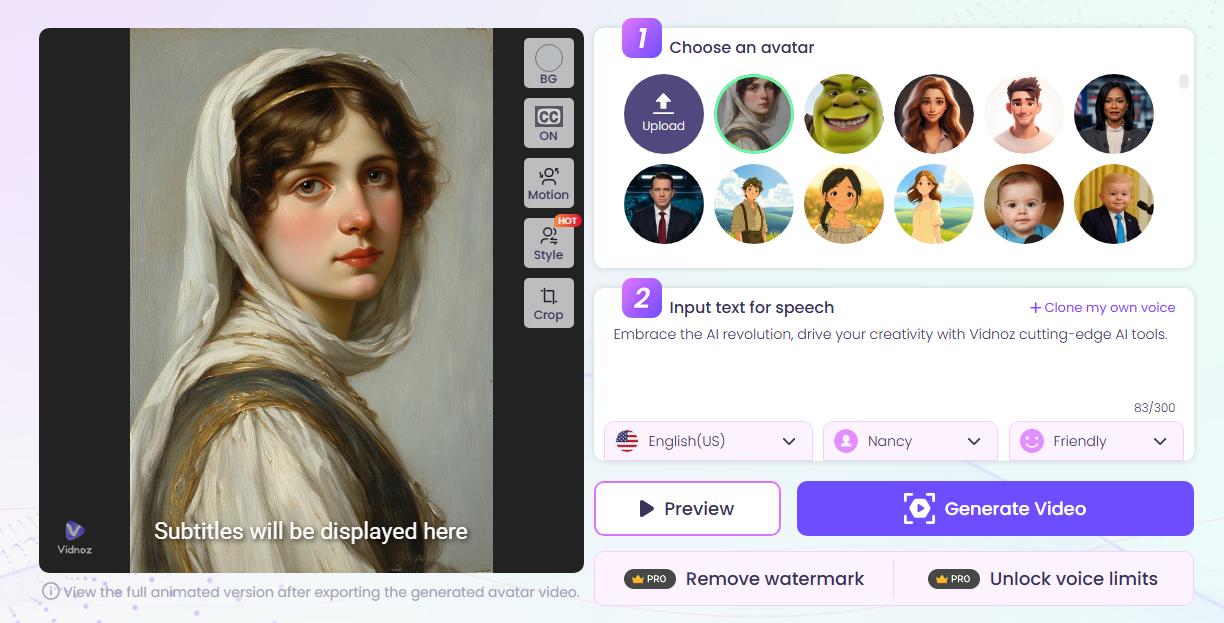
Step 3: Generate Talking Animation
Click "Generate Video" to preview and download your animated, blinking, and image to lip sync video in MP4 format.
Final Thought
So, that's how to make eyes blink in a picture online. With today's eye blinking AI tools, it's easier than ever to make eyes blink in a picture online and bring photos to life. From simple blinks to talking animations, Vidnoz AI offers everything you need for fun, creative, or professional projects. Start creating your own blinking masterpieces today and amaze everyone who sees them.
Convert Image to Video AI Online - Free
- Create a video from an image quickly for free.
- Use various AI models to turn photos into videos.
- Download and share the AI-generated video at no cost.
Convert Image to Video