Using funny emojis will make the conversation even more fun, especially when you're texting with friends. So, how exactly can you personalize your emoji battles? How about turning images to emojis?
Now, it's a breeze! There are various AI image-to-emoji converters that can help you personalize fun emojis instantly and practically. This article will provide 5 best tools. Now, let’s dive in and start a fun emoji crafting game!
- On This Page
Why Turn Image to Emoji?
There are 3 persuasive reasons why you need to convert images to emojis:
- To personalize communications
Making emojis from photos for online conversations with others is an interesting idea. For example, you can turn the valuable moments into emojis, then your conversations will feel more enjoyable and livelier, because each emoji tells a story that only both sides remember.
- To express emotions and humour more accurately
Sometimes the standard emojis on the keyboard are not enough to express the feelings or jokes. With emojis converted from your personal photos, you can really talk about the vibe you want to share.
- To enhance feeds’ engagement
Emojis transformed by photos can be a powerful symbol for branding, businesses or content creators. You can customize emoji sets featuring your own brand's logo, mascot, or products as a marketing strategy. This marketing strategy would be popular among Gen Z.
5 Image to Emoji Converters to Make Special Emojis
1. Bylo AI: Generate Emoji Combos from a Single Image
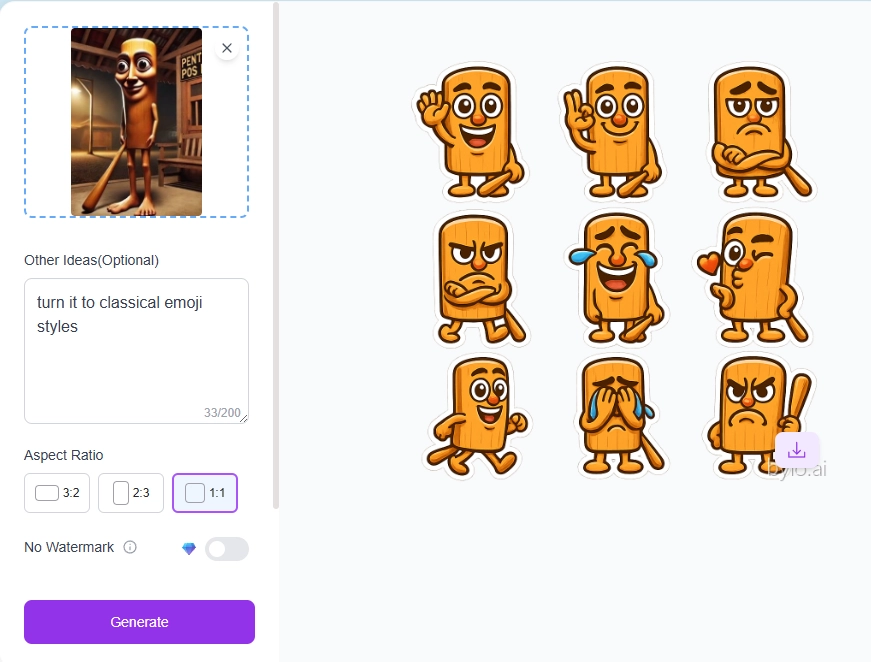
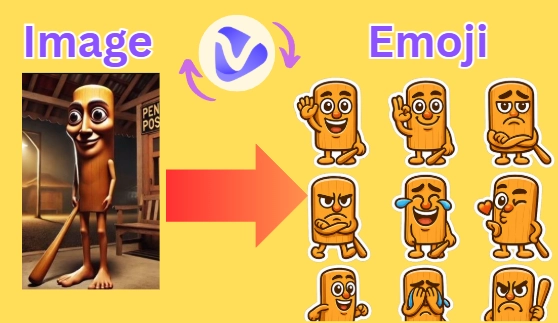
Bylo.ai is an AI innovative tool that transforms a single picture to emoji combos in various classical emoji styles. The process is very simple: you simply upload a photo, provide some guidance (optional), choose the aspect ratio, tab the generation button, then the system will turn basic photos into varied and attractive emoji stickers.
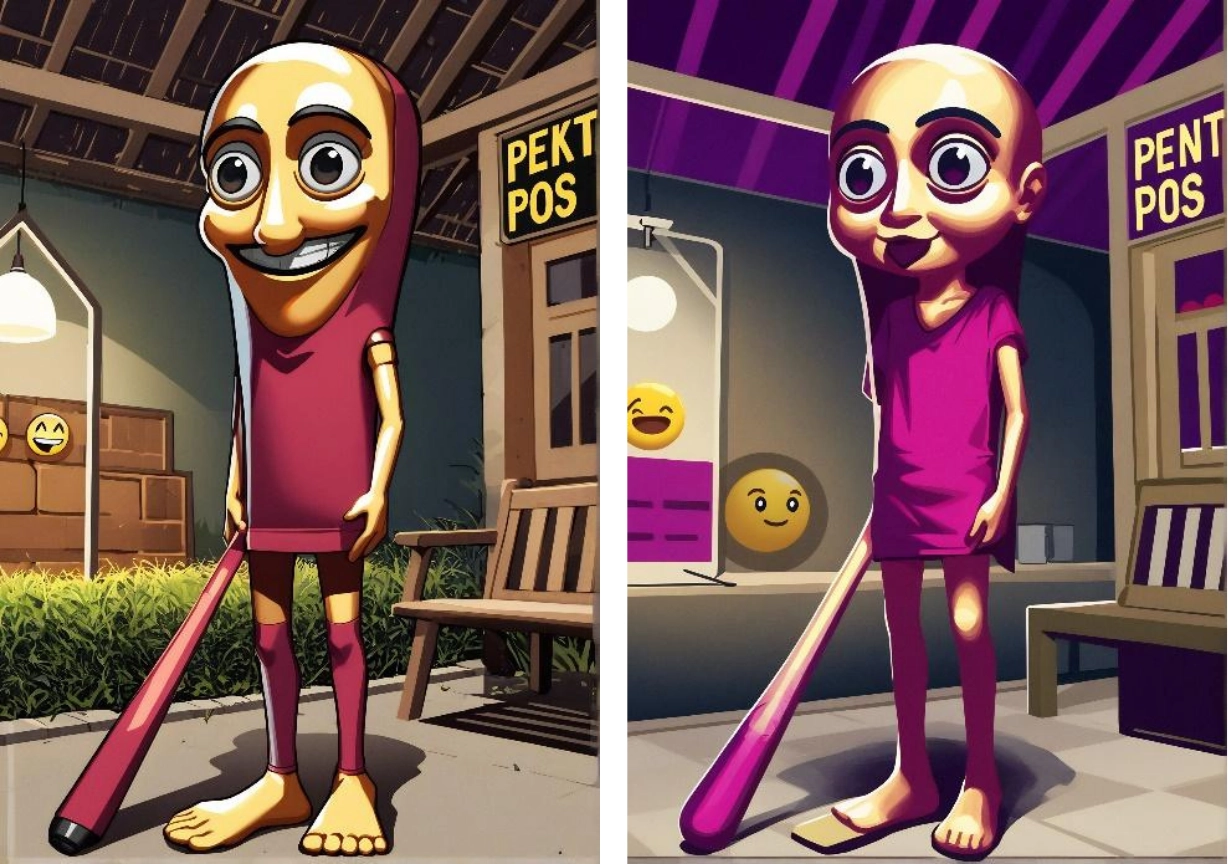
According to our trial, the tool makes a simple brainrot meme to nine emojis. Each emoji is consistently designed, expressing various emotions that are good for chatting.
Pros
- No sign-up needed.
- One image to emoji combo transformations.
- Generates emojis that are consistent with original input.
- Online converter for free photo to emoji changes.
Cons
- With watermarks covering generated emojis.
- There is no feature to separate emoji sets.
2. Vondy: Turn Any Photo to Classical Emoji
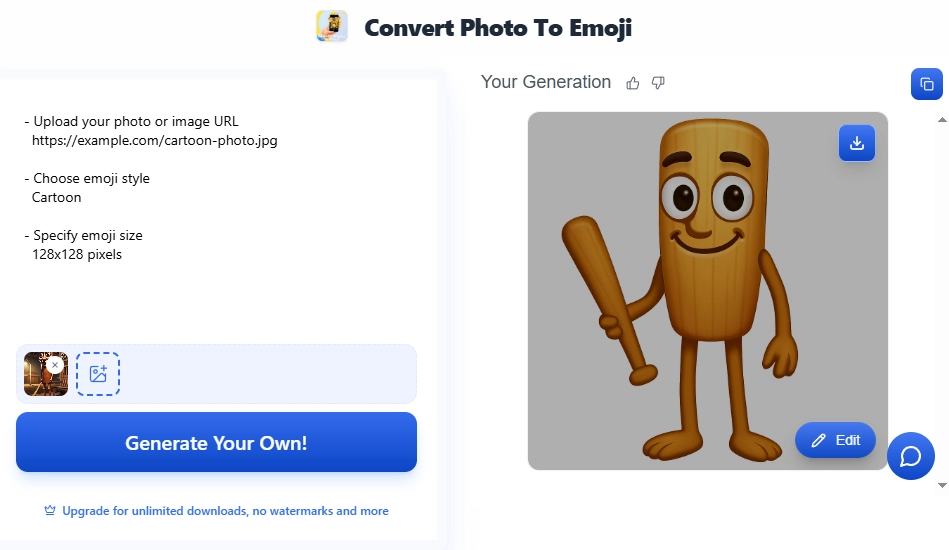
Vondy can convert photos to emojis by following your descriptions. So not only classic emojis, this tool can also generate other types of emojis according to your preferences. The process involves writing a prompt based on the desired outcome, uploading an image as a reference, selecting the emoji style, clicking the generate button, and waiting for the results.
Pros
- Allows further edits.
- Gives free daily trial.
- Precise picture to emoji conversion.
Cons
- Covers watermarks.
- Upgrade to download your generations.
- No batch image to emoji transformations.
>> Animate your emoji for fun interactions using AI!
3. Fotor: Convert Images to 3D Emoji Art
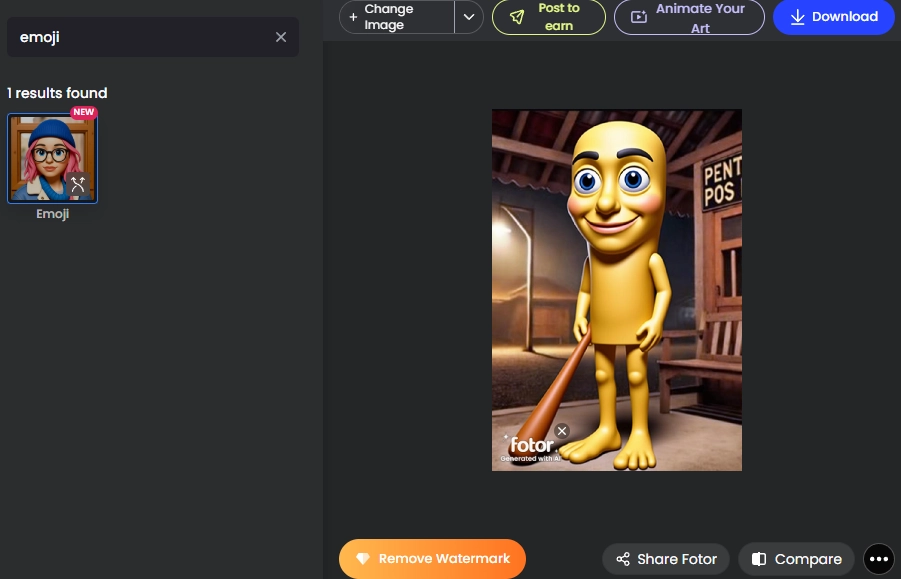
Fotor’s AI studio provides several types of image filters, which can make your picture into any creative style. So you can find and apply the “Emoji” filter to convert photos.
By clicking, the filter turns normal images into detailed and interesting 3D emojis. The whole process is a breeze! Start by uploading a photo in the Fotor editor. Then, select the emoji effect. Finally, you will get a perfect emoji in seconds!
Pros
- Free emoji downloading.
- Free photo-to-emoji transformation without sign up.
- Change the main character in images to emoji-style only.
Cons
- Covers watermarks.
- No batch conversion.
- HD downloading only for premium members.
4. Openart: Fast Conversion with Image to Emoji AI
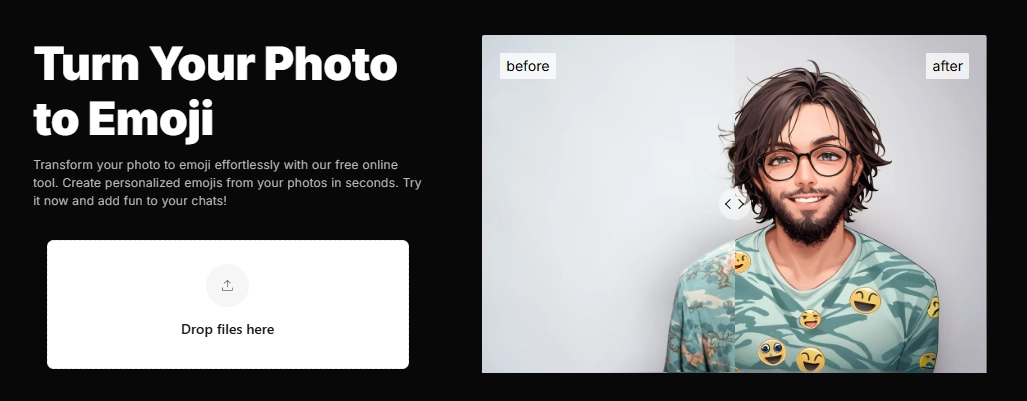
Using the OpenArt photo to emoji converter, you can easily turn images into emojis very quickly.
It does a tough change from image to emoji art. Complex photos will be converted into detailed emojis. It's very simple to use: just upload an image to the platform, apply the “Emoji” effect, adjust the creativity, determine how many emojis you want to generate, and the conversion is complete:
Pros
- Allows up to 32 emojis conversion.
- You can edit generated emojis for more fun effects.
- Quick processing on image to emoji transformations.
Cons
- Few free trials for new users.
- Not a natural image to emoji transformation.
- No prompt box to guide the detailed transformation.
5. EmojiImage: Make Quirky Emojis from Photos
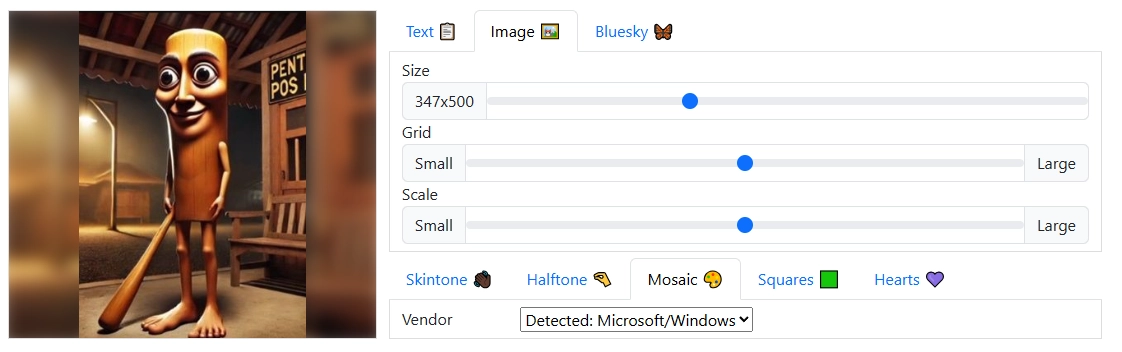
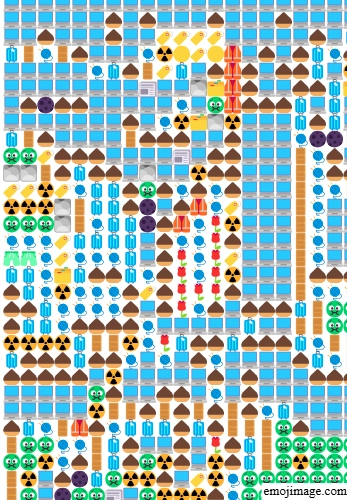
Unlike other image to emoji converters, Emojimage web-based tool works by converting images into icon-shaped emojis. It's easy to use: you just need to upload the image and the results will appear immediately.
This tool is more like an emoji translator, which is suitable for those who love image-to-emoji arts.
Pros
- No sign up needed.
- Very easy to turn images to emoji art.
- Real-time photo to emoji conversion.
Cons
- Not realistic emojis(looks more cursed?)
- Requires more space when sending these emojis in the chat box.
Bonus: Animate Your Emoji to Prank Your Friends with AI!
Talking with emojis is fun and exciting. But you can prank friends by using animated emojis, which makes your interactions more lively and memorable. Just like this gif:
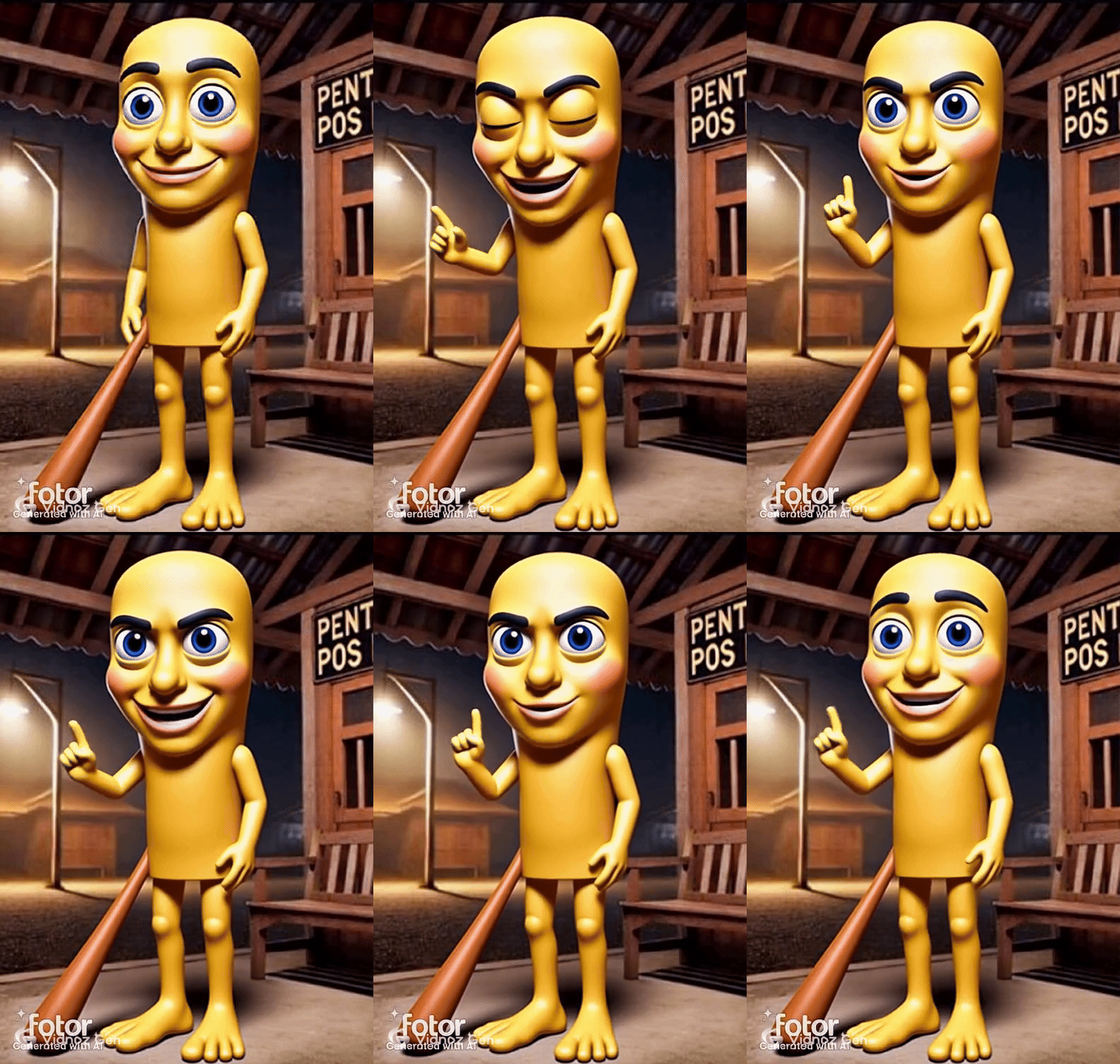
Yes, you can convert basic emojis to moving memes using AI animators. And you can find diverse tools on Vidnoz free AI video generator. It offers many AI features to make emojis moving, dancing, or even talking. Another worth-trying feature is the image-to-video AI, which you can animate emojis by applying fun effects.
Convert Image to Video AI Online - Free
- Create a video from an image quickly for free.
- Use various AI models to turn photos into videos.
- Download and share the AI-generated video at no cost.
Convert Image to Video
Conclusion
Using emojis when chatting online is common and can even release some social pressures(to some extent). But sometimes, those default emojis can’t really carry on your emotions. Then you can convert an image to emoji. The five AI converters above make the process simpler, and give you creative transformations.
And go further, if you prefer animated memes, you can make AI-transformed emojis move using Vidnoz AI. Turn any eye-catching photo to emoji and make your online talking more enjoyable right now!







![How Can You Make Your Own Emoji Online for Free [Full Guide to Do It]](https://www.vidnoz.com/bimg/can-you-make-your-own-emoji.png)