Having the right pronunciation of Hebrew is a major challenge to the learners, professionals and even travelers. The complex sounds and guttural letters usually cause frustration and lack of confidence. This guide will be used to demystify that process completely. Its categorization of the most useful tools based on their tested rankings and a vividly presented list of the top tools on the market gives users the power to locate the ultimate solution to their problems. Whether it is swift pronunciation tests or building up professional audio, the appropriate model of hebrew text to speech can alter your engagement with the language.
- On This Page
-
Types of Hebrew Text-to-Speech Tool
-
A Quick Look at the Best 6 Hebrew Text-to-Speech Tools
-
In-Depth Analysis of Top 6 Hebrew Text-to-Speech
Vidnoz AI Hebrew Text to Speech: Unlimitedly Free Access to Premium Hebrew Voices
ElevenLabs AI Hebrew Text to Speech: Infuse Emotion into Every Hebrew Sentence
Narakeet Hebrew Text to Speech: 54 Authentic Hebrew Authentic Voices & API Access
TTSFree. Hebrew (Israel) Text to Speech: Create with BGM & Fast Downloads
Google Translate Hebrew TTS, Instant Hebrew Pronunciation Checks
Microsoft Translator Hebrew TTS, Integrated Hebrew TTS for Business & Travel
-
5 Tips for Maximizing Your Use of Hebrew Text-to-Speech
Types of Hebrew Text-to-Speech Tool
It is a good idea to learn the scenery before immersing oneself in any particular tools. The solutions available in terms of Hebrew text to speech are usually of three different types and are used in various ways. First come Instant, Free Translators, such as Google Translate, which in addition to the main translation action provide instant pronunciation assistance as a side service. Second are Dedicated TTS Converters which concentrate on written text only and usually offer a greater range of AI text effects than simple translators. Lastly, Advanced AI-Powered Services are the future, which employs smart algorithms to create highly natural and expressive speech, perfect to create a piece of content.
A Quick Look at the Best 6 Hebrew Text-to-Speech Tools
Here is a comparative snapshot of the top contenders in the realm of text to speech in hebrew, providing an at-a-glance overview to help you start your search.
|
|
Platform
|
Voice Naturalness
|
Cost
|
Best For
|
|
Vidnoz AI
|
Online, Desktop, Mobile, API
|
Excellent
|
Free
|
Learning, Content Creation
|
|
ElevenLabs AI
|
Online, API
|
Excellent
|
Freemium/Paid
|
Creative Projects, AI Voices
|
|
Narakeet
|
Online
|
Good
|
Paid
|
Video Production, API Access
|
|
TTSFree
|
Online
|
Fair
|
Free
|
Quick Tasks, Adding BGM
|
|
Google Translator
|
Online, Mobile
|
Good
|
Free
|
Instant Checks, Travel
|
|
Microsoft Translator
|
Online, Mobile
|
Good
|
Free
|
Business, Integrated Use
|
In-Depth Analysis of Top 6 Hebrew Text-to-Speech
After extensive testing, we've compiled detailed reviews of each top-tier tool. This analysis will help you understand the nuances, strengths, and weaknesses of each platform, ensuring you can make an informed decision for your specific hebrew text to speech requirements.
-
Vidnoz AI Hebrew Text to Speech: Unlimitedly Free Access to Premium Hebrew Voices
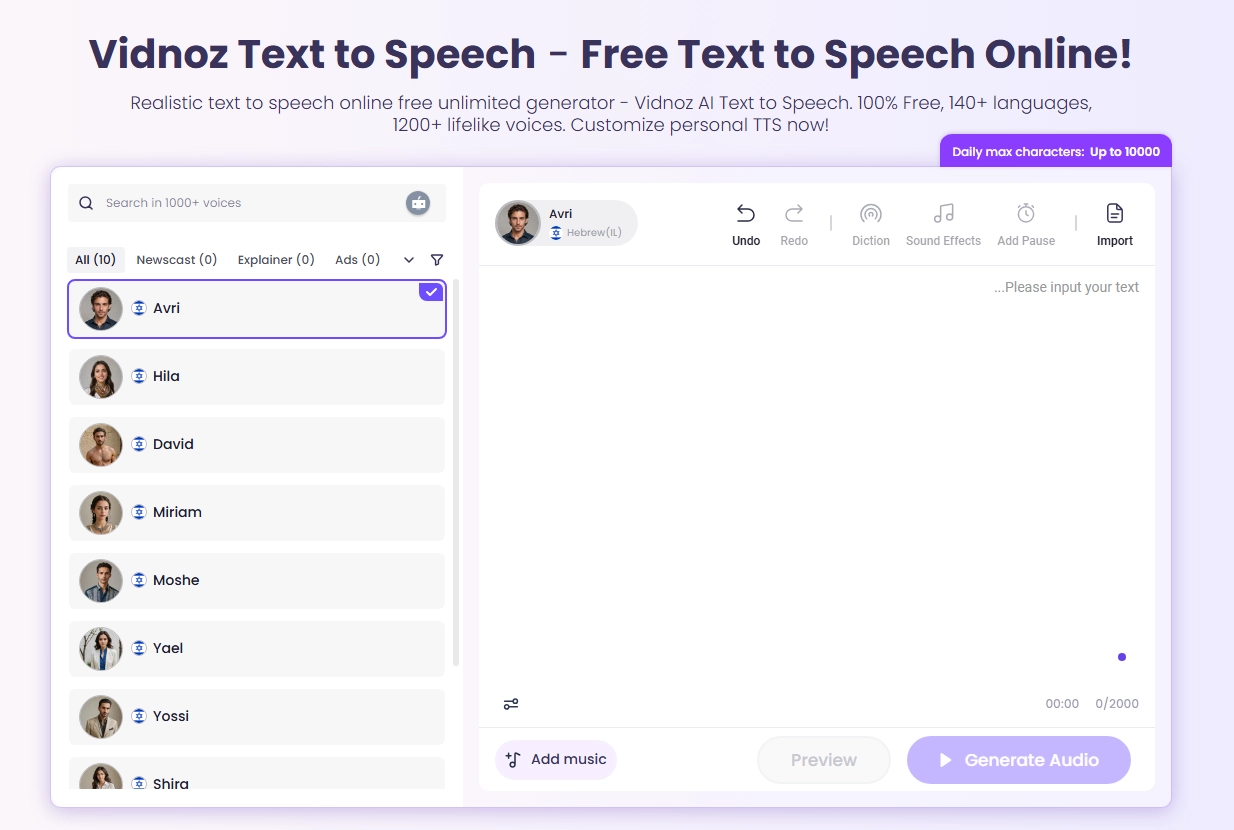
This free AI video generator Vidnoz AI has Hebrew Text to Speech feature, it stands out as a comprehensive and entirely free online solution that delivers high-quality audio, making it an excellent choice for both learning and content creation that needs hebrew languages.
Key Feature
- Offers a surprisingly broad selection of natural-sounding Hebrew voices.
- Completely free to use without restrictive usage limits.
- Supports multiple platforms, including online access, desktop, mobile, and API support for developers.
- Provides a user-friendly interface that simplifies the text to speech hebrew creation process.
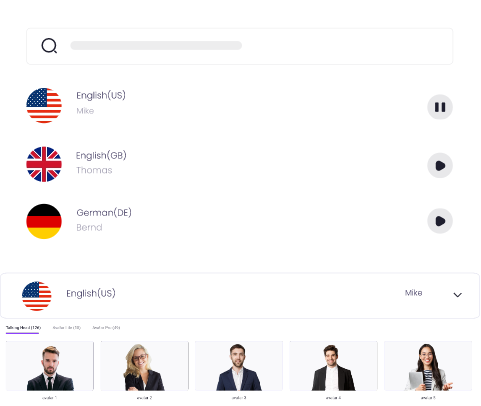
Create Text-to-Speech AI Voices - FREE
Make natural voice text to speech in various languages, accents, and ethnicities. Try it free now!
Cost: Vidnoz AI Text to Speech is 100% free to use.
Steps of Creating Natural Hebrew Text-to-Speech with Vidnoz AI
Step 1. Navigate to the Vidnoz AI Text to Speech webpage and paste your Hebrew text into the input box.
Step 2. Select your preferred Hebrew voice from the available options and adjust parameters like speech rate or pitch if desired.
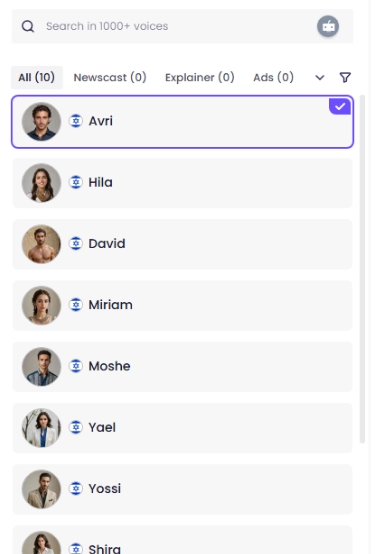
Step 3. Click the "Generate" button, and within seconds, you can preview and download your high-quality MP3 audio file.
-
ElevenLabs AI Hebrew Text to Speech: Infuse Emotion into Every Hebrew Sentence
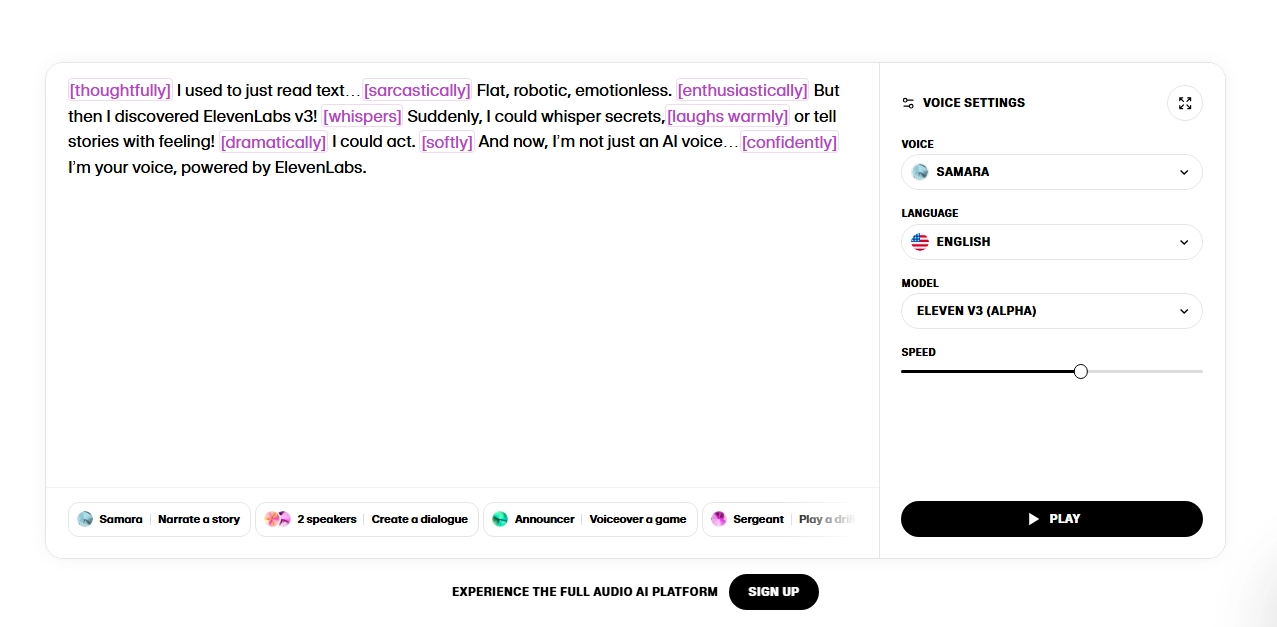
ElevenLabs is a leader in AI-generated speech, specializing in producing incredibly expressive and human-like Hebrew text to speech audio that captures subtle emotional intonations.
Key Feature
- Unmatched voice realism and the ability to fine-tune emotional inflection like a relaxing or sad text to speech.
- Powerful Voice Lab feature allows for cloning and creating unique Hebrew voices.
- Contextual awareness ensures correct pronunciation of homographs based on sentence structure.
- Offers a generous free tier to test its capabilities.
Limitations to Consider:
- The free tier has a character limit; extensive use requires a paid subscription.
- The advanced features have a steeper learning curve compared to simpler tools.
- Primarily focused on speech generation, without translation features.
Cost: Freemium model with a free plan. Paid subscriptions start at $5 per month for greater capacity.
-
Narakeet Hebrew Text to Speech: 54 Authentic Hebrew Authentic Voices & API Access
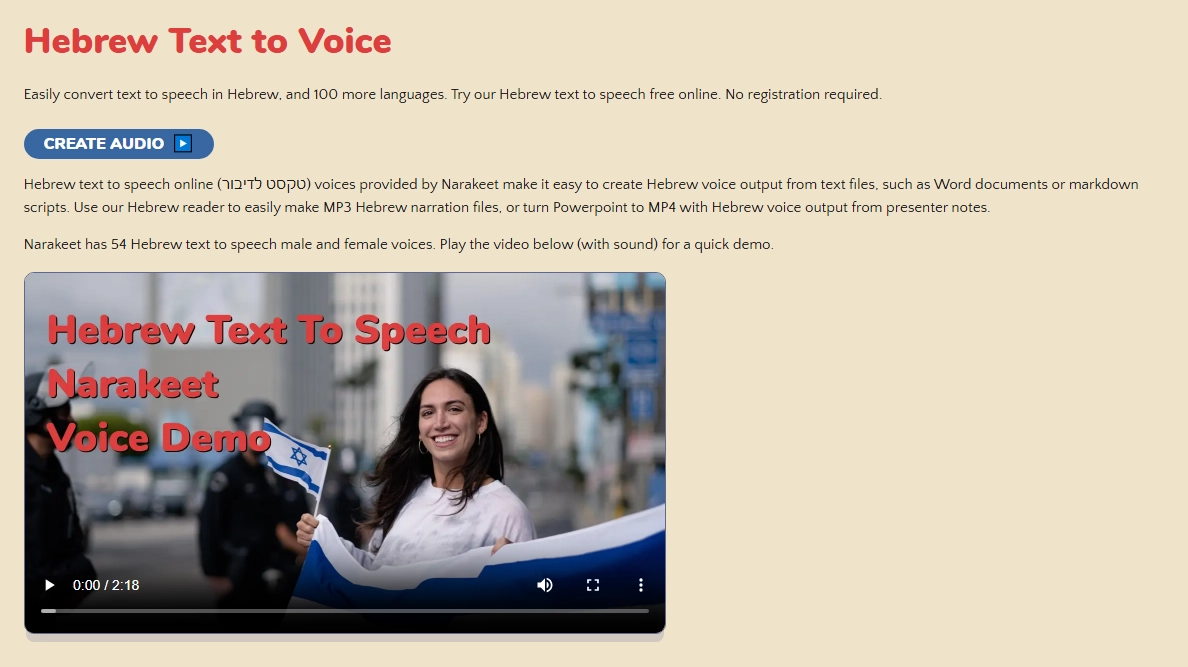
Narakeet is a text to speech online free unlimited platform designed for video creators, offering direct text to speech in hebrew synchronization with video editing and a vast library of Hebrew voices.
Key Feature
- Boasts a selection of 54 distinct and authentic-sounding Hebrew voices.
- Integrates text-to-speech directly with video creation workflows.
- Provides API access for developers to automate audio and video production.
- Supports batch processing of scripts, saving significant time.
Limitations to Consider:
- Operates on a credit-based system, which can become costly for large projects.
- Lacks a permanent free plan, only offering a temporary trial.
- The interface is geared more towards production than quick, simple audio generation.
Cost: Paid, credit-based model. $0.20 to $0.40 per audio or video minute, with a free trial available.
-
TTSFree. Hebrew (Israel) Text to Speech: Create with BGM & Fast Downloads
-text-to-speech.webp)
As the name implies, TTSFree is a straightforward, no-cost online tool that provides basic hebrew screaming text to speech AI conversion with some unique extras like background music.
Key Feature
- Completely free and requires no account creation.
- Unique feature to add background music (BGM) to the generated speech.
- Offers fast processing and instant download of audio files.
- Simple, clutter-free interface ideal for quick tasks.
Limitations to Consider:
- Voice naturalness is less polished than AI-powered competitors.
- Customization options for speech parameters are limited.
- May contain advertisements due to its free nature.
Cost: Free.
-
Google Translate Hebrew TTS, Instant Hebrew Pronunciation Checks
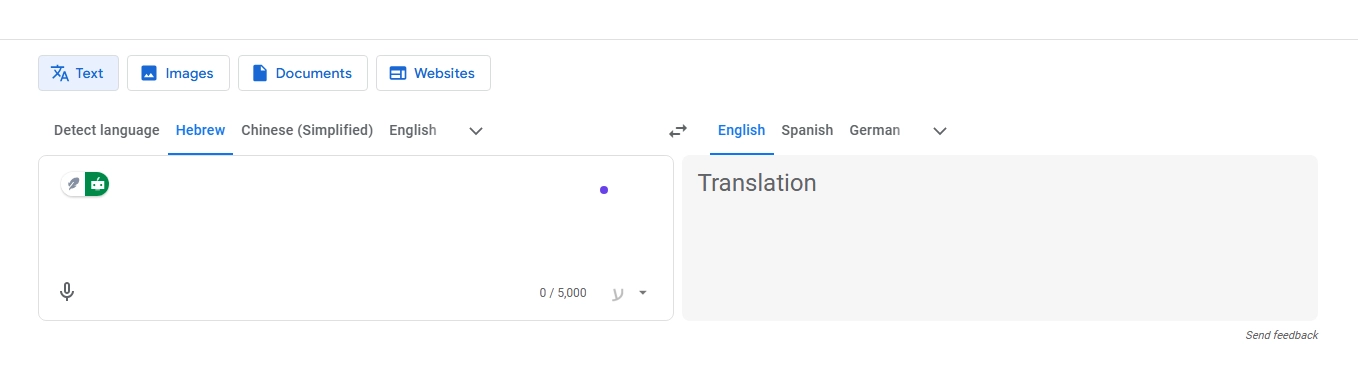
The google translate hebrew text to speech function is the most accessible tool for millions, perfect for on-the-fly pronunciation verification and language learning.
Key Feature
- Instantly available and completely free.
- Deeply integrated with a powerful translation engine.
- Excellent for checking the pronunciation of individual words or short phrases.
- Available as a mobile app for use anywhere.
Limitations to Consider:
- Lovers of control will find limited voice options and no customization for speech style or emotion.
- The audio output can sound robotic, especially for longer paragraphs.
- Not designed for downloading or creating reusable audio files for projects.
Cost: Free.
-
Microsoft Translator Hebrew TTS, Integrated Hebrew TTS for Business & Travel
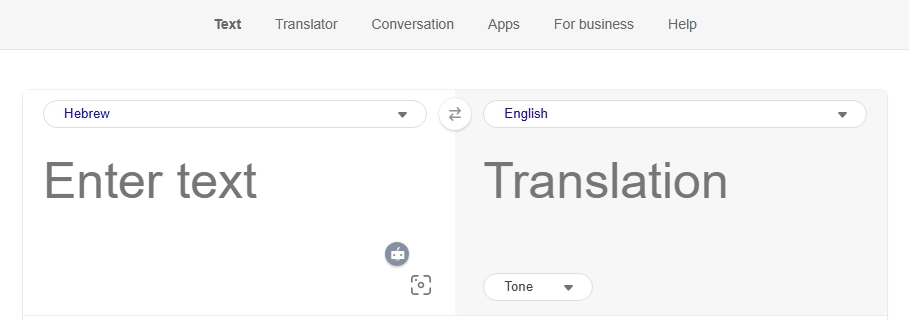
Similar to Google's offering, Microsoft Translator provides a reliable google translate hebrew text to speech alternative, often integrated into business and enterprise applications.
Key Feature
- Seamlessly integrated into the Microsoft ecosystem (Office, Edge browser).
- Offers a conversation mode, which is highly useful for travel and business meetings.
- Provides robust and accurate pronunciation for a translator-based tool.
- Also completely free to use.
Limitations to Consider:
- Like its competitor, it offers minimal voice customization and lacks natural expression.
- The primary focus is translation, with TTS as a supporting feature.
- Not suitable for generating audio content for videos or podcasts.
Cost: Free.
5 Tips for Maximizing Your Use of Hebrew Text-to-Speech
Simply generating audio is one thing; creating effective and natural-sounding speech is another. These tips will help you get the most out of any hebrew text to speech AI platform.
- Test Voices With Complex Hebrew Phrases. Don't judge a voice on simple text. Use a phrase containing guttural letters (like ח, ע, ר) and common words to truly assess clarity and naturalness.
- Structure Text With Commas or Pause for Natural Flow. Insert commas or use the "add pause" feature available in advanced tools. This prevents the speech from sounding like a continuous, robotic run-on sentence.
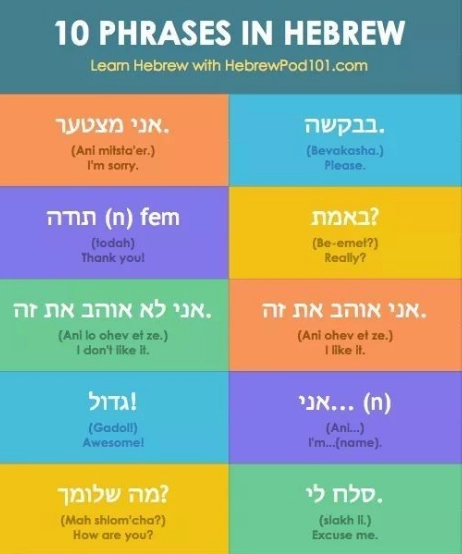
- Add Vowel Points to Clarify Ambiguous Words. Many Hebrew words are written without vowels (nikud). If a tool mispronounces a word, adding vowel points to your source text can often force the correct pronunciation.
- Adjust Speed - Slower for Learning, Faster for Listening. When learning, a slower playback speed helps you catch every syllable. For listening to content you're familiar with, a faster speed can be more efficient.
- Always Check Commercial Licensing Before Public Use. If you plan to use the generated audio in a YouTube video, podcast, or commercial product, always verify the tool's licensing terms to ensure you have the right to use the voice commercially.
Conclusion
It's no longer difficult to navigate the world of Hebrew text to speech. There is a tool for every need and price, ranging from the handy rapid checks offered by Google and Microsoft translators to the emotional depth of ElevenLabs and the limitless, high-quality access to Vidnoz AI. The secret is to decide which option best suits your main objective, whether it be learning, content production, or rapid translation. Don't let difficulties with pronunciation stop you from succeeding. Take advantage of the power of spoken Hebrew by selecting one or two tools from this list.