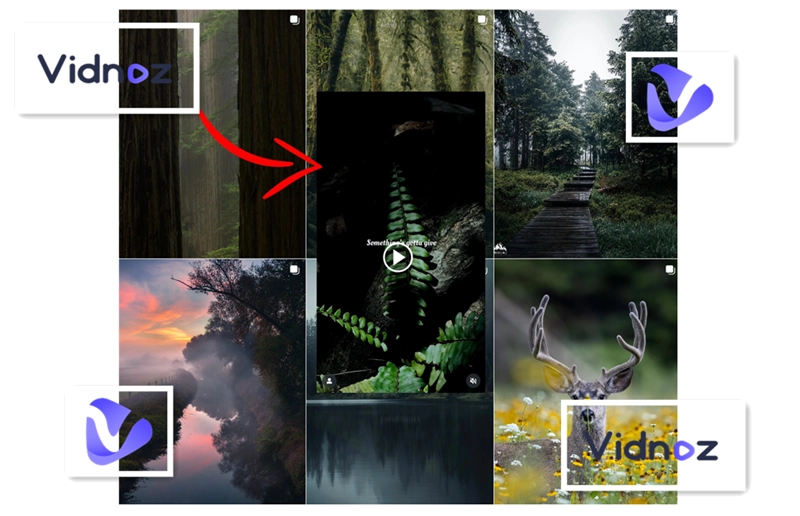
Whether you want to make a promotional video for your brand or protect your brainchild from being stolen, add logo to your video is meaningful. This tutorial lets you know how to add logo to video for free with a versatile video editing platform that serves both PC and mobile users.
- On This Page
How to Add Logo to Video on PC?
Vindoz is a free and handy online video editor and generator. With this website-based AI video editing platform, you can access tons of video and image resources, add audio and transition to your clips and of course adding logos to your videos. Please read on to see the short tutorial below.
Step 1. Click the button below to navigate to Vidnoz.
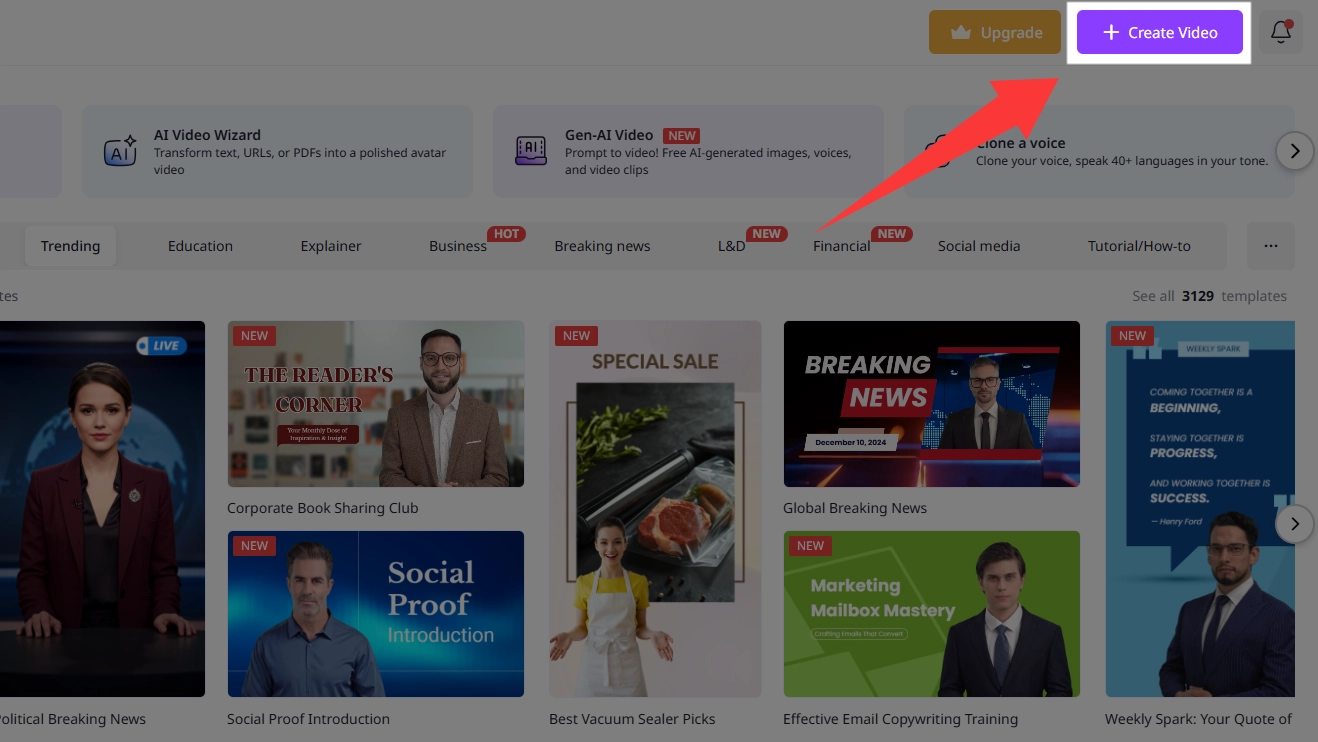
Step 2. Hit the ‘Create Video’ button and upload your Video.
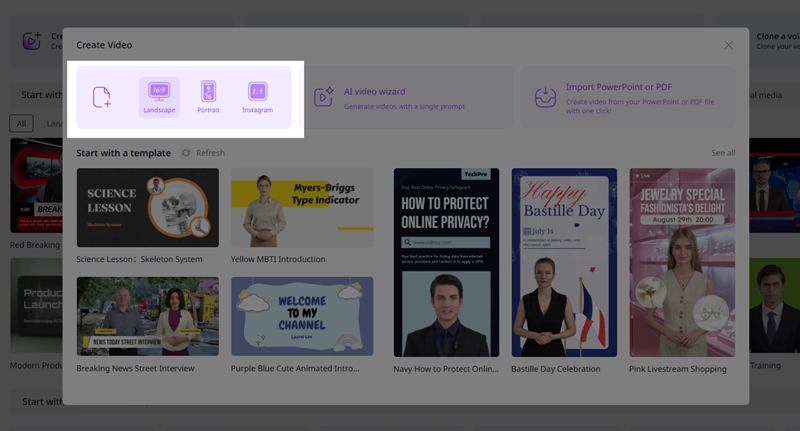
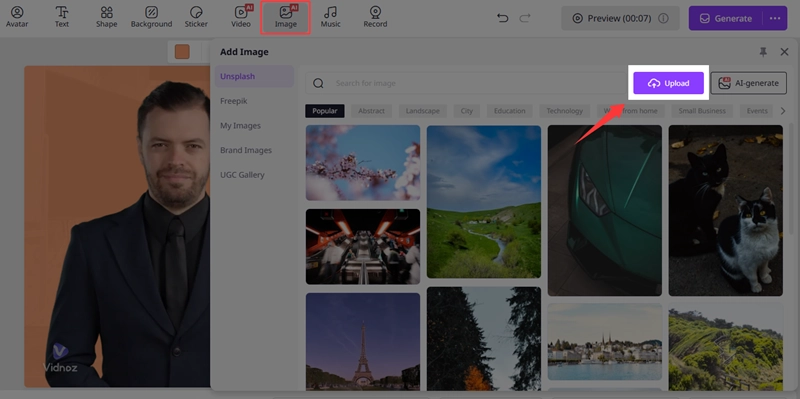
Step 3. From the pop-up canvas, please hit the following buttons in sequence to upload your logo.
Image > Upload > Your Logo Image.
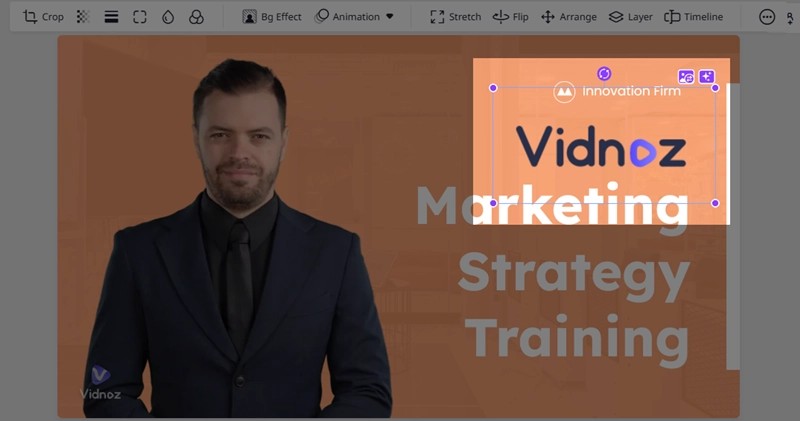
Here, the editor uploads a transparent company logo to the video and adjusts its position to make sure no important video content is covered by this logo.
By the way, if you don’t know how to make your logo transparent, you can use Vidnoz’s AI image remover to make the background transparent.
Click to use: Vidnoz AI Image Remover >>>
Step 4. Generate this video. And the logo will be firmly embedded on your video.
How to Add Logo to Video on iPhone and Android?
Vidnoz allows users to edit their videos in a 9:16 aspect ratio, which suits their phones. And to achieve this goal, no app needs to be downloaded; just head to Vidnoz’s online canvas, and the task can be done in minutes.
Step 1. Hit the button below to navigate to Vidnoz.
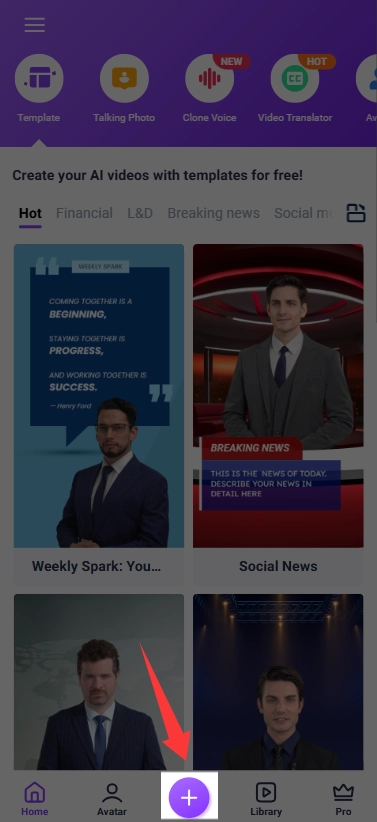
Step 2. Hit the “+” button to upload your video.
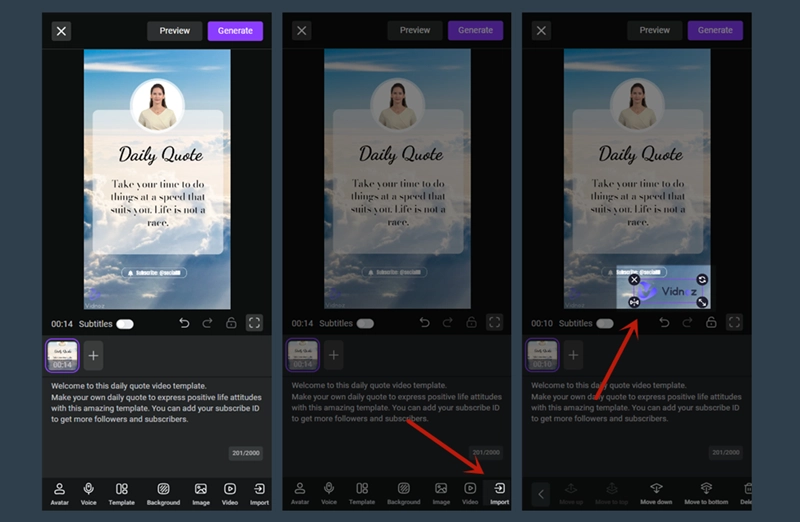
Step 3. Find the ‘Import’ button, click on it, and upload your logo.
Step 4. Generate your video.
Conclusion
How to add logo to video? Vidnoz is a quick and free solution for you to do this manual editing. The workflow is easily executed whether on PC or mobile. Follow the guidance above to add texts, icons, and signatures to your videos and protect your copyright. Please feel free to try it.

Vidnoz AI - Create Free Engaging AI Video with Talking Avatar
- Easily create professional AI videos with realistic avatars.
- Text-to-speech lip sync voices of different languages.
- 2800+ video templates for multiple scenarios.





![How to Add Effects on a Video: Filters, BG Effects, Animations [Full Guide]](https://www.vidnoz.com/bimg/how-to-add-effects-on-a-video-online-free.webp)