Modern AI voice tools do more than just speak words; they express emotion. One of the most powerful use cases is grief. With the right tool, you can now generate emotional, moving voiceovers using sad text-to-speech. There’s a raw, human quality to how these voices portray sadness.
Wondering how to get that deep, emotional voice without hiring a professional actor? You’re not the only one. This post will introduce you to 5 amazing tools that let you create sad text-to-speech audio easily and affordably. With these advanced text-to-speech readers, you can generate sad and emotional voiceovers in no time.
If you're ready to explore the most expressive and realistic voice generators online, keep reading.
- On This Page
-
Hear and Feel Sad Text to Speech Voices’ Sorrow
-
5 Best Tested Sad Voice AI Text-to-Speech Converters
Online Text-to-Speech with Emotions
-
How to Create a Surreal Sad AI Voice Online for Free?
-
Effective Tips for High-Quality Sad AI Voice Generation
Hear and Feel Sad Text to Speech Voices’ Sorrow
Before we dive into detailed reviews, let’s take a moment to feel the difference. These sad AI voice tools are designed to do more than just speak; they emote. They describe exactly what a person is feeling. Below are 3 voice examples we’ve gathered using top-rated sad voice generator platforms.
Sad Text to Speech Example 1:
Sad Text to Speech Example 2:
Sad Text to Speech Example 3:
5 Best Tested Sad Voice AI Text-to-Speech Converters
You've now seen how sad text-to-speech can add emotion to your content. Now, let’s break down the top tools for producing expressive, human-like voices. These 5 sad voice generator platforms are trusted, easy to use, and deliver strong results for voiceovers and storytelling.
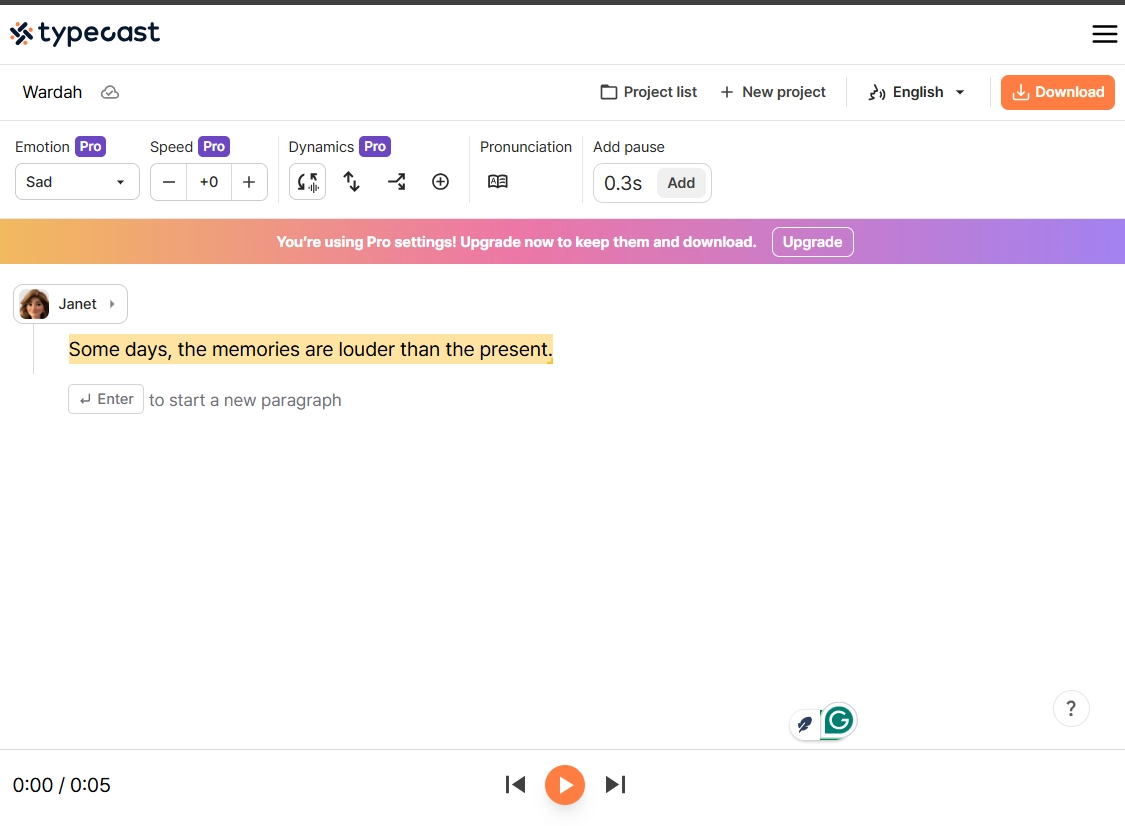
Typecast
With realistic tones and emotional tuning, Typecast is a strong choice for creators aiming to produce sad and expressive text-to-speech voiceovers easily.
Plus Points:
- Emotion Slider: Users have control over sadness levels, allowing for more emotionally detailed voice delivery.
- Wide Voice Library: Offers over 600 voices, many with built-in sad AI voice presets.
- SSFM Technology: Uses advanced modeling to mimic emotional speech patterns.
Minus Points:
- Limited Free Access: Most emotional presets require a paid plan.
- Complex UI: May feel overwhelming for beginners.
- Export Restrictions: Downloading voice-overs requires a subscription.
Vidnoz Text to Speech
If you're aiming to express emotion through audio, Vidnoz Text-to-Speech is an excellent sad voice AI generator. It offers high-quality voice outputs that sound truly emotional, perfect for storytelling or creative work. Alongside this, Vidnoz supports unique features like angry text-to-speech and scary text-to-speech for more creative flexibility.
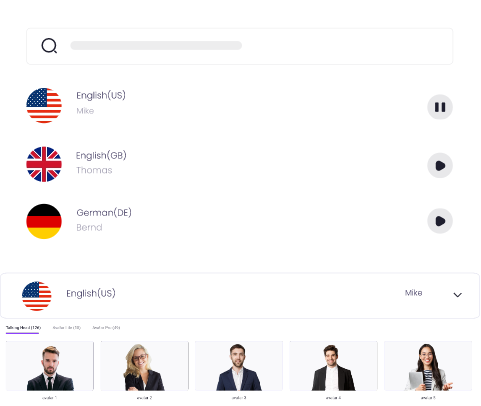
Create Text-to-Speech AI Voices - FREE
Make natural voice text to speech in various languages, accents, and ethnicities. Try it free now!
Main Features
- Lifelike Sad AI Voices Ready for Use: Its realistic emotional tones make Vidnoz perfect for sad text-to-speech projects like poetry, grief stories, or sad-themed reels.
- 20+ Sad Voices Available: Access a library of 20+ voices crafted to convey sorrow and sadness, adding emotional depth to your projects.
- Create Free Voices for Worldwide Reach: Offers multilingual AI support, making it easy to produce sad AI voices accessible to users worldwide at no cost.
- Quick & Easy Sad Voice AI Generation: No downloads or complicated setups; just paste your text and generate sad voiceovers in seconds.
Online Text-to-Speech with Emotions
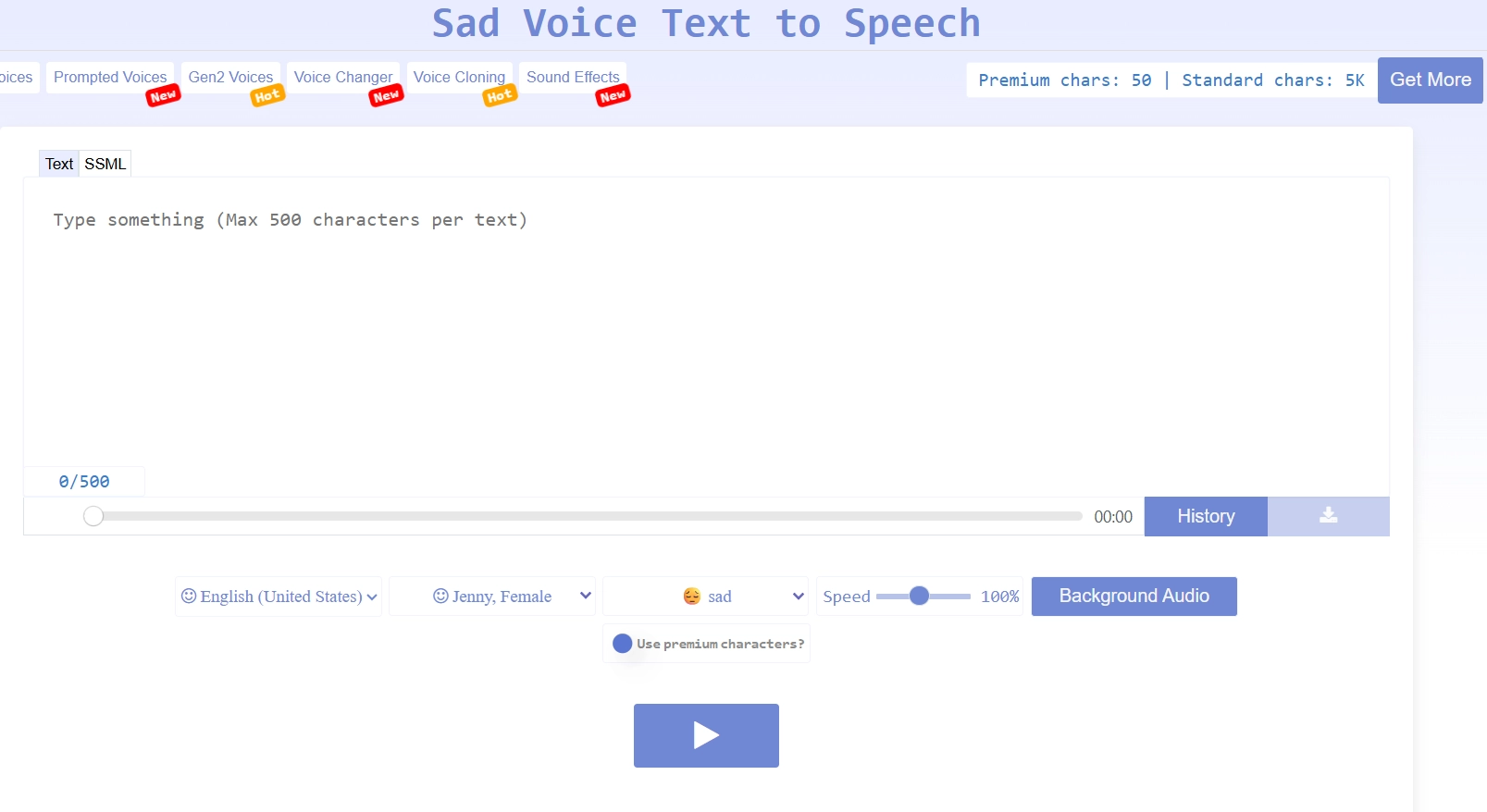
Online Text to Speech with Emotions is a lightweight web-based tool that offers basic yet effective sad voice TTS generation. You can select the “sad” emotion from a dropdown and hear emotionally tuned audio within seconds.
Plus Points:
- Quick Emotion Application: You can toggle between voice emotions, including text-to-speech sad, with one click.
- Fast Playback & Download: Audio is ready in seconds, making the workflow efficient.
- Free Premium Trial: Users receive 1,000 free premium characters daily to test realistic voices.
Minus Points:
- Voice Choices Are Basic: Only a few voices sound genuinely sorrowful or humanlike.
- Usage Limitations: Free daily limit can be restrictive for regular creators.
- Not Ideal for Pro Work: The tool lacks the studio-level realism needed for high-end projects.
ElevenLabs
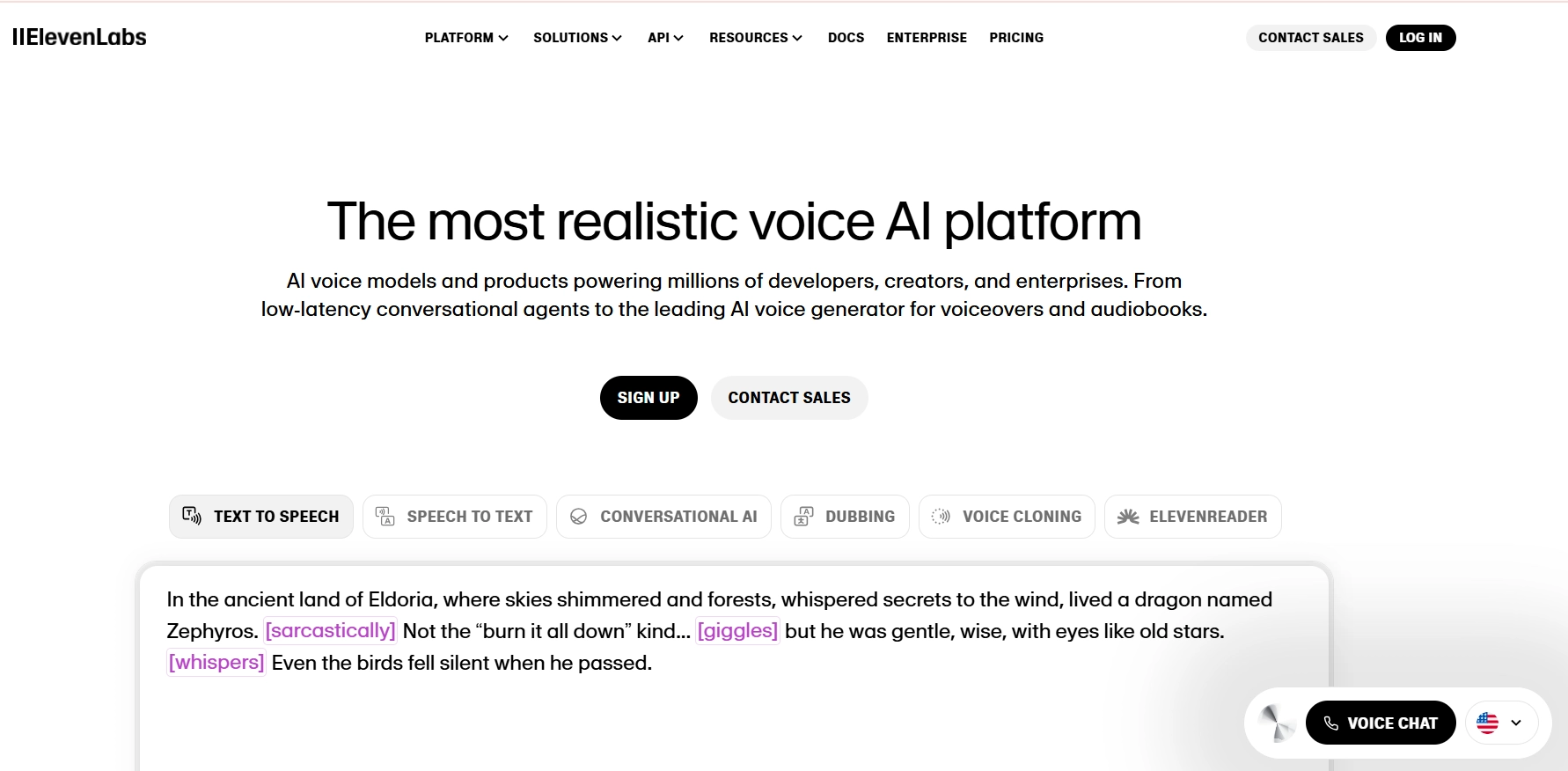
With powerful neural synthesis, ElevenLabs creates text-to-speech sad voices perfect for emotional storytelling, voiceovers in films, or deep narrative moments.
Plus Points:
- Emotional Depth & Clarity: The sad AI voices convey emotion with layered tone and pacing.
- Custom Voice Training: Upload samples to clone voices that express sadness in a personalized style.
- Fast & Scalable Output: Supports batch processing for projects needing multiple sad voice TTS clips.
Minus Points:
- Limited Monthly Free Quota: The free plan only includes a few minutes of emotional audio output.
- Variable Sadness Expression: Emotion depth isn’t equal across voice presets—some sound more neutral.
- Premium Features Locked: Full access to sad voice features requires a subscription.
Voxify
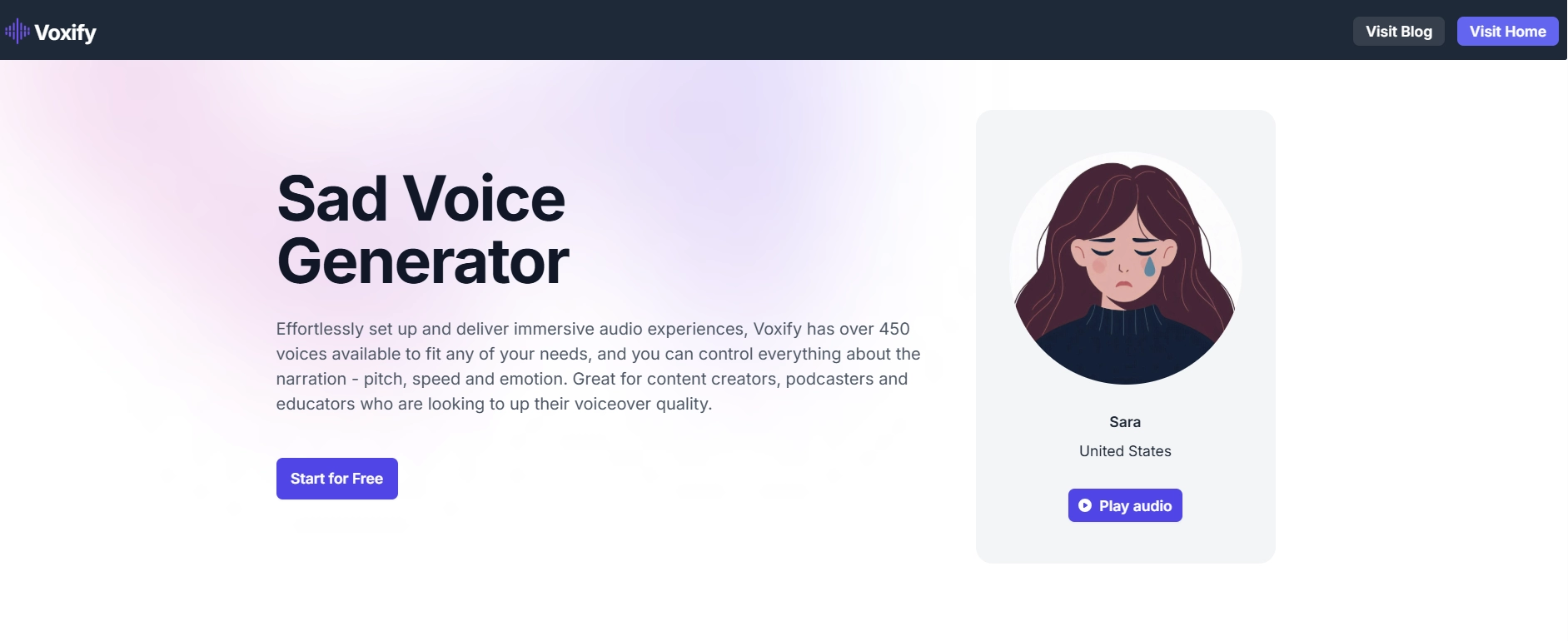
Voxify excels in sad voice TTS, making it ideal for creators focused on emotionally deep audio. With its voice variety and control features, this text-to-speech reader offers a strong position in the emotional AI voice space.
Plus Points:
- Humanlike Sad Voices: Crafts lifelike sad voices with a melancholic feel, thanks to detailed rhythm and tone balance.
- Diverse & Emotional Voices: 450+ voices indicate users have multiple options for creating subtle, tear-jerking vocal outputs.
- Ideal for Creative Projects: Perfect for filmmakers or podcasters looking to generate sadness without hiring voice actors.
Minus Points:
- No API in Free Plan: Advanced users may be disappointed that API access is not included unless on a premium plan.
- Some Voices Sound Too Smooth: A few of the voices feel slightly robotic when expressing prolonged sadness.
- Usage Limits on Basic Tier: The free version includes voice limits that may interrupt longer emotional projects.
How to Create a Surreal Sad AI Voice Online for Free?
Want to turn written words into emotionally rich audio without expensive tools or voice actors?
Powered by neural text-to-speech, Vidnoz delivers emotional voiceovers that sound convincingly human, especially in its sad tone options. Whether you're creating emotional scenes, storytelling content, or AI video voiceovers, using a sad voice AI generator like Vidnoz Text to Speech can bring authentic sorrow to your script. Here's how to generate a free sad AI voice online in just a few simple steps.
Step 1. Visit Vidnoz TTS
Visit Vidnoz Text-to-Speech to start generating a sad AI voice from Text-to-speech.
Step 2. Enter Your Text
Paste your script or message into the input box. Keep it simple or add dramatic context to emphasize sadness.
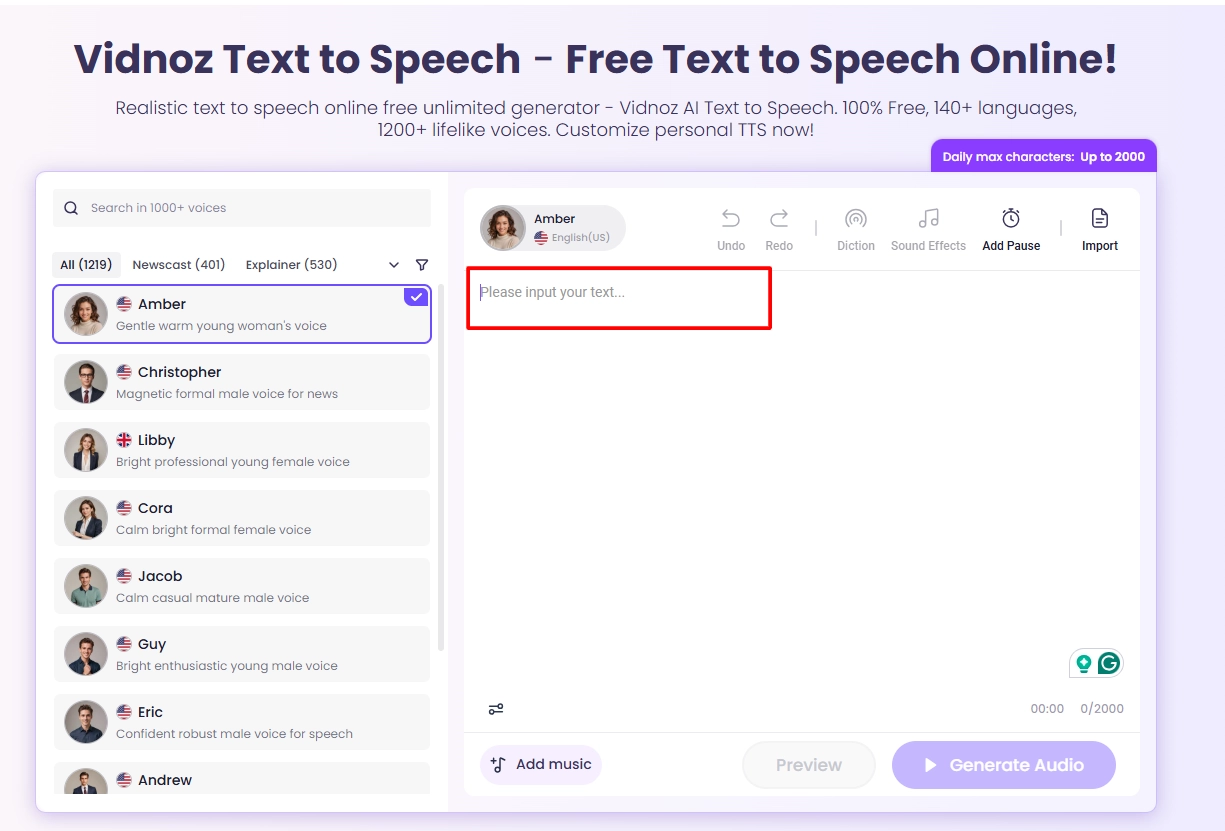
Step 3. Select a Sad Voice AI Tone
Choose from over 20+ emotional voices. Pick one with a sorrowful tone for a truly sad text-to-speech experience.
Step 4. Preview and Download
Click the play button to preview the voice, then hit download to save your AI-generated sad voice for free.
You May Like: How to Make Sad Face & Crying Face Online >>
Effective Tips for High-Quality Sad AI Voice Generation
Achieving a realistic sad AI voice requires more than just selecting a tool. It’s all about shaping the right emotional tone through subtle tweaks. Here's how you can get the best outcomes:
- Choose an Expressive Sound
Select a voice from the sad voice generator library that naturally conveys sorrow or emotional heaviness.
- Lower the Pitch Moderately
A slightly deeper pitch often makes the voice sound more melancholic and grounded.
- Add Subtle Tone Changes
Introducing small variations in tone throughout the speech brings a more human-like emotional flow.
- Adjust Pacing and Emphasis
Slowing down the delivery and emphasizing key emotional words helps convey sadness authentically.
- Keep Volume Levels Soft
A lower volume gives the voice a gentler and more sorrowful quality.
Conclusion
Whether you’re working on a sad short film, voice-over, or AI storytelling project, using a reliable sad text-to-speech voice generator online can make a huge difference. Vidnoz AI provides lifelike sad voiceovers with easy-to-use tools and access from anywhere.
Don’t just read about it; try Vidnoz AI now and give your projects a voice that truly moves people.
Create Text-to-Speech AI Voices - FREE
Make natural voice text to speech in various languages, accents, and ethnicities. Try it free now!





![5 Best Free Text to Speech Translators [Sites and Apps]](https://www.vidnoz.com/bimg/cover-of-text-to-speech-translator.webp)