When you have ever found yourself listening to a beat, background track or sound effect and wished it could simply continue repeating, you understand the importance of a good audio looper. It can be a podcaster who requires a consistent background sound, a musician who needs to create repetitive tunes or a person who wants to loop audio on the internet in conjunction with a video or a presentation; the correct tool is all that matters.
This article will discuss what an audio looper is, how to loop audio step-by-step, the five best free audio loopers on the market today along with some that have more advanced features such as AI audio loop capabilities and online convenience. Let's dive in.
- On This Page
-
What is an Audio Looper?
-
How Audio Looper Works?
-
How to Loop Audio – Step-by-Step Detailed Guide
Step 1: Choose the right online audio looper tool.
Step 2: Upload your audio file or record audio.
Step 3: Trim the part you want to loop.
Step 4: Adjust the setting and preview the audio.
Step 5: Download the audio and share with friends.
-
Best 5 Audio Loopers Online & Apps to Make Seamless Loops
VEED Audio Looper: Online Audio Looper With Video
Record+Loop: Totally Free Online Audio & Music Looper
Kapwing: Easily Loop Audio Tracks in Seconds
Audio Looper+ (iOS): Easy to Use Audio Looper on iOS Device
Loop Player (Android): Loop Audio on Android Device
-
Bonus: Transform Any Audio to Podcast with Vidnoz AI
How to use Vidnoz AI Podcast Generator:
What is an Audio Looper?
Audio looper enables you to repeat any section of an audio such as music, voice or effects and thus creates a continuous flow of the piece. It works best with background sound, musical loops or beat loops.
The modern tools also have the capability of AI audio looper which automatically identifies the point of sound which should start and stop so as to make a perfect loop. This implies that you can quickly loop audio without touching a technical editing program and upload your file and leave the software take care of the rest to create a flawless seamless cycle.
How Audio Looper Works?
An audio looper records a short sound phrase and plays it back repeatedly, letting musicians layer parts in real time. You press record to capture a phrase, then the loop plays on a fixed length while you add new recordings on top. The device automatically synchronizes timing so layers stay in rhythm. Some loopers allow AI overdubbing, undo, and separate tracks with different volumes or effects. They can be pedals, software, or hardware units. Audio loopers make it easy to build rich arrangements alone, experiment with harmonies, or practice parts by looping tricky sections repeatedly. Many audio loopers include simple tempo and beat-sync controls.
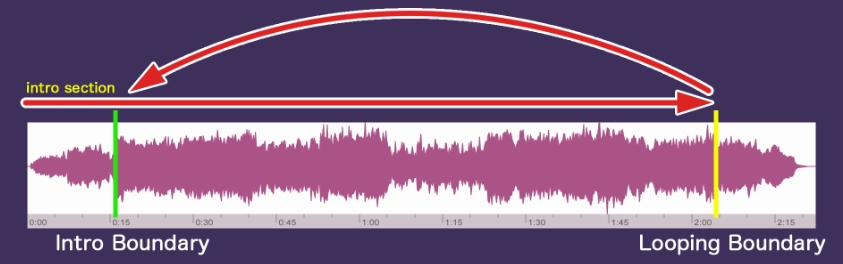
Image from exceed7.com
How to Loop Audio – Step-by-Step Detailed Guide
At this point, you are all prepared to literally loop audio yourself with a web-based audio looper. These are the steps to be used to ensure that your loop audio sounds are smooth.
Step 1: Choose the right online audio looper tool.
Find a tool that is compatible with your file format and allows you to define the number and length of loops as well as provide previewing.
Step 2: Upload your audio file or record audio.
Drop your MP3/WAV/etc. file (or record audio straight into the tool, as long as it provides the option) into the online tool.
Step 3: Trim the part you want to loop.
The trimming controls will help to choose the specific part you want to repeat. You may have the software propose loop boundaries, if you are working with an AI audio looper.
Step 4: Adjust the setting and preview the audio.
Enter a repeat times value, or define the maximum run-time. Then press the preview button and press to hear. Ensure that the loop is smooth and that there is no sudden jump at the point of ending of one cycle.
Step 5: Download the audio and share with friends.
When you feel satisfied with your loop audio, select the "Export" button or the "Download" button. Use the save button (usually MP3 or WAV), and then you can embed it within the video, presentation, game audio, podcast background or otherwise share it online.
By following these five steps, you could have easily created a loop audio track on an online tool or audio looper.

Vidnoz AI - Create Free Engaging AI Video with Talking Avatar
- Easily create professional AI videos with realistic avatars.
- Text-to-speech lip sync voices of different languages.
- 2800+ video templates for multiple scenarios.
Best 5 Audio Loopers Online & Apps to Make Seamless Loops
You have known how to loop audio, now here are five of the best tools to get it going each with strengths of its own and most when it comes to loop audio, the AI audio loop or AI audio looper features.
-
VEED Audio Looper: Online Audio Looper With Video
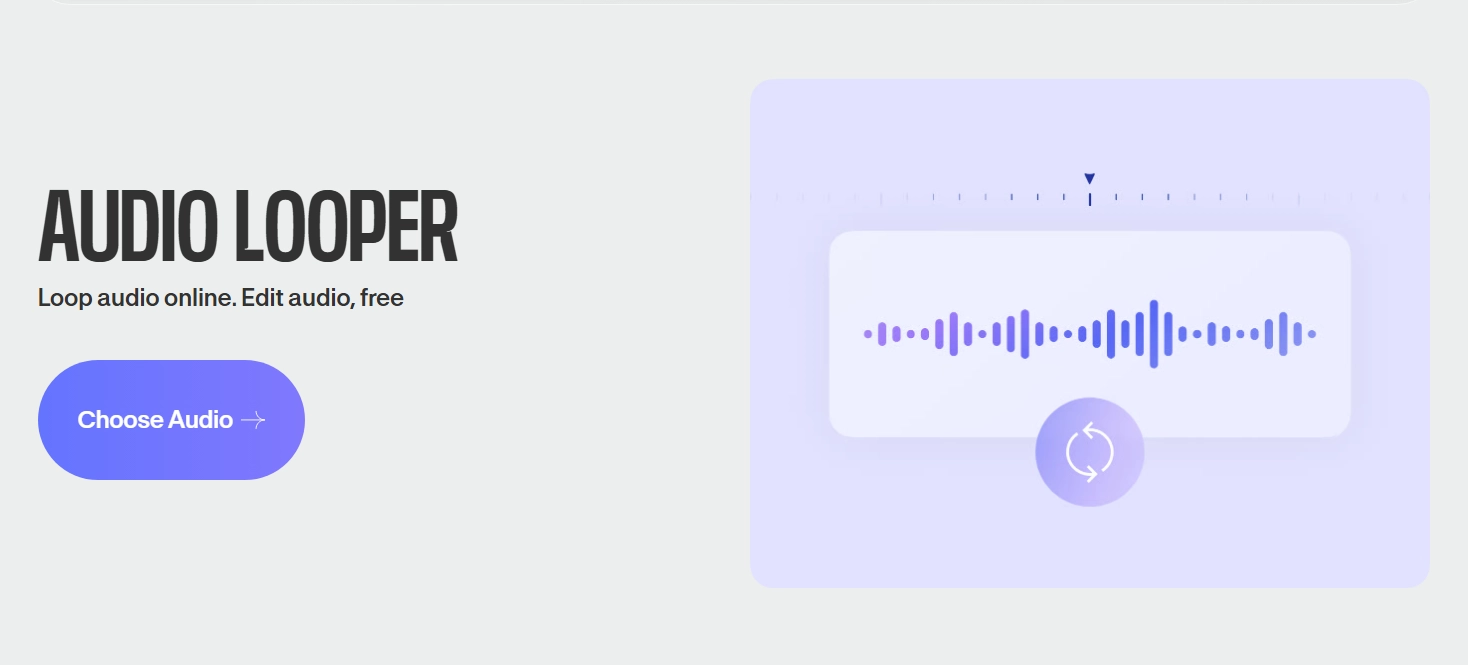
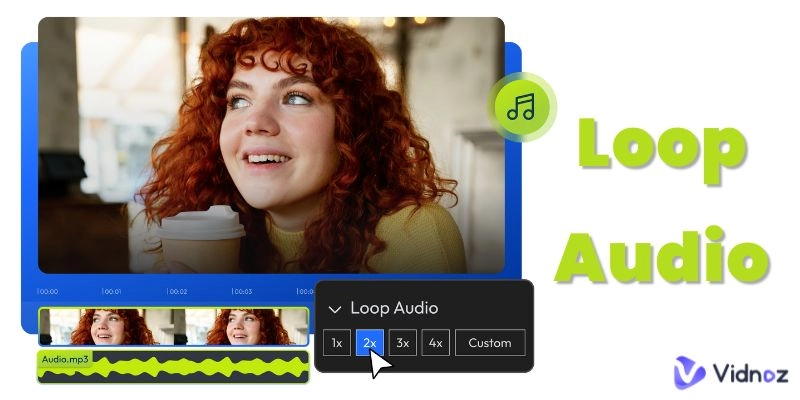
The free audio looper offered by VEED is more than easy to operate: all you have to do is upload the audio, repeat it in the timeline and save the replicated outcome. Seeing as it also handles video editing you can add loop audio to pictures. Veed also provides MP3 split features, so you can trim your audio freely without any limitation.
Pros
- No download required, works fully online.
- Supports multiple formats (MP3, WAV, etc) and includes editing tools such as speed change and clean audio.
- Ideal for creators who also work with video.
Cons
- Free version may include watermark or export limitations.
- Upload speed can be slower for larger audio files.
- Some advanced audio features may require paid upgrade.
-
Record+Loop: Totally Free Online Audio & Music Looper
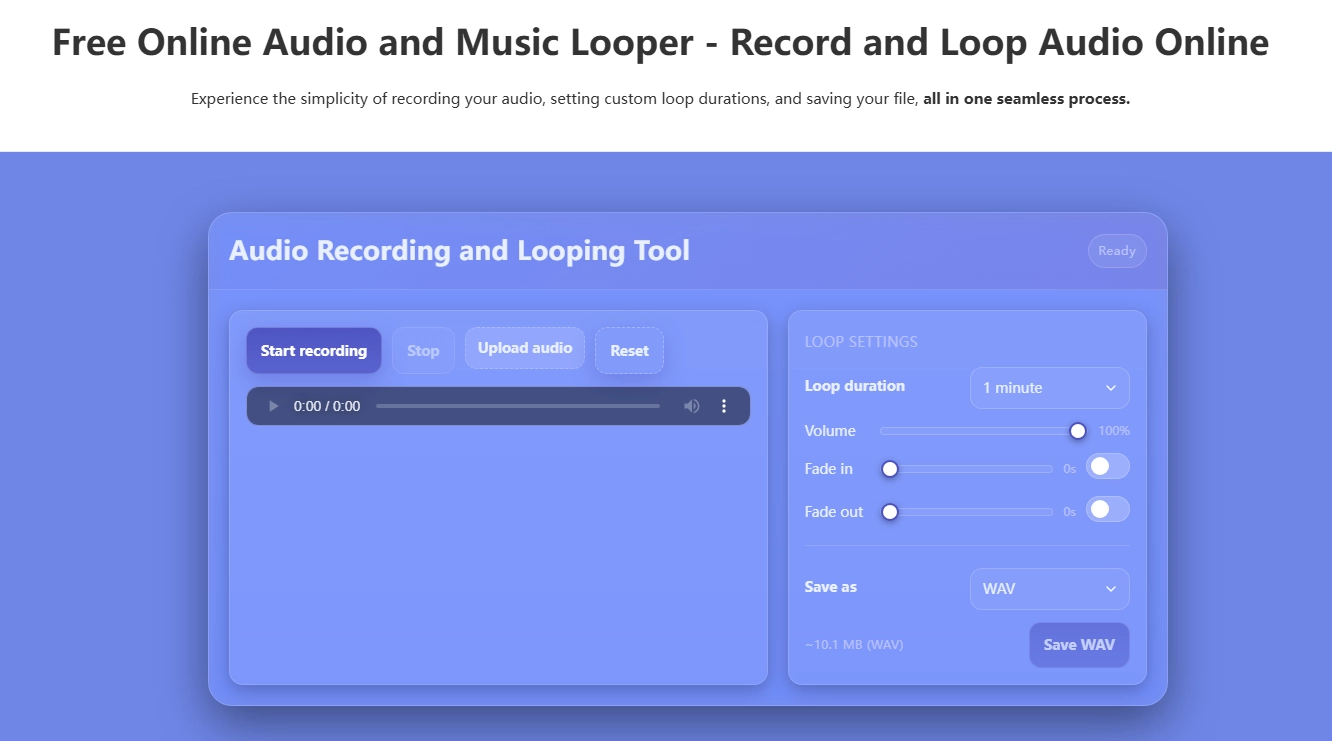
Record+Loop is designed with a simple form and looping convenience: you are able to listen to make text to speech to MP3, record or upload audio, set loop length, and introduce fades and volume effects, and generate an export, all at no-cost.
Pros
- No sign-up required, 100% free.
- Set custom loop durations (1 min, 5 min, 1 hour).
- Exports to WAV or MP3 directly.
Cons
- Limited editing beyond looping and basic controls.
- Fewer advanced features compared to full editors.
- The simplicity means less flexibility for fine-tuned loops.
-
Kapwing: Easily Loop Audio Tracks in Seconds
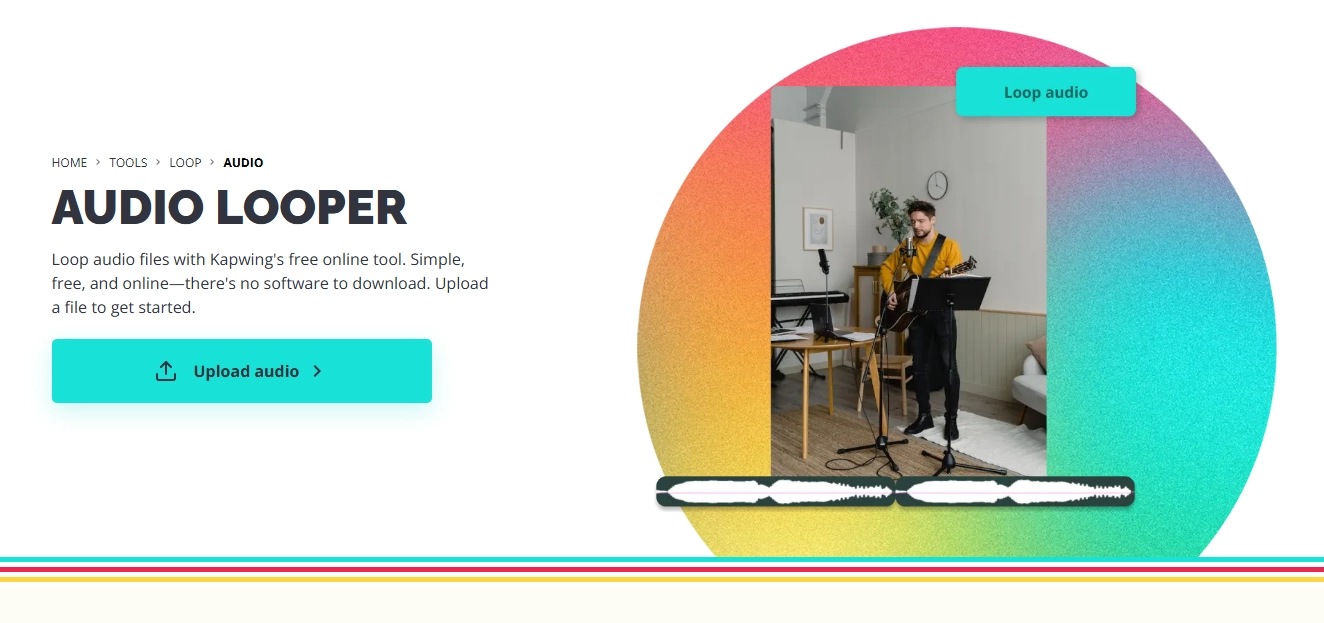
Kapwing is an online loop audio online, thus providing a simple interface: upload, duplicate clip, export, etc. all at a quick pace.
Pros
- Extremely fast for simple loops; no heavy tools required.
- Also, able to clean audio, trim, merge, useful for multi-track loops.
Cons
- Free version may have limitations on export quality or duration.
- Less advanced loop detection like AI auto-loop.
- Works online only; larger files may lag.
-
Audio Looper+ (iOS): Easy to Use Audio Looper on iOS Device
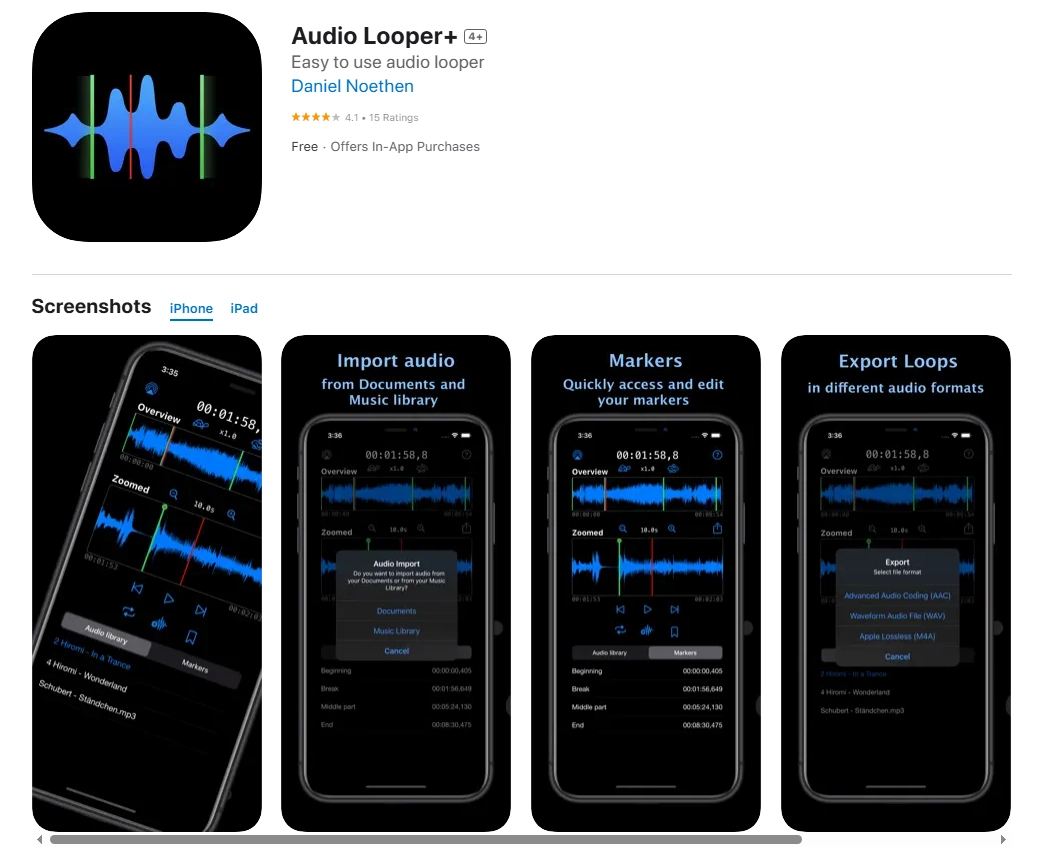
Audio Looper+ provides a native iOS loop creation experience to mobile users who want to create audio loops on the go: importing, loop selection, repeat loop, export. What’s more, you can use this AI voice recorder to loop the audio in no time.
Pros
- Mobile-friendly; works on iPhone/iPad.
- Good for live recording loops or quick mobile edits.
Cons
- iOS only; no web or Android version.
- May have in-app purchases or limited free functions.
- Less granular control than full desktop tools.
-
Loop Player (Android): Loop Audio on Android Device
-loop-audio-on-android-device.webp)
Loop Player is an android app that allows the repetition of tracks: choose a loop section in any audio track, save or create playlist loops.
Pros
- Android support; convenient for users on mobile.
- Great for ambient loops, repetition of background tracks or practice loops.
Cons
- Focuses more on playback looping rather than creation/export of looped files.
- Less editing capability; not a full audio editor.
- Free version may include ads or limited features.
Vidnoz AI - Create Free Engaging AI Video with Talking Avatar
- Easily create professional AI videos with realistic avatars.
- Text-to-speech lip sync voices of different languages.
- 2800+ video templates for multiple scenarios.
Bonus: Transform Any Audio to Podcast with Vidnoz AI
When you have perfected your loop audio, or made repeated tracks, then you can even turn your work into a full-fledged podcast. Having a set of tools in the form of AI audio looper, and using looped backgrounds, you can create an AI audio loop-based podcast easily by using an AI audio loop-friendly podcast generator.
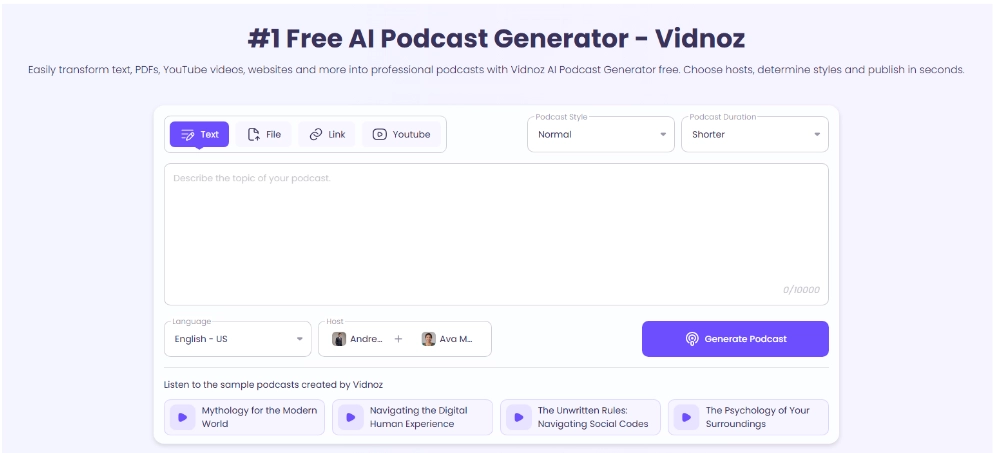
Vidnoz AI Podcast Generator is an all-in-one free solution: this free AI video generator also provides assist you in creating podcasts using AI by entering a script, voice-over, background kind of loops, and exporting it to be published.
Key Feature
- AI voice generation, automatic editing and background music.
- Seamless integration of looped audio tracks you create with audio looper tools.
- Free tier available, export ready for distribution.
How to use Vidnoz AI Podcast Generator:
Step 1. Upload or write your podcast script and voice track.
Step 2. Import your loop audio (background music or ambience) and align with your dialogue.
Step 3. Allow the AI to mix, trim, and export and download your podcast file and release.
And with this combination, you loop audio and then feed it as a looping background into an entire podcast that was made using the Vidnoz AI. It is a strong toolkit of content creators.
The Bottom Line
You can just try to loop audio, or make repeating background sounds, or construct an entire podcast using AI audio looper and audio looper tools, and you are not lacking in free choices. Whether it is an online application such as VEED and Kapwing or a mobile app such as Audio Looper+ and Loop Player, you are at your fingerprints to loop audio or to create an AI audio loop. When you have looped your audio, go a step further and match your looped audio with an AI audio loop-aware podcasting site like Vidnoz and create some content that shines. Use those tools now and make reality out of your repetitive audio thoughts.







![How to Create Music Beats with Professional Beat Makers & AI [Beginner’s Guide]](https://www.vidnoz.com/bimg/how-to-create-music-beats.webp)