Turn still images or text into dynamic videos in any style, with leading AI models readily. Try the smart AI video generator now - stunning, free, and instant!
AI Historical Video | Bring the Past to Life with AI Within Minutes
Rebecca Carr
Updated on
SHARE THIS POST
Experience history through the lens of AI. Our AI historical video tool brings your unexplainable ideas into visually appealing content.
People love to watch something creative and historical, which gives them a new perspective on how they understand the world systems. Every informational video has its significance, with historical videos being particularly noteworthy. As they’re setting a new trend with millions of views, recently, a content-based channel has gained over 200k subscribers from zero within a matter of months. Sounds interesting? It is!
Although producing a history video by conventional means is time-consuming and labour-intensive, the AI revolution has made this task much easier. With pixel-perfect accuracy, the historical AI videos stand out and compete with the manual work of editors. The algorithms can restore old photos into videos that capture years of transformations in mere seconds. That’s why it’s a top pick for educators, filmmakers, and history buffs, making the user experience nearly real.
Do you want to learn how to use an AI historical video tool like a pro and create a battlefield scenario in seconds? Here in this blog, we’ll explore this in detail. So, let’s go.
On This Page
What is AI Historical Video Creation?
Easy Ways for AI Historical Video Generation in Minutes
All-in-One Historical AI Video Generator for Superior Visuals
How to Make Historical Videos with AI & Get Stunning Results? [Step-by-Step]
Quick Tips for Creating Stunning Historical AI Videos
Conclusion
What is AI Historical Video Creation?
If you think history videos are dull and dry, think again. Because in today’s era, these are more engaging, just like other forms of entertainment media. An AI historical video represents the years of history, maps and characters in a near-life way. You can input your existing data to refine it, or also command the tool to generate the whole visual representation automatically.
Thankfully, the latest algorithms are so smart that they produce AI historical figures accurately that can’t be challenged in terms of accuracy. Even if it’s a monument or the geographical difference, every aspect is precisely catered with a professional-grade output. Do you want some inspiration for testing or fun purposes? Try these and you won’t be disappointed at all.
AI Historical Video Example - Revive Historical Figures
AI Historical Video Example - Narrate Historical Stories
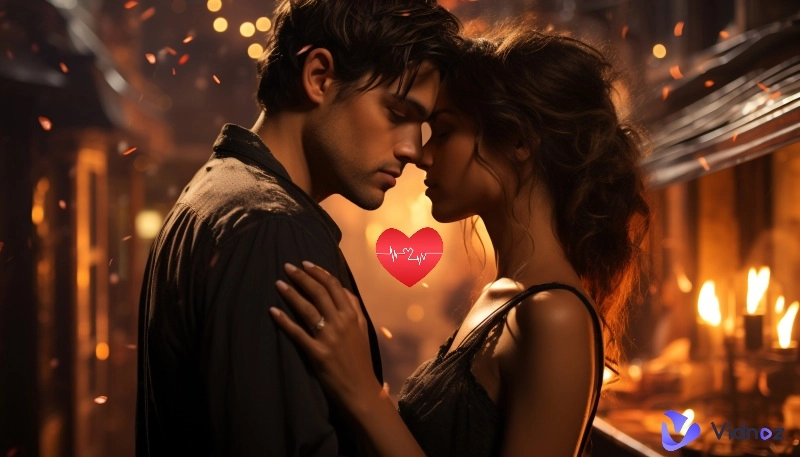
AI Historical Video Example - Simulate What-If Scenarios
Easy Ways for AI Historical Video Generation in Minutes
Well, you may think this project requires hours of effort and expert-level skill to produce something unique. Right? Not at all. Because we’re going to show you how you can make exceptional content within a matter of minutes without compromising the output quality. Whatever you demand, you can get the expected results in a matter of moments.
So, where to start? Vidnoz AI tools are here to help you and make your whole experience worthwhile. You can use them whenever you want, and they don’t demand any prior expertise as well.
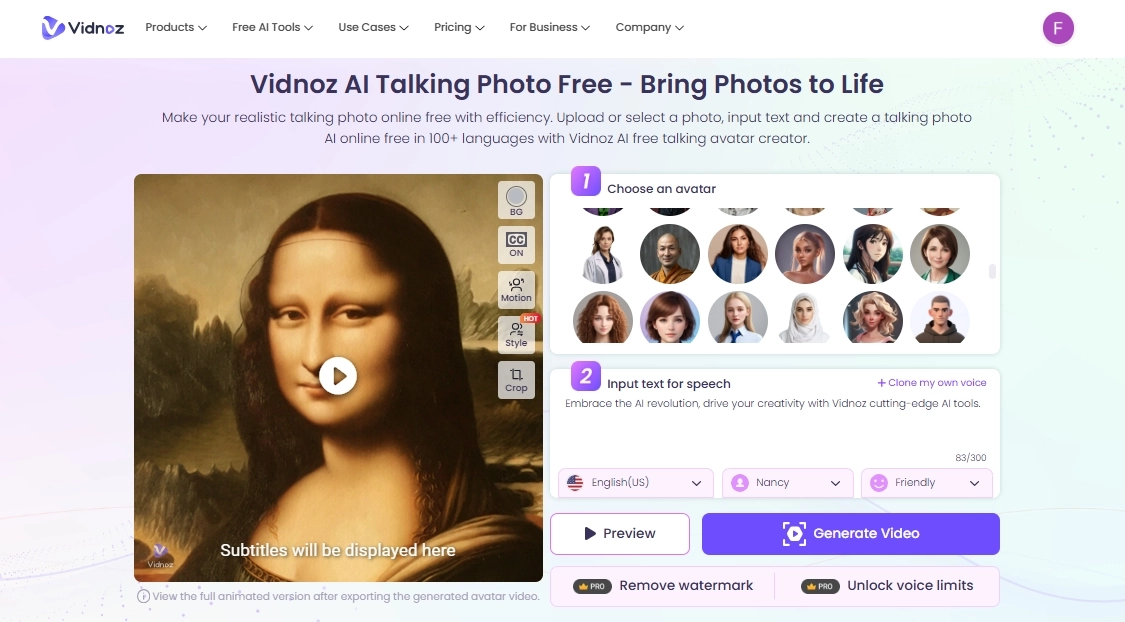
AI Talking Photo: Have some facts and figures that the character itself should tell? Why not try the talking photo tools with word-perfect lip sync and continuous flow of speech? You can use it by uploading a picture as input, and the character will speak the script. Then generate the mini-video in seconds and attach it to the rest of the video.
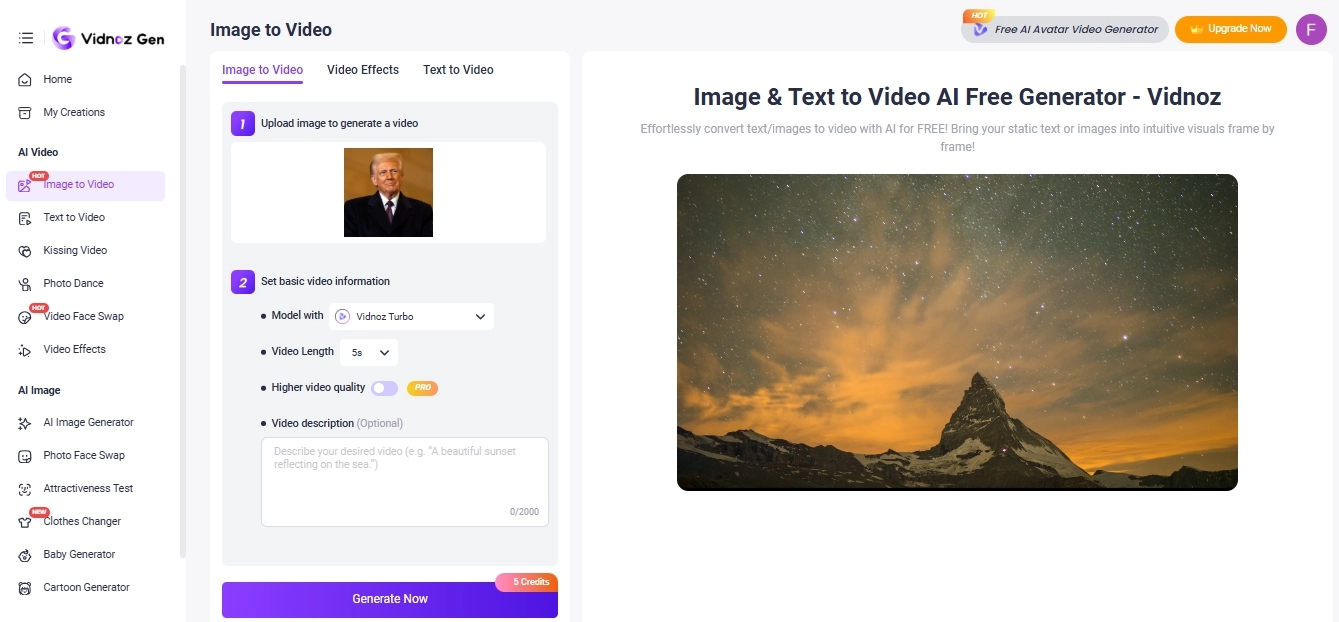
Image to Video AI:Don’t have the right clip for the video, but you have the picture? It’s enough, as you can animate an image into a video of seconds to seamlessly align with the context. Thankfully, you can command in detail, such as zoom in/out or even focus on a specific spot.
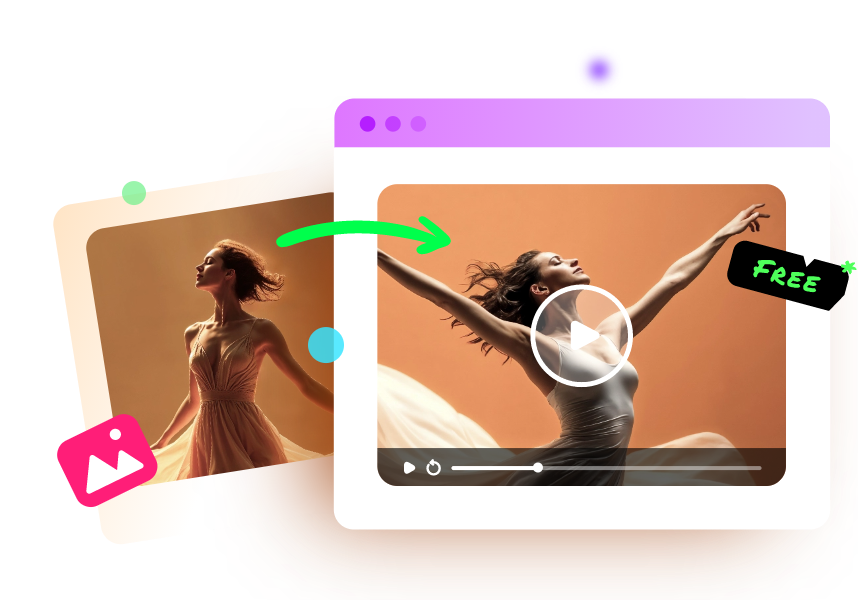
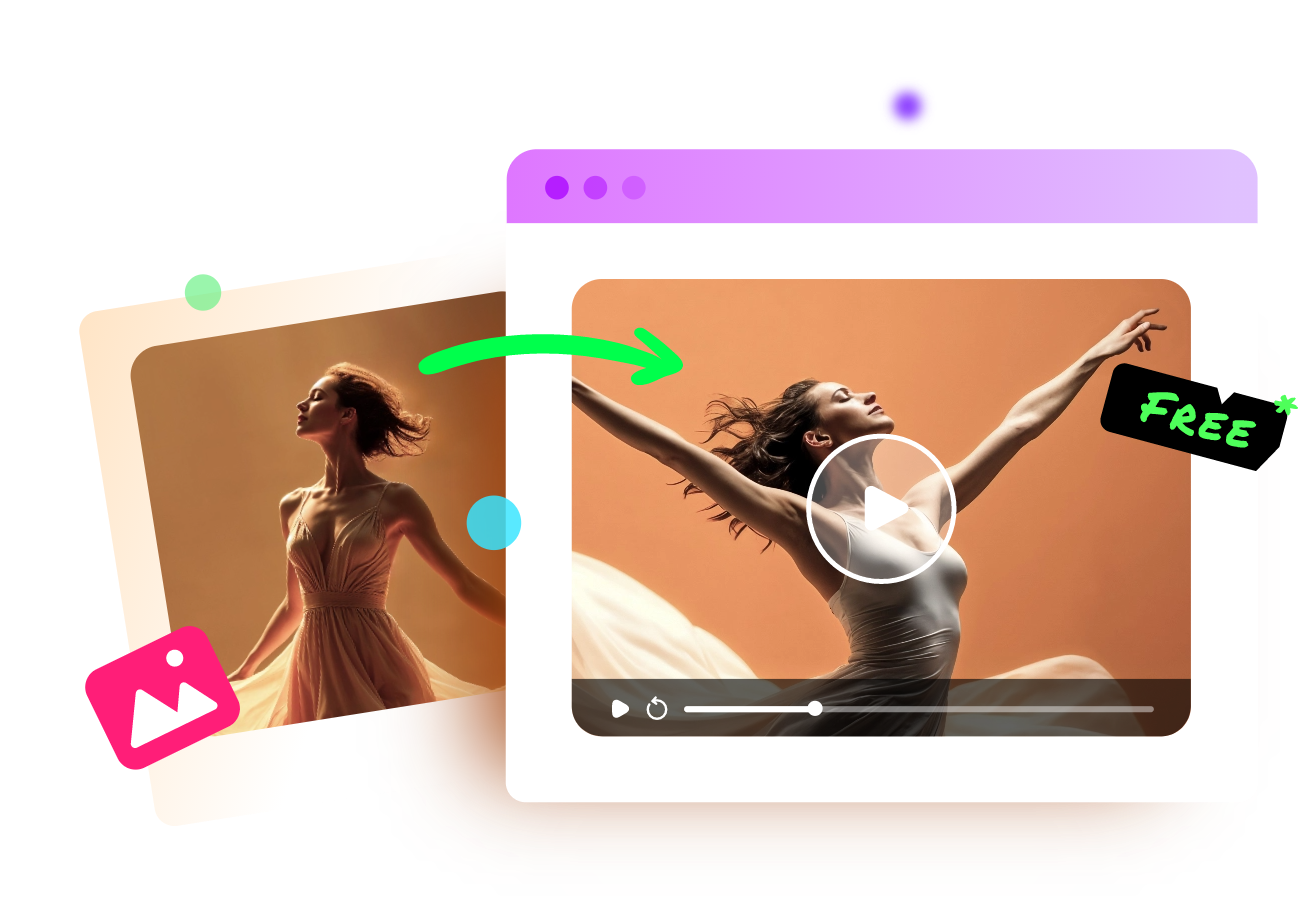
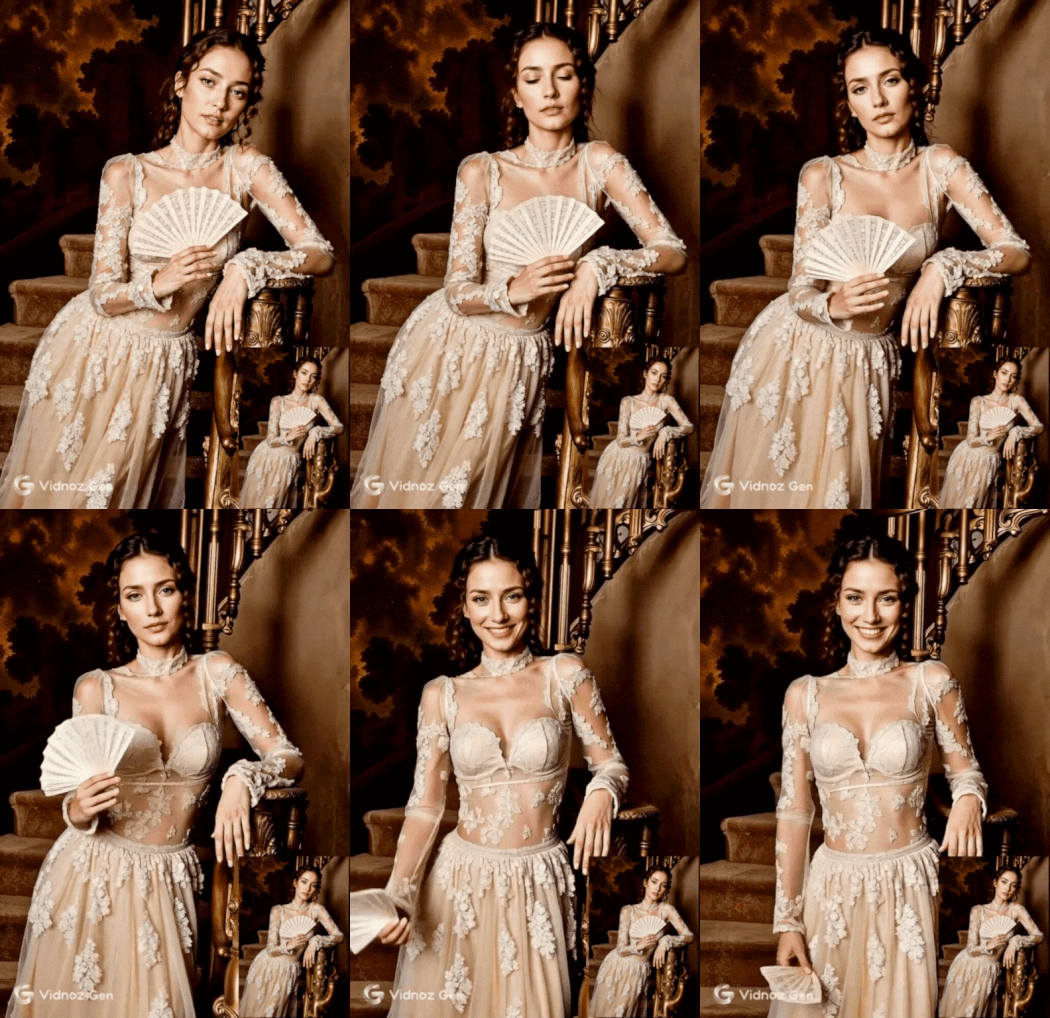
AI Dance Photo: Want to add a fun element to your dry historical video? Try the dance online tool to transform your character into an individual who enjoys and moves like a stage actor. He/she will make smart moves and perfect swings as trained by a leading Hollywood director.
Vidnoz Photo Dance - AI Make a Photo Dance FREE
Create a smooth AI dance video from a photo.
Animate a photo with diverse dance moves.
Generate and download the video for free in seconds.
All-in-One Historical AI Video Generator for Superior Visuals
Aside from fun doers, professional content editors demand premier video quality that goes beyond their existing creativity. They need something that can easily go viral on social media and engage millions of organic viewers. For them, there’s a fantastic tool that is free of cost, but its features surpass those of the paid tools. Yes, I’m talking about the Vidnoz AI.
Vidnoz AI - Create Free Engaging AI Video with Talking Avatar
Easily create professional AI videos with realistic avatars.
Text-to-speech lip sync voices of different languages.
2800+ video templates for multiple scenarios.
From AI scriptwriting, video generation to and voice cloning tools, it’s capable of supporting multiple languages at once without relying on any other external tool. Yet, its unignorable functions include powerful editing and video translation that allow the content creator to expand their reach and go global. Below are some of the practical features you can benefit from.
100% Free AI Historical Video Generator: Producing high-quality videos seems like an expensive job, right? But with Vidnoz's historical AI generator, you don’t have to pay anything or require a credit card. Our trial period allows you to taste the real features without compromising on the final results.
AI Script Generator Hassle-free Scriptwriting: You can save on the project budget by cutting down the cost of the script writer. We enable you to create unique scripts in just a few clicks, keeping viewers and listeners engaged from start to finish. Just like the grandmother's nighttime routine, which holds the children's attention for hours.
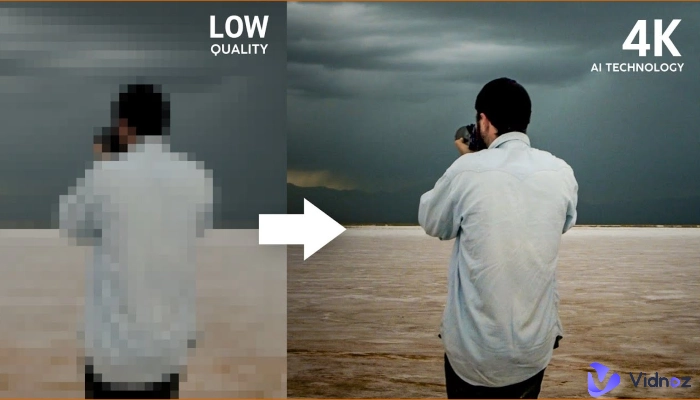
High-quality Visual Generation in Minutes: Our AI algorithm-based models produce the finest quality results that you have never found inaccurate. Each pixel of the content will be so detailed that it grabs the attention even if someone glances at it. That’s one of the reasons you can quickly get the watch time and get the channel monetized.
Other AI-driven Tools for Post-Enhancement: Beyond video generation, you can utilize the AI-backed software, including a video editor, a video translator, and a video enhancer. But why? Because you won’t have to rely on unreliable options that cost a lot but still offer mediocre functionalities.
How to Make Historical Videos with AI & Get Stunning Results? [Step-by-Step]
The whole project seems overwhelming and complex, but don’t worry, below we’ve mentioned the detailed steps that’ll help you a lot. Just follow the steps to use an AI historical video generator and go with the process.
Step 1. Prepare in Advance & Set Theme
Before you start, ensure you have an idea of what you want to generate and the whole storyline. Thus, write down your ideas and related information from authentic sources, and later sort them to avoid stress.
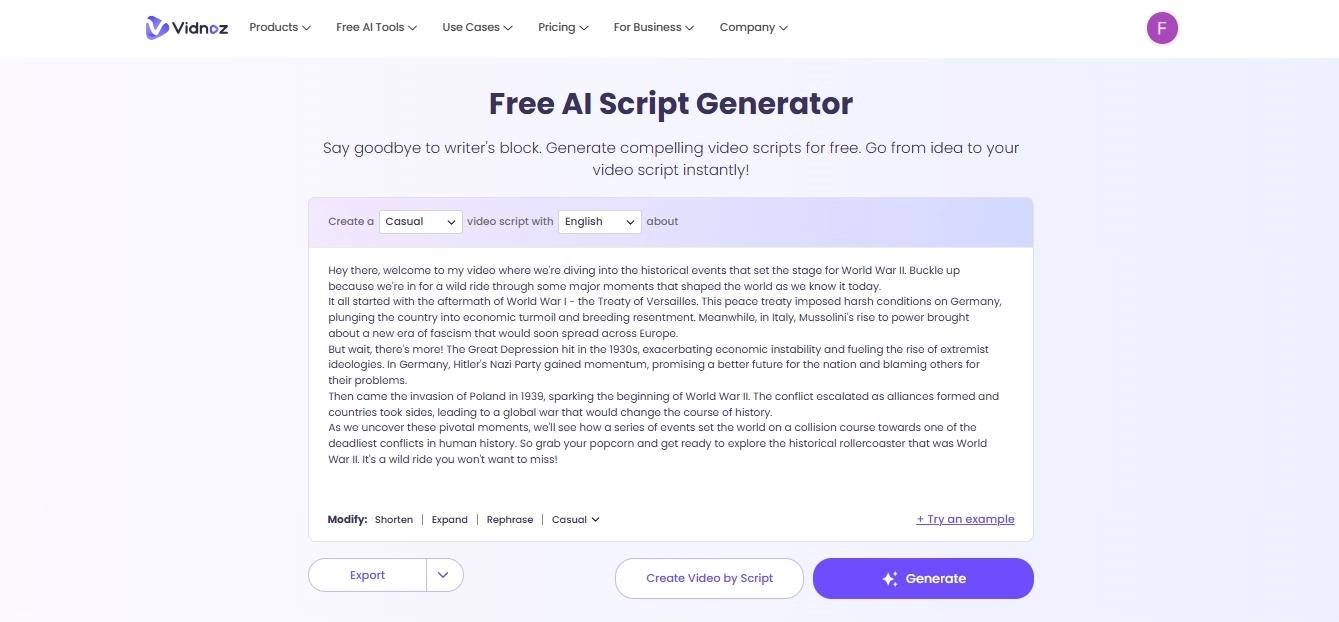
Step 2. Create a Script for Video
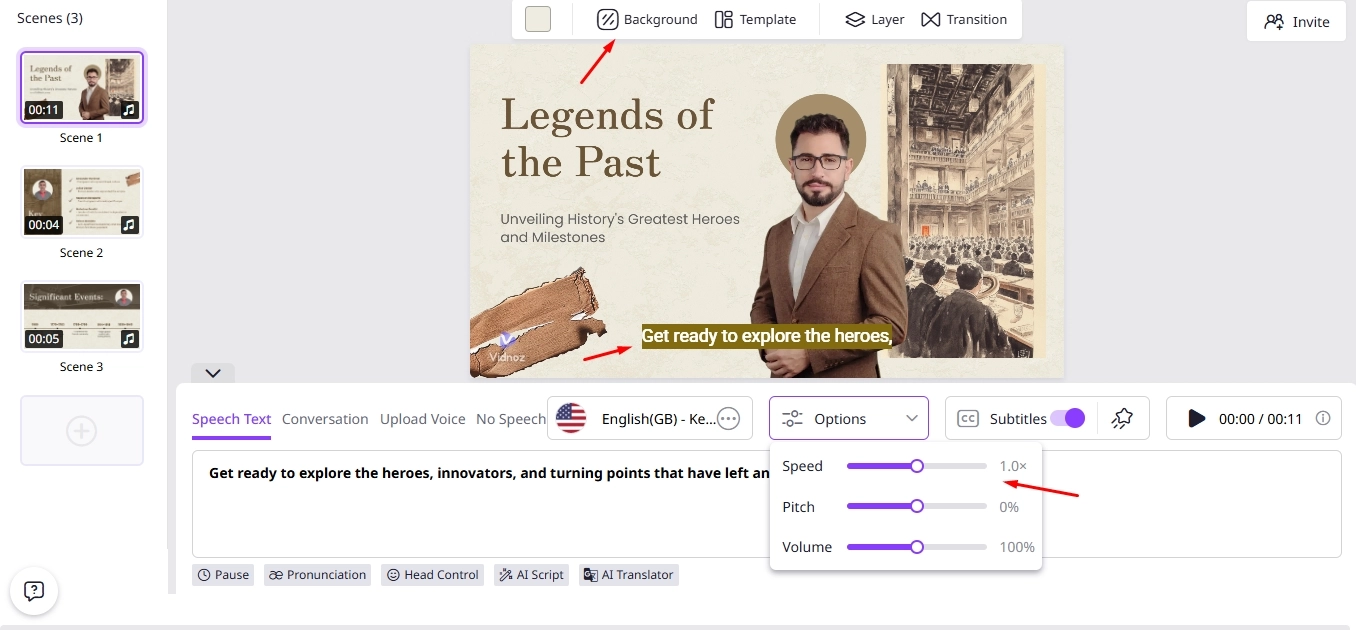
If you've gathered the material but can't develop a storyline, don’t worry. Try our Vidnoz AI Script Generator. It's capable of processing scattered ideas into an engaging script, much like a storyteller. The simple UI allows you to input the text and adjust the tone of the script in multiple languages.
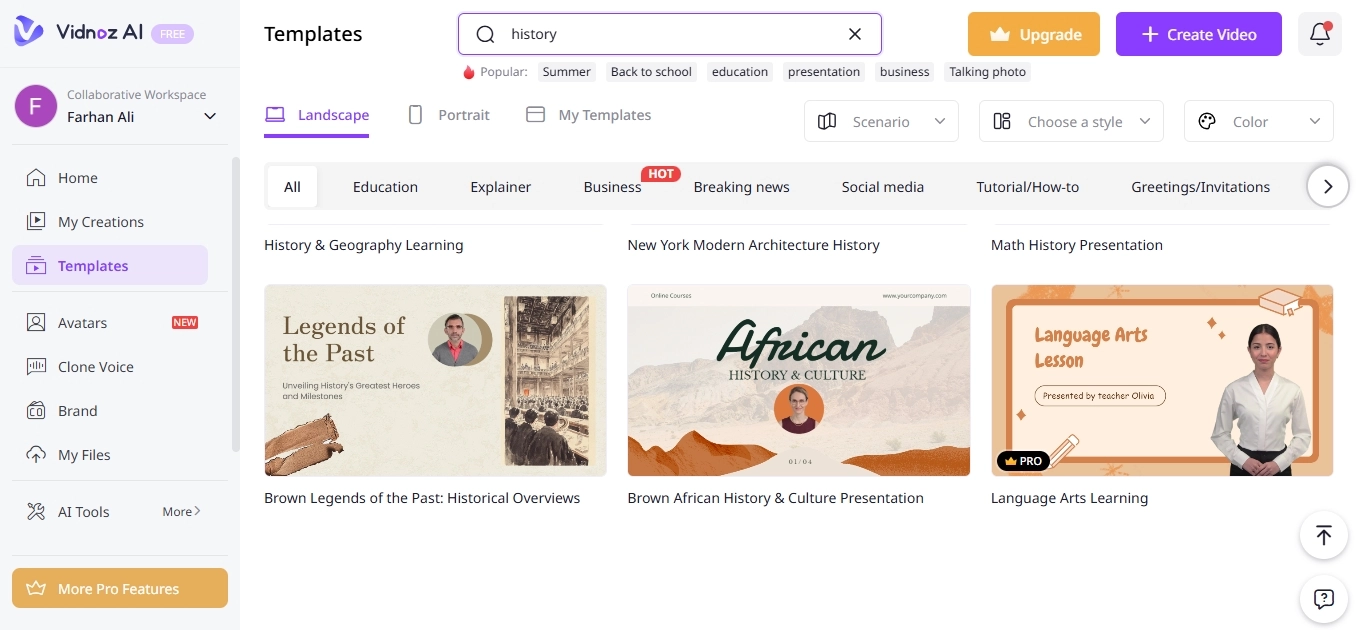
Step 3. Access Vidnoz AI Historical Generator
Once the main ingredients are ready, it’s time to press the button below and access Vidnoz AI free video generator.
Go pick a theme-matched video template according to the script. Select it and click on the customize button to further access the editing features.
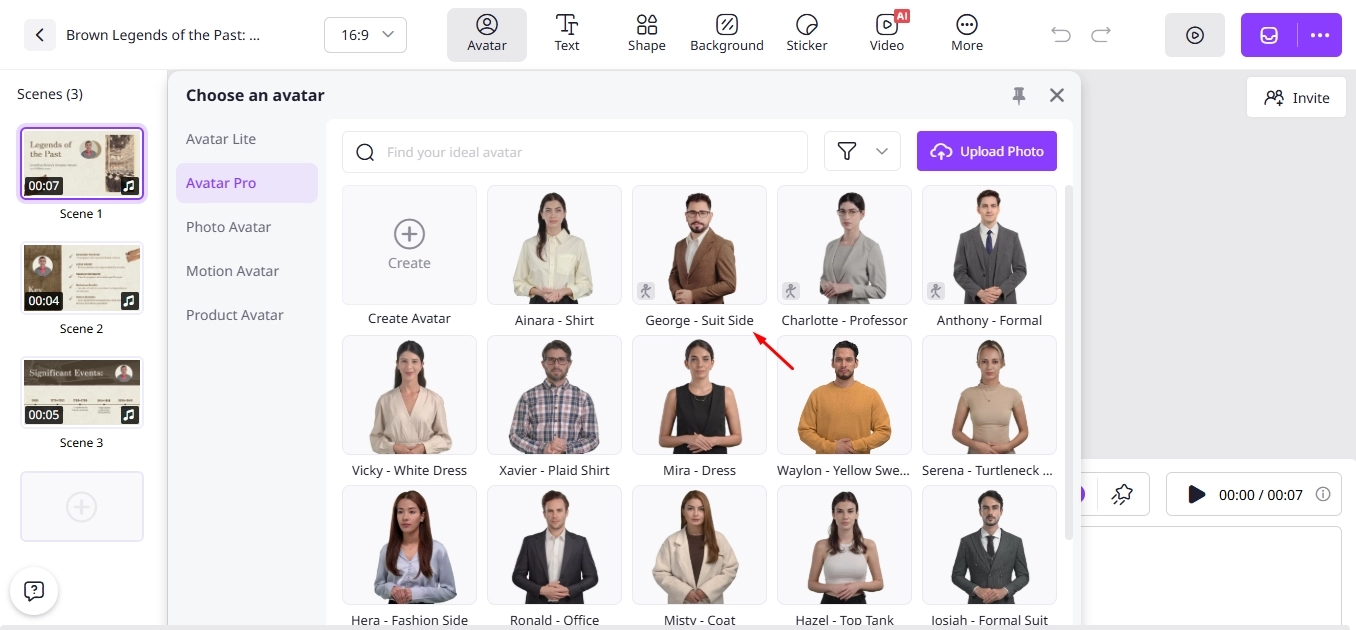
Step 4. Add Avatars, Backgrounds, & Voiceovers
Now, upload or add the suitable characters that reflect the theme of the video alongside the backgrounds of your choice. These can be either real or AI-generated. You can also upload the existing voiceover and adjust its timeline with the rest of the video to synchronize with the script.
Step 5. Customize the Video
It’s time for some creativity, add the animations or stickers to the content. For better viewer retention, add background music at a moderate volume. For better explanation, add text where necessary between the transitions.
Step 6. Download & Share Directly
After following all of these steps, it’s now time to review the video and make any necessary adjustments. Once satisfied, you can save the content locally on your device and share it on social media or video platforms directly.
Quick Tips for Creating Stunning Historical AI Videos
We hope you've learned the comprehensive steps and can start producing videos right now. If you follow these tips, you'll be well on your way. You’ll achieve excellent results and reduce errors throughout the process.
Ensure Accurate Information: The tools will provide a response based on your input, not the other way around. Thus, ensure you don’t input any incorrect data that conflicts with the content theme.
Choose the Right Avatar: For a king, you can’t choose the baby picture and vice versa. Therefore, generate the eligible avatars with AI even if you don’t have them beforehand.
Clear and Concise Script: The more detailed the script you develop, the better the output quality you’ll get. If your script has flaws and improper flow, this can affect the content's uniqueness.
High-quality Video Output: Don’t compromise the resolution and quality. With reliable software like Vidnoz, you can always achieve the finest results.
Keep it Simple: You don’t have to be over-smart, just be practical and leave the rest to the tools. They’ll produce the desired output just like you want.
Conclusion
So, you’ve learned the valuable skill of converting your idea into an AI historical video. At the start, you may find it tricky, but if you follow our detailed steps in sequence, it becomes much easier to get quality results. Rather than trying random tools, we recommend relying on Vidnoz AI and letting it handle the rest. Within a matter of moments, you’ll achieve professional-grade accuracy without paying a penny. Still waiting? Try it out right now and see what it produces.
Vidnoz AI - Create Free Engaging AI Video with Talking Avatar
Easily create professional AI videos with realistic avatars.
Text-to-speech lip sync voices of different languages.
Rebecca Carr, with over 8 years of experience in SEO writing, garners a wealth of knowledge about online recorders and VPNs, staying up-to-date with the latest algorithm changes and best practices in SEO and content marketing.