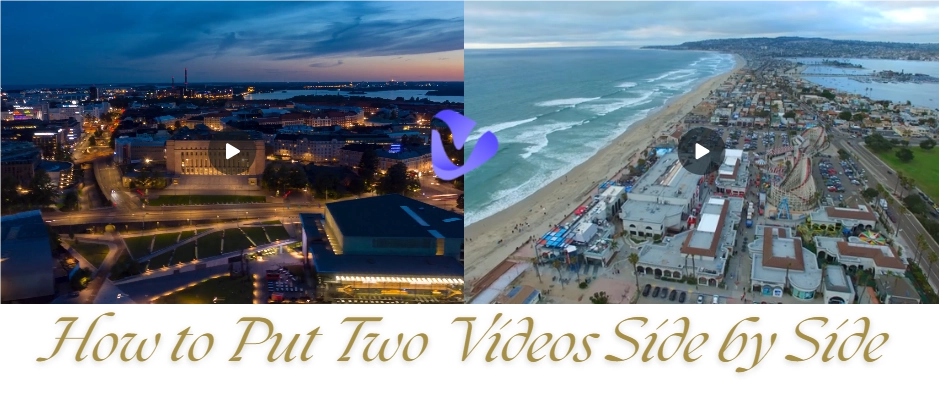
Have you ever filmed multiple short clips and wanted to combine them into one seamless video? Maybe it's a memorable vacation montage, snippets for a social media reel, or highlights from a presentation. That's when you need a fundamental editing technique —video splicing.
The good news? You don’t need a PhD in editing or expensive software. Easily achieve professional-looking results with everything right from the web browser via an online video splicer. It's fast, free, and requires no software installation.

- On This Page
How to Splice Video Together Online Free?
But first, you need a handy tool to get an easy start. Vidnoz AI is a highly recommended free online tool that makes video splicing a breeze. With a user-friendly interface, extensive media library, and powerful AI capabilities, it streamlines the entire editing process from start to finish. No complex editing skills are required, you can merge clips and create smooth, captivating videos in minutes.
Wondering how to splice video together? Let's dive into the step-by-step process.
Detailed Guide to Splice Video Online with Vidnoz AI
Step 1. Click the button below to access Vidnoz AI with a free account.
Step 2. Click Create a video on the homepage.

Step 3. Select the desired video aspect ratio: Landscape, Portrait, or Instagram. 16:9 is recommended for optimal visual results.

Step 4. Click the Plus icon to add a blank canvas. Don’t forget to delete the first default scene if necessary.

Step 5. Click Video in the top center toolbar, and click Upload to import the video files you want to splice together. Moreover, Vidnoz AI offers you a massive stock library and supports generating AI videos from text or images.


To splice videos in chronological order, simply click the Plus icon again and upload them sequentially. The system will automatically play them in order.
Step 6. Single-click the video to edit as you go. Trim the length, adjust playback speed, add animations or voiceovers, etc. (Note: If no voiceover is needed, switch to No Speech mode in the bottom tab).

Step 7. Click Timeline to set the start and end points for each video if you want to play them in segments.

Step 8. After editing, click Preview to check the merged effect.

Step 9. Once finished, click Generate. Download the high-definition spliced video and share it with others.
Final Video Result:
Conclusion
Vidnoz allows you to do more than just splice video online. It offers other AI features like text-to-speech, avatar presenters, and image-to-video generation that you can integrate with your spliced clips for a stunning video that is uniquely yours. For creators, marketers, and educators who seek to produce high-quality content quickly and free, this comprehensive video creation suite is a perfect choice. Now, ready to try it yourself? Bring your visions to life today, all in Vidnoz.

Vidnoz AI - Create Free Engaging AI Video with Talking Avatar
- Easily create professional AI videos with realistic avatars.
- Text-to-speech lip sync voices of different languages.
- 2800+ video templates for multiple scenarios.





![How to Screen Record with Sound Free? [One Fix, No tricks]](https://www.vidnoz.com/bimg/how-to-screen-record-with-sound-1.webp)