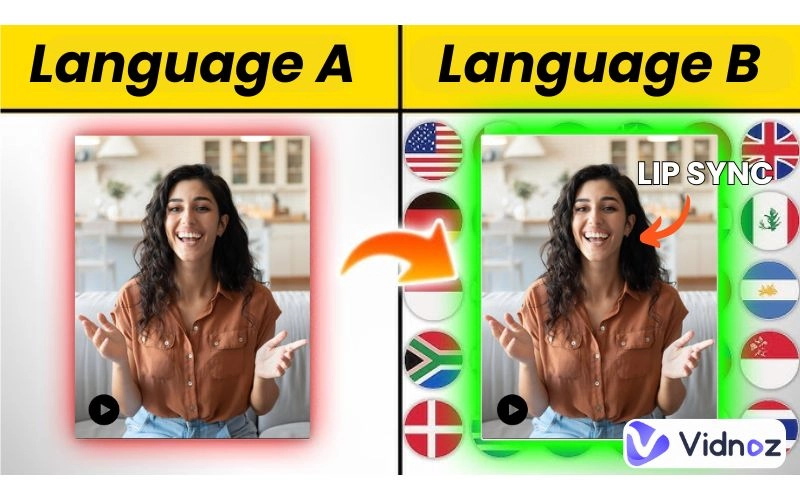
Facebook videos can cross cultural and ideational boundaries in a world that has rapidly become interconnected, yet the impact could be shortened by language barrier issues. Whether it's educational reels you are watching or sharing viral information, learning how to translate Facebook videos is a skill necessary to help you understand fluidly.
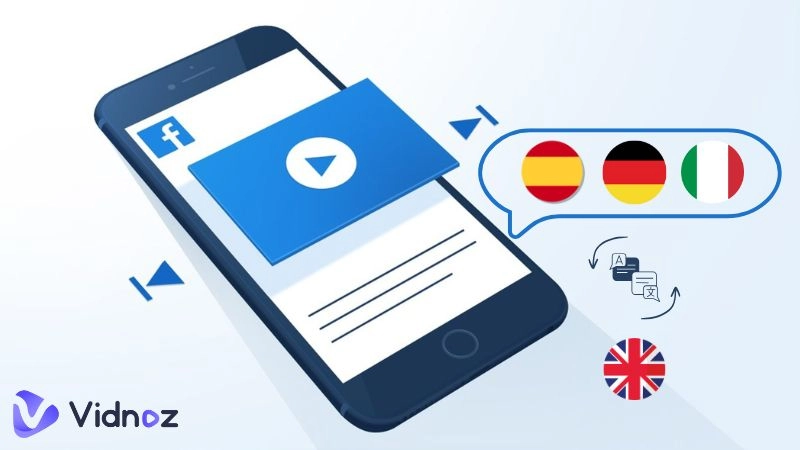
In this article we will discuss the possibilities of making videos accessible in English or any language using some free and simple ways that do not require additional costs and ensure accuracy.
Whether it is Facebook-native tools or the most advanced AI-powered translators, we will go through easy steps of getting a better view and sharing your experience. Prepare to shatter those boundaries and jump into a genuinely worldwide feed.
- On This Page
-
How to Turn on Automatic Video Caption Translation on Facebook?
-
How to Translate Facebook Videos with Both Voice & Subtitles Translated?
-
More Facebook Video Translators for Quick & Accurate Translation
#BlipCut Facebook Video Translator
#Video Translator [Google Extension]
-
Pro Tip: Generate AI Facebook Videos from Text or Images
How to Turn on Automatic Video Caption Translation on Facebook?
Facebook has the ability to automatically translate captions, so it is simpler to make videos in a foreign language understandable. This tool has more than 50 languages available to provide captions, with many common (such as English, Spanish, French and Arabic) yet availability may differ by video and location. It tends to be accurate on simple content but this can break down when faced with slang and accents or complex topics because it depends on AI transcription. It is fast and without charge and suits all those who are simple translators.
To translate videos to English or any other languages using this Facebook feature, follow these detailed steps:
Step 1
Open the Facebook app or website and navigate to the video you want to translate. Ensure captions are enabled first—tap the video to bring up controls, then look for the "CC" icon in the bottom right. If captions aren't available, the video might not support them yet.

Step 2
Once captions are on, tap the settings gear icon on the video player. Select the target language from the languages available. Facebook will detect the original language and offer translation choices.

This method is easy to use for translating a Facebook reel to English. However, if the supported languages don't include what you're looking for or if you need more advanced features like voice dubbing, consider using an AI-powered Facebook video translator for enhanced results.
How to Translate Facebook Videos with Both Voice & Subtitles Translated?
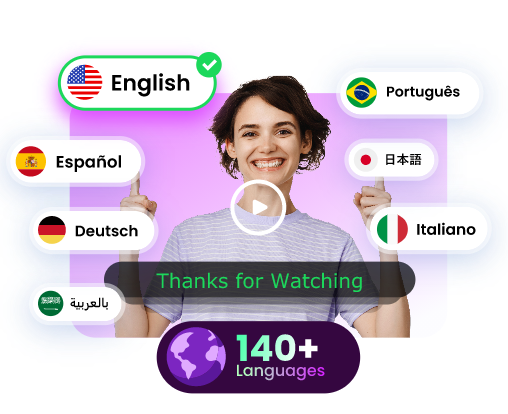
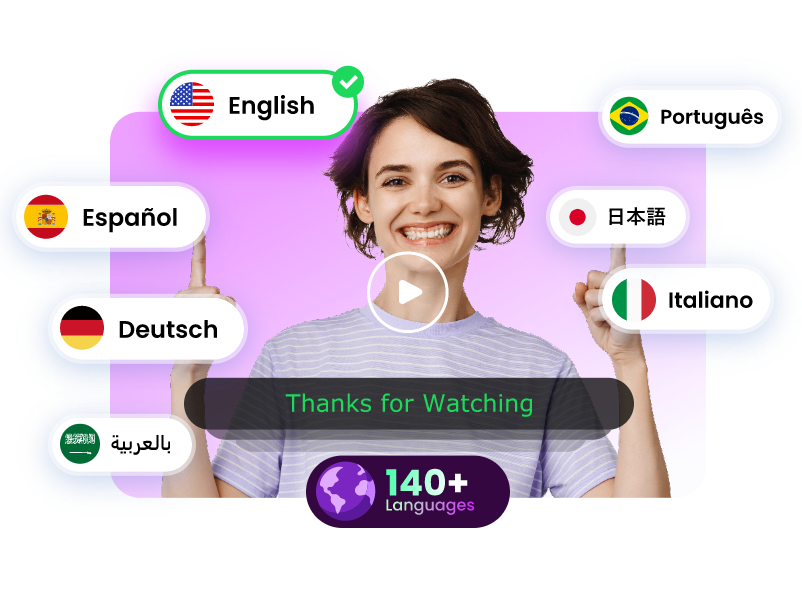
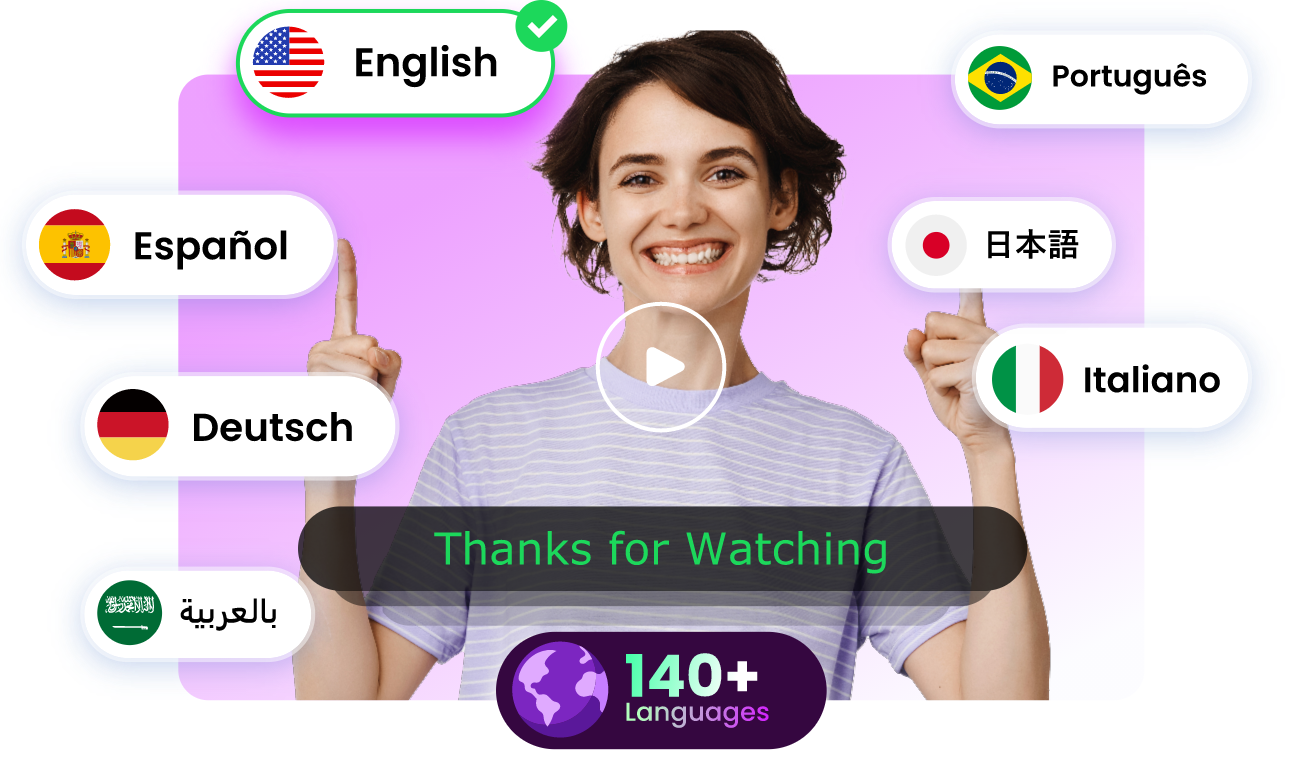
For those seeking a more interactive experience, voice and subtitle translations of Facebook videos go beyond just displaying captions. Vidnoz AI Video Translator comes handy to solve these problems. It is an online tool that is accessible and free to use, with a daily limit of 1 minute, as there is no need to download an app or sign up when using this web-based tool. It is available in more than 140 languages.
Translate Videos in One Click with AI - Free
- Instantly translate local files and video URLs in 1 minute.
- Accurate translation in 140+ languages for global reach.
- Perfect lip sync and speech rate for authentic results.
Translate Video Now
Besides translating subtitles and content of a Facebook video, Vidnoz can produce output videos that use voice cloning and exaggerated lip-syncing to make speakers sound and look native in the target language. This is just right as far as translating a Facebook video into English is concerned, with a professional sheen.
Key Features
- Voice Cloning: Replicates the original speaker's tone and style with 100% accuracy, enhancing emotional delivery.
- Lip-Syncing: Aligns mouth movements perfectly with the new audio, creating a natural viewing experience.
- Multi-Voice Detection: Automatically identifies multiple speakers for better conversation flow.
- Adaptive Speech Rate: Adjusts pacing to fit the target language, currently in beta for optimal results.
To use Vidnoz for translating Facebook videos, start by downloading the video, right-click on the Facebook post, select "Save video as," or use a free downloader tool supporting MP4, MOV, or WEBM formats.
Step 1 Upload the Facebook video you want to translate
Upload the Facebook video you want to translate. Supported formats include M4V, MP4, MOV, and WEBM; ensure the video is over 10 seconds long for best results. No signup needed initially.

Step 2 Basic settings for Facebook video translation
Set basic options for translation. Choose the target language (e.g., English), enable lip-sync and voice cloning, and decide on subtitle erasure or retention of original audio if desired.

Step 3 Translate now
Click "Translate Now." Vidnoz will transcribe the Facebook video, translate the text to the target language, and generate the dubbed version. You can download the original or translated transcript for review. The process takes under 5 minutes, and previews the result before finalizing.
This approach is ideal for translating reels or full videos, providing a facebook video translator that's both quick and precise.
More Facebook Video Translators for Quick & Accurate Translation
If Facebook's built-in options aren't enough, several other tools offer quick and accurate ways to handle video translations. These solutions are aimed at simplicity and the usage of highly developed AI, which suits those who want to translate Facebook video to English or another language easily enough.
#BlipCut Facebook Video Translator

BlipCut Facebook Video Translator stands out for its efficiency in AI dubbing and subtitling. This online AI tool supports over 130 languages and allows translations by simply uploading a link—no downloads required.
It is excellent when it comes to mass processing of videos and is money-saving as opposed to manual processing. The prime characteristics are voice cloning so that it can sound like the original audio, auto-created and translated captions, and transcript downloading to edit the text. To access it, just copy Facebook video URL, choose desired language such as English, preview and download. It can be tried out without registration with free use along with boasting of high proclaiming of accuracy to global content creators.
#Video Translator [Google Extension]

Another option is the Video Translator Chrome Extension, an AI-powered add-on for browsers. It translates videos into over 100 languages with 99% accuracy, using transcription, Google Translate (with future integrations like DeepL), and synthesis.
While it excels with direct links for platforms like YouTube, for Facebook videos, you'll need to download the video locally first and upload it, as direct Facebook link support isn't seamless.
Install from the Chrome Web Store, paste the URL or upload the file, choose English, and get results in seconds. Among its features are conformity to laws of data privacy and the compatibility with different video types such as audio video transfer to name a few, which makes it an useful facebook video translator when aids are needed swiftly.
Translate Videos in One Click with AI - Free
- Instantly translate local files and video URLs in 1 minute.
- Accurate translation in 140+ languages for global reach.
- Perfect lip sync and speech rate for authentic results.
Translate Video Now
Pro Tip: Generate AI Facebook Videos from Text or Images
Beyond translation, why not create original content? Vidnoz AI empowers users to generate AI Facebook videos from text or images swiftly. It has realistic AI voiceovers with more than 140 languages and 1830+ voices, so it has a natural narration . Premade video templates allow quick customization for marketing or educational reels, while AI avatars provide pro-level generation with lip-sync for engaging characters. Start by selecting a template, adding text or images, and letting AI handle the rest—ideal for boosting Facebook engagement without filming.

Conclusion
Wrapping things up, getting the hang of how to translate Facebook videos truly unlocks a treasure trove of global content—whether you're flipping on those handy auto-captions in the app or diving into slick AI solutions like Vidnoz for seamless voice and subtitle overhauls. Tools like BlipCut and those nifty browser extensions keep things speedy and spot-on across languages. And if you're in the creative mood, whipping up AI-generated videos brings a fresh spark to your feed.




![How to Translate TikTok Videos Seamlessly [100% Free]](https://www.vidnoz.com/bimg/how-to-translate-tiktok-video.webp)