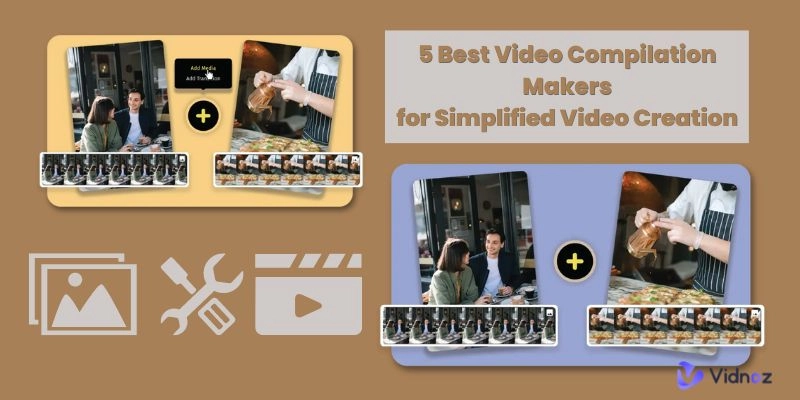
Want to make two videos side by side, but don’t know how to start? Various video editing tools provide this feature. However, it is time-consuming to download and test each tool. Here, we will show you how to put two videos side by side with an online free video editor and generator.

- On This Page
Put Two Videos Side by Side Online Free with Vidnoz AI Video Generator
Vidnoz AI is a useful online free video generator with comprehensive video editing features. It allows you to upload video and image materials and adjust their location freely. Therefore, you can effortlessly play two videos side by side by using it. Vidnoz AI offers a daily free quota, allowing you to edit and generate high-resolution videos without a subscription.

Vidnoz AI - Create Free Engaging AI Video with Talking Avatar
- Easily create professional AI videos with realistic avatars.
- Text-to-speech lip sync voices of different languages.
- 2800+ video templates for multiple scenarios.
Here are the summarized reasons you can choose Vidnoz AI to edit videos:
- Easy online video editor with no installation.
- Totally free video editor with no subscription.
- Versatile video editing features.
- Advanced AI features for creating videos, including AI dubbing, AI avatar, AI template, etc.
- High-quality video output.
How to Put Two Videos Side by Side Online Free with Vidnoz AI
Follow these steps to know how to put two videos side by side with Vidnoz AI:
Step 1. Click the button to open the Vidnoz AI online tool and sign in with your email.
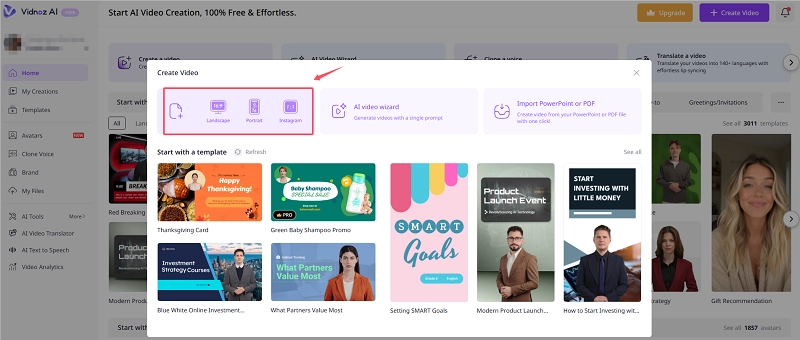
Step 2. Click Create a Video and choose the Video ratio.
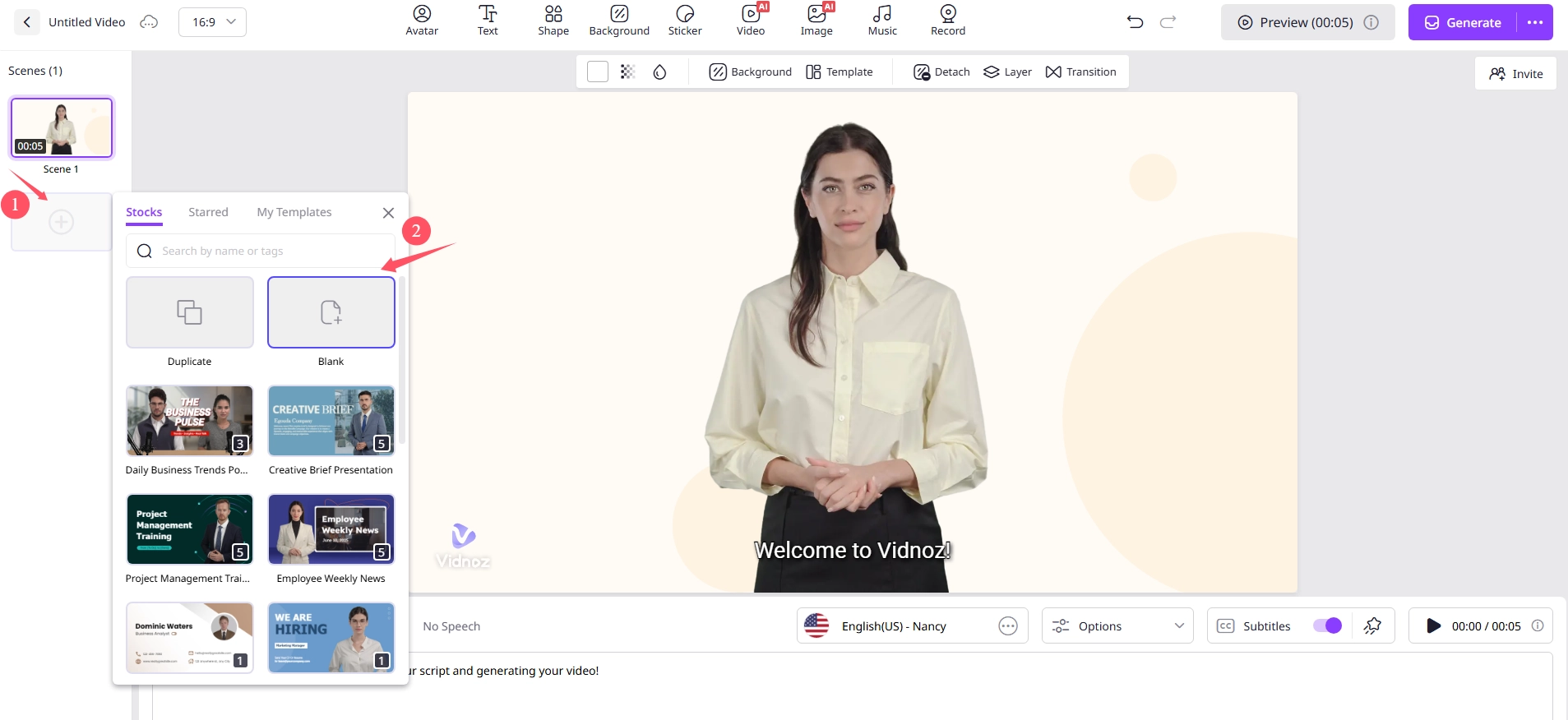
Step 3. Click the + button to add a scene. You can choose a blank background or choose a pre-designed template. Delete the default scene if you don't need a speaking avatar.
Step 4. Click Video > Upload to add your video materials.
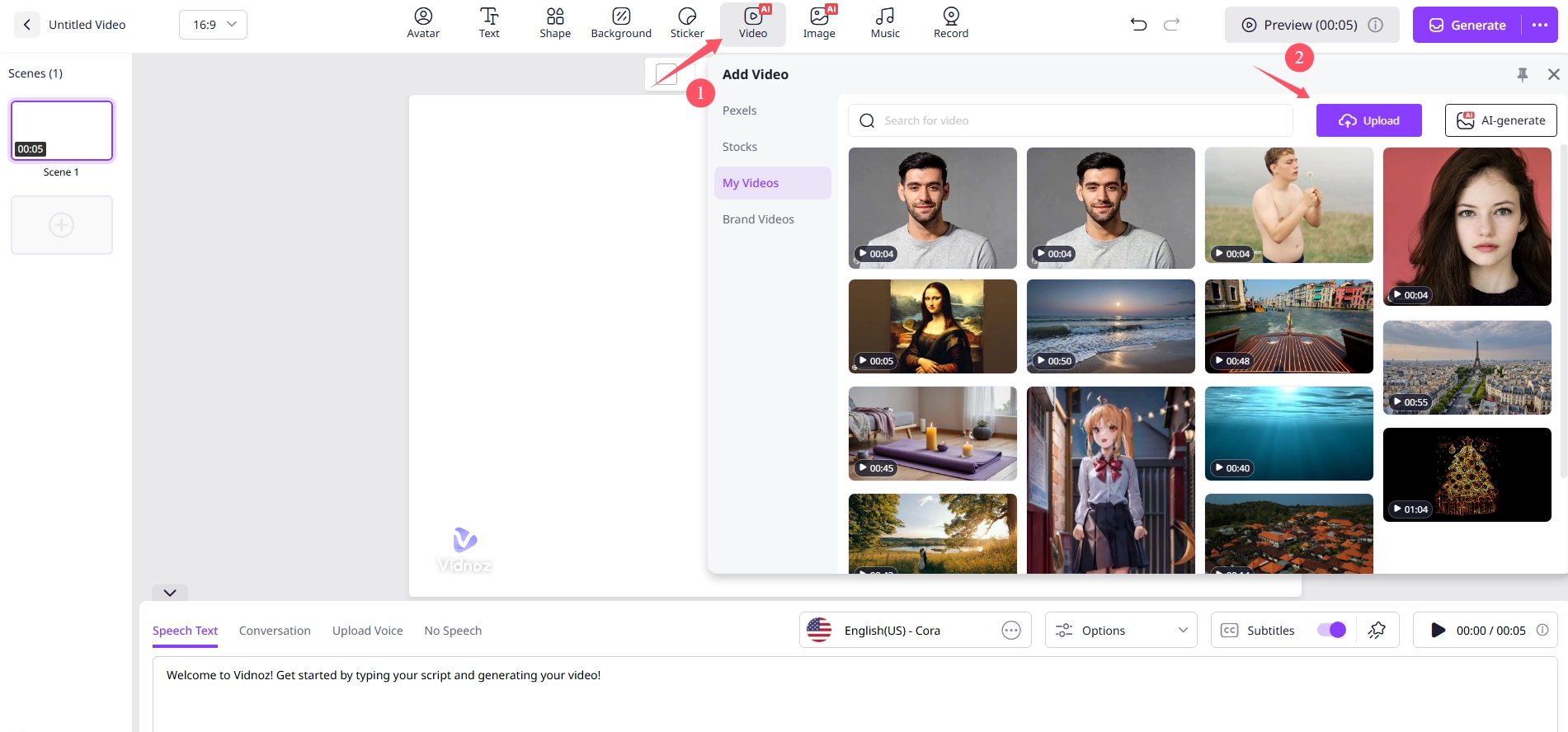
Step 5. Adjust the video position to put two videos side by side. Add a video background and BGM if you like.
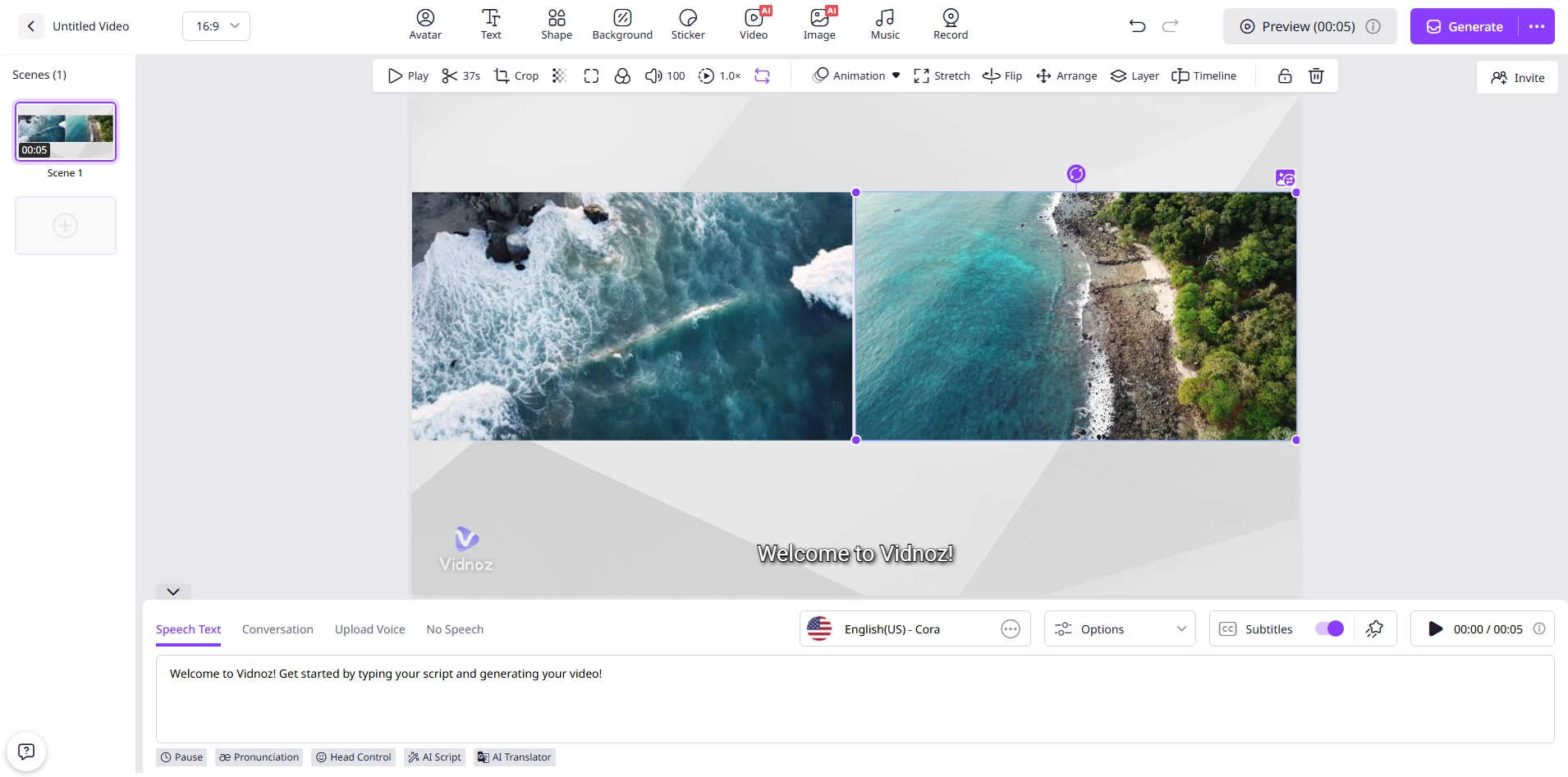
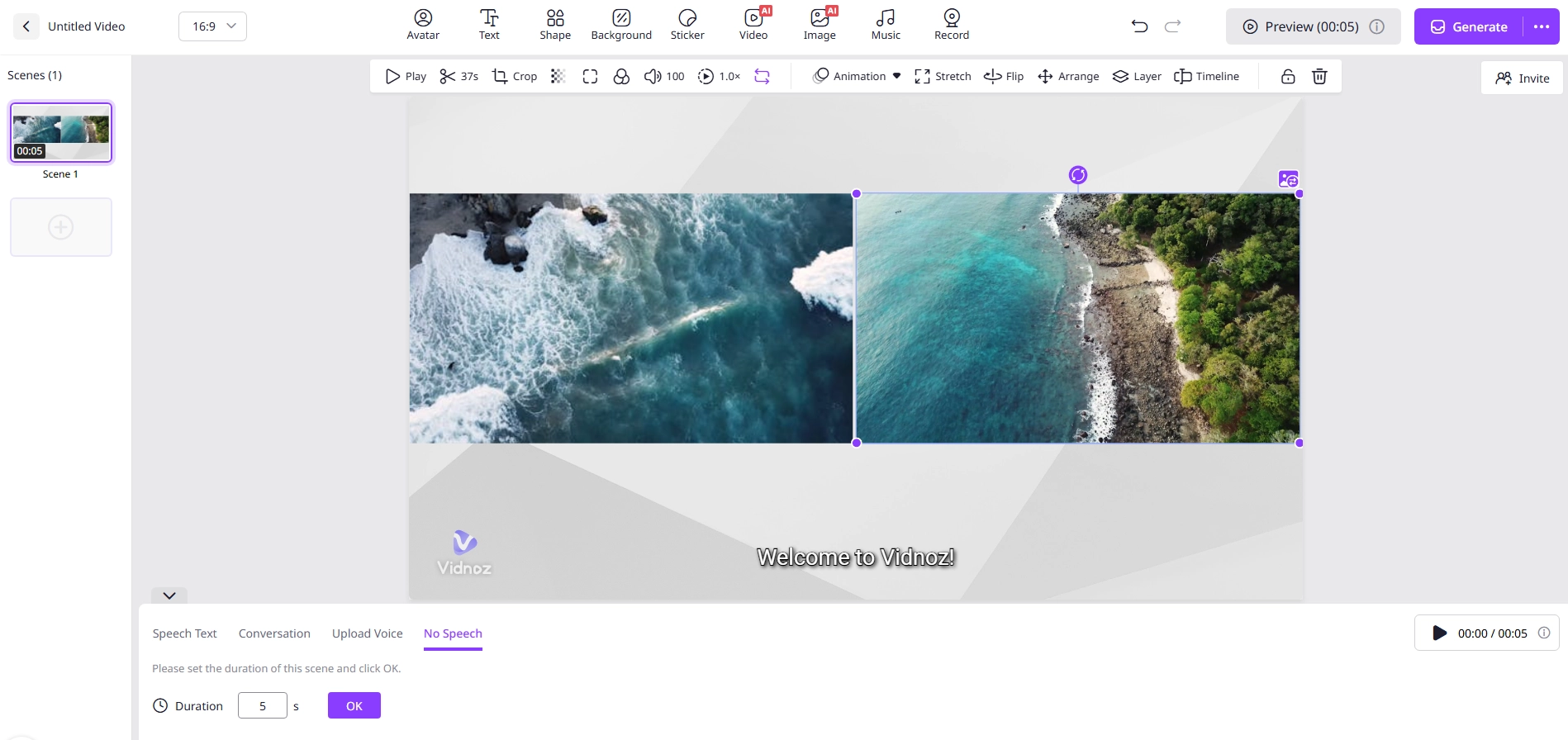
Step 6. Add text description and choose an AI voice if you want to add dubbing to the video. If not, select the No Speech option and set the video duration.
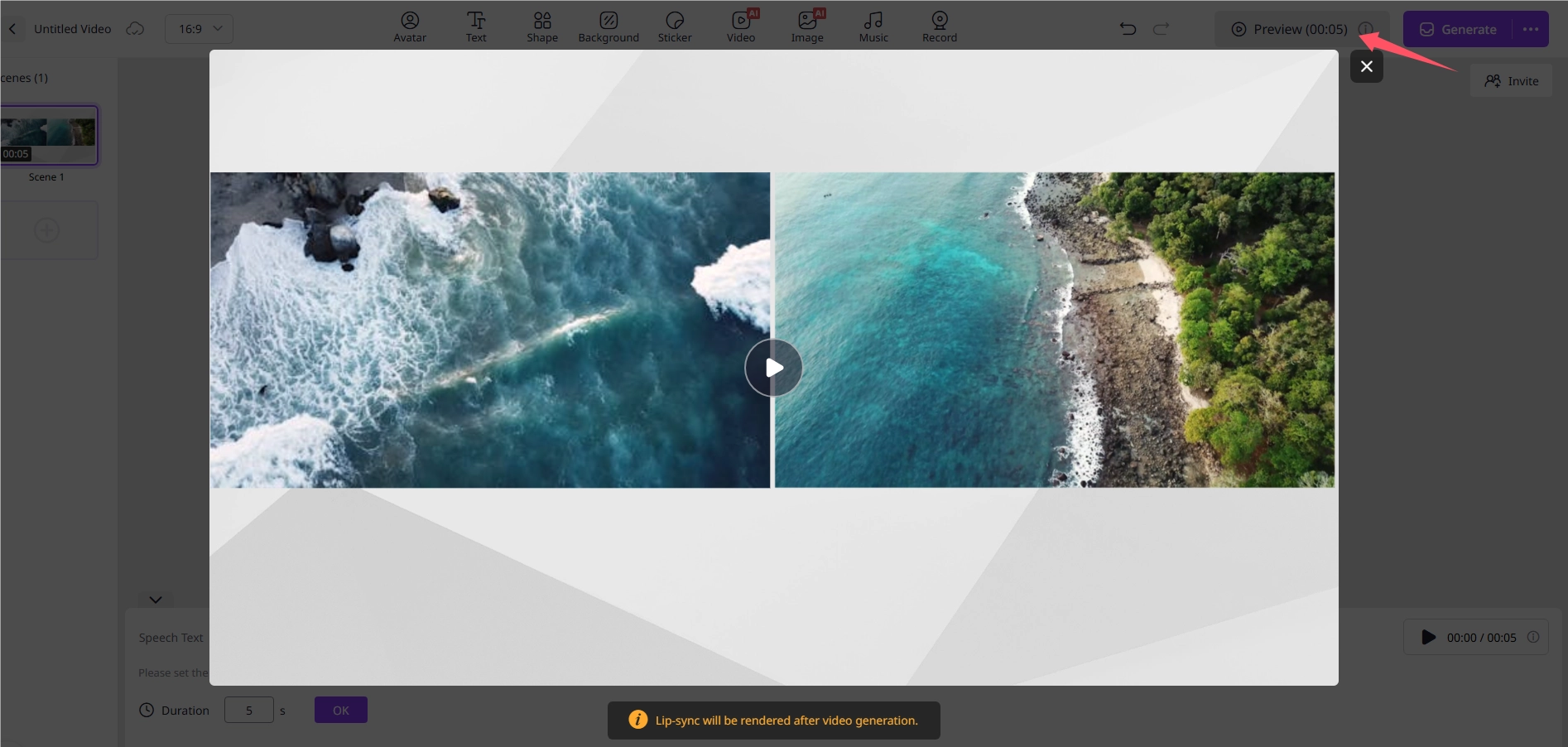
Step 7. Click Preview to check the video result.
Step 8. Click the Generate button to export the video.
Conclusion
With the help of Vidnoz AI free online video editor, you can easily know how to put two videos side by side with simple finger clicks. Far more than single video editing features, Vidnoz AI provides more advanced features waiting for your exploration. Try it and streamline your video creation and editing process.
Vidnoz AI - Create Free Engaging AI Video with Talking Avatar
- Easily create professional AI videos with realistic avatars.
- Text-to-speech lip sync voices of different languages.
- 2800+ video templates for multiple scenarios.