Are you frustrated when your videos get shared without credit? Learning how to add watermark to video is the easiest way to protect your content and strengthen your brand. Have you ever wondered how top creators keep their work secure while still looking professional?
Whether you’re a creator on YouTube, a marketer, or an educator, there are now free online tools that let you create sleek, professional watermarks in just minutes—without paying for costly software. In this guide, we’ll introduce six of the best free apps, highlight their unique features, and show you step-by-step how to insert a watermark to video efficiently.

- On This Page
-
Why Add a Watermark to Your Video?
Protecting Your Video Content from Theft
Building Brand Recognition with Watermarks
-
Key Features to Look for in a Free Watermark App
Ease of Use and Interface
Output Quality and Format Support
Customization Options for Watermarks
-
6 Free Apps to Add Watermark to Videos
Too 1. Kapwing – Online Watermark Tool
Tool 2. Canva – Design and Watermark Video with Ease
Tool 3. Vidnoz Editor – Free AI-Powered Video Watermark Tool
Tool 4. Watermark.ws – Simple Yet Effective Tool
Tool 5. Vimeo Video Editor – Add Watermarks Online
Tool 6. Clideo – Free Online Watermark Editor
-
How to Add Watermark to Video using Vidnoz
-
FAQs About Adding Watermarks to Videos
Why Add a Watermark to Your Video?
Prior to showing you how to add watermark on video, it's wise to comprehend the fundamental reasons for its considerable benefit.
Protecting Your Video Content from Theft
A watermark functions as a digital signature, making it clear who owns the original content. When you add watermark to video free online, it becomes far more difficult for others to copy or redistribute your videos without credit.
Building Brand Recognition with Watermarks
A small logo or text watermark serves as a constant reminder of your brand. Put your watermark on every video. People will know it's yours right away, which really connects them to your channel.
Key Features to Look for in a Free Watermark App
Before exploring specific tools, it’s important to know what makes a watermarking app truly effective. The right app ensures your watermark looks professional while keeping your video quality intact.

Ease of Use and Interface
Opt for apps with intuitive dashboards and drag-and-drop functionality, so you can quickly add watermark to video free online without struggling with complex software.
Output Quality and Format Support
Top apps maintain high video resolution and support multiple formats, including MP4, MOV, and AVI, ensuring your content looks polished on any platform.
Customization Options for Watermarks
Select tools that let you adjust size, opacity, and position, and even create dynamic effects. For instance, knowing how to add moving watermark in video can make your branding more engaging and harder to remove.
6 Free Apps to Add Watermark to Videos
Once you know what features make a watermarking tool effective, the next step is selecting the right one for your needs. Fortunately, there are several free, browser-based apps that allow you to add watermark to video free without any complex installation. Let’s take a look at the six top options and what sets each apart.
Too 1. Kapwing – Online Watermark Tool
Kapwing is a cloud-based editor known for its intuitive interface and high-quality video enhancer. Kapwing Watermark Video supports drag-and-drop uploads, multiple file formats, and collaborative editing, making it great for teams who need quick turnarounds to add watermark to video free online.
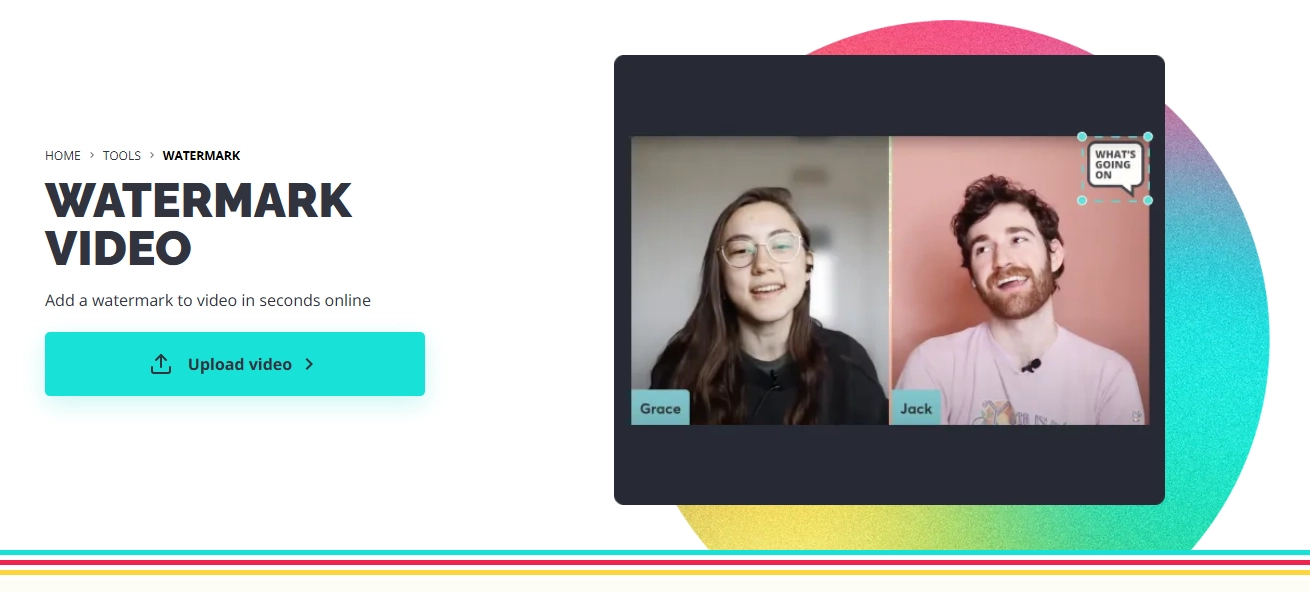
Pros and Cons of Kapwing
- Pros: Fast, beginner-friendly, supports multiple file types.
- Cons: Free version adds a small Kapwing watermark unless you sign in.
Tool 2. Canva – Design and Watermark Video with Ease
Canva shines with built-in design templates, font and element libraries, and easy branding kits. Creators can use Canva's Video Editor to add sleek watermarks or logos that totally match their design. It also has a photo to video AI tool to help you convert image to video online for free.
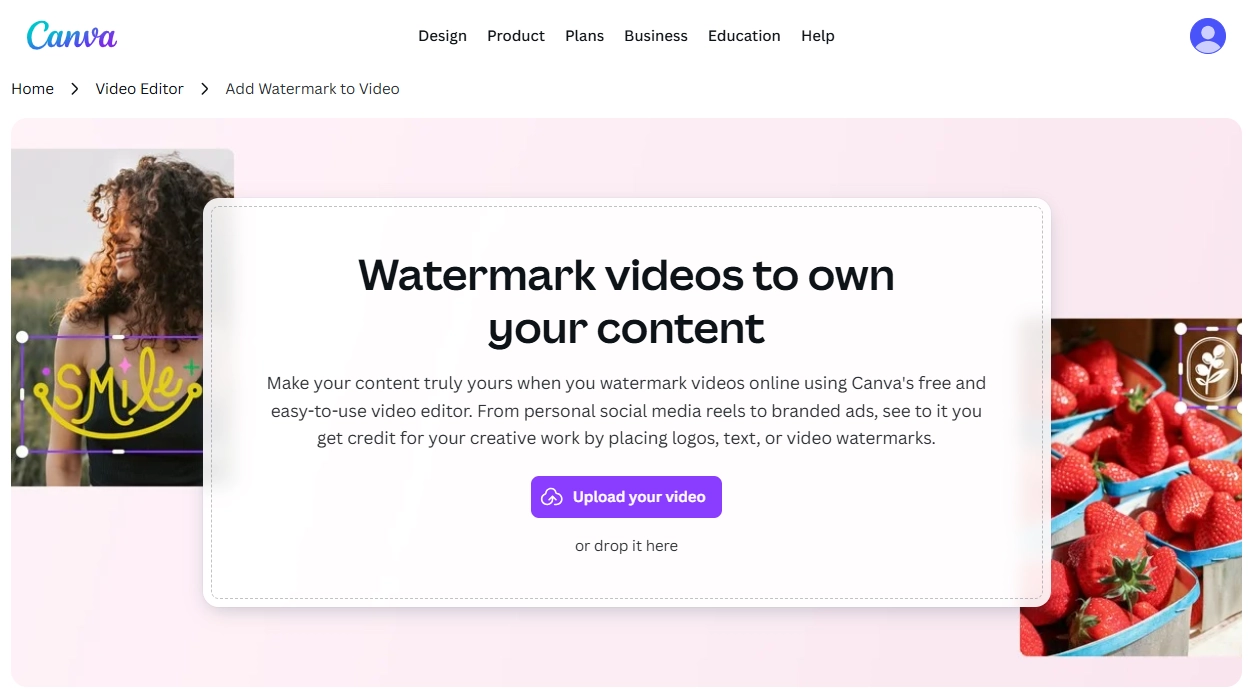
Pros and Cons of Canva
- Pros: Professional templates, excellent customization.
- Cons: Requires a free account to download edited videos.
Tool 3. Vidnoz Editor – Free AI-Powered Video Watermark Tool
Vidnoz is an AI-powered online editor that simplifies video watermarking and other editing tasks. With its Online Video Editor for rapid text and logo integration, you get instant visual feedback. This enables high-resolution exports, proving ideal for creators who seek refined output swiftly, free from software installation.

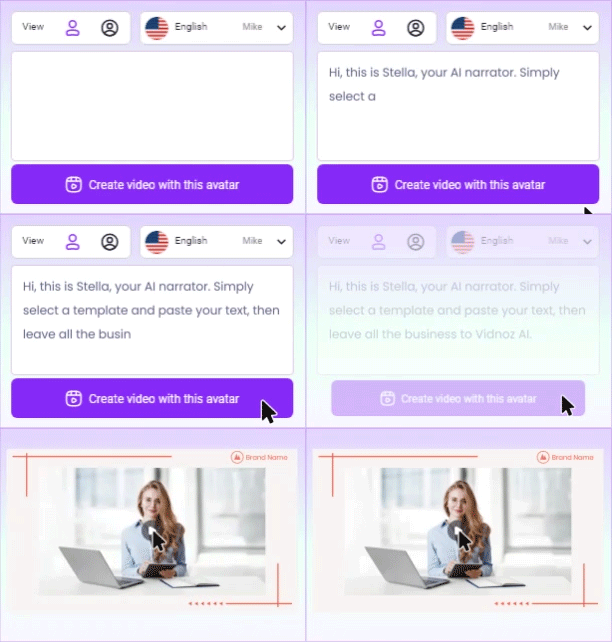
Vidnoz AI - Create Free Engaging AI Video with Talking Avatar
- Easily create professional AI videos with realistic avatars.
- Text-to-speech lip sync voices of different languages.
- 2800+ video templates for multiple scenarios.
Pros and Cons of Vidnoz
- Pros: AI tools for quick edits, no software installation.
- Cons: Limited advanced editing features compared to desktop editors.
Tool 4. Watermark.ws – Simple Yet Effective Tool
Watermark.ws focuses solely on watermarking and is known for its batch processing capability, offline security, and lightweight browser performance. It’s efficient for people who need to apply the same watermark to multiple videos at once.
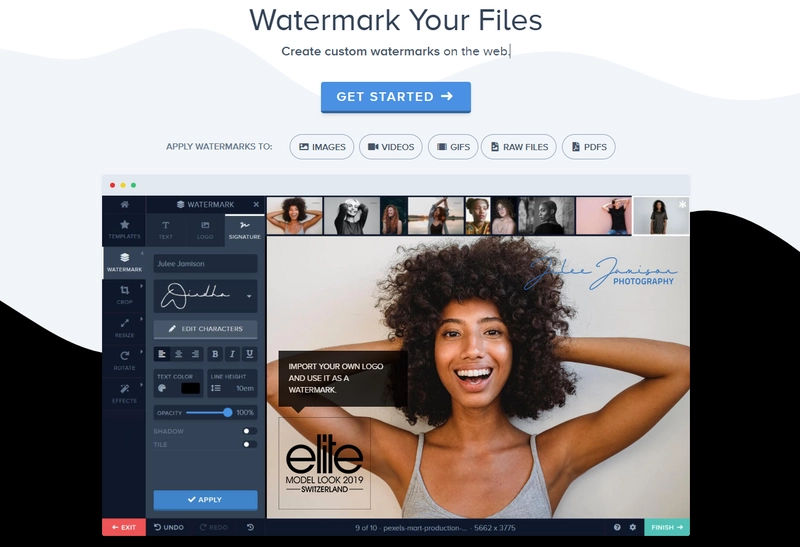
Pros and Cons of Watermark.ws
- Pros: Clean interface, supports both images and videos.
- Cons: Batch editing requires registration.
Tool 5. Vimeo Video Editor – Add Watermarks Online
Vimeo AI is a powerful online tool to help users translate video, edit video at ease. Vimeo’s editor integrates directly with its video hosting platform, offering seamless publishing and privacy controls. It’s best for businesses and creators who already use Vimeo for distribution and want a consistent workflow.
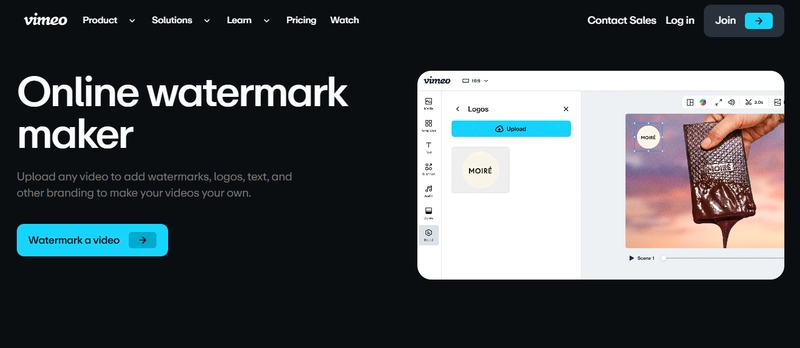
Pros and Cons of Vimeo Editor
- Pros: Trusted platform, integrates with Vimeo hosting.
- Cons: Requires free signup to save projects.
Tool 6. Clideo – Free Online Watermark Editor
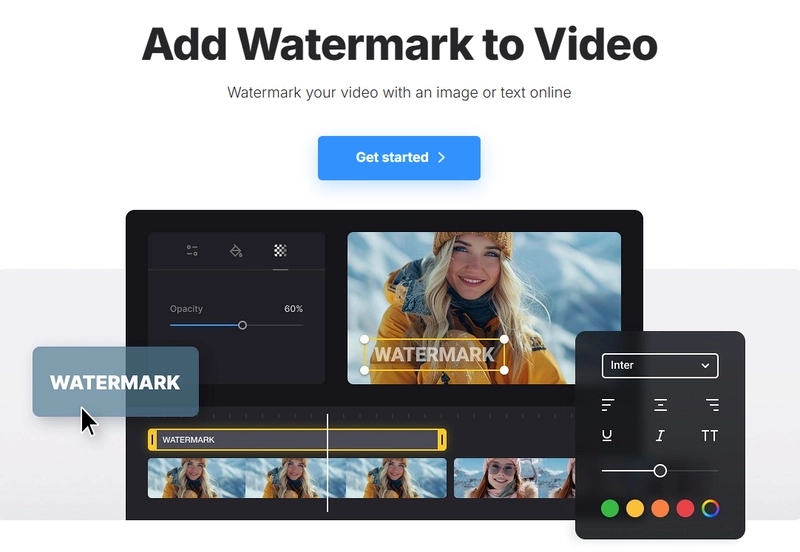
Clideo is recognized for broad format support, fast online rendering, and mobile compatibility. Video editors will love how smoothly this works on any device. From your phone to a desktop, it's dependable and super convenient.
Pros and Cons of Clideo
- Pros: Fast processing, supports many formats.
- Cons: Free version may have slower export speeds.
How to Add Watermark to Video using Vidnoz
After reviewing all six apps, Vidnoz free AI video generator stands out as one of the simplest and fastest tools for adding watermarks to your videos. To help you get started quickly, here’s a detailed, step-by-step guide on how to add watermark to video efficiently.
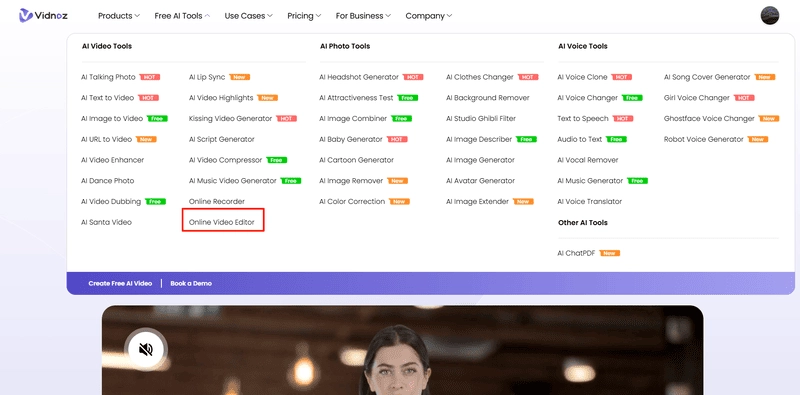
Step 1. Go to Vidnoz Website and open Online Video Editor.
Click the download button below to open Vidnoz and find the Online Video Editor under the Free AI Tools tab.
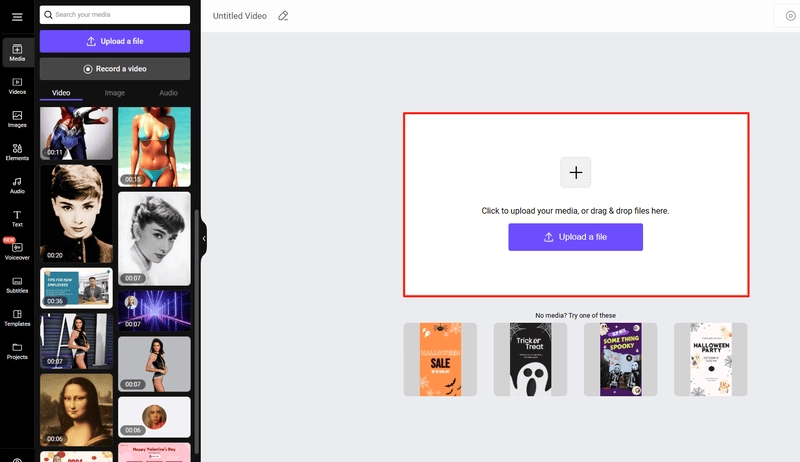
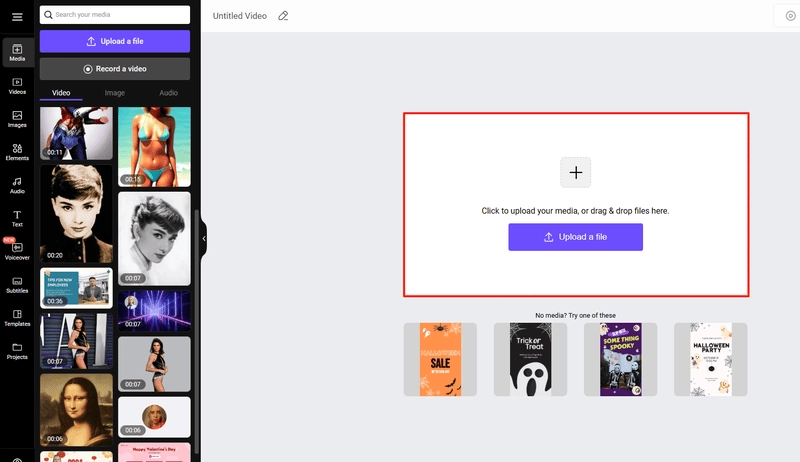
Step 2. Upload Your Video to Vidnoz.
You can upload your own videos, or if you don't have any, you can use footage from the Vidnoz video library. There are all kinds of videos available.
Step 3. Add a Watermark to Video.
Next, click Text on the left panel to add a text watermark to your video. Drag the watermark to the position where you want to add it.

If you want to add a logo to your video, simply click “Image” on the left panel. If you want the logo to be transparent, click “Bg Effect” and select “Remove background” to make the image background transparent.
Step 4. Preview and Download HD Video.
Give your video one last look to make sure it's just right. Once you're happy, hit the Export button to grab your crisp, clear version.
FAQs About Adding Watermarks to Videos
Can I add watermarks to videos without losing quality?
Yes, using high-quality export settings in tools like Canva or Vidnoz ensures your videos remain sharp.
What’s the best placement for a video watermark?
Place it near the center or in areas with motion, making it harder to crop out.
Can I batch watermark multiple videos at once?
Watermark.ws and some paid tiers of other tools offer batch processing features.
Do watermarks affect viewer experience?
A subtle, well-placed watermark does not distract viewers and can even enhance brand recall.
Which watermark tool is best for social media videos?
Canva is great for branded social media content thanks to its templates, while Vidnoz is excellent for quick edits.
Final Words
Hope you already know how to add watermark to video on this page. All six tools—Kapwing, Canva, Vidnoz, Watermark.ws, Vimeo, and Clideo—provide reliable ways to add watermarks to videos at no cost. Your choice depends on whether you value speed, customization, or batch editing. Whichever you select, a watermark not only protects your content but also reinforces your personal or business brand in every upload.
Turn Text into Video with AI - FREE
Generate high-quality videos from PDFs, PPTs, and URLs in one step!





![How to Remove TikTok Watermarks [5 Ways + 4 TikTok Watermark Removers]](https://www.vidnoz.com/bimg/9-best-tiktok-watermark-remover-online-tools.webp)

![5 Best Free Subtitle Generators No Watermark [2026 Tested]](https://www.vidnoz.com/bimg/free-subtitle-generator-no-watermark-tools.webp)
