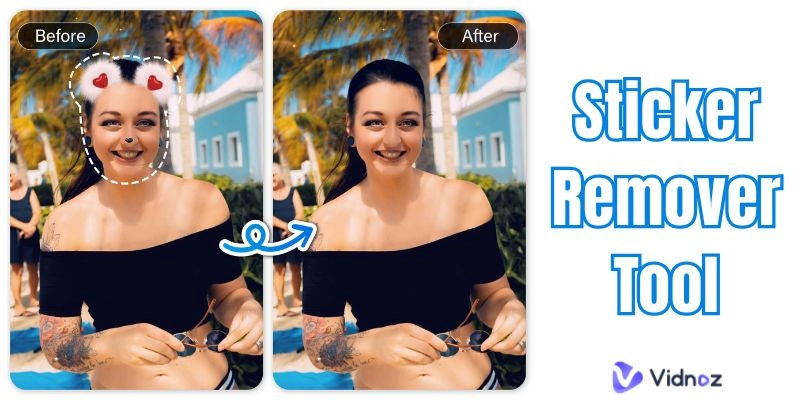
You’ve probably taken a great picture only to notice a sticker, emoji, or watermark blocking part of it. It happens all the time, in personal photos, work images, or something you wanted to share on social media. Instead of keeping a spoiled photo, you can clean it up. A sticker remover tool makes the process simple, letting you erase those marks in just a few clicks.
Think about situations like screenshots from WhatsApp chats, pictures shared on Instagram, or old saved images with funny stickers that no longer fit the moment. In each case, a sticker remover tools helps you restore the original photo so it looks neat and professional again. In this article, you’ll learn what these tools do, how to remove sticker from photo, which remove sticker from photo online free tools work best, how to remove sticker from iphone photo, and how you can start using them right away.
- On This Page
-
What is a Sticker Remover Tool?
-
Top 5 Sticker Remover Tools to Remove Sticker from Photos
insMind: Erase Unwanted Object from Photo Online
Vidnoz AI Image Remover: Free AI Sticker Remover From Photo
-
Step-by-step: How to Remove Sticker from Photo Online With Vidnoz
-
FAQ about Sticker Remover Tools
Q: Is it possible to remove a sticker from a photo?
Q: How to Remove Sticker From iPhone Photo
Q: Can AI remove stickers from pictures?
Q: How do I remove something from a photo on my iPhone?
What is a Sticker Remover Tool?
A sticker remover tool is a program or web-based app that deletes stickers, emojis, or text from your pictures. Rather than adjusting each pixel manually or struggling with heavy design software, you upload the photo, mark the unwanted spot, and the tool clears it out.
Some of today’s tools rely on smart technology. An AI sticker remover from photo can study the surrounding pixels and rebuild the background where the sticker used to be. This gives you a smooth result without an obvious magic eraser. Since many of these tools run online or on mobile devices, you don’t need advanced knowledge to use them.
Common uses include restoring old family pictures that someone added stickers to, cleaning up product shots for e-commerce, or preparing professional images for presentations. Whether it’s for restoring an old memory or preparing a picture for posting, knowing how to remove stickers from photos is a very practical skill.
Top 5 Sticker Remover Tools to Remove Sticker from Photos
When you search for ways to remove sticker from photo, you’ll find plenty of apps and sites. To simplify things, here are the top 5 tools worth using. Each one comes with its own strengths, pricing details, and clear pros and cons.
-
insMind: Erase Unwanted Object from Photo Online
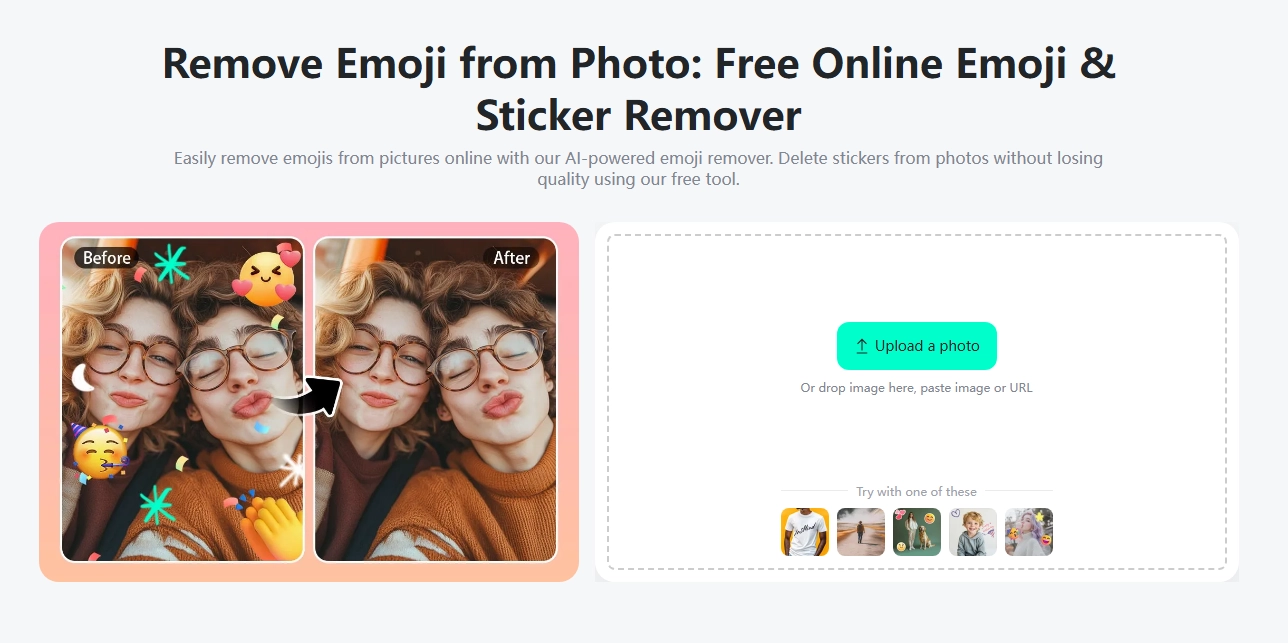
insMind is an online sticker remover tool that helps erase stickers, watermarks, and unwanted objects in just a few steps. What’s more, it also provides a remove filter from video feature. Upload your picture, mark the area, and insMind cleans it naturally.
Best for: Users who want quick, browser-based editing with no downloads.
Pricing: A free trial is available; advanced features are included with a premium plan.
Pros
- Very simple to use, even for beginners
- Handles backgrounds smoothly
- Works directly in your browser
- No need for technical knowledge
Cons
- The free version has limited export quality
- Works best with a stable internet connection
-
Vidnoz AI Image Remover: Free AI Sticker Remover From Photo
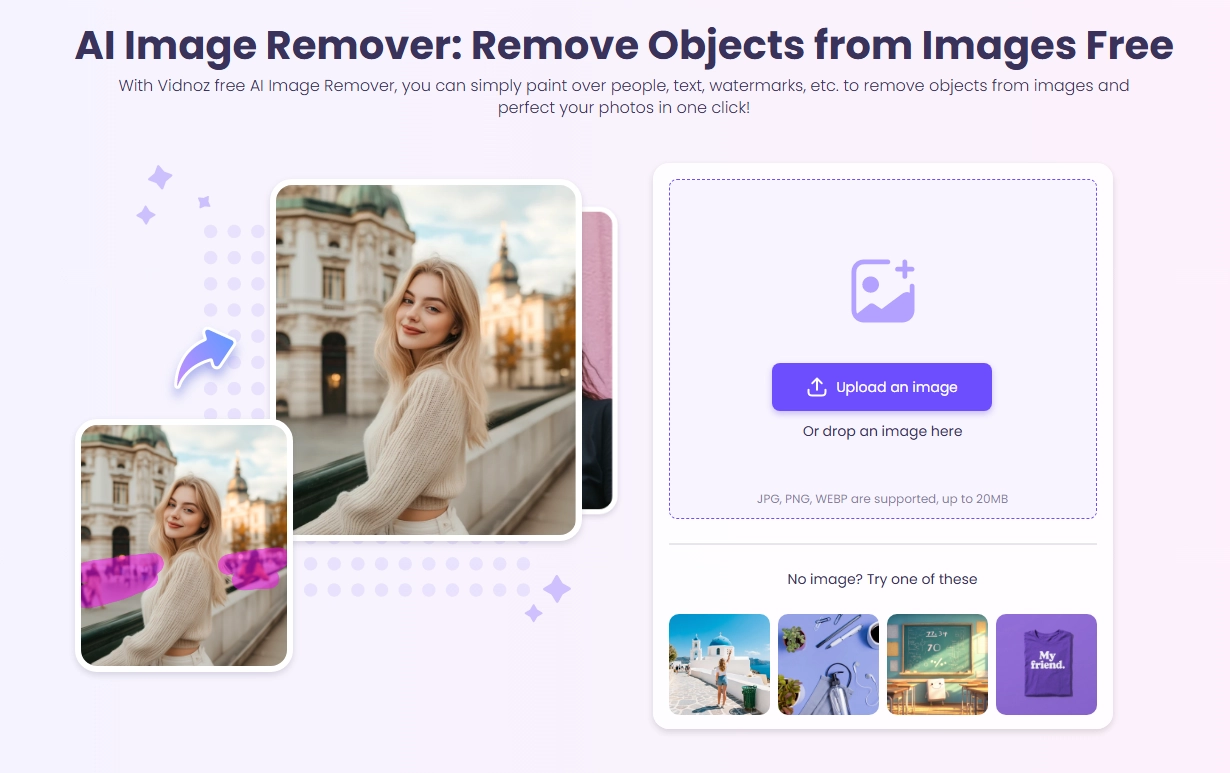
Vidnoz AI Image Remover is a free tool that removes stickers and unwanted objects from photos with one click. This sticker remover tool uses smart AI to fill in the background so the photo looks clean and natural. No design skills are needed. Just upload your picture, remove the sticker, and download the fixed image easily, hassle-free, and securely in seconds now.

Vidnoz AI - Create Free Engaging AI Video with Talking Avatar
- Easily create professional AI videos with realistic avatars.
- Text-to-speech lip sync voices of different languages.
- 2800+ video templates for multiple scenarios.
Best for: Anyone with no design or any skills who wants to remove stickers on an image.
Pricing: Completely free, no watermark on most results.
Pros
- Free to use
- Works on desktop and mobile
- Fast results powered by AI
- No watermarks on images
Cons
- May struggle with very detailed backgrounds
- Limited advanced editing options
-
OpenArt
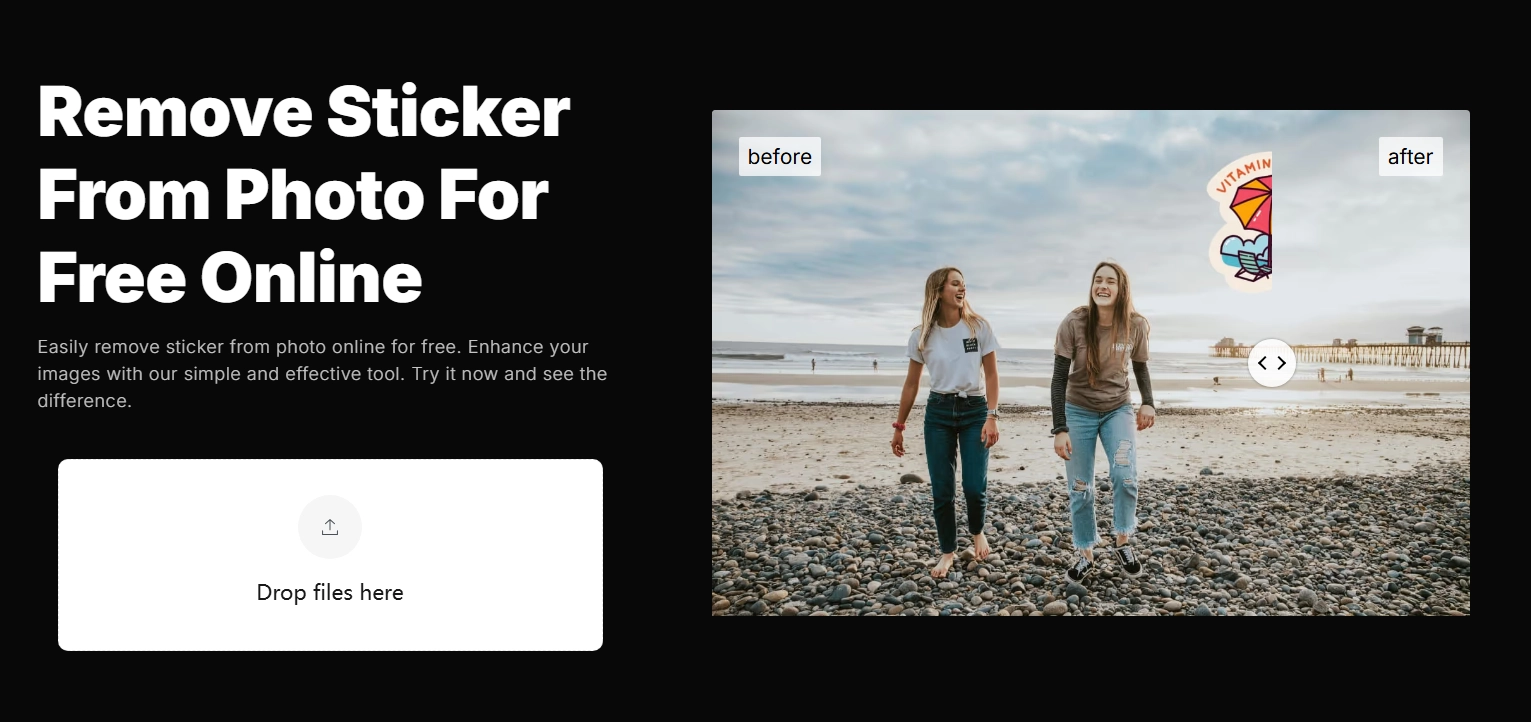
OpenArt is known for its creative AI tools and makes removing reflections from photos easy. Upload your picture, select the sticker you want gone, and the AI removes it. It fills and blends the background so the result looks natural. Results keep important details and are ready to save or share. No special skills needed, done in seconds.
Best for: Users who already enjoy AI editing and want a multipurpose tool.
Pricing: Free credits provided; additional credits available through paid plans.
Pros
- High-quality background restoration
- Supports various image types
- Extra editing tools beyond sticker removal
- Active AI community and tutorials
Cons
- Free credits are limited
- Some learning curve for new users
-
AniEraser
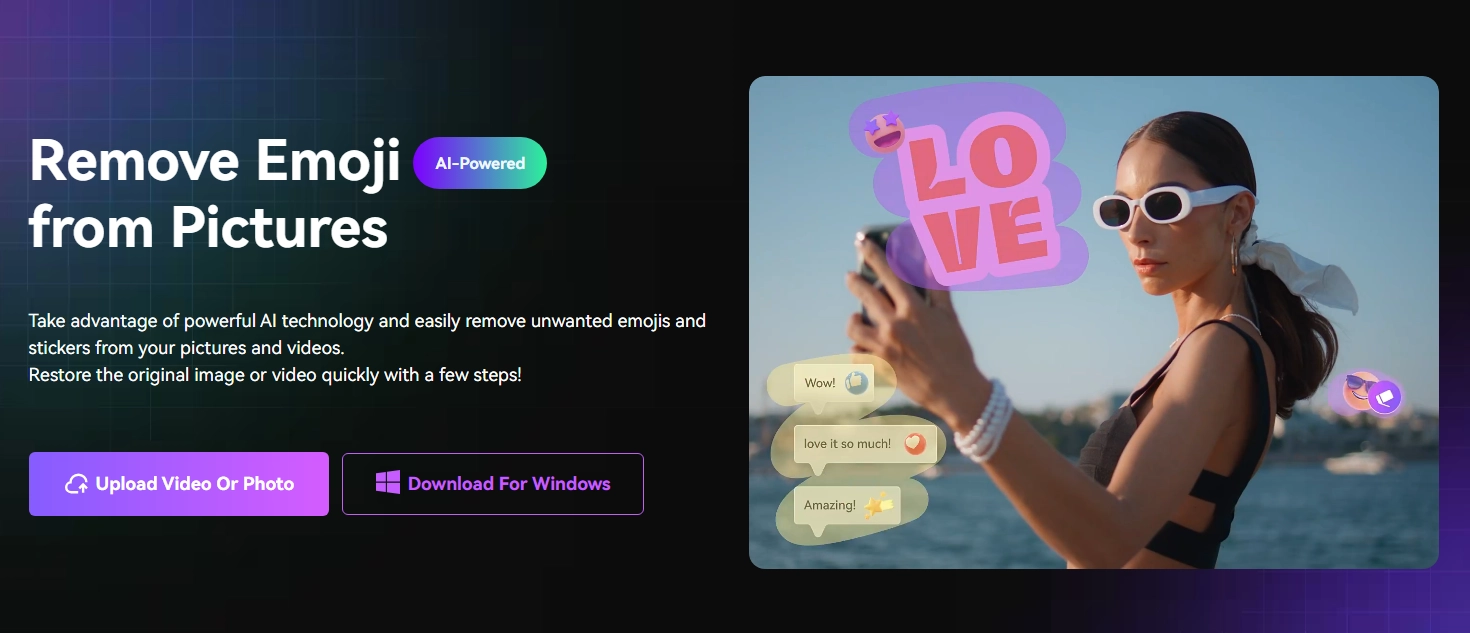
AniEraser makes it easy to clean up photos by removing stickers, text, or emojis in just a few steps. You can let the sticker remover tool handle it automatically with one click or switch to manual mode for more precise edits. It allows zooming, undoing, and refining edges for a smooth finish. The background stays natural, remove the text from the image. Whether you’re a beginner or experienced, it’s simple and effective.
Best for: Individuals who desire both AI speed and manual control.
Pricing: Free plan available; premium plan unlocks HD downloads.
Pros
- Simple and beginner-friendly
- Offers both manual and AI erasing
- Works on iPhone and Android
- Flexible controls for tricky edits
Cons
- Premium upgrade needed for high-resolution exports
- Slower on large image files
-
AI Ease
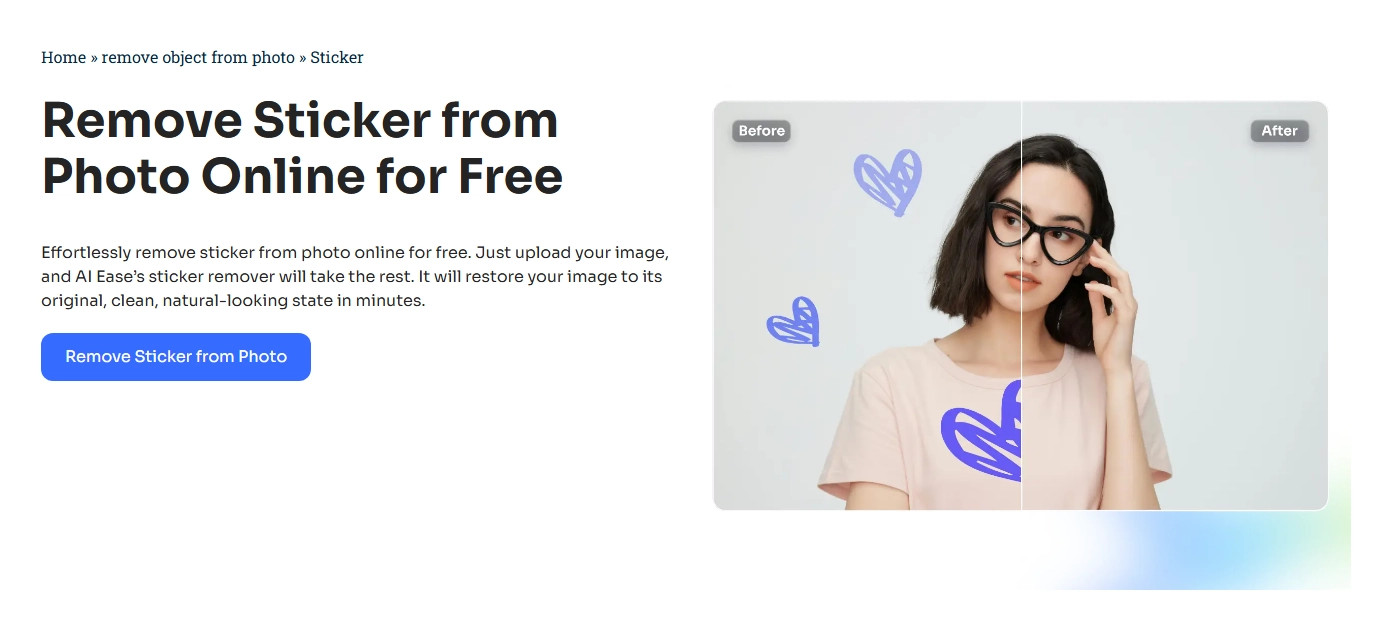
AI Ease is made for quick and accurate sticker remover tool, saving you time while keeping your photos clean. Its smart AI detects unwanted marks, stickers, or objects and erases them smoothly. The background is carefully blended to look natural, so edits are almost invisible. With just a few clicks, you get a polished photo that’s ready to use or share.
Best for: Users looking for a quick and accurate sticker remover tool.
Pricing: Free version available; pro features require a subscription.
Pros
- Clean interface, very easy to use
- Fast editing speed
- Accurate sticker removal on most photos
- Good option for social media images
Cons
- Some advanced features require payment
- Limited export resolution in the free plan
Step-by-step: How to Remove Sticker from Photo Online With Vidnoz
So how to remove sticker from a photo? Here, we’ll take Vidnoz as an example to show you a quick way to remove sticker from photo online free. Follow these steps of how to remove sticker from photo:
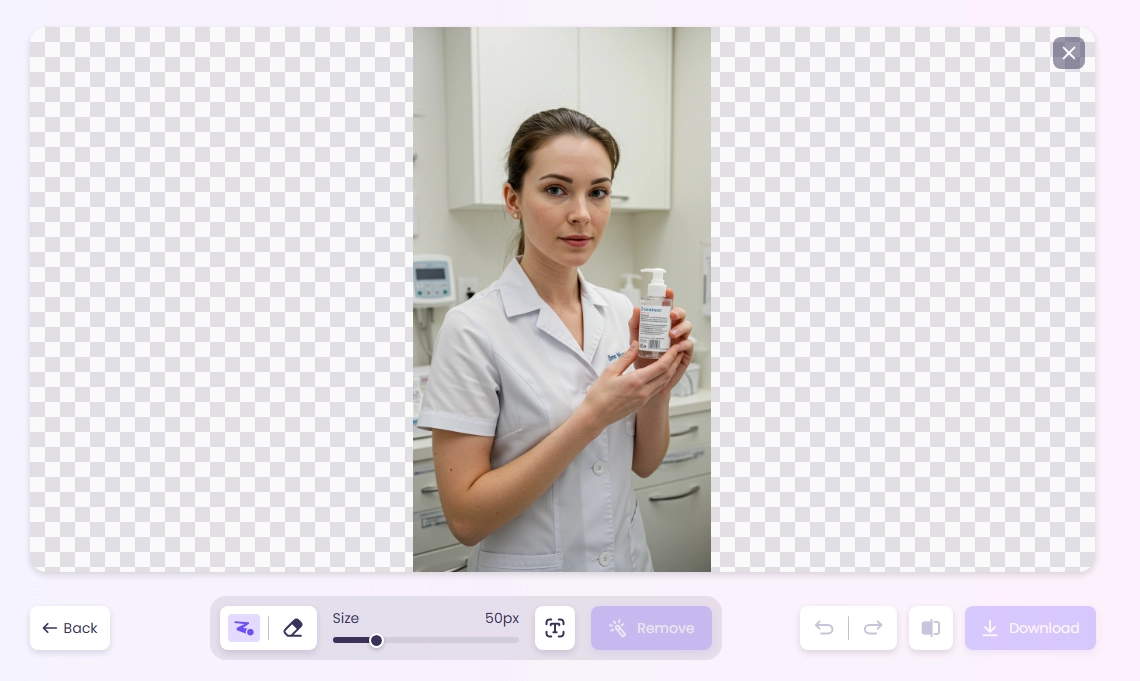
Step 1. Go to this free AI video generator Vidnoz AI website, and navigate to the Image Remover feature.
Step 2. Upload your photo and erase the sticker or anything you want gone.
Step 3. Click ‘Remove’ and let the AI process your image in seconds.
Step 4. Download the clean, sticker-free photo.
FAQ about Sticker Remover Tools
Q: Is it possible to remove a sticker from a photo?
Yes, it is possible to remove a sticker from a photo with some free sticker remover tools.
Q: How to Remove Sticker From iPhone Photo
You can use online sticker removers and photo apps like Vidnoz and insMind for quick results.
Q: Can AI remove stickers from pictures?
Vidnoz provides a free AI sticker remover from a photo with no watermark.
Q: How do I remove something from a photo on my iPhone?
Use apps like AniEraser, Vidnoz, or the built-in editor. If you need a free online method, try Vidnoz.
Bottom Line
Unwanted stickers or emojis don’t need to ruin your photos anymore. With today’s sticker remover tool options, the process is quick, simple, and effective. Whether you choose Vidnoz for a free solution or premium tools like insMind, AniEraser, and AI Ease, each one restores your images naturally. These remove sticker from photo online free tools not only erase stickers but also blend the background so your picture looks original. Start using one today and see how easy it is to remove stickers from photos online and keep your images looking their best.