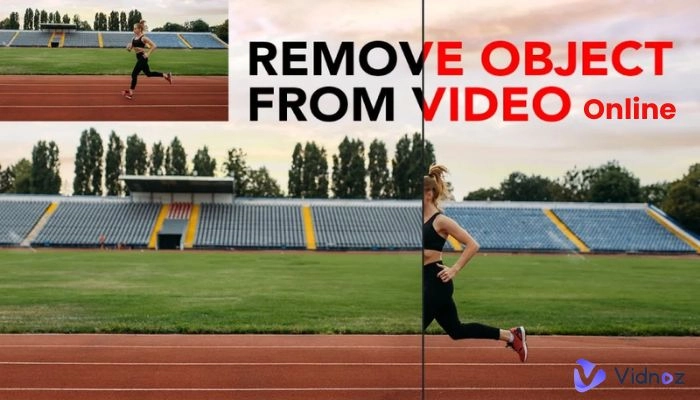
Want to remove unwanted logos and watermarks from videos? It may be frustrating, especially when you don’t want to sacrifice quality or pay for expensive software. Here comes the good news. Whether you remove logo from video for reusing on other platforms with better aesthetics, personal use with professionalism, or fixing a brand mistake, this article handpicks 5 top online video logo removers with a complete test.
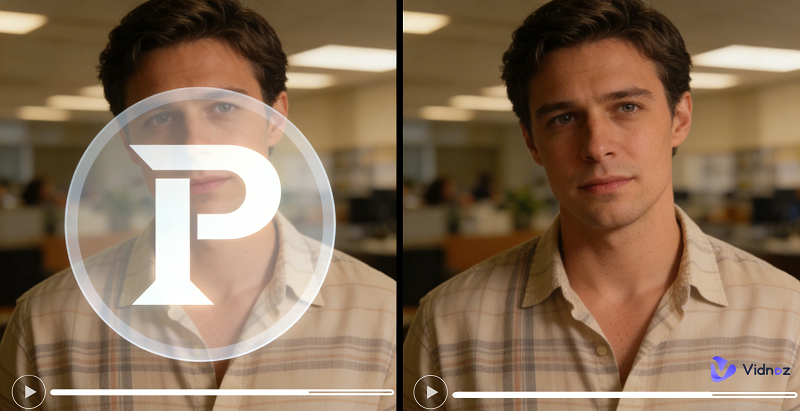
Keep reading to explore how these free, quick, and no-quality loss tools make logo removal in videos easier and more effective.
- On This Page
-
What Does “Remove Logo from Video” & “AI Logo Remover” Mean?
-
Remove Logo from Video Free Online with 5 Best Picks
-
Bonus Tip for Free to Remove Logo & Watermark from Photo Online
Way 1: Remove Logo, Watermark, People, and Anything Else from Text Command
Way 2. Remove Logo from Image with AI Image Remover
-
FAQs About Removing Logo from Video
What Does “Remove Logo from Video” & “AI Logo Remover” Mean?
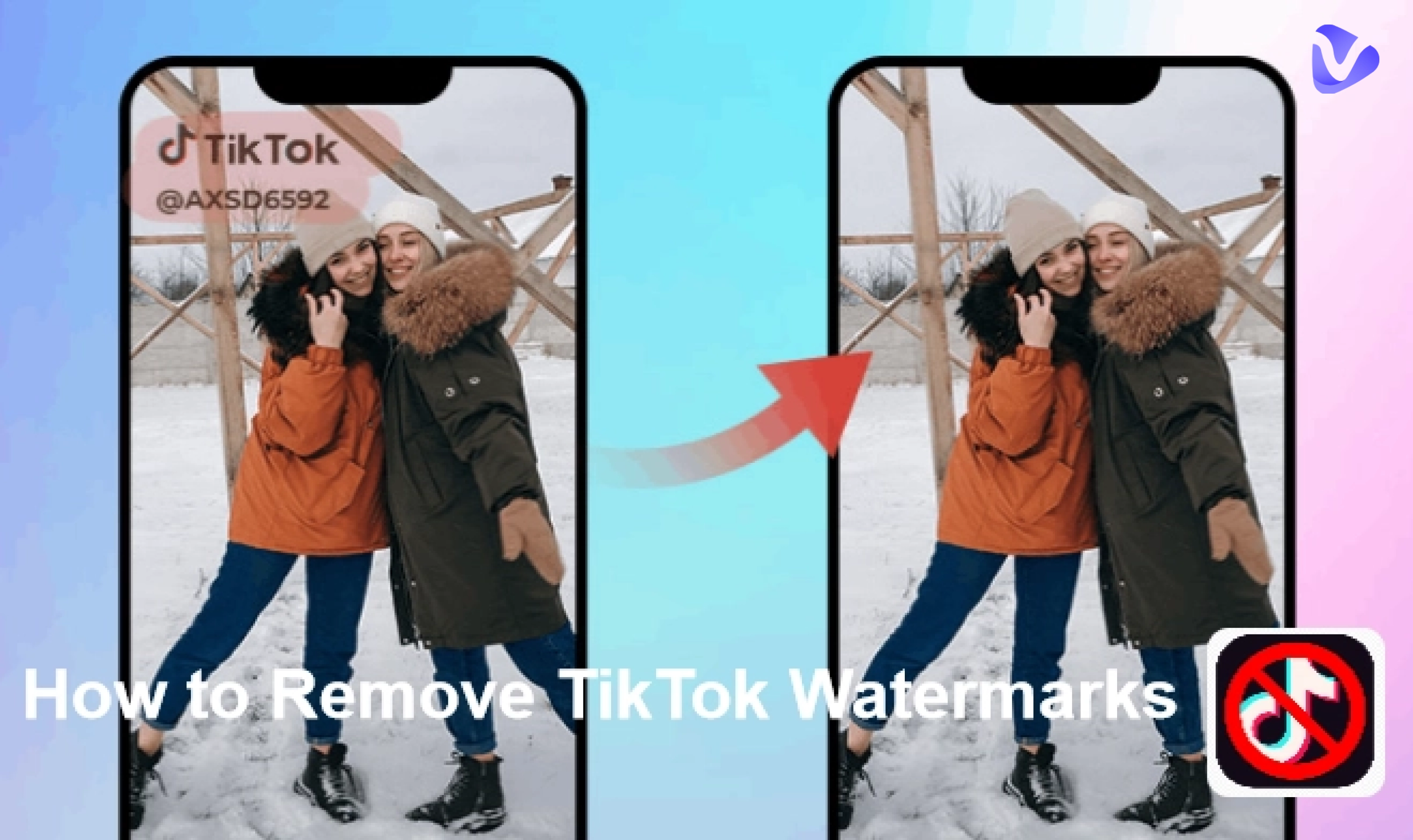
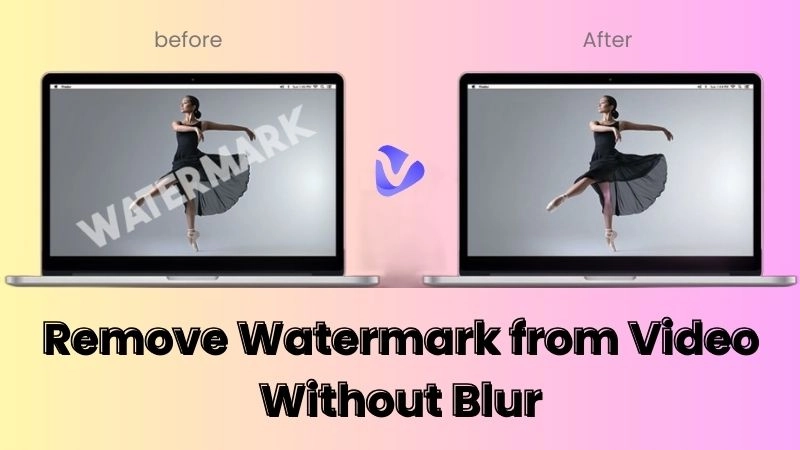
To remove logo from video is to eliminate visible branding elements, including watermarks, channel logos, time stamps, stickers, or text overlays, from each frame of a video. This makes the footage looks clean and distraction-free.
Today, many online AI video logo removers allow you to remove logo from a video online by using AI techniques. They can intelligently detect and erase logos while preserving the original background, and then reconstruct the background where the logo once appeared. A reliable AI video logo remover can save you hours of manual work to get professional-looking results without advanced editing skills.
Before removing logo from video free AI, let’s have a look at the common types of logos in videos:
- Static overlays are fixed logos in a corner.
- Watermarks refer to semi-transparent branding across frames.
- Embedded logos belong to the original footage.
- Animated logos are moving logos.
Disclaimer: This article mainly provides solutions for users who own the videos, have permissions to edit, or recreate for personal use. We don’t encourage removing logos from copyrighted content without authorization.
Remove Logo from Video Free Online with 5 Best Picks
Be eager to transform logoed videos into clean, professional, and distraction-free videos? Go straight to the detailed information of the practical video logo removers below.
Online Video Cutter
Site: https://online-video-cutter.com/remove-logo
If you’re looking for a quick and manually controllable option, Online Video Cutter is an accessible video logo remover to remove logo from video free online without watermark. It allows users to flexibly select multiple areas, no matter it is logo, image, watermark, text, or time stamp, and remove them by cropping or masking. This makes it reliable to erase static corner logos, especially removing text from video, in simple use cases.
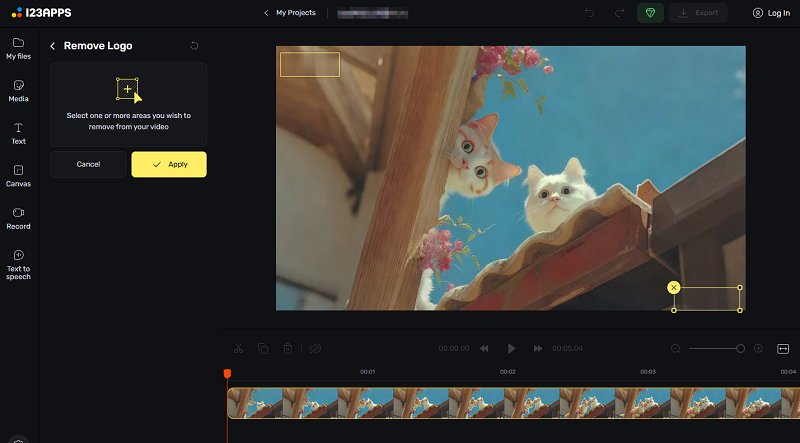
Best for: Users who want a fast, straightforward way to remove a logo from a video online.
Pros
- Free, easy, no sign-up, and no installation.
- Simple, clean, and intuitive interface.
- Allow frame-by-frame preview.
- Work with the most common video format.
- Choicable export quality of 480P, 720P, and 1080P.
- Ensure the file safety of the whole process according to US and EU data protection standards.
Cons
- Manual selection may not work well for complex backgrounds.
- Large files may take longer to process.
EzRemove AI
Site: https://ezremove.ai/video-watermark-remover/
EZRemove AI is one of the well-known free watermark removers that focuses on AI-powered watermark and logo removal from videos or photos. It offers manual selections with a flexible box or adjustable brush, and automatically detects logos across frames and fills in the background using smart inpainting. If you want to remove logo from video free AI with minimal effort and AI precision, it is a strong option worthy of trying.
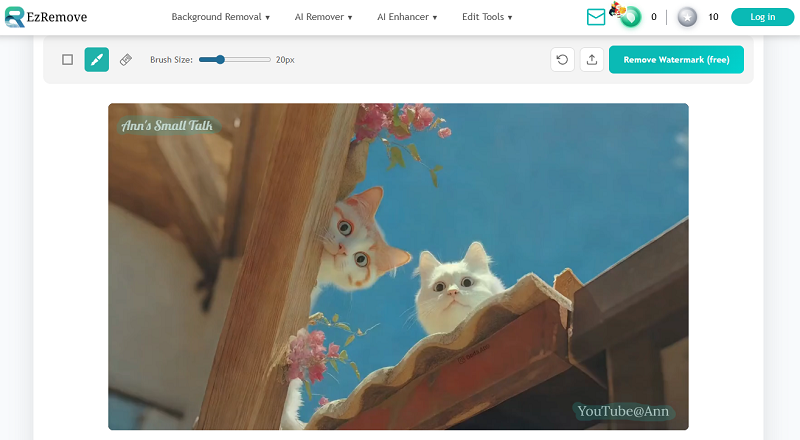
Best for: Users who want automated logo removal with minimal editing knowledge.
Pros
- AI-based automatic watermark and logo detection.
- Allow 4K video uploading.
- Online removal, no sign-up.
- Realistic background reconstruction across frames.
- Good results on simple and semi-transparent logos.
- Support videos that are shorter than 5 minutes and smaller than 500 MB.
Cons
- Free usage may have length or resolution limits.
- It may take time to process if the video is a little bit complex.
Vmake AI
Site: https://vmake.ai/video-watermark-remover
Vmake AI is a complete automatic video logo remover, which starts processing once the video is uploaded.
Vmake AI is an all-in-one AI media editing platform, and its free AI video watermark remover is optimized for instant batch logo removal in videos. Once you upload one to three videos, its advanced AI smart removal will analyze the position and type of logo watermark, and auto-refill the background to keep the consistency, with no need for any manual edit.
Best for: Content creators and marketers editing short social media videos.
Pros
- Enable batch video logo removals.
- Motion-aware background filling.
- Optimized for quick logo removal from short-form videos.
- Supports common social video formats.
- Get high scores on Trustpilot and Producthunt.
Cons
- Auto removal lacks accuracy occasionally.
- Best performance on shorter clips.
Unwatermark AI
Site: https://unwatermark.ai/video-logo-remover/
Unwatermark AI is designed specifically to remove logos and watermarks from videos free no sign up, using deep-learning models. It focuses on preserving video quality while ensuring the removed area blends naturally with the surroundings. Similar to EzRemove AI, it has two ways, manual selection and an adjustable brush, to erase any shape of logo on video from any area.
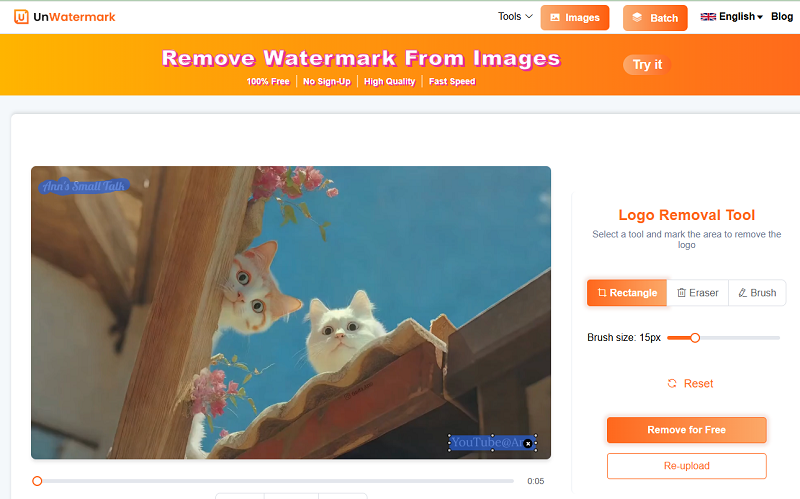
Best for: Users who want to remove transparent or lightly animated watermarks from personal videos.
Pros
- Free removal, online, no-install solution, no sign-up.
- Frame-by-frame background repair with high precision.
- Easy to detect and handle semi-transparent watermarks.
- Simple upload-and-process workflow.
- Offer choices to remove logo from part of video footage.
Cons
- Free version may restrict resolution.
- Not ideal for highly animated logos.
Magic Eraser
Site: https://magiceraser.org/remove-watermark-from-video/
Magic Eraser applies strong object-removal technology to videos, allowing users to remove logos by masking the unwanted area via box or brush. It offers flexibility and control not only for the removal method, but also for the different advanced AI models to deal with different logo watermark types. There are choices to remove the fixed logo or animated logo by switching AI models.
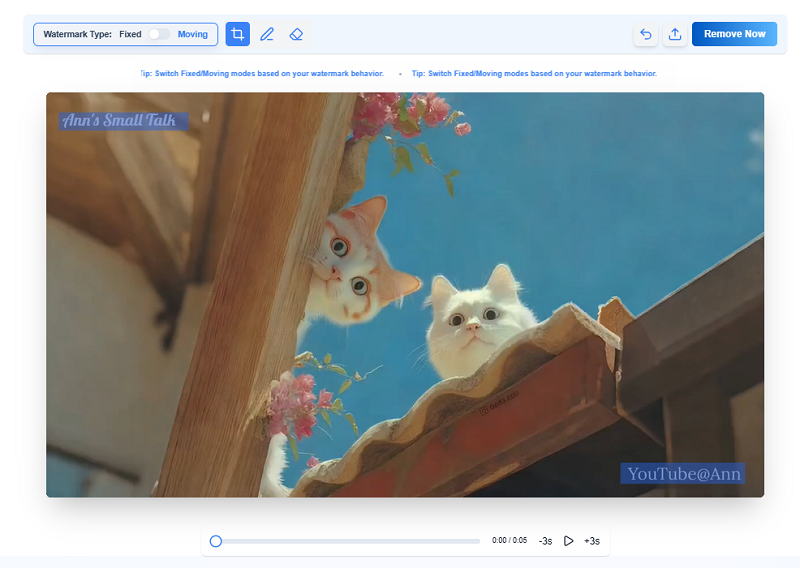
Best for: Users who want to remove animated logos from videos.
Pros
- Free, no sign-up, and software downloading.
- Precise manual selection for object and logo removal.
- Remove the logo from any time point or frame in the video.
- Clean and high-quality export in MP4/M4V format.
- Provide maximum flexibility and control for any video watermark.
Cons
- Results depend on background simplicity.
No matter if you value simplicity, speed, quality, or removal approaches, there must be a apporiate video logo remover among those free no-signup options. Give them a try depending on your video length, size, logo complexity, and use of scenes.
Bonus Tip for Free to Remove Logo & Watermark from Photo Online
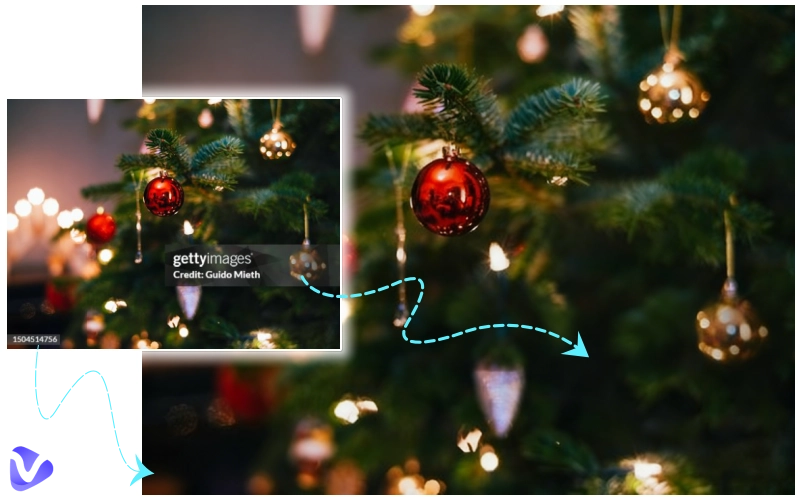
Except to remove logo from video, the demand of removing logo and watermarks from images, especially from iStock, Unsplash, Freepik, Getty Images, etc., is also complex. Fortunately, Vidnoz AI has two free methods to assist anyone in need to eliminate any semi-transparent logo, watermark, sticker, objects, and more from a photo with ease. Check how they work.
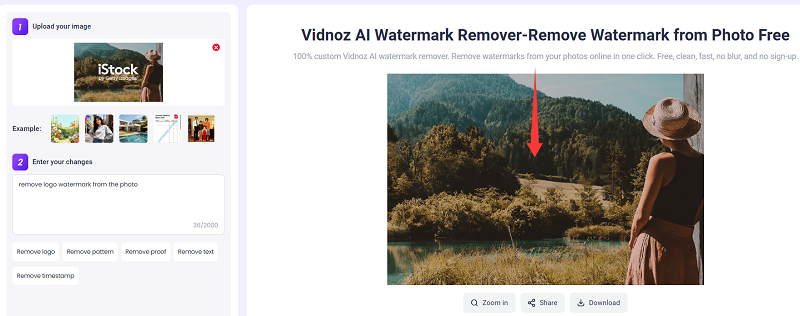
Way 1: Remove Logo, Watermark, People, and Anything Else from Text Command
Vidnoz AI Image Watermark Remover bases the text prompt to edit the photo as you described.
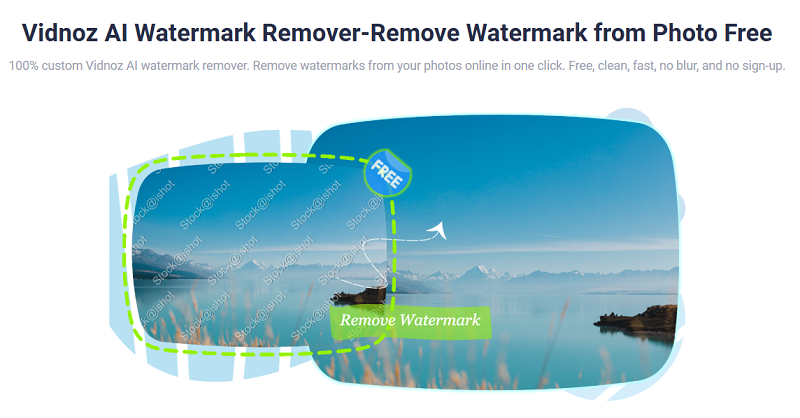
Quick Guide:
Step 1.
Upload the photo you want to eliminate unwanted content, whatever it is.
Step 2.
It has prompted several easy-to-start samples, including removing logo, pattern, proof, text, timestamp, etc. You can click on one to alter or input your commands directly.
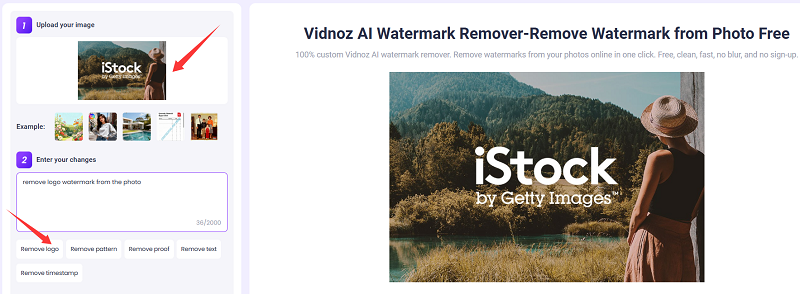
Step 3.
Click on Generate Now, and AI will automatically analyze the layers on the image, remove the unwanted content, and rebuild the backdrop.
Step 4.
Finally, it exports a crystal-clear, high-resolution image, and no trace left.
Bonus tool to convert any static image to animated clips:
Convert Image to Video AI Online - Free
- Create a video from an image quickly for free.
- Use various AI models to turn photos into videos.
- Download and share the AI-generated video at no cost.
Convert Image to Video
Way 2. Remove Logo from Image with AI Image Remover
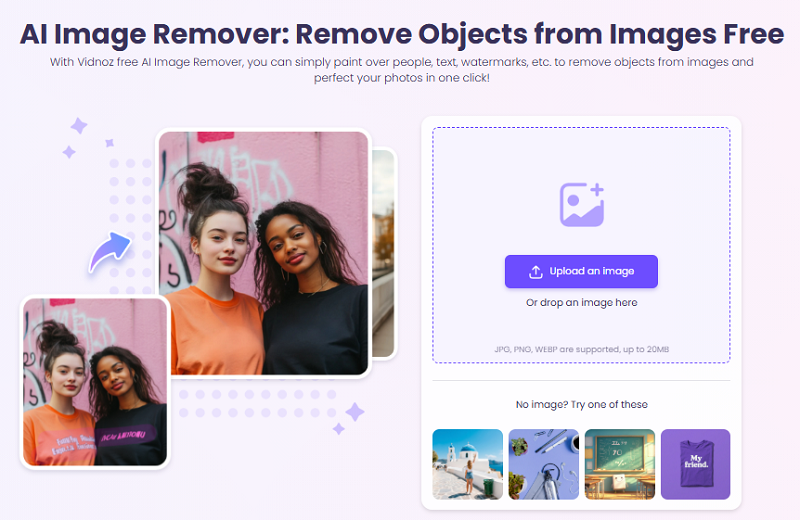
Vidnoz AI image remover is a no-installation option to erase any unwanted or distracted object from images.
Quick Guide:
Step 1.
Access this free online object remover. Import your photo.
Step 2.
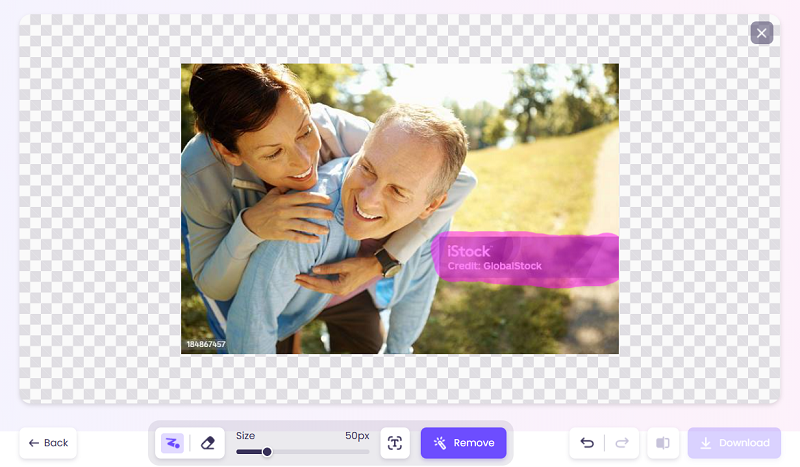
It has an adjustable brush for manual removal control. You can simply paint over the distracted area, like people, text, watermarks, etc. Or use its AI detection to auto mask the text.
Step 3.
Click the Remove button to perfect the image without pixel blurring.
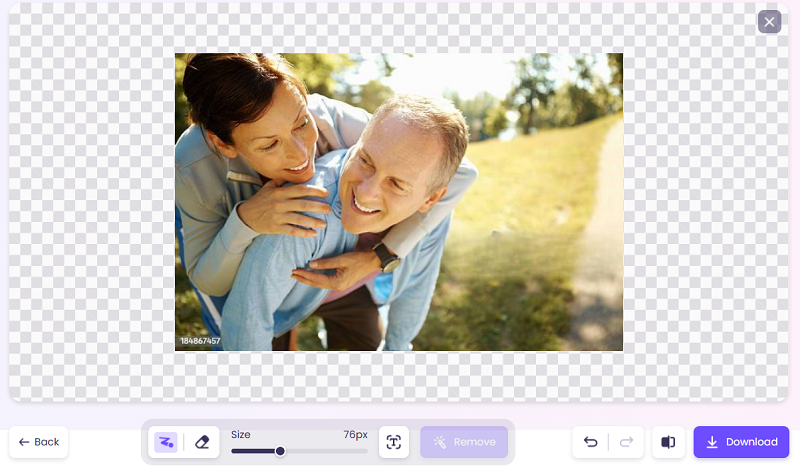
Whether which tool you want to try, it has 3 free trials every day, without any limitation for upgrading, exporting quality, or watermarking. Feel relaxed to remove any distractions from images!
Bonus tool helps you convert an image to a cartoon:

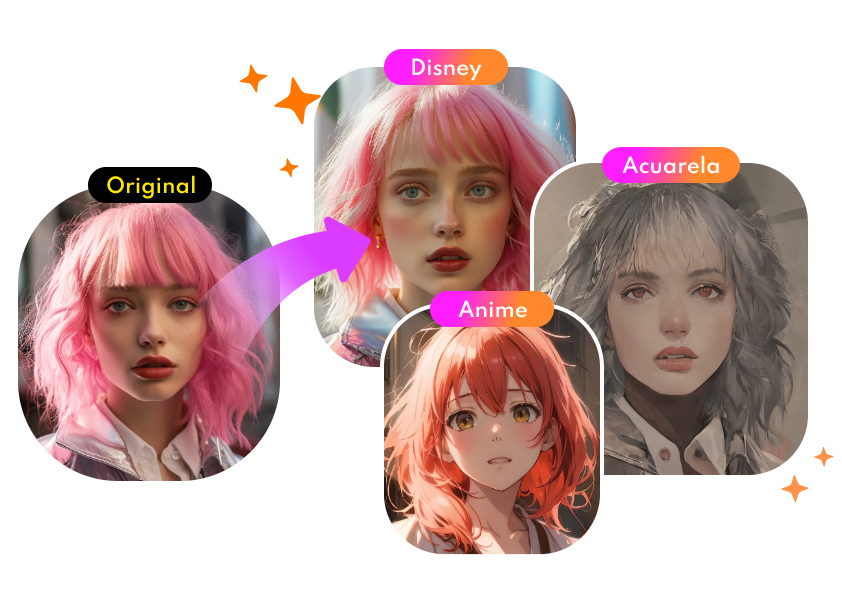
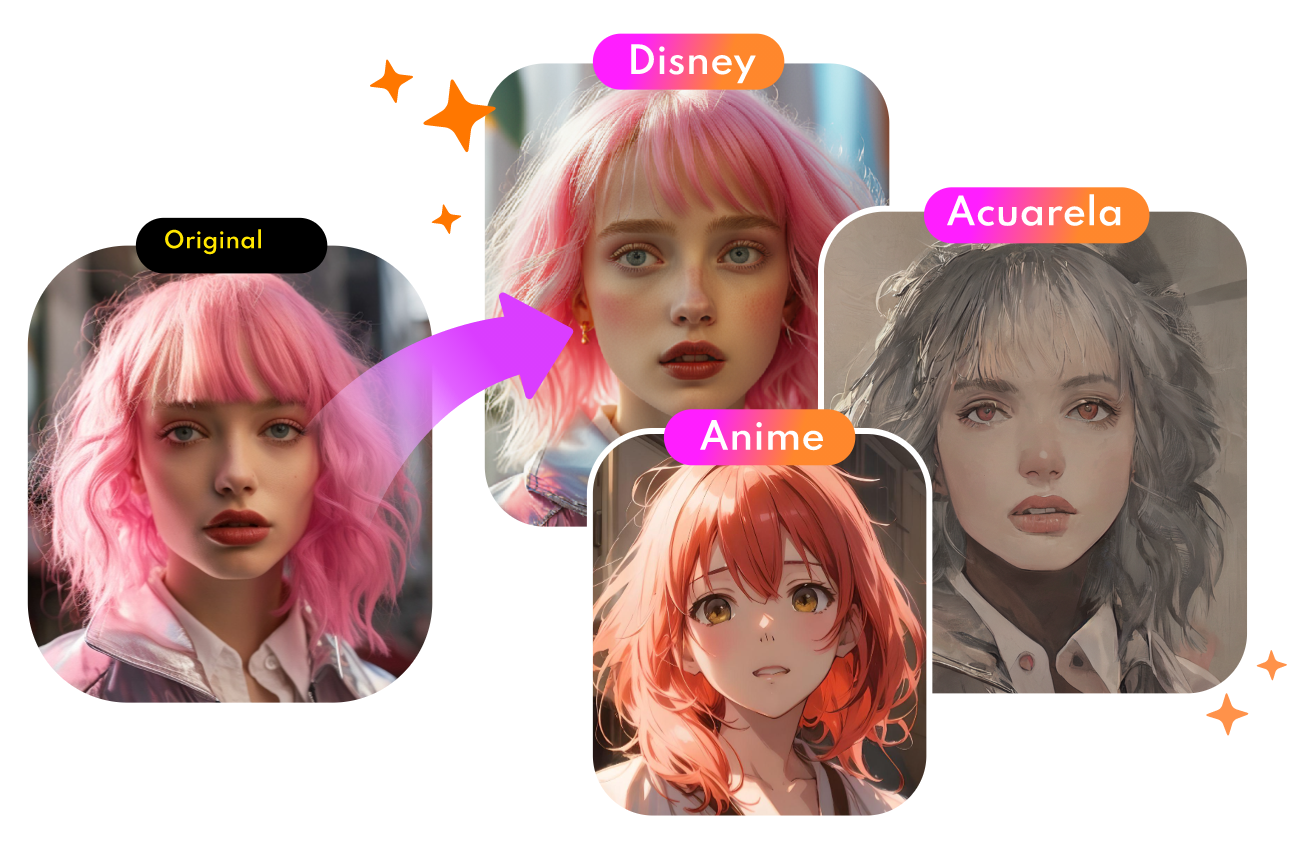
Convert Photo to Cartoon - FREE
- Convert any photo into a high-quality cartoon version for free. Choose from a variety of styles. Instant and Natural!
Turn Photo into Cartoon
FAQs About Removing Logo from Video
Can I remove a logo from a video for free?
Yes. Many online tools allow you to remove logos from videos for free, especially for short clips or lower resolutions. Free versions may have limits on video length, resolution, or daily usage, but they are usually sufficient for basic needs.
Which video logo remover leaves no watermark?
The AI video logo removers mentioned above all offer a free export without adding their own watermark. If you try a new one, always check the export settings and terms before processing your video to ensure no watermark is added.
How does AI remove logos from videos?
AI-powered tools analyze each frame of the video, detect the logo area, and use intelligent inpainting to reconstruct the background. By learning patterns from surrounding pixels and adjacent frames, AI can remove the logo while keeping the video natural and smooth.
Will logo removal damage my video quality?
If done correctly, quality loss is minimal. However, complex backgrounds or moving logos may cause slight blur or artifacts. Using high-resolution source videos and AI-based removers helps maintain better results.
Is it legal to remove logos from videos?
Logo removal is legal only if you own the video or have permission from the copyright holder. Removing logos from copyrighted or branded content without authorization may violate intellectual property laws or platform policies.
Conclusion
Sum up this article, and you may discover that removing logos is not so complicated. With today’s free AI and online tools, anyone can remove logo from video quickly while keeping quality intact. If you’re a beginner, start with a simple AI-based video logo remover for the best results. Try one today, and share your experience or questions below.