Ever wasted hours digging through a movie just to find a single scene? You’re not alone. Marketers, video creators, and researchers often struggle to pinpoint specific clips—whether it’s a viral moment for a campaign or a key reference for analysis. Manual searches eat up time, and sometimes, the right content stays hidden no matter how deep you scroll.
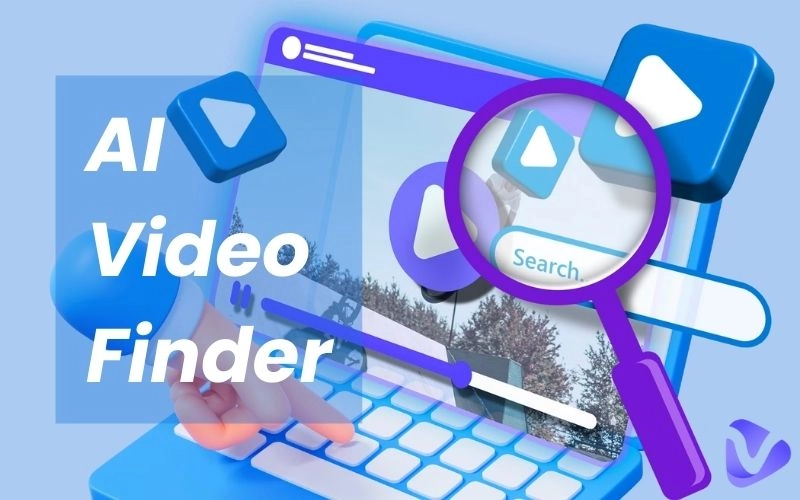
That’s where AI video finder tools change the game. Instead of brute-forcing your way through timelines, these smart systems analyze speech, visuals, and context to retrieve exact matches in seconds. Why scroll when AI can learn what you need and serve it instantly?
- On This Page
-
AI Video Finder vs. Manual Video Search
-
4 AI Video Finders to Uncover Relevant Video in Seconds
Pro Tip: How to Improve the Quality of Searched Video?
#3. VideoDubbe YouTube Video Finder
#4. Vercel AI Video Search
-
[Bonus] No Search! Generate Original Video with Vidnoz AI
AI Video Finder vs. Manual Video Search
Here’s why AI video finders outperform manual searches:
- Bigger Database, Better Results
Manual searches rely on basic search engines, missing unindexed or SEO-weak videos (like niche commercials or multilingual clips). AI scans deeper—including platforms like Vimeo, private archives, and even poorly tagged content.
Instead of skimming timelines for hours, AI analyzes speech, objects, and motion in seconds. Need every "car chase in 4K"? An AI video finder sorts it instantly.
- Smarter Keyword Understanding
Typing "funny dog fails" might miss viral moments with odd titles. AI interprets intent, finding clips even when the metadata is vague or in a different language.
Narrow results by mood, color palette, speaker, or timestamp. Manual searches? Good luck filtering beyond "upload date."
4 AI Video Finders to Uncover Relevant Video in Seconds
Searching for the perfect video clip shouldn’t feel like digging for buried treasure. Can AI help find videos? Excitingly, yes!
These AI-powered video finders analyze speech, visuals, and metadata to deliver perfect results. Here’s a hands-on review of four AI video finder tools that make discovery effortless.
#1. Film.ai

Film.ai revolutionizes how creators find video clips by leveraging AI to analyze and retrieve precise moments from a vast database of ads, music videos, and commercials. Unlike manual searches, its text-to-video search understands semantic context—for example, searching "dramatic sunset car chase" pulls clips matching the mood, action, and visuals, not just metadata. Filters like color palette, frame composition, and era refine results further. No sign-up is needed for basic searches, making it accessible for quick inspiration.
Real Search Experience:
Results are ranked by relevance, with thumbnails and hover previews. The AI excels at interpreting abstract queries (e.g., "nostalgic 90s vibe"), though occasional mismatches occur due to its creative interpretation.
Key Features
- 150,000+ video cuts from ads and music videos, updated regularly.
- AI semantic search for intent-based results, not just keywords.
- Advanced filters (mood, color, shot type) for granular discovery.
- Collection bookmarking to organize clips by project or theme.
Pros
-
Access to 1M+ curated images and video cuts spanning genres, eras, and styles.
-
Understands abstract queries (e.g., "dreamy baroque castle with flowers") and filters accordingly.
-
Free tier allows browsing and 3 daily downloads.
-
Discounted plans for educators and developing regions.
Cons
-
Lacks direct scenes from films or TV series.
-
Occasionally delivers overly "creative" mismatches.
-
Free users face tight limits (3 downloads/day).
Pricing
- Free: €0 with limited daily downloads.
- Basic: 12.90/month
- Pro: €29.90/month
- Team: Multiple licenses for teams and businesses
Pro Tip: How to Improve the Quality of Searched Video?
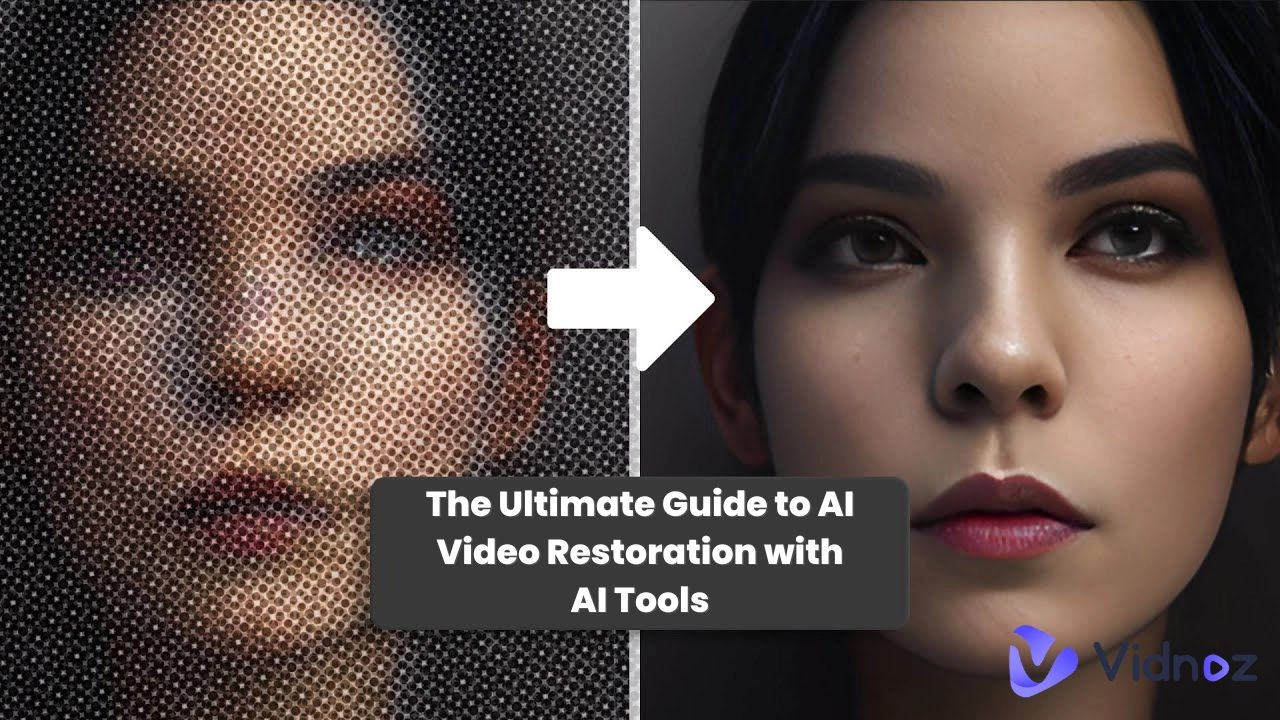
Finding the perfect video clip is one thing—getting it in high quality is another. Many platforms (like YouTube, Facebook, and Dailymotion) automatically compress uploaded videos, reducing resolution, introducing artifacts, or dulling colors. If you’ve downloaded a low-quality video, don’t settle for pixelated or blurry footage. Instead, use Vidnoz Free AI Video Enhancer to upscale and refine it.
Why Use Vidnoz AI Video Enhancer?
- AI-Powered Upscaling: Boosts resolution (e.g., from 480p to 1080p) while sharpening details.
- Noise & Artifact Reduction: Cleans up compression flaws for smoother playback.
- Color Correction: Adjusts brightness, contrast, and saturation for a more vibrant look.
- Free & User-Friendly: No watermarks or paywalls—ideal for quick fixes.
#2. ICONO Search

ICONO Search provides 70+ million video shots from movies, ads, and TV shows. It uses AI-powered visual recognition to analyze frames, objects, and compositions, delivering hyper-relevant results in seconds.
Real Search Experience:
Simply type a description (e.g., "tense courtroom scene" or "vintage car driving at night"), and let ICONO AI find video clips. It scans its massive database, returning precise shots. Filters like source, color scheme, shot type (close-up, wide), and license refine results further.
Key Features
- 70M+ video shots, one of the largest databases for creative professionals.
- AI visual recognition to find matches based on objects, lighting, and composition.
- Advanced filters to sort by source, shot type, and more.
- Collection saving to Organize favorite clips into project folders.
Pros
-
Massive database with rare/niche content.
-
Can also generate transcripts from videos.
-
You can use an image to find corresponding video clips.
Pricing:
- Free Plan: Limited features
- Standard Plan (€500 per month): Maximum of 20 hours of video content
- Pro Plan (€1,500 per month): Maximum of 200 hours of video content
- Enterprise Plan (€3,000 per month): Maximum of 1,000 hours of video content
#3. VideoDubbe YouTube Video Finder

The VideoDubbe YouTube Video Finder allows users to find videos on YouTube using keywords. Its search results are constantly updated to help identify current and trending videos. You can sort videos by upload date, duration, view count, and license.
Real Search Experience:
Enter a query (e.g., "minimalist home office setups"), and VideoDubbe’s YouTube video finder AI shares a long list of videos. Unlike YouTube’s native search, results are ad-free and sorted by relevance.
Key Features
- Skips sponsored videos and mid-roll ads.
- Advanced filters to sort videos by duration, channel size, or upload date.
- Copy data (views, links) for analysis or curation.
- Instant access without accounts or subscriptions.
Cons
- Manual adjustments are needed to achieve the best results.
Pricing:
- Starter Plan (Free): 5 video minutes
- Pro Plan ($19/month): 180 translation minutes
- Scale Plan ($180/month): 2000 translation minutes
#4. Vercel AI Video Search

Vercel AI Video Search (AVSE) leverages AI to search, summarize, and analyze YouTube videos. Its semantic search engine uses AI to understand video content. It can go beyond simple keyword matching and can be used to search for specific concepts or topics within videos.
Real Search Experience:
Enter a query (e.g., "best React tutorials 2026"), and AVSE’s YouTube video finder AI returns a list of videos with auto-generated summaries (no login required).

Key Features
- Finds relevant video segments, even with non-optimal phrasing.
- Provides an AI-generated summary of the video's content.
- Answers AI-based questions without account login
Cons
- The "Ask" feature requires login.
Pricing: Free
[Bonus] No Search! Generate Original Video with Vidnoz AI
Tired of endlessly searching for the perfect video clip, only to find watermarked, low-quality, or paywalled results? Vidnoz free AI Video Generator offers a smarter solution: create custom, high-quality videos from scratch in minutes. AI-generated videos eliminate licensing headaches and save hours of manual editing for tutorial clips, marketing content, or professional presentations.
Why Generate Instead of Searching?
- No perfect matches? AI crafts tailored videos to your exact specs.
- Watermarked/blurry finds? Generate crisp, royalty-free footage.
- Costly AI finders? Vidnoz offers free credits to start.

Vidnoz AI - Create Free Engaging AI Video with Talking Avatar
- Easily create professional AI videos with realistic avatars.
- Text-to-speech lip sync voices of different languages.
- 2800+ video templates for multiple scenarios.
Key Features
- Tutorial Videos: Auto-generate step-by-step guides with AI avatars and voiceovers.
- Marketing Content: Create branded promos with customizable templates.
- Presentations: Turn scripts into engaging slideshows with dynamic visuals.
- Stock Media Integration: Pull clips from Pexels/Stocks to enhance AI-generated scenes.
How It Works (30-Second Demo)?
Step 1 Choose a Template and Avatar: Begin by selecting a video template and an AI avatar.

Step 2 Add Your Script and Voice: Enter the text you want the avatar to speak. You can select from over 1830 AI voices that support more than 140 languages.

Step 3 Generate the Video: Click the "Generate" button to produce your video. The platform will create a video with accurate lip-syncing and gestures based on your script.
Conclusion
Finding the perfect video clip doesn’t have to mean endless scrolling or settling for low-quality results. AI video finder tools like Film.ai, ICONO Search, and Vercel AVSE accelerate discovery, but for truly original, high-quality content without restrictions, Vidnoz AI Video Generator is the ultimate solution.
Why search when you can create? With customizable templates, AI avatars, and instant voiceovers, Vidnoz lets you visualize any idea in minutes—no watermarks, no licensing issues.
Stop searching. Start creating. Try Vidnoz AI today and turn your vision into video effortlessly!





.webp)
![How to Make a Video Slow Motion Free & Easily? [No Extra App Needed]](https://www.vidnoz.com/bimg/upload-video-for-slow-motion.webp)
![Top 3 Tools to Extract Subtitles from Video Online Free [Step-by-Step Guide]](https://www.vidnoz.com/bimg/extract-subtitles-from-video-online-free.webp)