Designing clean, scalable SVG graphics by hand has always tested patience. Traditional vector editors demand precision, layer management, and technical fluency that most people simply don’t have time for. A single curve adjustment can take minutes, and building a complete logo or icon set may consume an entire afternoon.
The modern solution is the AI SVG generator, a blend of artificial intelligence and vector design that replaces endless clicks with a few words or a quick sketch. Instead of wrestling with Bezier curves, you can describe what you want and let AI interpret the idea into a ready-to-use vector file.
- On This Page
-
What Is an AI SVG Generator?
Key Benefits of Using an AI SVG Generator
-
Best 5 AI SVG Generators to Generate Unique Graphic Online
SVG AI.org: Rapid SVG AI Generator from Text & Sketch
SVG.io: Your All-in-One AI SVG Editor & Generator
Canva AI: Integrated AI SVG Generator for Your Projects
SVGator: SVG Generator AI for Animation-Ready Vectors
Recraft: Free AI SVG Logo Generator for Professional Brands
-
Bonus: Turn Your AI SVGs into Engaging Video Ads & Posts with Vidnoz AI
Steps: How to Turn AI SVGs into Video Posts
-
FAQs on AI SVG Generators
Q: Can AI really generate SVG files?
Q: Are AI-generated SVGs editable?
Q: Are AI-generated SVGs safe for commercial use?
What Is an AI SVG Generator?
An AI SVG generator is a digital platform that uses machine learning to automatically produce vector graphics in SVG (Scalable Vector Graphics) format. Instead of relying on manual drawing, users feed text prompts or rough sketches into the system.
Because SVG files are code-based, they remain lightweight and infinitely resizable without losing clarity, perfect for responsive web design, app icons, AI logos or printed materials. The algorithm behind each SVG generator AI has been trained on thousands of professional illustrations, enabling it to understand artistic balance, geometry, and composition. So, can AI generate SVG files? Yes..
Key Benefits of Using an AI SVG Generator
- Speed & Efficiency – What once took hours now takes seconds.
- Accessibility for All – No professional design background required.
- Budget Friendly – Many offer free or low-cost tiers.
- Consistency in Style – Uniform color and proportion across assets.
- Easy Editing – Output remains adjustable in any vector editor.
- Lightweight Format – Perfect for web and mobile performance.
- Creative Freedom – Experiment quickly without fear of mistakes.
In short, an AI svg generator bridges the gap between imagination and production, making high-quality vector design available to everyone.
Best 5 AI SVG Generators to Generate Unique Graphic Online
Looking for fresh, crisp vector art? The best 5 AI SVG generators showcases five smart tools that turn simple ideas into scalable SVG images in seconds. They make clean logos, icons, and illustrations without complicated design skills. Keep reading to explore which one suits your needs.
-
SVG AI.org: Rapid SVG AI Generator from Text & Sketch
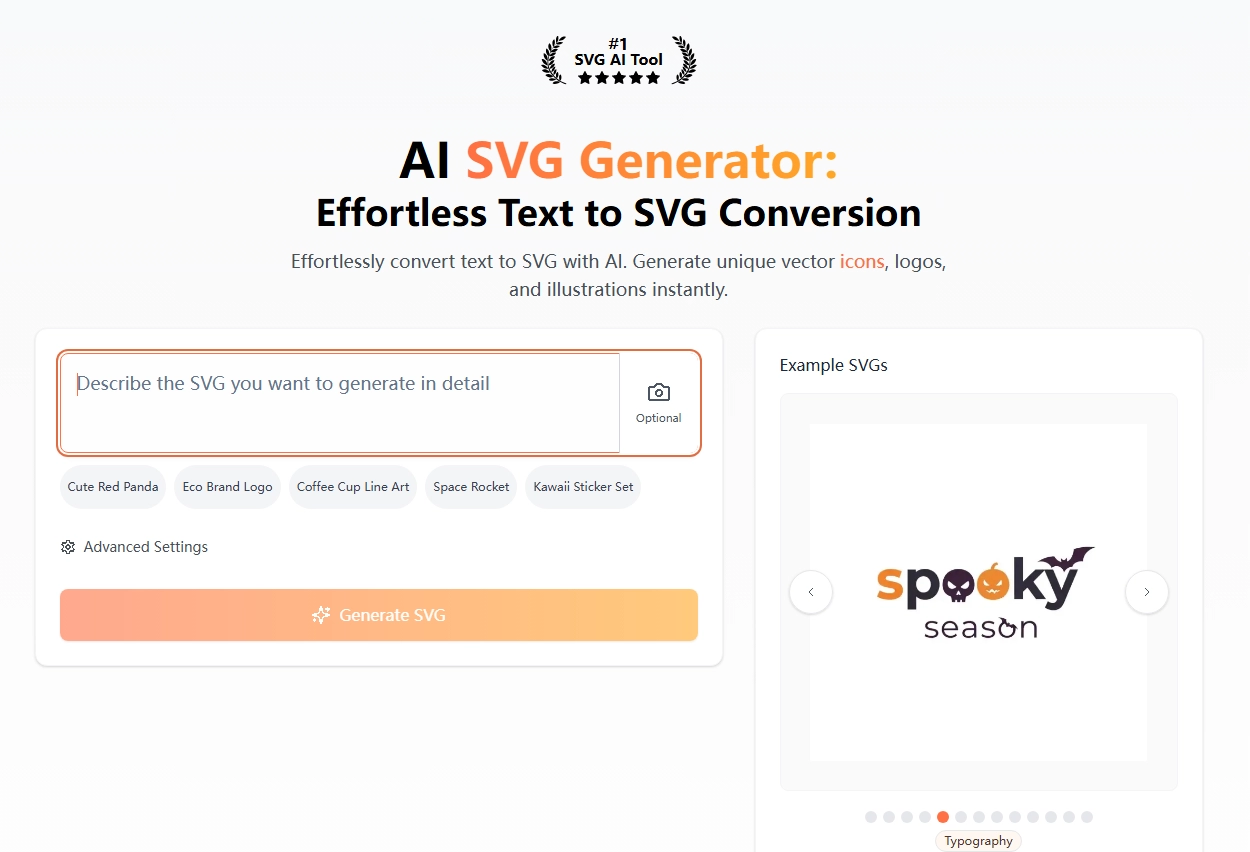
SVG AI.org has rapidly earned recognition among digital creators for its balance of simplicity and precision. Tailored for users seeking fast results without technical complexity, this AI SVG generator converts typed prompts and uploaded sketches into neat, scalable AI photo trend. For example, a marketer can type “minimal blue shopping cart icon” or upload a rough hand-drawn outline, within seconds, the platform delivers a vector-perfect result. Designers appreciate that even early drafts look polished enough for real projects, reducing revision loops dramatically.
Key Feature
- Converts text or sketch directly into vector paths.
- Instant export options (SVG, PNG, JPG).
- Built-in color and layout adjustments.
Pros
- Blazing-fast generation.
- Intuitive for beginners.
- Highly accurate sketch recognition.
Cons
- Limited fine-tuning tools in the free version.
Pricing: Free basic plan; premium from $9.99 per month with HD export and full rights.
Overall, SVG AI.org proves that speed and reliability can coexist in a single svg generator AI platform.
-
SVG.io: Your All-in-One AI SVG Editor & Generator
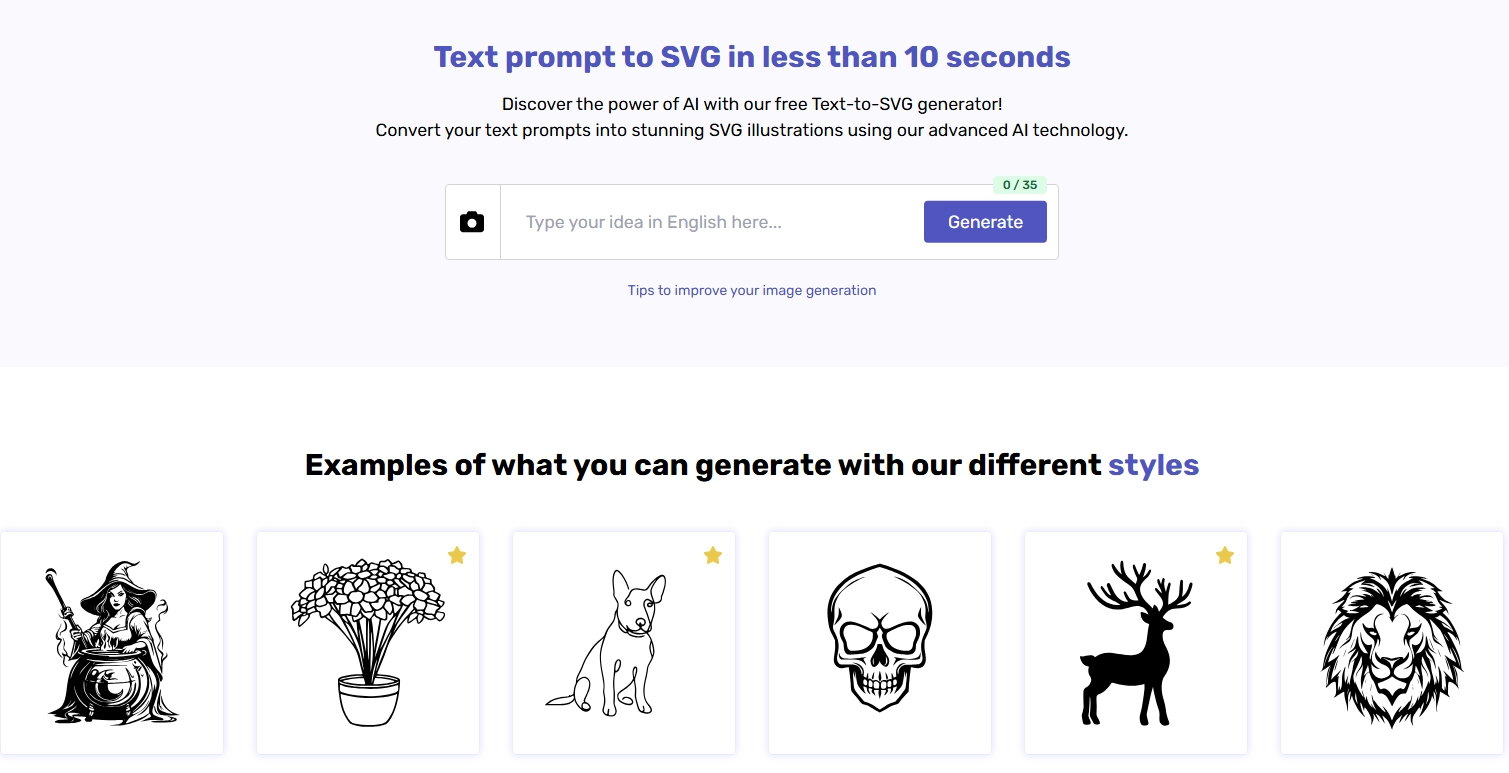
SVG.io functions as a creative workspace that merges generation, editing, and optimization under one roof. Instead of juggling separate AI sticker generator for drafting and refinement, you can handle the entire process inside this AI SVG generator. After entering a prompt, the system instantly produces a draft, and its built-in editor lets teams tweak colors, layer order, or stroke weight.
Key Feature
- AI-driven text-to-SVG creation.
- On-page editing of vectors and palettes.
- Auto-optimization for faster web loading.
Pros
- Seamless “Generate → Edit → Optimize” pipeline.
- Team collaboration tools.
- Cloud storage and version history.
Cons
- Requires sign-in to save work.
Pricing: Free tier available; Pro subscription from $12 monthly.
SVG.io showcases how a versatile SVG AI generator can become a full production suite rather than a single-use tool.
-
Canva AI: Integrated AI SVG Generator for Your Projects
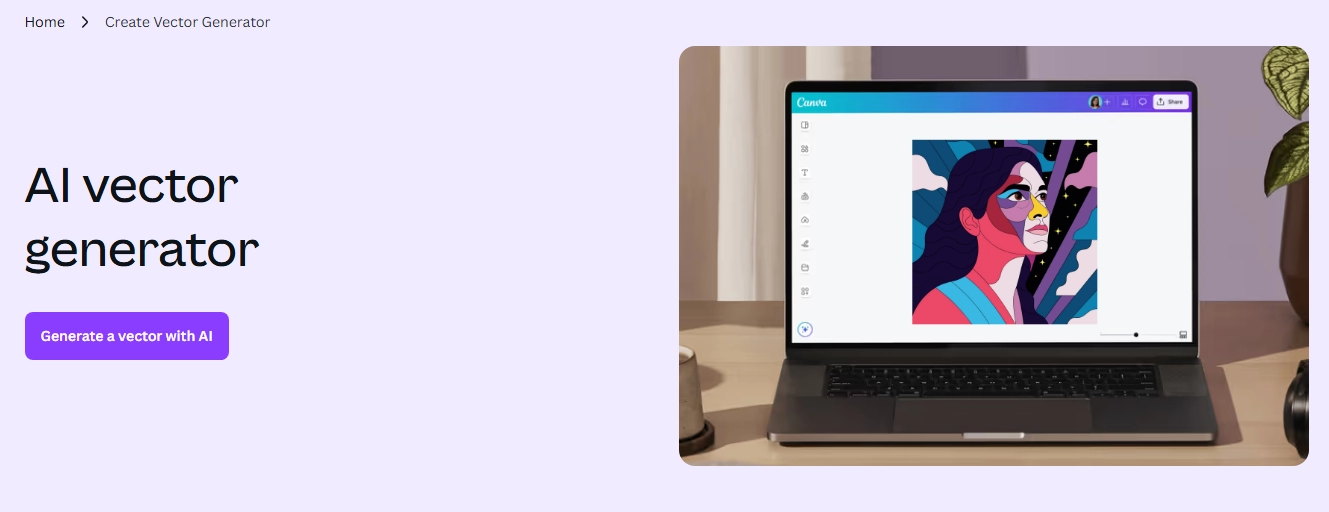
Canva AI brings vector generation directly into one of the world’s most popular design ecosystems. This AI SVG generator is seamlessly integrated within Canva’s existing editor, so millions of current users can now craft custom SVG icons or illustrations using the same interface they already know. By typing a quick description, for instance, “retro microphone logo in orange tones”, the AI produces a design that automatically syncs with Canva templates. Its biggest strength lies in convenience: users can adjust colors, add typography, or resize elements instantly.
Key Feature
- Prompt-based vector generation.
- Direct editing with Canva assets and fonts.
- One-click export (SVG or PNG).
Pros
- Deep integration with Canva’s ecosystem.
- Easy for newcomers and pros alike.
- Real-time collaboration and cloud saving.
Cons
- Some vector-specific controls are limited to the free plan.
Pricing: Free version with usage credits; Canva Pro from $14.99 per month.
For anyone already relying on Canva, this AI SVG logo generator extends creativity without disrupting familiar routines.
-
SVGator: SVG Generator AI for Animation-Ready Vectors
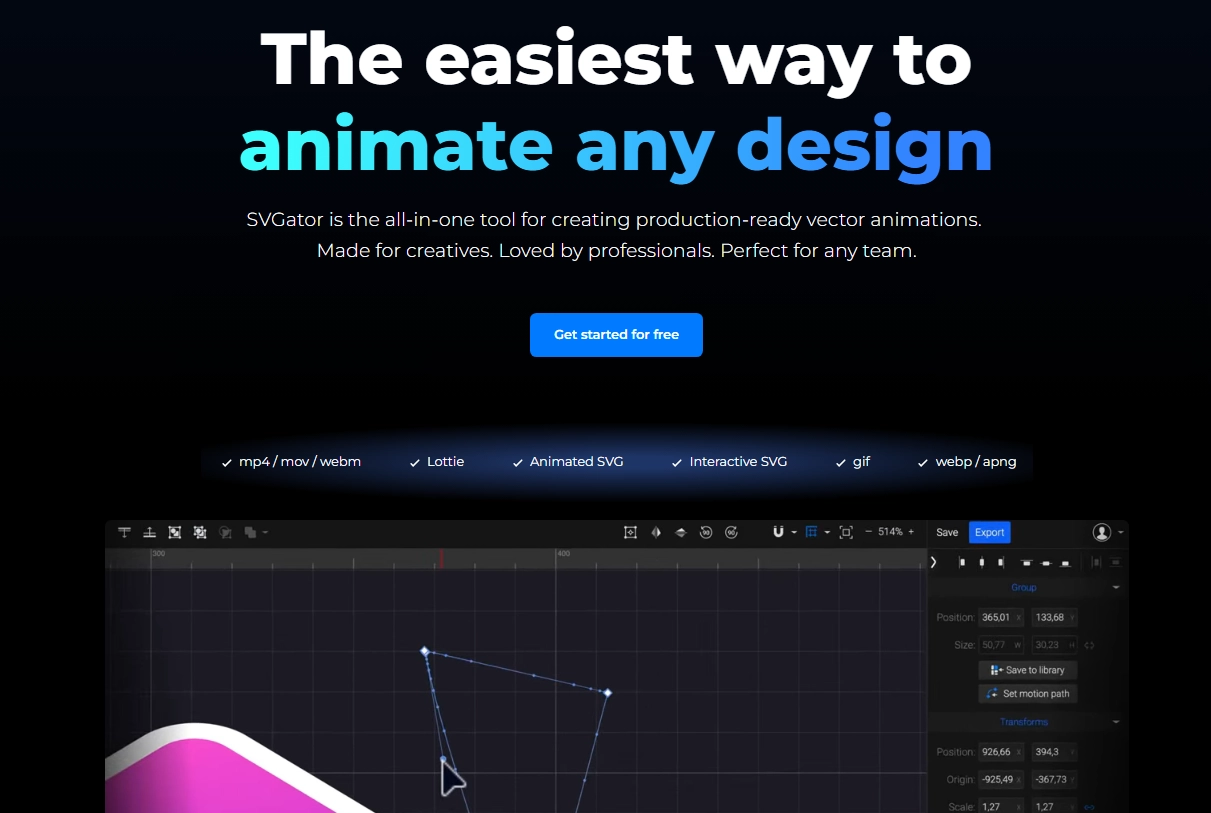
SVGator differentiates itself through motion. While most generators focus solely on static icons, this SVG generator AI is designed for interactive and animated output. The AI suggests paths optimized for animation, ensuring that transitions remain smooth and natural. Within the same dashboard, users can design, animate, and export their creations for websites, apps, or product demos. Many creative studios use SVGator to breathe life into UI elements, marketing banners, and explainer graphics that capture attention instantly.
Key Feature
- AI-assisted creation and animation.
- Timeline-based motion editor.
- Multi-format export (animated SVG, video).
Pros
- Best-in-class for animated SVGs.
- Ideal for developers needing motion assets.
- Smooth learning curve.
Cons
- Complex animations may require practice.
Pricing: Free for static designs; Pro from $19 monthly, unlocking animation.
SVGator represents the next milestone in AI SVG generator evolution, where static design meets dynamic storytelling.

Vidnoz AI - Create Free Engaging AI Video with Talking Avatar
- Easily create professional AI videos with realistic avatars.
- Text-to-speech lip sync voices of different languages.
- 2800+ video templates for multiple scenarios.
-
Recraft: Free AI SVG Logo Generator for Professional Brands
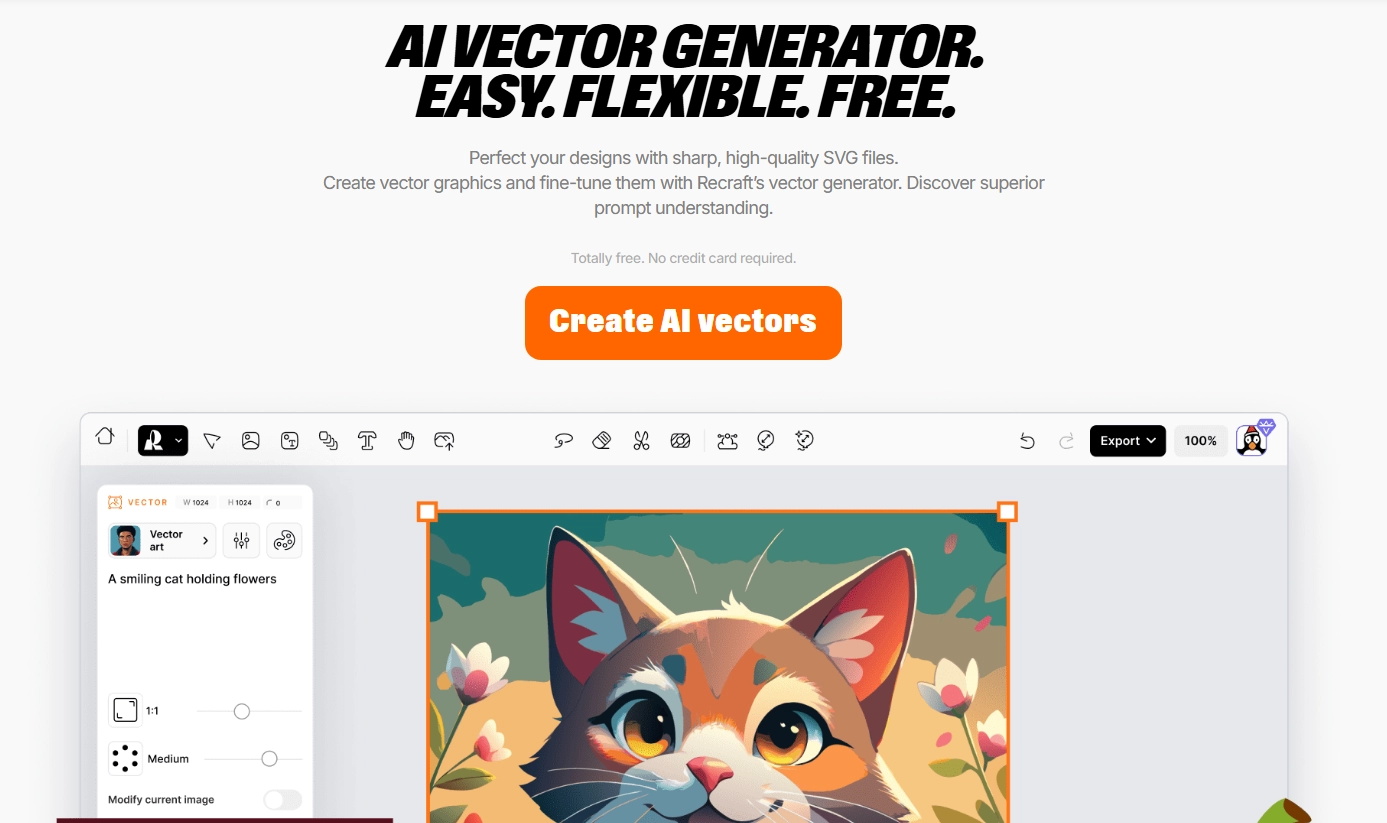
Recraft is a free AI SVG logo generator designed for brand builders who require consistency across all their assets. Unlike generic icon makers, it emphasizes harmony, keeping proportions, line weights, and color tones aligned within a brand system. When a user enters a description such as “modern blue fintech logo with geometric icon,” the AI not only creates a single image but also proposes complementary variations, enabling a full design set. Recraft’s browser-based interface means there’s no software installation, and collaboration features let teams co-create from anywhere. For startups seeking visual identity without hiring a full design department, Recraft delivers professional quality with zero cost.
Key Feature
- Vector outputs for web & print.
- Real-time multiuser collaboration.
Pros
- Completely free to use.
- Excellent visual coherence.
- Commercial-ready exports.
Pricing: Currently free; premium tiers in development.
Recraft proves that a carefully trained SVG AI generator can rival expensive branding suites by combining accuracy, style control, and accessibility.
Bonus: Turn Your AI SVGs into Engaging Video Ads & Posts with Vidnoz AI
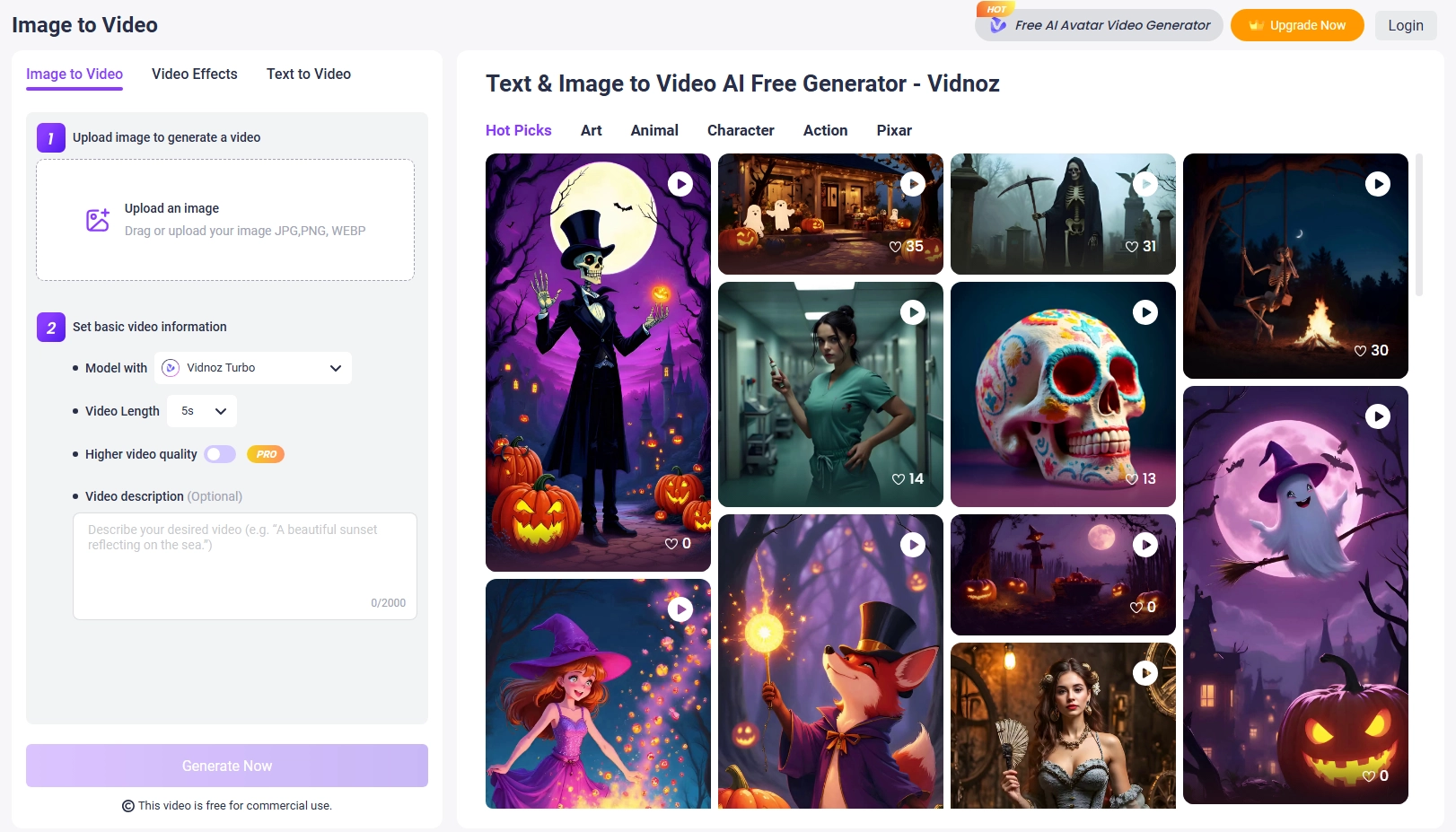
Creating visuals is just the first step, effective promotion is what drives engagement. Vidnoz AI Image to Video allows creators to transform static SVGs from any of the above tools into animated videos for ads, social reels, or short explainers.
Steps: How to Turn AI SVGs into Video Posts
Step 1. Upload your exported SVG files into Vidnoz AI.
Step 2. Select the basic information of your preferred videos.
Step 3. Click ‘Generate’ to check the final result.
By connecting design and marketing in a single workflow, Vidnoz AI Image to Video enables users to transform their AI-generated SVGs into engaging content that moves, both literally and figuratively.
FAQs on AI SVG Generators
Q: Can AI really generate SVG files?
A: Yes. Every modern AI SVG generator uses deep-learning algorithms to translate text or sketch inputs into clean, scalable vector code.
Q: Are AI-generated SVGs editable?
A: Yes, AI-generated SVGs are fully editable, because SVGs (Scalable Vector Graphics) are written in XML code. That means you can open, inspect, and modify them just like any other text-based file.
Q: Are AI-generated SVGs safe for commercial use?
A: Most tools provide commercial licenses, though users should verify individual terms before deploying assets in paid campaigns.
Vidnoz AI - Create Free Engaging AI Video with Talking Avatar
- Easily create professional AI videos with realistic avatars.
- Text-to-speech lip sync voices of different languages.
- 2800+ video templates for multiple scenarios.
Conclusion
The evolution of the AI SVG generator has redefined what “design” means. No longer restricted to professionals, vector creation is now an accessible skill powered by intelligent automation. From SVG AI.org for instant drafts, to SVG.io for collaborative editing, Canva AI for convenience, SVGator for animation, and Recraft for branding, each platform represents a unique branch of innovation. With the right AI SVG generator, inspiration is only a sentence away.





![[Full Review] Picrew Avatar Maker: Fantasy Anime/OC/PFP Character Creation Online & Mobile](https://www.vidnoz.com/bimg/picrew-avatar-maker.webp)
