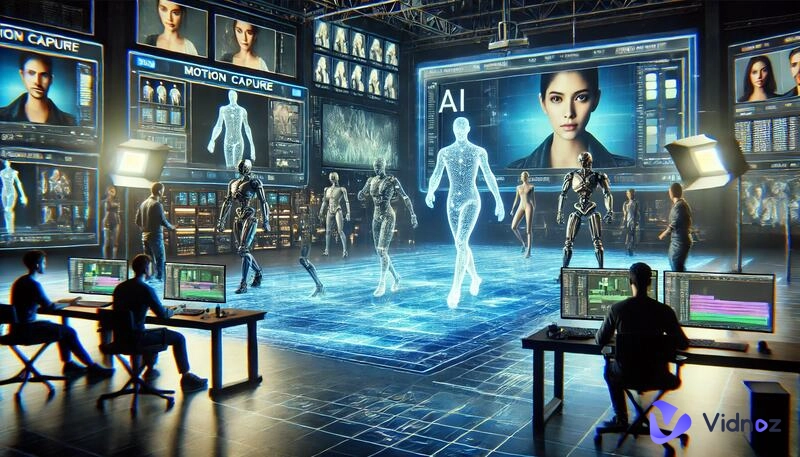
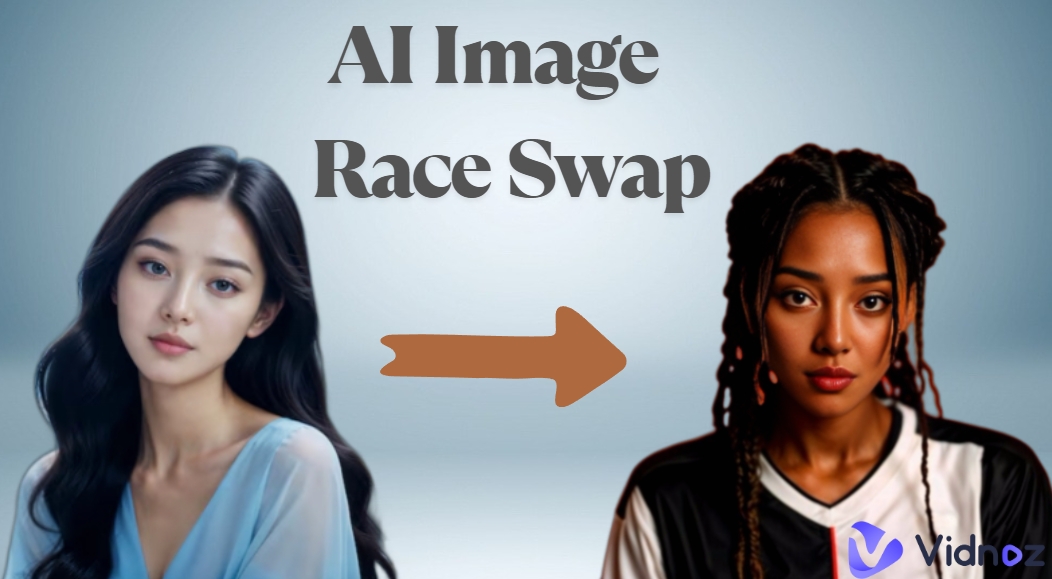
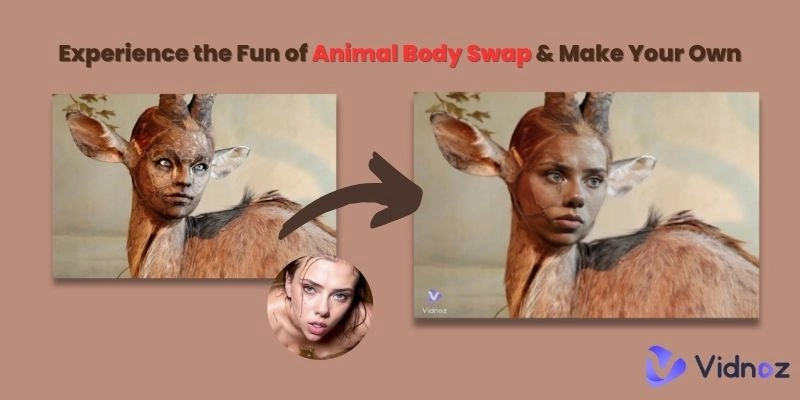
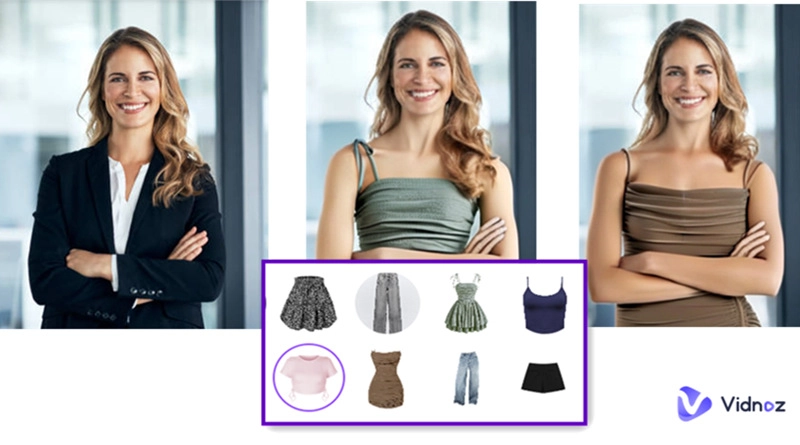
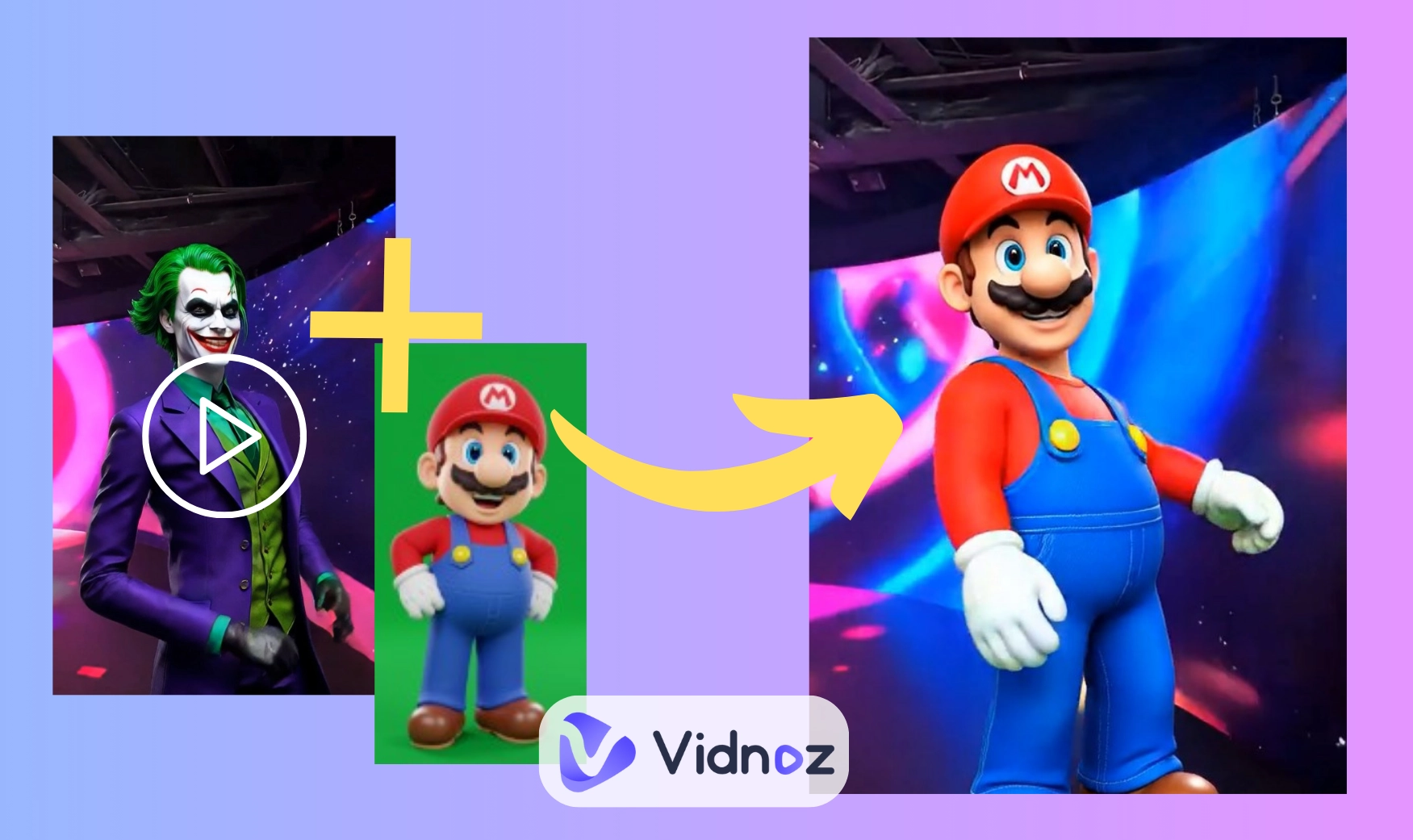
Have you ever wished you could change the actor in a movie scene or swap yourself into a favorite video clip? Until recently, that kind of editing sounded impossible without advanced skills. Now, thanks to AI character swap, it’s as simple as uploading a photo or video and letting the AI do the work.
Those tools can seamlessly replace one character with another while keeping the background, lighting, and movements consistent. Whether you want to create fun social media clips, reimagine classic film moments, or personalize content, the process has never been easier or faster.
- On This Page
-
What is AI Character Swap?
-
What Can AI Character Swap Do?
-
4 AI Character Swap Tools to Naturally Change Figures in Vids/Pics
1. Vidwud AI Mix Motion: Smoothly Swap a Character in a Video
2. Galaxy AI: Alter Characters and Styles in Photos
3. Vidnoz AI: One-Click AI Character Replacement
4. Viggle AI: Change Single/Multiple Characters in Videos
-
Steps to Making AI Character Swaps
How to Swap a Character in a Video
How to Swap a Character in a Photo
What is AI Character Swap?
AI character swap is a smart editing method that replaces one person (the “source”) with another (the “target”) in a photo or video, without rebuilding the whole scene. In practice, you give the tool two inputs: the clip or image you want to change and the character you want to insert. The AI then tracks pose and motion, masks the original subject, maps the new character onto the same position, and blends textures, lighting, and shadows so everything looks like it was shot that way.
It works for both photos and videos: still images are swapped in one pass, while videos are handled frame by frame to keep expressions and movement natural. The big advantages are speed (seconds to minutes, not hours), consistency (same character across multiple shots), and control (backgrounds, props, and timing stay intact). You get believable results for social content, mockups, demos, or playful remixes, without advanced editing skills.
What Can AI Character Swap Do?
AI character swap opens up creative possibilities across both video and photo editing:
- Retouch photos with creativity
In photos, it serves as a tool for creative retouching, blending a new character seamlessly into family portraits, product shots, or artistic compositions.
- Personalize your video making
On social media, it’s a way to personalize or add humor to your content: make a fictional hero dance, put a friend into a trending meme, or replace yourself in a viral clip.
- Perform classic film scenes
For film lovers, it lets you re-cast iconic scenes, placing your favorite actor, or even yourself, into a movie moment while keeping the original camera work intact.
In short, if you’ve ever wondered how to swap a character in a video without complex editing, AI tools make the process fast, fun, and accessible.
4 AI Character Swap Tools to Naturally Change Figures in Vids/Pics
1. Vidwud AI Mix Motion: Smoothly Swap a Character in a Video
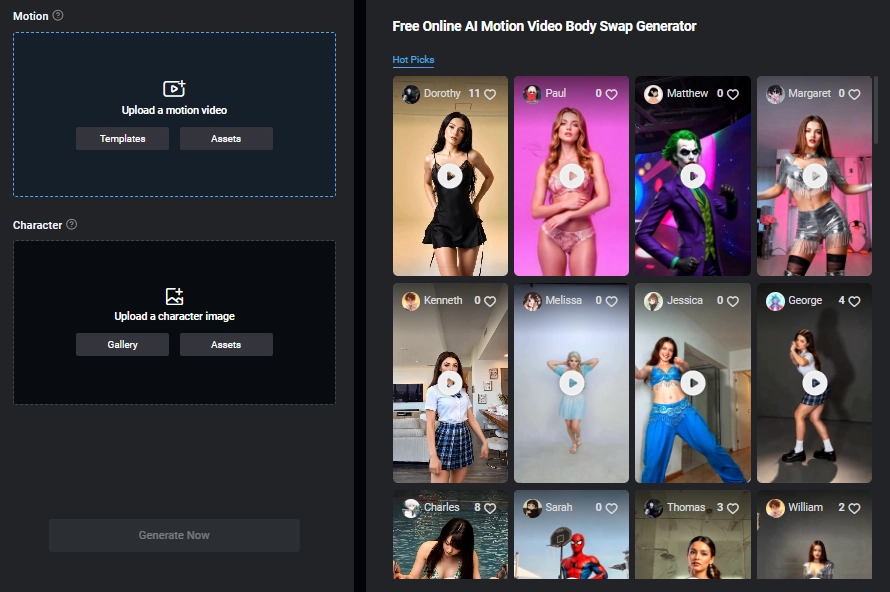
This AI-powered mix motion feature is a web-based tool that replaces characters in videos from your provided image. It offers many motion video templates to make AI character swaps that keep background and timing intact.
Compared to other AI character swappers, this tool can change characters in videos with full-body. It also gives trendy dance video templates for natural and dynamic character swaps, so that you can engage in every fun social media “dance challenge” easily.
Generally, this tool is especially good for quick social media feed edits and live meme remixes.
Pros
- Change full-body character in videos within one minute;
- Simple interface and clear guide to change characters;
- Make diverse dynamic meme/dance clips by using templates.
Cons
- Performance single character swaps in videos;
- Require clear inputs(images and preference clips).
2. Galaxy AI: Alter Characters and Styles in Photos
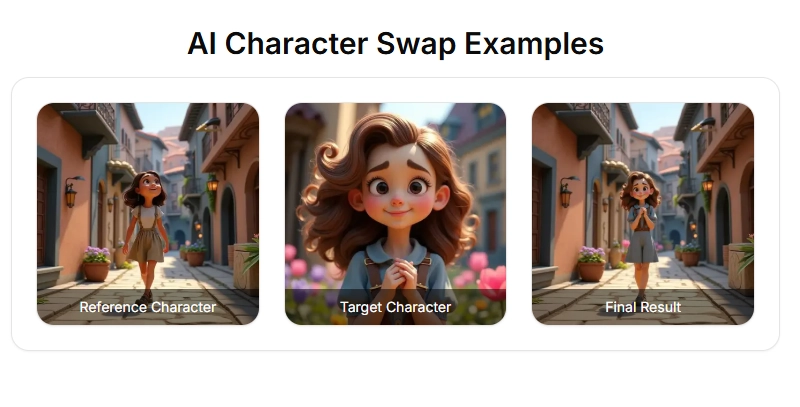
This online AI character swap in photo tool can replace the character in base image and target image naturally. The AI will blend the new character while preserving scene context. It gives free trials so that you can test if it can make character-swapped results that fit your imaginations.
Galaxy AI is good for creative image compositing for casual entertainments.
Pros
- Genuinely free trials;
- Simple character swaps from two-image flows;
- Make natural blendings.
Cons
- Swap characters in photos only (not available in videos);
- Good results require good source quality (character similarity)
3. Vidnoz AI: One-Click AI Character Replacement
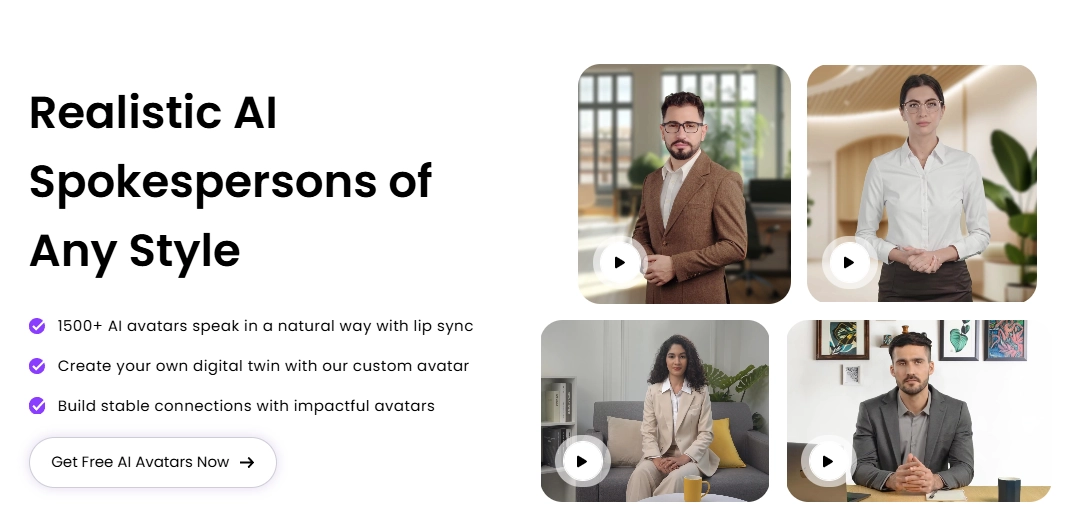
Instead of re-casting a whole scene, Vidnoz AI lets you swap characters in videos by inserting AI talking avatars (or your own AI clone.) This tool would change characters with lip-synced effects. Further, it offers lifelike AI voice models to make the character swap more realistic.
To sum up, this tool does quick AI character swaps that are good for commercial video making.
Pros
- Make AI character swaps that look like a human;
- Change characters’ voice for natural replacements;
- One-click for quick AI character swaps.
Cons
- Not basic AI character swaps;
- Change characters only in talking videos.

Vidnoz AI - Create Free Engaging AI Video with Talking Avatar
- Easily create professional AI videos with realistic avatars.
- Text-to-speech lip sync voices of different languages.
- 2800+ video templates for multiple scenarios.
4. Viggle AI: Change Single/Multiple Characters in Videos
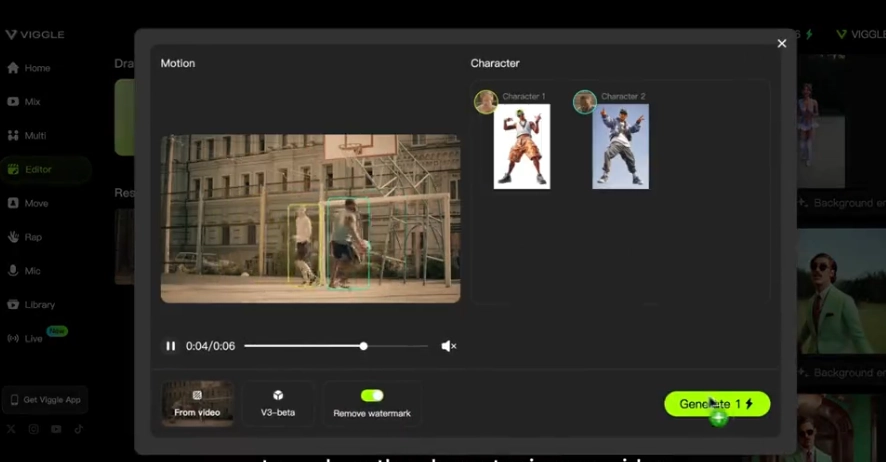
As a scene editor powered by AI that is physics-aware, Viggle AI can track motions and seamlessly change the characters in videos. To swap characters, you can select any subject(the character or an object) in a clip. Besides, it performs multiple body swaps, no matter for anime or real video tape. This tool is good for recreating movie scenes and ambitious social media reels.
Pros
- Accurate motion tracking and character swaps in videos;
- It handles multiple AI character swaps.
Cons
- Steeper learning curves are required;
- Multiple AI character swaps in videos will take longer to process.
Steps to Making AI Character Swaps
Now let’s try to swap characters in videos and photos with AI:
How to Swap a Character in a Video
We will use Vidqu AI mix motion feature as an example:
Step 1.You can choose a clear clip with a single character and steady motion.
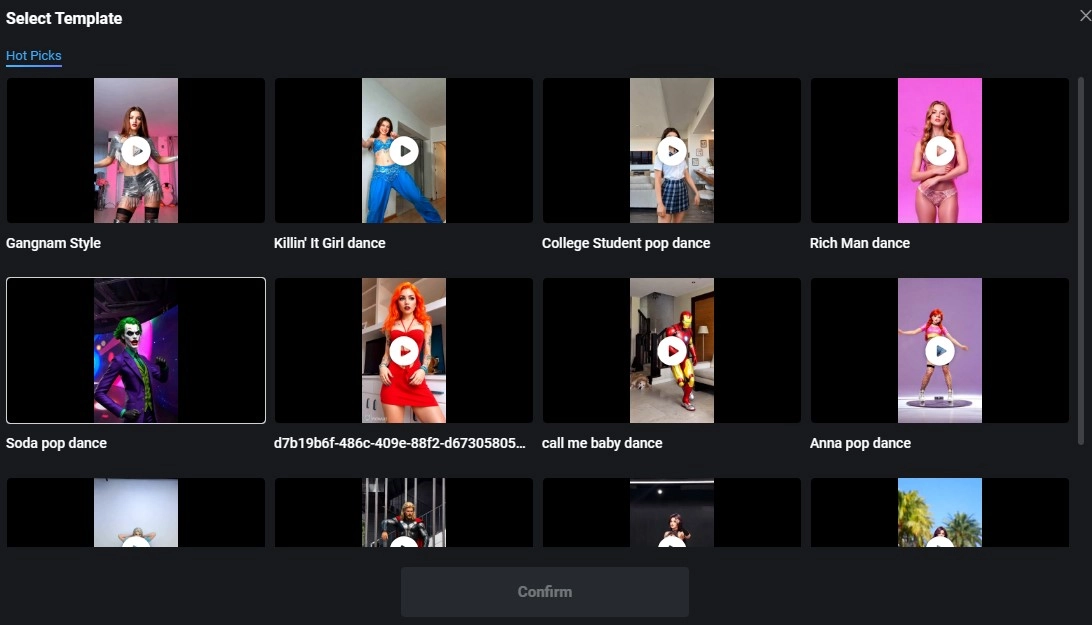
Step 2.Add an image with a character for seamless character replacement:
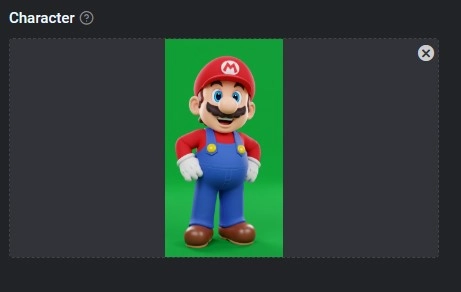
Step 3.Tab to Swap the Character in the Video: (it may be finished the AI character swap in about 10 seconds.
When source quality and pose match are good, Vidwud AI delivers a natural replacement character in the video result with intact background and timing, ideal for memes, reels, and quick promos.
>>Pro Tips
- Use consistent lighting between the character image and the base video for better blending.
- Prefer medium shots (waist-up) and non-occluded subjects; overlapping arms/props can confuse tracking.
- If motion is complex, try a shorter clip first; then upscale to a longer scene.
How to Swap a Character in a Photo
We will use Galaxy AI character swap tool as an example:
Step 1.Upload base photo + target character photo. The tool blends your target into the base scene.
Step 2.Refine settings (if available). Keep posture, scale, and face angle coherent.
Step 3.Generate & download. Run the swap, review edges (hair, hands), and re-run if needed.
>>Pro Tips:
- Choose a similar posture and angle between the base and target images for a seamless composite.
- Match color temperature (warm vs. cool) to avoid plastic or grayish skin tones.
- Use images with clear edges; busy backgrounds can create halos.
Conclusion
AI character swap makes pro-level edits accessible: you can replace a person in videos or photos while the background, props, and timing stay intact. In this guide, you saw what it is, where it shines (re-casting film moments, creative photo retouching, and personalized/funny clips), and which tools to pick—Vidwud for quick video swaps, Galaxy AI for photos, Vidnoz free AI image generator for presenter-style segments, and Viggle for multi-character scenes.
We also walked through clear, step-by-step workflows with practical tips (pose and lighting match, clean framing) to get natural results fast. Ready to create? Pick your tool and start now!