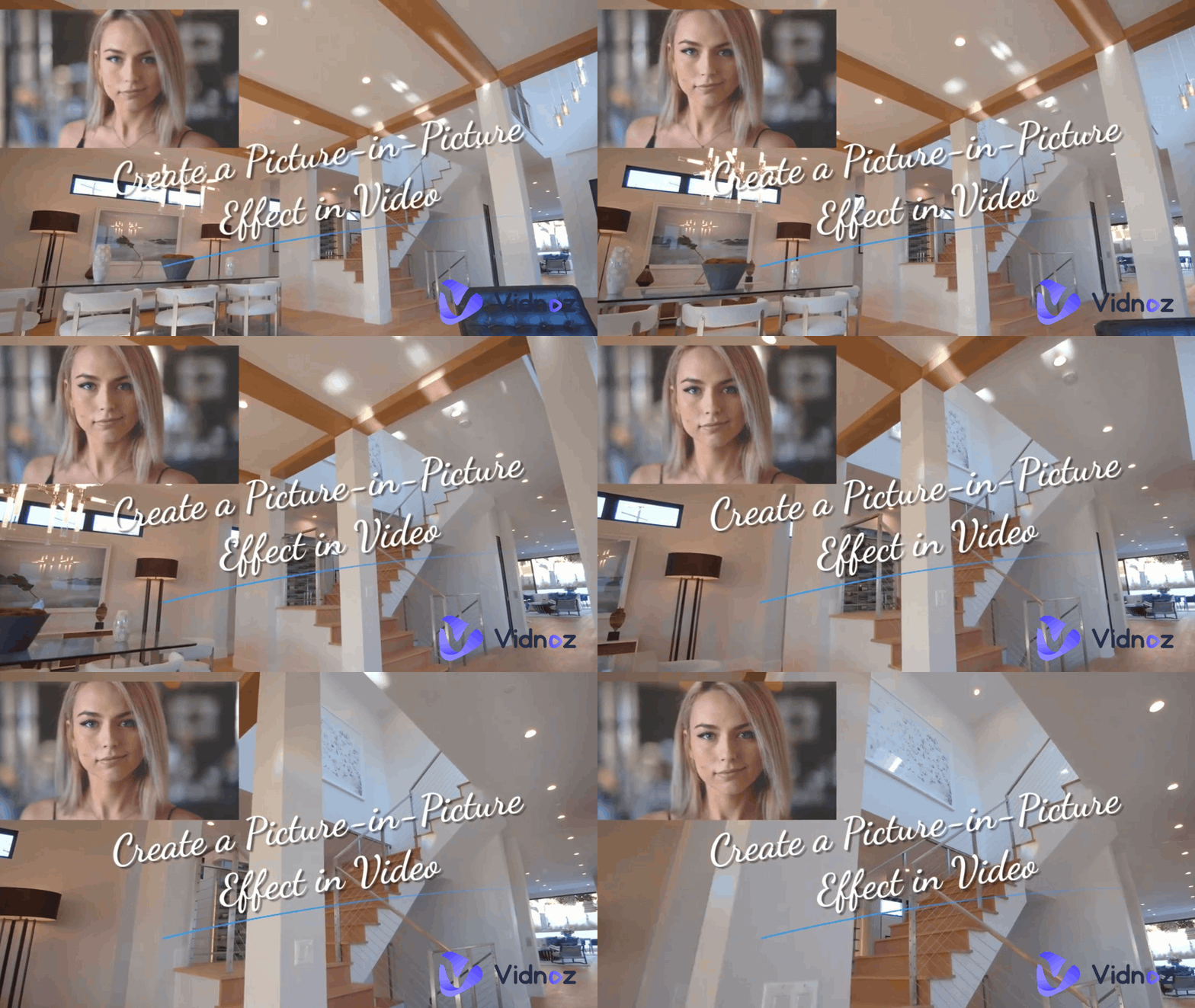
As one of the most effective ways to grab attention, explain ideas clearly, and make your content more engaging, adding animation to your videos can bring you more benefits than you can imagine. Whether you’re creating a product demo, social media post, or educational tutorial, animations can elevate your video from basic to professional. With Vidnoz AI free video generator, you’ll get a straightforward tutorial on how to add an animation to a video for free; there's no need for advanced video editing skills. Dive into how it works below.
- On This Page
How to Add an Animation to a Video?
Step 1. Access the Vidnoz AI Free Video Generator
Click the button below. Sign up for Vidnoz AI.
Step 2. Start with a Blank Canva
Let’s start with a blank canvas of 16:9, 9:16, or 1:1 aspect ratio for demonstrating how to add an animation to a video.
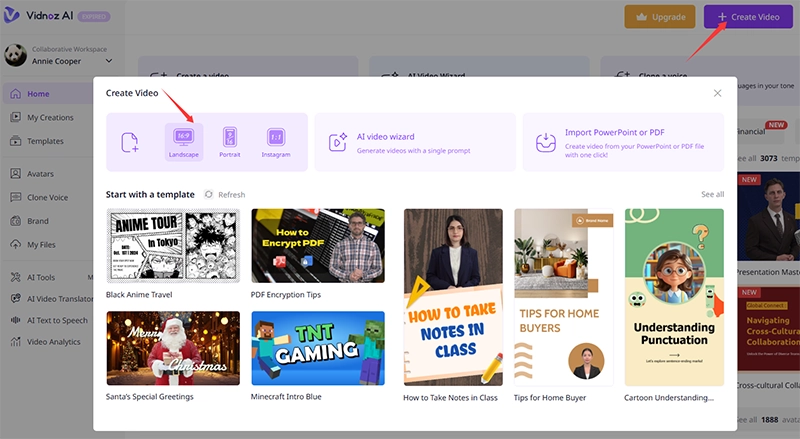
Also, in practical use, you can choose a desired template according to your niche, simply prompt to generate a video, or directly import a PowerPoint or a PDF and turn it into a video with AI.
Step 3. Add an Animation to a Video by Uploading
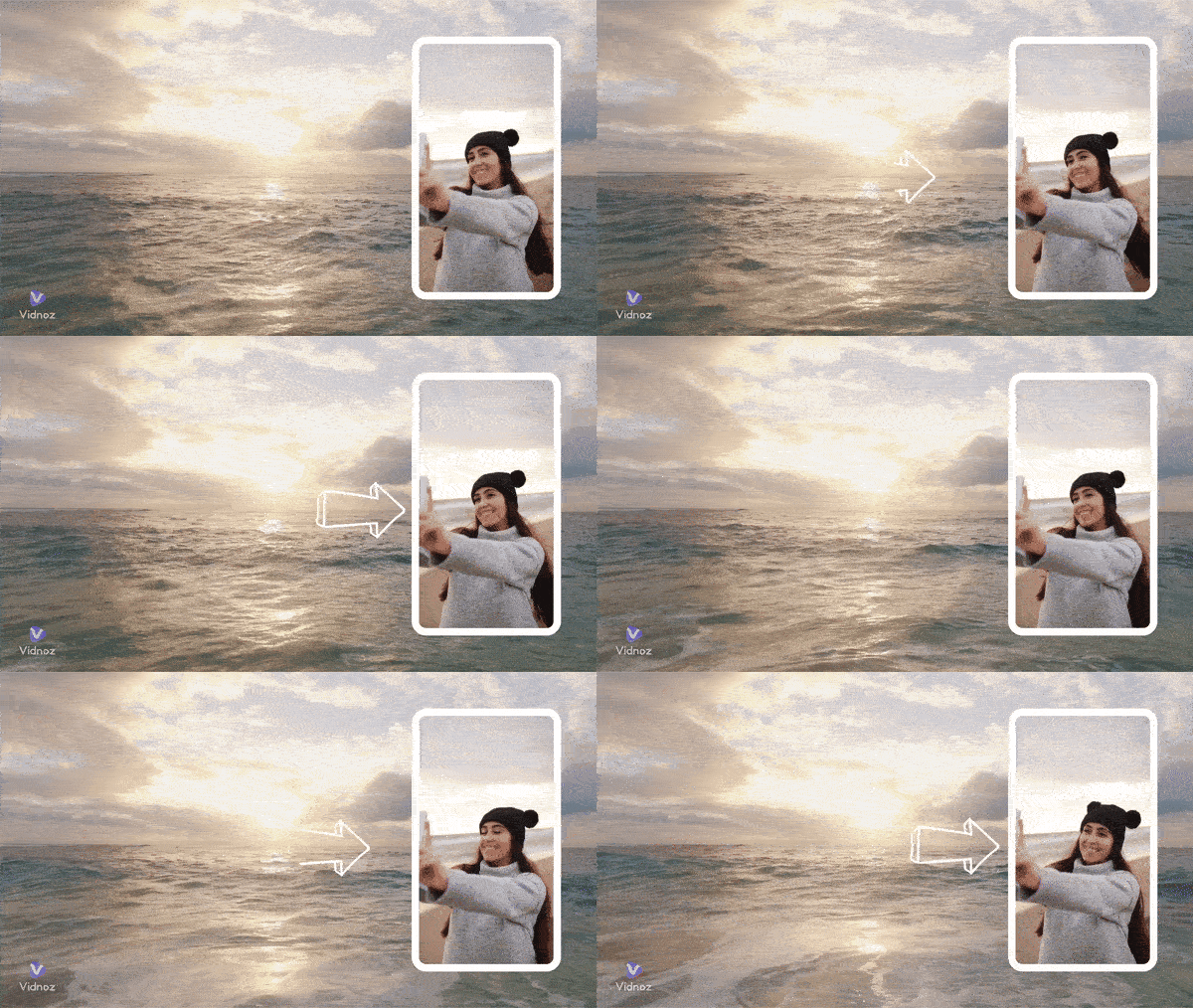
On the editing panel, click on Image icon to upload animated GIFs or SVGs to your video.
Or click on the Video icon to import a video animation in MP4 or MOV format.
Position them appropriately on the video.
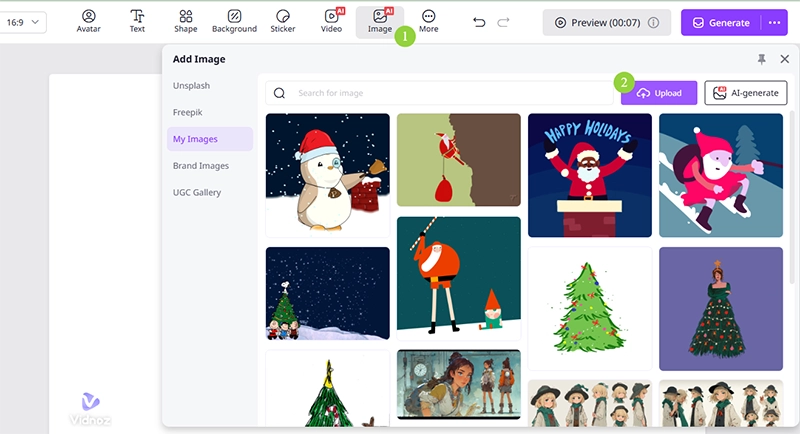

Vidnoz AI has access to free photos on Pexel, Freepik, and Unsplash for direct use as well.
Step 4. Add an Animation to a Video by Creating
Vidnoz AI has various animations for you to animate text, captions, shapes, images, and more in your video. Thus, you can make animations by yourself.
Make Animated Text to Video
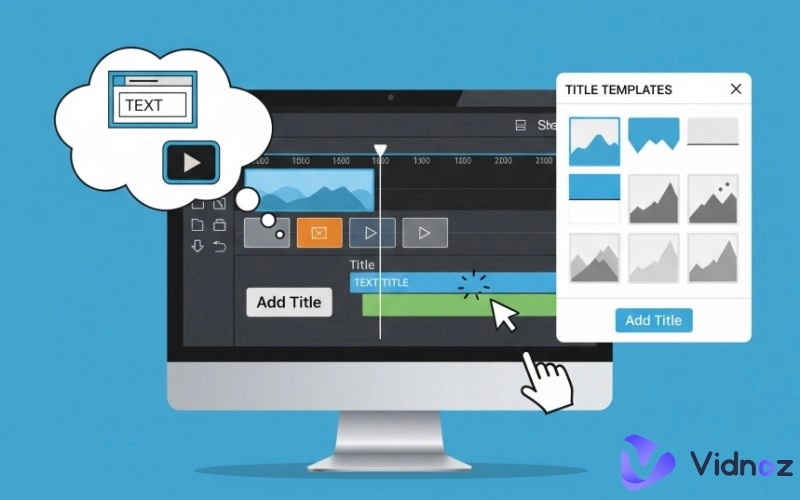
Click on Text > Type in content or choose a preferred style > Add a text animation > Adjust the settings like trigger, speed, color, scale, intensity, and direction.
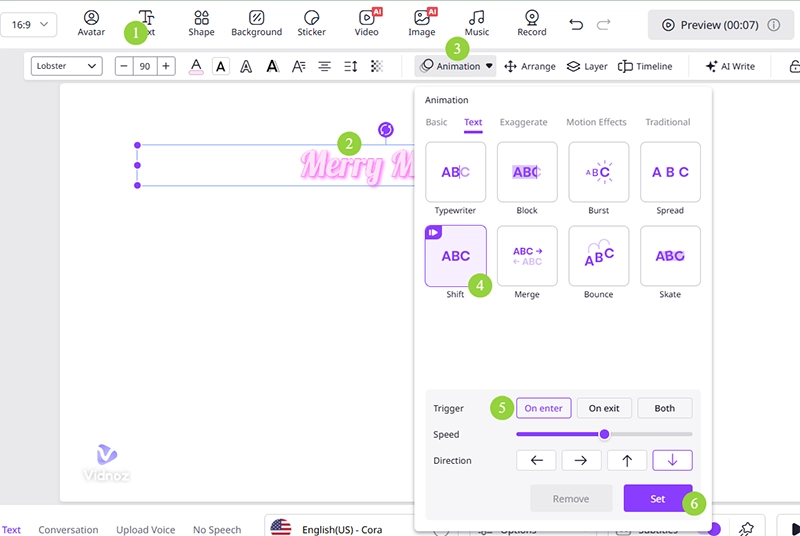
You customize a creative text animation by adding animation to single characters one by one.
Create Shape Animation
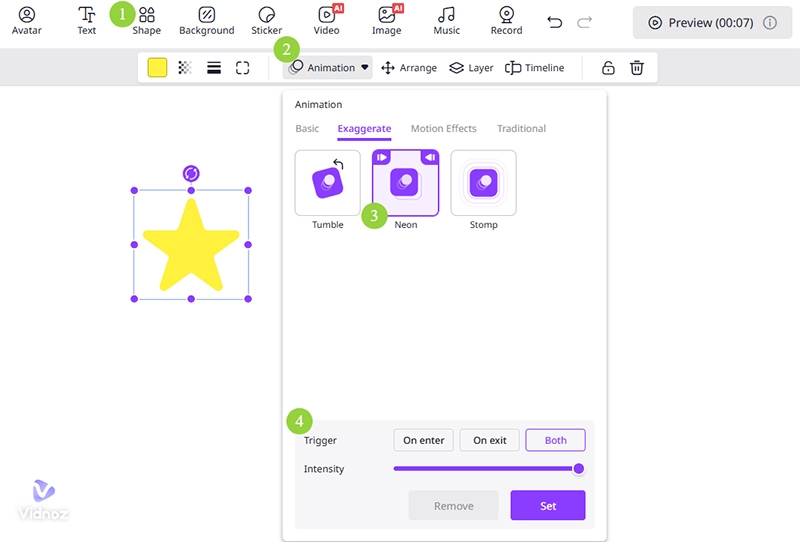
Select a shape > Change its color, transparency, boldness, corner radius, etc. > Add an animation to it. Here, we take a star shape, for example, and add a neon shining effect to it.
Step 5. Add Animated Stickers to a Video
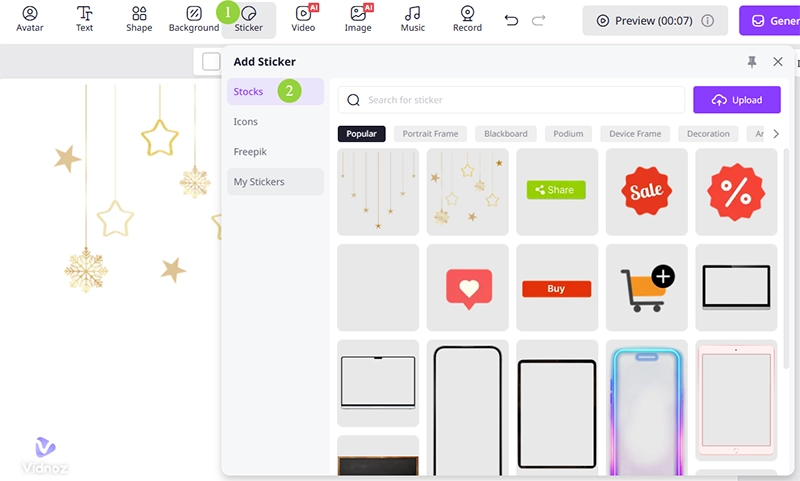
Tap on the Sticker icon. Swipe down or type the keyword to search for the sticker you want in the Stock tab and Freepik’s open-source library. You can upload your own as well.
Step 7. Craft Animated Cartoon Character for a Video
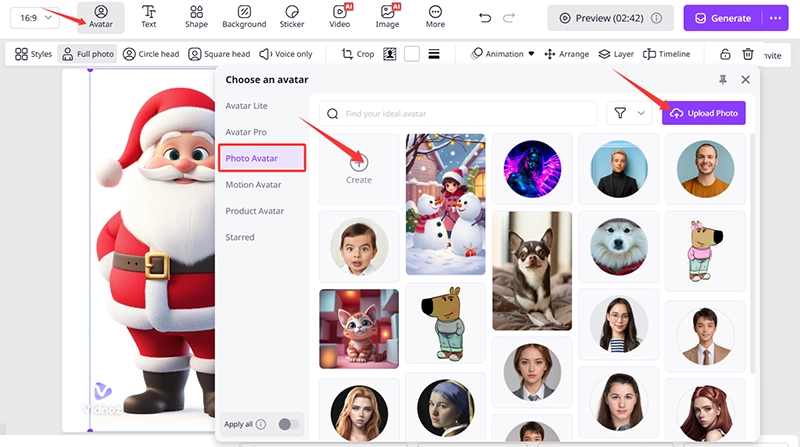
Besides the common animations, Vidnoz AI allows you to create character animations. You can make the character in the photo speak.
Click on Avatar > Photo Avatar > Create or upload a character from your device.
Change the view of the character.
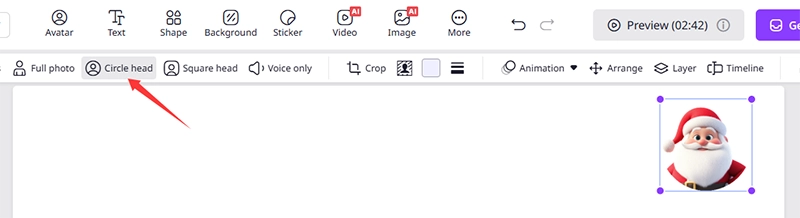
Position it on the canvas screen. Here, we need the character to sing a song, so we import an MP3 audio file.

If you just want the character to talk, just type in your speech text, choose an AI voice, and confirm the voice settings.
After all your elements are well-settled, click on Generate to render the animation video.
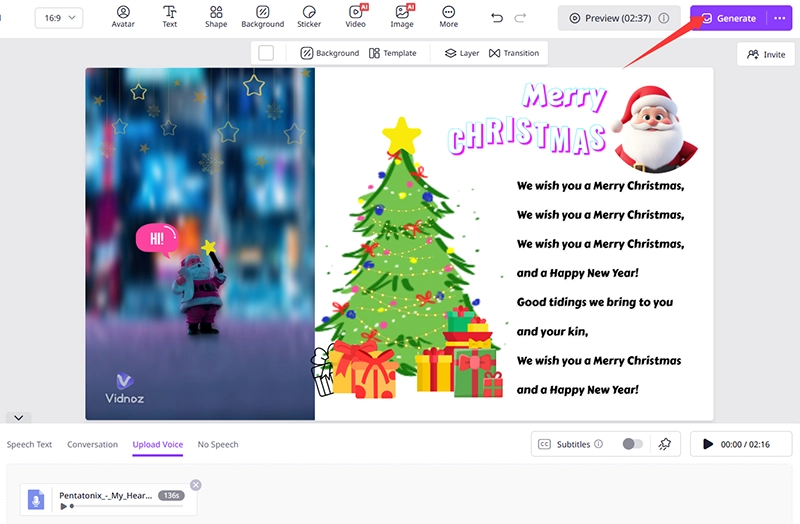
Step 8. Preview and download it to publish on the social platforms.
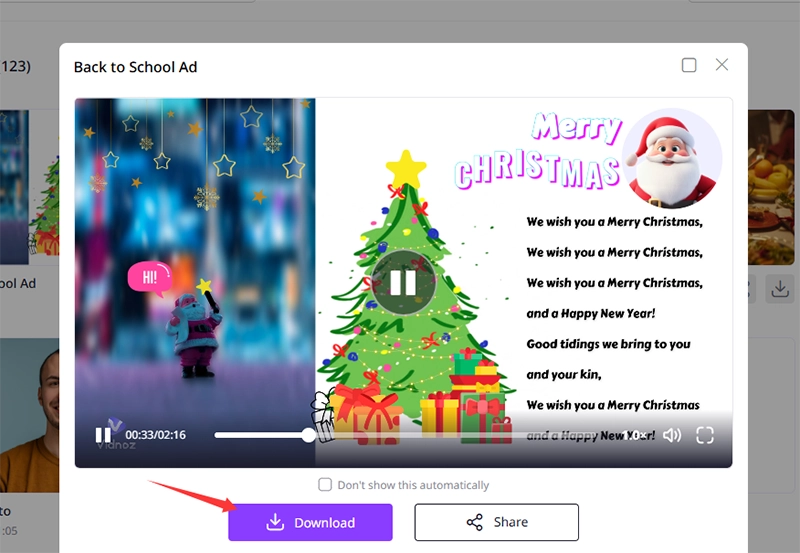
That’s all about how to add an animation to a video. Then, you can start to create your own video for free on Vidnoz AI and try the tricks to add animations.
Conclusion
Animations no longer require expensive tools or advanced editing skills. How to add an animation to a video? With Vidnoz AI free video generator, anyone can add professional animations to videos quickly and easily. Finding a quick way to make creative and engaging content for YouTube, TikTok, or business presentations? Kick off the start with Vidnoz AI instantly!

Vidnoz AI - Create Free Engaging AI Video with Talking Avatar
- Easily create professional AI videos with realistic avatars.
- Text-to-speech lip sync voices of different languages.
- 2800+ video templates for multiple scenarios.