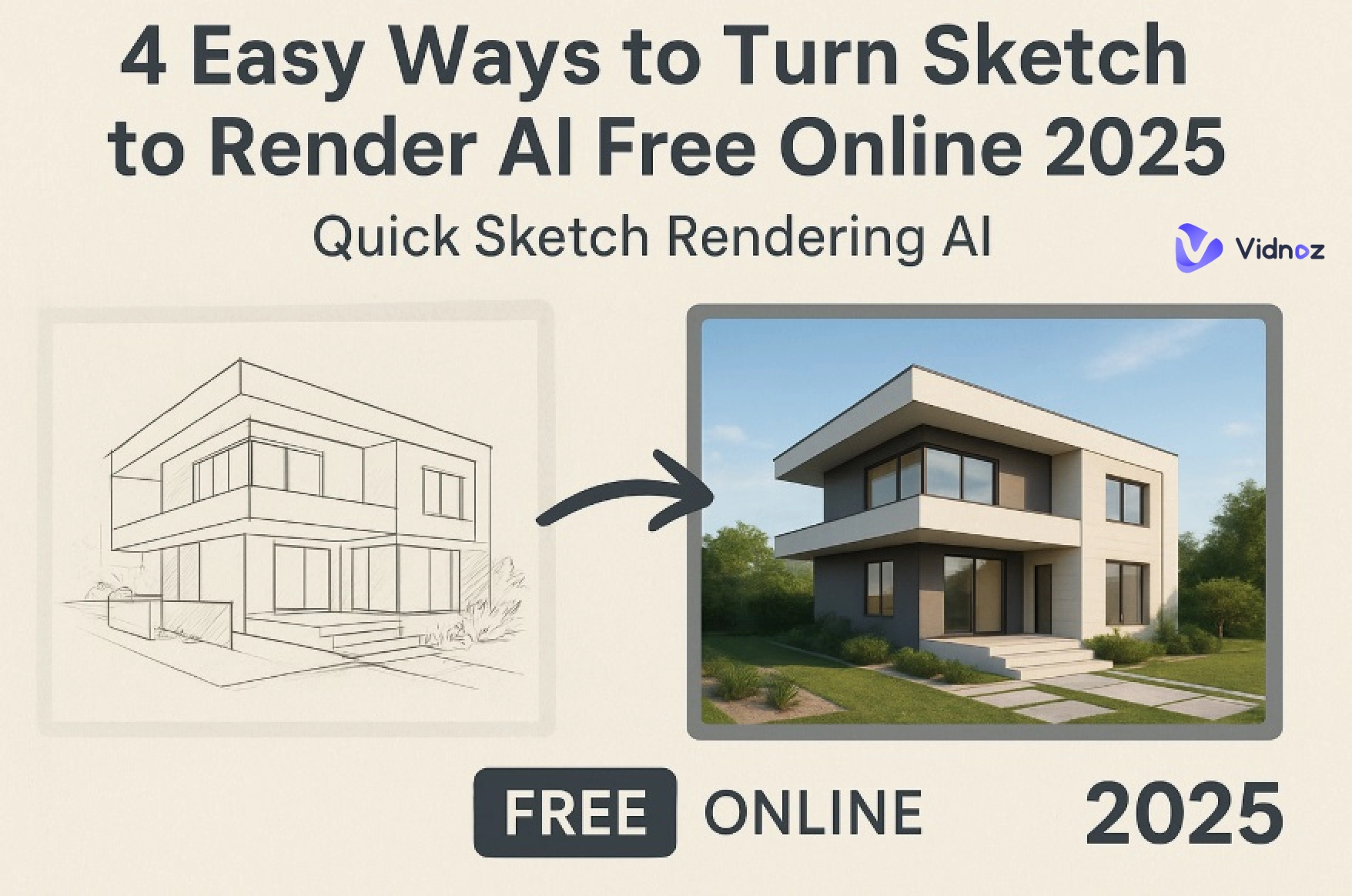
It’s easier than ever to transform your design sketches or conceptual drawings into stunningly realistic renders using sketch to render AI. Whether you’re an architect or creative designer, AI sketch to render tools can now convert simple sketches into professional visualizations that look as if they were created with hours of manual rendering.
Many people are searching for reliable sketch to render AI free tools that deliver quality results without requiring advanced skills or expensive software. In this article, we’ll explore a detailed guide on four of the best online tools that make it simple to give life to your sketches.
- On This Page
-
What is Sketch to Render AI?
-
Convert Sketch to Render AI Free Online with RenderAI
How to Turn Sketch to Render AI Online with RenderAI:
-
Sketch Rendering AI for Architecture Designs with PromeAI
How to Turn Sketch to Render AI Online with PromeAI:
-
Create Stunning Visualizations with Visoid Sketch to Render AI
How to Turn Sketch to Render AI Online with Visoid:
-
AI Sketch to Render Images with Canva Sketch to Life
How to Turn Sketches to AI Photos with Canva:
-
Best Applications of Sketch to Render AI Free
Architecture Design Draft to Render
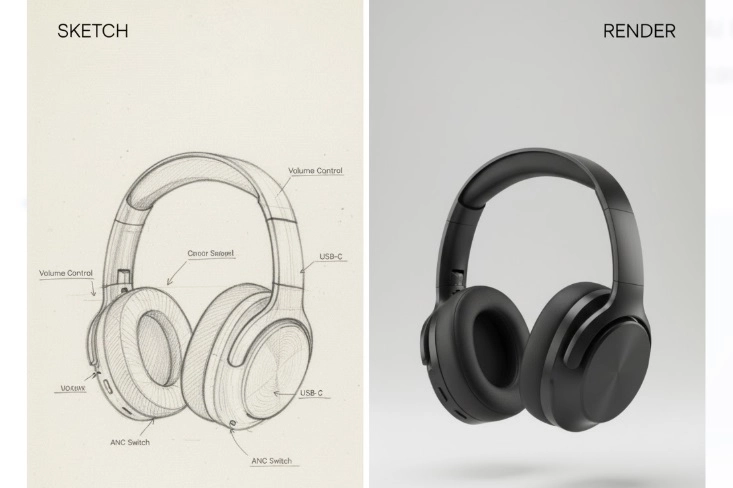
Product Concept to AI Render
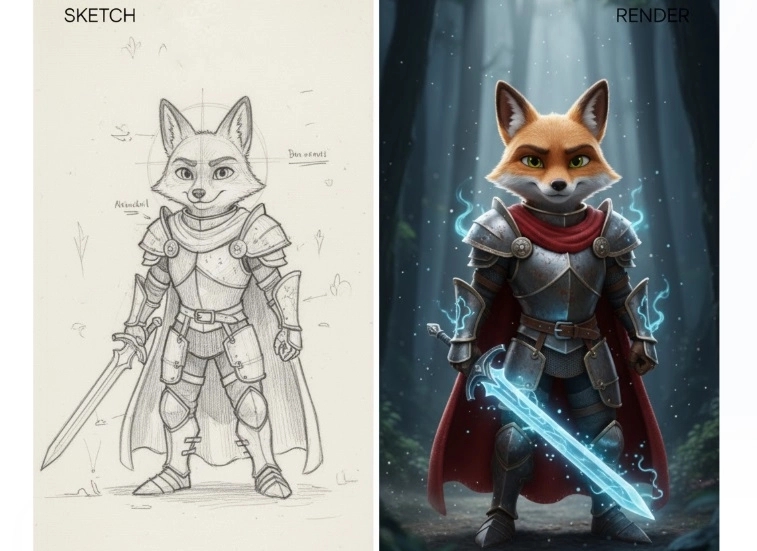
3D Animation/Game Character Designs
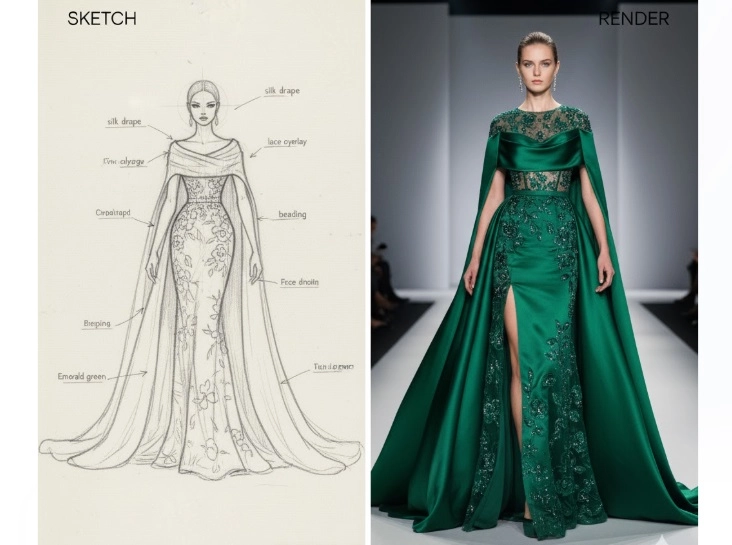
Fashion Ideas into Realistic Result
-
Turn Your Sketch Rendering Image to Video with AI Online
How to Turn Renderings into Vivid Videos Online Free?
What is Sketch to Render AI?
Sketch to render AI is an advanced artificial intelligence technology that automatically converts hand-drawn sketches or digital drafts into photo-realistic renderings. With the help of advanced AI algorithms and image recognition, these sketch rendering AI free online tools can identify outlines, drawings, shapes, and perspectives, filling them with realistic lighting and color effects. Whether you want to visualize architectural models or product prototypes, AI sketch to render tools bring your imagination to life faster than traditional rendering methods.
Convert Sketch to Render AI Free Online with RenderAI
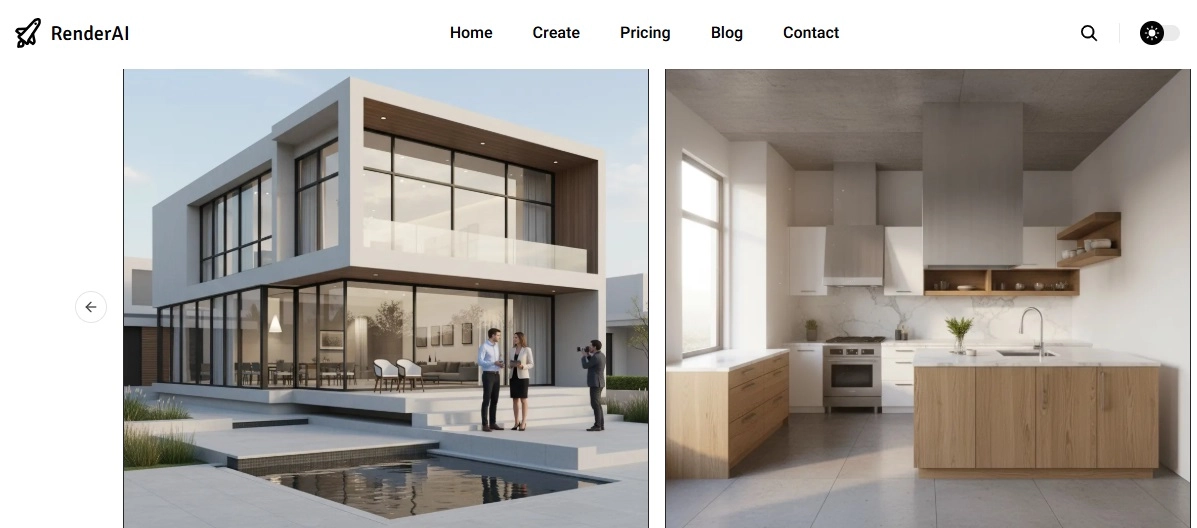
RenderAI is one of the most popular platforms that offers convert sketch to render AI capabilities with ease and precision. It allows users to transform 2D sketches into high-quality 3D-like images using intuitive AI-powered tools.
Benefits You Can Enjoy
- Realistic lighting and material effects for architectural or product design.
- Offers a free tier for testing and light usage.
- Quick conversion time that saves hours of manual rendering work.
- Specific focus on architectural and interior design styles.
Limitations to Note
- Limited customization options on the free plan.
- Rendering quality may depend on input sketch clarity.
Who Likes It Most: Designers, architects, and artists who want to visualize design drafts quickly without learning complex software.
How to Turn Sketch to Render AI Online with RenderAI:
Step 1. Click on an example to use one of the ready-made designs or upload your own sketch.
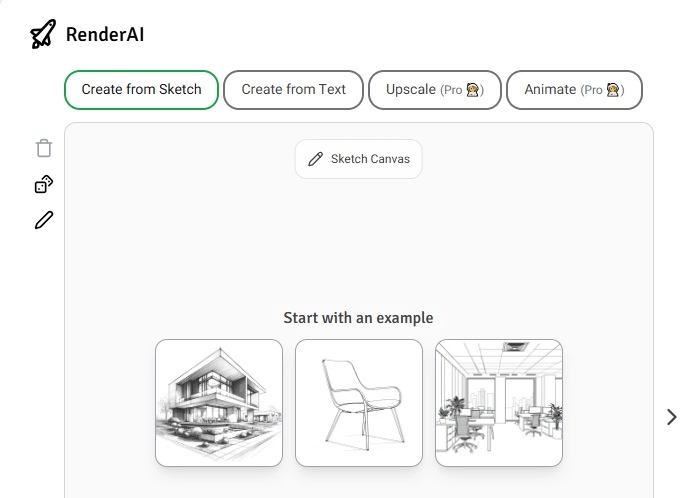
Step 2. Review the Method, Style, and Prompt settings before generating the final image.
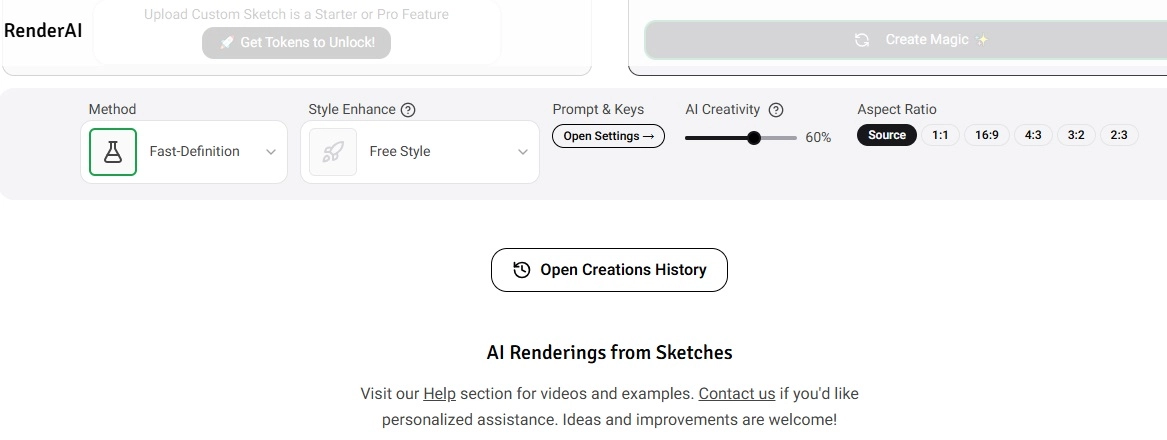
Step 3. Click Create Magic to start, then tweak and download/share your results if needed.
Sketch Rendering AI for Architecture Designs with PromeAI
PromeAI is widely known for its sketch to render AI architecture free features, making it ideal for architects and 3D designers. This platform can generate detailed architectural visualizations, from exterior building concepts to interior layouts, all from a simple pencil sketch.
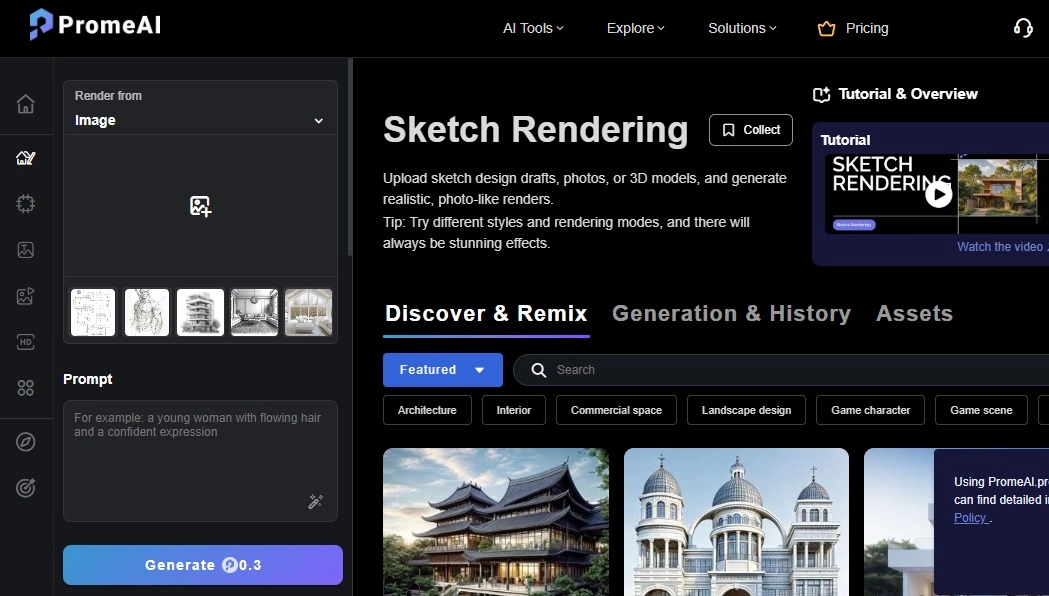
Benefits You Can Enjoy
- Upload simple sketches and get multiple creative design ideas for the project.
- Strong community and library of inspiration for different rendering styles.
- Along with a sketch to render AI facility, you also get tons of powerful editing tools post-generation.
Limitations to Note
- The abundance of features can initially be slightly overwhelming for a new user.
- Only 3 images can be generated with the free plan.
Who Likes It Most: Architecture students, 3D artists, and professionals looking to preview design ideas quickly.
How to Turn Sketch to Render AI Online with PromeAI:
Step 1. Visit PromeAI and upload your sketch or concept layout.
Step 2. Enter your prompt for the AI rendering, and set the required presets.
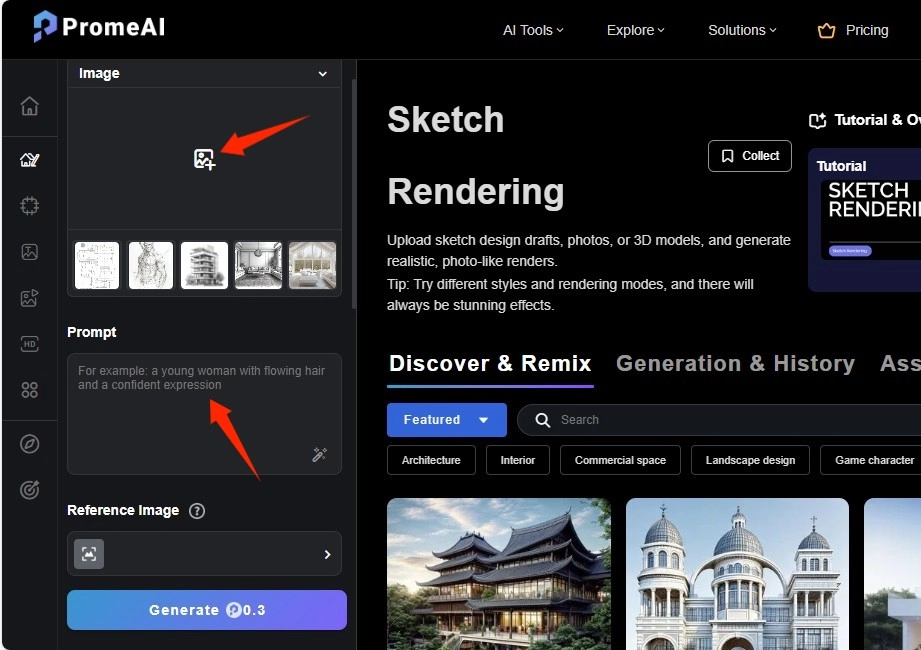
Step 3. Once done, click on Generate to create final results
Create Stunning Visualizations with Visoid Sketch to Render AI
Visoid is an innovative AI sketch to render tool that focuses on delivering cinematic visual quality. It’s especially useful for design teams and marketing professionals, who want to transform sketches into eye-catching visuals for presentations and videos.
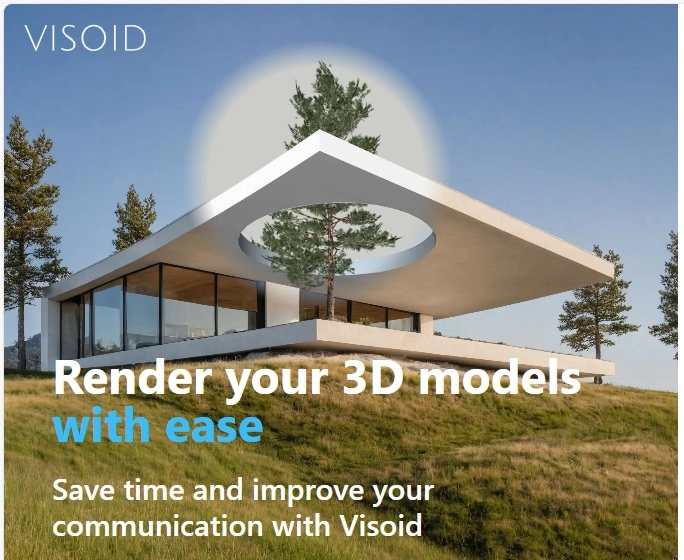
Benefits You Can Enjoy
- Advanced AI rendering for both static and dynamic visuals.
- Creates realistic materials, shadows, and environments.
- Very fast processing times for quick creative iteration.
Limitations to Note
- Need to create an account before you can try rendering a sketch.
- The free plan offers a limited number of daily credits.
Who Likes It Most: Concept artists, fashion designers, and creators who need a convert sketch to render AI tool that provides stylistic range and speed.
How to Turn Sketch to Render AI Online with Visoid:
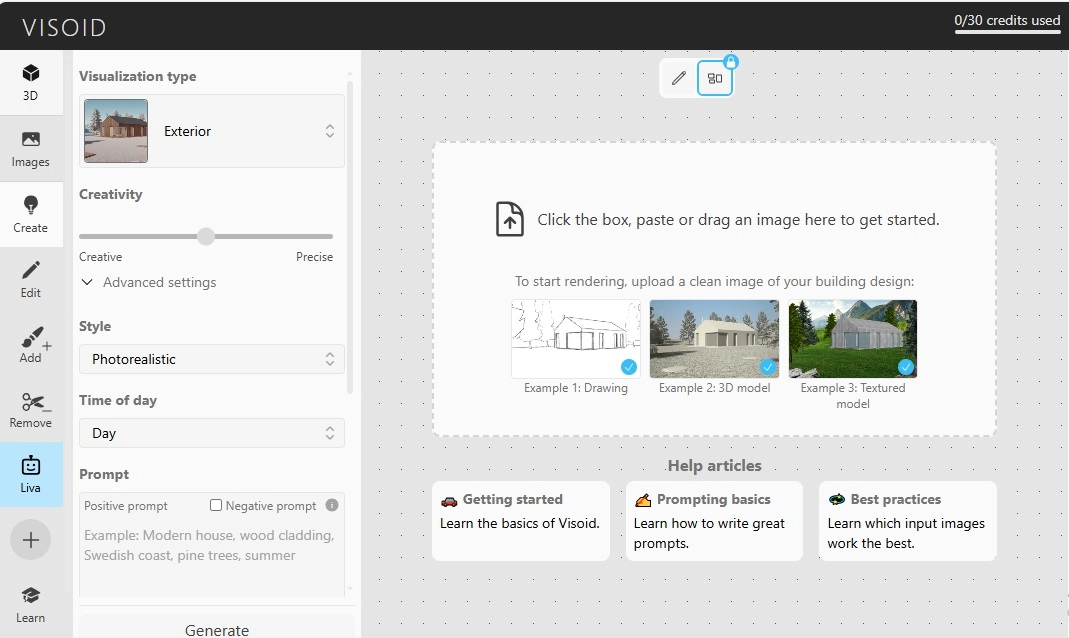
Step1. Visit Visoid and go to Create from the left side of the window.
Step 2. Upload a clean image of your sketch.
Step 3. Adjust all the presets, and click on Generate.
AI Sketch to Render Images with Canva Sketch to Life
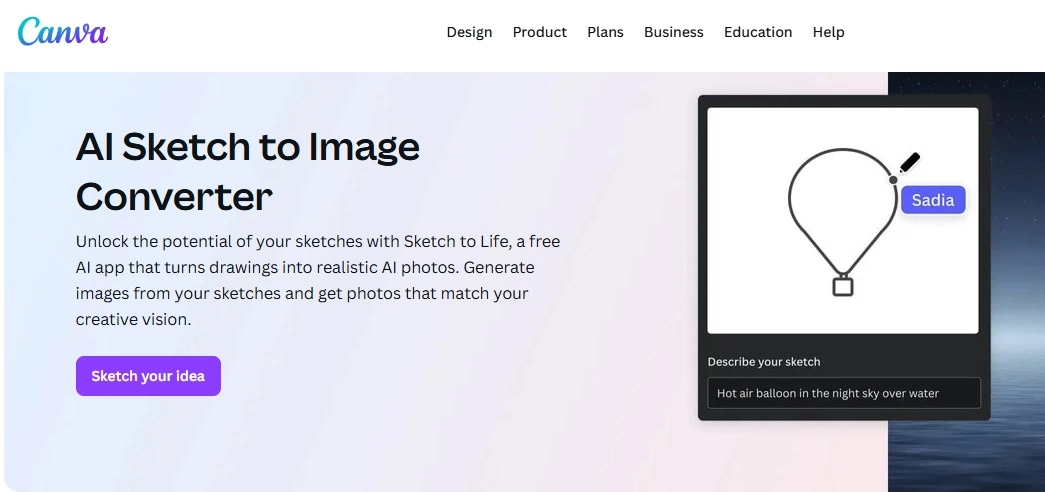
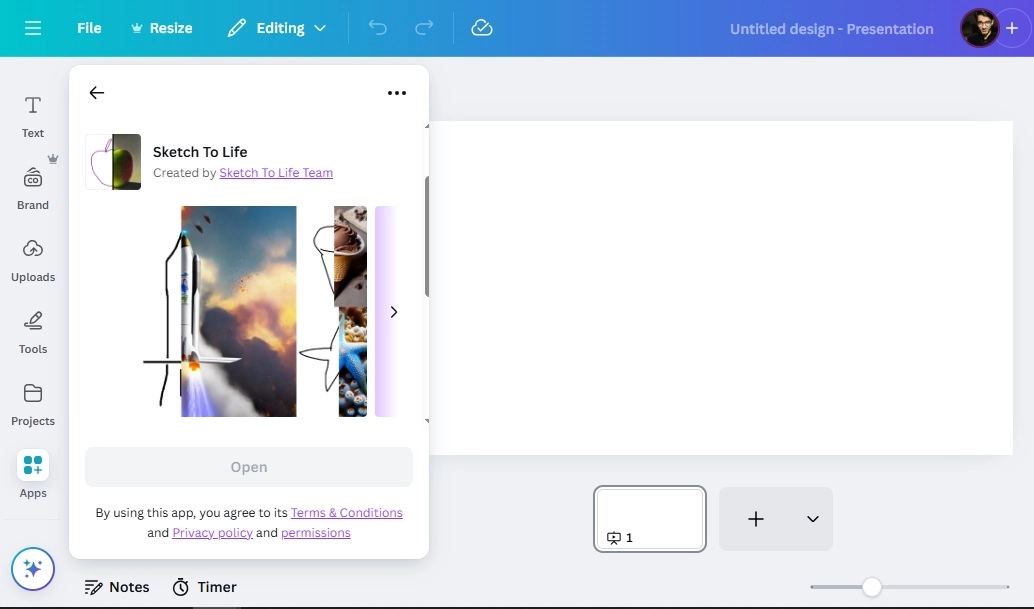
Canva recently introduced its Sketch to Life feature, a simple way to turn creative sketches into professional designs. This tool works perfectly for social media content, illustrations, or concept art, making sketch to render AI free available to everyone.
Benefits You Can Enjoy
- Easy-to-use AI interface suitable for non-designers.
- Access to AI image combiner and AI cartoon generator tools for extra creativity.
- Built-in templates for branding, posters, and web graphics.
- Cloud-based saving and sharing system.
Limitations to Note
- Some advanced effects are locked behind Canva Pro.
- May not achieve architectural-level realism.
Who Likes It Most: Content creators, illustrators, and small business owners who want to visualize sketches into marketable designs.
How to Turn Sketches to AI Photos with Canva:
Step 1. Upload your sketch to Canva’s Sketch to Life feature.
Step 2. Apply styles or effects to enhance realism.
Step 3. Export your image in preferred format for further editing.
Best Applications of Sketch to Render AI Free
Architecture Design Draft to Render
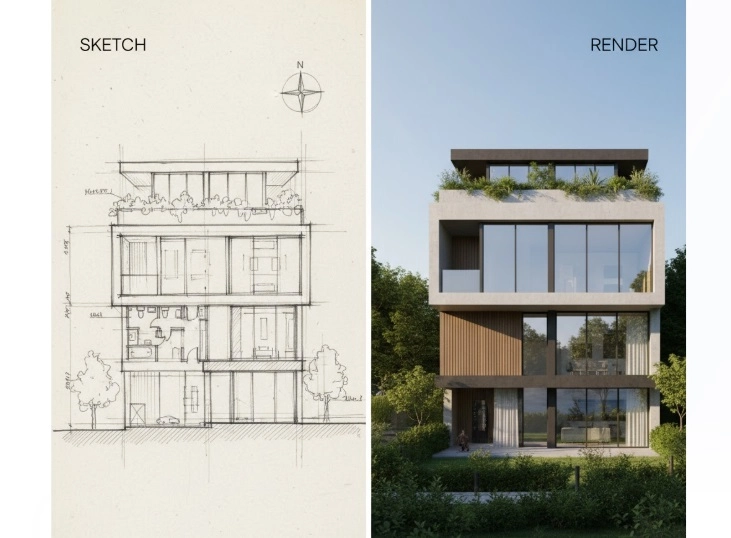
Architects can visualize conceptual blueprints into realistic renders, speeding up client approvals.
Interior 3D Rendering AI
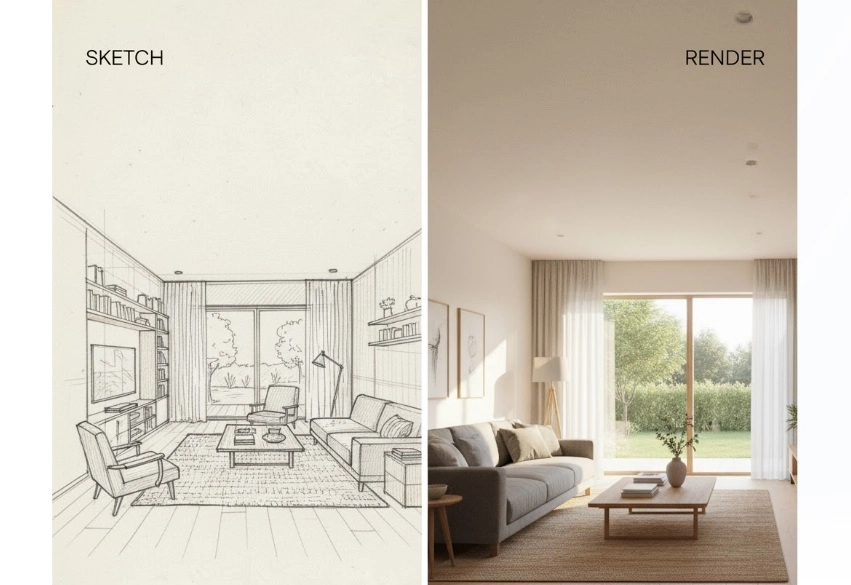
Interior designers can instantly apply textures, lighting, and color palettes to bring empty spaces to life.
Product Concept to AI Render
Industrial designers can test different material finishes on early product sketches before production.
3D Animation/Game Character Designs
Artists can create 3D-ready characters by combining photo to sketch and rendering tools for immersive animation.
Fashion Ideas into Realistic Result
Designers can use paper animator and rendering tools to preview clothing designs before sewing.
Turn Your Sketch Rendering Image to Video with AI Online
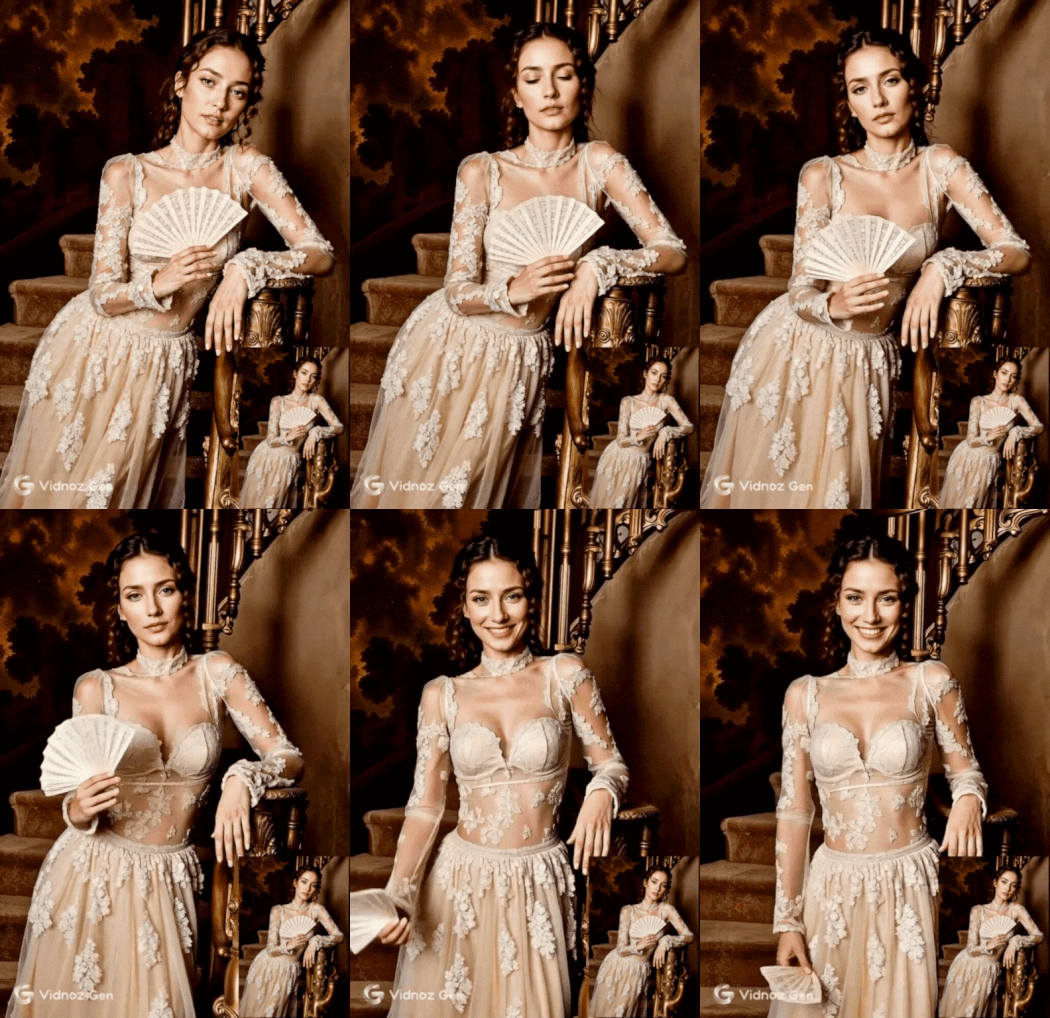
Once your sketches are rendered, you can enhance them further by turning static images into dynamic visuals. The best option for this task is Vidnoz Image to Video AI, a magic tool that animates your renderings to create storytelling visuals. Whether for architecture presentations, social media, or concept showcases, this free AI video generator tool adds motion and realism to your designs.
Convert Image to Video AI Online - Free
- Create a video from an image quickly for free.
- Use various AI models to turn photos into videos.
- Download and share the AI-generated video at no cost.
Convert Image to Video
Why You Choose Vidnoz Image to Video AI?
- Static Renders into AI Videos Free: Animate still renderings into captivating motion graphics.
- Trending Viral Render Genres Support: Ideal for architecture, design, and product demos.
- High-quality & Smooth Motion: Natural camera angles and lighting for realistic flow.
- Custom Ratio for Any Platform: Fit your video for Instagram, YouTube, or TikTok.
How to Turn Renderings into Vivid Videos Online Free?
Step 1. Navigate to the Vidnoz Image to Video AI tool and upload your sketch that you want to animate.
Step 2. Choose the Vidnoz Turbo generation model from the available options.
Step 3. Specify the desired video duration, selecting between a 5-second or 8-second clip.
Step 4. Enter any extra descriptive text in the prompt box to give the AI more specific details.
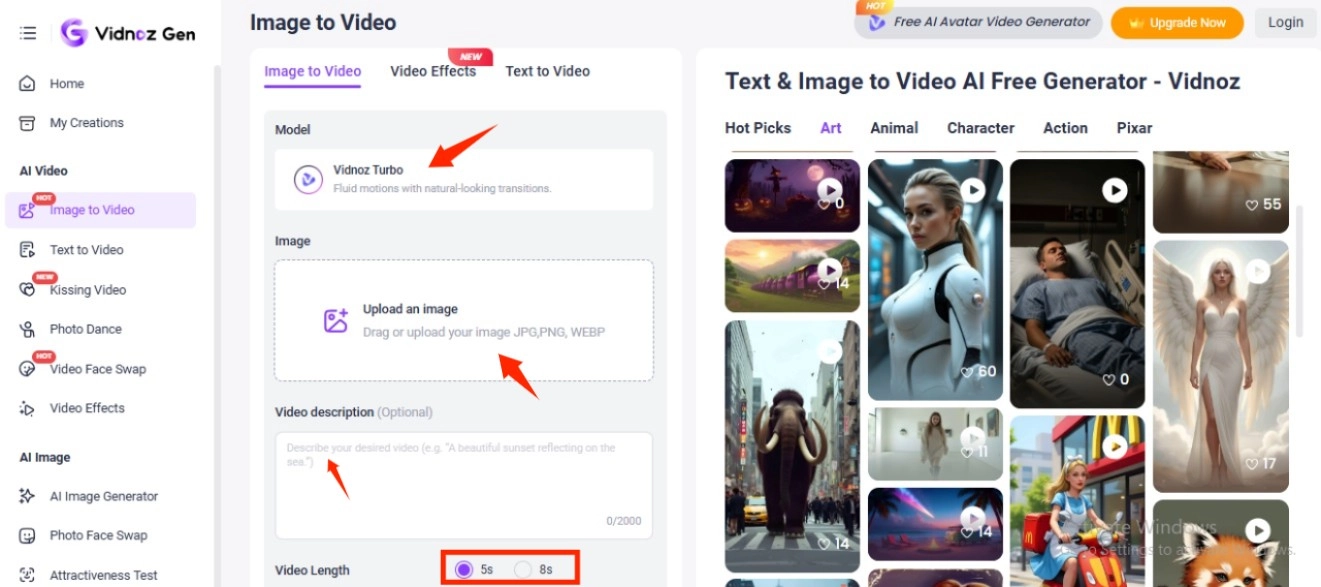
Step 5. When you've finished, hit Generate Now to start the video creation process.
The Bottom Line
In conclusion, these four sketch to render AI tools make it effortless to transform any idea from a raw sketch into a stunning render. Whether you’re working on architecture, animation, or product design, these platforms simplify visualization and creativity. For even more engaging results, use text to video AI and image to video AI tools like Vidnoz to animate your renderings into captivating videos.
Convert Image to Video AI Online - Free
- Create a video from an image quickly for free.
- Use various AI models to turn photos into videos.
- Download and share the AI-generated video at no cost.
Convert Image to Video






![How to Remove Filter from Video Online | AI Video Filter Remover Online Free [Lossless]](https://www.vidnoz.com/bimg/remove-filter-from-video.webp)