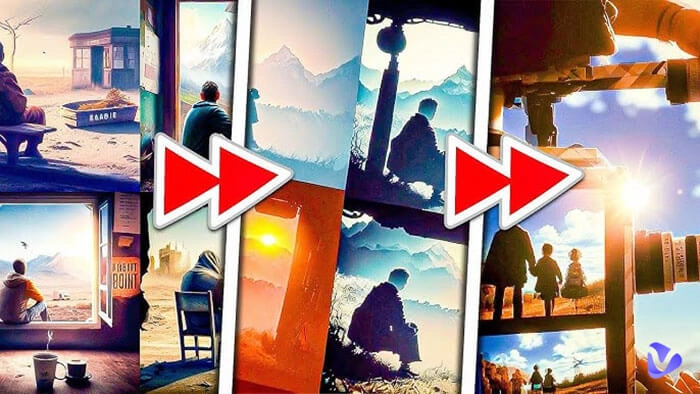
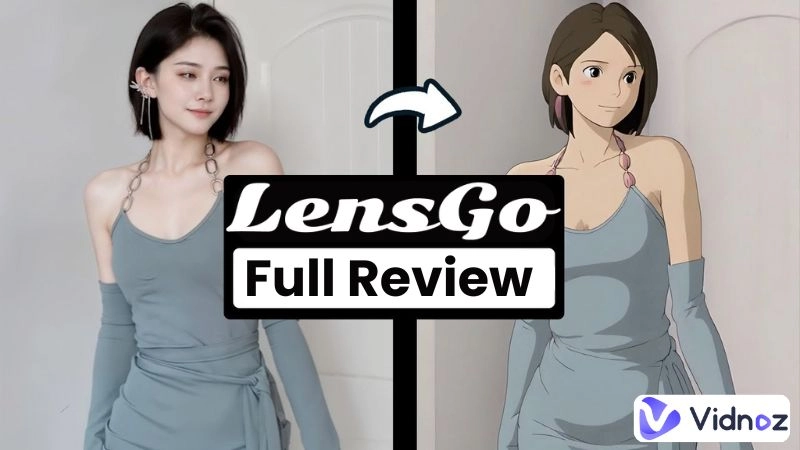
AI art is gaining popularity nowadays due to its visually striking touch to the content. You can also transform your ordinary footage into visually captivating works through a particularly in-demand application known as video style transfer, which applies artistic styles to video frames. LensGo AI (lensgo.ai) is a powerful AI tool that helps you make new videos from your original content, like videos and images. Whether you are a beginner or an expert, users can easily edit and transform their content through the LensGo platform.
Let’s explore LensGo AI free or paid versions in this detailed guide, including its features, pricing, method of usage, and some top LensGo AI alternative apps.
- On This Page
-
Is LensGo.AI Down?
-
LensGo AI Key Features
-
How to Use LensGo AI to Transfer Video Style?
-
Is LensGo AI Free?
-
Is LensGo AI Safe to Use?
-
Top 7 LensGo.AI Alternatives for Stunning Video Creation
#1. Krea. AI Video Restyle
#2. Vidnoz Image to Video AI Free Generator
#3. Reface Unboring Restyle
#4. DomoAI AI Video - Video to Video
#5. Media AI Video Generator
#6. Vidnoz Free Ghibli Filter Online
#7. Picsart AI Video Filter
Is LensGo.AI Down?
No, currently, LensGo AI is still operating, but with Logo, the user interface, as well as key features, have changed, and some features are malfunctioning. Back in late 2025, LensGo AI allegedly ceased its operations, while the official website lensgo.ai has been flagged for being inactive for an uncertain duration.
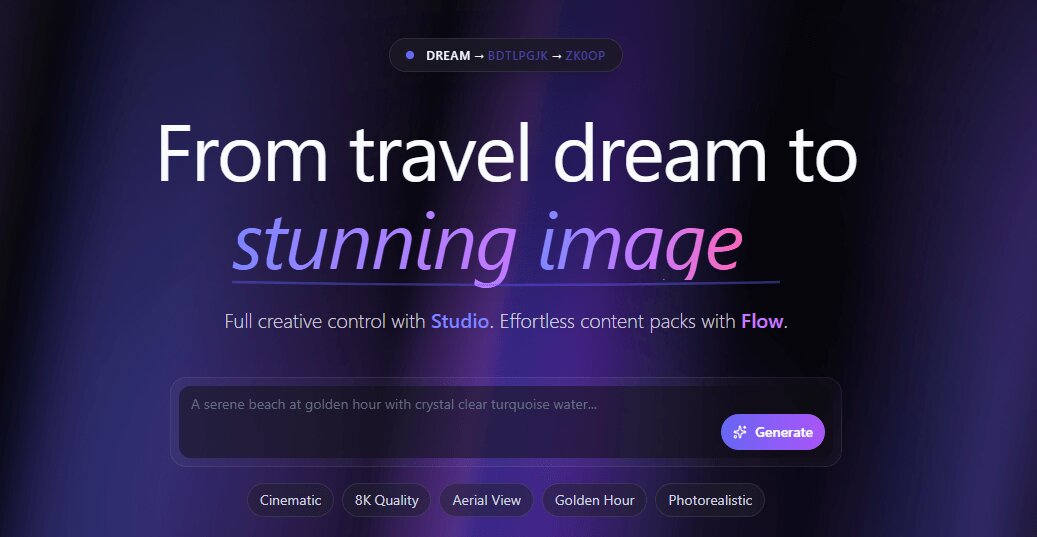
However, till now, the LensGo AI app has been running correctly. Check the new user interface below.
LensGo AI Key Features
LensGo AI produces high-quality visual content with ease by offering versatile artistic style options to users. Though it changed the key features it holds, it is still an ideal place to go when you need some stunning visuals.
Before, it supported video and image transformation and editing with an immense variety of options. The two main features of this online tool are as follows:
>> Video Style Transfer: The video restyling option further offers three feature models for different purposes. Each is unique in its options, with a clear prompt shown in the provided samples to give a clear idea to users. These 3 models include:
-
ReStyle
-
AI Rendering
-
AI Coloring
>> Training & Models: Train or customize your model and then apply it to your videos, images, and restyle content for further restyling.
Now, it runs different key functions for AI visuals:
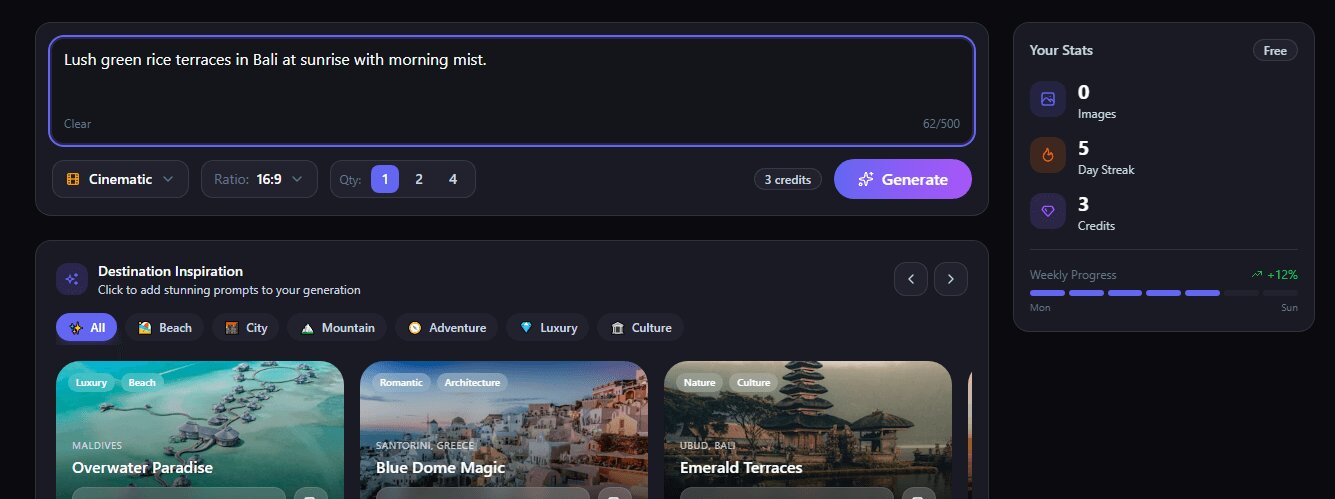
>> AI Text to Image Generation: An AI image generator based on text descriptions, mainly focusing on scenery picture generation. With models like Cinematic, Drone Aerial, and Street Photo, as well as the preset templates given, users can create realistic and captivating scenery photos from text prompts.
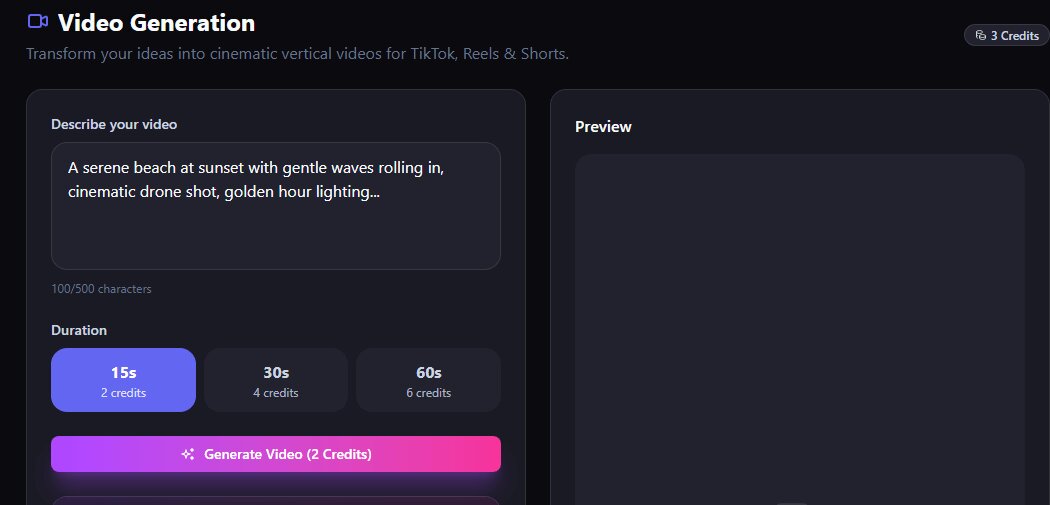
>> AI Text to Video Generation: similarly, this is an AI video generator based on text prompts. Users can convert their ideas into cinematic vertical videos for social media feeds. a 15s-second video costs 2 credits, while it gives you 3 credits per day.
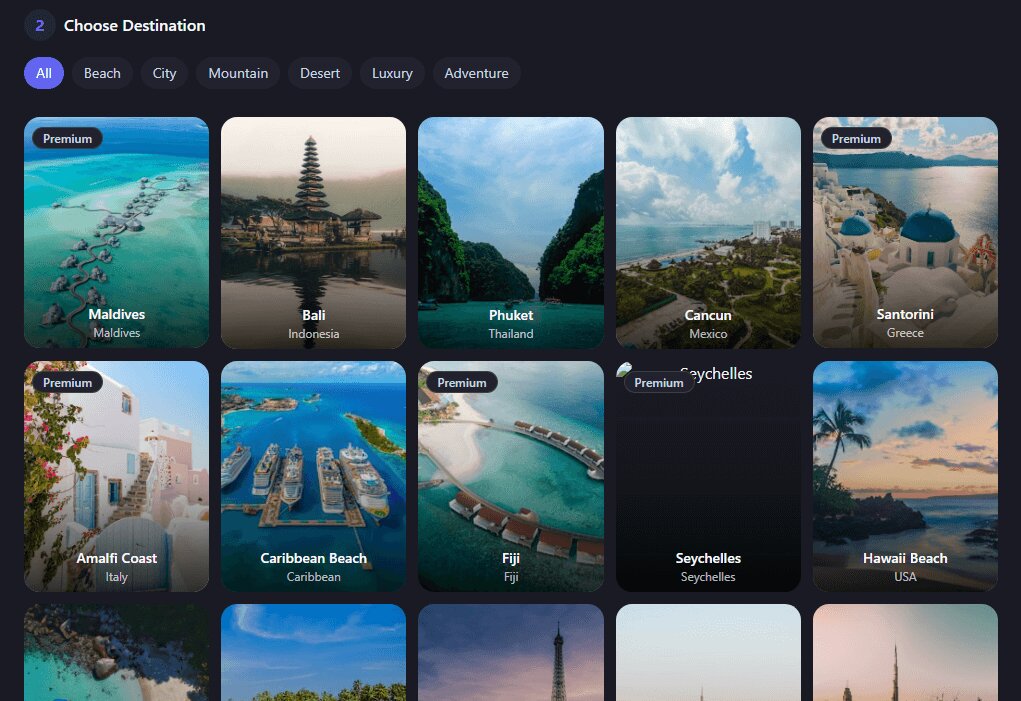
>> Travel Anywhere: This might be the most unique feature that Lens go ai.com holds now. It states that it helps turn your selfie into a travel photos in anywhere you want. Destinations around the world, like the Maldives, Bali, Santorini, etc., are provided for preview.
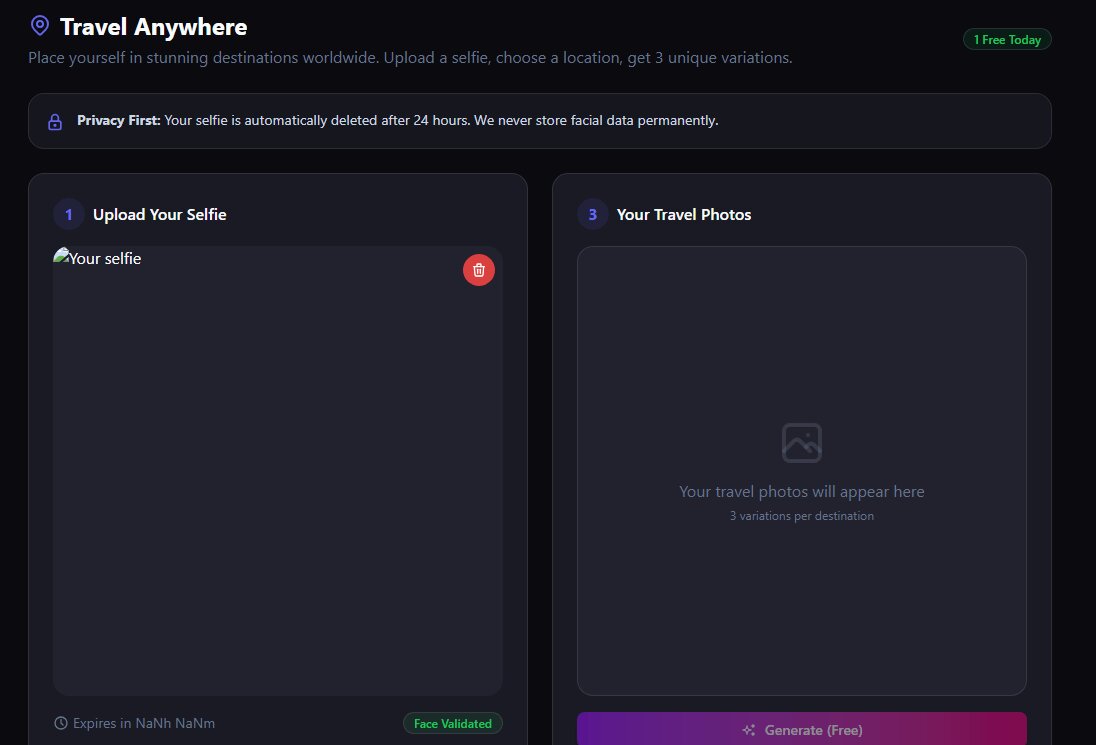
However, it seems that this feature is not working correctly: the selfie uploading box is malfunctioning, which is also somewhat evidence that LensGo AI might not be running properly.
How to Use LensGo AI to Transfer Video Style?
You can easily create video re-styling using the LensGo AI platform with these basic steps:
Step 1. Visit The LensGo AI
Use your Google account for LensGo AI login on lensgo.ai, or create an account with an Email.
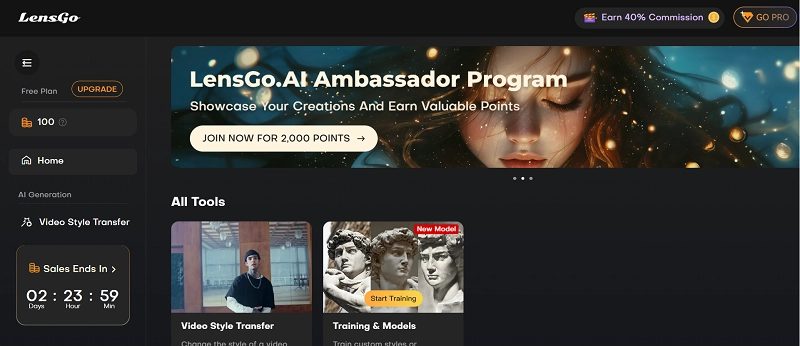
Step 2. Click on Video Style Transfer
Open the ‘Video Style Transfer’ option. The following page pops up. Let LensGo create style transfer videos easily for you.
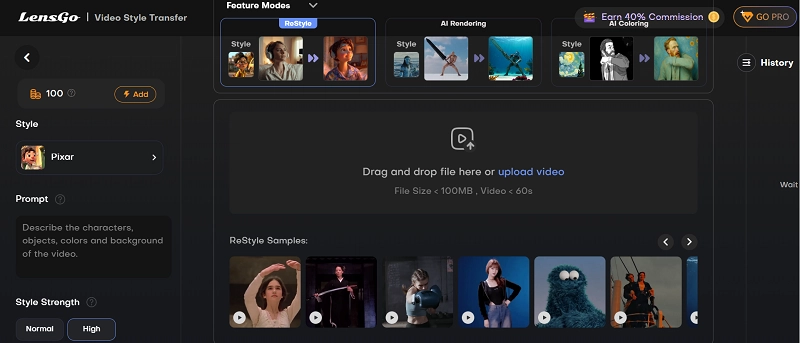
Step 3. Choose Mode and Upload video
Select from ‘Feature Modes’ given above. Drag and drop or upload a video here, with Restyle samples given below for guidance.
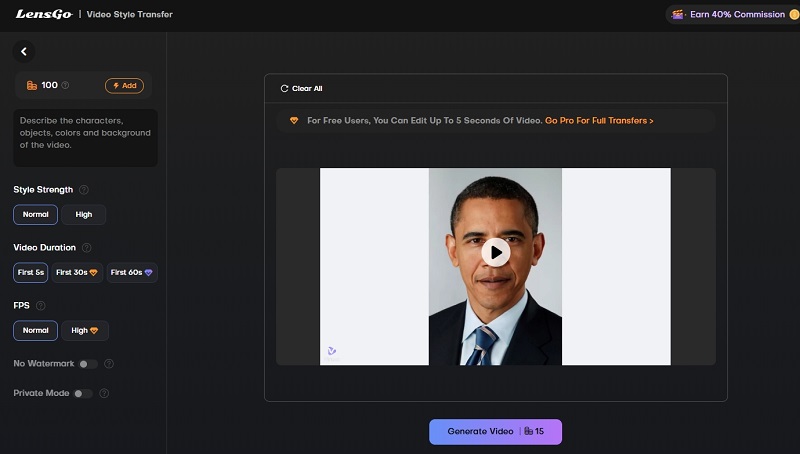
Step 4 Do Settings
Set preferred style & strength, input Prompt, choose video duration, watermark, FPS, Private mode, etc.
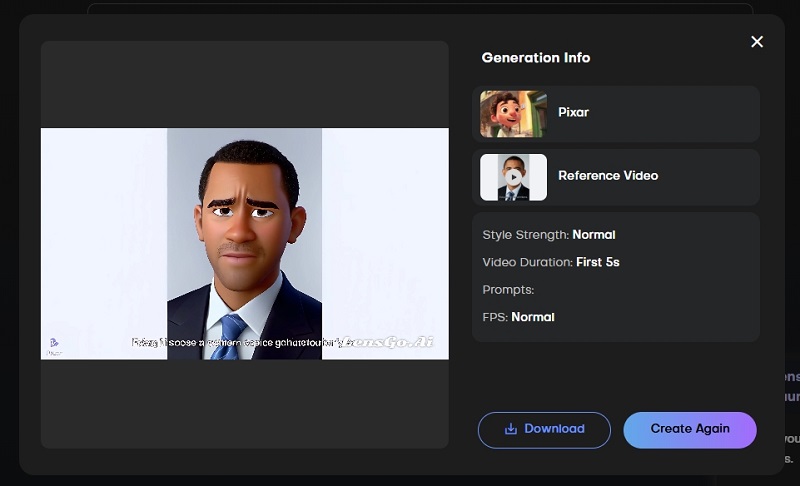
Step 5 Generate Video
Click on ‘Generate Video’ to get your restyled video. It will take 5-10 minutes to generate a 5s video.
Is LensGo AI Free?
Is LensGo AI free to use? LensGo AI free video editor offers both free and paid plans.
>> The LensGo free version comes with 50 points per day but has many limitations. You get:
- A 5-second video transfer limit with 15 styles
- A normal FPS rate.
- The input video should be less than 60 seconds long and have a file size of less than 100 MB.
>> LensGo AI premium versions are available in 3 tiers on a monthly and yearly basis: Standard, Pro, and Mega. (From $6.75 to $45 per month). The Mega is the topmost package, carrying the most features.
Is LensGo AI Safe to Use?
LensGo AI is a legitimate, safe-to-use tool with a great data privacy policy, using HTTPS as the standard protocol. It has received extremely high ratings from users around the world, especially for its style conversion and AI image generation features.
While the tool takes measures to ensure safety and security, you should exercise standard online precautions and be mindful of the content it generates (such as copyright issues).
Top 7 LensGo.AI Alternatives for Stunning Video Creation
Looking for a LensGo AI alternative app? Since LensGo AI does not provide video style transfer and image-to-video features, why not turn to the alternatives? You can enjoy LensGo’s previous popular paid features without cost by using the alternative apps given below. Try any one or more of these to get amazing results equal to those of LensGo AI.
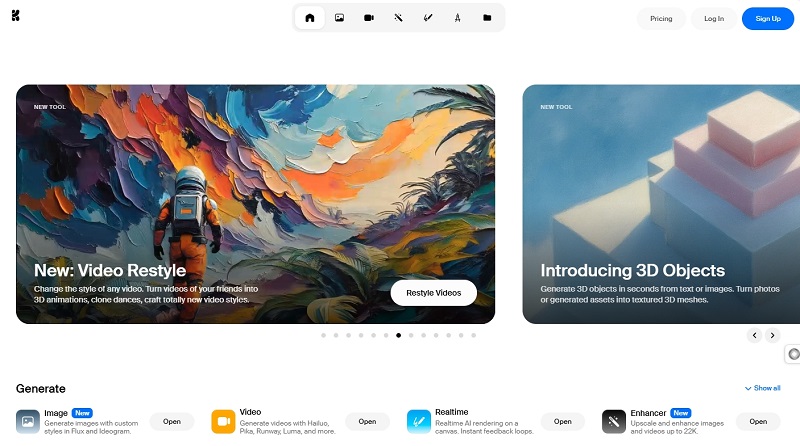
#1. Krea. AI Video Restyle
LensGo alternative Best For: Converting video to any possible style as you wish
Pricing: Free + 3 Paid packages (Basic to Max on a monthly basis)
Krea.ai is a great LensGo AI alternative for video restyling, offering numerous options with flexible price packages. You can also create your own style or select one from multiple ones. Just add a video and describe the style you wish to apply to it, and generate the desired content.
Pros
- Numerous video filter styles to meet any needs.
- Daily free credits provided.
- User-friendly.
#2. Vidnoz Image to Video AI Free Generator
Convert Image to Video AI Online - Free
- Create a video from an image quickly for free.
- Use various AI models to turn photos into videos.
- Download and share the AI-generated video at no cost.
Convert Image to Video
LensGo Alternative Best For: 100% free video in the preferred effect from images
Pricing: Free
Vidnoz Image to Video AI, a LensGo alternative online app, effortlessly converts text and images to video using advanced technology. You also get a Video Effects option to add interesting effects to your AI-generated videos. Upload an image and set the basic video information to determine which Vidnoz model to use.
Pros
- Free and clean to use
- 30+ styles available for video generation
- High-quality video output with seamless motion transition
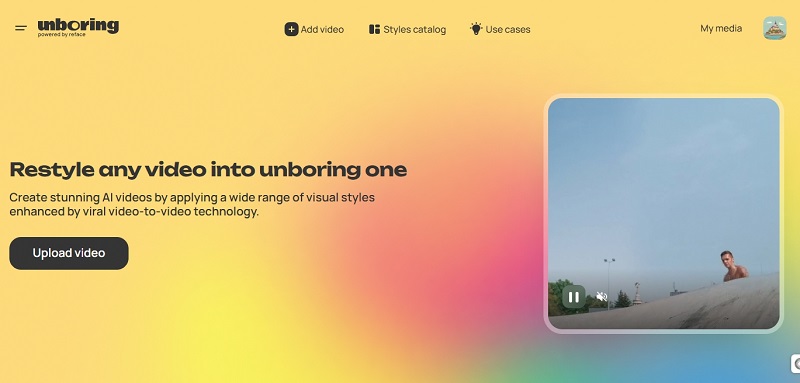
#3. Reface Unboring Restyle
LensGo Alternative Best For: Transforming video to different styles
Pricing: Basic + Premium packages on a monthly/yearly basis
Reface Unboring Restyle creates stunning AI videos by using viral video-to-video technology. You can apply a wide range of visual themes by browsing the styles catalog. You have a maximum of 60 seconds for a restyle video, allowing you to fully express yourself through powerful content creation.
Pros
- 50+ various video effects to choose from
- LensGo AI Video to Anime alternative: Enhanced creative expression by converting a video to anime, cartoon, etc.
Cons
- No free version
- Restyle option not offered to Basic (paid) users
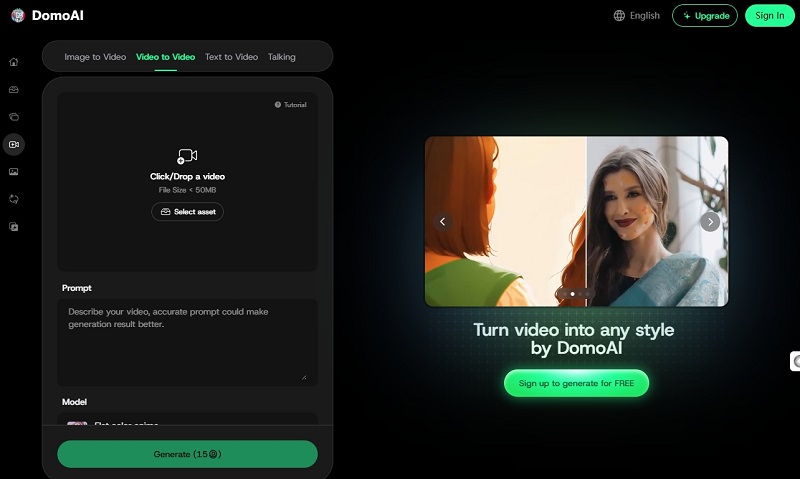
#4. DomoAI AI Video - Video to Video
LensGo AI Alternative Best For: More flexible video restyling options
Pricing: Free + 3 Subscription Packages (From Basic to Pro)
Another LensGo AI alternative is the DomoAI Video tool, which offers 30+ unique video styles available. You also get more settings like duration, aspect ratio, lip sync, subject only, etc. Video upscaling in higher resolution (4k) and FPS is also available to give your content more clarity and detail.
Pros
- Many options for more exact video restyling
- Preserves the original motion and structure of a video while visually transforming it
Cons
- Watermarked video for free plan
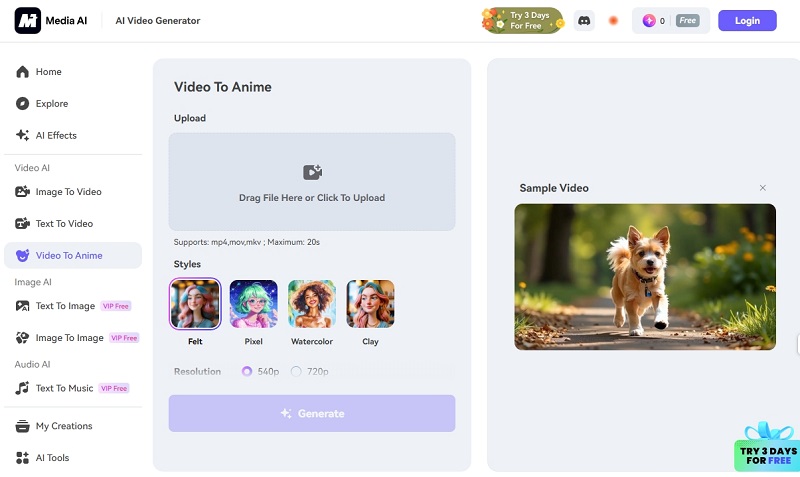
#5. Media AI Video Generator
LensGo AI Alternative Best For: Restyling MKV video without format conversion
Pricing: Paid Plans (Credits + Membership)
Media AI Video Generator online free serves as a LensGo alternative, offering stunning visual transformations. You can easily convert a video into a perfect anime by uploading it on this platform with easy-to-follow steps. After content generation, the task results are kept for 7 days so download it as soon as possible.
Pros
- Multiple video formats available (mp4, mov, mkv)
- Easy to use, especially for beginners
Cons
- Only support adding an anime effect to video
- 20s video input at most
#6. Vidnoz Free Ghibli Filter Online
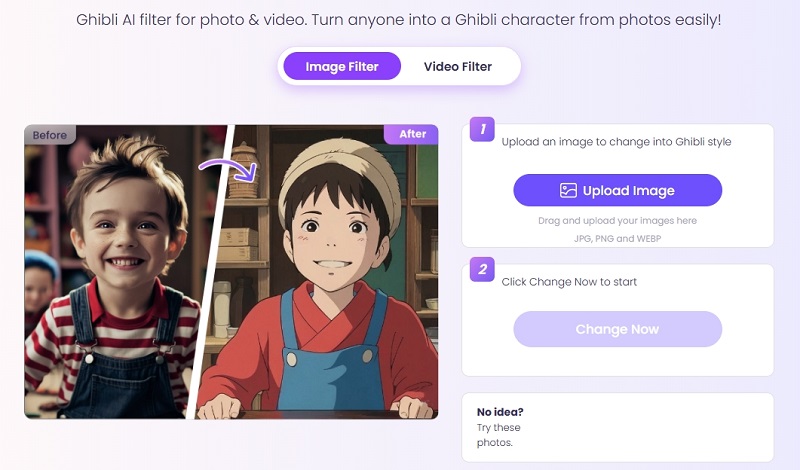
LensGo AI Alternative Best For: Free changing image into Ghibli style image or video
Price: free
Vidnoz free Ghibli Filter can convert your couple memories, travel adventures, or selfies into charming Ghibli-style images or videos. With just two easy clicks, mix your realistic content with Ghibli's unique style to generate a magical animated movie or image. Available on phones, PCs and all other devices.
Pros
- Free dedicated Ghibli-style image and video generator
- High-quality, natural video conversions
- Instant video conversion
Cons
- Limited style available
- Watermarked video for free plan
#7. Picsart AI Video Filter
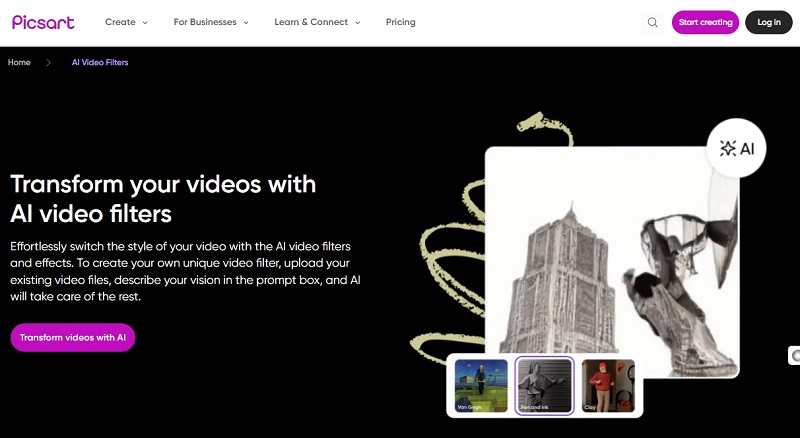
LensGo AI Alternative Best For: switching video filter and editing the video at one go
Pricing: Free + 3 Paid Packages
Picsart AI Video Filter is a fantastic LensGo alternative that offers captivating photo and video editing tools plus superb AI features. Just upload a video and let AI restyle it by adding a filter to it. Moreover, it offers thousands of pre-made designs for everything from marketing logos to business cards.
Pros
- Easy-to-use interphase
- Versatile video editing features
- Extensive template library
Cons
- Limitations in LensGo AI free version
Conclusion
Thus, LensGo AI helps convert your original videos to highly personalized creative videos with great restyle options. Flexible price packages and a straightforward usage method make it ideal for many users. Among numerous LensGo alternatives, the AI image to video tool powered by Vidnoz free AI video generator stands out with its free usage and outstanding attributes. Whether a beginner or an expert, you can readily use it to successfully restyle your content.