It is easy to bring history to life with AI - you just click a button to make animated Richard III avatars in a few simple steps. In this article, we will explore 5 types of Richard III avatars you can create, and show how these can be used for learning, storytelling, or creativity.
Let's get started.
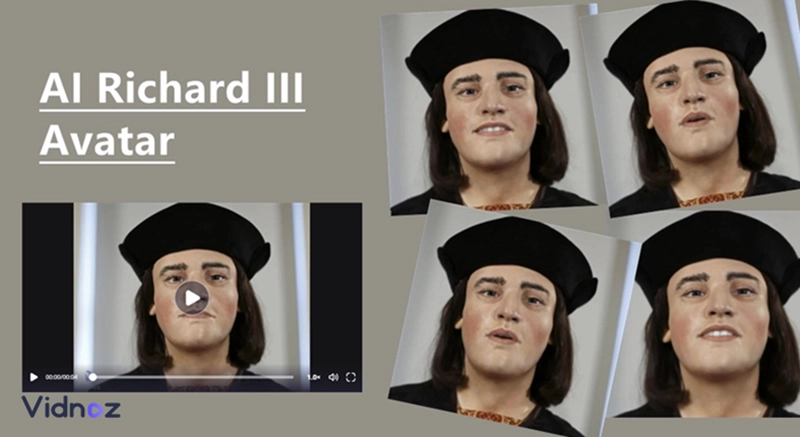
- On This Page
-
Part 1. Richard III Avatar - AI 3D Avatar Generator
-
Part 2. Richard III Avatar - AI Image Generator
-
Part 3. Richard III Avatar - AI Talking Face
-
Part 4. Richard III Avatar Full Body - AI Extends Images
-
Part 5. Richard III Avatar - Make AI Biography Video with Vidnoz
Part 1. Richard III Avatar - AI 3D Avatar Generator
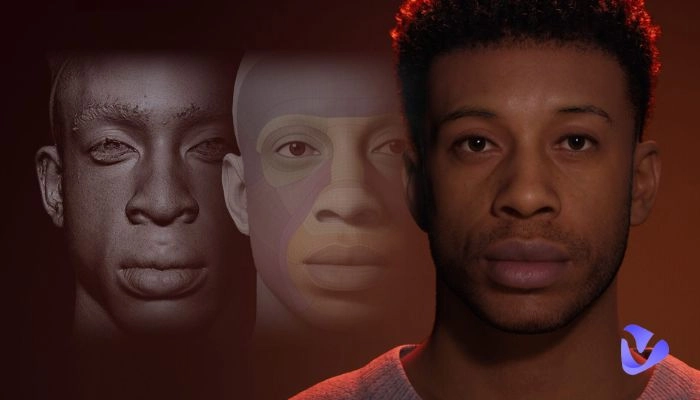
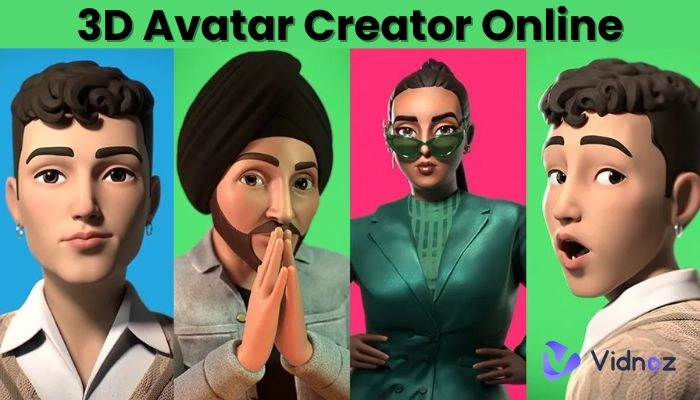
One of the most fascinating ways to reinvent Richard III is by creating a 3D avatar. With Hyper3D AI ChatAvatar, you can generate hyper-realistic 3D facial assets in just minutes, completely powered by AI, and usable for both personal and commercial projects.
This tool transforms either your text prompt or images into production-ready 3D avatars with PBR textures, with living, breathing qualities and hyper-realism. Artists generally found it useful as a starting point model, but often needed some refinement, mostly for human faces and characters (including statues of Richard III).
Here's how you can create a Richard III 3D avatar:
Step 1. Go to Hyper3D AI ChatAvatar.
Step 2. Choose whether to generate from text or upload a reference image of Richard III. A prompt like: "Medieval King Richard III, wearing crown and robes, realistic 3D style" works well.
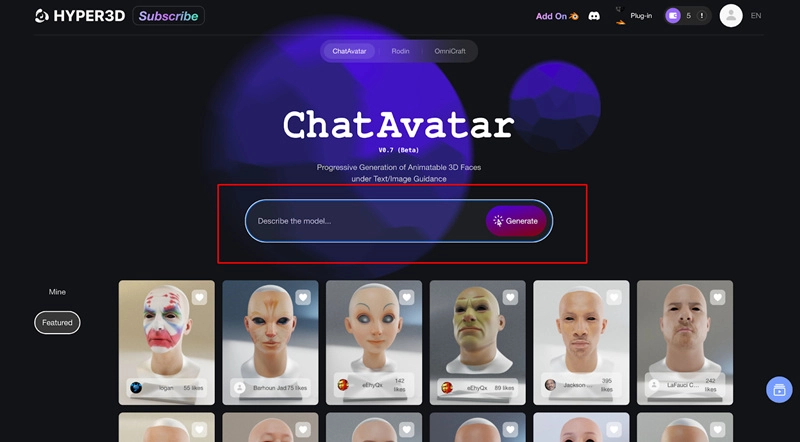
Step 3. Tweak parameters such as facial features, texture style, lighting, and resolution to refine the appearance.
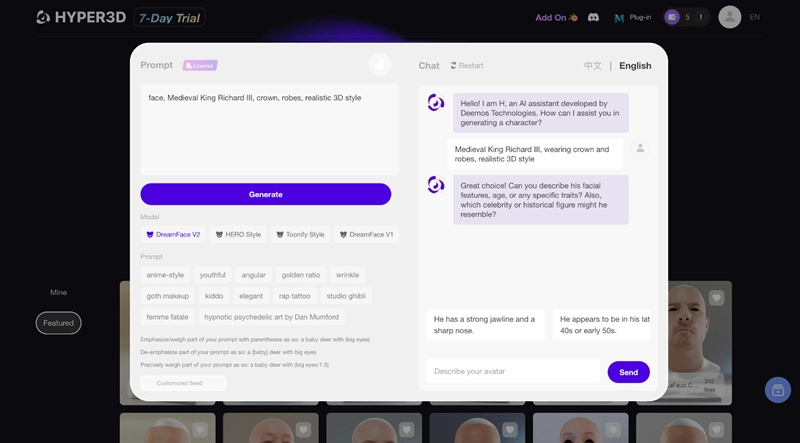
Step 4. Click "Generate", then preview the Richard III AI 3D avatar and download it in formats like OBJ, GLB, or FBX for use in presentations or 3D environments.
That’s how to make AI avatars. This powerful text-to-3D tool gives you a realistic Richard III model in minutes, which can be used in historical storytelling, educational media, or virtual exhibits.
Part 2. Richard III Avatar - AI Image Generator
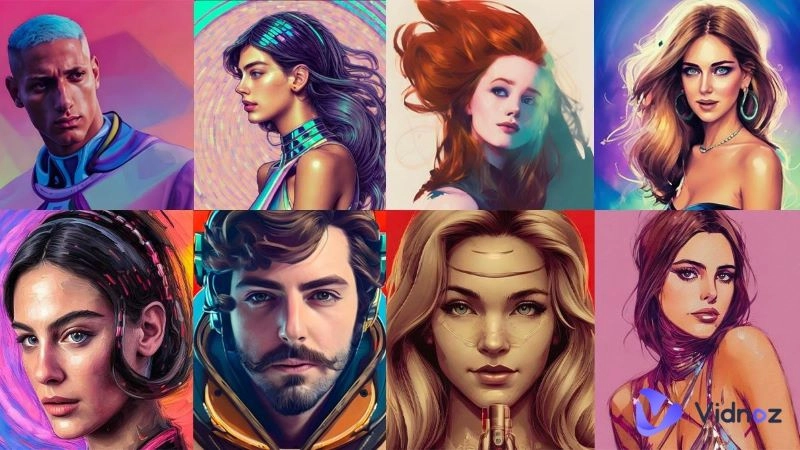
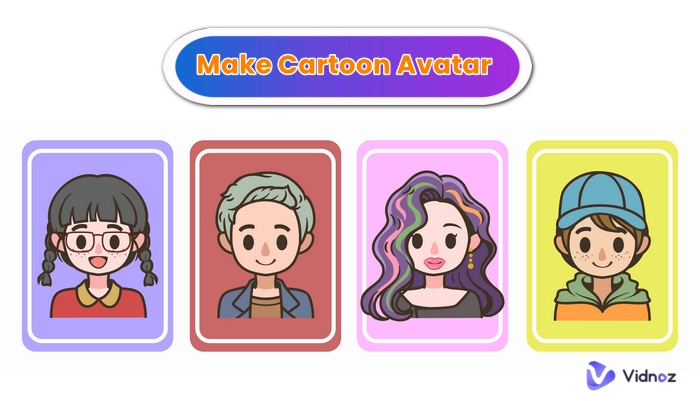
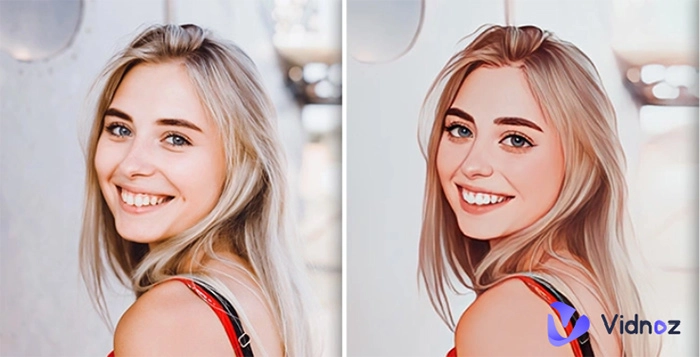
For an artistic or creative twist, you may want to create some anime-styled or stylized Richard III avatars with the Vidnoz AI Image Generator at Vidnoz AI Avatar Generator that takes your text prompts and creates 4 avatars images on the spot for you to create Richard III AI image in whatever style suits you.
The generator uses AI recognition and algorithms to do its job and provides different styles such as authentic, anime, sketch, watercolor, and more to give you a different Richard III avatar every time Vidnoz. The best part, is once you sign up, Vidnoz is unlimited use and free.
Here's how to craft your Richard III image avatar using this AI Avatar video generator:
Step 1. Visit Vidnoz and sign up or log in.
Step 2. Enter a detailed prompt like: "Richard III wearing medieval crown and armor, anime style."
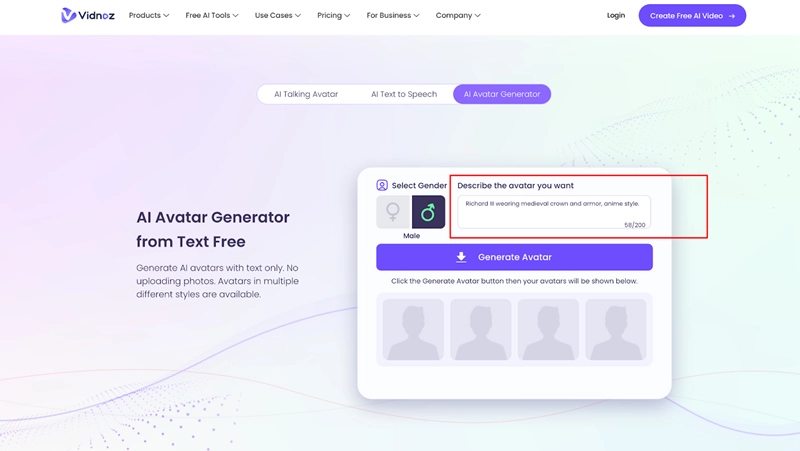
Step 3. Click "Generate" to receive four stylized versions, review them, then download your favorite Richard III avatar.
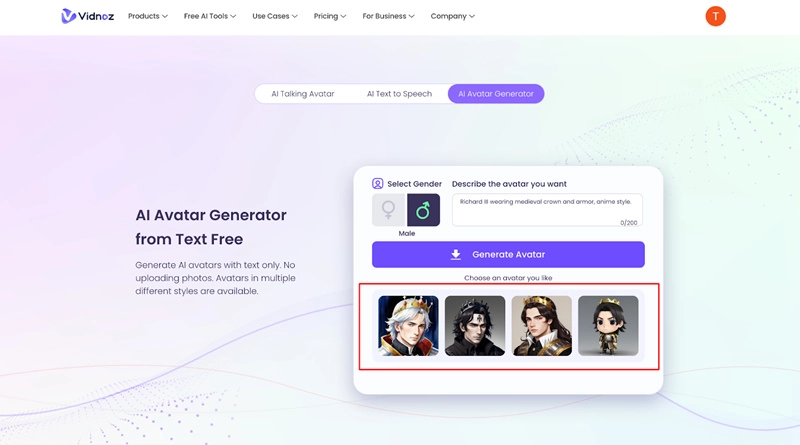
These avatars are perfect for blog banners, social posts, or even as inspiration for deeper artistic projects. Want more avatar options? Explore the avatar maker full body from Vidnoz to expand your creativity even further.
Part 3. Richard III Avatar - AI Talking Face
If you want to bring a portrait of Richard III AI image to life, you can use Mango Animate's Mango AI Talking Photo tool. This AI animated avatar service enables you to create a talking head of Richard III from a still photo. This is a handy AI tool because it animates facial expressions and provides lip syncing either from your voice or your text, and different voice options. You not only can sound like Richard III, but you can also use your own Richard III voice.
You can use a variety of different input photo formats (jpg, png, webp), choose AI voice options, upload audio, or record your own voice directly onto the tool to create a realistic, convincing talking head of Richard III.
Here's how to turn a flat Richard III image into a dynamic, talking face avatar:
Step 1. Go to Mango AI Talking Photo and upload a clear frontal portrait of Richard III.
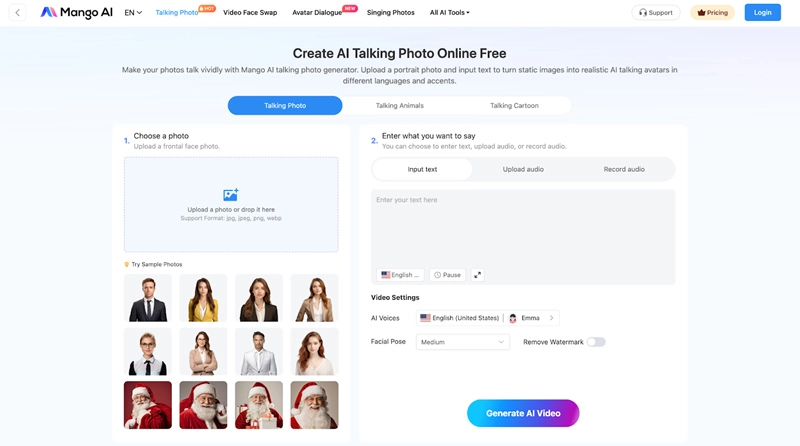
Step 2. Enter the text you want Richard III to say, or upload/record a short audio clip (up to 30 seconds for free users).
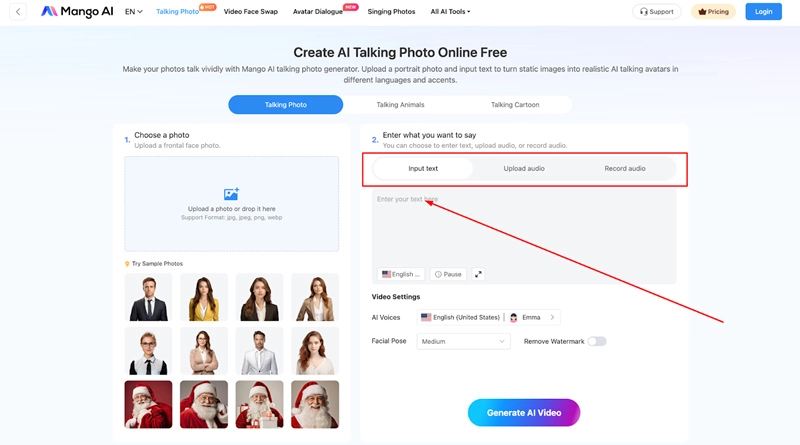
Step 3. Choose an AI voice, select the desired facial pose or expression, and adjust other settings.
Step 4. Click "Generate AI Video" to create your Richard III talking head, then preview and download it as a lifelike animated image.
This feature is perfect for making educational or storytelling content more compelling. If you'd like avatars with more motion, check out related options under AI animated avatar for diverse creative styles.
Part 4. Richard III Avatar Full Body - AI Extends Images
OpenArt's AI Full Body Generator is an innovative, no-cost tool that will allow you to repurpose a standard headshot of Richard III into a full-body image. The platform makes it easy and fun to develop a headshot into a full figure while maintaining image quality with the addition of arms, clothing, and context. The user simply utilizes the inpainting tool and canvas expansion function.
The avatar maker full body is user-friendly and focused on privacy, the site does not store your uploaded image, indeed you can just as easily modify the canvas a few times.
Here's how to generate your Richard III avatar full body:
Step 1. Visit the OpenArt Full Body Generator..
Step 2. Upload a clear portrait of Richard III in the designated area ("Drop files here").
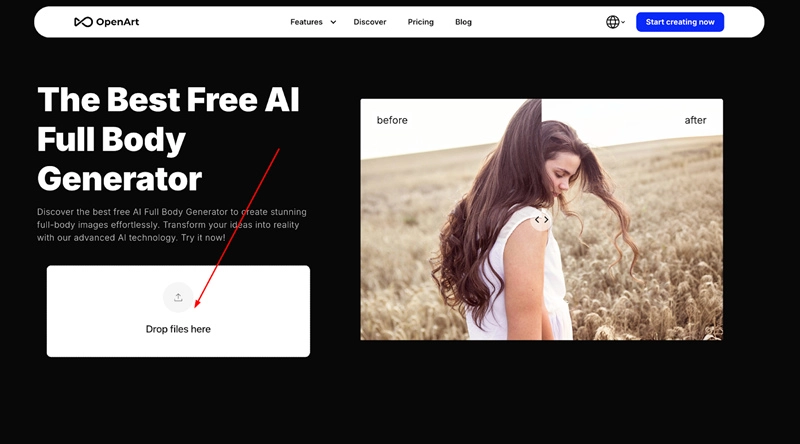
Step 3. Adjust the canvas or green overlay to guide the tool where to extend (e.g., below the portrait). Optionally add a prompt such as "full-body medieval king with crown and robes."
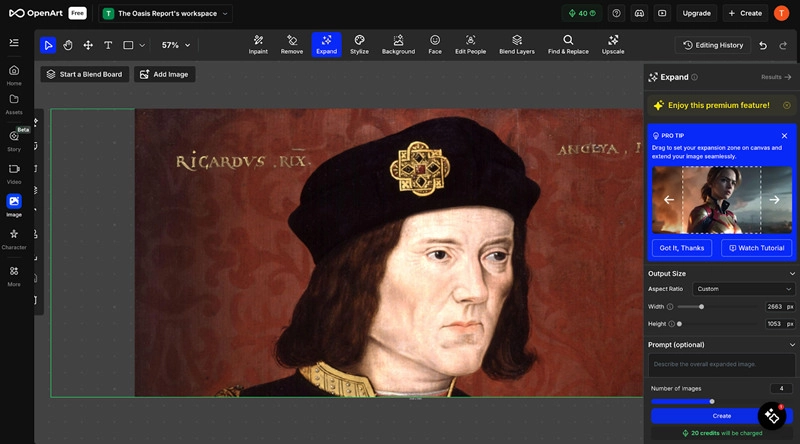
Step 4. Click "Create" and let the AI complete the expanded image. Then preview and download your full-body Richard III avatar.
This tool is perfect for creating posters, theatrical illustrations, or game assets featuring Richard III. For more customization, pair it with options like face enhancement or full-body avatar tools such as the avatar maker full body from Vidnoz.
Part 5. Richard III Avatar - Make AI Biography Video with Vidnoz
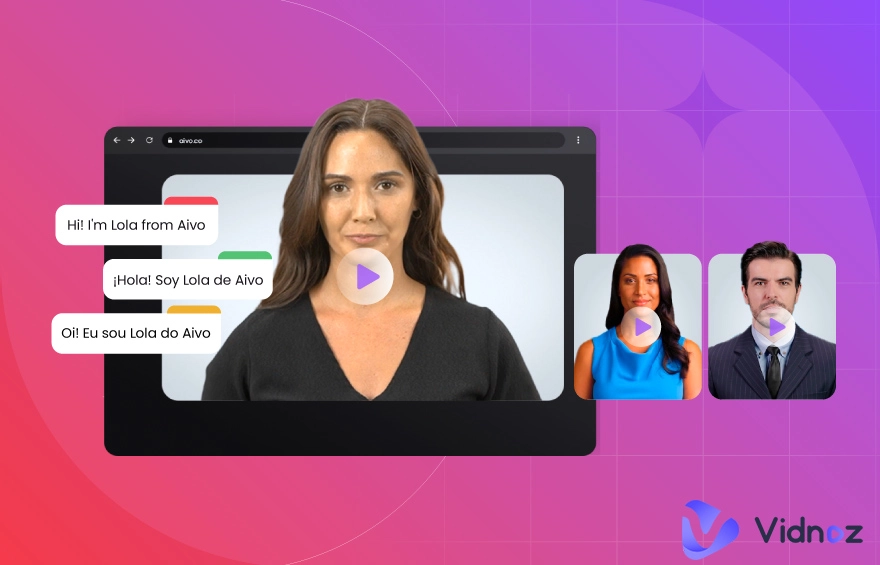
You can breathe life into Richard III with an engaging biography video based on AI technology with Vidnoz AI Video Generator. You can create a Richard III avatar video that lip-syncs perfectly to your script with face and body animations that are suitable for narrative storytelling, virtual exhibits, and educational use.
Vidnoz has over 1,500 realistic avatars, 1,830 AI voices, and 2,800 templates to customize and create for free.
Here's how to create a talking, expressive Richard III video:
Step 1. Visit Vidnoz AI Video Generator and sign up or log in. Choose an avatar: either use a pre-made character or upload a portrait of Richard III.
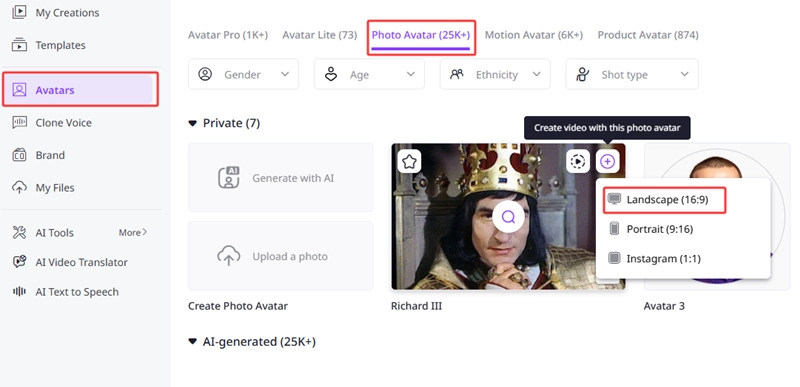
Step 2. Write the biography script you want Richard III to narrate (e.g., "I am Richard III, the last king of the Plantagenets…"). Select an AI voice and language that matches the tone you want.
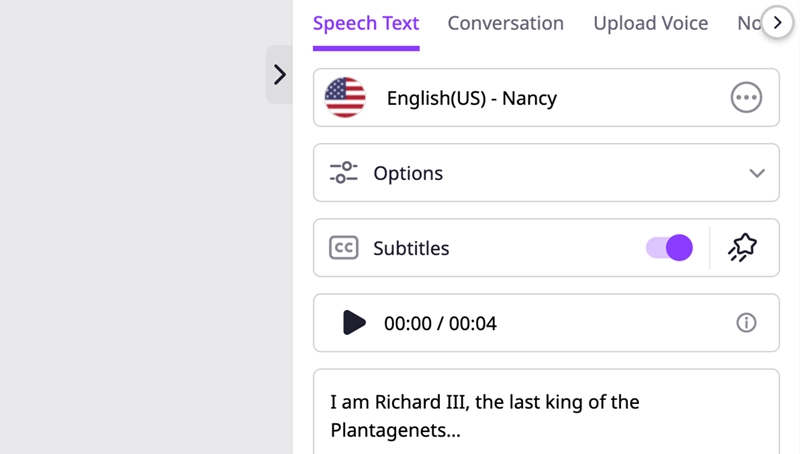
Step 3. Customize using available templates, add gestures and subtitles, and tweak settings like background, speed, or transitions.
Step 4. Click "Generate," then download your final Richard III image to video clip featuring natural lip-sync, expressive facial movements, and high-quality visuals.
This AI biography video brings historical figures into motion with realism and clarity, perfect for educators, content creators, or anyone looking to enliven storytelling. Vidnoz's speaking avatar free tools make it easy to produce such dynamic videos without technical barriers.
Conclusion
AI tools make it simple to bring face lab Richard III to life in new ways. You can turn his portraits into 3D avatars, talking faces, or even a biography video with just a few clicks. These tools are fun for history lovers, students, and creators. Try the Vidnoz AI Avatar Generator and other Vidnoz tools to create your own Richard III avatar or make any character come alive.
Create Your AI Talking Avatar - FREE
- 1900+ realistic AI avatars of different races
- Vivid lip-syncing AI voices & gestures
- Support 140+ languages with multiple accents







![How to Make AI Avatar in 5 Minutes [100% Free]](https://www.vidnoz.com/bimg/how-to-make-ai-avatar.webp)
