Do you want to get rid of the TikTok logo from your videos? Many people need clean, watermark-free clips to share on the other apps. The good news is, you can easily remove TikTok logo from video using free online tools with the advanced AI technology. No need for tricky image editing skills - just upload your video, and the AI does the work for you.
This guide will show you the simplest ways on how to remove the TikTok logo from a video without losing quality. These methods will help, whether you post on Instagram or YouTube or just want a cleaner look. Let's get started!

- On This Page
-
Common Methods to Remove TikTok Logo from Video
-
4 AI Tools to Remove TikTok Logo from Video Online
1. Media.io: Create TikTok Logo-Free Videos with One Click
2. Vmake AI: Remove TikTok Logo from Video in Seconds
3. Vidnoz AI: Remove TikTok Logo from Video with Multiple Easy Methods
4. Fotor: Erase Unwanted TikTok Logo from Videos with No Quality Loss
-
How to Remove TikTok Logo from Video with Vidnoz AI - 2 Ways
Method 1: Crop the Video to Remove Unwanted TikTok Logo
Method 2: Add Stickers to Cover the TikTok Logo on Video
-
3 Tools to Download Videos without TikTok Logos
Common Methods to Remove TikTok Logo from Video
Want to remove TikTok logo from video? Here are the most common methods:
1. Crop the Target Video
The simplest way is to crop out the TikTok watermark from the video. Most video editing tools let you trim the edges where the logo appears. However, this may cut off vital parts of your video.
2. Blur the TikTok Logo
If cropping isn't an option, you can blur the logo instead. Tools like CapCut or Adobe Premiere provide blur tools to hide the watermark while keeping the rest of the video clear.
3. Add Stickers or Borders to Cover the Logo
Another method is to place stickers, text, or borders over the logo. Many free apps let you add graphics or stickers that naturally hide the watermark without much editing.
4. Overlay Multiple Versions of the Same Clip
Some creators layer two copies of the same video, slightly offset, to block the logo. This works best for simple backgrounds, but can look messy if done wrong.
5. Remove TikTok Logo with AI Tools
The easiest and cleanest method is using AI watermark removers. Tools like HitPaw, Media.io, and Apowersoft can erase the logo automatically while keeping your video sharp. No manual editing needed!
Vidnoz AI - Create Free Engaging AI Video with Talking Avatar
- Easily create professional AI videos with realistic avatars.
- Text-to-speech lip sync voices of different languages.
- 2800+ video templates for multiple scenarios.
4 AI Tools to Remove TikTok Logo from Video Online
Tired of manual video editing? AI-powered tools make it easy to remove TikTok logo from video in seconds while ensuring high quality. Here are 4 top online AI solutions that automatically erase watermarks without cropping or blurring the target video.
1. Media.io: Create TikTok Logo-Free Videos with One Click
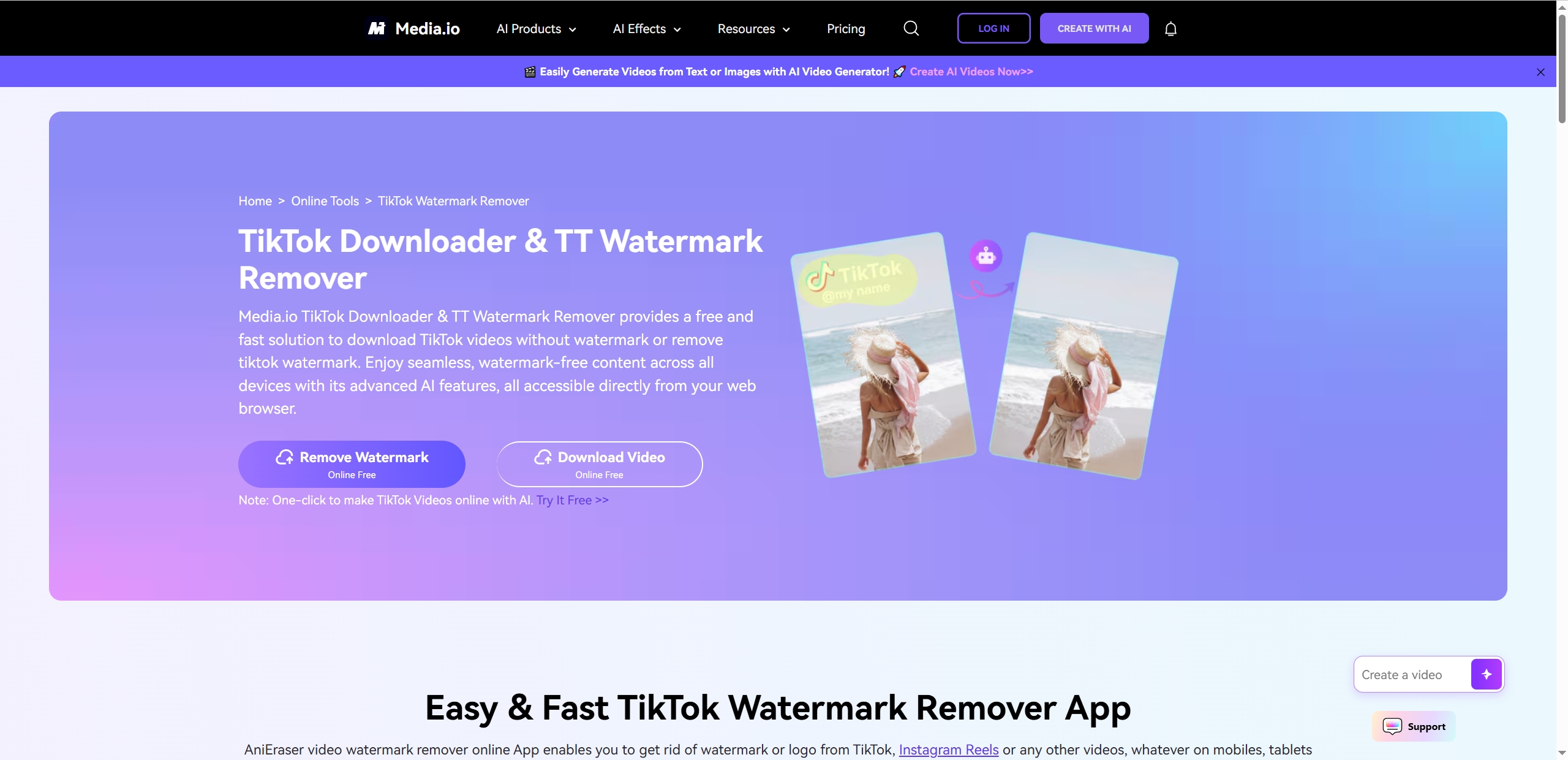
One of the most incredible tools to remove TikTok logo from video is Media.io, which is a pro to edit images or videos with AI algorithms. It ensures accurate and fast TikTok logo removal from the target videos, so the quality of the original TikTok video can be maintained. This web-based tool also lets you erase Instagram Reels watermark, remove texts from videos or other like graphics with just one click – no technical skills needed.
Key Feature
- Remove multiple video watermarks (logos, text, stickers) at once.
- Preserve the original video quality.
- Work directly in your browser – no downloads.
- Supports Instagram, YouTube & other platform watermarks.
Pricing:
● Free: 10 mins clips, the export video can be 720P.
● Standard ($9.99/month): Full HD exports (1080P), 60-minute videos, 20G of cloud storage.
● Premium ($17.99/month): Best value with 60% discount
2. Vmake AI: Remove TikTok Logo from Video in Seconds
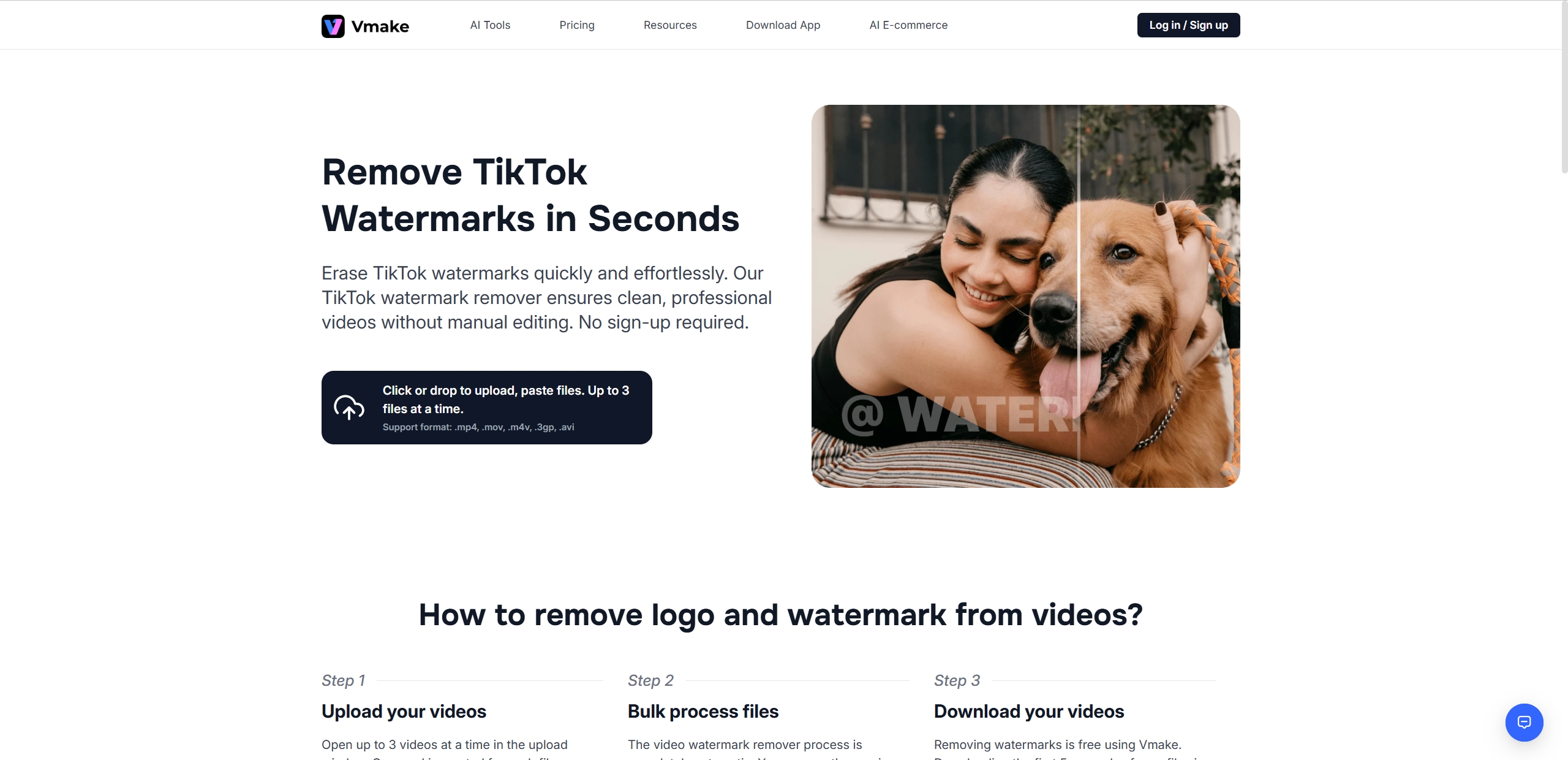
How to remove the TikTok logo from a video? Vmake AI specializes in making video look better with diverse AI video editing tools, including video quality enhancer, video watermark remover, video background remover, and the others. The tool is well-suited for removing TikTok logo from video as it will analyze and remove the logos while ensuring the realism of the video is maintained. It works with all popular video formats (MP4, MOV, M4V, 3GP) and keeps your original quality intact. Whether you are a video editing professor or a beginner, you can enjoy adjusting your videos with the AI tools provided by the Vmake platform.
Key Feature
- One-click TikTok watermark removal.
- Supports batch processing for multiple videos.
- Multiple AI video editors are provided for users.
- No registration or watermarks on exports.
Pricing:
● Free: 5s for the most AI tools using, 3 tims for using Video & Audio to Text.
● Pro version ($5.83/month): HD/4K exports, no watermark, 30 times/day for using the AI tools.
3. Vidnoz AI: Remove TikTok Logo from Video with Multiple Easy Methods
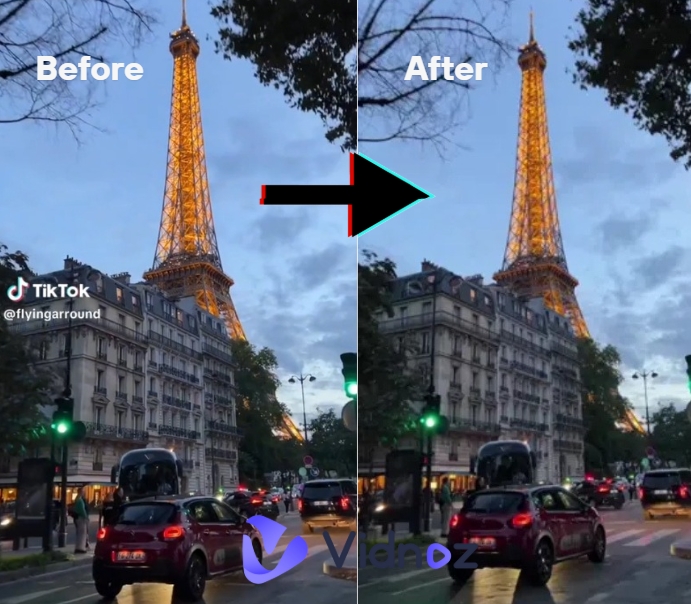
Vidnoz AI can be an effective option for users if they are curious about how to remove TikTok logo from TikTok video without complex editing. In the clear interface, it offers multiple solutions that lets you erase watermarks with more than just one method in seconds. What most attracts the users’ attention is that it gives users a chance to solve several video editing difficulties and change their video to a better one with an advanced AI algorithm totally for free. If you tend to create a new video, the free AI video generator also can work great for you with a range of video templates, AI avatars and voices. What you need to do.
Key Feature
- Remove video watermarks with multiple methods.
- No video editing skills required.
- Maintains original video quality.
- Provide AI video generating functions for video content creation.
Pricing:
● Free Plan: Basic editing with a watermark, up to 3 min per video.
● Starter ($19.99/month): HD exports, no watermark, up to 60 min/video.
● Business ($56.99/month): Priority processing, more AI avatars than the Starter version.
4. Fotor: Erase Unwanted TikTok Logo from Videos with No Quality Loss
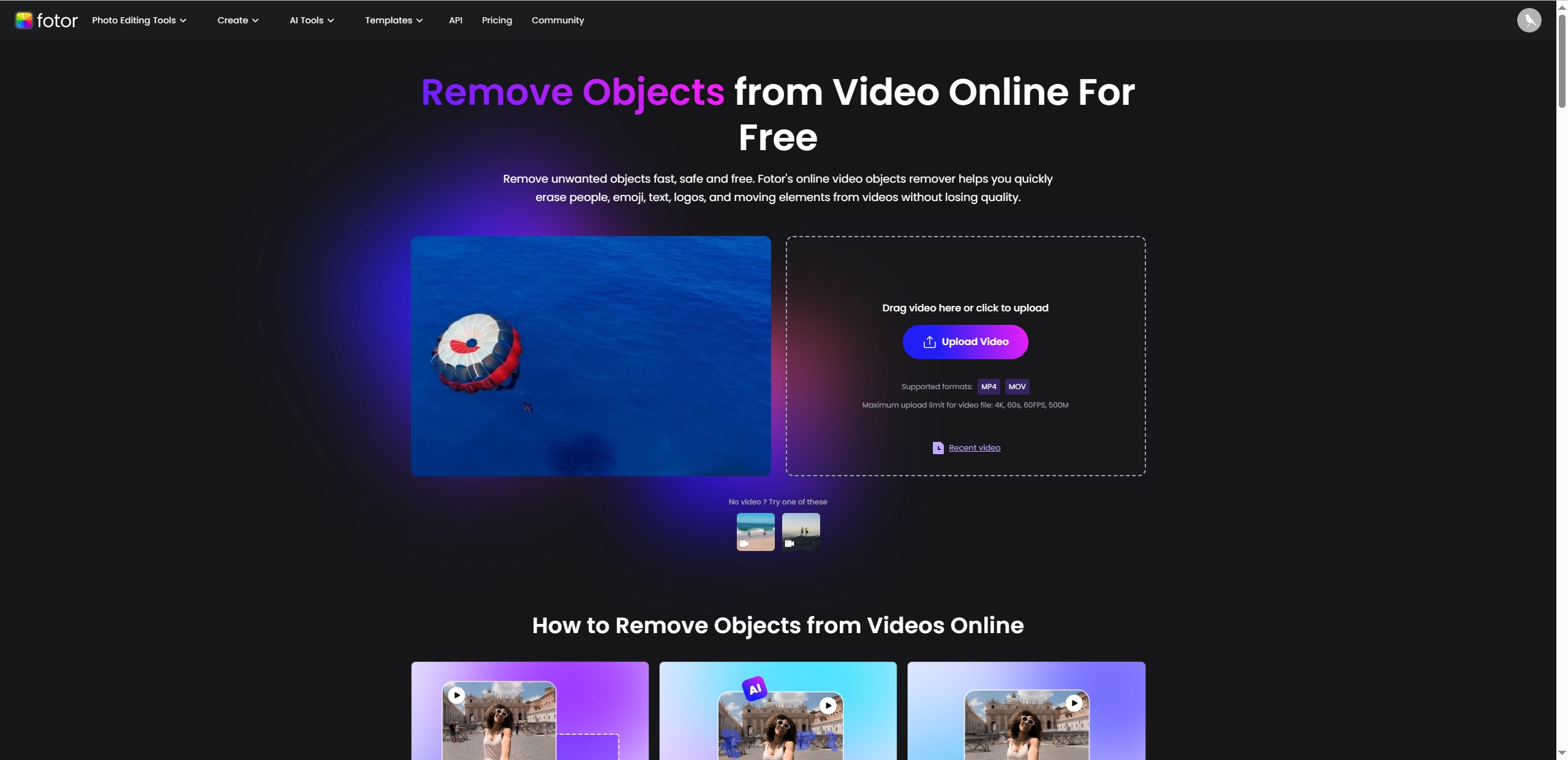
Can you remove TikTok logo from video? Yes. Fotor is another AI powered video object remover popular with its simple tools and bright operating interface. It assists users in removing TikTok logo from video without complicated steps while maintaining the video quality. Since it is produced for both experts and newcomers, everyone can benefit by using this automatic video editor for editing their videos online. How to remove TikTok logo from TikTok video? Simply brush over the TT watermark, then the intelligent AI will erase it while preserving the original sharpness of your video.
Key Feature
- AI brush for precise TikTok watermark removal.
- No compression or quality loss.
- Automatic server cleanup (videos deleted in 24 hours).
- Works for removing logos, text, and other unwanted objects.
Pricing:
● Basic (Free): Basic image editing functions, design and collage templates.
● Pro ($2.66/month): Advanced image editing and AI tools, premium video/image effects, etc.
● Pro+ ($5.24/month): Support AI image batch editing, AI slide, etc.
How to Remove TikTok Logo from Video with Vidnoz AI - 2 Ways
How to remove the TikTok logo from a video? quickly? Vidnoz AI offers two effective methods to erase watermarks while keeping your video quality intact. Whether you're a beginner or one who needs advanced editing, these solutions make it simple to remove the TikTok logo from a TikTok video in minutes.
Vidnoz AI - Create Free Engaging AI Video with Talking Avatar
- Easily create professional AI videos with realistic avatars.
- Text-to-speech lip sync voices of different languages.
- 2800+ video templates for multiple scenarios.
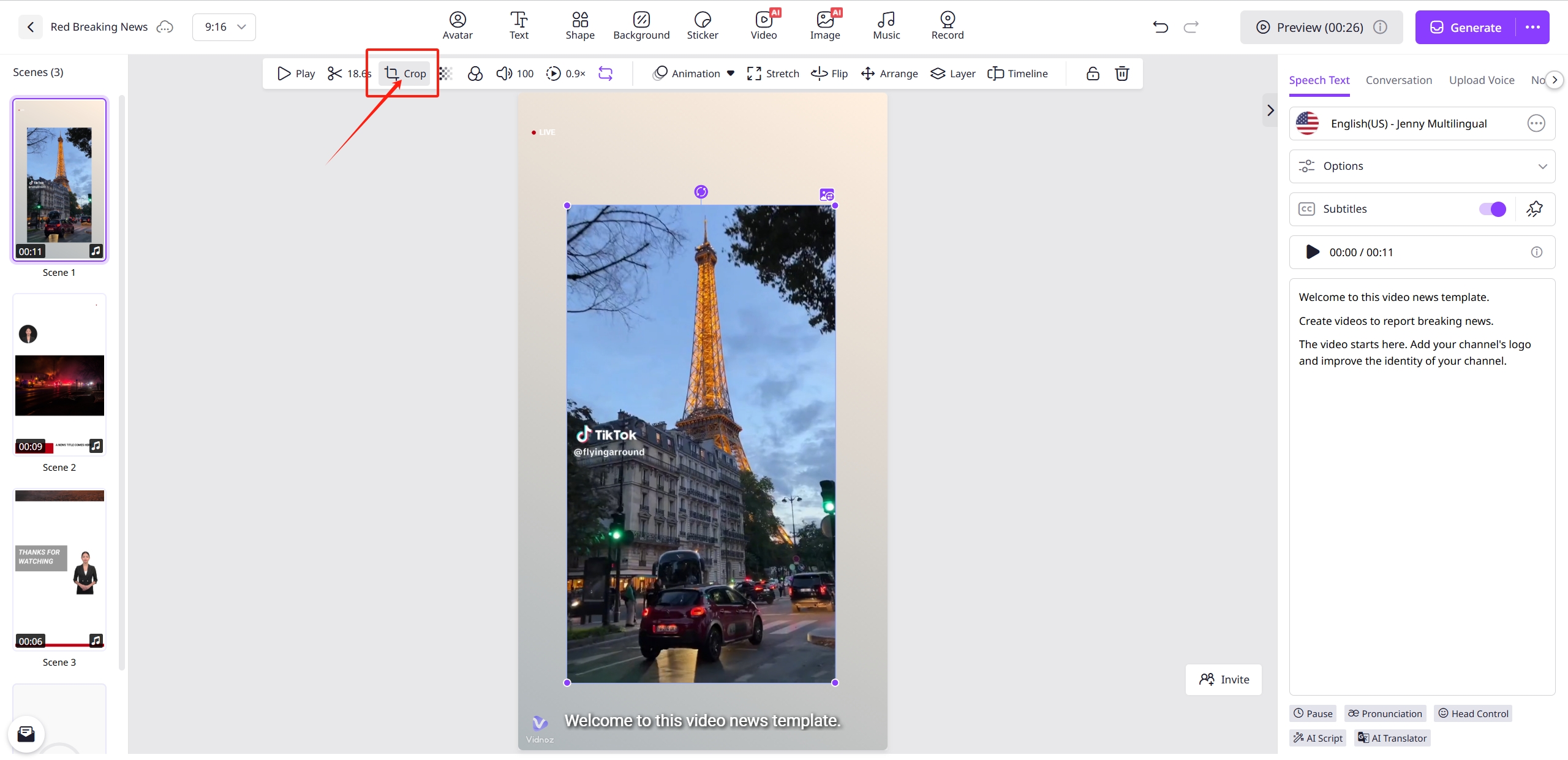
Method 1: Crop the Video to Remove Unwanted TikTok Logo
The simplest way to remove TikTok logo from video is by cropping it out. Here's how to make it with Vidnoz AI:
Step 1. Upload your video to Vidnoz AI.
Step 2. Select the Crop Tool from the editing menu.
Step 3. Drag the edges to eliminate the TT logo (usually in the bottom corners).
Step 4. Preview to ensure no critical content is cut.
Step 5. Export your clean, cropped video.

This method works best when the logo appears near edges with minimal important content nearby.
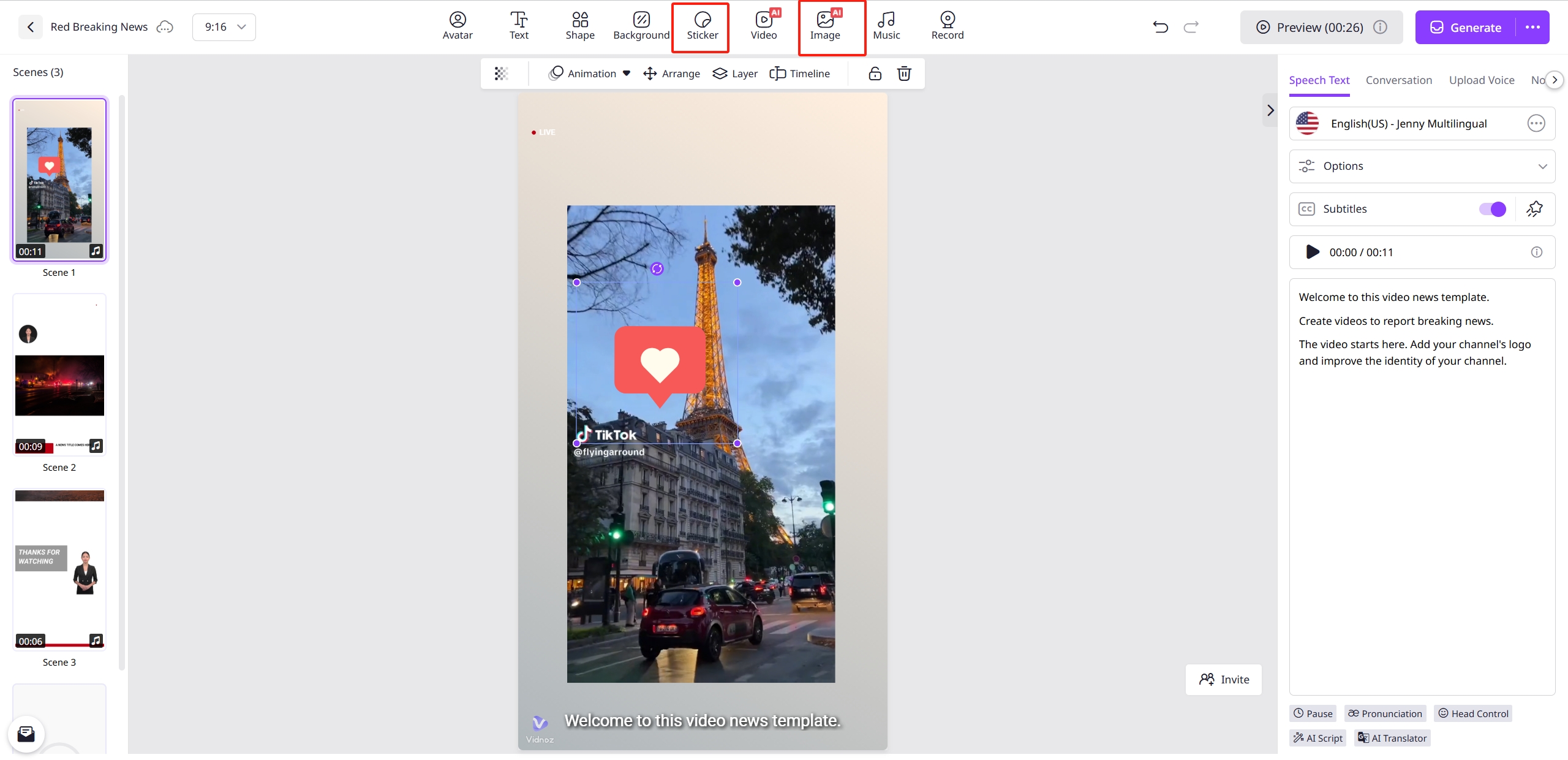
Method 2: Add Stickers to Cover the TikTok Logo on Video
When cropping isn't a practical option for removing TikTok logo from video, covering the logo works perfectly:
Step 1. Import your video into Vidnoz AI.
Step 2. Choose "Add Sticker" from the effects menu.
Step 3. Select a shape or graphic that matches your video's style.
Step 4. Position it directly over the TT watermark.
Step 5. Adjust size/duration to cover the logo throughout the clip fully.
Use blurred circle stickers or branded elements for natural-looking coverage.
3 Tools to Download Videos without TikTok Logos
Want to download videos without TT logos? These specialized tools help you get clean and watermark-free videos directly - no manual removing the watermark task required. Here are the top 3 sites you can benefit from.
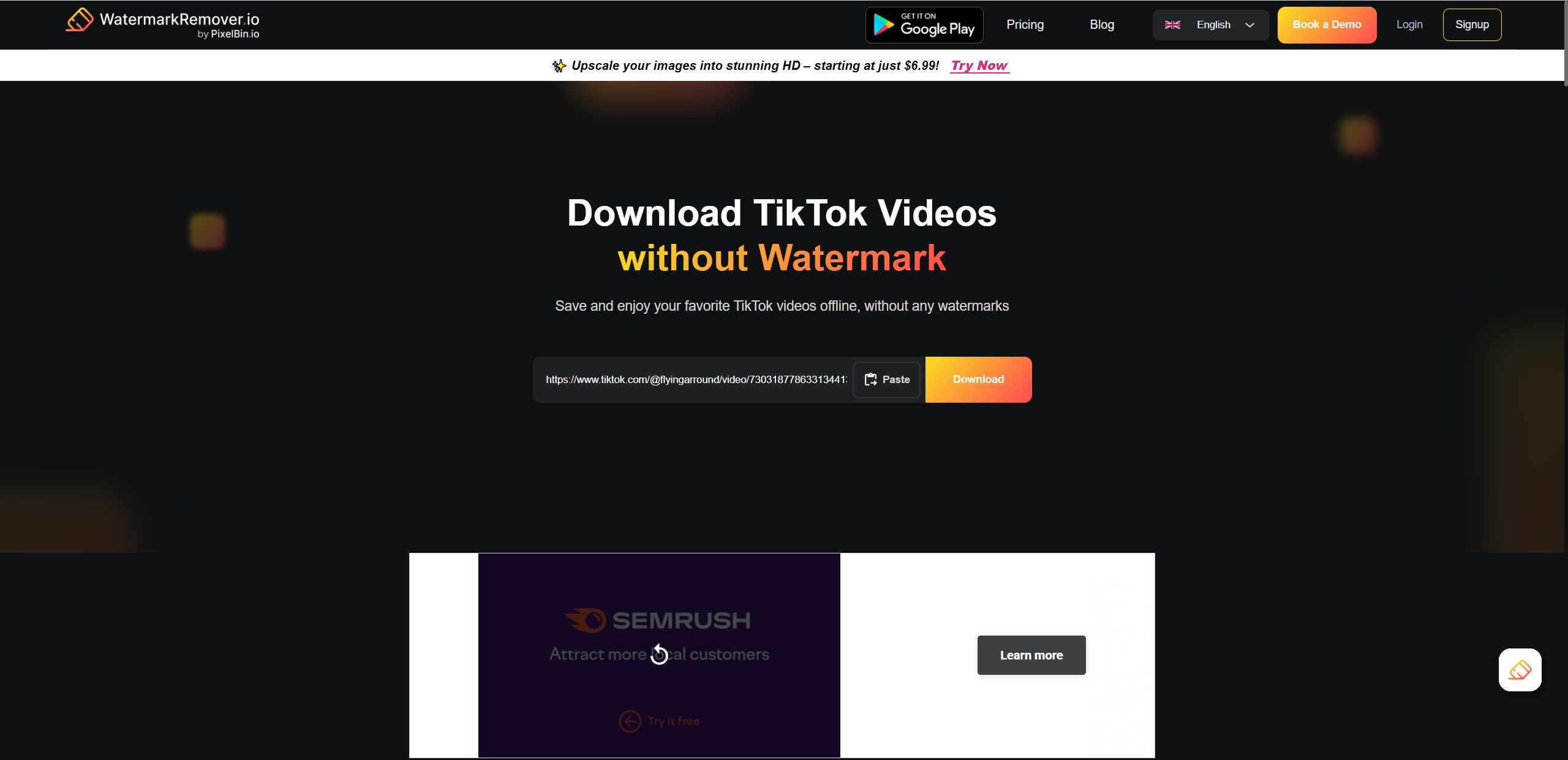
1. Watermarkremover.io: This web-based tool makes it effortless to download watermark-free videos by simply pasting your video link in seconds.
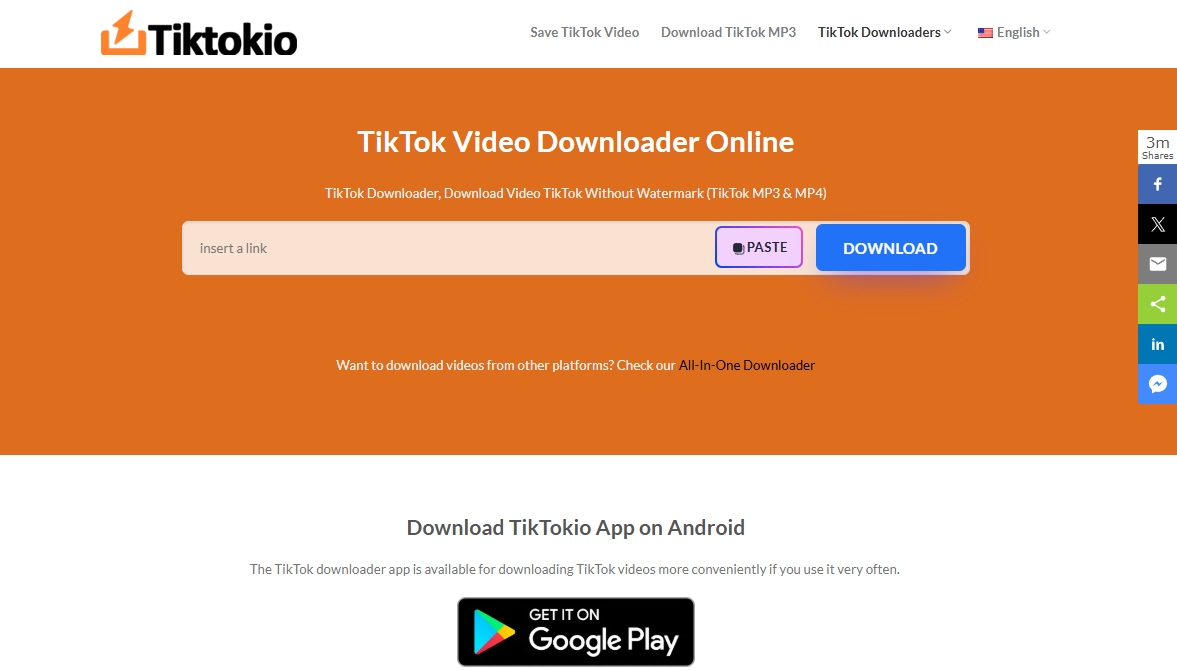
2. TikTokio: For those who want to download a TikTok video without a watermark, it offers a secure solution.
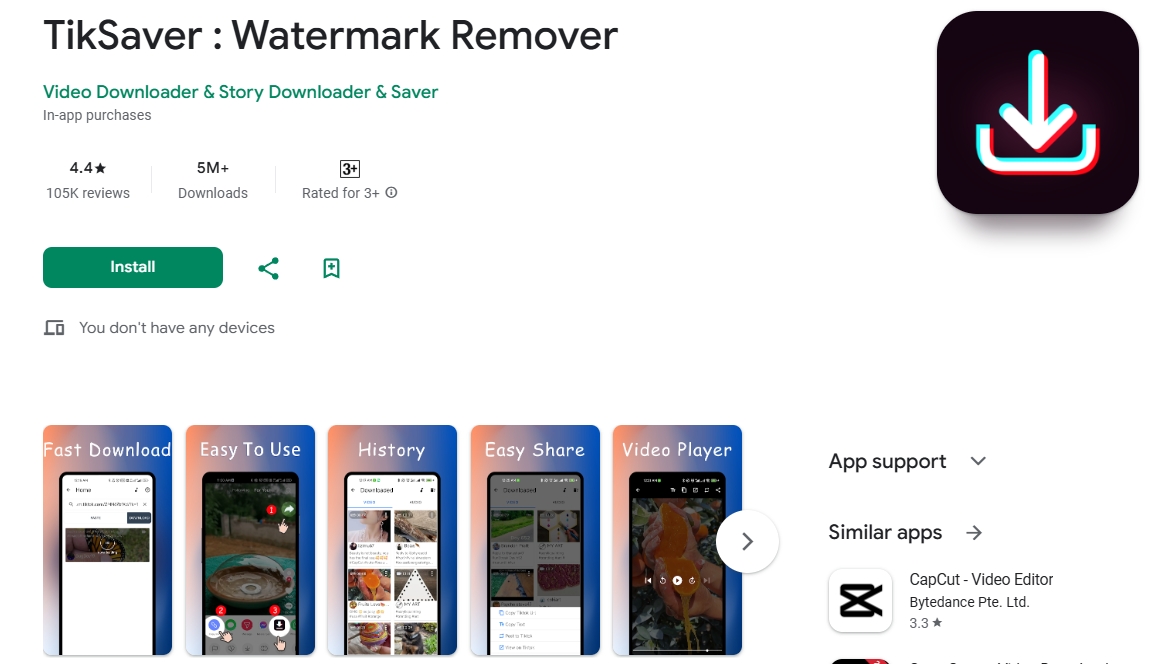
3. TikSaver Watermark Remover: Need to get a TikTok video without a logo on your phone? TikSaver (Android) makes it easy by copying and pasting the link of the target TT video, then the tool will download the video for you without adding the watermark.
The Bottom Line
Learning how to remove TikTok logo from video opens up new methods for repurposing content across platforms. Whether you choose AI tools like Media.io for automatic logo removal, cropping methods in Vidnoz free AI video generator, or download watermark-free videos via TikTokio, each solution helps maintain professional-looking videos. For your own videos, these methods let you share polished clips anywhere - no distracting logos, just your best content ready for any platform.
Vidnoz AI - Create Free Engaging AI Video with Talking Avatar
- Easily create professional AI videos with realistic avatars.
- Text-to-speech lip sync voices of different languages.
- 2800+ video templates for multiple scenarios.





![How to Translate TikTok Videos Seamlessly [100% Free]](https://www.vidnoz.com/bimg/how-to-translate-tiktok-video.webp)