Turn still images or text into dynamic videos in any style, with leading AI models readily. Try the smart AI video generator now - stunning, free, and instant!
Best 8 Video Object Removers Free Online and Apps [2026]
Lane Maxwell
Updated on
SHARE THIS POST
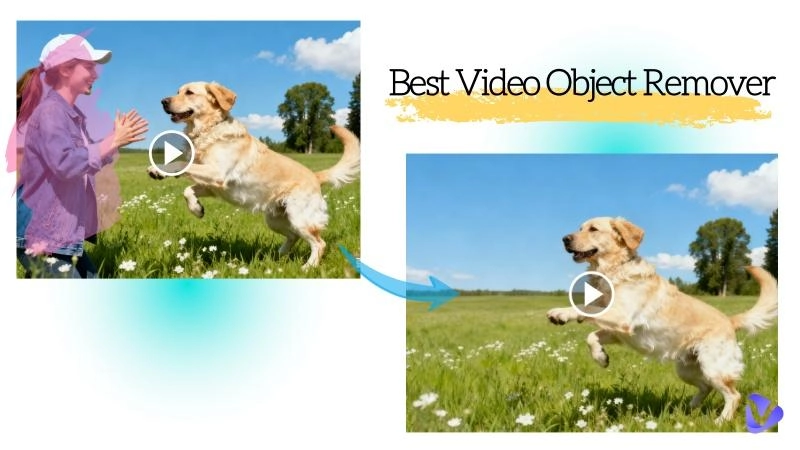
For effortless and simple video editing, check out these 8 video object removers online and apps to remove unwanted objects from your video clips.
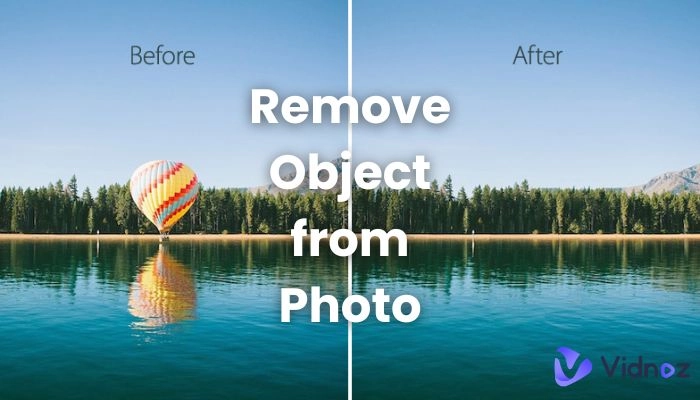
A video object remover tool lets you remove unwanted people, objects, and distractions from your videos. Whether it’s someone you don’t want in your video, a logo you don’t want, or anything else that distracts from the focus, it cleans and formats your clips in a professional manner in seconds. Because of AI video object removers, video object removal has become faster and more precise. You don’t need to know professional video editing; all you have to do is upload your video, select the object, and the AI will remove it for you in seconds.
In this guide, we will discuss features of the most popular video object removers free online and the best ways to use them to enhance your video.
On This Page
What is an AI Video Object Remover and How Does It Work?
5 Best Video Object Removers Online
1. Vidnoz AI – Best Video Object Remover Online Free
2. Picsart Video Object Remover
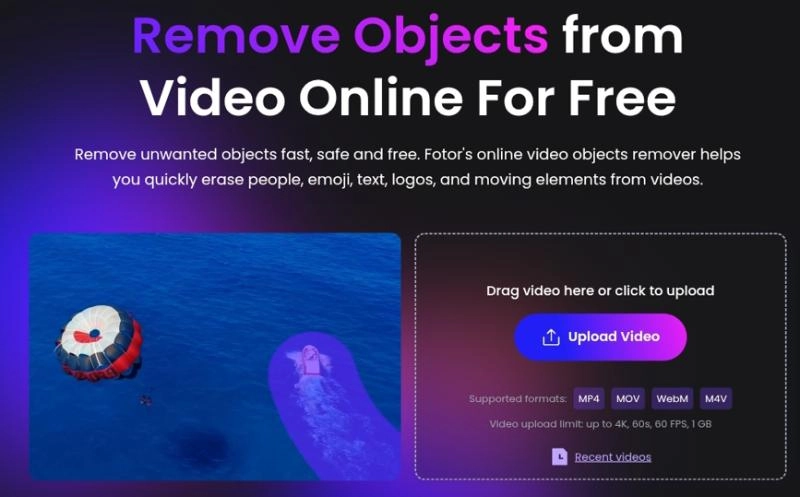
3. Fotor AI Video Object Remover
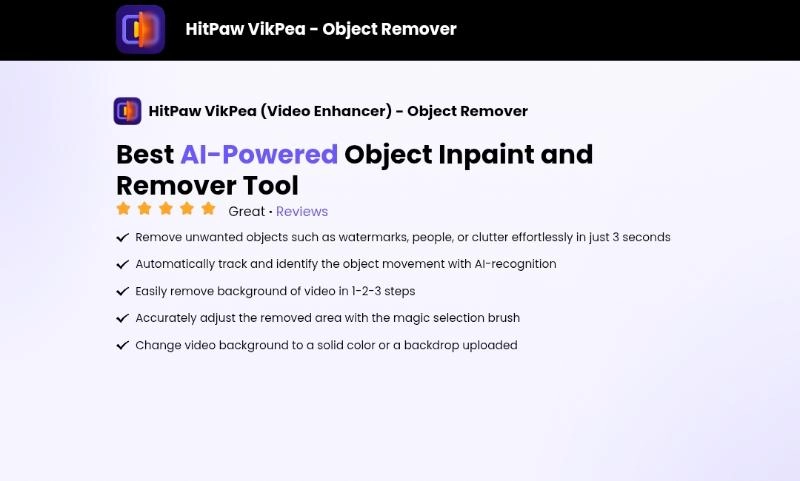
4. HitPaw Object Inpaint and Remover
5. Pollo AI Video Object Remover
3 Best AI Video Object Remover Apps for Mobile
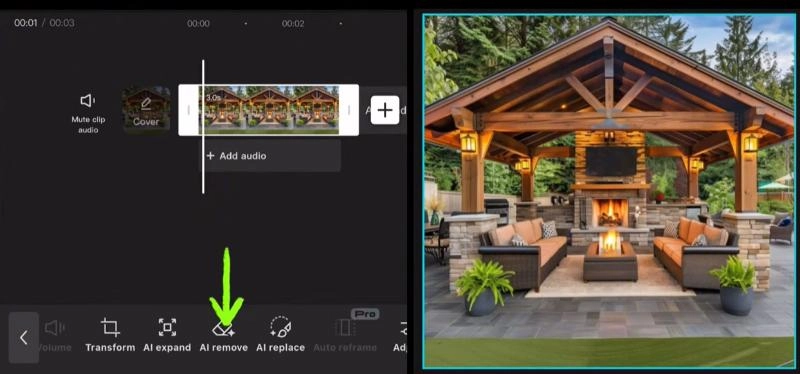
1. CapCut – Best Video Object Remover App for Android & iPhone
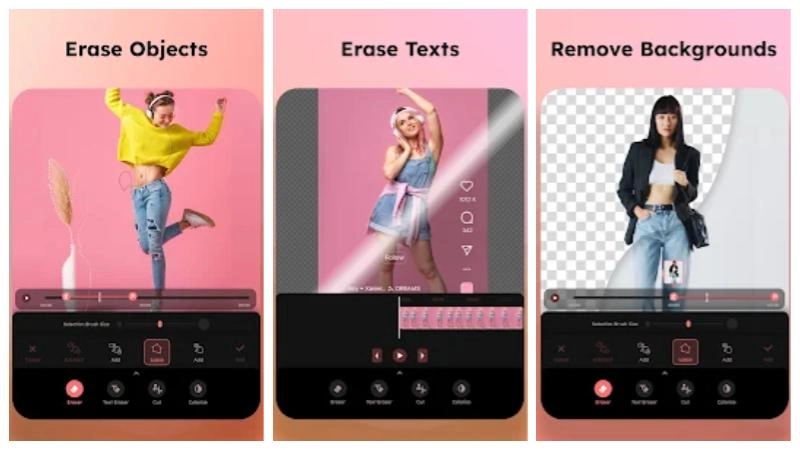
2. CutVibe Video Object Eraser for Android
3. Video Eraser & Remove Objects for iPhone
Boost Your Video Quality with Vidnoz AI Video Enhancer
FAQ about Video Object Remover
The Bottom Line
What is an AI Video Object Remover and How Does It Work?
An AI video object remover is your ultimate intelligent editing tool designed to assist users in removing unwanted objects, people, and distractions from a video automatically without the hassle of manual editing. You can employ other editing tools; however, they lack the convenience of AI, which identifies the distractions and removes them within a couple of clicks.
How Does It Work?
Once you upload a clip, the AI video object remover processes the clip, analyzes every frame to locate the unwanted objects, and eliminates them while considering the surrounding background and predicted motion of objects within the frame. This means AI automatically fills removed sections while ensuring the clip flows.
No other video object remover saves time and achieves polished visuals without the need for advanced editing skills. This is why it is in high demand for marketing videos, travel vlogs, and professional shoots.
5 Best Video Object Removers Online
The best video object remover is one that can accomplish your task seamlessly without requiring extensive effort on your end. Online tools have made the process far simpler, and there are several options that offer the video object remover free without watermarks. This brings us to the most preferred video object remover for video editing and removing distractions.
1. Vidnoz AI – Best Video Object Remover Online Free
Searching for an efficient online editor for video creations? Enhancements? Clean-ups? Look no further, Vidnoz AI is here for you. It is useful for removing objects in a video. No software installation is required. Whether you are trimming your clips or distracting objects need to be erased, this free video object remover does all this and more with seamless, high-quality results. No hassle required to remove watermark from the video. It’s quick and effortless.
Vidnoz AI - Create Free Engaging AI Video with Talking Avatar
Easily create professional AI videos with realistic avatars.
Text-to-speech lip sync voices of different languages.
2800+ video templates for multiple scenarios.
How to Remove Objects in a Video with Vidnoz AI
Step 1. Tap the button below to go to Vidnoz AI.
Step 2. Hit Create a Video > Video to upload the video you want to remove objects.
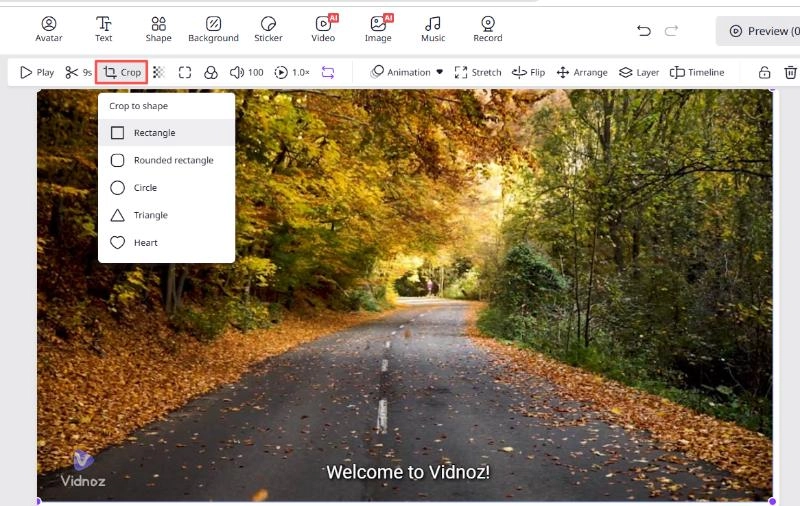
Step 3. Click “Crop” to crop out the parts you don't want.
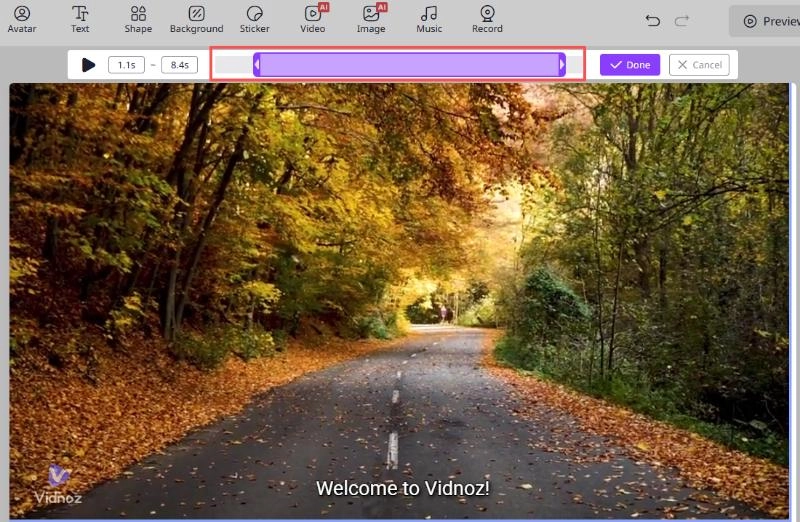
Note: If the object you want to remove is in a segment, you can click the scissors icon to trim out the unwanted section and merge the remaining clips to finalize your video.
Step 4. Make adjustments if you want, and then download your final video.
2. Picsart Video Object Remover
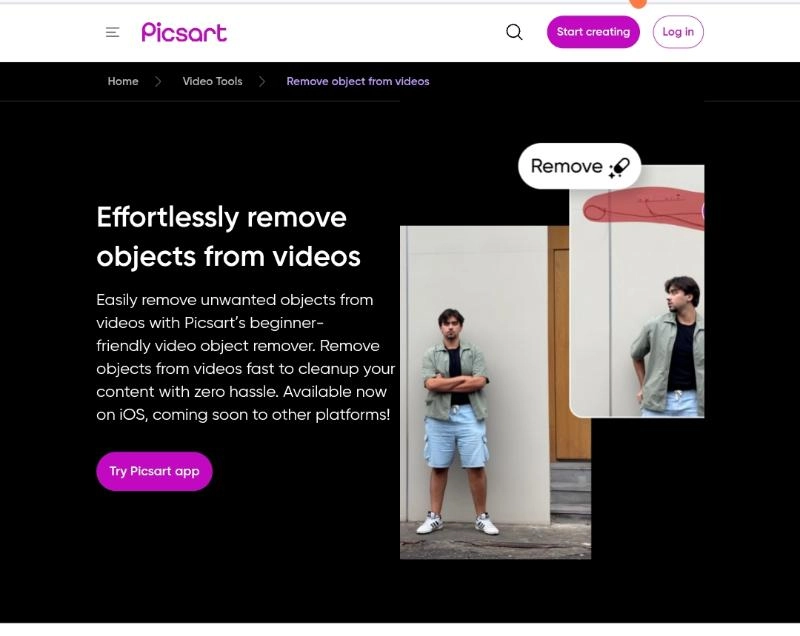
When it comes to simple editing, the Picsart Video Object Remover online free does the job of getting rid of distractions in a video in a few simple steps. You can upload any video, select the unwanted object, and let the AI do all the work to unclutter the video. This video object remover does not require any installation and is free of charge, works right in your web browser.
Pros
Ease of use.
Quick to accomplish AI unclutter.
Additional tools can also be used for more creative editing.
Cons
The free version comes with a watermark.
Very short video clips inhibited functionality.
3. Fotor AI Video Object Remover
Fotor AI Video Object Remover online free can be your go-to for something in the middle of precision and simplicity because it scans each frame of a video for unwanted items and automatically fills uncluttered video gaps. It works quickly, just upload the video to the clip, select the area you want the AI to restore, and in a few seconds, the AI removes objects from video online with a clean background.
Pros
Works entirely online
Realistic background reconstruction
Reliable for images and videos
Cons
Rendering may be slow due to internet speeds.
You can't process large batches.
4. HitPaw Object Inpaint and Remover
HitPaw Object Inpaint and Remover gives you the choice to control your edits. You can tweak the results after the app detects and removes items automatically. It uses intelligent inpainting technology to restore complex backgrounds. It will keep the visuals natural and smooth, whether you are editing a product video or a cinematic clip.
Pros
Advanced object tracking and removal
Works with multiple video formats
Professional results
Cons
Free plan limits options for exporting
Large file processing takes longer
5. Pollo AI Video Object Remover
Pollo AI provides simple video cleansing in a modern web design. Drag, select, and let the AI remove any object in seconds. The program maintains the background to make it smooth and to remove patchy lines. It is perfect for vloggers, editors, and companies looking for video object remover online free to polish content quickly.
Pros
Quick and easy to use
Instant results
Blending of removed backgrounds is perfect
Cons
Free plan offers limited edits.
Needs a stable and speedy internet connection.
3 Best AI Video Object Remover Apps for Mobile
Removing unwanted objects is easy when you have these apps for mobile, especially when you need to edit photos taken on the go or when you need to remove logos and random objects for clutter-free videography. These networked mobile apps let you clean your video clips in a few simple steps and even remove objects from video online. The following mobile tools are a perfect fit for video creators and work on both Android and iPhone.
1. CapCut – Best Video Object Remover App for Android & iPhone
CapCut is a free video object removal app and a trending editor with lots of advanced AI capabilities. It lets you remove people or objects from footage and seamlessly replace the background to fill in the gaps. Ideal for people out there for TikTok videos and for others not looking for complex software.
Pros
Free with no export watermark
Video and audio syncing is automatic
Works on both Android and iPhone.
Cons
Weaker Android devices may lag when working on bigger projects.
Some premium templates require a login.
2. CutVibe Video Object Eraser for Android
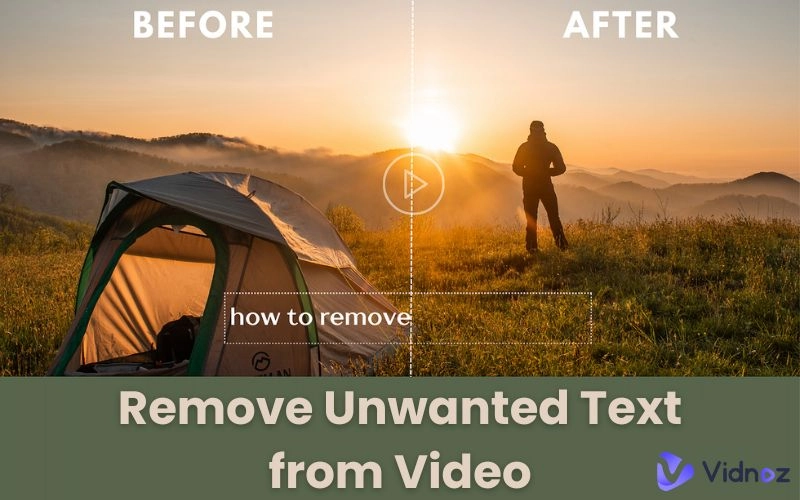
CutVibe is a simple, lightweight app for quick edits. Upload a video, trace an unwanted object, and let the AI handle the rest. In seconds, background distractions, logos, and text can be removed.
Pros
Free and easy to use.
No watermarks.
Fast for short videos.
Cons
Basic features for advanced unwanted object erasers.
No 4K video exports.
3. Video Eraser & Remove Objects for iPhone
If you own an iPhone, this app is a must. Video Eraser uses AI to detect and remove unwanted objects, letting you edit a clip one frame at a time. Text overlays and moving objects can be particularly annoying, but this app helps blur or remove them.
Pros
Fast and precise AI detection.
Trim and preview tools on the timeline.
Videos can be exported in high resolutions.
Cons
Free version is ad-supported.
Lacking cloud save options.
Boost Your Video Quality with Vidnoz AI Video Enhancer
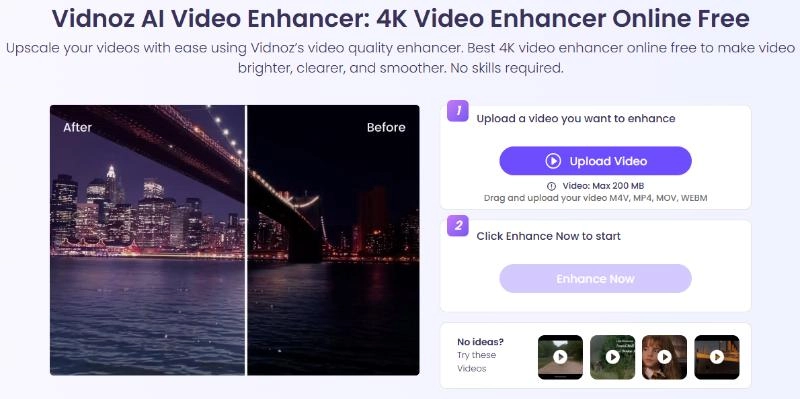
If your video isn’t showing the right sharpness, brightness, or clarity, the Vidnoz AI Video Enhancer is the right solution for you. This responsive online tool improves your video with the help of smart AI algorithms that revamp the video resolution, color balancing, and noise reduction, all with a single click. Whether you are enhancing your rough video or refining your new clips, the AI tool improves every frame automatically. No need for professional skills, just upload your video and let the AI TV show generator do the work, and after the process, you get a highly impressive video for any screen.
FAQ about Video Object Remover
Yes! Tools like Vidnoz AI, a free AI video generator, let you erase objects online for free, with no software downloads or watermarks.
Not necessarily. Many AI-powered editors ensure seamless blending and maintain your video clarity.
Absolutely. With the AI smart recognition, you can easily erase objects in motion from video clips.
No, you don’t need editing experience to use these tools. Most online removers, including Vidnoz AI, have single-click functions that anyone can use.
Vidnoz supports the most popular video formats, including MP4, MOV, and AVI, so creators can work seamlessly with the application.
The Bottom Line
An object remover in video is an essential tool if you want cleaner, distraction-free clips. From all the options, the Vidnoz AI video object remover free online is the easiest to use and most accurate.
Additionally, if you search ‘Video for my girlfriend’, Vidnoz will provide you with amazing ideas to impress her. Enhance your video quality, remove unwanted elements, and create videos that look effortlessly professional!
Vidnoz AI - Create Free Engaging AI Video with Talking Avatar
Easily create professional AI videos with realistic avatars.
Text-to-speech lip sync voices of different languages.
Lane Maxwell is an experienced technology industry editor specializing in providing users with actionable advice and insights. Her articles have helped millions of readers find solutions easily.









![Best 5 Dragon Ball Character Creators Online & App [2026]](https://www.vidnoz.com/bimg/dragon-ball-character-creator.webp)
