Do you remember the timeless charm of Peanuts by Charles Schulz? Characters like Charlie Brown, Snoopy, and Lucy have captured hearts for generations. Even today, their expressive cartoon world continues to spark laughter and nostalgia. Ever wondered what it would be like to have a Peanuts-style version of yourself? This is the time a Peanutize Me tool comes into play, which can turn ordinary people into whimsical cartoon icons instantly. In this guide, we will introduce 2 awesome online tools to help you create your own Peanuts comic characters. So you can relive your childhood memories and see yourself as part of the Peanuts world!
- On This Page
-
Method 1: The Classic Route with the Peanutize Me Website
How to Make Your Own Peanuts Character
-
Method 2: Unleash Your Imagination with Peanutize Me AI
Steps to Use Vidnoz AI: How to Create Your Own Peanuts-Style Character
-
Which "Peanutize Me" Method Is Right for You?
-
Creative Uses for Your Peanuts Character
Method 1: The Classic Route with the Peanutize Me Website
Inspired by the original promotional tool for The Peanuts Movie, The Peanutize Me website is a super cute platform that lets you create a character with rich customizations such as skins, furs, hairstyles, scenes, etc. You can Snoopytize and peanutize a character that looks just like you or invent someone entirely.
With a colorful interface and clean layout, the Peanutize Me character creator perfectly reflects the classic Peanuts aesthetic. Meanwhile, the process is intuitive and enjoyable. Whether you want to recreate your real-life look or experiment with something whimsical, the Peanuts characters maker is definitely your go-to choice!
How to Make Your Own Peanuts Character
Step 1. Head to the Get Peanutized website. Choose New to create a character. Switch between Snoopytize and Peanutize after that.
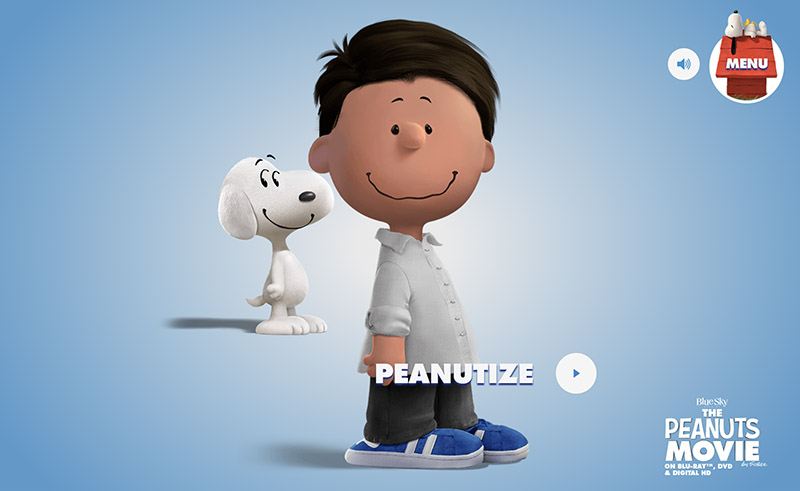
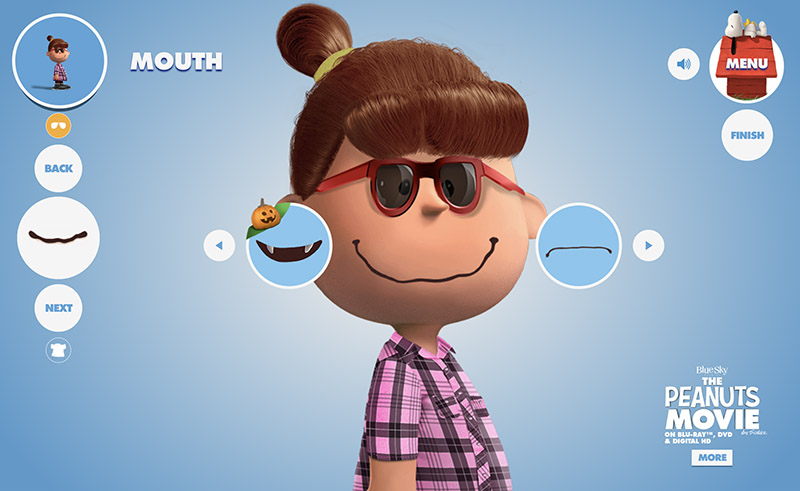
Step 2. Select a gender. Customize skins, hair, eyes, glasses, and mouth. Use the arrows to choose your preferred options.
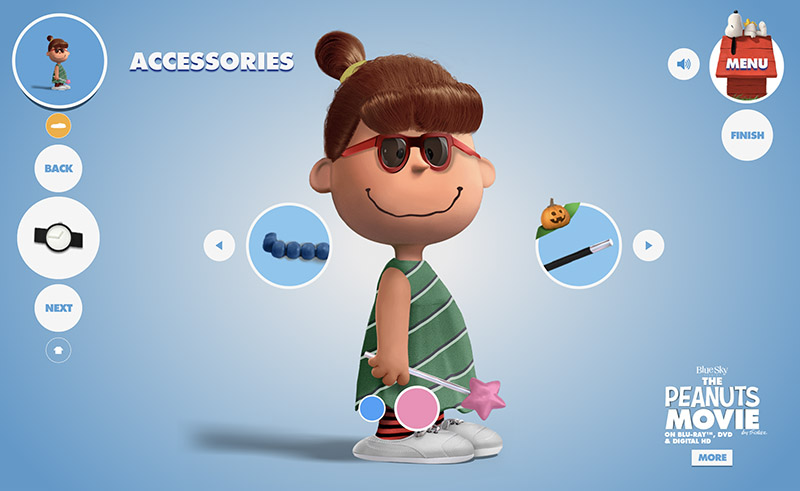
Step 3. Pick your preferred shirt, pants, shoes, accessories, and scenes to finish the customization.
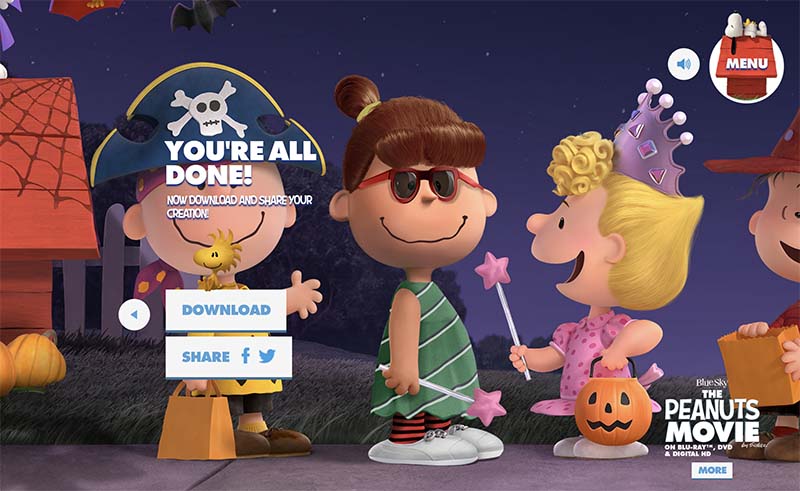
Step 4. Click on the Download to save the character. You can also share it directly to Facebook or X(Twitter).
Method 2: Unleash Your Imagination with Peanutize Me AI
While the classic Peanutize Me character creator is great, modern AI tools let you explore your creativity even further. For instance, Vidnoz AI is an excellent tool that allows you to generate fully customized Peanuts-style characters easily. You can make your own Peanuts character via text prompts or transform your real photos into cartoon art hassle-free!
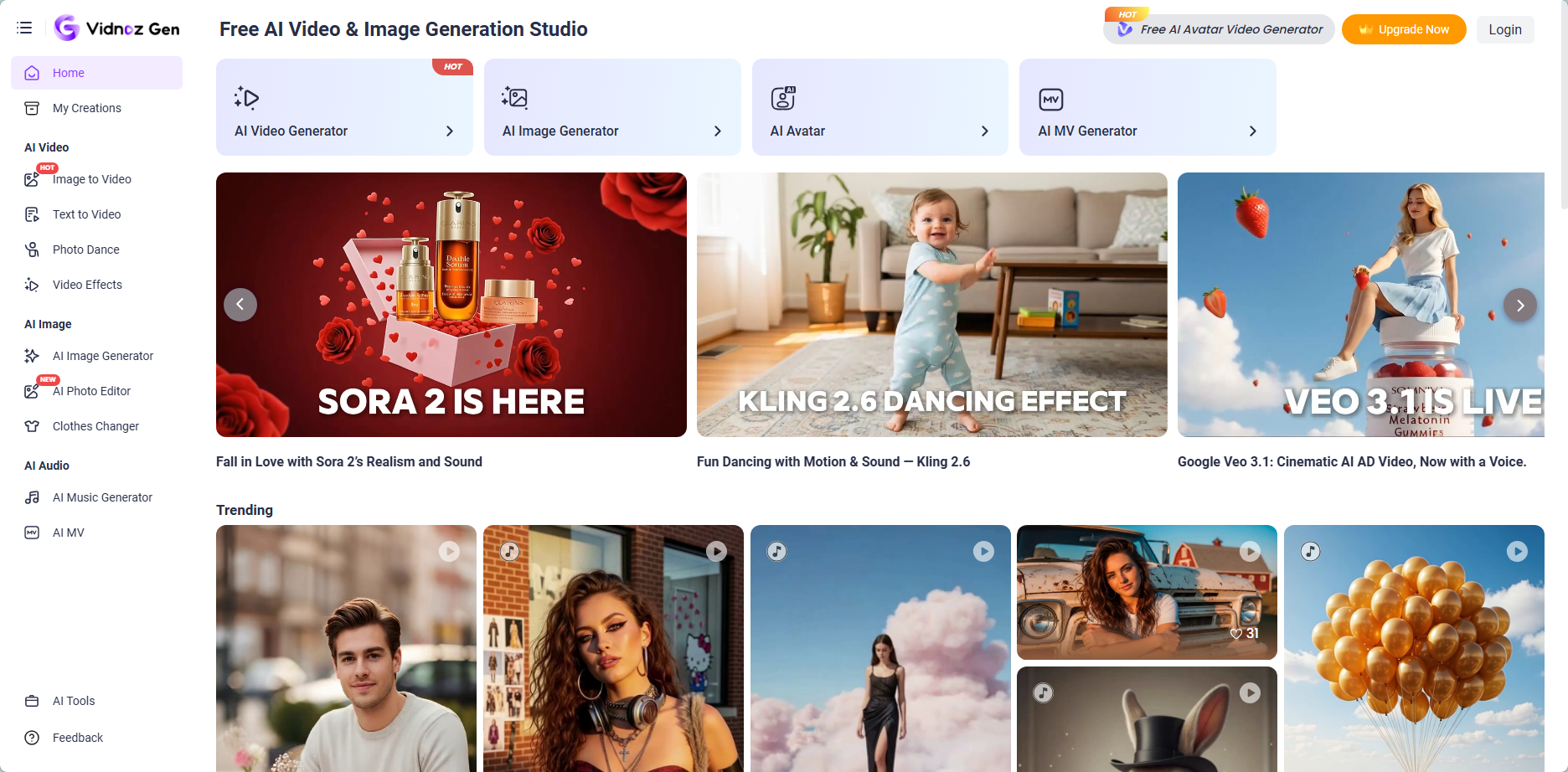
Core Features of Vidnoz AI for Peanuts-Style Characters
- Text to Image: Simply input a prompt to the AI Image generator to describe the Peanutized character, and you can get cartoon visuals instantly. You can also add a reference image to maintain style and consistency.
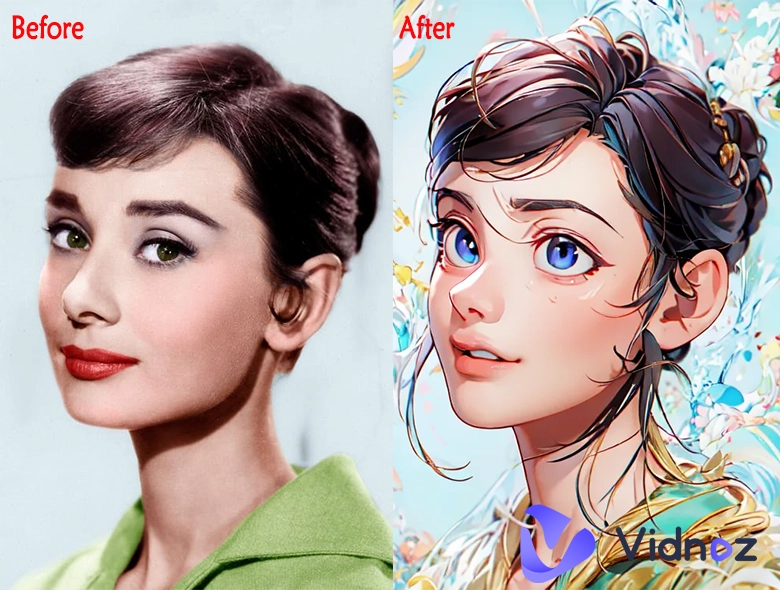
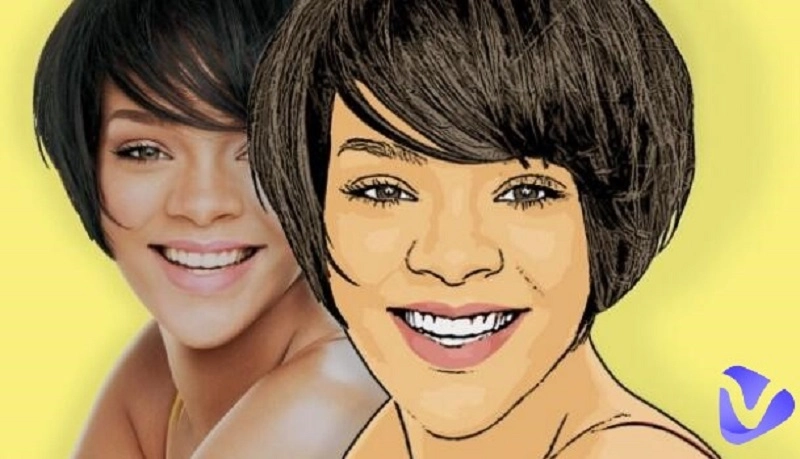
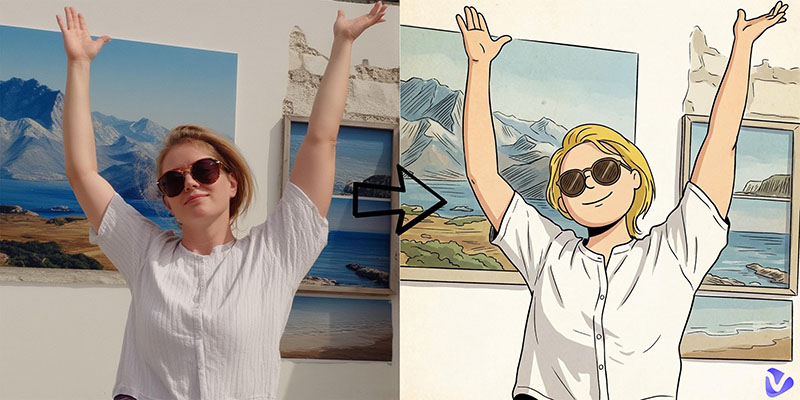
- Image to Image: Want to convert photo to avatar? Vidnoz supports image to image transformation. You can upload a selfie and recreate a Peanuts character based on it with seamless style transfer and integration.
- Customization Options: Vidnoz AI offers flexible customization settings to refine your results. You can adjust aspect ratio, select visual styles (Fantasy, 3D Cartoon, Retro, and more), and even use negative prompts to eliminate unwanted elements.
- High-Quality Rendering: Enabled by advanced AI models such as Qwen, Seedance, and Google Veo, Vidnoz produces high-resolution Peanutized images suitable for even printed merchandise.
- Multiple Character Creation: This powerful AI cartoon generator can generate up to 4 variations at once. You can compare and choose one that best represents your personality.
Steps to Use Vidnoz AI: How to Create Your Own Peanuts-Style Character
With the powerful features mentioned above, Vidnoz AI is certainly one of the best Peanuts characters maker tools available. Now, let’s take a closer look at how to use it step by step to create your very own Peanuts-style character.
#1. Using Vidnoz AI’s “Text to Image” Feature
Step 1. Go to Vidnoz AI Image Generator and switch the tab to Text to Image. Choose an AI model to begin with.
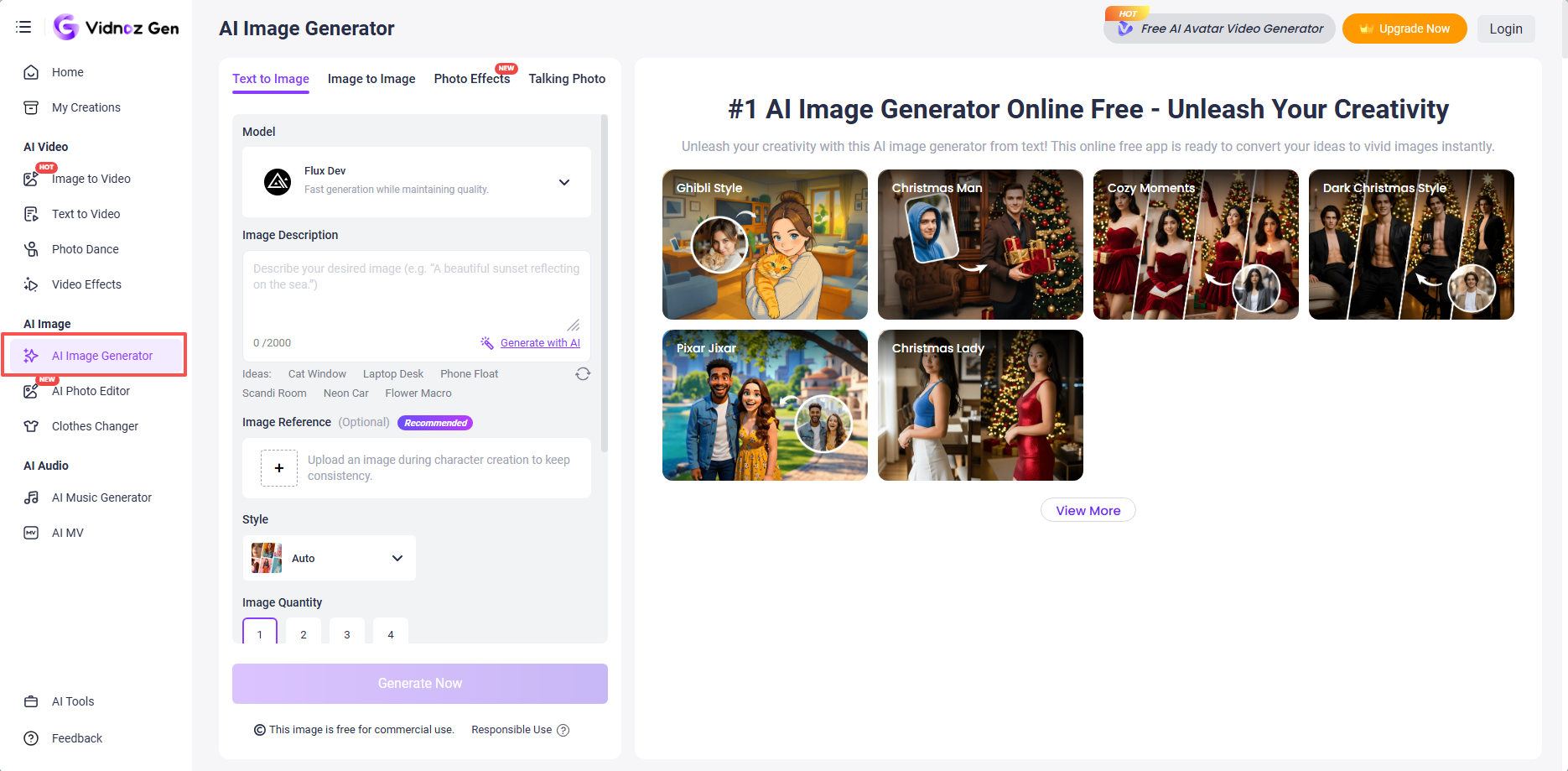
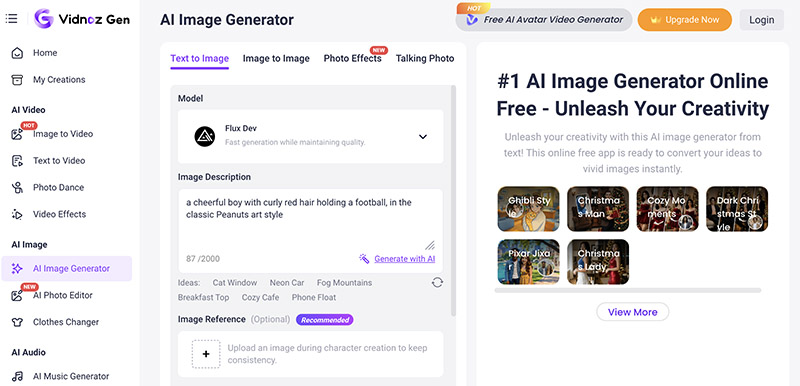
Step 2. Input a prompt like: “a cheerful boy with curly red hair holding a football, in the classic Peanuts art style.” You can upload an image reference if desired.
Step 3. Set the image style, quantity, aspect ratio, and dimension. Click the purple button to create a Peanutized character.
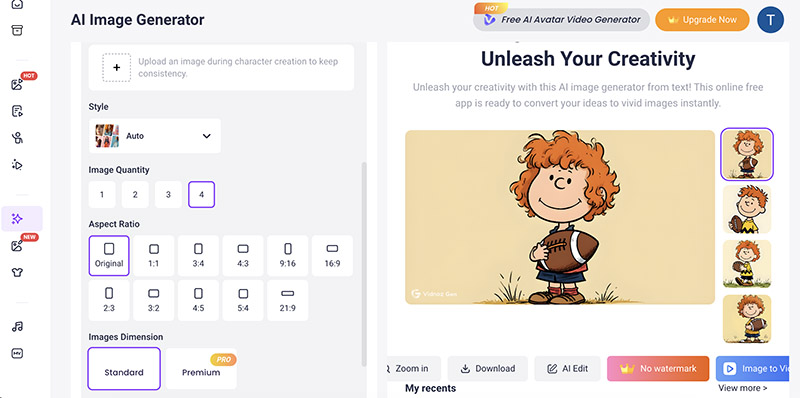

After you generate a Peanutized avatar, you can even convert it using Vidnoz image to video AI!
Convert Image to Video AI Online - Free
- Create a video from an image quickly for free.
- Use various AI models to turn photos into videos.
- Download and share the AI-generated video at no cost.
Convert Image to Video
#2. Using Vidnoz AI’s “Image to Image” Feature
Step 1. On the same interface, switch the tab to Image to Image.
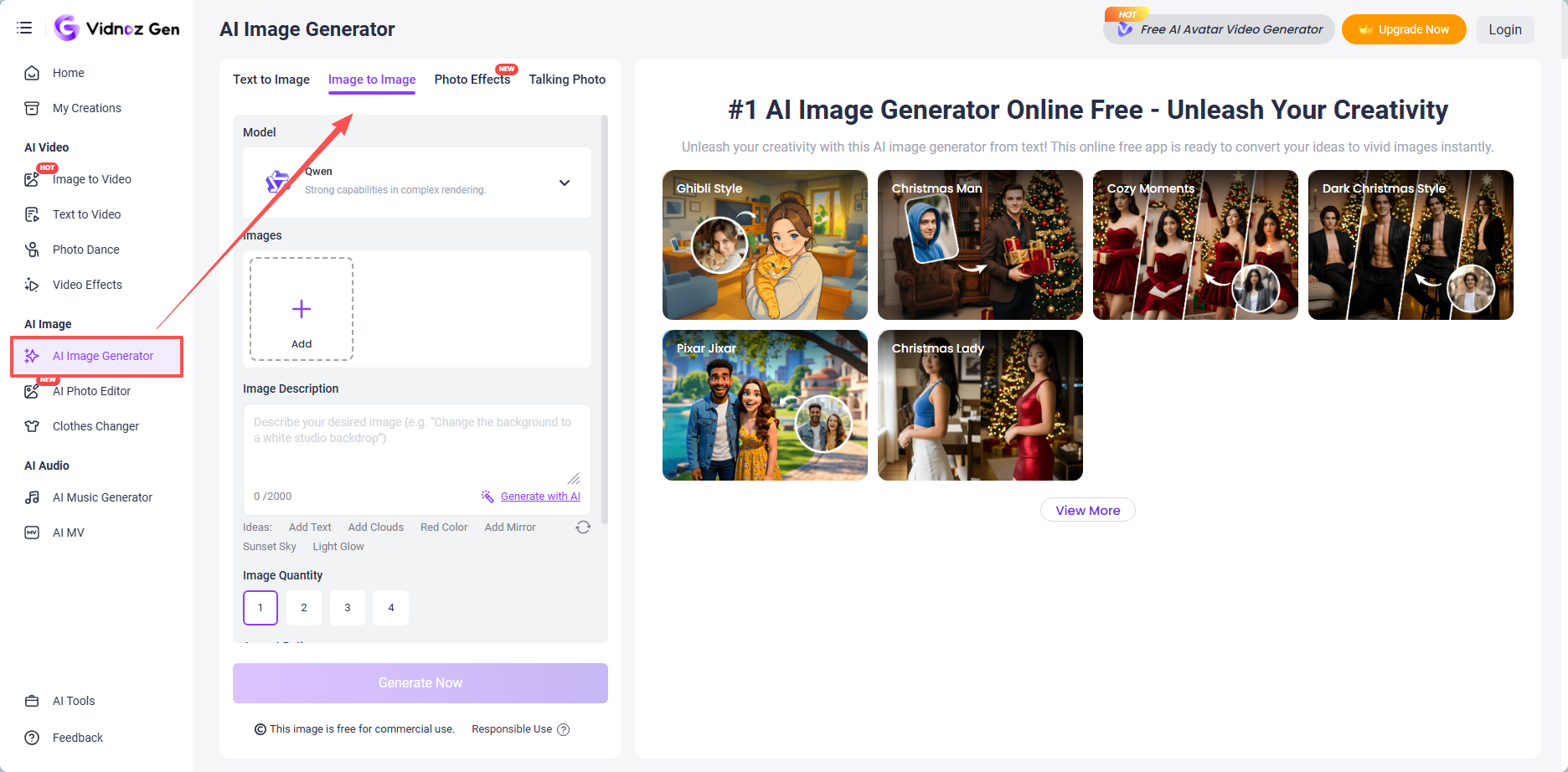
Step 2. Input prompt such as: “Turn this photo into Peanuts cartoon style by Charles Schulz, clean bold lines, round simple characters, soft muted colors, 2D animated feel.”
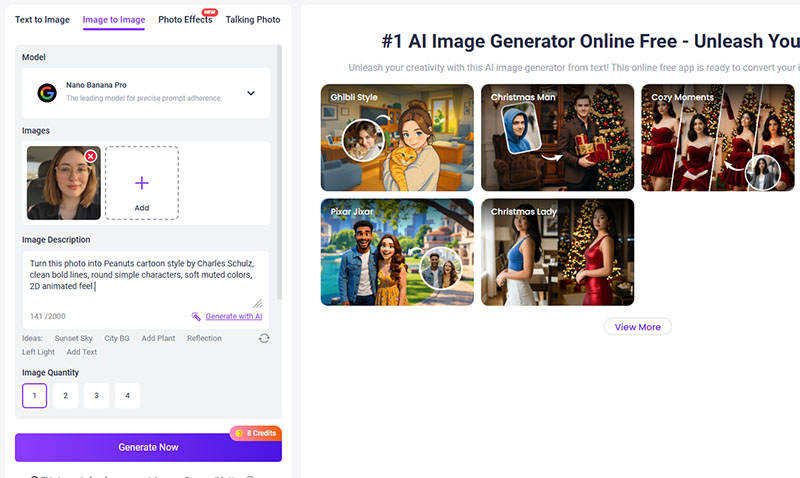
Step 3. Adjust image quantity and aspect ratio as you see fit. Click on the Generate Now button, and that’s it!
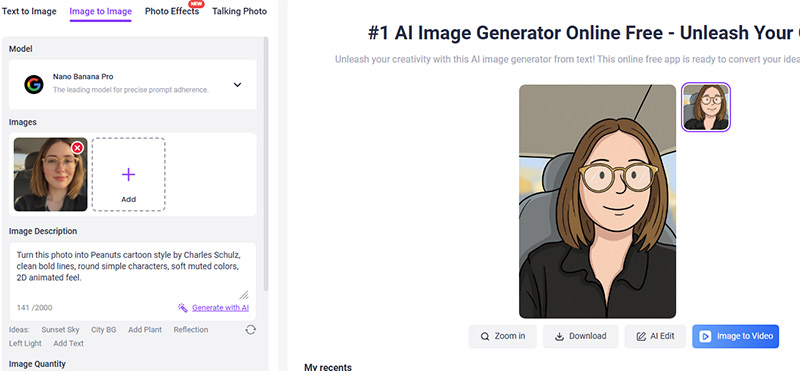
You can also make Simpsons avatar with Vidnoz AI or transform any selfie into other fun cartoon styles using the same Image to Image feature.
Which "Peanutize Me" Method Is Right for You?
The previous parts have explored two methods to “Peanutize Me.” If you are wondering which one is the right choice, here we have made a quick comparison.
|
Feature
|
Peanutize Me Website
|
Vidnoz AI
|
|
Ease of Use
|
Beginner-friendly, no account needed
|
Intuitive with AI assistance
|
|
Customization
|
Pre-set options
|
Unlimited via prompts and edits
|
|
Output Quality
|
Basic cartoons
|
High-resolution, professional rendering.
|
|
Cost
|
Free
|
Free basic; premium for advanced
|
|
Best For
|
Quick nostalgia
|
Creative projects and transformations
|
As you can see, while the classic website is great for simple fun, Vidnoz AI excels in advanced and AI-driven creativity, with unlimited customization options!
Creative Uses for Your Peanuts Character
Once you have the “Peanutize Me” tools at hand, it’s time to bring your creations to life. There are creative ways to use your Peanuts-style character in everyday life. Here are a few inspiring ideas to get you started.
- Peanuts Characters for Social Media: Your Peanuts-style avatar makes the perfect profile picture, especially if you are a fan of this classic cartoon. On platforms like Instagram, Facebook, and Twitter, a cartoon version of yourself instantly stands out, with added personality and a nostalgic vibe.
- Peanuts Character Merchandise: Why not turn your design into personalized gifts? You can print your Peanuts character on T-shirts, mugs, tote bags, or phone cases. These customized items are perfect for birthdays and anniversaries. They can be a thoughtful gift for real Peanuts fans.
- Other Creative Projects: You can also use your character for greeting cards, personal websites, or creative projects. But just to create fan art for personal use (not selling or promoting) or share non-commercial creations privately. Meanwhile, make sure to use a Peanuts-style inspired aesthetic without copying specific characters, poses, or trademarked elements.
Final Thoughts
If you have read this far, now you know two methods to “Peanutize Me.” One is the classic website for quick fun, and the other is Vidnoz AI for more advanced customization. Both methods let you make your own Peanuts character or create a Peanuts character with minimal effort. If you are looking for more customization, Vidnoz is the place to go. It’s also a 100% free AI video generator that can transform your creation into vivid videos! Just sign up, start creating your own Peanuts character, and share your Peanutize Me masterpieces now!
Vidnoz Photo Dance - AI Make a Photo Dance FREE
- Create a smooth AI dance video from a photo.
- Animate a photo with diverse dance moves.
- Generate and download the video for free in seconds.
Make a Photo Dance Now