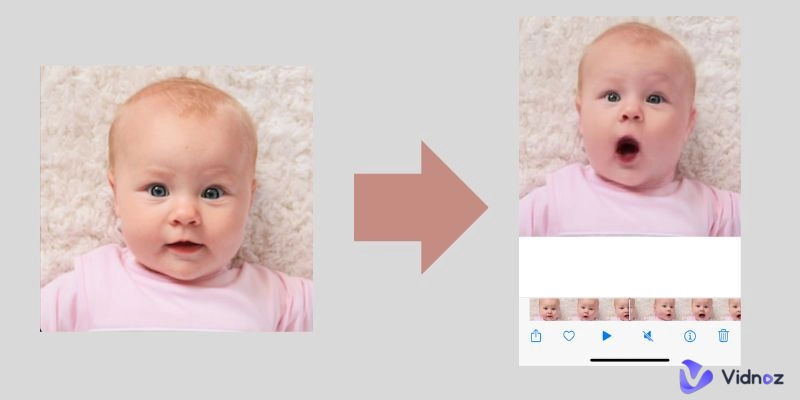
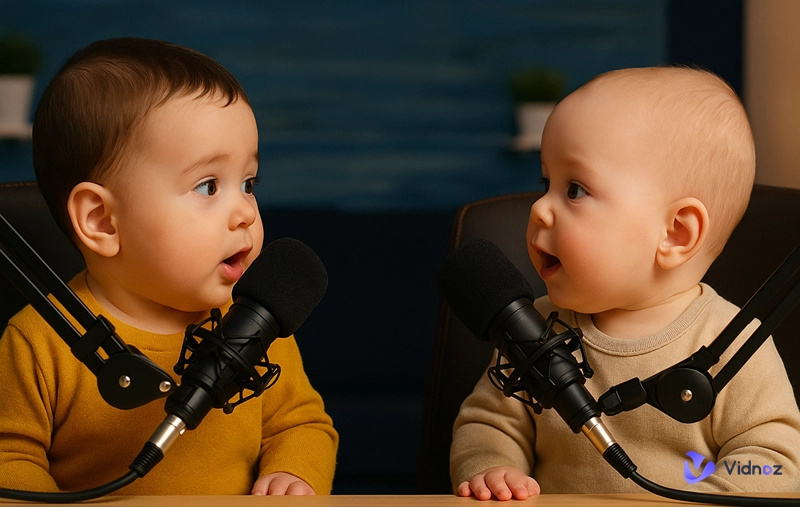
Information conveyed in a video is much stronger than with a motionless photo. Creating a captivating video with photos stored can add fun and creativity to your content and expedite engaging storytelling. To start this task, you can reach out to a photo to video AI free generator.
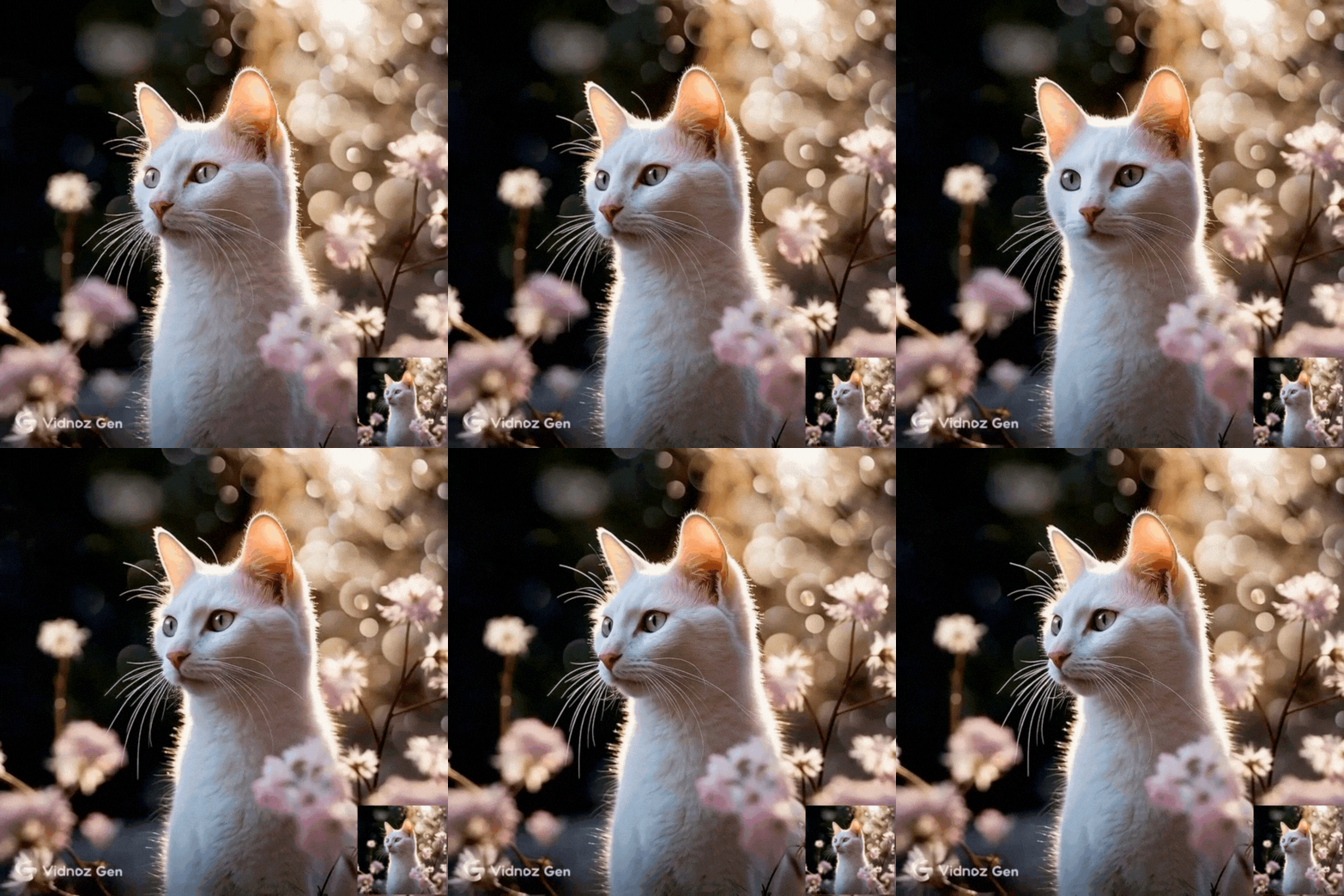
While facing dazing choices of AI photo video generators, people can’t always make the best decision. For your convenience, this article runs down the 6 best AI photo video maker suitable for different needs to help make something unique.
- On This Page
-
Best Free Image to Video AI Generator by Vidnoz
How to Convert Photo to Video AI Free?
-
Other AI Image to Video Generators Free for Different Content Types
Steve AI Photo to Video Maker: Create Photo Montage of Any Topic
Lume5 Image to Video AI Tool: Use Engaging Templates
Vidnoz Talking Head: Let a Photo Talk and Move
Cre8tiveai Photo Video Maker: Create Moving Video from a Single Picture
Heygen Picture to Video AI Maker: Make Portrait Photos Talk
-
FAQs on AI Photo to Video Maker
Best Free Image to Video AI Generator by Vidnoz
The simplest way to turn a photo into a magical moving video is to take advantage of AI. Vidnoz Image to Video AI is one of the best AI photo to video tools for this type of creation. Vidnoz is a brand-new online AI platform from image and video generation. It provides advanced models for users to convert a photo to video AI free quickly.
Convert Image to Video AI Online - Free
- Create a video from an image quickly for free.
- Use various AI models to turn photos into videos.
- Download and share the AI-generated video at no cost.
Convert Image to Video
With its image to video converter, you can add vitality to a still visual with an easy tap. Moreover, you can personalize the final content by setting the duration and via text prompts.
Features:
- Convert landscape, portrait, animal, and any other images to video
- Fast AI generation process, without the need of manual editing
- Support advanced customization via text prompts
- No sign-up free image to video AI generator
- Trendy AI video effects, including AI kissing, hugging, fighting, flying, etc.
How to Convert Photo to Video AI Free?
Step 1. Sign up to Vidnoz AI simply with an email or your social platform account and go to the Vidnoz Image to Video AI page.
Step 2. Import one of your photos into this online tool.

Step 3. Pick from the AI models, set the video length, and describe what you hope to generate based on the photo.

Step 4. Tap Generate Now. AI will instantly work to analyze the input and apply smooth animations.
Other AI Image to Video Generators Free for Different Content Types
Want to make a photo move and talk in other creative ways? Continue to learn about the following 3 photo to video maker AI tools and make the magic happen!
Steve AI Photo to Video Maker: Create Photo Montage of Any Topic
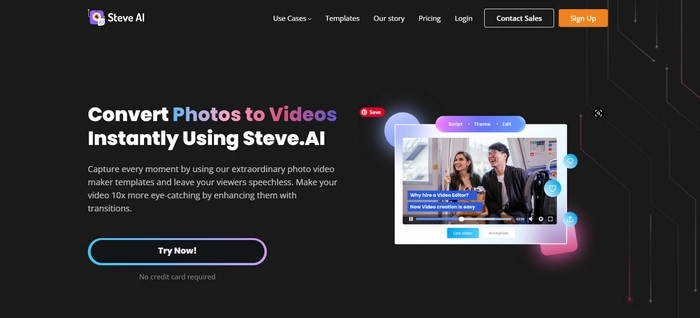
Steve AI first gets popularity for its leading AI-patent video generator. It allows users to create any kind of video from plain text within minutes. Besides automatically generating video content based on its huge depository of media assets, Steve AI also supports image and other local media uploads. Thus, you can effortlessly make video from photos with a well-designed and crafted appearance. The best part is, the Steve AI photo video maker provides you with plentiful slideshow templates for different occasions.
Features:
- 100+ premade templates for selection
- Text-based AI video creation, with fewer endeavors & impressive results
- Add stylish text, transitions music, and other elements to photo videos
- Advanced video setting adjustment
- Easy video download and sharing options
Pricing: $15/Mo for Basic, $45/Mo for Starter, and $60/Mo for Pro. Custom Pricing for Enterprise is also available.
Lume5 Image to Video AI Tool: Use Engaging Templates
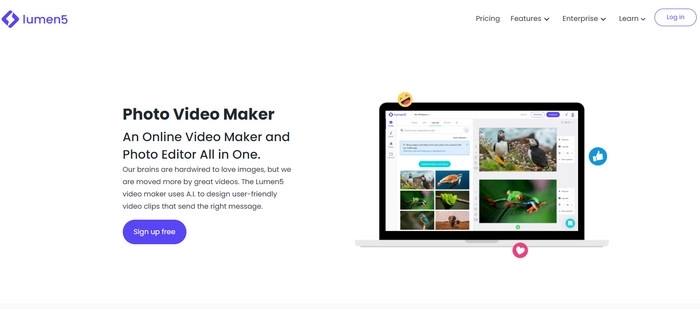
Lume is a powerful AI video creation platform perfectly suitable for brands. It comes with smart workflows for creating video presentations from text, blogs, as well as images. You can get a head start with its preloaded templates for your scenarios to create stunning slideshows.
With the AI slideshow video maker, you can edit the video slide by slide to get the best control of the overall look. As an AI tool based on text to video, Lume5 can automatically identify the script you type in or from an URL and add it to the right scene on your video. If you feel like modifying the text description overlay on an image, Lume5 also gives you the option.
Also read: Use Free AI Photo Slideshow Maker to Create Stunning Slideshow in Mins >>
Features:
- Rich Customizable templates as video blueprints
- Multiple image upload
- Add text from blog URLs or record your own voice-over
- Useful photo slide editing options
- Add music to video
- Selectable video size for different sharing platforms
- Modify video overall look by changing colors, fonts, etc.
Pricing: $19/Mo for Basic, $59/Mo for Starter, $159/Mo for Professional, and Custom for Enterprise.
Also Read: How to Add Photo to Video >>
Vidnoz Talking Head: Let a Photo Talk and Move
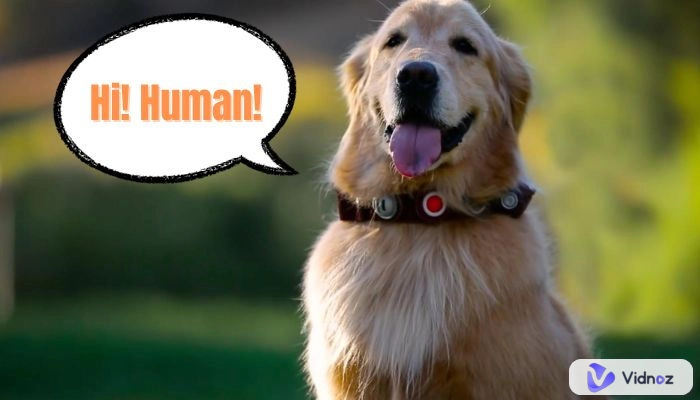
Getting lined up among the new AI products of Vidnoz, Vidnoz Talking Head is the other photo video maker you can give a try. Talking Head provides users with a free solution to create lip-syncing videos from photos. On the web-based tool, you only need to upload a photo, enter a script, and tap Generate Video. You should receive the photo video soon in your mailbox.

Features:
- Create AI video from photo and let it talk
- Ready-made photo templates
- Support voice in multiple languages, such as English, Spanish, and French.
- Switch to male or female voice at your disposal
- Adjustable playback speed
Pricing: Free
Cre8tiveai Photo Video Maker: Create Moving Video from a Single Picture
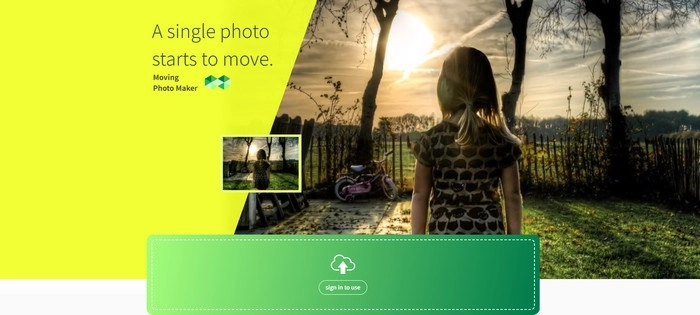
Professional photographers and enthusiasts always expect more for photo post processing. For example, they may want to apply a real 3D special effect or even make a photo move no matter it is a portrait or scenic snapshot. Cre8tiveai comes as an easy and cost-efficient choice for it. Cre8tiveai is a dedicated AI tool platform for video and photo editing. This online video maker introduces a moving photo maker that can create an 8-second 3D video from a single PNG or JPG photo.
The process of AI video generator from image is simple and automatic. Just sign in with your email account, upload a photo, and leave the task to Cre8tiveai. It averagely takes around 15 minutes to finish the creation.
Features:
- Convert photo to FHD 3D moving video
- 8 seconds video duration
- 14 types of video effects are available, covering zoom in, zoom out, circle motion, etc.
- Full HD 60FPS is supported
Pricing: Free for Entry, $48/Mo for Lite, and $800/Mo for Mega
Heygen Picture to Video AI Maker: Make Portrait Photos Talk
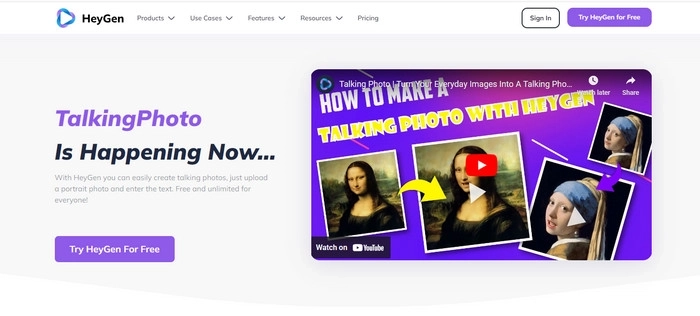
HeyGen TalkingPhoto is an AI image to video tool to create videos that can speak with portrait photos. It features lip-syncing with scripts and allows users to choose from kinds of voices and languages. Another highlight of this photo video maker is it supports voice with certain emotions, tunes, and styles, which can foster better explanations and demonstrations for specific usages. HeyGen TalkingPhoto is accessible on the HeyGen online app where you can also avail of other AI tools to create different types of AI videos.
Features:
- 300+ voices real human voices
- 40+ languages are supported
- Generate scripts with the GPT script writer API
- Built-in video editor
- Massive voice library and voice cloning
Pricing: Free plan, $24/Mo for Essential, $180/Mo for Pro, Custom plan for and Enterprise
FAQs on AI Photo to Video Maker
You may have some confusion when using AI picture video makers. The following part covers the most common questions of image to video AI and corresponding answers.
Can AI turn a photo into a video?
If you step into the field just now, you may doubt the feasibility of AI tools. But yes, AI can transform photos into video as you can verify it easily with any AI video generator from photo tool above.
Can AI animate a picture?
Yes, you can use Vidnoz, Heygen, or Cre8tiveai to achieve this purpose.
How do I make a video with pictures and music for free?
Almost all photo video slideshow makers support this feature. Here takes Nova A.I. Photo Video Maker as an example.
Step 1. Sign in and head to the app. Click New Video > Create Project
Step 2. Choose an image you want to convert to video. If you want to make a video from multiple images, add them one by one and arrange the order of photos after you are directed to the video editing workplace.
Step 3. Click Audio > Upload audio to add music. It also supports text to speech.
Step 4. Click Export to save the video.
The Bottom Line
AI is significantly changing the way people create content. Image to video AI is coming out to free people from complex processes and deep learning curves. The 6 photo to video AI apps are all excellent choices. As AI technology keeps bringing revolutions in video marketing, more AI video creation tools will be available soon. This change can be observed on video automation platforms like Vidnoz AI. Try Vidnoz AI and embrace the benefits of AI!

Vidnoz AI - Create Free Engaging AI Video with Talking Avatar
- Easily create professional AI videos with realistic avatars.
- Text-to-speech lip sync voices of different languages.
- 2800+ video templates for multiple scenarios.