Turn still images or text into dynamic videos in any style, with leading AI models readily. Try the smart AI video generator now - stunning, free, and instant!
Top Minecraft Intro Makers | 1 Click for Unique Minecraft Intro Videos
Amelia Winterwood
Updated on
SHARE THIS POST
What is a Minecraft intro maker? Learn more about how to make an attractive Minecraft intro video and find the 6 best online Minecraft intro generators.
It’s been almost 16 years since its release, but the hype around Minecraft is yet to get down! If you are a content creator for this age-old game, a Minecraft intro maker could be a game-changer free online. Imagine having an entire intro segment of your latest video being generated for free with an intro Minecraft maker. Simple, free and packed with features, AI Minecraft video maker apps can be your best virtual assistant.
In this post, a comprehensive list of the best intro Minecraft maker apps will be introduced out there. What’s the best intro maker for Minecraft? Well, that’s for you to decide!
On This Page
Popular Minecraft Intros On YouTube
Tips to Make an Attractive Minecraft Intro
6 Minecraft Intro Makers to Create Your Own Minecraft Intros
1. Minecraft Intro Maker with Editable Templates - Panzoid
2. Minecraft Intro Maker to Customize Unique Intros Like a Pro - Vidnoz AI
3. Minecraft Intro Maker with Funny Music & Effects - Flexclip
4. Minecraft Intro Maker for Fast and High-Definition Intros - Renderforest
5. Minecraft Intro Maker with No Watermarks - CapCut
6. Make Minecraft Intro from Texts - VEED
How to Easily Make an Engaging Minecraft Video with AI?
Conclusion
Popular Minecraft Intros On YouTube
Creating videos is tough work! Especially in recent times, when the demand for videos is surging rapidly. If you can’t satisfy the demands of your audience, they might easily switch over to another. Luckily, there are some popular templates out there for intros that might relieve your creative block.
The most popular and widely seen intros are those that feature combat between two players. These are exciting and grab the viewers' attention right away. A great fight scene with flashy moves followed by the channel’s name drop is the way to go!
Tips to Make an Attractive Minecraft Intro
Looking for some tips to make a great intro for a Minecraft video with a Minecraft intro maker? Here are 4 great points for beginners:
1. Make it short: Intros don’t have to be long, just catch the attention of the reader! Anything between 15 and 20 seconds is ideal.
2. Ensure the content is eye-catching: Intros need to catch the eye, and nothing does that better than a bold and flashy start. Just make sure that the rest of the video follows through with the same energy.
3. Show some characters: Viewers love it when you relate to them, and for a Minecraft fan, nothing relates more than characters from the game.
4. Keep it kid-friendly: While adults do play Minecraft, it’s widely enjoyed by kids and teenagers. Therefore, make sure to keep it kid-friendly.
Vidnoz AI - Create Free Engaging AI Video with Talking Avatar
Easily create professional AI videos with realistic avatars.
Text-to-speech lip sync voices of different languages.
2800+ video templates for multiple scenarios.
6 Minecraft Intro Makers to Create Your Own Minecraft Intros
Here are 6 amazing AI Minecraft video maker apps for you to try out.
1. Minecraft Intro Maker with Editable Templates - Panzoid
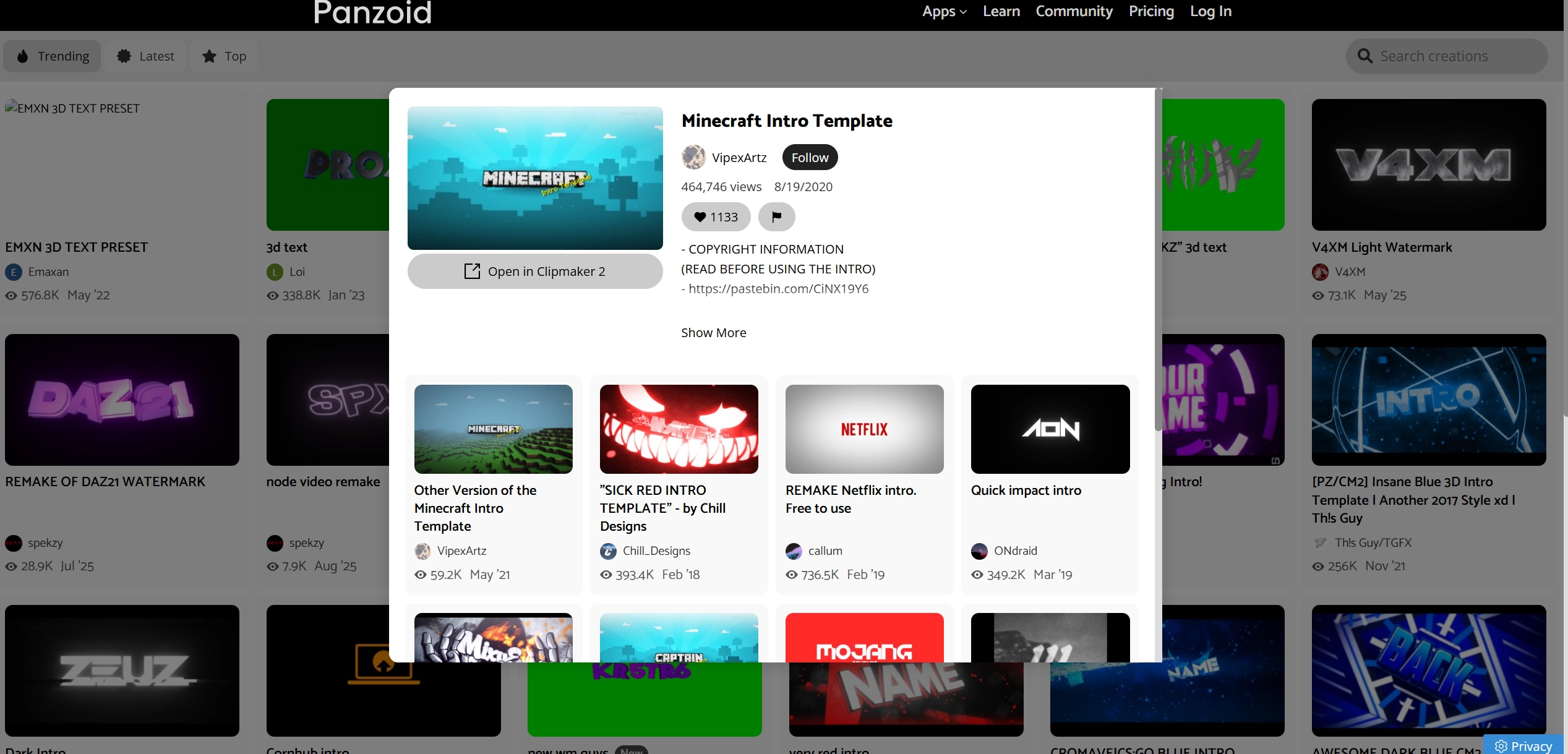
Wouldn’t like making videos from scratch? Neither are we! When it comes to the best Minecraft intro maker, Panzoid can be one of the ultimate choices. It’s a platform that provides everything you need for making a satisfying Minecraft intro video. The key selling feature of Panzoid is the various pre-made video templates that can be fully customized with simple steps. However, if you are more of a perfectionist, you can always go into more details, shifting around features such as the sky colour, generation reed and ground texture. Even the camera animations and audio tracks can be changed!
Pros
Complete pre-made templates are provided.
Both in-depth and subtle customizations.
Cons
Limited when it comes to pure Minecraft-themed videos.
Options can be limited due to a smaller collection of fixed pre-made templates.
2. Minecraft Intro Maker to Customize Unique Intros Like a Pro - Vidnoz AI
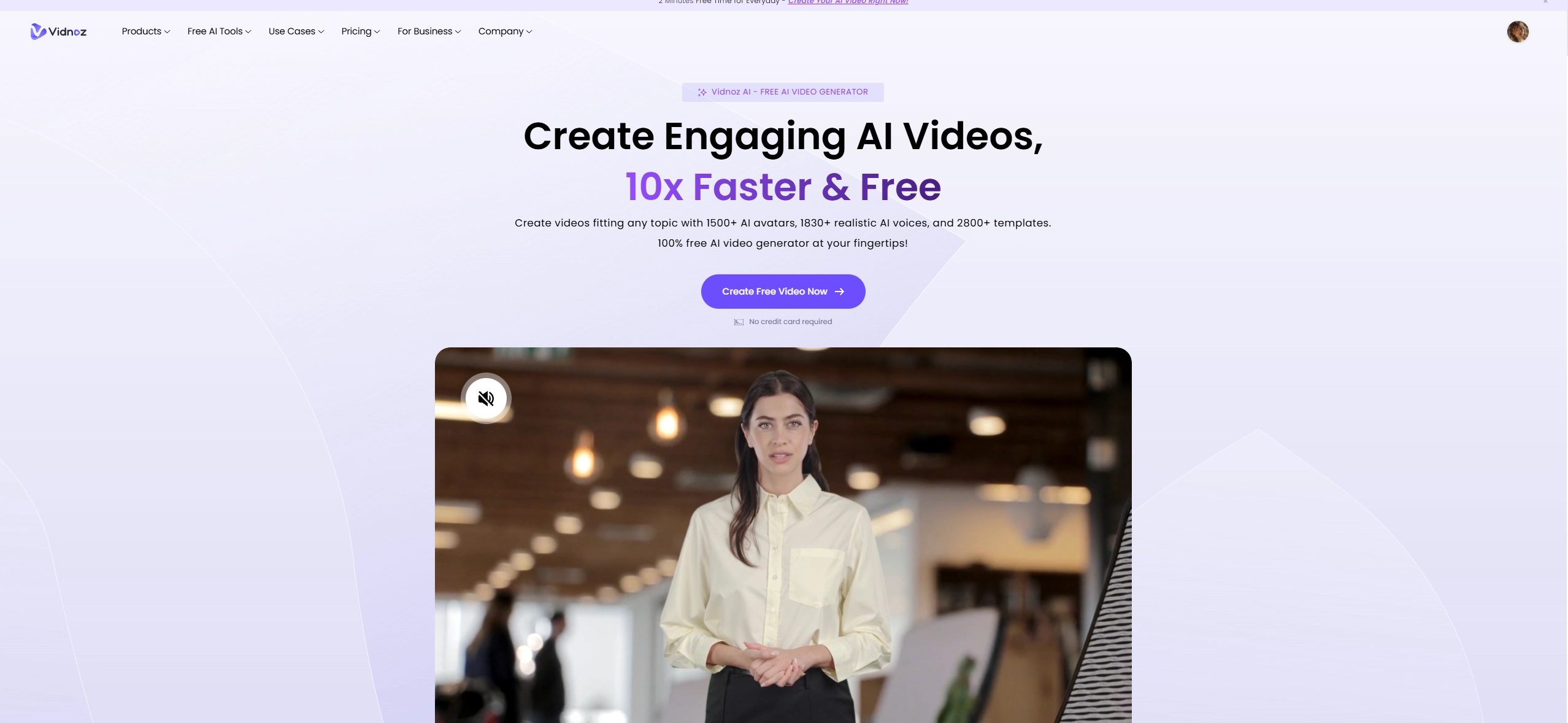
If you are willing to create a video that sparks joy across all ages, you will need something that’s more robust, with the ability to create professional-grade video content. Vidnoz AI video generator can meet users' needs of creating engaging Minecraft intro videos with comparative ease. Users can make their own unique Minecraft intros with the pre-made video templates and other advanced AI tools such as Text to Video and Image to Video generators.
Pros
Create professional-grade Minecraft intro videos using specialized video templates.
The Vidnoz ecosystem is packed with diverse AI tools.
Realistic AI avatars and AI voice audio to help boost the immersiveness of intros.
Cons
The best results require a stable Internet.
Vidnoz AI - Create Free Engaging AI Video with Talking Avatar
Easily create professional AI videos with realistic avatars.
Text-to-speech lip sync voices of different languages.
2800+ video templates for multiple scenarios.
3. Minecraft Intro Maker with Funny Music & Effects - Flexclip
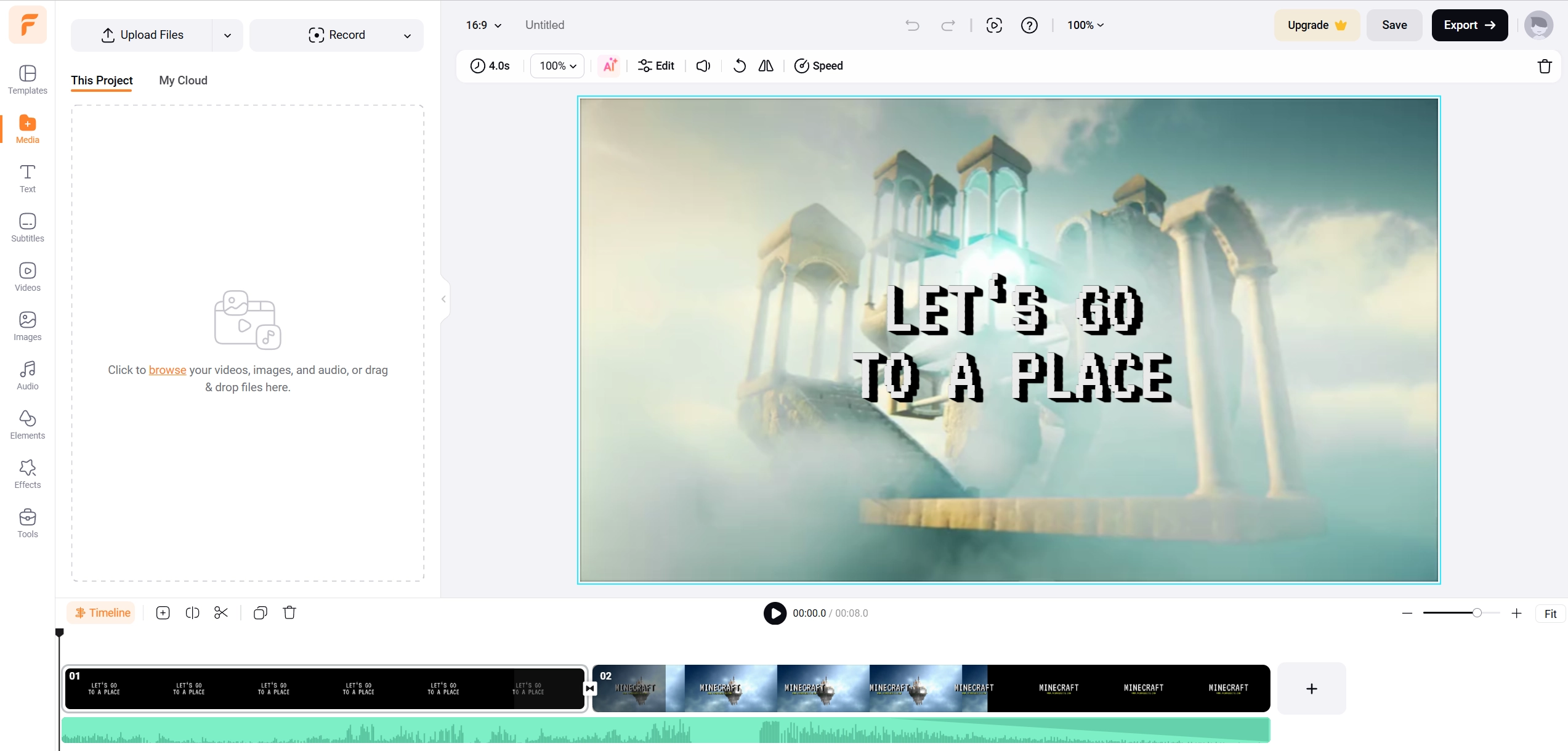
Running out of clips to use in your videos? Flexclip is another worth-trying choice for those who are looking for a stock library coupled with a simple yet effective video editor. Simple to use, Flexclip helps users to sequence clips together through editing to create the perfect Minecraft intro. The editor is packed with essential features such as animations, text hovers and various other funny elements. This practical Minecraft intro maker also allows users to create an intro that is both entertaining and attractive.
Pros
Simple and effective video editor.
It is packed with multiple essential features.
Built-in library with stock footage.
Cons
The rendering quality is lower than the others.
4. Minecraft Intro Maker for Fast and High-Definition Intros - Renderforest
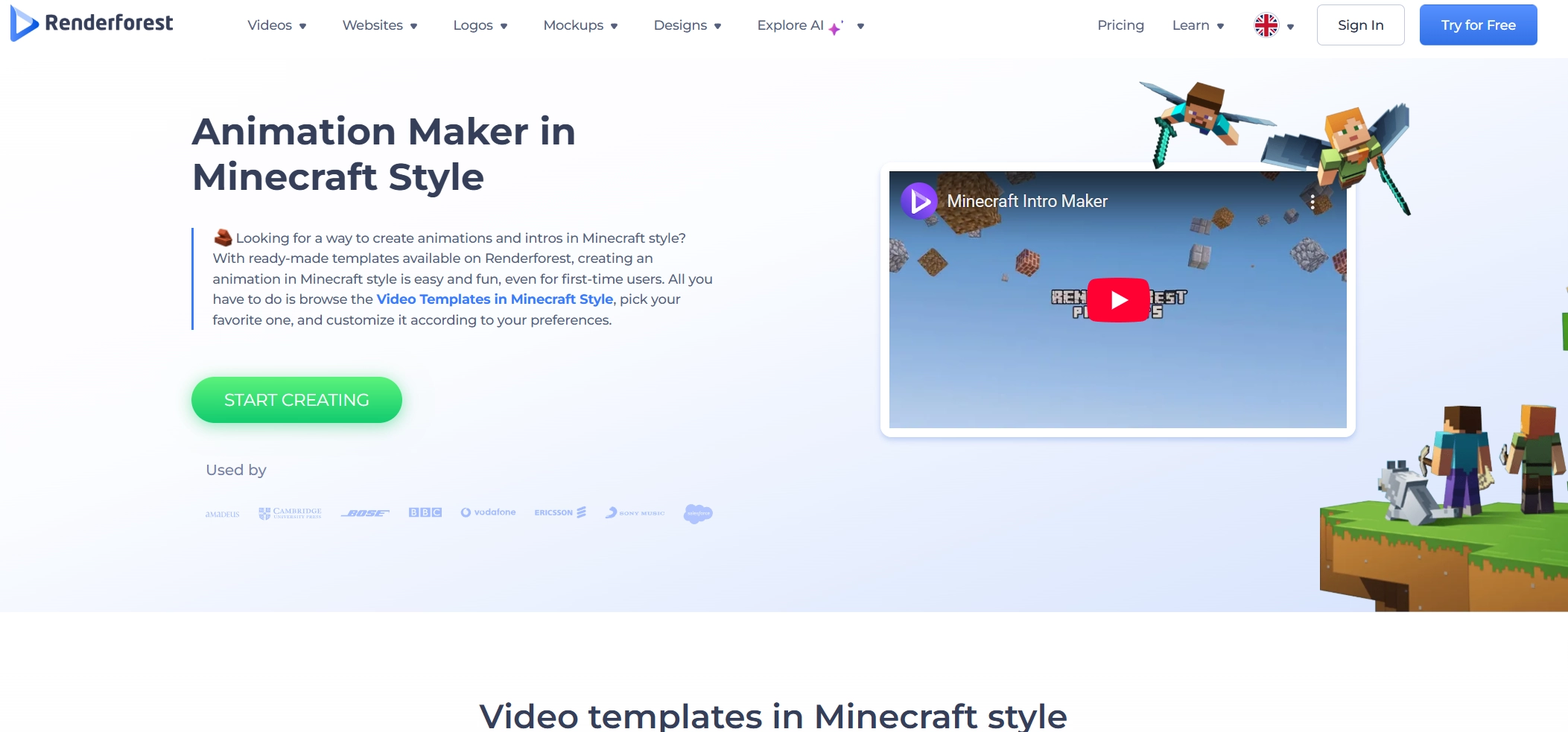
Renderforest is a comprehensive and simple intro Minecraft maker on our list. The only thing you need to get going is a high-definition image of your logo. Renderforest animation maker works through pre-built templates that are automatically customized through the users’ inputs. These customizations shape the video, which will be rendered through their online web app to be displayed with the user’s YouTube logo at the end! The intro maker for Minecraft currently offers ten scenes which are perfect for gaming and vlog channels.
Pros
10 amazing prebuilt templates to choose from.
Customize videos along with a special logo.
Designed primarily for Minecraft content creators
Cons
Limited customization video elements.
5. Minecraft Intro Maker with No Watermarks - CapCut
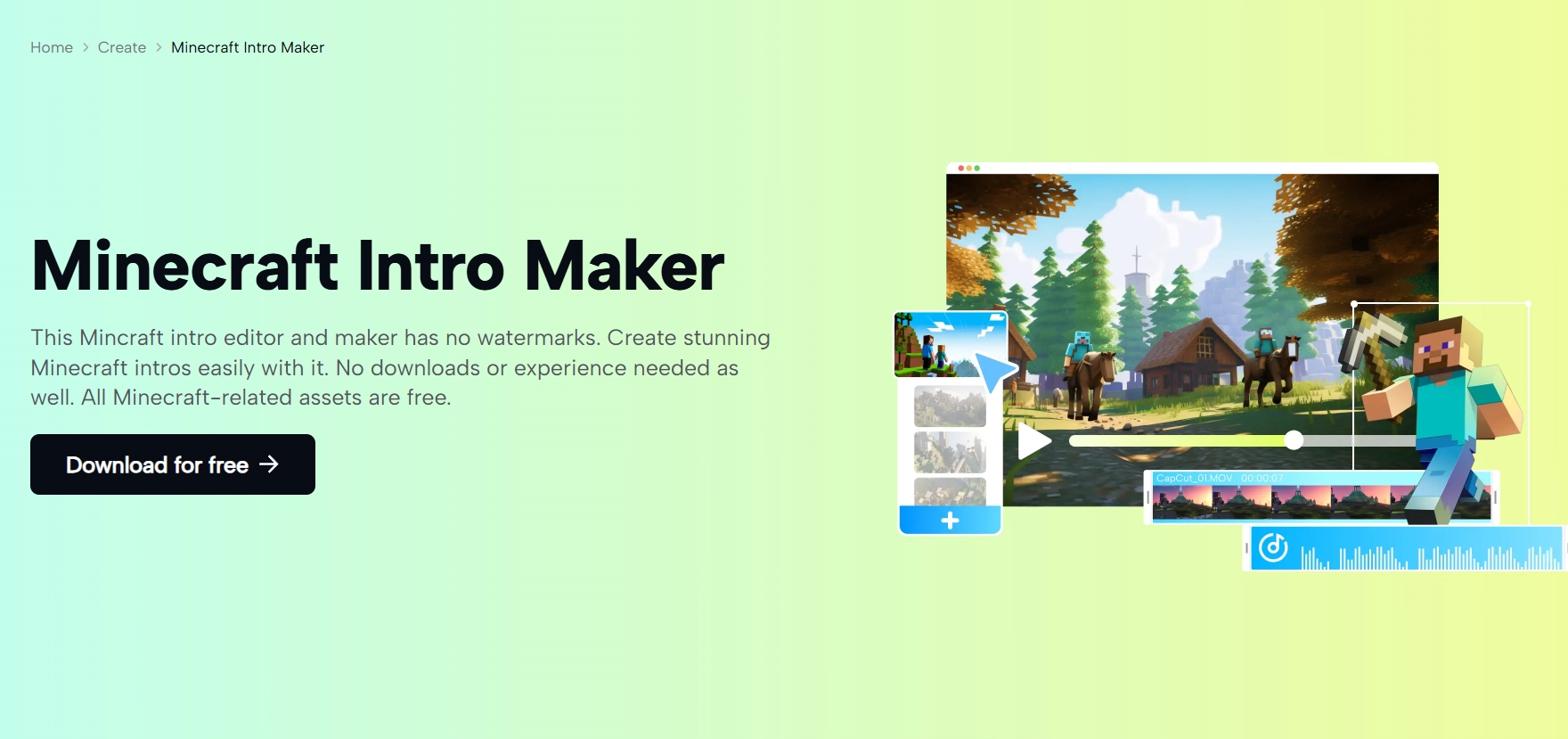
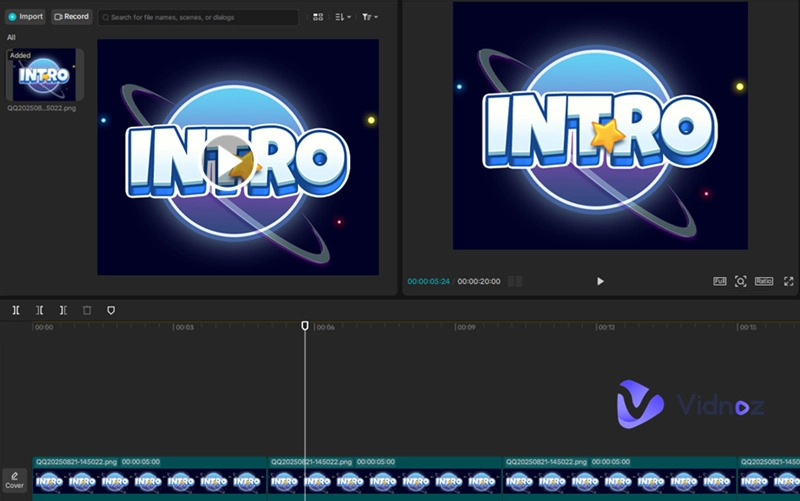
No watermarks and no limitations, CapCut is the real user-friendly deal for you online. CapCut Minecraft Intro Maker can be used to easily create stunning Minecraft intros within seconds! The video generator provides its own assets, which means that users will not run into copyright infringements later down the road. Not to mention that it requires no additional downloads. CapCut allows users to customize their videos using custom skins for characters, terrain, and more!
Pros
No watermarks or other disturbing limitations.
Internal assets to protect against copyrights.
Cons
Expensive premium plan.
6. Make Minecraft Intro from Texts - VEED
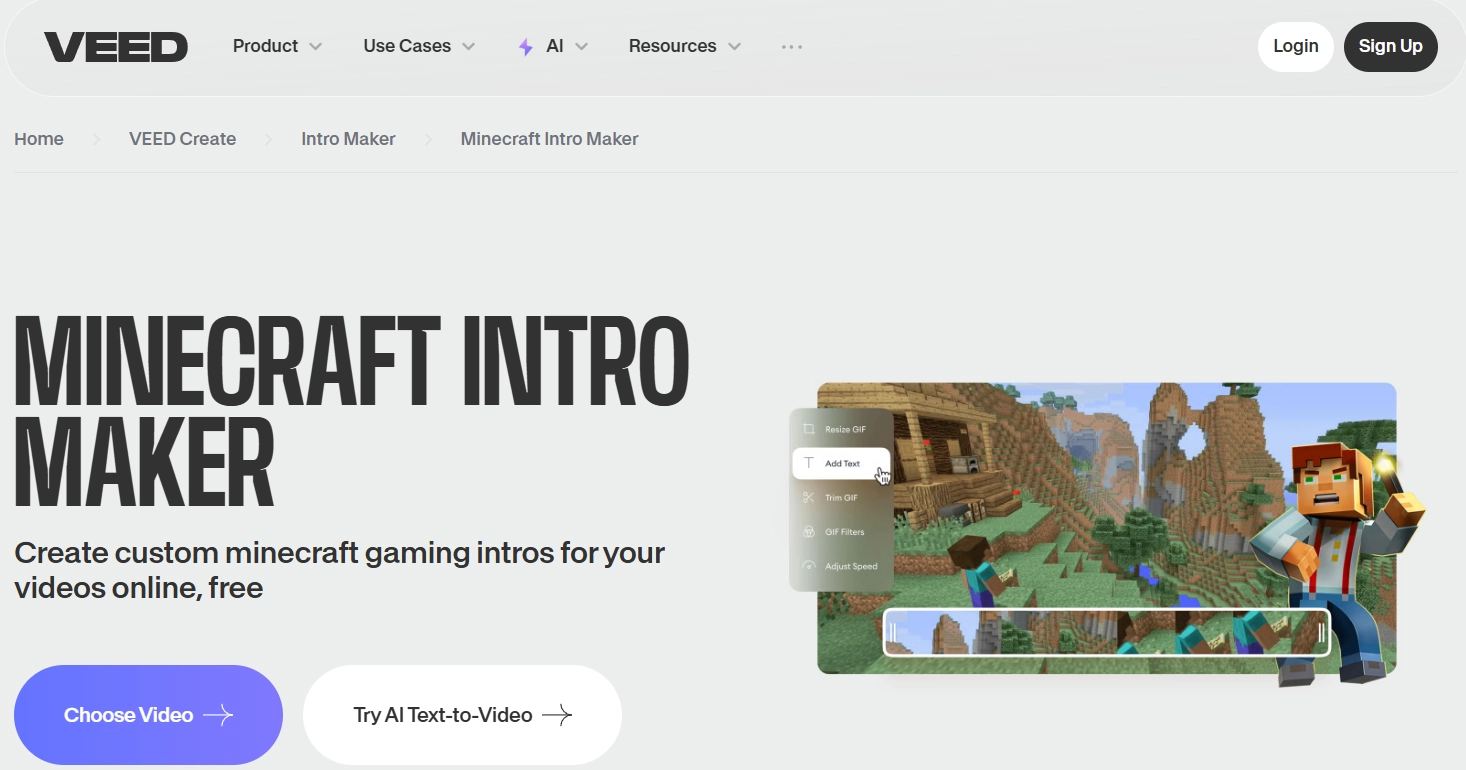
Veed now has its own Minecraft Intro Maker! Its speciality lies in the asset quality which is heavily reflected through the Minecraft intro app. Currently, the tool offers two design paths. The first one requires the users to create the video manually by uploading clips and stitching them together. The second one is an automation done through advanced Minecraft video maker AI free technology, where the users can make AI videos from the entered prompts. Besides, Veed offers everything from slow-mo effects to royalty-free music.
Pros
Two Minecraft intro video design pathways, one manual and the other AI.
Royalty-free music.
Impressive video customization options.
Cons
The AI-generated videos are highly reliant on the prompts.
How to Easily Make an Engaging Minecraft Video with AI?
Looking for a step-by-step guide on how you can create an engaging Minecraft video using an AI Minecraft intro maker? Here are detailed steps to make it.
Step 1. Open the Vidnoz AI video generator and sign up. No credit card is required.
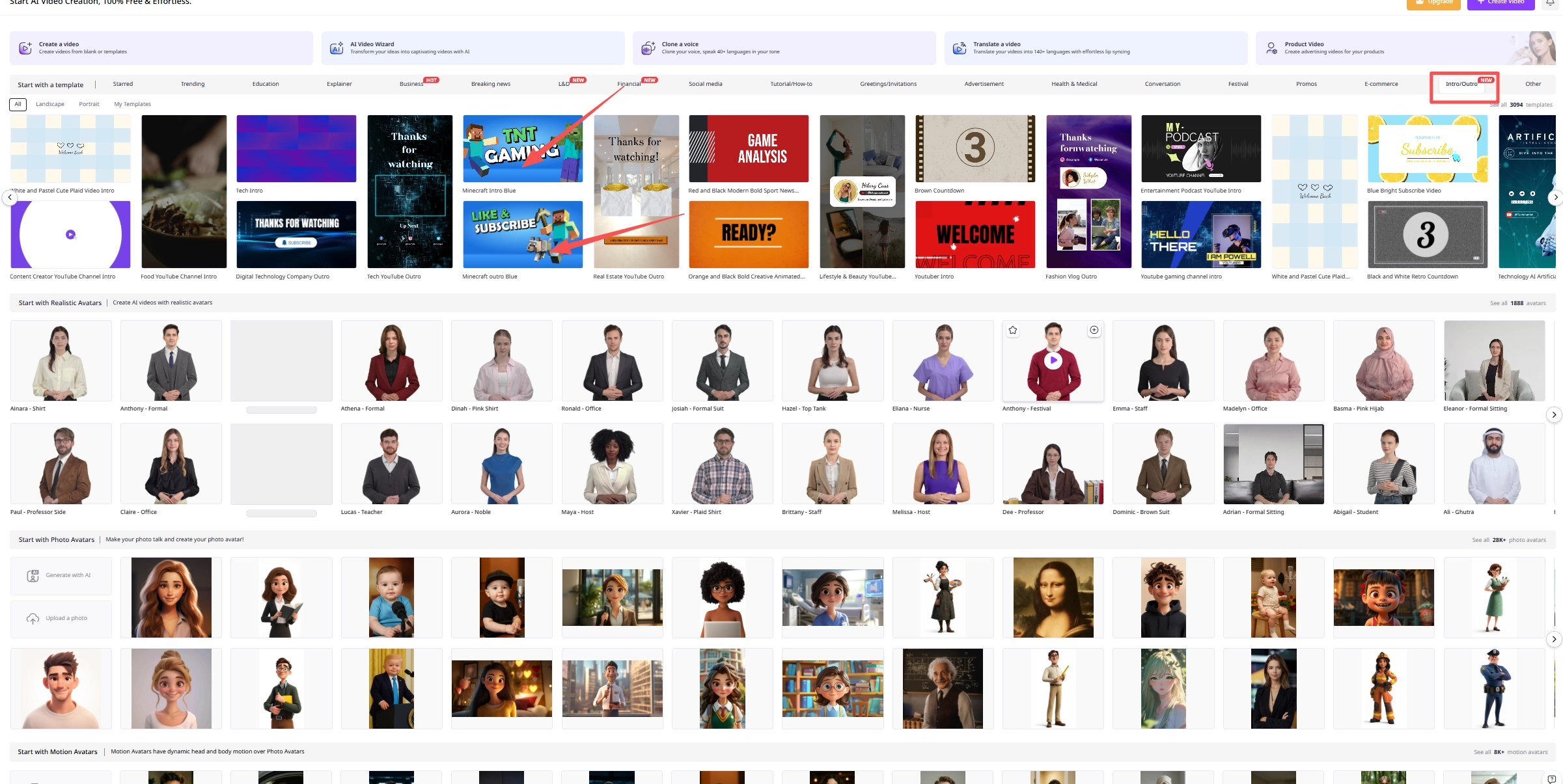
Step 2. There are diverse preset AI video templates, pick one template you like the most. You can choose according to different landscapes (16:9, 9:16), categories and also search keywords for your ideal video templates. Click “Use this template” to start working.
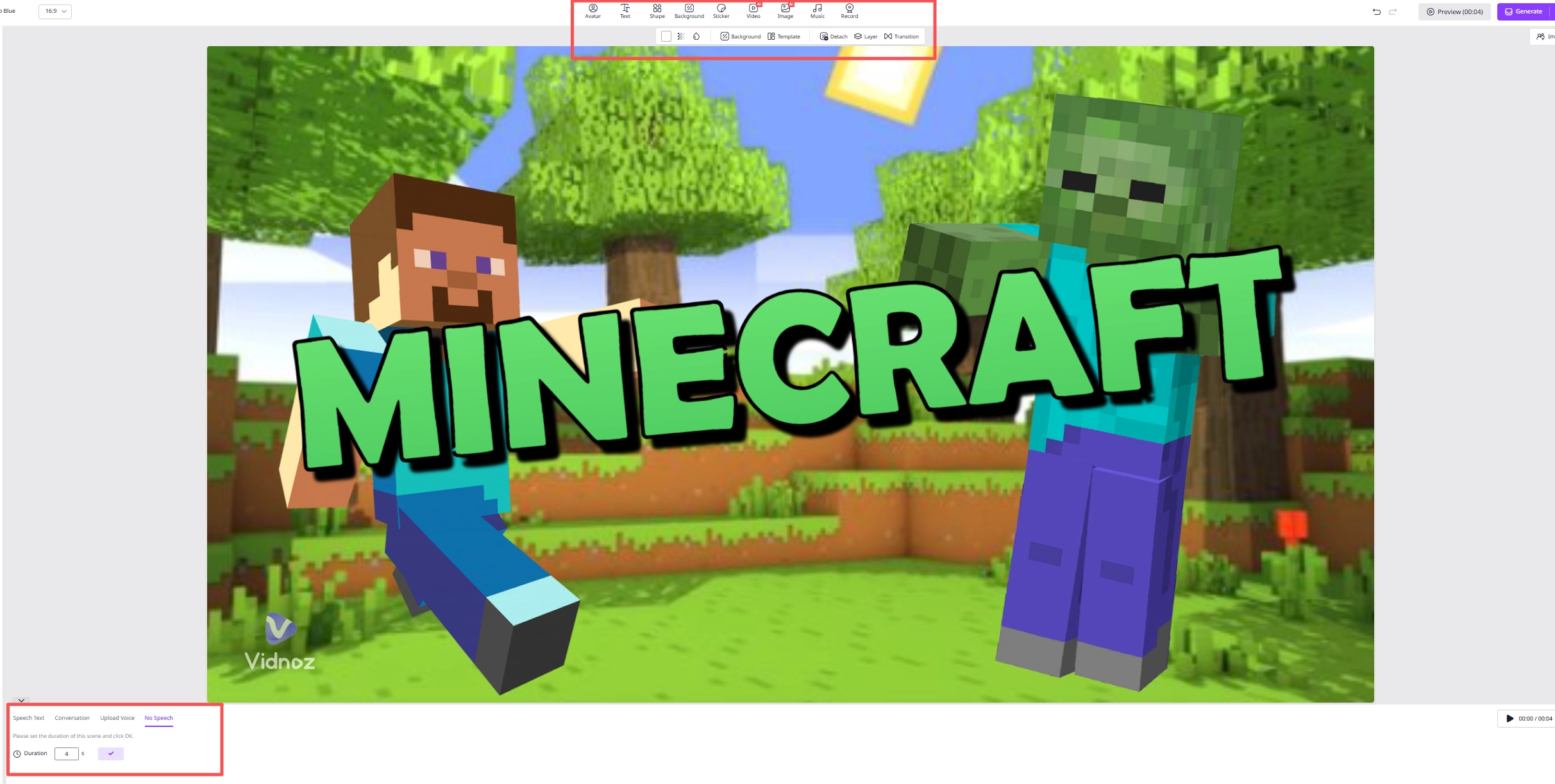
Step 3. Upload the raw assets and create the initial scene to customize the selected video template.
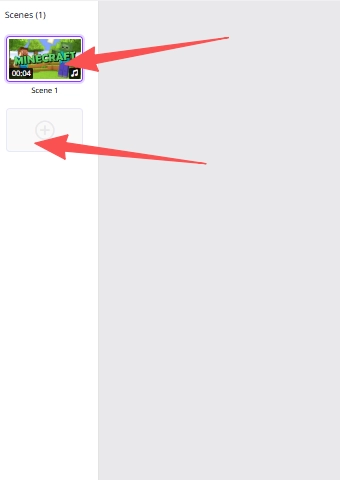
Step 4. Create the remaining scenes.
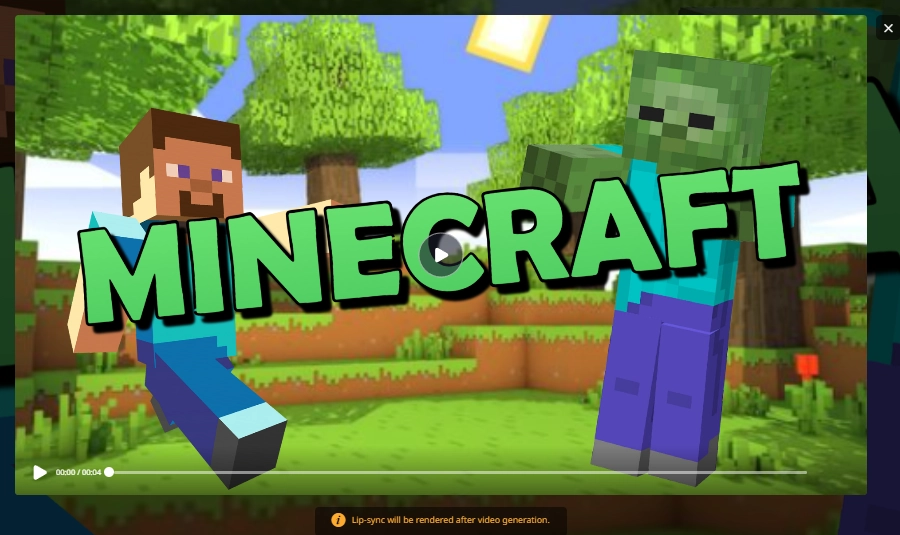
Step 5. Stitch the scenes and render the final Minecraft intro video.
Step 6. Download and save the video and share on your socials.
Conclusion
Creating a custom Minecraft intro online has never been easier! With the Minecraft intro makers such as Panzoid, Vidnoz AI video generator, Flexclip and Renderforest, anyone can make their Minecraft intro videos with clicks. As a tip, we recommend that you start off with Vidnoz AI as it provides the smoothest experience, closely followed by CapCut if you are familiar with the platform. Try them all to get an idea of what suits your preferences the most, and make sure to stick to the freemiums first.
Vidnoz AI - Create Free Engaging AI Video with Talking Avatar
Easily create professional AI videos with realistic avatars.
Text-to-speech lip sync voices of different languages.
Amelia Winterwood is an experienced SEO blog editor from Califorlia, US. With the knowledge she learnt, she mainly focuses on writing articles about AI technology. She tends to find root causes and solutions from the user's perspective.