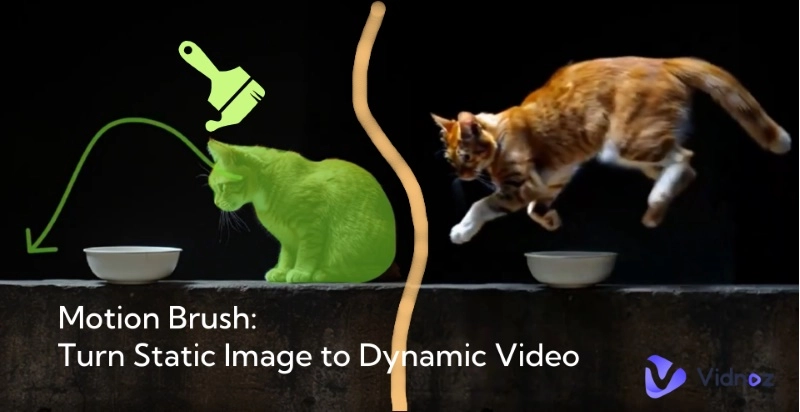
Have you ever wondered owning a live portrait that acts like it is alive? Such imagination used to be magic (like the magical world where Harry Potter lives in), but now it can be realized with vivid effect. Sure, live portrait AI can do the same magic on portraits easily!
With such AI tools, you can animate classical paintings, old photos, or selfies, and then create emotional and sometimes hilarious clips with dynamic details. How can you do that? Check this article to know 3 tools and activate your memories!
- On This Page
-
What is Live Portrait AI? How does it work?
-
What Can AI Live Portraits Be Used for?
-
3 Live Portrait AI Tools to Bring Your Photos to Life
1. KwaiVGI - Transform Photos to AI Live Portraits by Mimicking Videos
2. Vidnoz AI - Make AI Live Portraits Free [With Voiceover]
3. D-iD - Turn Group Photos to AI Live Portraits
-
2 More Live Portrait AIs to Make Screen-Stopping Videos
1. Image-to-Video AI: Make Your Portraits into Live Videos with Viral Effects
2. AI Dance Photo Maker: Live Portraits to Fun Dancing Animations
What is Live Portrait AI? How does it work?
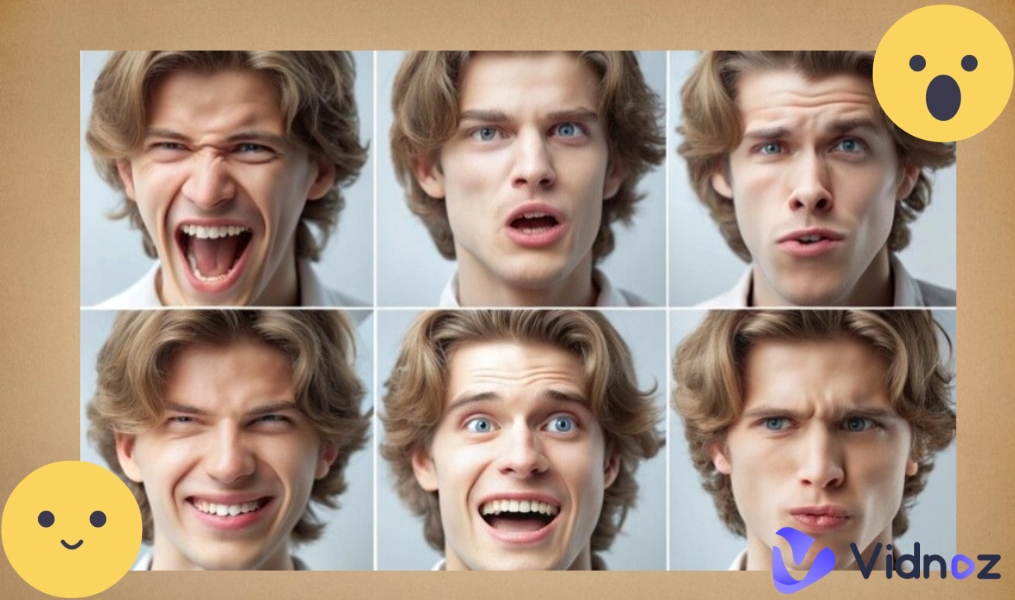
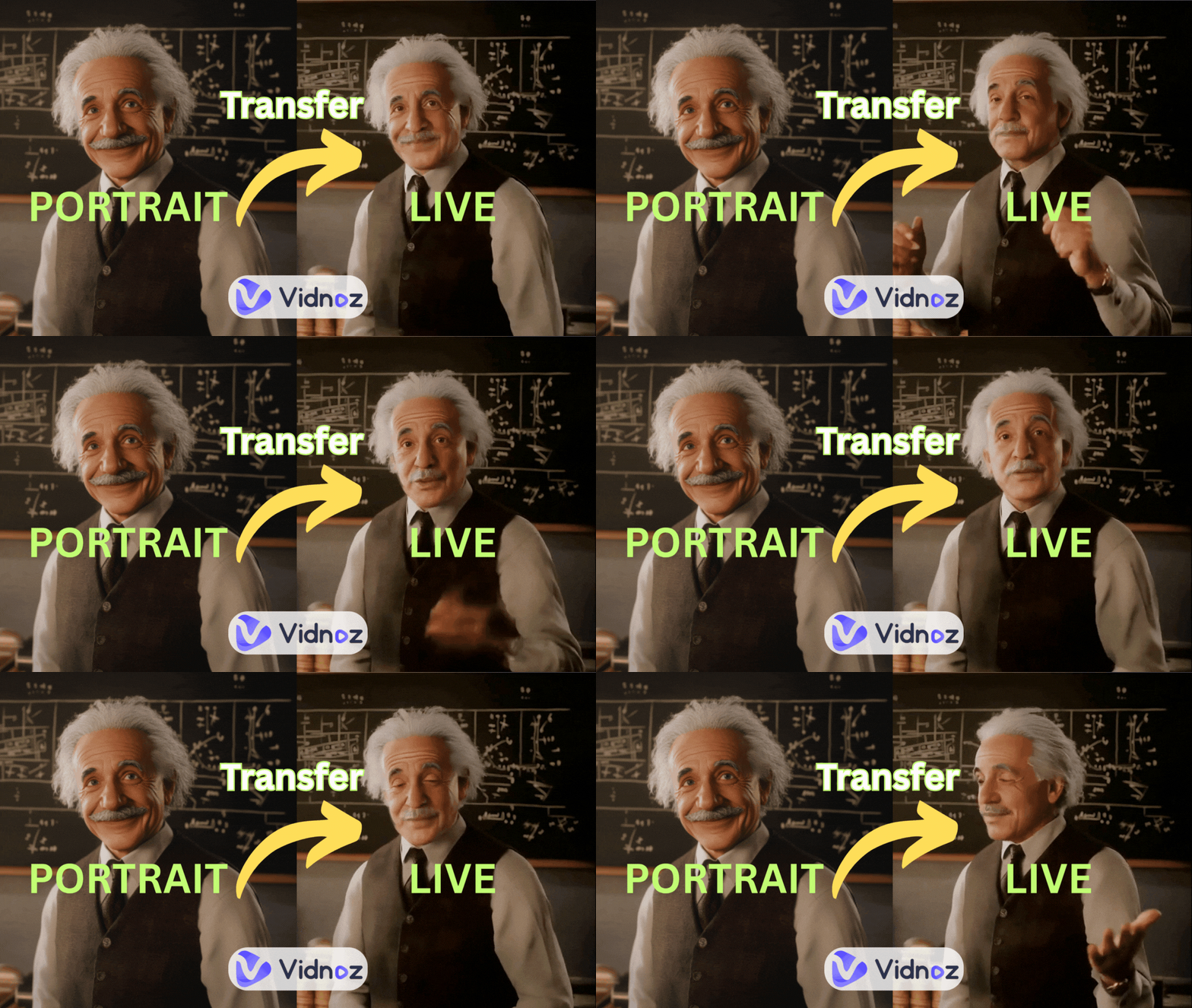
Live Portrait AI is a kind of AI tool that animates still portraits using deep learning. Usually, they are trained to recognize facial expressions and apply simulated movements into portraits. AI live portrait makers fully sync the motions of the eyes, lips, expressions, and even whole-body movements from a reference video(also called a driving video.)
For advanced features, AI live portrait tool also supports voice syncing, allowing you to make portraits to impressive videos.
What Can AI Live Portraits Be Used for?
- Engage social trends: You can animate normal portraits or famous paintings to create viral videos. For example, making talking baby podcasts to judge some hot issues
- Make your videos more interactive: You can add your own AI live portraits into video presentations, recording online courses, or editing explainer videos to boost engagement and make content more personalized.
- Create interesting dialogues: With AI live portrait tools, you can bring historical or fictional characters to life and simulate conversations, which can make creative storytelling for education or just for entertainment.
3 Live Portrait AI Tools to Bring Your Photos to Life
Now, let’s get into 3 effective tools to make still portraits to live animations:
1. KwaiVGI - Transform Photos to AI Live Portraits by Mimicking Videos
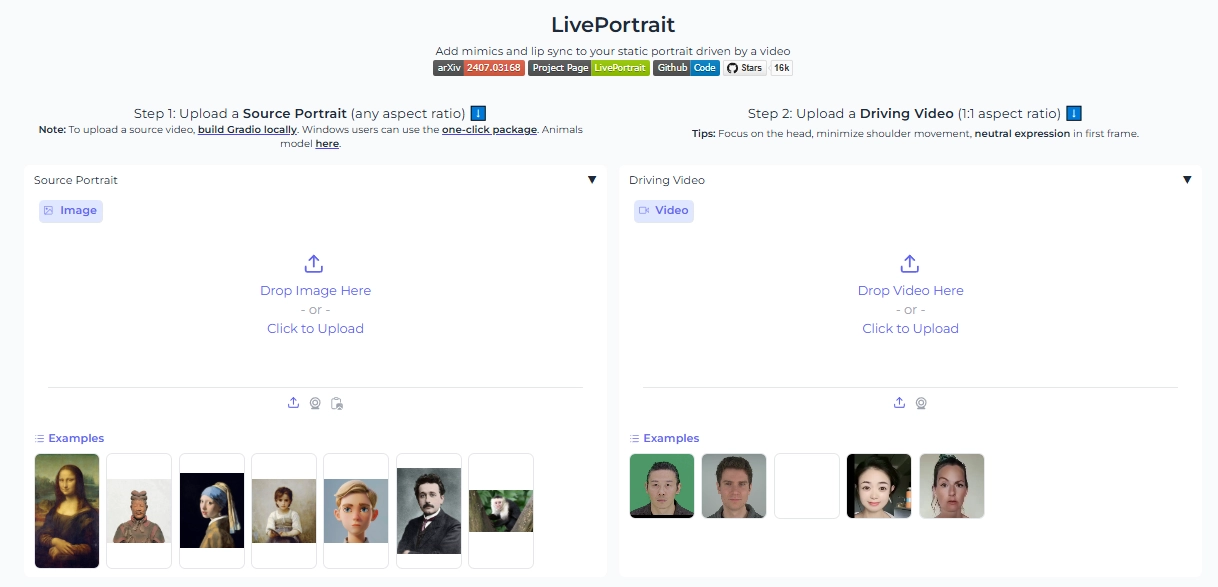
KwaiVGI is a powerful live portrait AI in Hugging Face. It brings still photos to life with mirror-like realism. Read and analyze a short “driving video,” the tool will extract motion patterns and then animates facial mimics, eye blinks, lip movements, and head turns onto a portrait.
Pros
- Movement syncing: Precisely mimics expressions and head movements from the video alignment model;
- Dubbing: It merges your audio with the AI live portrait, ensuring lip-syncing effect;
- Full-Body Motion: It flexibly uses a stitching module to support head, neck, and shoulder animation.
Cons
- Requires Driving Videos: Only a clear & steady source video ensures accurate movement.
- Clear References: Struggles if the camera shakes or extreme angles appear during recording.
Steps to Making an AI Live Portrait:
Step 1.Upload a clear portrait (any aspect ratio) with a neutral face, eyes open, and mouth closed.
Step 2.Select a stable square (1.1 aspect ratio) “driving video” showing desired expressions.
Step 3.Click “Generate,” then wait a few seconds for the animation.
2. Vidnoz AI - Make AI Live Portraits Free [With Voiceover]
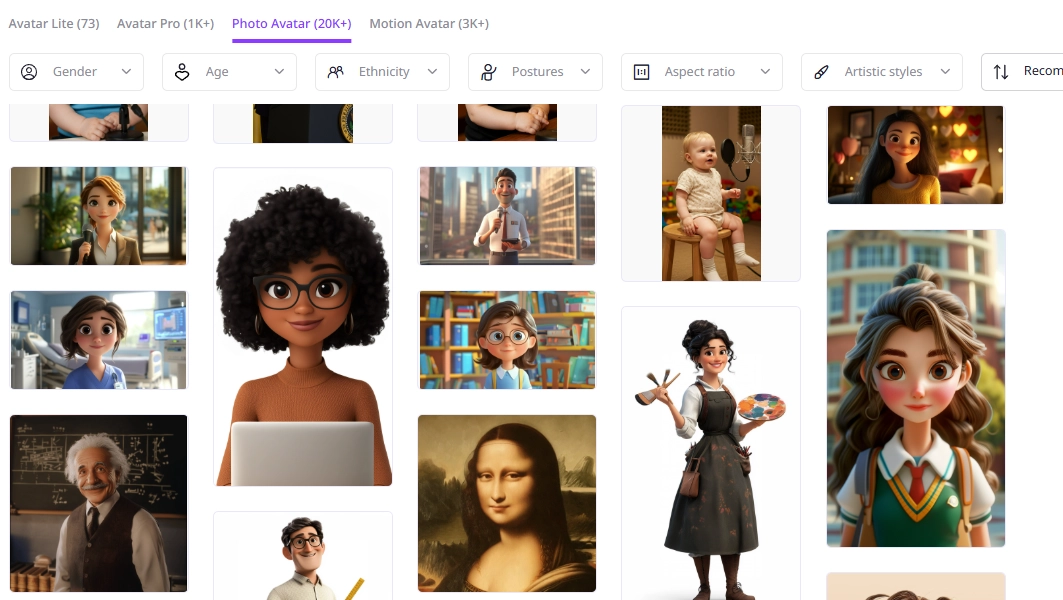
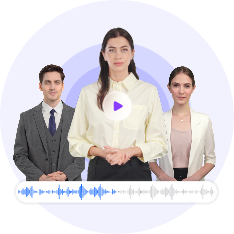
When speaking to turn any portrait into a talking and moving live avatar, Vidnoz AI avatar is definitely a perfect tool. It uses AI live portrait technology to make still pictures move naturally and even make the portrait speak lifelikely. It provides free portrait-to-live transformation, while ensuring the animated talking photo acts vividly.
Pros
- Auto Lip-Syncing: It creates smooth mouth movement to match your voice or text;
- Free Transformation: No cost to animate or download your AI live portraits;
- Multiple Language Support: You can use its built-in voice models or clone yours and translate to 140+ languages.
Cons
- Limited Facial Expressions: It can’t mimic your facial expressions;
- Templated Portrait-to-Live Transformation: There’s no driving-video-based options, the AI will animate your portraits automatically.
Steps to Making an AI Live Portrait:
Step 1.Sign-up to Make Your Portrait Live for Free
Step 2.Select or Create a Live Avatar from Portrait
Access “Avatar” feature > Choose “Photo Avatar” or “Motion Avatar” to customize your own AI live portraits:
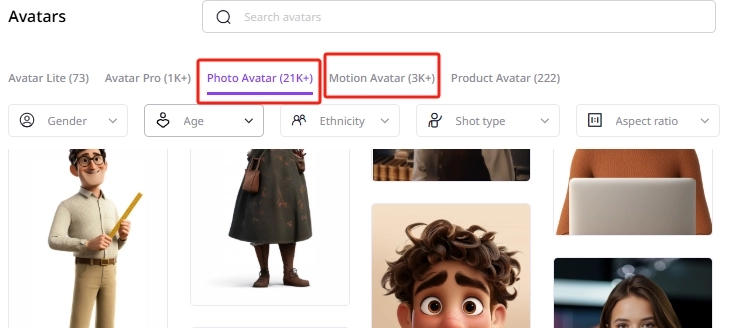
What’s the Differences?
- Photo Avatar: Turn portrait to live with slight facial and head moves.
- Motion Avatar: Make an AI live portrait with natural body movements.
Bonus Tip: You can even create an AI live portrait that acts like an influencer with Vidnoz AI product avatars:
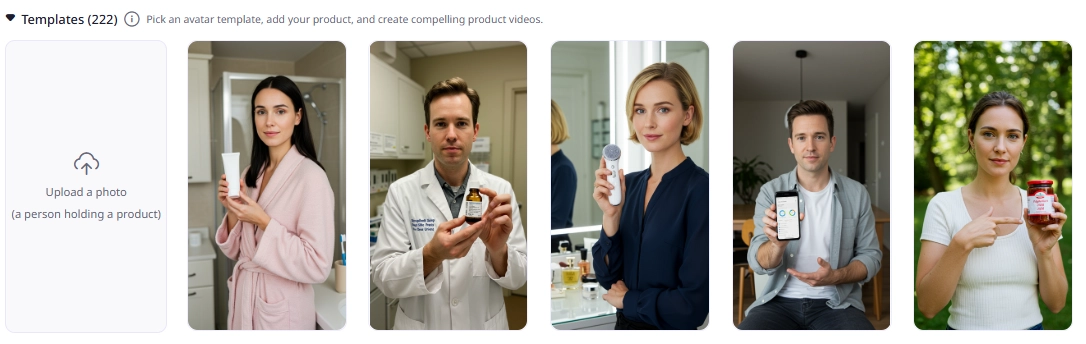
After generation, you can let your AI live portrait speak in any language using TTS feature:
Vidnoz free AI video generator also gives well-structured video templates, so you can use the speaking AI live portrait to make any type of videos easily!
Create Your AI Talking Avatar - FREE
- 1900+ realistic AI avatars of different races
- Vivid lip-syncing AI voices & gestures
- Support 140+ languages with multiple accents
3. D-iD - Turn Group Photos to AI Live Portraits
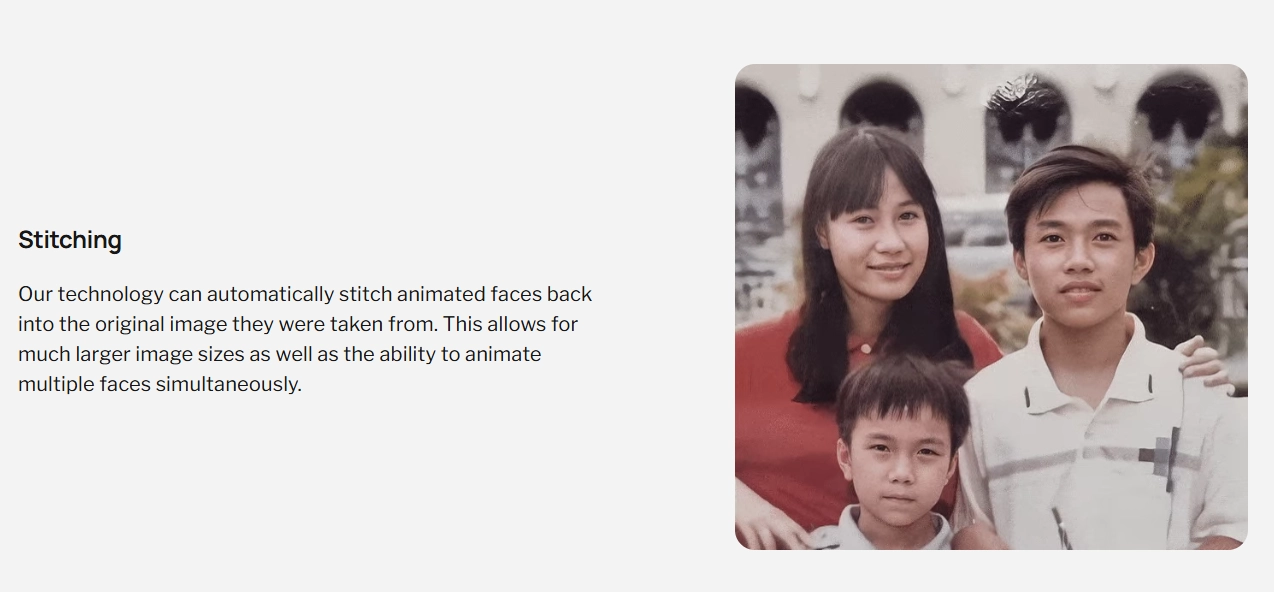
D-iD is a powerful live portrait AI tool that animates a group photo using re-enactment tech. It applies synced movements, facial expression changes and head motions to the face on the image you uploaded. This tool turns static group shots into dynamic videos showing everyone reacting.
Pros
- Multi-Face Animation: Supports animating several people in one image simultaneously;
- Add Voiceovers: You can overlay spoken audio, synced with all faces’ lip movement;
- Seamless Stitching: Animated sections blend smoothly back into the full group scene.
Cons
- Manual Editing: It requires a good-quality driving video for all subjects;
- Inevitable Errors: It will fail to align faces in group photos with complex poses or varying angles.
Steps to Making an AI Live Portrait:
Step 1.Upload a clear group photo;
Step 2.Add Motions to Each Face in the Image;
Step 3.Click Generate to Make the Group Photo Alive.
2 More Live Portrait AIs to Make Screen-Stopping Videos
If you think those AI live portraits are too “basic”, and you need more fun ideas…okay, you should bring your portraits to life with far more flair:
1. Image-to-Video AI: Make Your Portraits into Live Videos with Viral Effects
Vidnoz Image-to-Video AI turns static portraits into engaging clips. It adds creative filters/effects like the baby filter or scene transitions for a viral video making. All you need to do is just drop your portrait, pick an effect, and let the AI auto-generate a lively motion.
Convert Image to Video AI Online - Free
- Create a video from an image quickly for free.
- Use various AI models to turn photos into videos.
- Download and share the AI-generated video at no cost.
Convert Image to Video
2. AI Dance Photo Maker: Live Portraits to Fun Dancing Animations
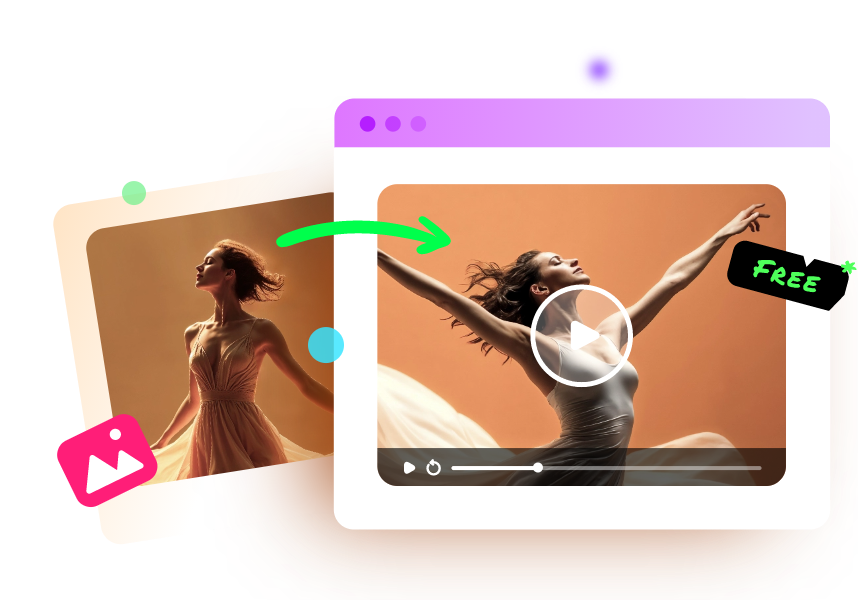
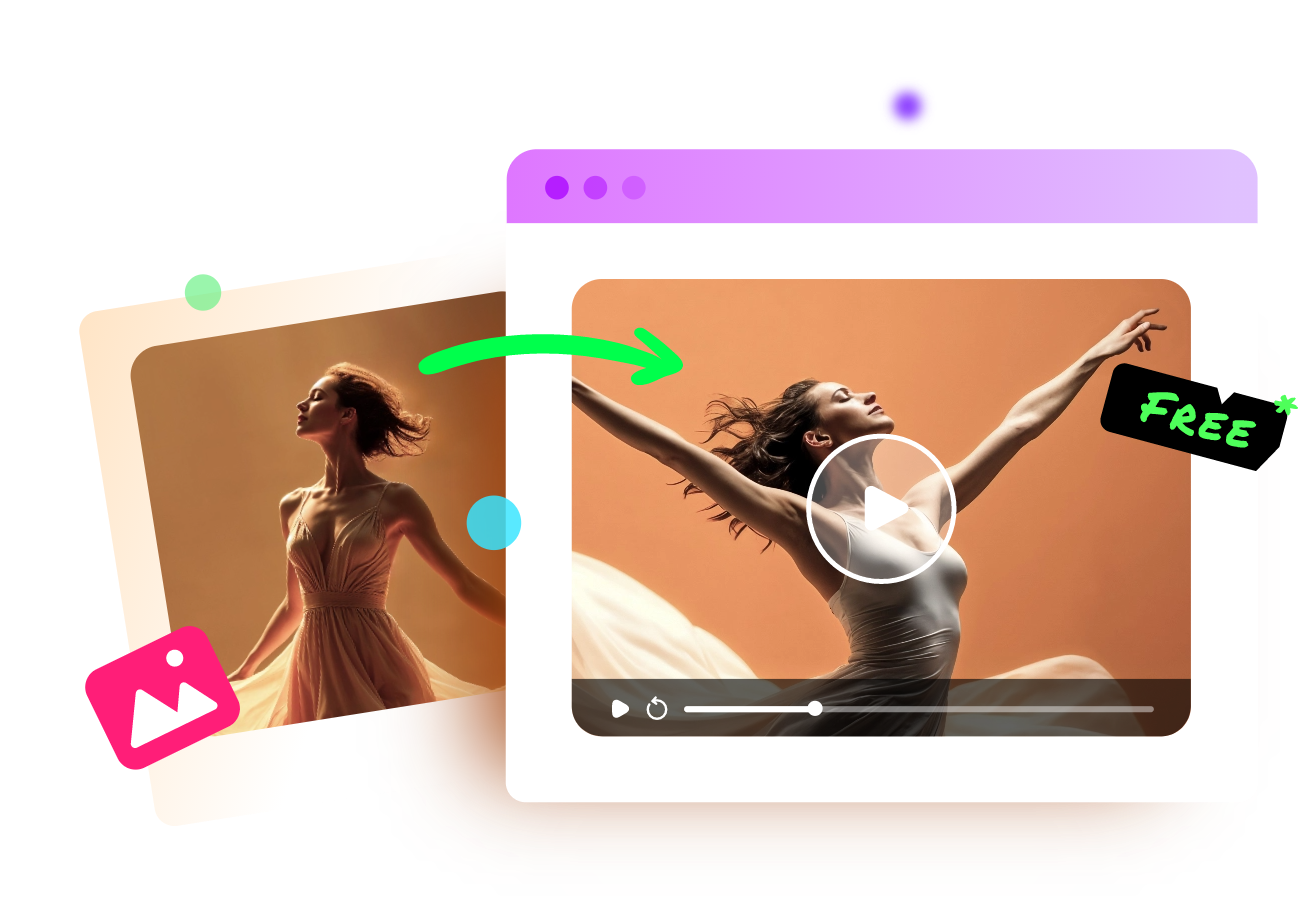
You can tell from its name, Vidnoz AI dance photo maker will let your portrait dance to hit beats! It will apply dance moves over your portraits, syncing body movements and the rhythm. It keeps launching viral dancing templates (like the APT and others), so you can always make captivating dancing videos in a click!
The process is extremely easy: upload a clear portrait, then pick an AI dance template and finally click to generate, Vidnoz will quickly make you a dynamic AI dancing live for free!
Vidnoz Photo Dance - AI Make a Photo Dance FREE
- Create a smooth AI dance video from a photo.
- Animate a photo with diverse dance moves.
- Generate and download the video for free in seconds.
Make a Photo Dance Now
Conclusion
Doing facial mimics and even giving voices, live portrait AI creates a compelling illusion of life in inanimate portraits. From living up selfies, bringing paintings to life, to reviving old photos, you can create engaging visuals and enhance connections with those still memories.
Not only make portraits blink or smile, you can also turn them into viral dancing or other videos with Vidnoz. So now, activate your portraits easily and share fun practice with friends!