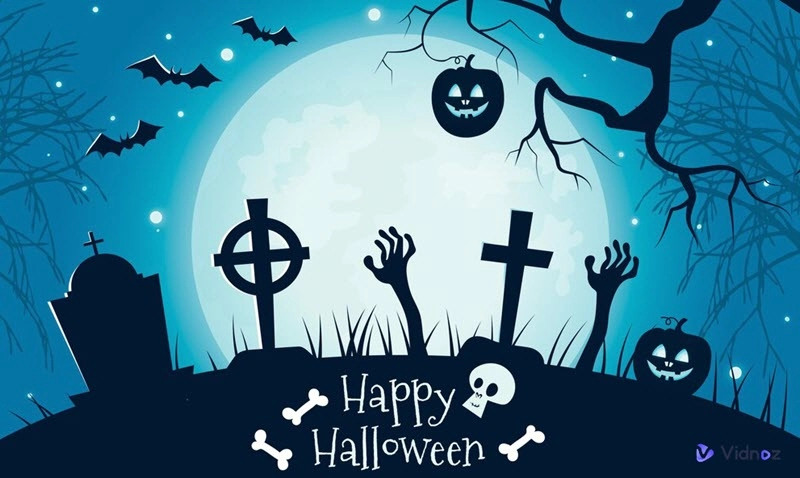
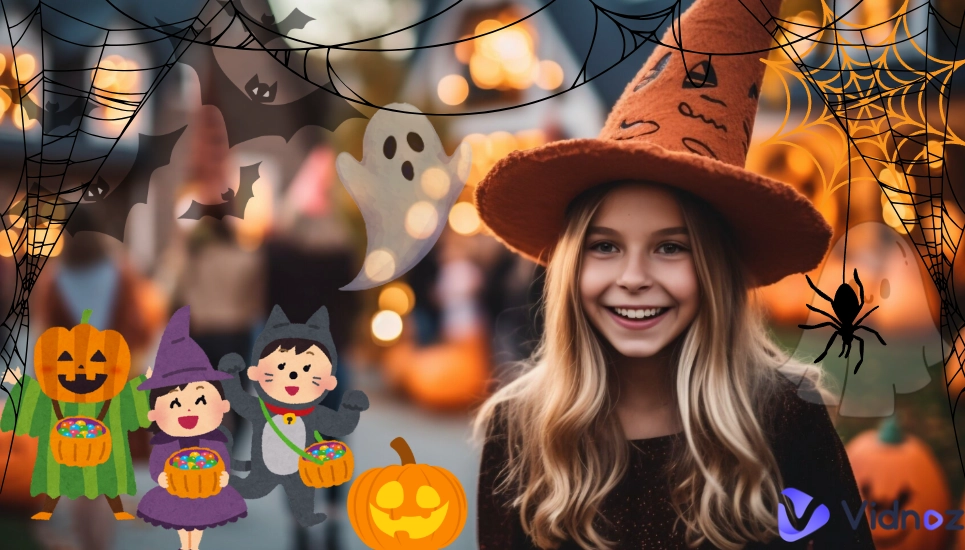
Halloween is the best occasion to make ordinary photos spooky and entertaining. Whether you want to add ghostly shadows, creepy masks or dark filters, a Halloween photo editor makes it easy. Instead of just snapping selfies, you can edit the images with AI makeup, Halloween-related icons (like pumpkins and batts), and scary backgrounds.
The right photo editing tool can change a simple photo into a creative Halloween one you’ll want to share with your friends. In this article, we will introduce the top 7 photo editors for Halloween that bring out the spooky vibe with simple clicks.
- On This Page
-
Hottest Halloween Photo Ideas
-
7 Best Halloween Photo Editors for Funny Halloween Images
1. Photofunia: Turn Ordinary Photo to Halloween Style Fast
2. YouCam Perfect: Multi-Functional Photo Editor to Add Halloween Elements to Your Photos
3. Halloween Photo Editor & Frame: AI Halloween Photo Filter App for Scary Photos
4. Fotor: Create Scary Halloween Photos with AI Art Effects
5. PhotoLab: Put Yourself into Pre-Designed Halloween Photo & Video Templates
6. LightX: Try Types of Templates to Design Halloween-Themed Photos
7. Picmonkey: Customize Halloween Photos Using Freaky Photo Themes
-
Creative Play: Create a Free AI Video to Celebrate Your Halloween!
Hottest Halloween Photo Ideas
Halloween is not a festival for users to try on strange costumes and share candy only, it is also a celebration of horror. Whether it is pumpkin carving or shooting cookies in the shape of ghosts, people are fond of making the season enjoyable and scary. That’s why a Halloween photo editor online free is required - it gives people the chance to create Halloween themed pictures without any professional skills. Here are some hottest Halloween photo editing ideas in recent years.
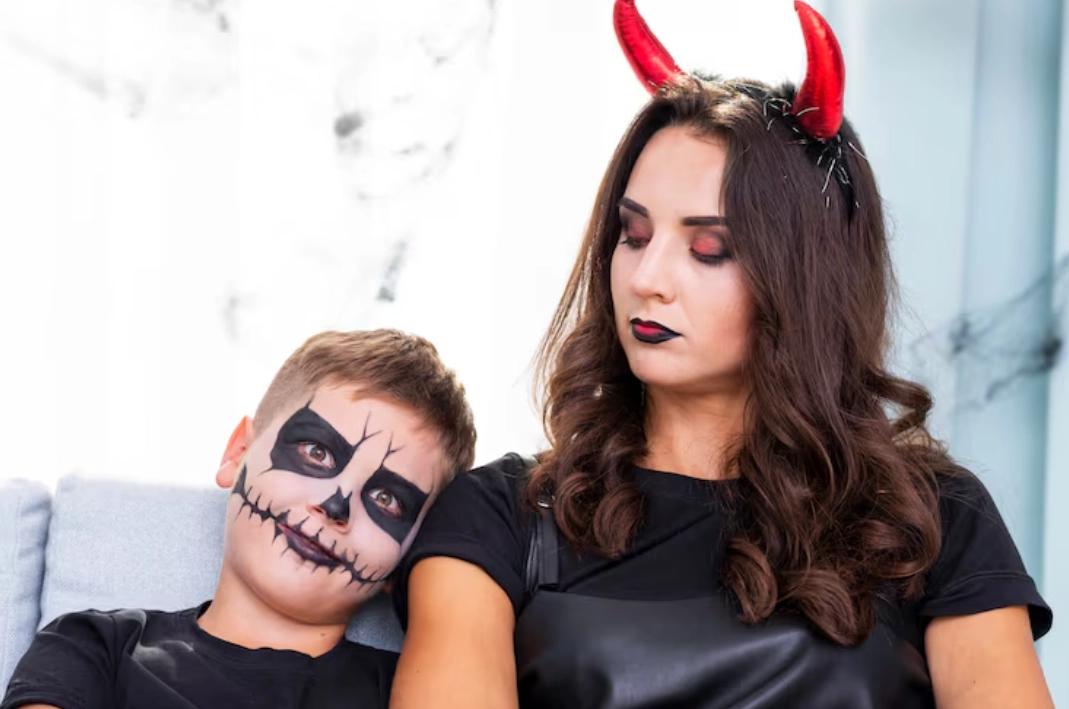
★ Halloween Makeup Photos: A halloween makeup photo editor lets you try wild face paint, scars, and vampire fangs without actually applying makeup on your face.
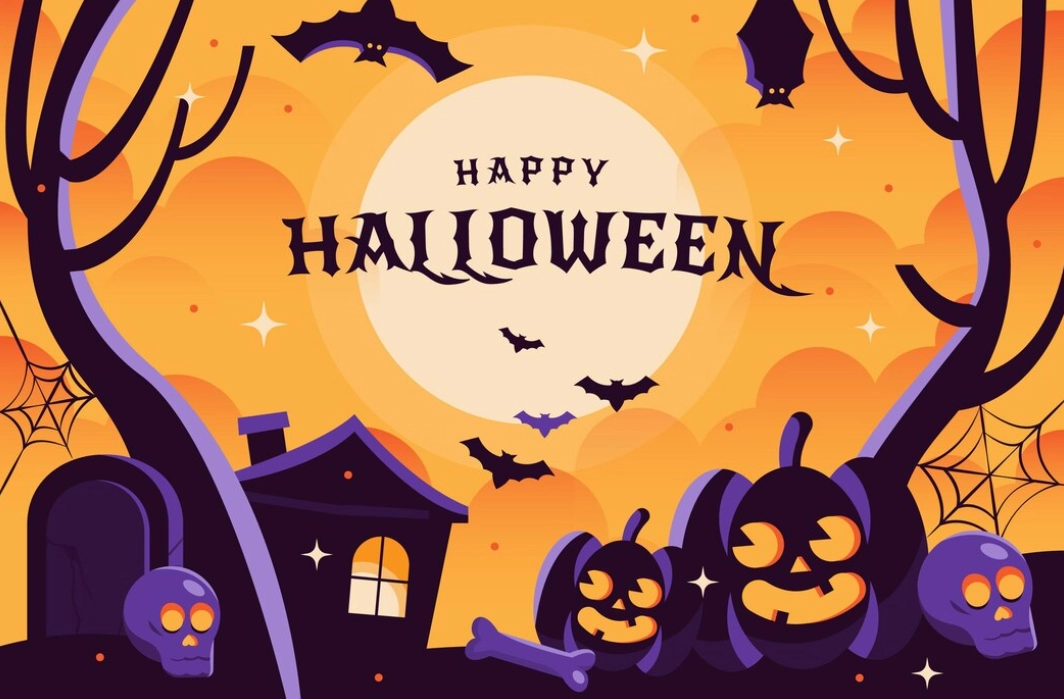
★ Halloween Cover Photos: A photo editor for Halloween can help design bold Facebook or TikTok covers filled with pumpkins, haunted houses, witches and other Halloween themed elements.
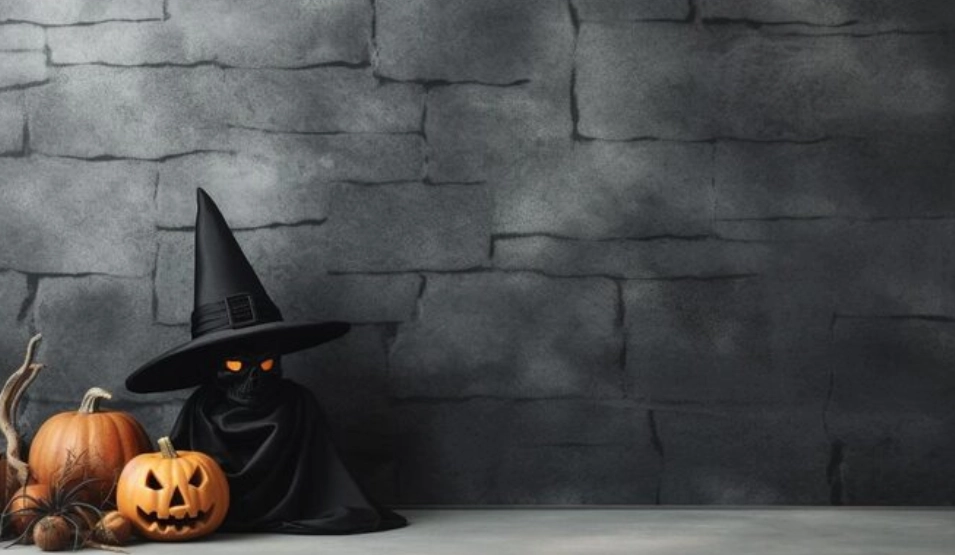
★ Halloween Photo Background: Such a photo editor can switch your normal background to graveyards, foggy forests and even glowing jack-o’-lanterns.
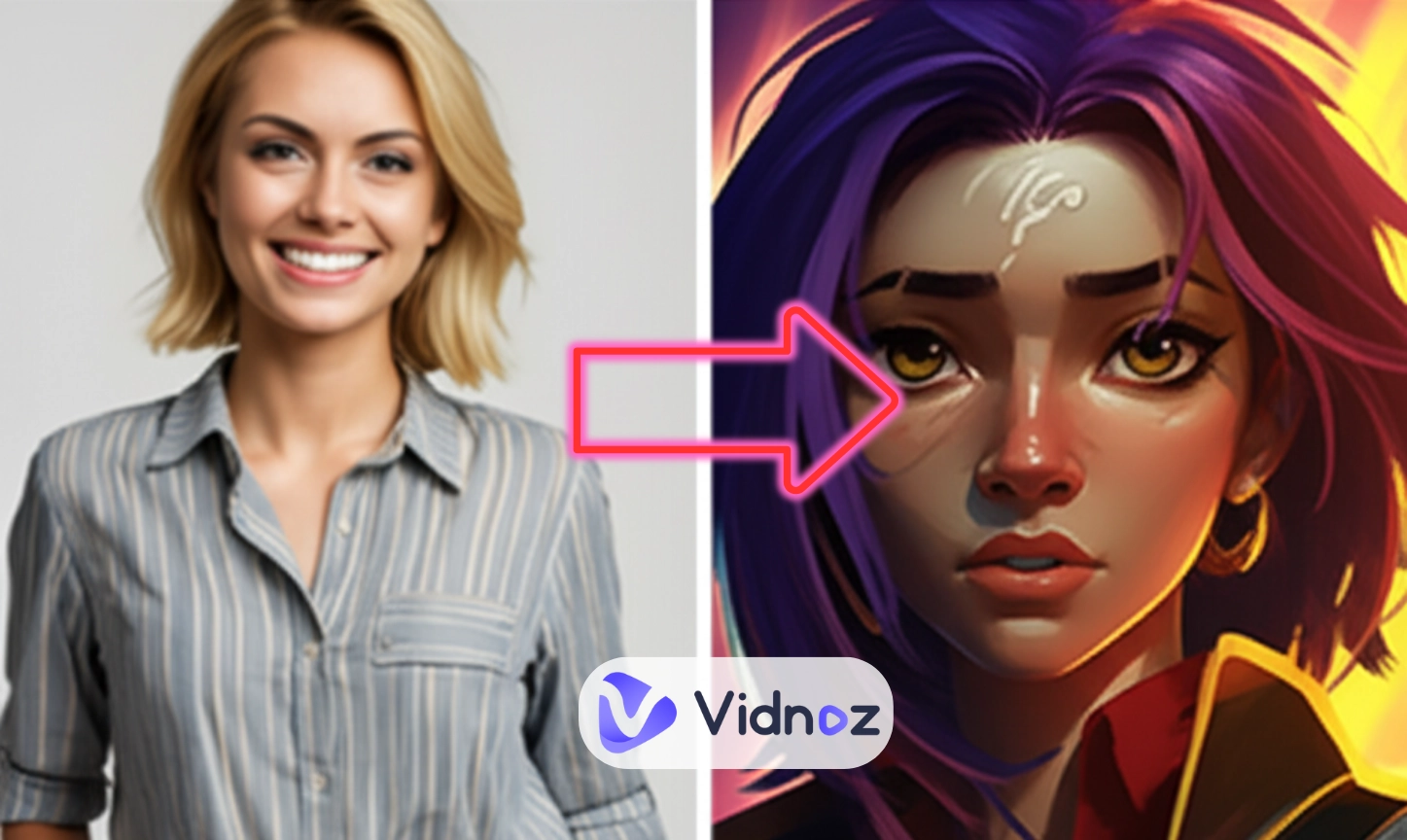
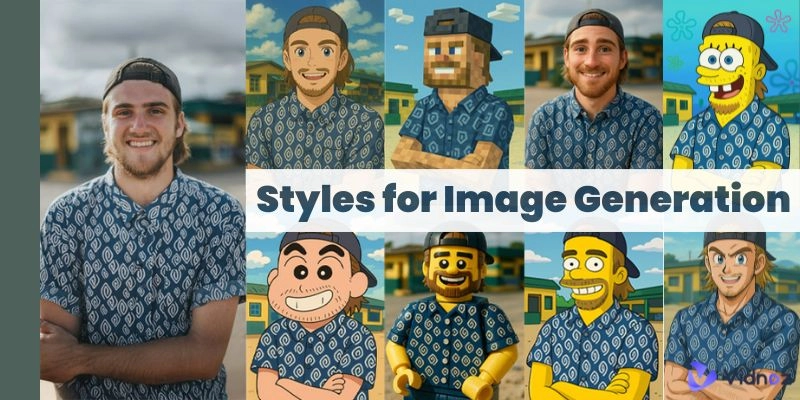
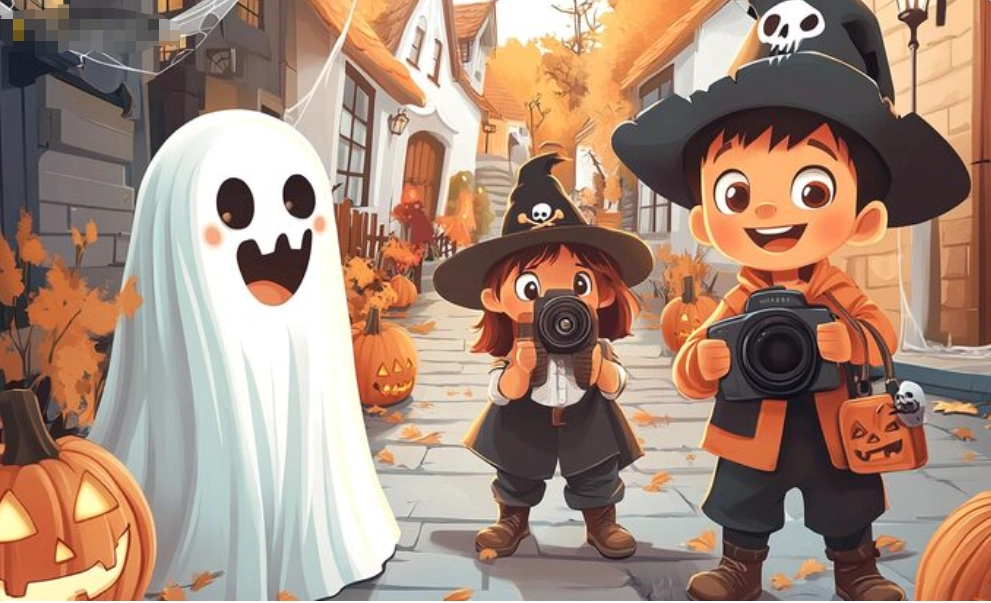
★ Halloween Cartoon Photos: Turn yourself into a playful cartoon ghoul or witch for a fun, shareable effect.
>> Turn your real-life Halloween photo into a cartoon for free!
7 Best Halloween Photo Editors for Funny Halloween Images
Well, now let’s explore the top 7 Halloween photo editor apps online that allow people to get scary but funny photos efficiently.
1. Photofunia: Turn Ordinary Photo to Halloween Style Fast
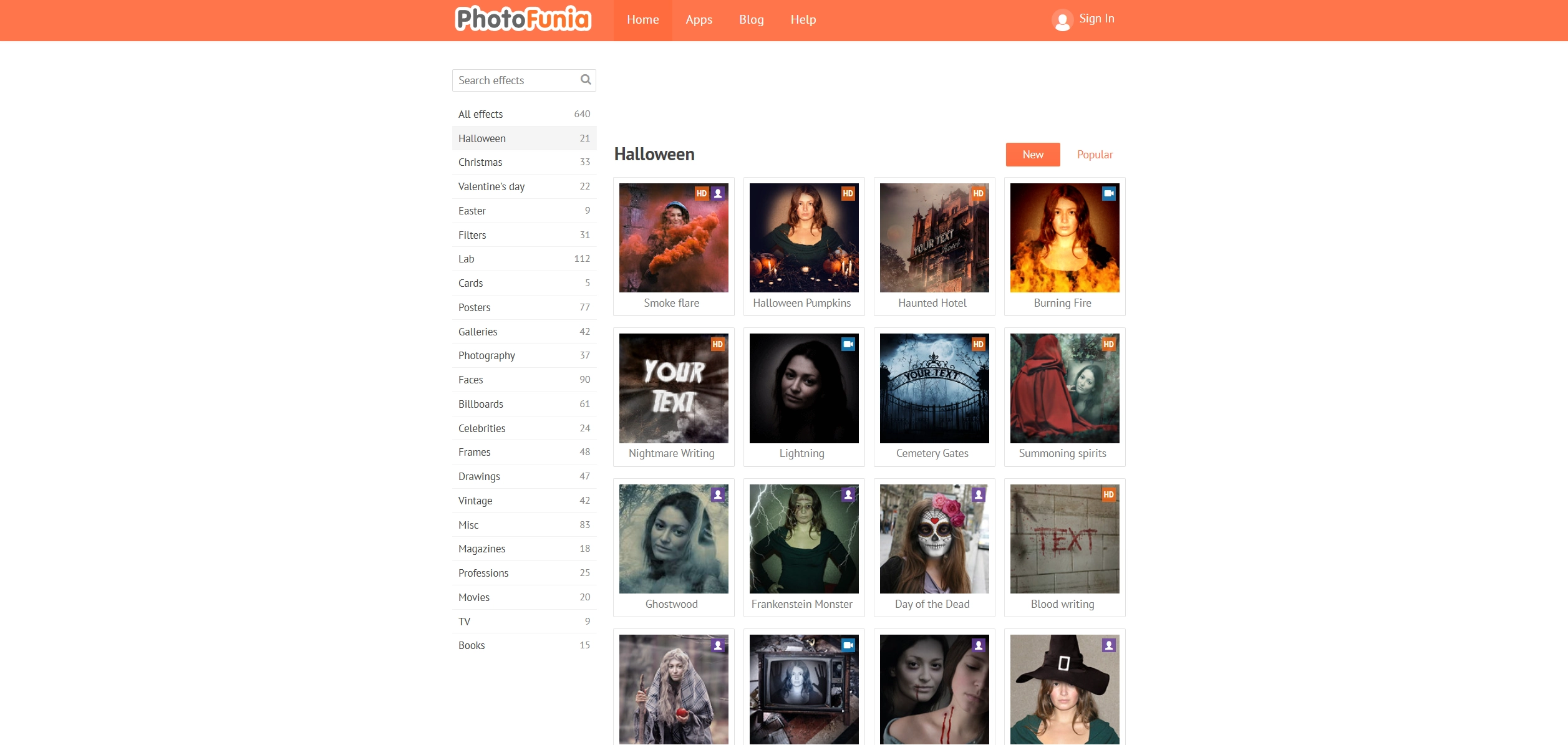
Photofunia is a Halloween photo editor online free that lets users transform their photo with creepy effects in just seconds. You don’t even need to create an account, just upload your photo and pick a Halloween theme, then you can get a Halloween style image in a snap. From haunted houses to ghost faces, the options are wide and fun. It not only provides Halloween image effects, but also shares effects about Christmas, Valentine’s day and even billboards.
Key Feature
- Quick photo editing with no sign-up required.
- Large variety of Halloween photo effects.
- Extra seasonal and creative photo styles available.
>> No satisfying voices? Click here to generate specific scary AI voices for Halloween free online
2. YouCam Perfect: Multi-Functional Photo Editor to Add Halloween Elements to Your Photos
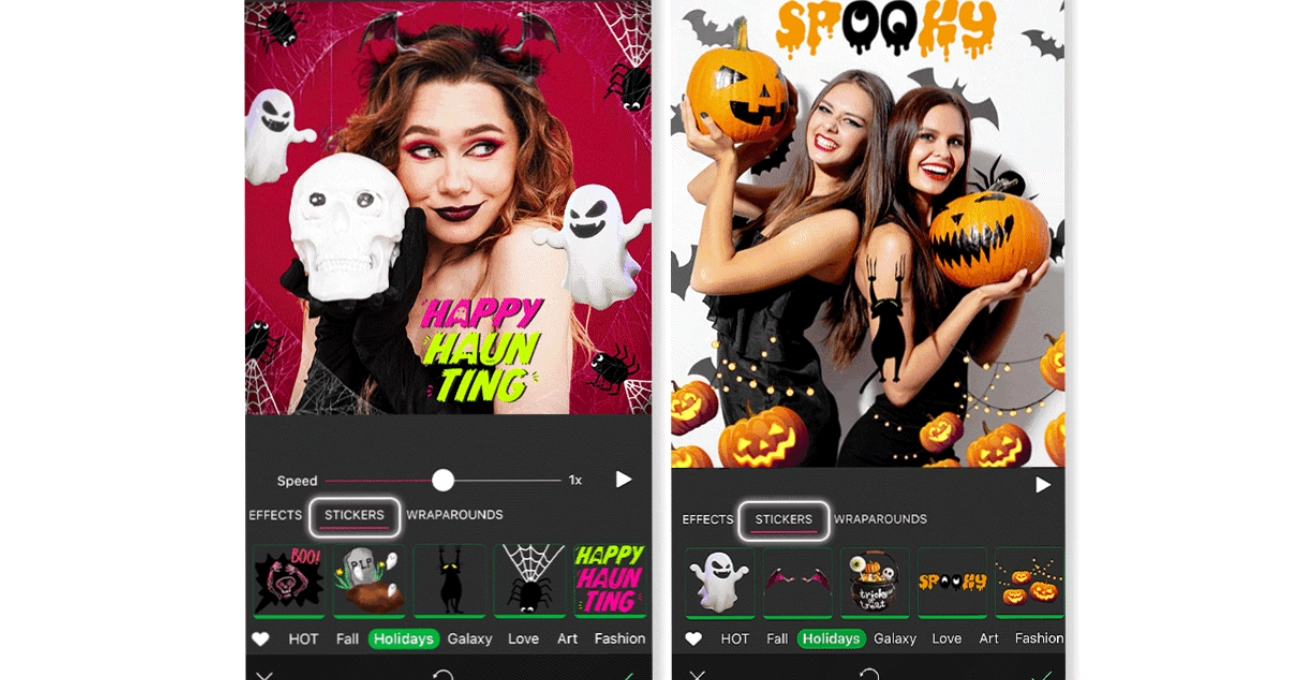
YouCam Perfect is a powerful Halloween photo editor app that gives you diverse methods to create spooky Halloween images. Instead of sticking to one style, you can play with animated filters, scary stickers, Halloween frames and background for a haunted theme. This AI photo editor also lets users create Halloween avatars that look fun and creepy at the same time. With so many options in one platform, it’s easy to design unique Halloween photos that fit your preference.
Key Feature
- Multiple animated Halloween filters and stickers.
- Scary themed backgrounds and photo frames.
- Create custom Halloween avatars.
3. Halloween Photo Editor & Frame: AI Halloween Photo Filter App for Scary Photos
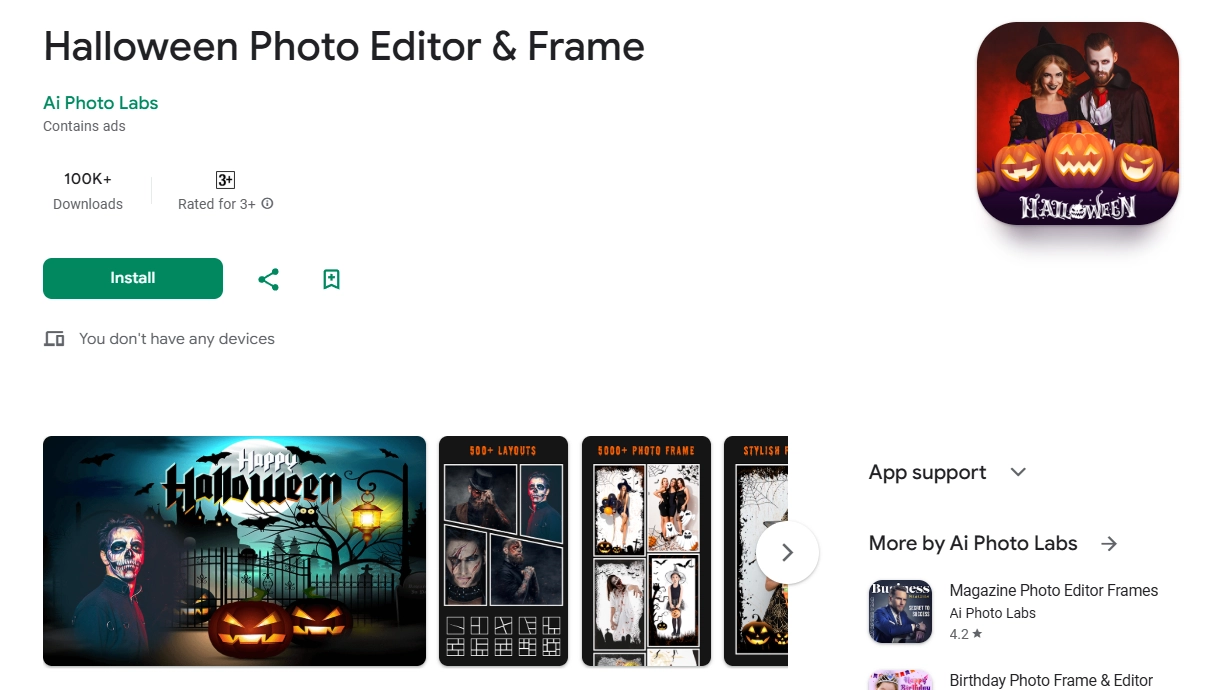
Halloween Photo Editor & Frame, a halloween makeup photo editor that makes it easy to turn your selfies into scary art. It offers a wide range of AI Halloween filters and themed photo frames to give your pictures a spooky touch. Stickers, creepy masks and horror-style image effects are also available to play with, so that you can stick to your Halloween costume ideas. It’s a quick way to design creative Halloween photos straight from your phone.
Key Feature
- AI-powered Halloween photo filters and frames.
- Custom stickers, masks and scary effects are provided.
- Basic image editing tools can be used for precise adjustments.
4. Fotor: Create Scary Halloween Photos with AI Art Effects
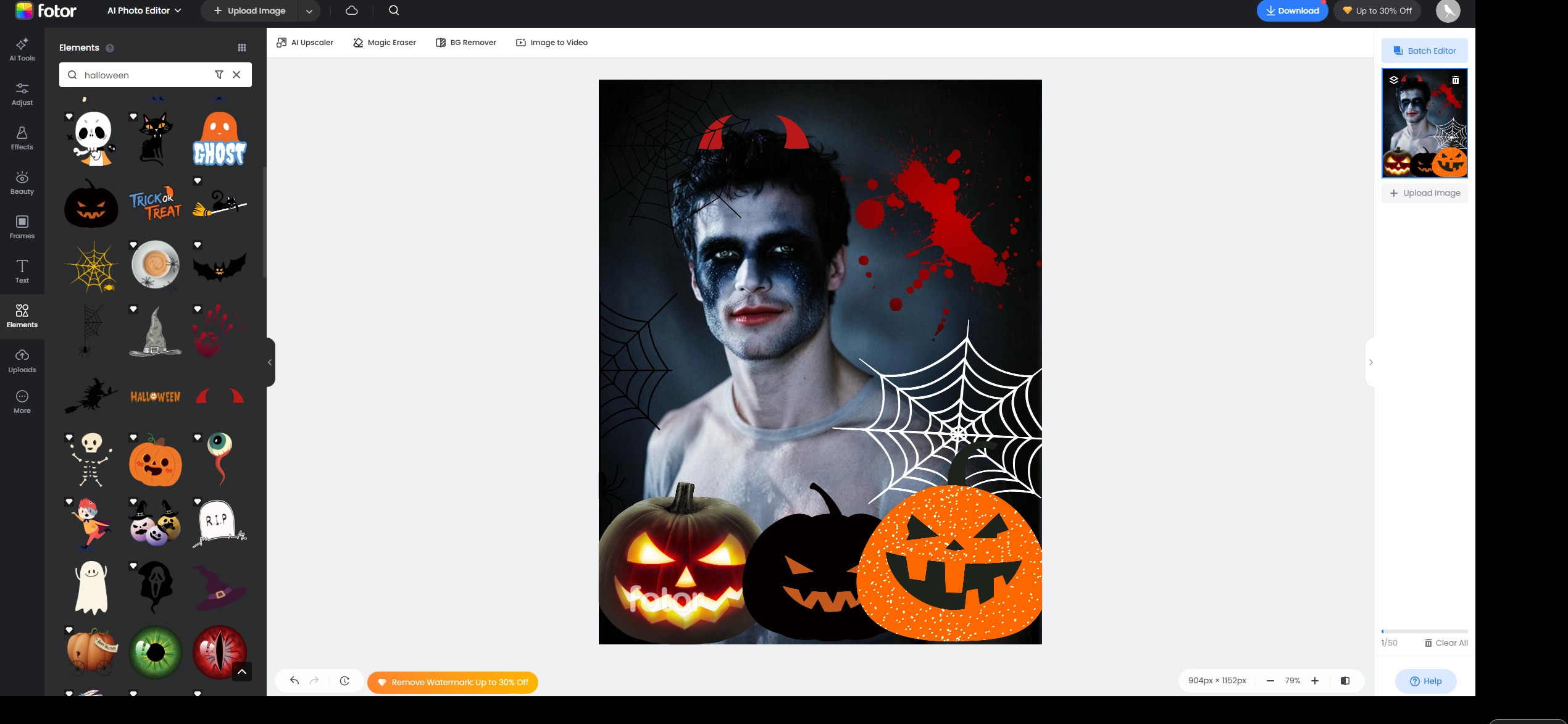
Fotor is a photo editor platform that allows users to make their own Halloween images fastly. There are 4 different Halloween makeup photo editors on the platform, with which you can instantly turn your photo to one with Halloween style. Besides, you can decorate your photo with Halloween stickers like bats, pumpkins and skulls for a personalized Halloween-style image. It’s perfect for people who tend to have fun with the celebration online for free.
Key Feature
- 4 AI-powered Halloween makeup editors can be used.
- Huge library of Halloween stickers and decorations.
- Easy-to-follow image editing functions.
5. PhotoLab: Put Yourself into Pre-Designed Halloween Photo & Video Templates

PhotoLab makes Halloween photo editing much easier with its ready-to-use AI image templates. Instead of starting from scratch, you just pick a Halloween photo or editable video template and upload your own picture, then you can get your ideal Halloween style photos within seconds. Ghosts, witches, creepy forests, and more are already designed for you, so the results look polished in a short time. Since no account or payment is required for photo editing, it is accessible for anyone.
Key Feature
- Wide collection of pre-made Halloween photo templates.
- Supports editing both photos and short videos.
- Free to use without sign-up with an account.
6. LightX: Try Types of Templates to Design Halloween-Themed Photos
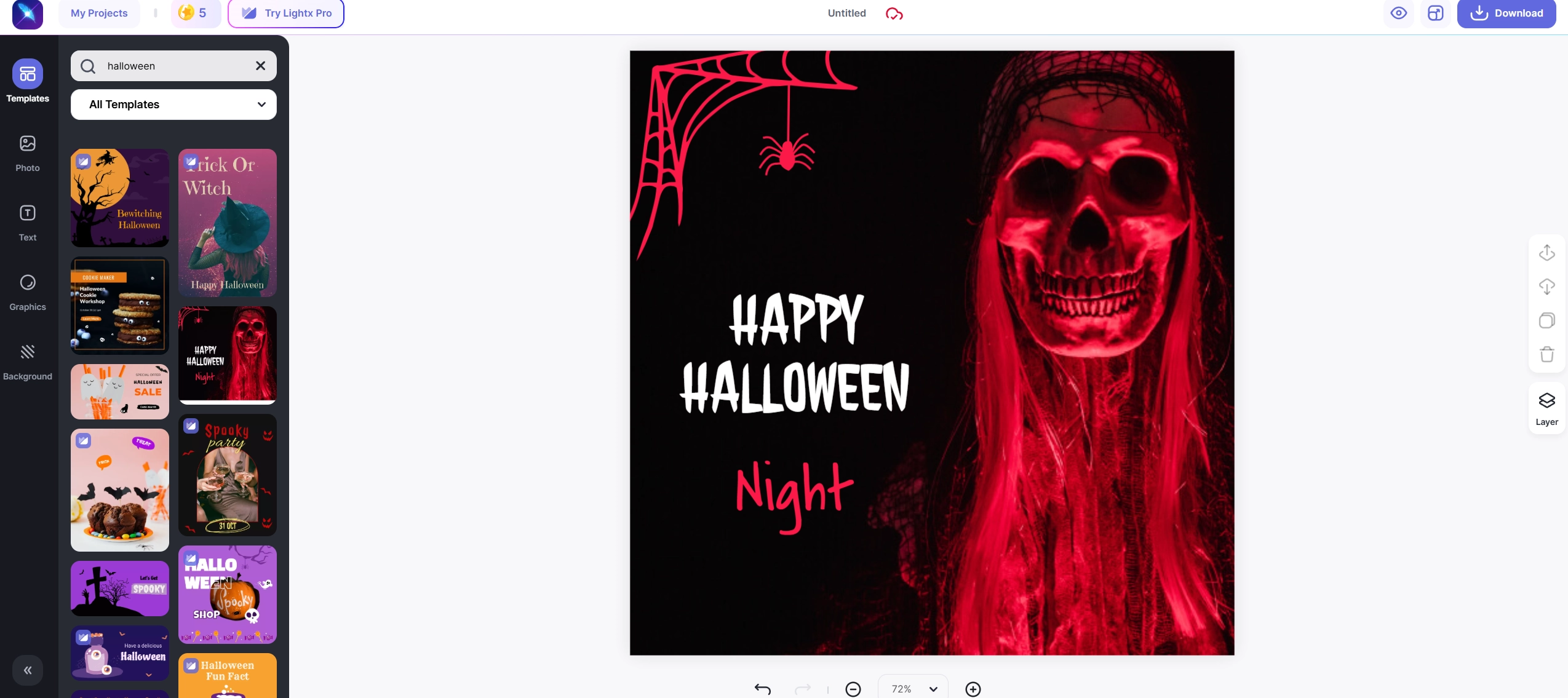
When talking about the best Halloween photo editors online, LightX can be on the list. By offering a wide range of AI-powered Halloween templates, it helps users design their own Halloween cover photos and themed posts with ease. Beyond image templates, users can explore the Graphics, Illustration, and Stickers sections to add bats, cobwebs, pumpkins, or any other Halloween icons they like. With detailed image settings, you can crop, layer and adjust your Halloween to the best one.
Key Feature
- Large library of Halloween image templates.
- Customizable with stickers, graphics and illustrations.
- Advanced editing functions for photo personalization.
7. Picmonkey: Customize Halloween Photos Using Freaky Photo Themes
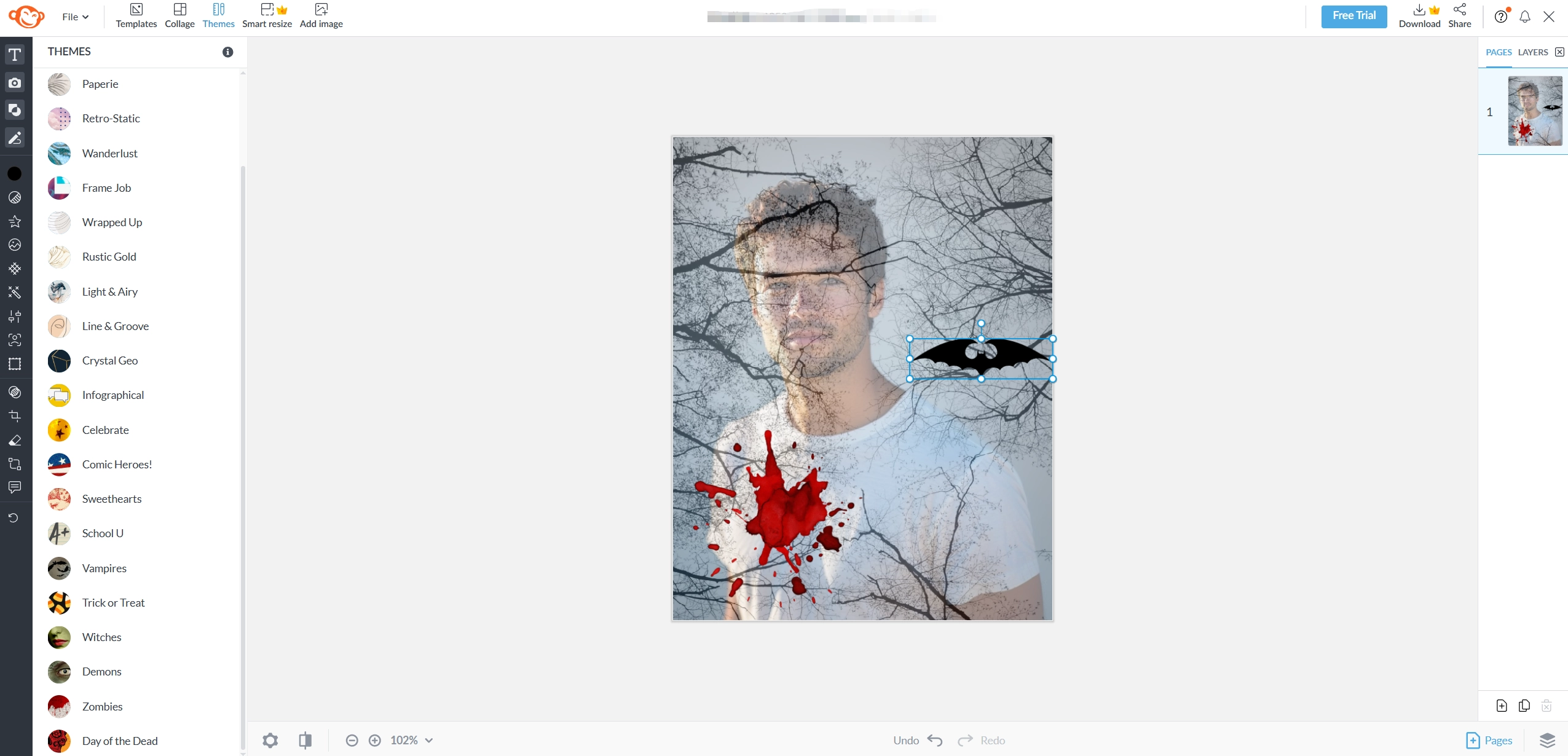
Picmonkey is another Halloween AI photo editor that comes loaded with creepy themes like Zombie, Vampire, Witch and Day of the Dead. All themes add a distinguished aspect to your photo, you are able to take it to a new level by editing and configuring the details. You can also add text in a drippy and blood-soaked font to make your edits even scarier. Besides you can use the Halloween card templates for quick party invites and greetings.
Key Feature
- Multiple Halloween themes (Zombie, Vampire, Witch, Day of the Dead).
- Scary text styles and spooky fonts.
- Ready-to-use Halloween card templates.
Creative Play: Create a Free AI Video to Celebrate Your Halloween!

Instead of stopping at static images, you can make a full Halloween-themed video online for free. That’s where the Vidnoz AI video generator steps in, which can give you everything you require for creative projects. With over 1500 AI avatars, 1830 realistic AI voices and 2800+ templates, you can design engaging Halloween AI videos that look professional without effort. The AI music generator even creates haunting background tracks in one click, and you can play around with funny Halloween avatars for an extra scare.
Key Feature
- 1500+ AI avatars, 1830 AI voices and 2800+ templates are provided.
- Built-in AI music generator for Halloween-themed sound.
- Free to generate high-quality AI videos in a short time.
Steps to Make an AI Video to Celebrate Halloween:
Step 1. Visit Vidnoz AI video generator, pick a Halloween themed video template or an AI avatar.
Step 2. Edit the video in detail, such as adding spooky text, effects, and scary background music.
Step 3. Preview and generate your AI Halloween video instantly, then you can share it online without royalty issues.

Conclusion
Which is the best Halloween photo editor online? Now you have known the top 7 options to design your own Halloween photos with simple clicks. Enabled by advanced AI technologies, these online photo editors can easily turn your photos into Halloween style. Whether you prefer apps like YouCam Perfect or online editors like Fotor, there’s an option for you. You can also take things further with Vidnoz and generate AI videos of Halloween themes to surprise your friends.
Vidnoz AI - Create Free Engaging AI Video with Talking Avatar
- Easily create professional AI videos with realistic avatars.
- Text-to-speech lip sync voices of different languages.
- 2800+ video templates for multiple scenarios.