Music extender offers us endless creative possibilities; it can lengthen songs and add more interesting music elements. But extending our favorite songs by ourselves is both time and effort-consuming. Well, thanks to technology, AI music extender is available now! Extending melody, enriching a song, AI music entender is a great prop for everyone to explore more new possibilities in one track.
How AI music extension tools could boost our musical experiences? Let's dive in!
- On This Page
-
What is an AI Music Extender?
-
Benefits of Using AI Music Extenders
2. Cost-Effective Solutions
3. Tailored for Diverse Needs
-
4 Best AI Music Extenders for Making Adaptive Songs by Yourself
1. ExtendMusic. AI - Lengthen Music to Explore More Melodies
2. Media.io - Add Remix Effects for Rhythmic Song Making
3. Fadr - Mashup Music and Convert it into DJ Version
4. LALAL.AI - Insert Instrumentals to Enhance Music Extension
-
More AI Tools to Boost Your Music Creation [FREE]
1. Vidnoz AI Music Generator - Create Royalty-free AI Songs Easily
2. Vidnoz AI Music Video Generator - Engaging MV Creator
3. Vidnoz AI Vocal Remover - Separate Vocal and Instrumentals for Better Extension
4. FreshBots AI - Generate Lyrics to Make Music Emotional
-
FAQs about AI Music Extender
Q: Will I Get a Copyright Claim for Using a Song Extender AI?
Q: Will AI Music Extenders Replace Human Artists?
Q: Will AI Music Extenders Make Strange Songs?
Q: Is AI Music Extender Complicated to Use?
What is an AI Music Extender?
Literally speaking, an AI music extender will extend the duration of existing songs. But “extend” doesn’t just mean making something longer; it also means making something cover a wider or larger area. So you can also use AI music extenders to add more elements, such as remixes, mashups, instrumentals, and even lyrics to enrich the song.
In simple words, the goal of AI song extender is not just to elongate the sound; rather, it transforms the depth of the song by adding new elements such as remixes, instrumentals, mashups, and lyrics.
Benefits of Using AI Music Extenders
1. Get Inspired
You can push the limits of music and audio production by using AI music extender. Adding music effects like mashup a song, new tracks, and different instrumentals may help you get inspired and make a unique melody.
2. Cost-Effective Solutions
AI song extender helps you save money on expensive music licensing fees. By generating and extending a song, you don't have to pay much and could apply the generated music to everywhere. If you are a content creator or a small business owner, an AI will help you create more possibilities.
Also read: 6 Best AI Music Composer to Create Beautiful Songs in Different Styles >>
3. Tailored for Diverse Needs
By customizing background music according to your video length and moods, you can improve engagement and enhance interactions on your channels. You can also find an AI add music to video automatically for easier video making.
Even as a casual listener, AI music extenders offer you the opportunity to compose songs and create cool extensions.
- For Professional Musicians and Producers
For professional-level benefit, you can take the AI song extender tool to assist you in the early stages of creating music. You can make a music demo before composing the formal version. Taking inspiration from the AI music extender and investing your creativity as a skill, you can definitely come up with an amazing soundtrack.
- Anyone interested in AI Music
Everyone can craft their favorite song by using the AI music extender now. Just choose a proper tool that could fit your needs, and let AI do the rest. You can get a perfect result and use the generated music as you wish.
4 Best AI Music Extenders for Making Adaptive Songs by Yourself
1. ExtendMusic. AI - Lengthen Music to Explore More Melodies
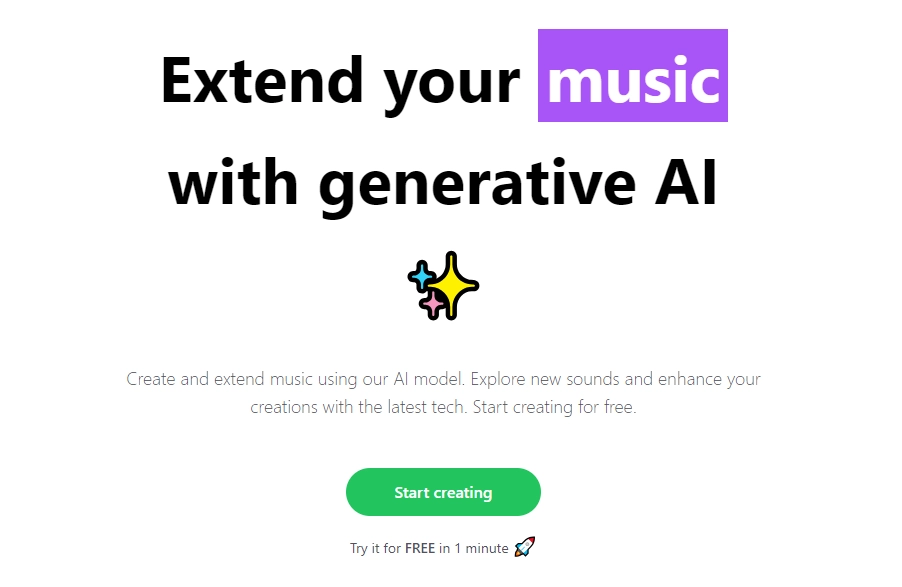
ExtendMusic.AI uses generative algorithms to create inspiring music by extending the time length of the uploaded music. You can upload .mp3 or wav files and can extend the range from 10 seconds to 1 minute with this AI song extender.
Pricing
- Free for 1 Minute
- Packages start from $12
Compatibility: All Devices
Steps to Use it:
Step 1. Upload a Song File
Firstly, you have to upload a song file that is at least 10 seconds long.
Step 2. Write Your Prompt
Write a brief description/prompt to guide the AI tool to extend music AI according to your requirements, like adding jazz, electronics, energetic, piano, etc.
Step 3. Set Time Duration Need to be Extend
Set the length of the extended version between 10 seconds to 1 minute.
Step 4. Adjust the AI Level
Choose the AI creativity level and the influence of your written prompt on the output file.
Step 5. Click to Generate
Pros
- Free Trial
- Prompt Converting
- Customizable Creativity Level
- Manmy Options for Selection
Cons
- Only 1 Minute for Free
- Write Prompt by Yourself
>> Want to Create Original Music by AI? Try Vidnoz Free AI Music Generator
2. Media.io - Add Remix Effects for Rhythmic Song Making
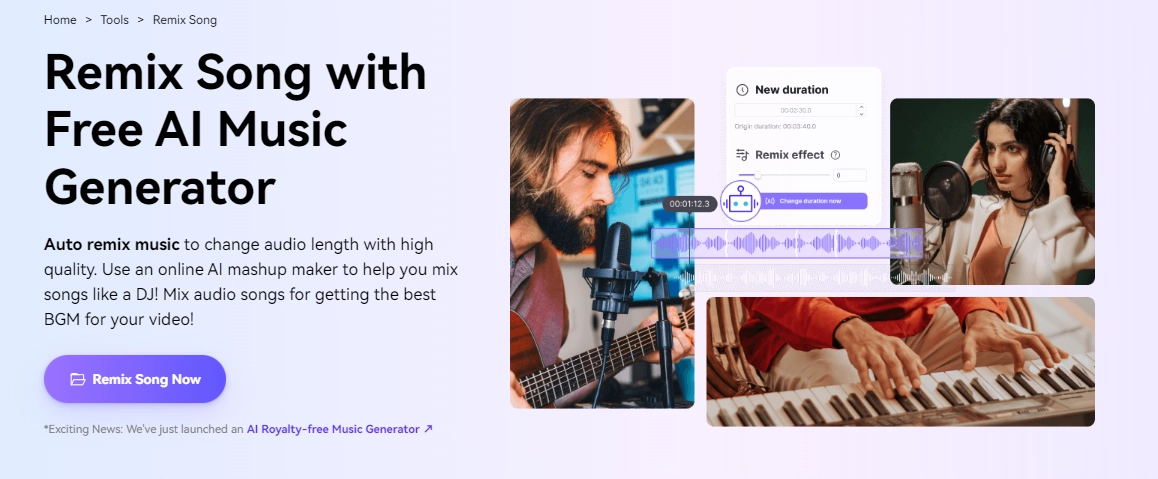
If you want to extend your favorite music by adding remix effects, then Media.io is the one for you. Obviously, this tool can be a nice AI music remixer. Through advanced AI technology, the tool identifies music elements, splits them, rearranges them smoothly, and applies remix effects to create remix DJs quickly.
Pricing: Free
Compatibility: PC & Mobile
Steps to Use it:
Step 1. Create an Account and Log-in
You have to create an account before you can use it. After logging in, click on ‘Choose File’ to upload your music.
Step 2. Upload a Music
Media.io also gives you the option to upload music directly from YouTube or the Cloud.
Step 3. Select Remix Effects
Select any remix effects from multiple options, and you can also adjust them however you like.
Step 4. Play and Export it.
Lastly, play the output and input files side by side, and you can see the differences between these two. Then select the "Export” option to generate and download your output file.
Pros
- Offer 100+ DJ Remix Sound Effects
- Support Major Audio Formats
- Adjustable Audio Length
Cons
- Copyright Risks
- Can't Change Music Genre
3. Fadr - Mashup Music and Convert it into DJ Version
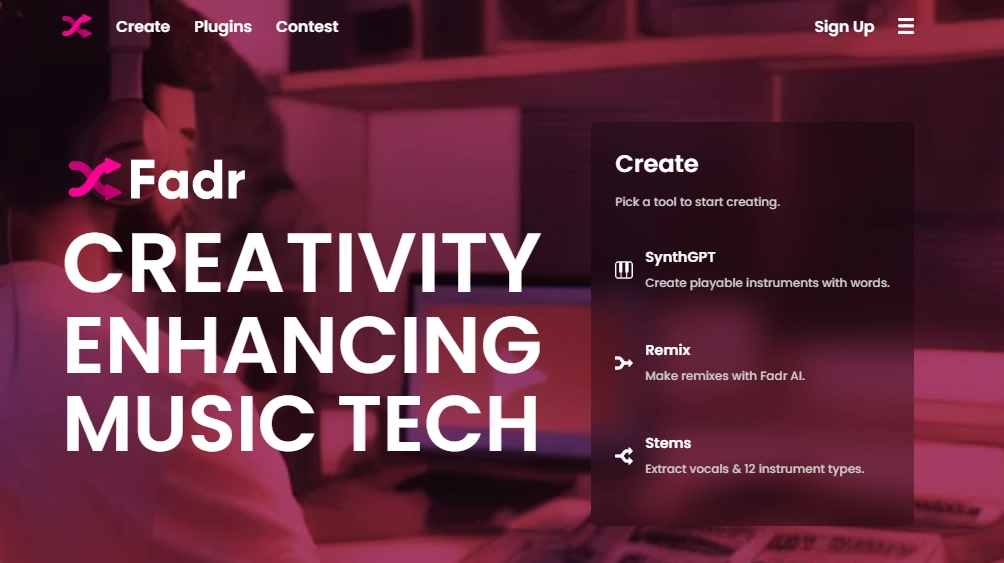
To level up the game of your input audio file with mashups, stemming, DJ beats, and more professional-level modifying options, check out Fadr. It's a versatile and AI music extender free MP3 tool that has licensed song libraries and genre-specific loops that give you the best extended output versions.
Pricing:
- Free for basic use
- $10/mo for Premium
Compatibility: All Devices
Steps to Use it:
Step 1. Add a Song
Upload a song to “My Songs” on the Stem page, or you can choose music from Fadr’s music library.
Step 2. AI Extend Music Details into the Song
Click the (+) option to add the entire song or the specific stems like vocals, bass, drums, etc from the packs.
Step 3. Refine the Song
Drag and arrange tracks from left to right to adjust remix effects. To loop sections, you can drag from the top right of a clip, and key and temp adjustment controls are present at the top right.
Step 4. Export the Generated Song
Experiment with different tracks until you are satisfied with the result, and then you can download it.
Also read: Use AI Mashup Maker to Create Attractive AI Song Mashup in 3 Steps >>
Pros
- Stem Feature to Extract Edit from a Song
- Remix to Create Mashups
- Separate the Song into bass, drums, and melodies
Cons
- Professional Skills Required
- Relies on External Services
4. LALAL.AI - Insert Instrumentals to Enhance Music Extension
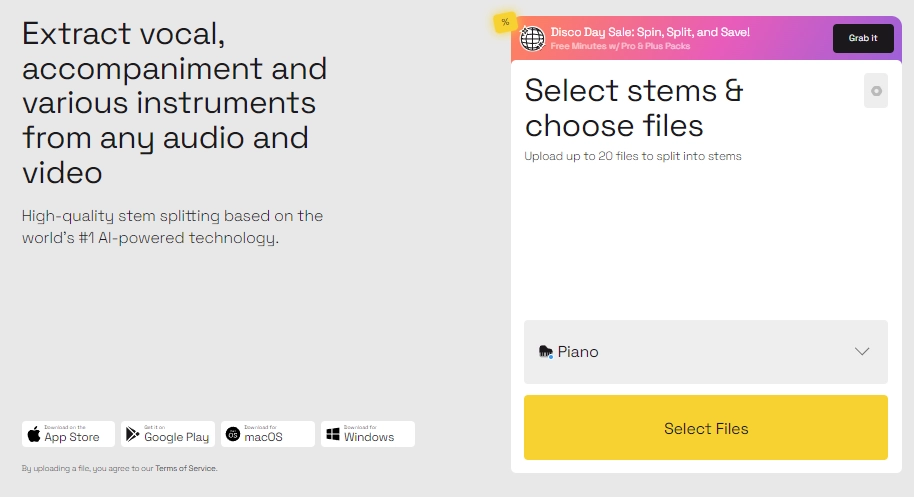
LALAL.AI is an instrumental inserter AI music extender that offers you a precise stem extraction by isolating vocals, and instruments like piano, electric, acoustic guitars, bass, and drums, and making a quality retention effortlessly.
Pricing: $18+/mo
Compatibility: All Devices
Steps to Use it:
Step 1. Create an Account and Log-in
Step 2. Upload a Music File
Step 3. Choose the Instrumentals
Then let the AI generate the output audio.
Pros
- Stem Splitter
- Support Various Audio Formats
Cons
- Pay to Download Audio Files
- Limited Free Version Access
More AI Tools to Boost Your Music Creation [FREE]
1. Vidnoz AI Music Generator - Create Royalty-free AI Songs Easily
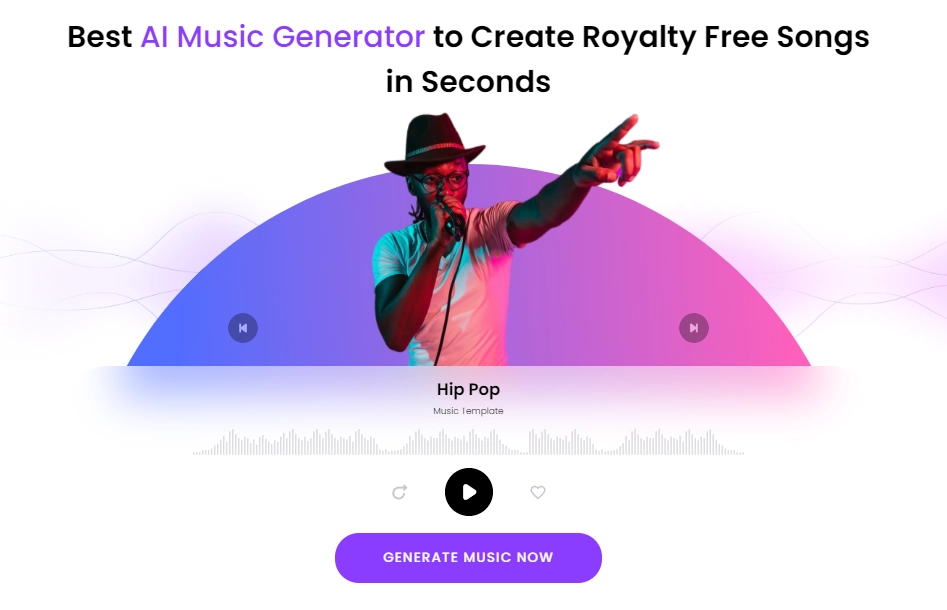
Vidnoz AI Music Generator is a free AI music creator. With its user-friendly working ability, you can generate unique melodies and tailored music just the way you want. Follow the guide on the page, and you can quickly learn how to compose a charming song and download the final version for free.
Key Feature
- Free to Generate, Preview, and Download
- Compose Music by Select Tags
- Friendly for Everyone
- Free for Commercial Using
- Convert Prompt to Sounds Available
- Works on All Devices
Steps to Generate AI Songs:
Step 1. Access to Vidnoz AI Music Generator
Step 2. Set Basic Settings
In the ‘Create Music’ section, select the genre, mood, or theme options you prefer.
Then choose your AI music duration from 15 seconds up to 2 minutes
Step 3. Click “Generate Music”
The tool will display the processing, so you can know in real-time.

And after the music is created, you can freely download an MP3 file.

2. Vidnoz AI Music Video Generator - Engaging MV Creator

After extending or directly generating music, you might as well try making hay while the sun shines: turning it into a visual feast. Vidnoz AI Music Video Generator can work smartly to meet your demands. The advanced content analyzer and video-generating algorithms help create engaging MVs.
Key Feature
- Music to Engaging Video
- Customize MV Singer Design
- Diverse Music Genres and Styles
- Free for Personal and Commercial Use
Steps to Create Consistent Music Videos:
Step 1. Access the Free Vidnoz AI Music Video Generator.
Step 2. Upload Your Music
Click the Upload Music button to add your music file. Or, you might as well try using the sample music first.
Step 3. Customize Your Music Video
Next, pick a singer from the provided avatars or upload your own version. Choose your preferred music style, video size, and click Generate Video.

When finished, you can readily check, share, and download the MV for free.
3. Vidnoz AI Vocal Remover - Separate Vocal and Instrumentals for Better Extension
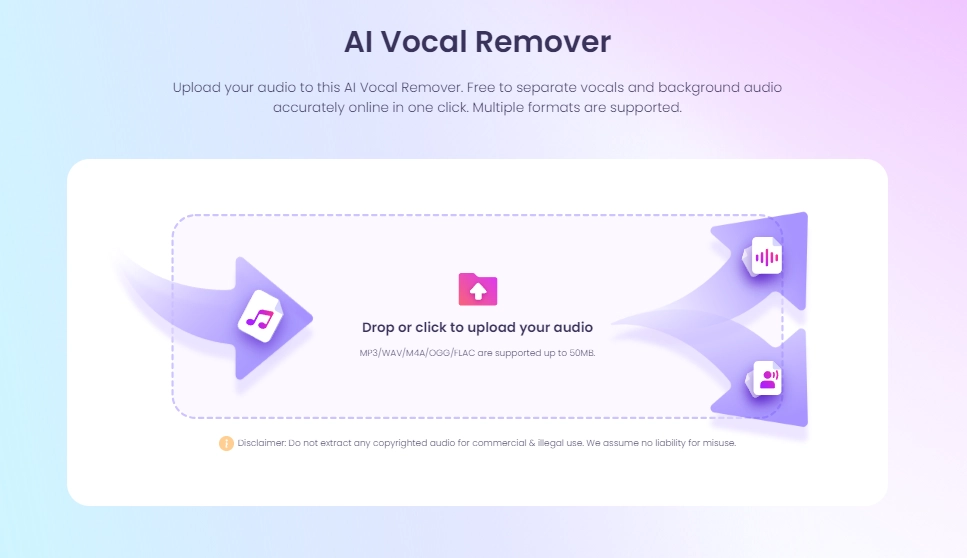
Before deeper music extension, processing a song by separating vocals from the background music is a necessary step. You can easily do that with Vidnoz Vocal Remover. You can drop the audio file, then the AI will split vocals and instrumentals quickly. After that, you can download the high-quality results for free.
Key Feature
- Free to Split, Preview, and Download
- Support MP3/WAV/M4A/OGG/FLAC Formats Audios
- Easy to Use, Fast Processing
- Works on All Devices
Steps to Separate Vocal and Music:
Step 1. Access to Vidnoz AI Vocal Remover
Step 2. Drop the Audio File
MP3/WAV/M4A/OGG/FLAC audio files are all available; just drop the file into the box and leave everything to AI.
Step 3. Download the Separated Files
Preview your output file and download the extracted vocal and music for free.
4. FreshBots AI - Generate Lyrics to Make Music Emotional
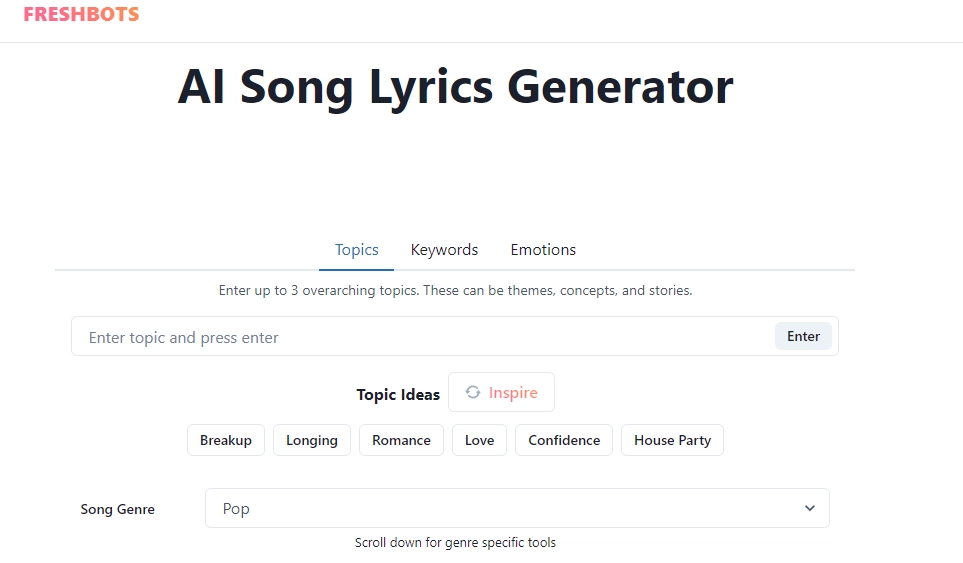
Now that you've extend music AI, how to make it to a song? Then an AI song lyrics generator like FreshBots.AI is worth trying. It can tailor and create hooks, verses, and choruses according to your preferences and style. You also don't have to make an account to access this cool lyrics generator.
Key Feature
- Lyrics Creating Based on Many Topics, Keywords, or Emotions.
- Free to Generate Lyrics
- Copy Results Directly
Steps to Generate Song Lyrics:
Step 1. Enter the Basic Background Story
Firstly, you have to enter up to 3 topics that will help in inspiring your song’s lyrics.
You can choose the song genre from the dropdown menu. To guide the lyrical content, you can enter core keywords or phrases.
For engaging lyrics generation, you can pick 3 emotions that can define the mood of the song lyrics.
Step 2. Select the Tags and Genres
Pop, rap, or others, select the genre to generate lyrics that match your preference.
Step 3. Click “Generate” and Download Lyrics
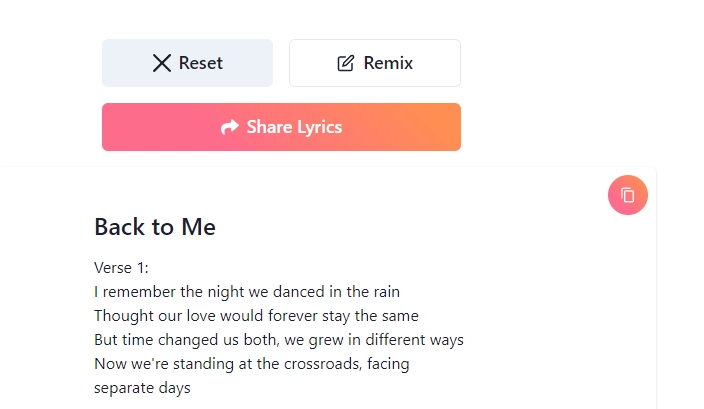
Lastly, click “Generate” to create lyrics according to your provided information. You can preview it and copy the lyrics for free.
FAQs about AI Music Extender
Q: Will I Get a Copyright Claim for Using a Song Extender AI?
If the generated music closely resembles the existing copyrighted work, then chances are there for it to lead to copyright claims. That's why it is important to have knowledge of the copyright laws and terms of usage of the AI tool you choose in order to avoid copyright claims.
Q: Will AI Music Extenders Replace Human Artists?
AI music extenders are made to assist, enhance, and amplify the creative process, and they are not meant to be used as a substitute for a human artist. They don't have the emotional depth nor the unique creativity that a human artist holds so it is not possible for AI song extenders to replace human Artists.
Q: Will AI Music Extenders Make Strange Songs?
If you mix a song with different styles, then AI music extender may generate unexpected results. The result can be innovative and unique and can often be strange.
Q: Is AI Music Extender Complicated to Use?
Many AI music extenders are user-friendly and are made to be used by both beginners and professional artists. Besides some music extenders that are designed for professional musicians, you don't have to learn any skill; just follow the guide and keep trying. Even if an AI tool is a bit complicated, you can find the tutorial, and you can create music easily.
Conclusion
No matter you're a professional artist, casual listener, or video blogger, using AI music extender is a great way for you to expand and enrich your favorite songs and tracks. From length extenders to engaging music generators like Vidnoz, AI opens vast ways for you to experiment with mashups, remixes, and instrumentals to make fine and unique art pieces effortlessly. So when it comes to AI music extender tools, don’t hesitate and explore these AI music extenders today!





![How to add AI Add Music to Video Using AI [Ultimate Guide]](https://www.vidnoz.com/bimg/ai-add-music-to-video.webp)
![[4 Steps] AI Image to Sound and Music Generators Free Tutorials](https://www.vidnoz.com/bimg/ai-image-to-sound.webp)
![[AI Mashup Maker] Use Mashup AI to Mashup Two Songs in 3 Steps](https://www.vidnoz.com/bimg/ai-mashup-maker.webp)