AI is changing how teams design brochures, catalogs, and handouts. An AI booklet generator helps you ideate content, auto-layout pages, and export polished PDFs without design headaches. In this guide, you'll find trending templates, the top five tools, and a bonus tip on turning booklets into narrated videos.
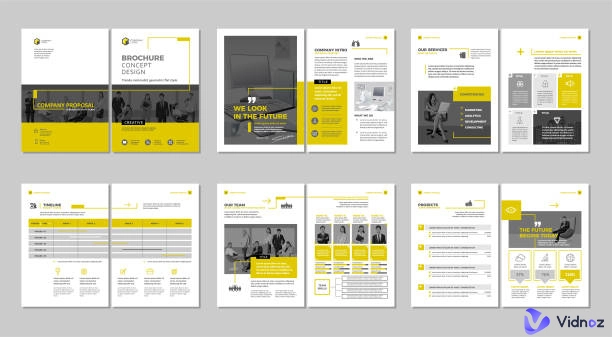
If you're searching for an AI booklet maker or an AI booklet generator free option, you'll get practical picks and tips. We'll also show how tools like Vidnoz AI and its AI Video Generator can level up your booklet content.
So, let’s get started.
- On This Page
-
Trending AI Booklet Templates
2. Employee Benefits Booklet
3. Course Syllabus Booklet
5. Product Catalog Booklet
-
Top 5 AI Booklet Generators Online Free
#1 Visme AI Booklet Generator
#2 Vidwud AI PowerPoint Generator
#3 Canva AI Booklet Generator
#4 Simplified AI Booklet Generator
#5 Designrr AI Booklet Generator
-
Bonus: Create Video Booklet with AI Narrator
Trending AI Booklet Templates
For speed and flair, an AI booklet generator with premade templates is a great way to go. Here are some front-fold cover ideas that you can change easily to suit any brand. Just plug in your content, colors, and images, and consider the use of an AI image generator to create brand visuals. Whether it be internal communications or product promotions, these booklets will help you ignite the spark.
1. Marketing Booklet
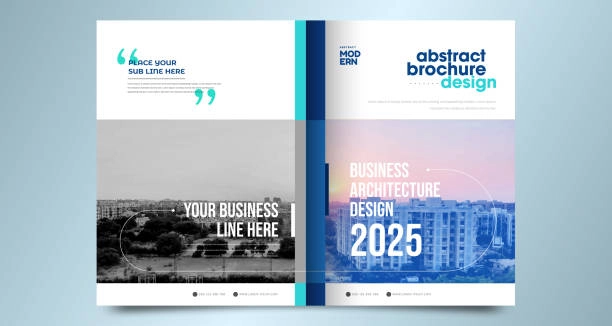
2. Employee Benefits Booklet
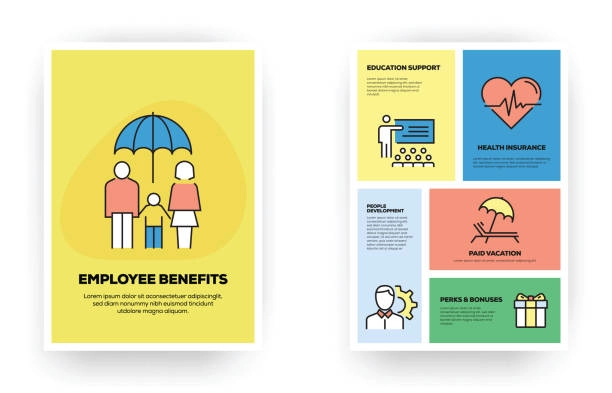
3. Course Syllabus Booklet
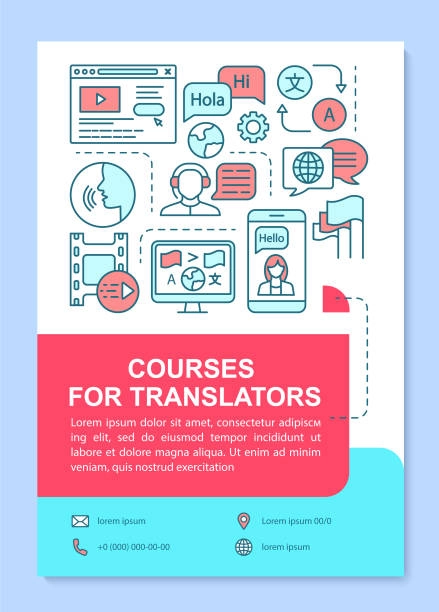
4. Event Program Booklet
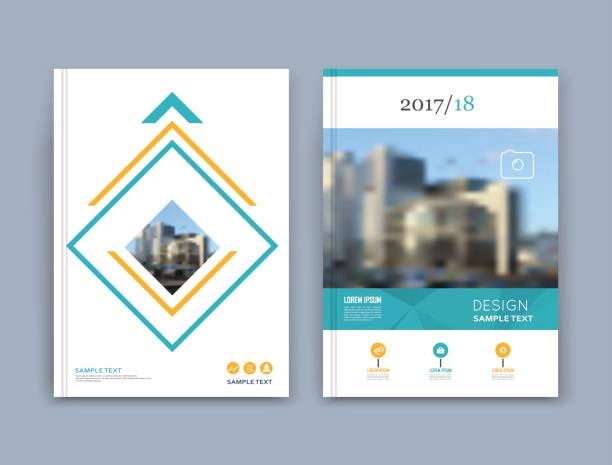
5. Product Catalog Booklet
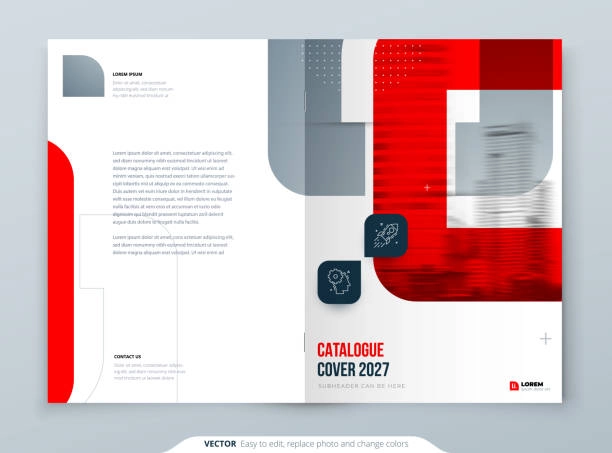

If you're looking for a cost effective option, try out an AI booklet maker free starter plan and upgrade as your team grows.
Top 5 AI Booklet Generators Online Free
Here are five quality options to use today.
#1 Visme AI Booklet Generator
Visme is a cloud based design suite that will allow you to create booklets and additional collateral. It combines templates, an AI Writer, brand kits, collaboration and print ready PDF offerings. It is used by marketers, educators and HR teams around the globe employ Visme.
Here’s how to use its AI lyrics feature to create chants and place them into a booklet:
Step 1. Create a new project:
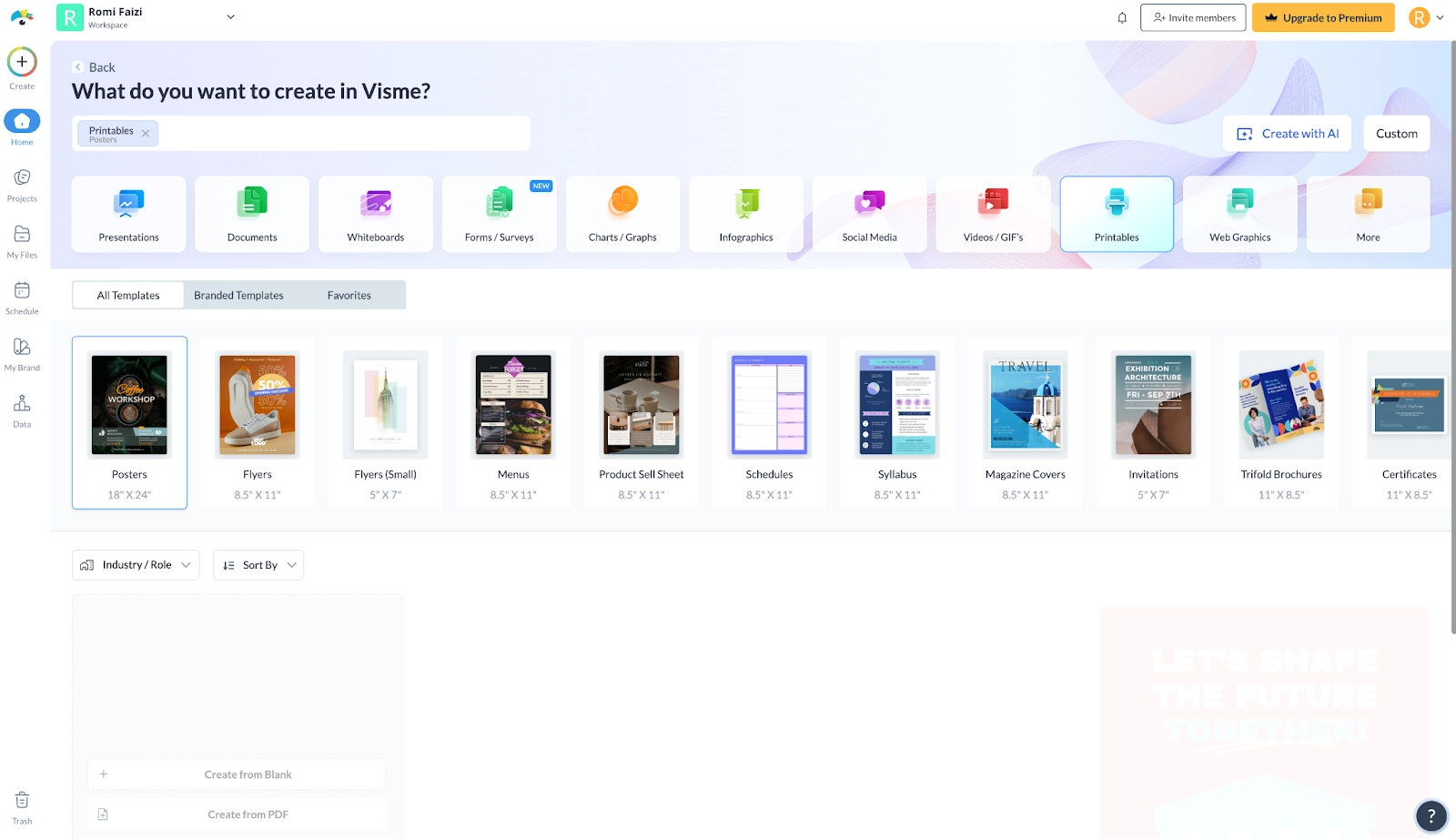
Log in to Visme, click Create New. Choose a print-friendly category such as Printables > Booklet, Brochure, or Document (US Letter/A4/A5).
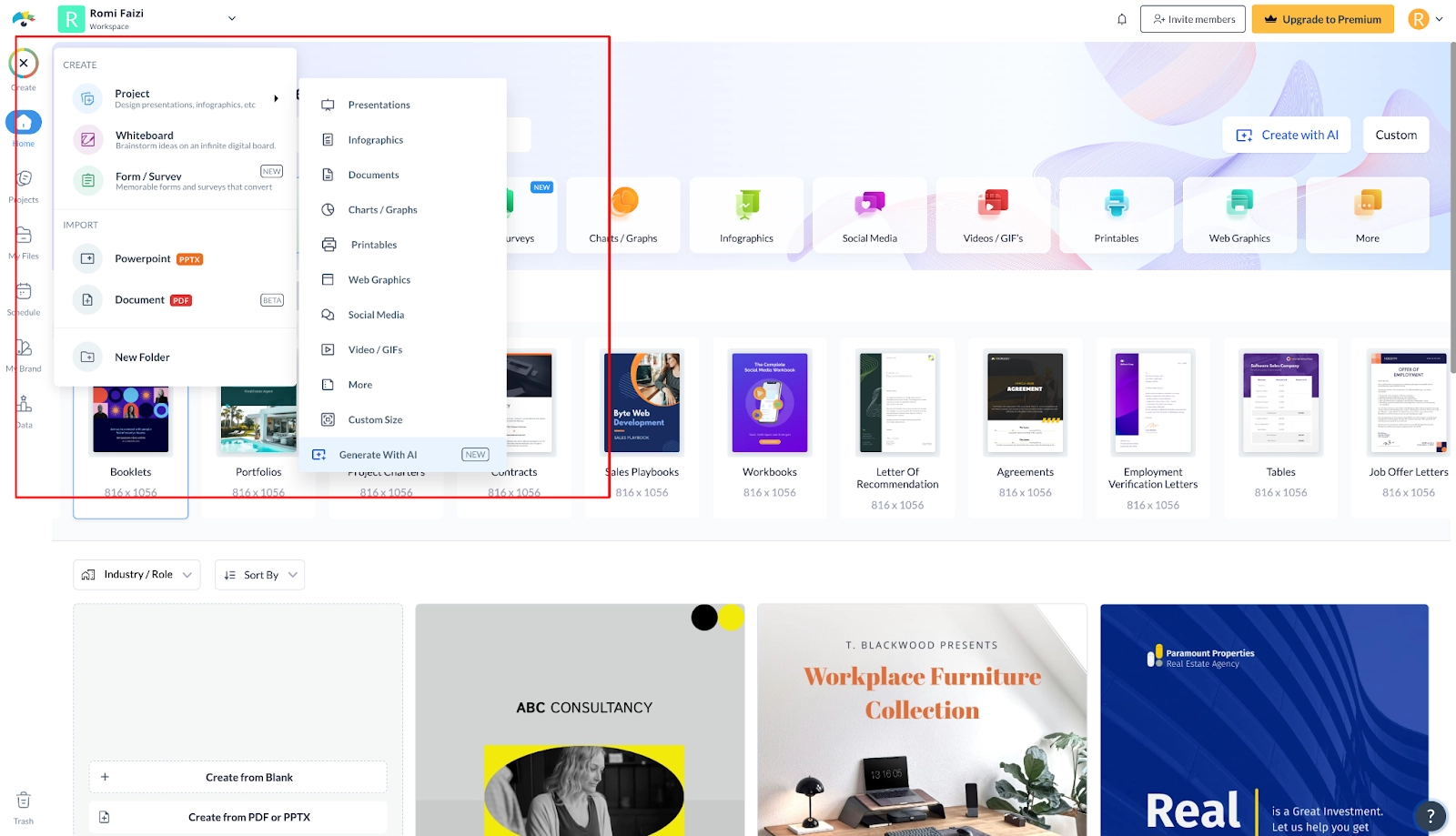
Step 2. Select a template or start blank:
Pick a multi-page template that matches your use case (marketing, HR, education), or start from a blank canvas.
Step 3. Apply your Brand Kit:
In the editor, apply brand colors, fonts, and logo from your Brand Kit so any generated text inherits the right styling.
Pros
- Large, modern template library and brand kit support
- AI Writer can create chants, taglines, and section copy
- Easy PDF export and web share; supports collaboration
Cons
- Requires sign-up
- AI credits and premium assets are limited on free plans
- Some advanced exports or analytics require paid plans
#2 Vidwud AI PowerPoint Generator
Vidwud is an AI PowerPoint generator converting prompts into structured presentations. Adapt slides into portrait pages, apply themes, collaborate, and export PDFs, ideal for fast booklet creation without complex print tooling.
Here’s how to use it to make beautiful booklets:
Step 1. Generate your base slides
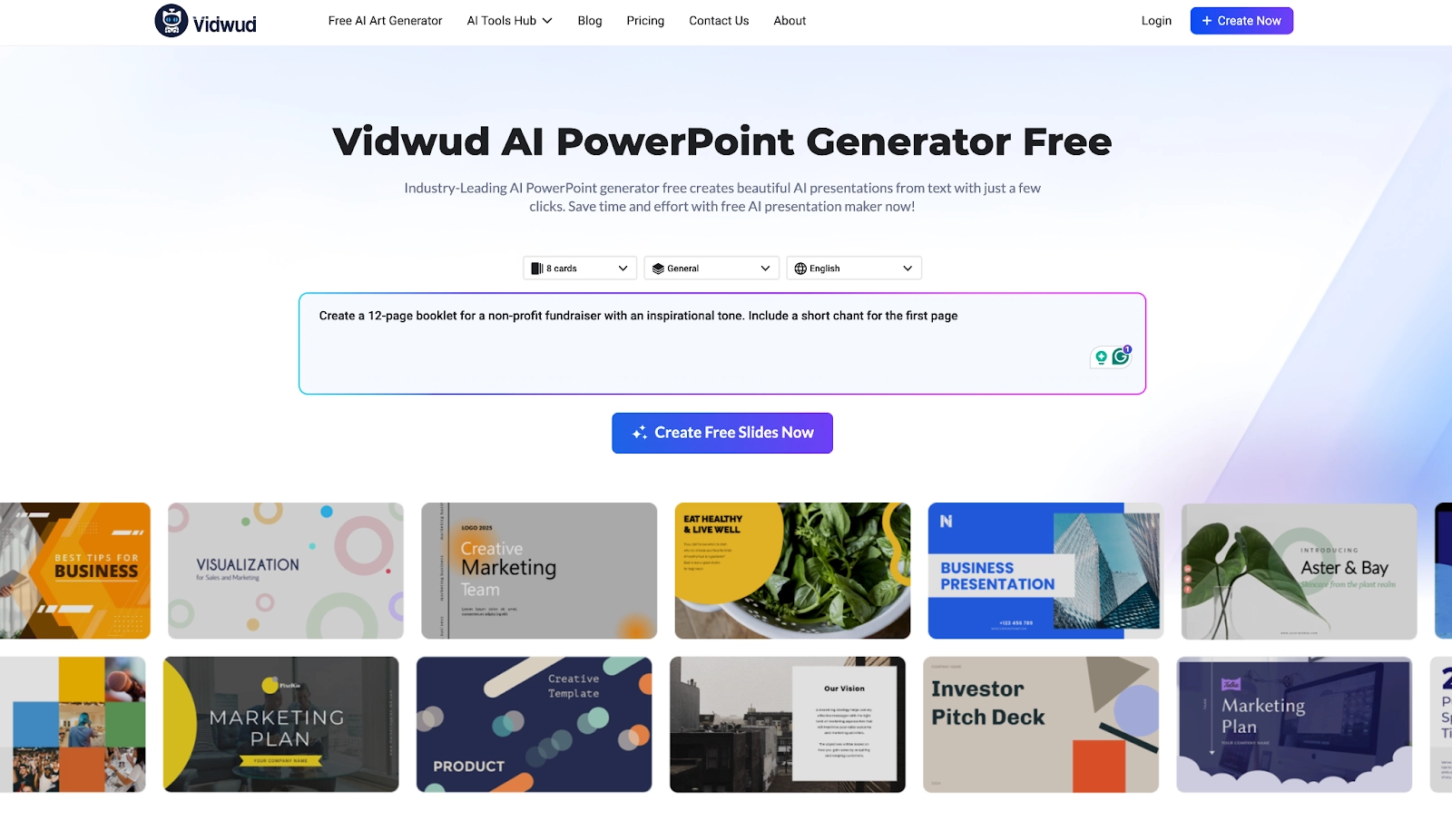
Open Vidwud and prompt: "Create a 12-page booklet for a non-profit fundraiser with an inspirational tone. Include a short chant for the first page."
Step 2. Switch to booklet layout
Set the slide amount, slide type, and alanguage.
Step 3. Refine and export as PDF
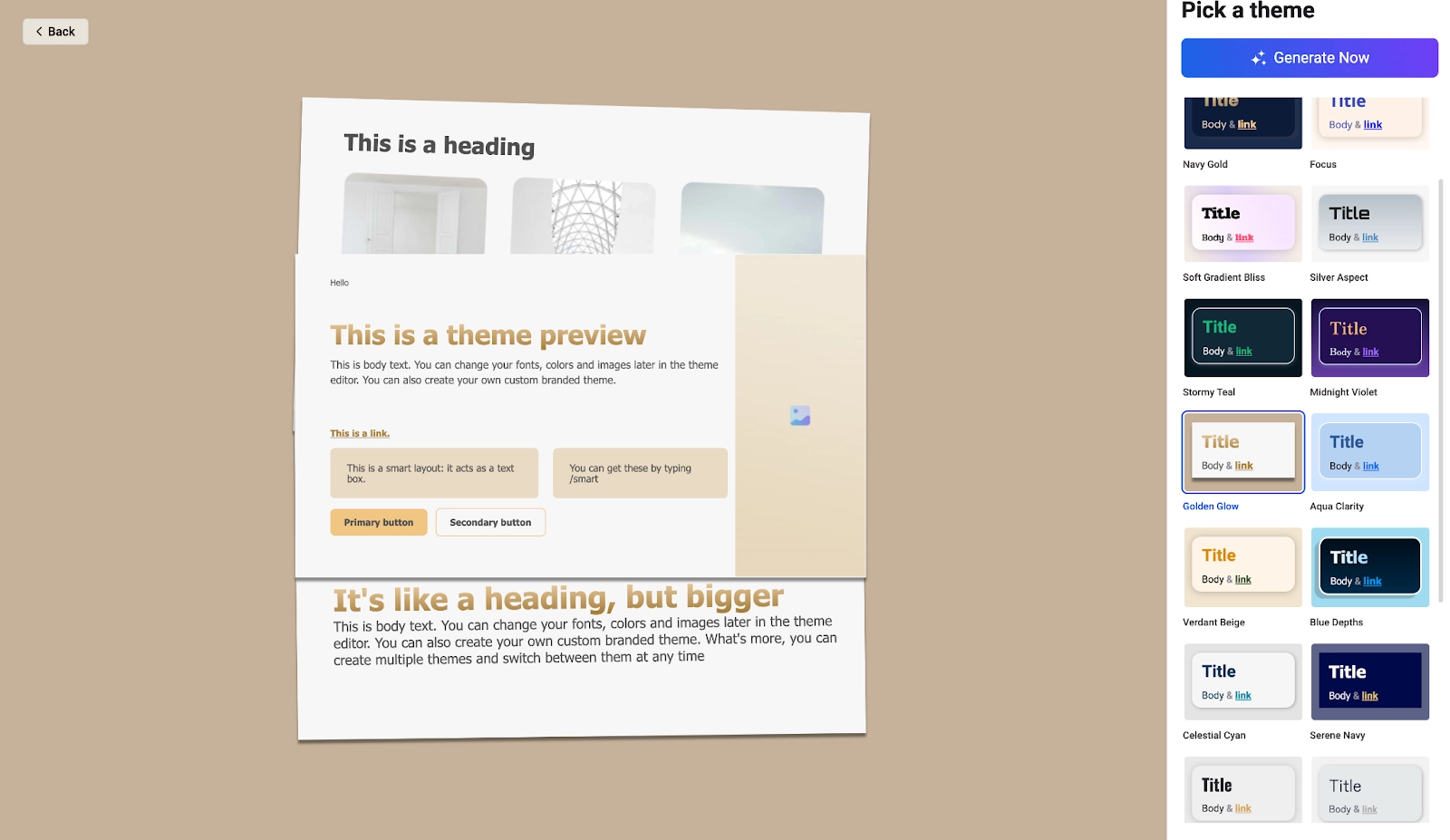
Adjust margins, add page numbers, and hit Generate Now.
Pros
- Free & No sign up
- Fast prompt-to-structure with editable sections
- Easy export to booklet-friendly PDFs
Cons
- Slide-first workflow means fewer print layout controls
- Limited typography/print prepress options
- Template selection varies by niche
Also Read: How to Make a Book Trailer with AI? >>
#3 Canva AI Booklet Generator
Canva is a template-rich design platform with AI features like Magic Write. Build multi-page booklets, apply Brand Kits, edit collaboratively, and export PDFs, accessible for businesses, educators, and creators needing results.
Here’s how to use it:
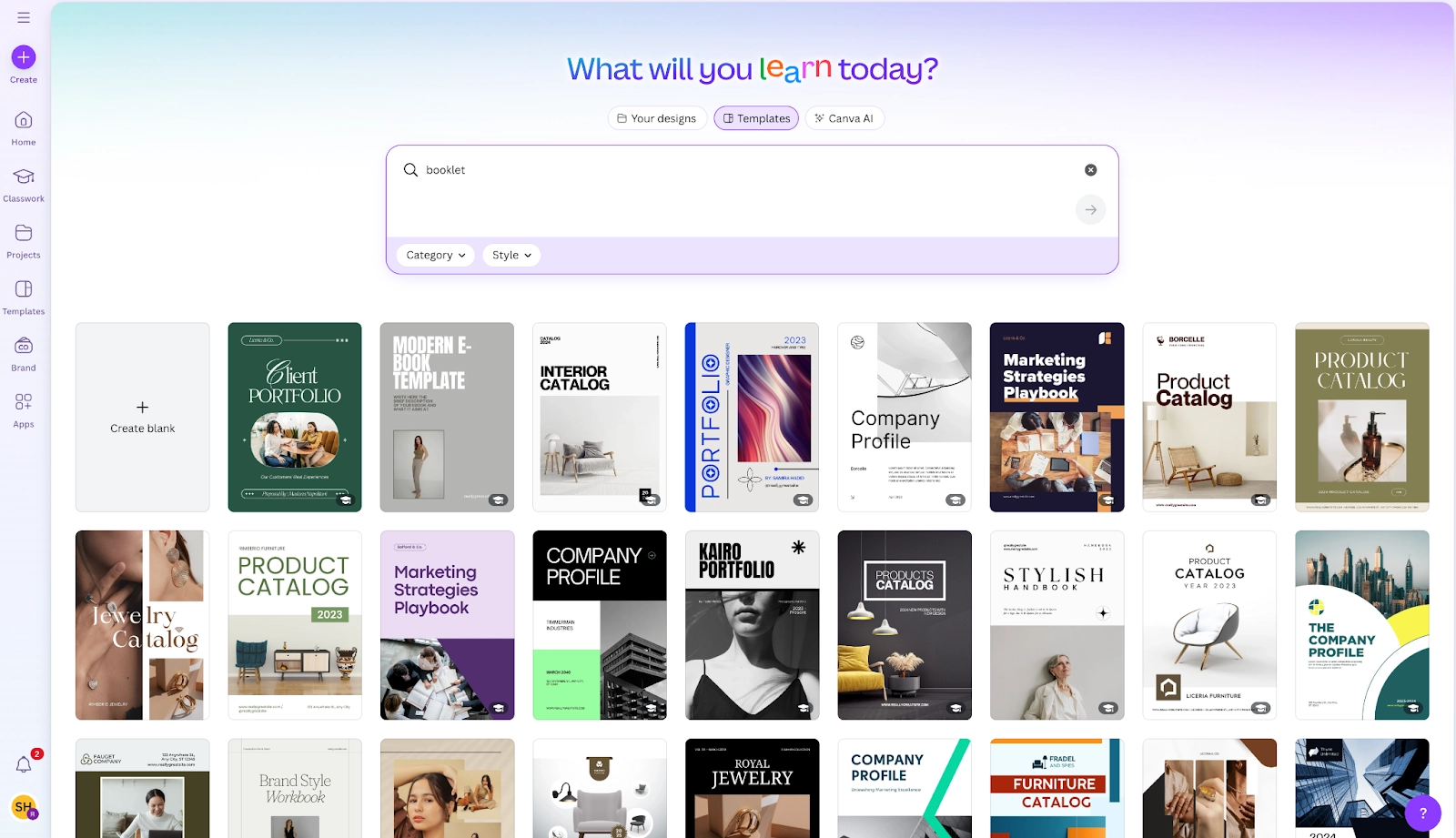
Step 1. Go to Canva, search and choose a booklet or brochure template sized for print.
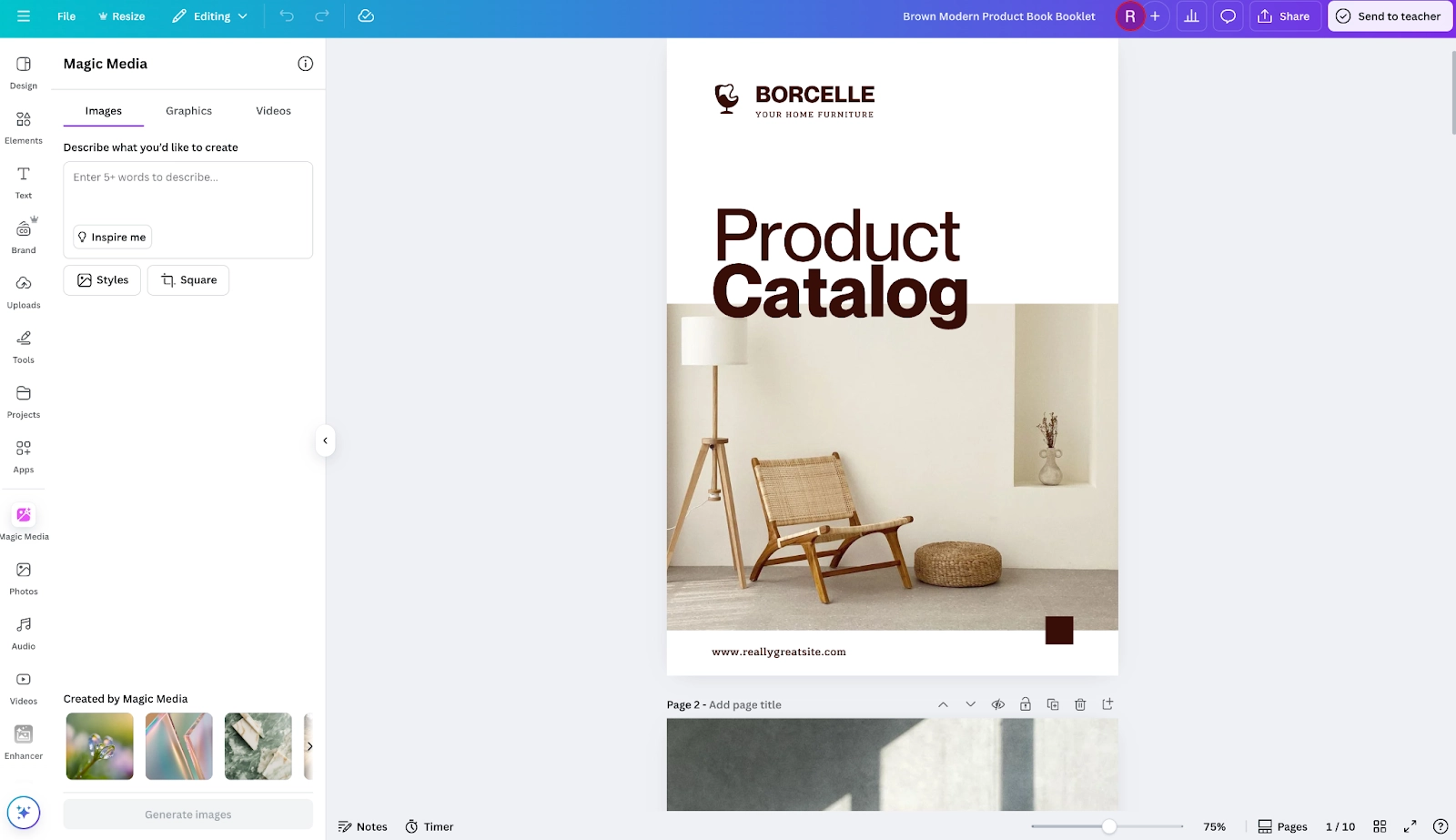
Step 2. Now you can customize the template using Magic Media (Apps > Magic Media) to generate images according to your needs.
Step 3. Drop content into pages, add photos, icons, and brand colors, then export to PDF.
Pros
- Huge library of booklet/brochure templates
- Magic Write for headlines, chants, and summaries
- Simple collaboration and brand kits
Cons
- Requires sign-up
- Daily AI usage limits on free plans
- Some premium assets cost extra
Also Read: Best 5 AI Children's Book Generators Free to Use>>
#4 Simplified AI Booklet Generator
Simplified unifies an AI Writer and drag and drop editor to produce booklets. Generate outlines, craft sections, apply brand kits, collaborate, and export PDFs, streamlining creation for startups, agencies, and teams.
How to use it:
Step 1. Start a new booklet design and pick a minimal template.
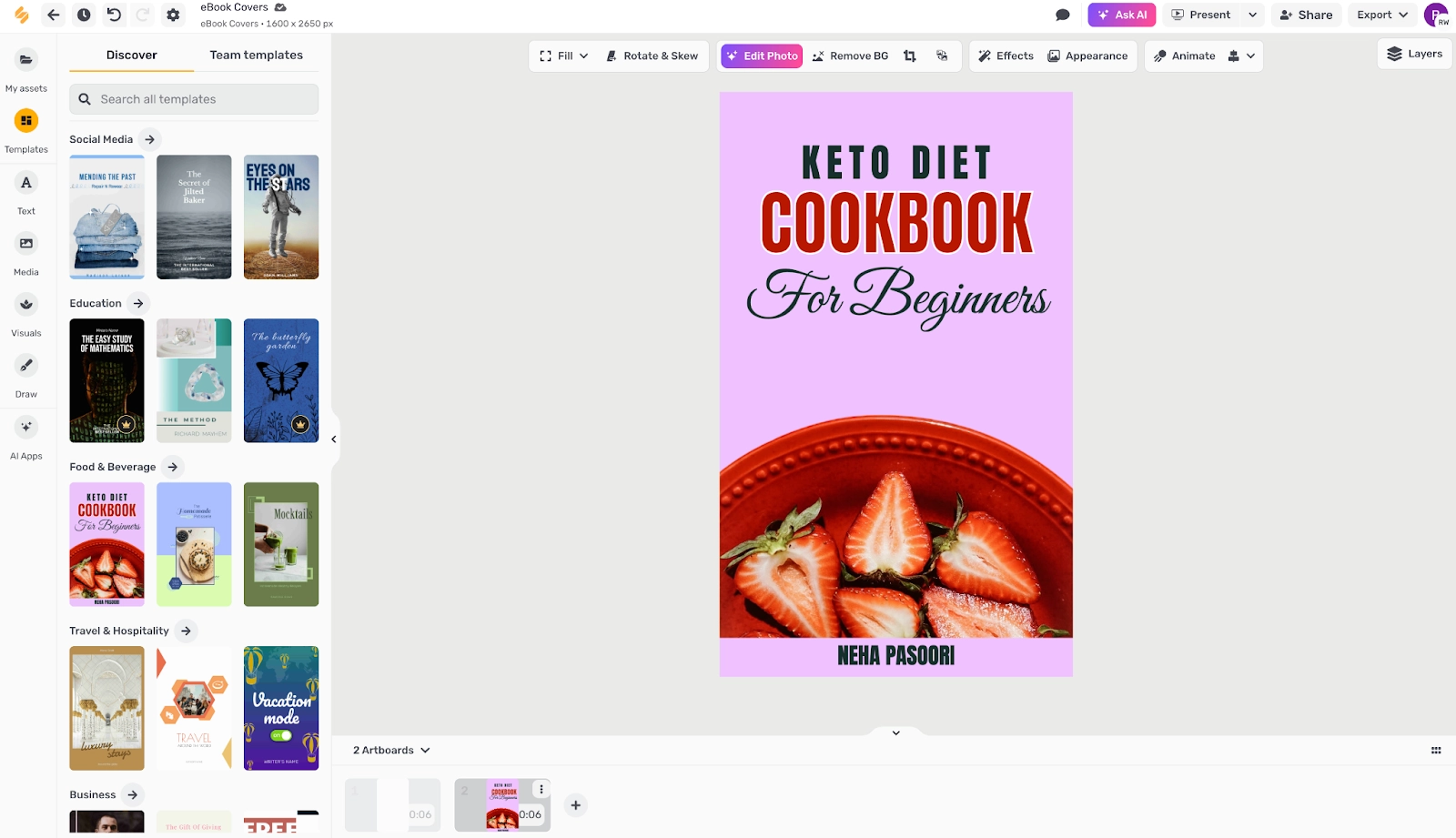
Step 2. Use the AI Writer to draft section blurbs, taglines, and a brand chant.
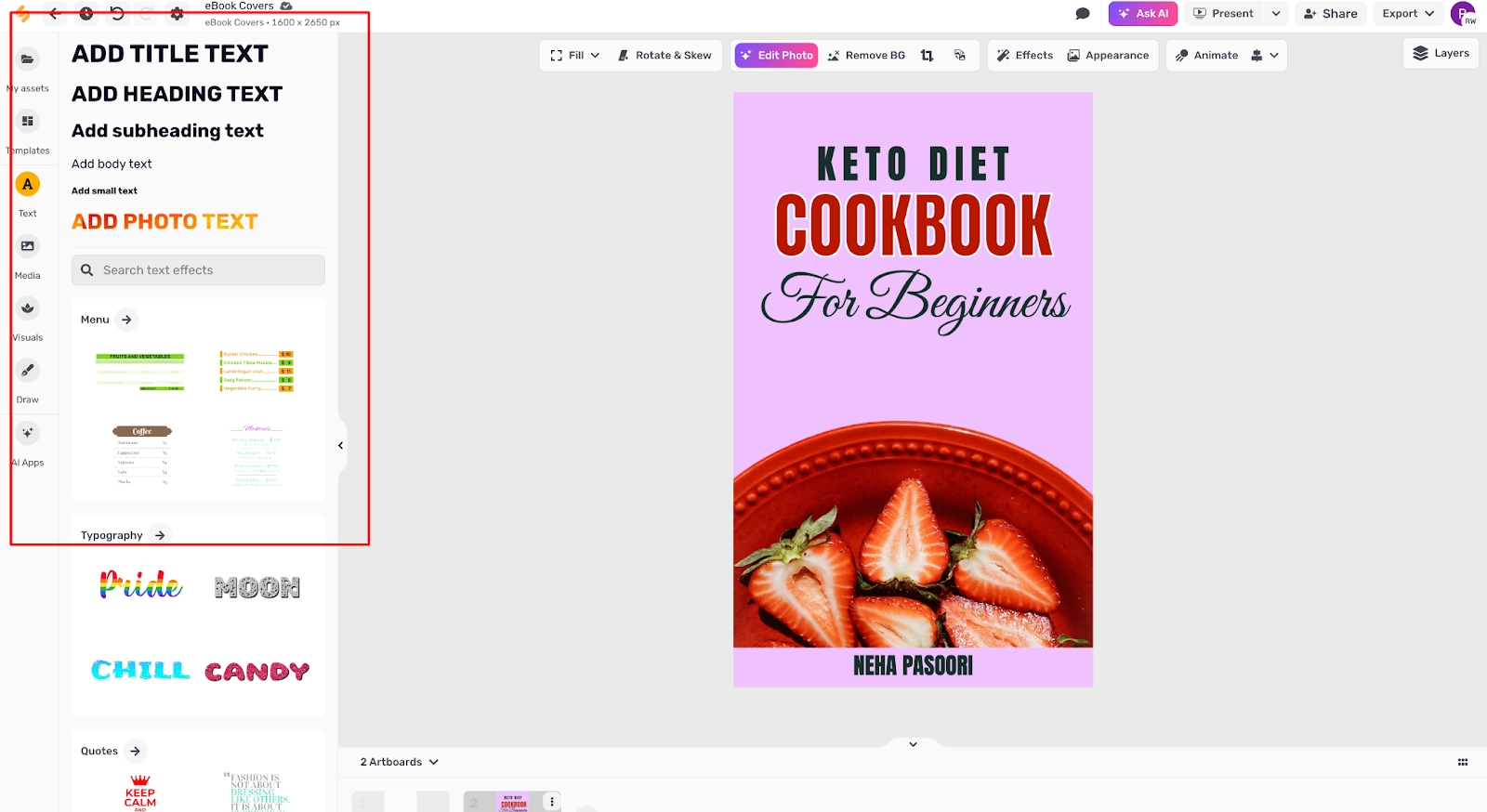
Step 3. Apply brand colors, adjust page grids, and export as print PDF.
Pros
- Unified AI writing + design workflow
- Clean templates and quick export
- Collaboration and brand kits available
Cons
- Sign-up needed for saving projects
- AI output tokens may be limited on free plan
- Fewer print-focused features than pro DTP tools
#5 Designrr AI Booklet Generator
Designrr specializes in turning blogs, docs, and URLs into ebooks and booklets. It auto-structures content with headings, then lets you customize typography, images, and export as PDF or flipbook easily.
How to use it:
Step 1. Import a URL, Word doc, or Google Doc with your content.
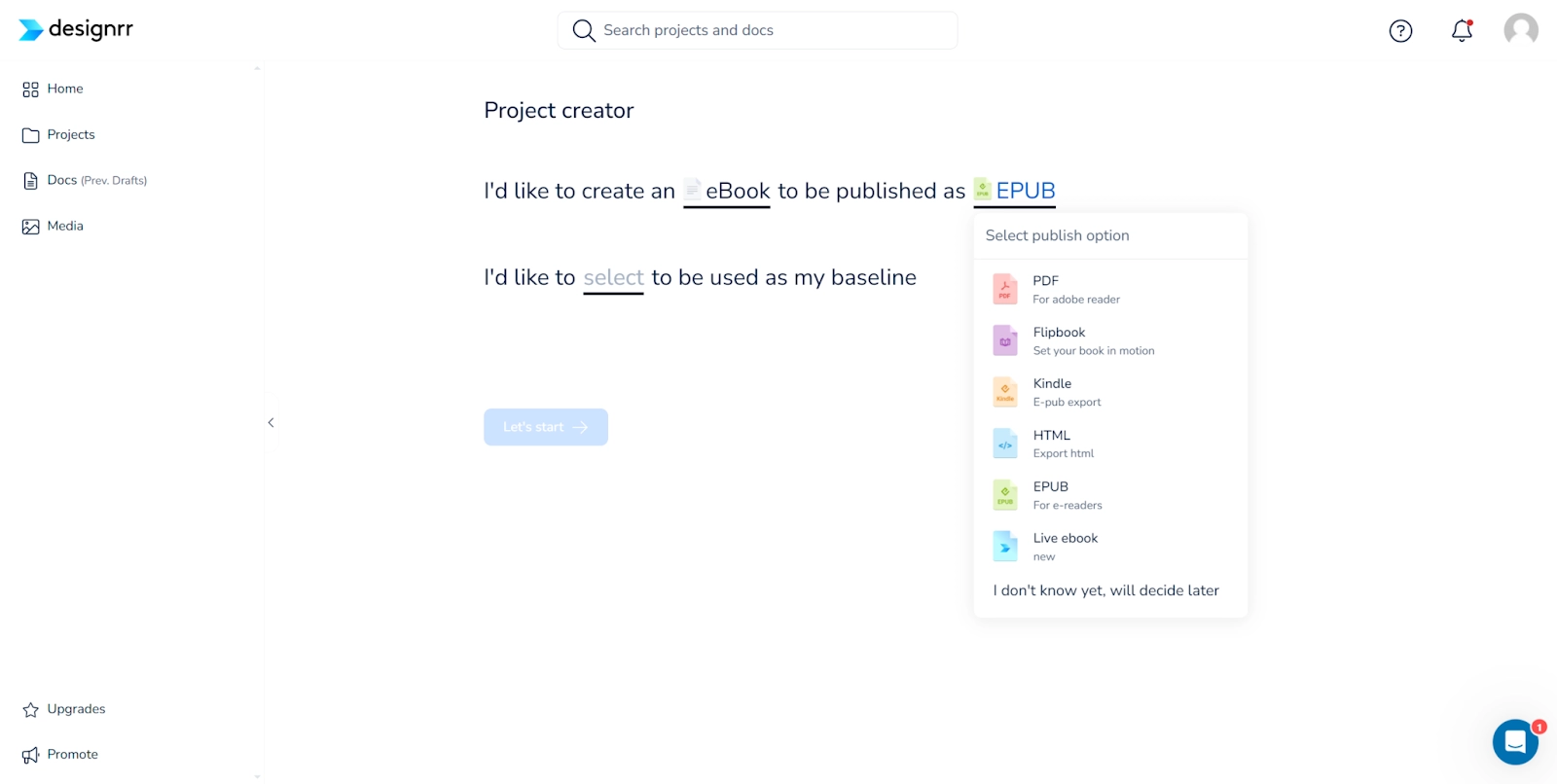
Step 2. Choose a booklet template and auto-layout the content.
Step 3. Tweak typography, add a chant or pull-quote, and export to PDF or flipbook.
Pros
- Rapid import from multiple sources
- Auto-layout saves hours of formatting
- Flipbook and PDF exports
Cons
- Requires sign-up
- Advanced themes and features are paid
- Occasional cleanup needed after import

Each tool above can function as an AI booklet maker, and several offer an AI booklet generator free tier or trial. Try two or three to see which editor style fits your workflow best.
Bonus: Create Video Booklet with AI Narrator
Ready to go beyond print? Turn pages into short videos with a narrator using Vidnoz AI. Import page images, add an AI Talking Avatar, and export a dynamic "video booklet." You can even pair visuals from an AI image generator and transform sequences with AI image to video. The built-in free AI Video Generator streamlines script-to-video production in minutes.
Steps:
Step 1. Open Vidnoz AI and choose "Explainer" style.
Step 2. Pick a template and import your booklet pages (PDF pages or images).
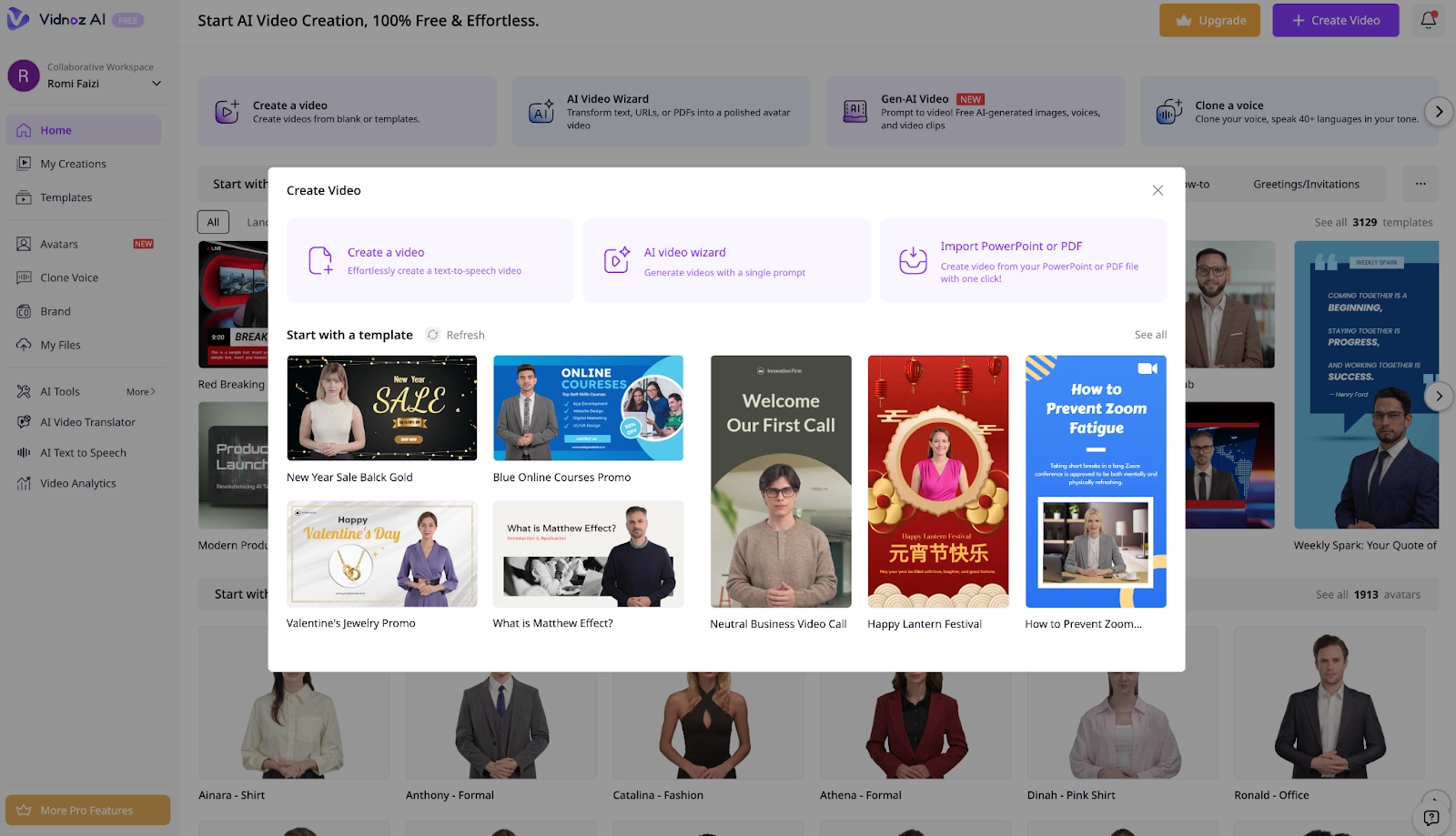
Step 3. Add an Vidnoz Talking Head, paste your script (or auto-generate), select voice, and set timing.
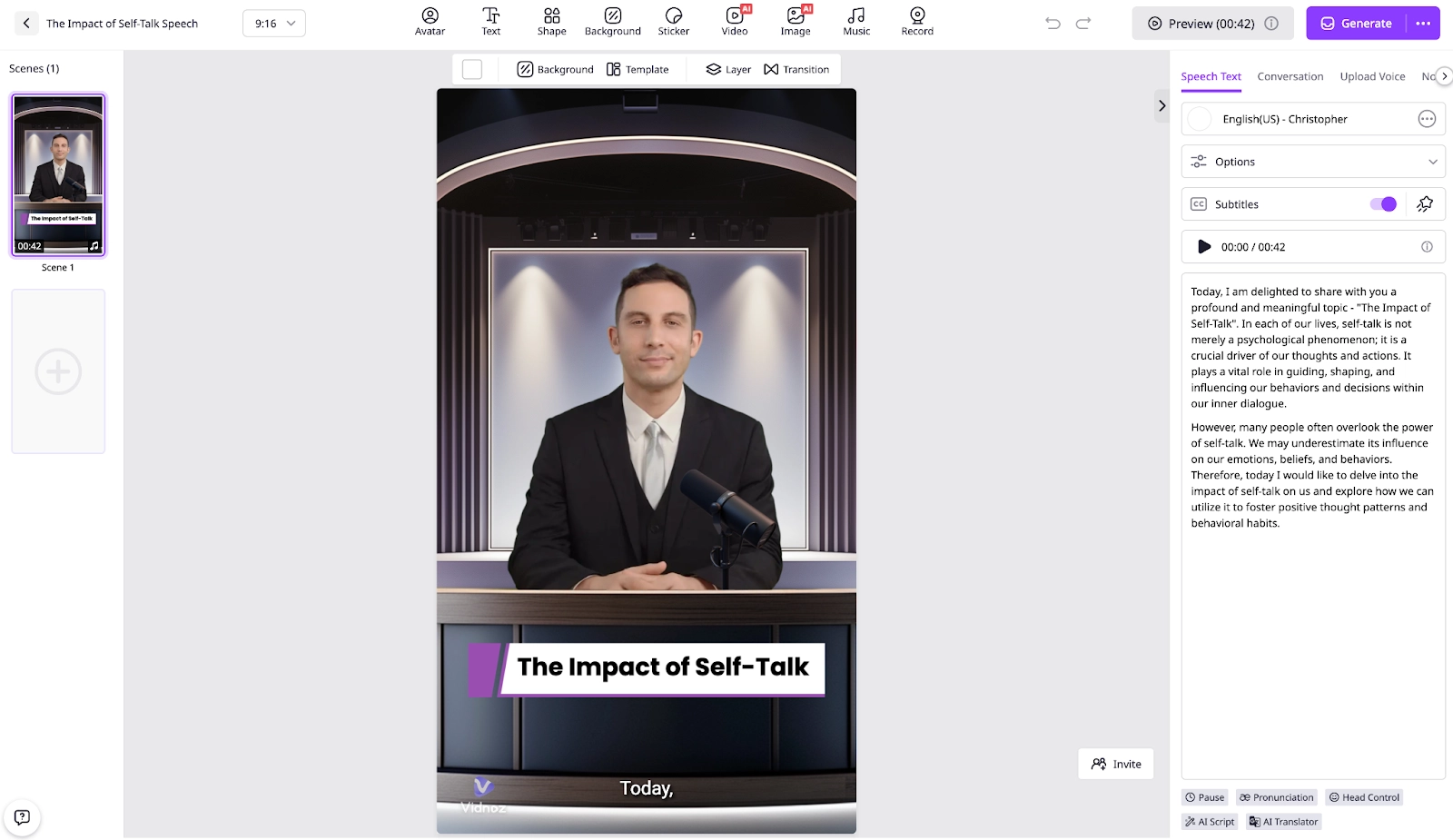
Step 4. Enhance with background music, captions, and transitions.
Step 5. Export and share. Repurpose for email, web embeds, and social clips.
The result: print, PDF, and video formats ready for multi-channel campaigns.

Vidnoz AI - Create Free Engaging AI Video with Talking Avatar
- Easily create professional AI videos with realistic avatars.
- Text-to-speech lip sync voices of different languages.
- 2800+ video templates for multiple scenarios.
The Bottom Line
With the right AI booklet generator, you can ideate, design, and export professional booklets in record time. Test a couple of the free options above, then elevate your content by turning pages into videos with Vidnoz AI. From print PDFs to narrated clips, your message will go further with less effort.