Think about how it would feel to be editing your podcast episode only to notice that the background music is overwhelming the speaker and turns your expected interesting conversation into a painfully chewed trifle. Or maybe you are doing a remix of your top song and require to isolate the vocals without degradation.
This is where an AI background music remover comes to the rescue and make audio editing no longer a complicated process only to professionals but a process that every individual can do. They are super easy and accurate to use whether you are isolating vocals to sing karaoke or improving voiceovers over the video.
In this article we will take a closer look at the working of these background music removers and mention the best vocal isolation and sound cleanup tools.
- On This Page
-
What is an AI Background Music Remover?
-
AI Background Music Removers That Perfectly Split Vocal and Instrumental Tracks
Vidnoz Background Music Remover
-
AI Background Music Removers That Clean Audio for Professional Voiceover
Vmake AI Background Music Remover
-
Better Solution: Get High-Quality & Noise-Free Voiceover on Vidnoz AI
What is an AI Background Music Remover?
When people search for an AI background music remover, they're typically looking for a tool that tackles unwanted audio layers in recordings or songs. This could mean pulling out pure vocals from a mixed track or quieting down overpowering background tunes to highlight spoken words. Let's break it down in two key ways these tools shine.
First, consider extracting vocals while removing background music from a song. An AI background music remover analyzes the audio file using machine learning models trained on vast datasets of music. The AI then separates elements like bass and cymbals, creating two tracks: one with isolated vocals (acapella) and another with the instrumental backdrop. It suits musicians who produce remixes or karaoke, precision is ideal because it does not give the musicians artifacts such as echo or distortion.
Conversely, a background music remover AI can also specialise in the removal of loud background music in an audio spoken piece to enhance voice clearness. In this case the tool picks up noise profiles, like beats or tunes to drown out a conversation. As an example, in a video recording where loud music is playing, the AI searches waveforms, removes the intruding sounds, and amplifies the sound frequencies in speech. This will be particularly essential to a podcaster or video editor working with reality captures as the end result will be a professional and understandable tone.
AI Background Music Removers That Perfectly Split Vocal and Instrumental Tracks
If you want to break the songs into raw vocals and instrumental tracks, some AI background music removers are good at this division magic. They exceed simple noise cancelation technology, providing fine isolation to the point where it seems magical. Two impressive tools, which allow doing so in an easy and reliable manner, will be discussed below.
Vidnoz Background Music Remover
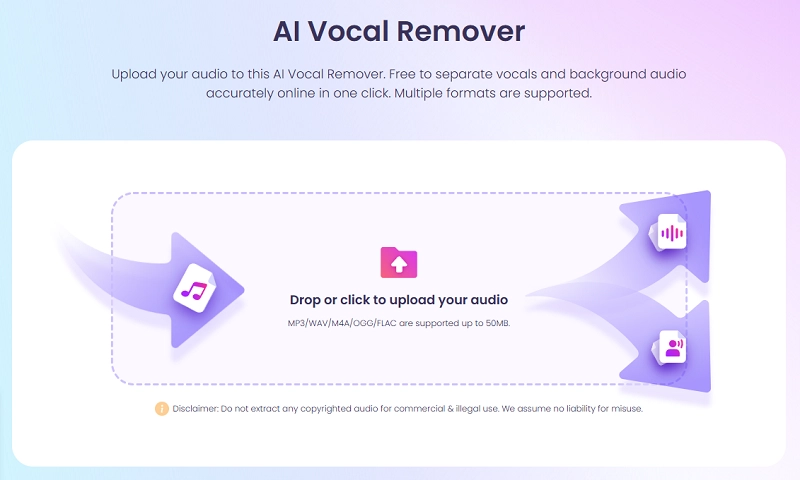
Vidnoz Background Music Remover is a perfect online solution for anyone needing quick vocal extraction or music isolation. Accessible directly via Vidnoz, it leverages AI to separate vocals from background audio in audio files, delivering clear acapella tracks or instrumental versions. One of its biggest perks is the speed—processing happens in seconds after uploading—and accuracy, thanks to advanced algorithms that minimize quality loss based on the original mix.
No app download is required; it's fully web-based, and while it does ask for a quick signup and login, there's no subscription fee, making it completely free. It supports popular formats like MP3, WAV, M4A, OGG, and FLAC for uploads under 50MB, exporting results in lossless WAV for broad compatibility with players like VLC or iTunes. Using it is straightforward: upload your file, let the AI analyze and split, preview the vocals or background music, and download. This is amazingly superb for creating karaoke tracks or remixing songs for social media videos.
Vocal Remover
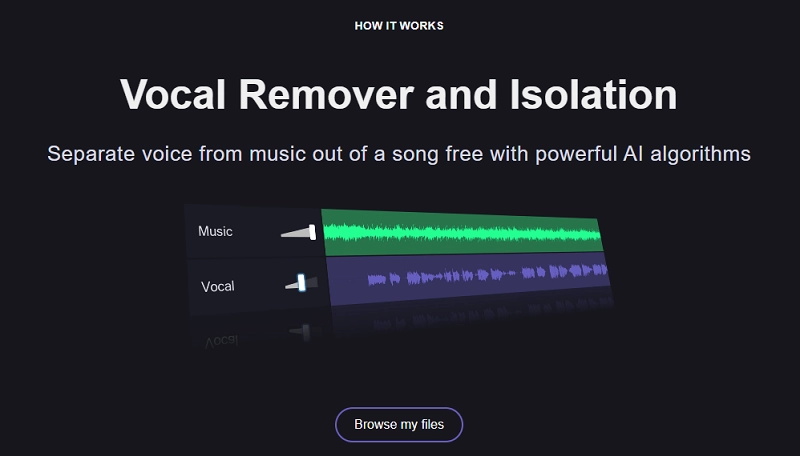
Vocal Remover offers an opportunity to people who desire an easy-to-use but strong splitter. It is a free tool that uses powerful AI to separate songs into vocals and instrumentals to isolate vocals from a song or give you a karaoke track in less than 10 seconds. It is easy to use: upload a song, choose the desired song, and after processing the files are downloaded and separated into the AI.
The results are impressively clear, with little or no bleed between voices and instruments but quality is source audio dependent. It is perfectly suited to the user who likes to play around with cover sets or DJS who wish to mix and design their own sets that are free with no complicated installation.
Although its indisputable strong point is vocal-background separation, it also transfers to smaller divisions, such as separating bass, drums, and other parts using stem extraction capabilities, providing the user with a more granular control over remixes. In addition to essentials, it has convenient music instruments like adjusting the speed of the audio and pitch shifting which is ideal when making adjustments to tracks while on the go.
AI Background Music Removers That Clean Audio for Professional Voiceover
A variation on music splitting is audio polishing; some background music removal specifically focuses on cleaning up audio to make voices stand out, in voiceovers or in videos, podcasts or presentations. These features are the focus on eliminating noise without making talks unnatural and smoothly flowing into the professional level.
Audio Cleaner
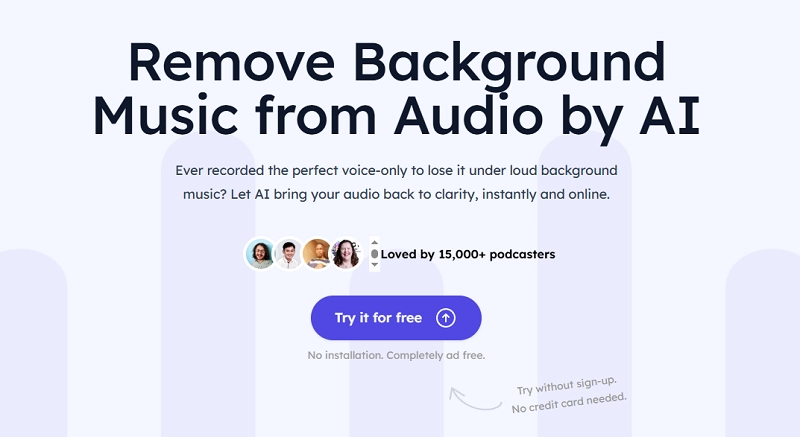
Audio Cleaner is an AI tool that removes background music and sounds from audio files or videos. It automatically finds and removes distracting things such as music or background noises, leaving vocals and sound effects intact in a fine end result. The most important features are the ability to perform online processing immediately and online, with no advertisements, and to support a wide range of file formats such as MP3 and to suit many different scenarios such as podcasting, as well as working with older recordings.
It is free to use, and works online, so there is no sign up or set up, and you just need to drag and drop a file, wait while the AI does its work and you can preview and download. Audio cleaner is a useful tool for podcasters and filmmakers, who need to do voiceovers to their videos within the shortest time possible. The test results have been praised with testimonials citing its ability to save time by accurately isolating speech with minimal loss of quality on lectures, interviews as well as business calls.
Vmake AI Background Music Remover

Vmake AI Background Music Remover, on the other hand, introduces an intelligent background noise reduction to the mix, aiming at removing background music in videos as well as audio and isolating vocals. Its AI can guarantee a high level of distraction-free voice production, appropriate to a content creator with mission professional narration or podcasts. It embraces such formats as MP3, WAV and MP4 supporting the cleaning even of such obscure sounds as drums and traffic noise.
It is simple and quick: upload a file, wait until it is processed, preview, choose export parameters and download. Although the details of free tiers are not described, it is online, easy which is the focus on YouTubers or filmmakers.
Better Solution: Get High-Quality & Noise-Free Voiceover on Vidnoz AI
While AI removing background music is great for salvaging existing audio, sometimes starting fresh yields even better results. Enter Vidnoz AI's voiceover generator which is a superior alternative that creates pristine, noise-free narrations from scratch. This tool supports over 140 languages and accents, from French to Spanish.
Advantages abound: it produces professional-quality audio without any background interference, ideal for videos, audiobooks, or ads. Voice cloning replicates real speakers in under a minute using short clips, preserving emotions and tones for authentic results. Plus, integration with text-to-speech and dubbing tools allows seamless localization, all free with daily limits. For creators tired of cleanup hassles, this delivers high-fidelity voiceovers effortlessly, elevating content without the need to remove background music with AI.
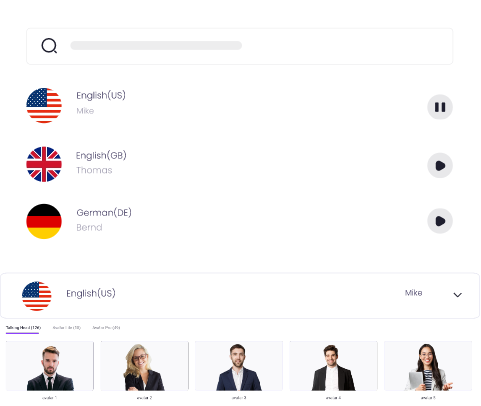
Create Text-to-Speech AI Voices - FREE
Make natural voice text to speech in various languages, accents, and ethnicities. Try it free now!
Conclusion
Whether you are looking for an AI background music remover tool to separate vocals in songs or editing audio recordings to create clean voice-overs. Applications such as Vidnoz, provide efficient and free means of professional results. Vidnoz AI gives motion when it comes to the possibility of noise-free creations. Remix background music AI style or create new generations, either way, these solutions can help anyone make outstanding audio. Try Vidnoz AI-Background music remover today to cleaner, more effective sound.





![[AI Mashup Maker] Use Mashup AI to Mashup Two Songs in 3 Steps](https://www.vidnoz.com/bimg/ai-mashup-maker.webp)