Create Santa Videos Win iPhone 16

×
Upload your image
Upload an image
Upload an image JPG, PNG, WEBP.
Drag and drop here
Example:
Enter your changes
0/300
Change eye color to ink black
Change eye color to hazel
Change eye color to grey-blue
Generate Now
Generating

Red Eye Remover - Free AI Eye Correction Online

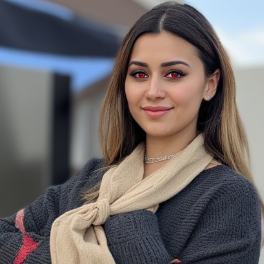
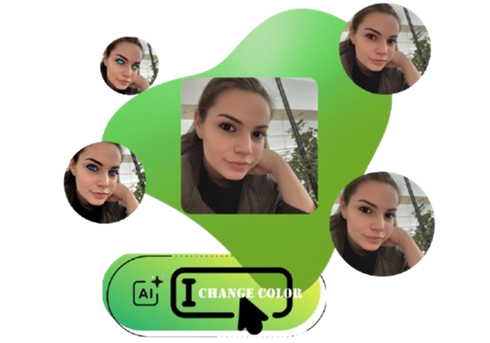
Use AI to remover red glowing in your eyeball, or other redness observed around eyeballs and flexibly change the eye color using prompts.
Generating
Zoom in
Download

Online Free Red Eye Remover That Fixes Red Eye in Seconds

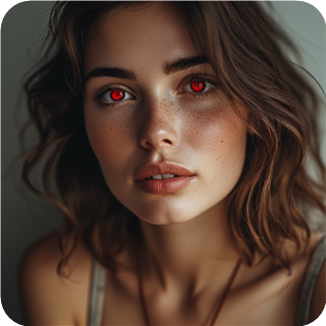
Correct your red eye photos with Vidqu AI. Red glowing caused by camera rays, sun rays, dark environment, etc. AI eye color retouch makes your photo flawless

Automatic AI Red Eye Remover, Change Eye Color with Prompts

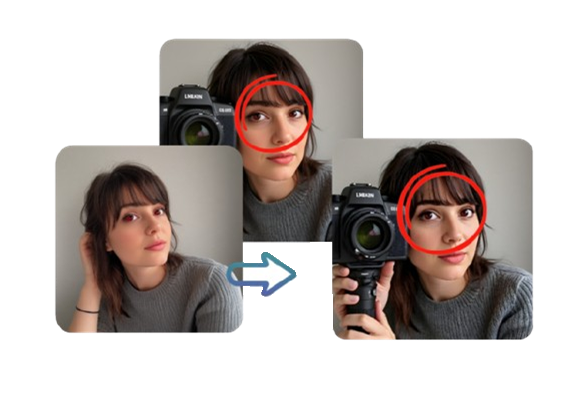
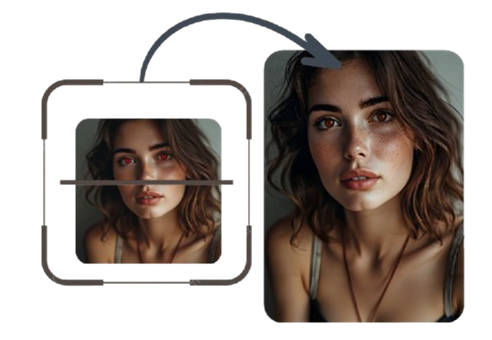
Auto Detection and Smart Red Eye Removal

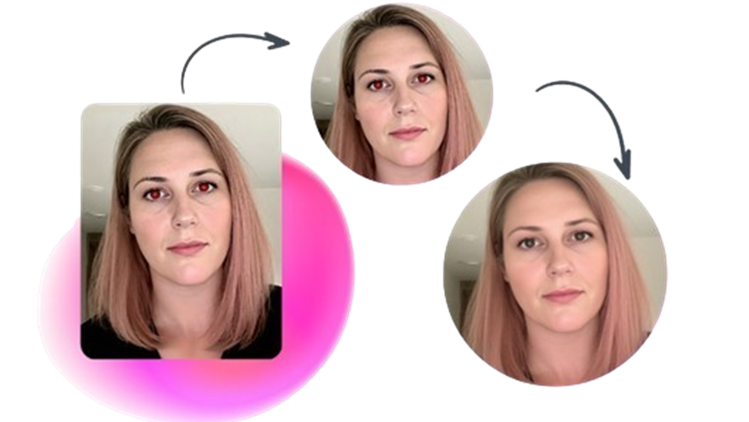
Fast and free AI red eye removal services offered by Vidqu AI Red Eye Remover. This auto eye redness remover accurately detects the red reflection, glowing, and overexposure. Fast remover and a super natural filter will then be observed and a new integrity is make up. The whole process takes around 1 minute and all you need to do is tap on the ‘Generate’ button.

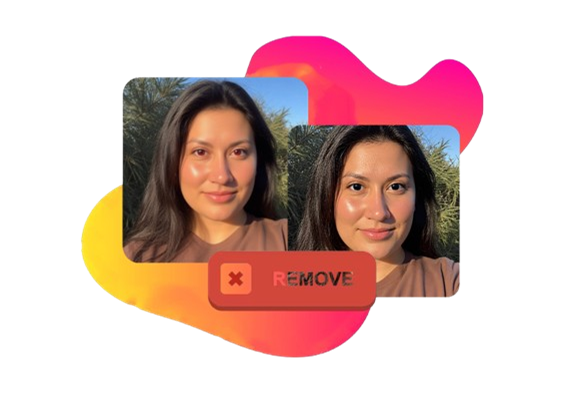
Auto Detect Redness in Eyeballs

Accurate AI Rendering - Professional Retouching

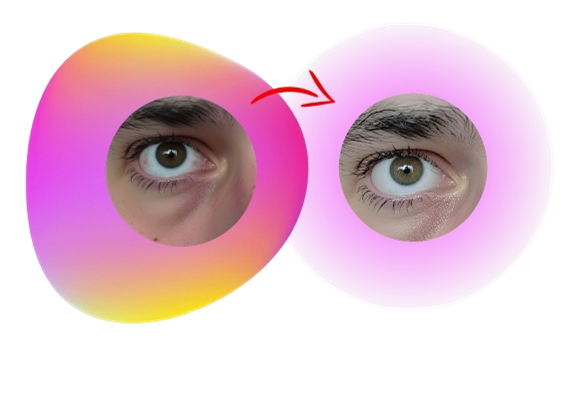
After a quick scan, Vidqu AI Red Eye Remover zooms in to lock the red eye area and tinge the color precisely to remove the redness. Leaving the rest of the parts unchanged, only the redness in eyeballs are detected and removed. Vidqu AI algorithm is professionally trained to customize the eye color, input the right prompts to tailor-make a suitable photo online free!

Accurate AI Rendering

Devices Compatibility - Cross Multiple Platforms

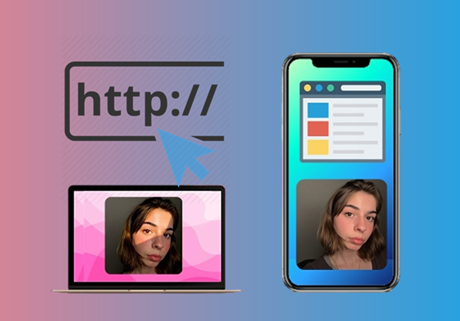
Super handy online AI platform that suits both Windows, Mac and Chromebook users. Come to this site, upload your images and quickly remix the pictures in your preferred way. You can lead the redness removal anytime anywhere. Fast generation, detailed procession, easy download the final results, Vidqu offers you convenient and free services.

Multiple Plafroms Supported

Customize Eye Color Using Prompts

Vidqu offers flexibility to customize the eye color in your uploaded photos. Input the descriptive color vocabularies that you want to replace on your image and make AI quickly render without queuing in line. Plausible color types can include: hazel, blue, brown, ink black, amber, blue-green, etc.

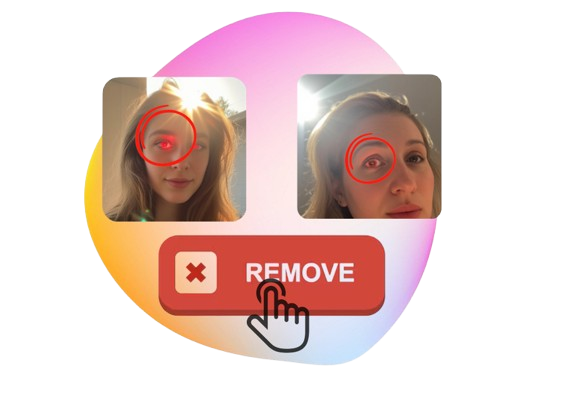
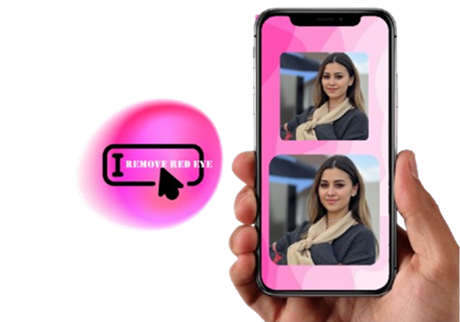
Remove Redness in One Click

AI Red Eye Remover VS. Other Image Editor

AI Red Eye Removal

  • Automatic operations, no editing skills needed
  • Natural blending of eye color
  • Fast generation, free download
  • Flexibly change eye color with AI technology

Ordinary Image Editor

  • Manual adjustment of color
  • Advanced editing skills needed
  • Time-consuming image editing
  • Paid image editing software needed

Explore More Image Editing Tools Powered by Vidqu AI

FAQs About AI Red Eye Remover Online Free

Handy Red Eye Remover and Eye Color Editor

Edit the eye color in your uploaded photos for free!

Failed
An exception occurred ... Please try again.
OK
Download