Convert Image to Black and White Online Free
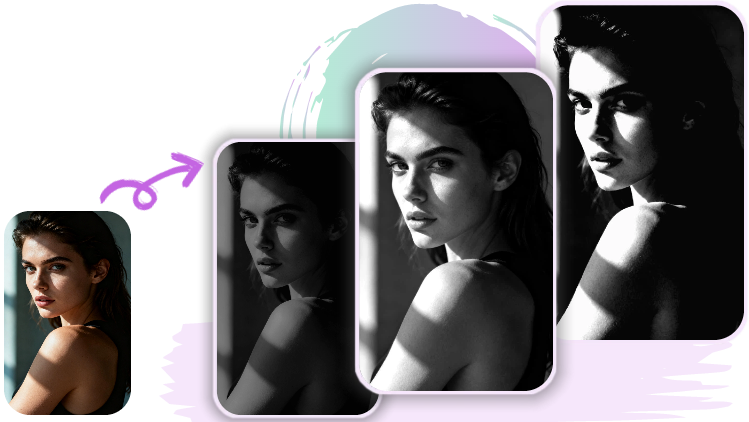
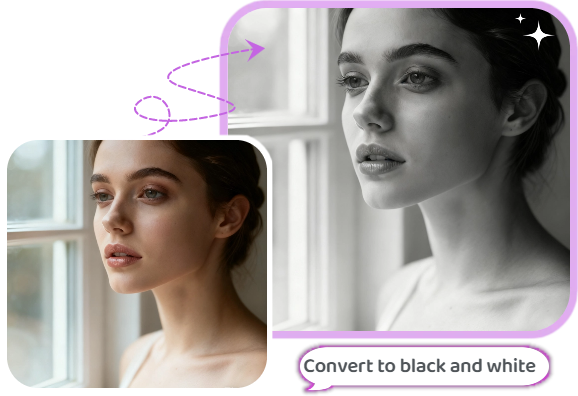
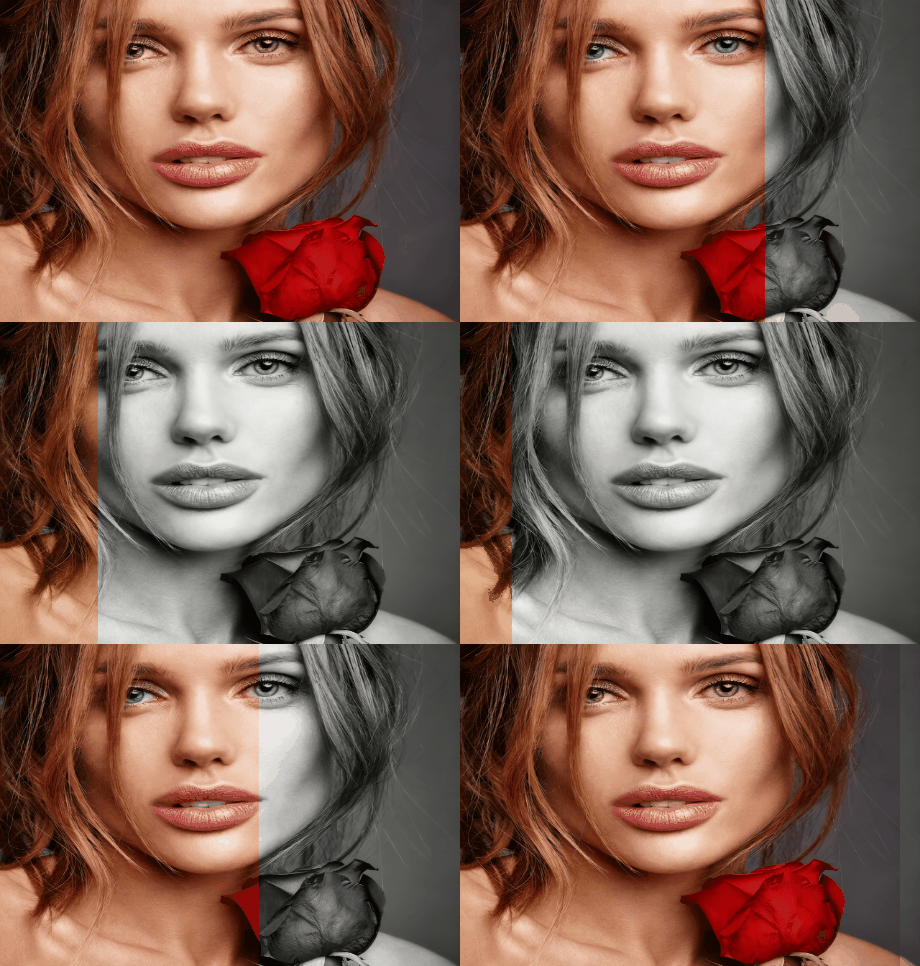
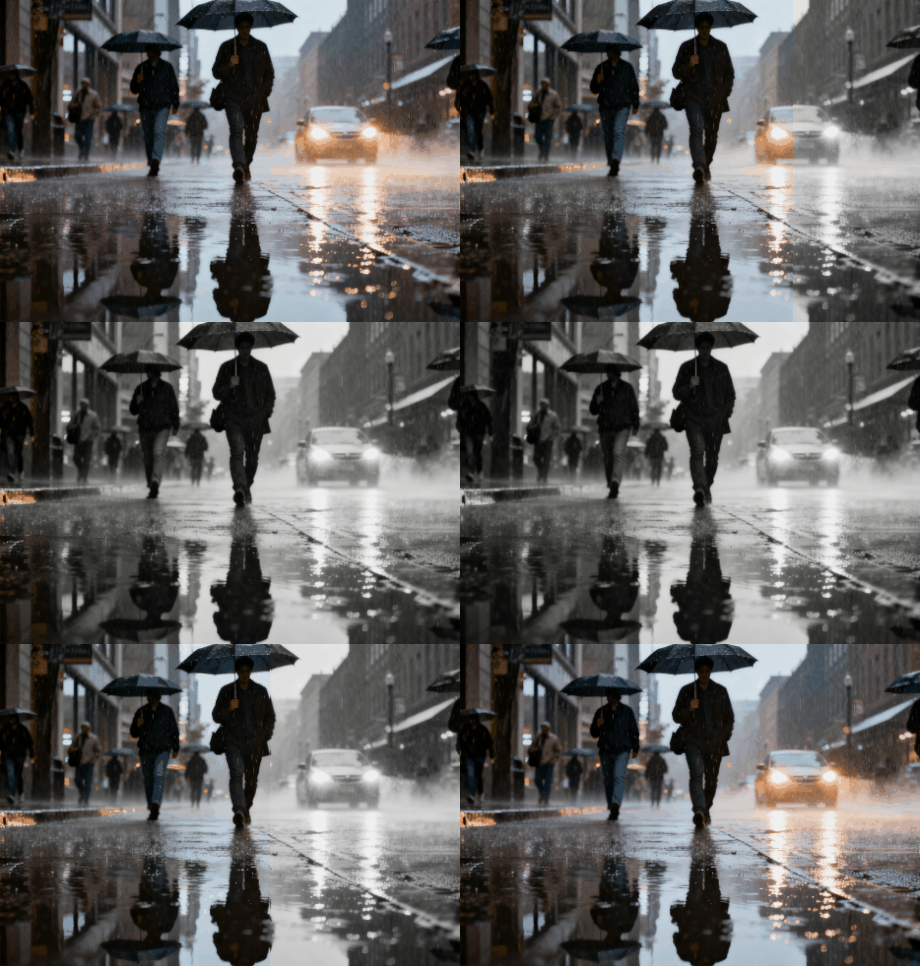
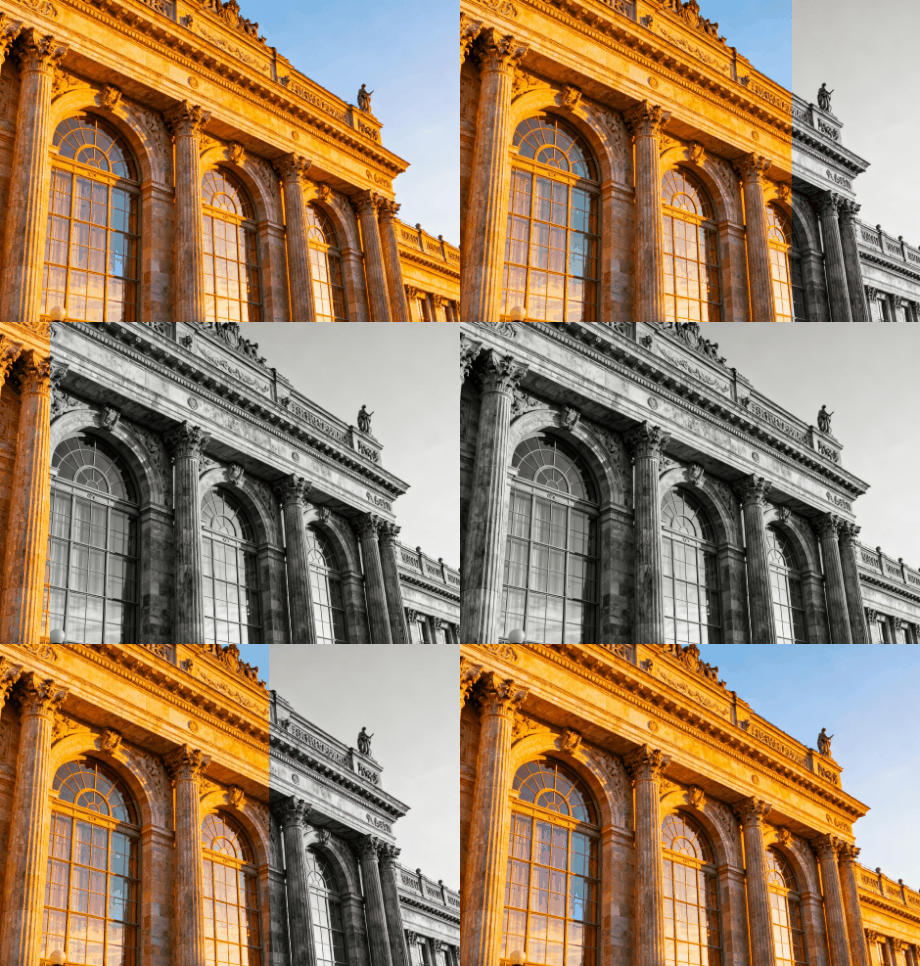
Converting an image to black and white is easier than ever with Vidnoz’s stunning AI algorithm. By simply inputting your prompt, Vidnoz applies any black and white effect you want to your image.
Vidnoz Image Black and White Converter is a game-changer since it processes images to B&W with a text prompt only. With its pro AI algorithm, you just input the requirement, and it can interpret your instruction and make accurate changes. You can effortlessly bring your image conversion ideas to life without manual editing.
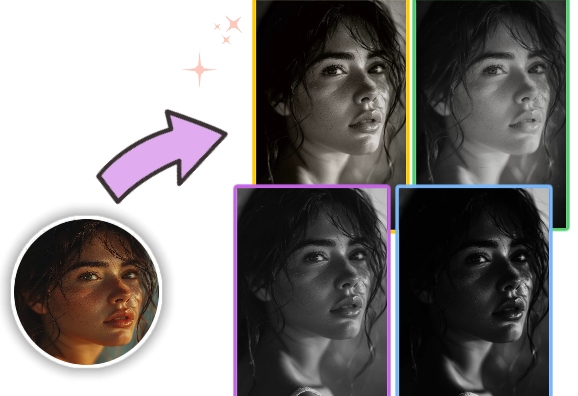
Outperforming other B&W image converter, which only provides 1-2 image black and white filters, Vidnoz helps you customize the B&W image. You can detail the instructions to get a photo that perfectly captures your idea, like a nostalgic vintage look, a cinematic mood, a dramatic black and white effect, etc.
Vidnoz provides a stunning free and web-based black and white image converter. You can access the online tool anytime, anywhere and on any device with a network connection only. No software or app installation required, making the whole conversion fast and hassle-free. Vidnoz provides daily free trials for you to edit images freely with no hidden catches.
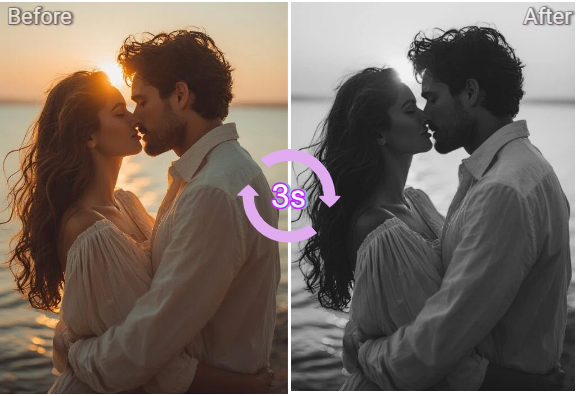
Vidnoz Image Black and White Converter streamlines the whole conversion and boosts productivity. Upload your image, enter a prompt and let AI transform automatically. Within around 3 seconds, it will generate a black and white image you prefer. No need for complicated manual adjustments, best for batch image editing.
You can easily convert an image to grayscale using Vidnoz Black and White Image Converter. Just upload your photo, input text prompt: e.g. Turn this image into grayscale, then the AI will automatically remove colors while preserving contrast and detail.
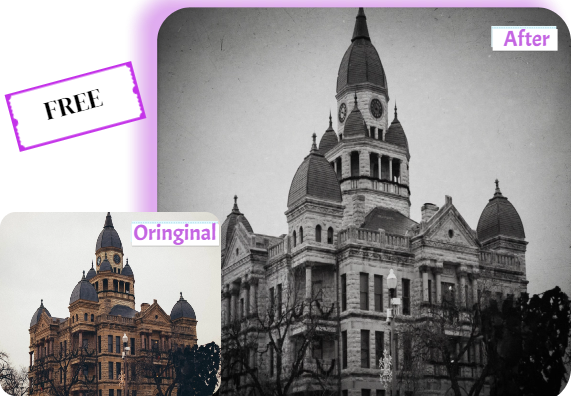
Vidnoz allows you to convert an image to black and white for free online. You have daily free quotas to modify images without hidden costs or watermarks.
Vidnoz AI image black and white converter is also available on mobile phone devices. Just open it through a web browser and upload your photo from the gallery to edit. No app installation required.
Vidnoz supports JPEG/JPG image formats. Upload your JPEG file to the Vidnoz Black and White Image Converter, and add your prompt. It will convert the image to Grayscale in seconds and maintain sharpness and texture.
Black and white photos emphasize light, shadow, and emotion, removing distractions caused by color. Using a tool like Vidnoz Image B&W converter, you can easily enhance the mood and artistic expression of a photo.
For high-quality black and white photos, the PNG format is preferred since it preserves more detail and tonal depth. Vidnoz permits you to upload and download the generated B&W images in multiple formats, ensuring the best quality for both print and web use.
Convert your image to black and white online for free with this AI-driven tool. Add a unique B&W style to your photo.