Blur Image Online Free with Original Quality Images Download
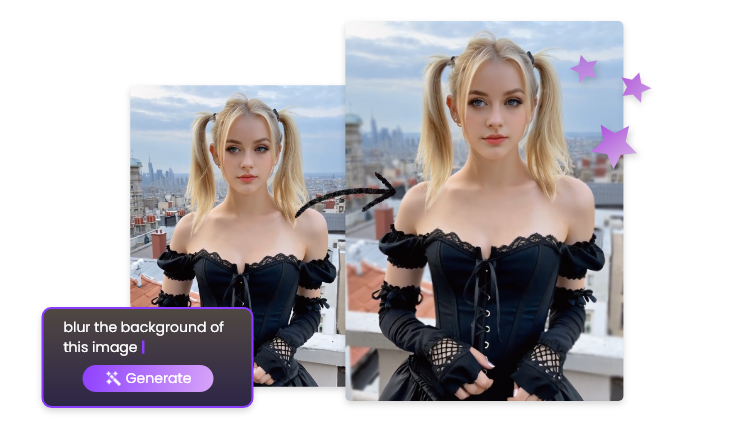
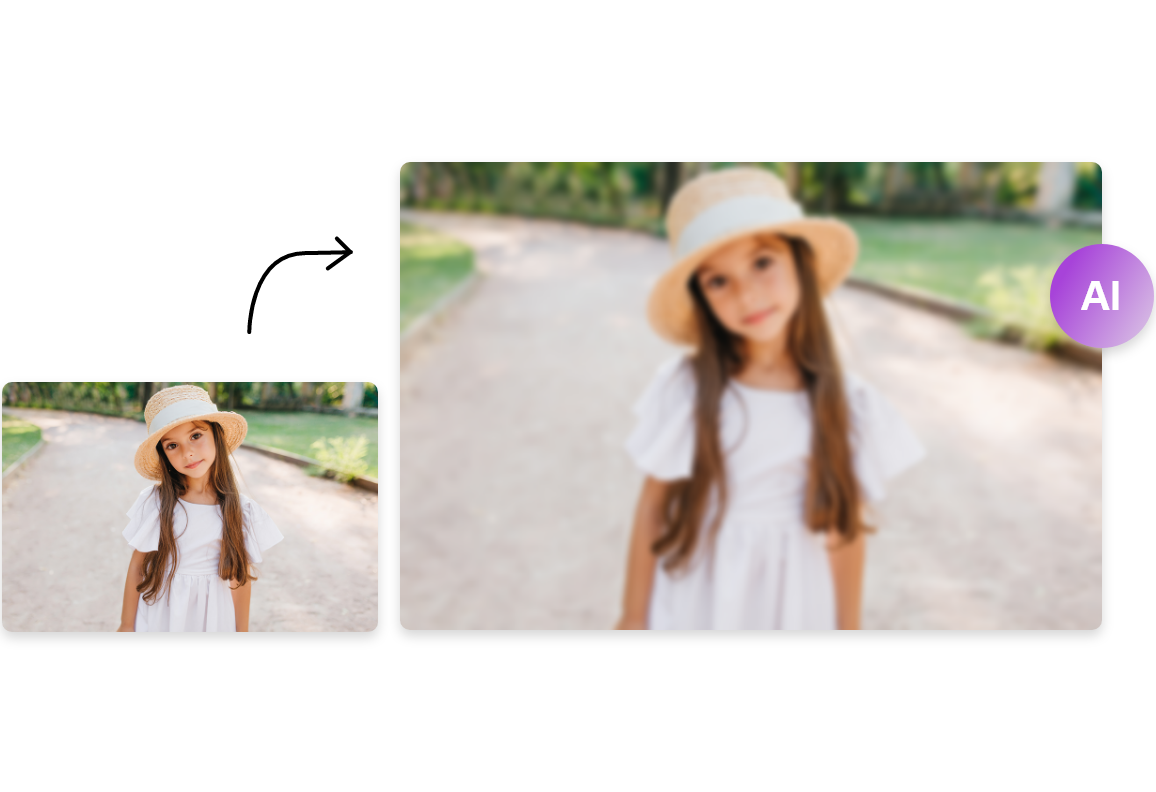
This AI blur image tool can help you blur images in a few seconds. Check it below.
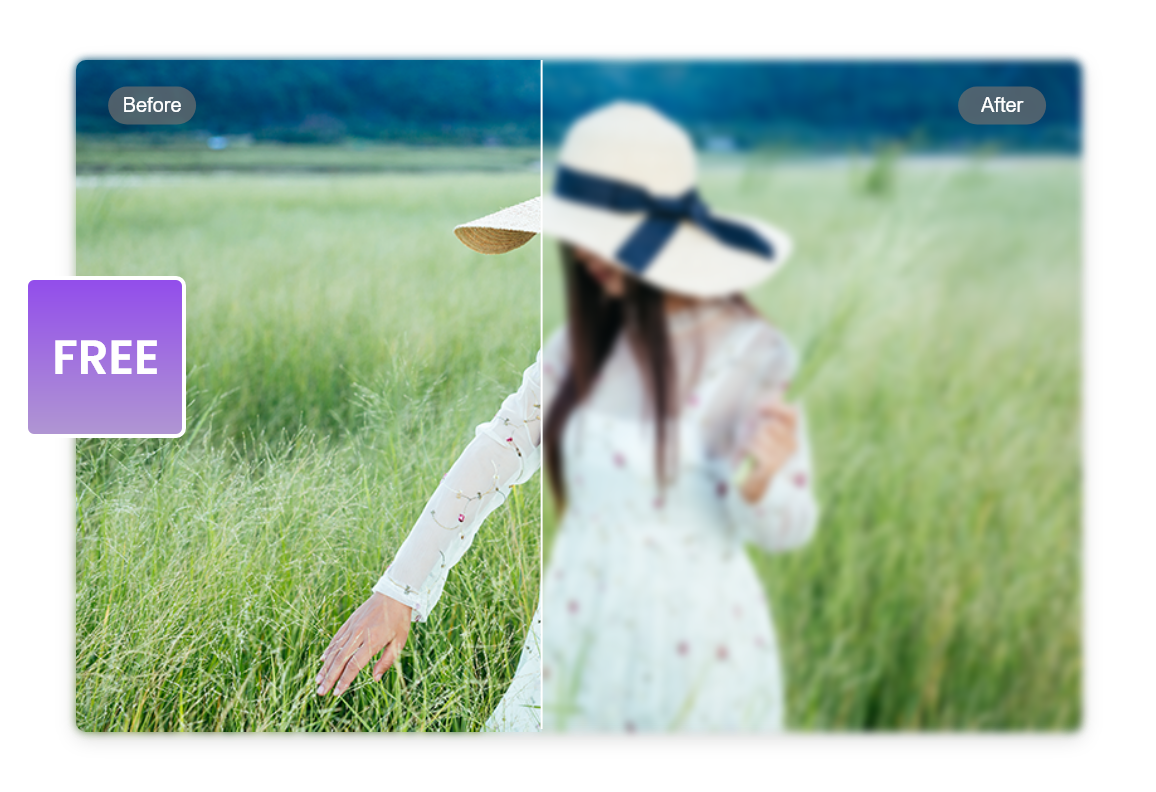
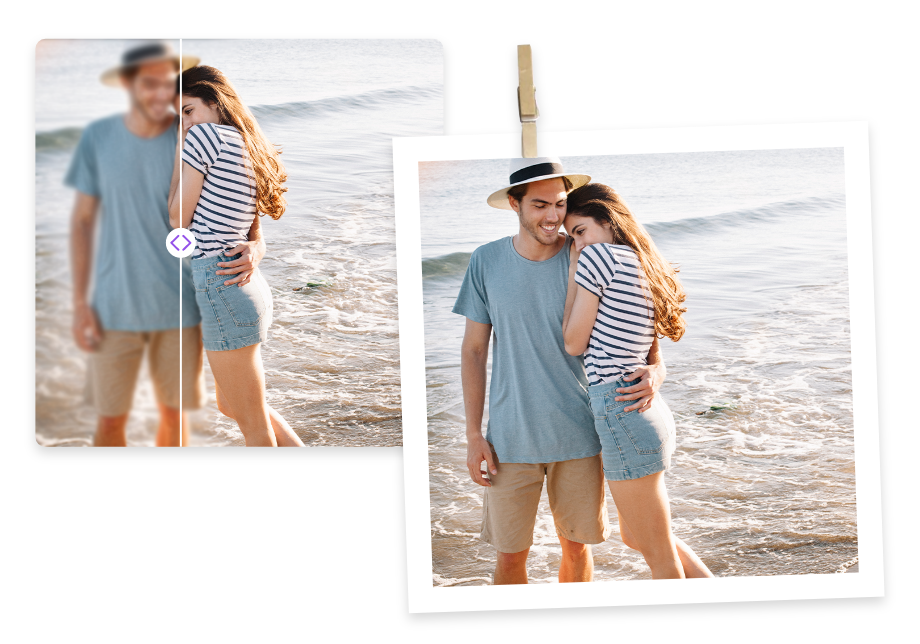
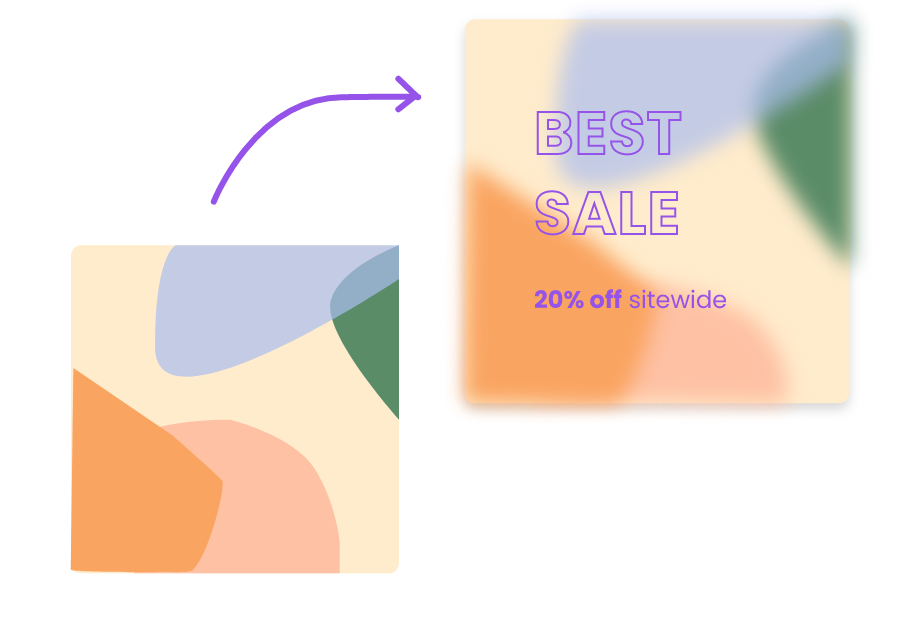
This AI tool not only allows you to blur all parts of an image but also specific parts. As long as you enter prompts like “background”, “face”, “wires”, etc., this AI tool will detect those things in the image and blur them accurately.
You don’t have to worry about the image quality loss after blurring. Vidnoz AI blur image will present you the original image with the blurred areas you want. Just click download to save.
Blurring images with this AI tool is free. Also, watermarks will not appear after processing. Feel free to upload and generate results.
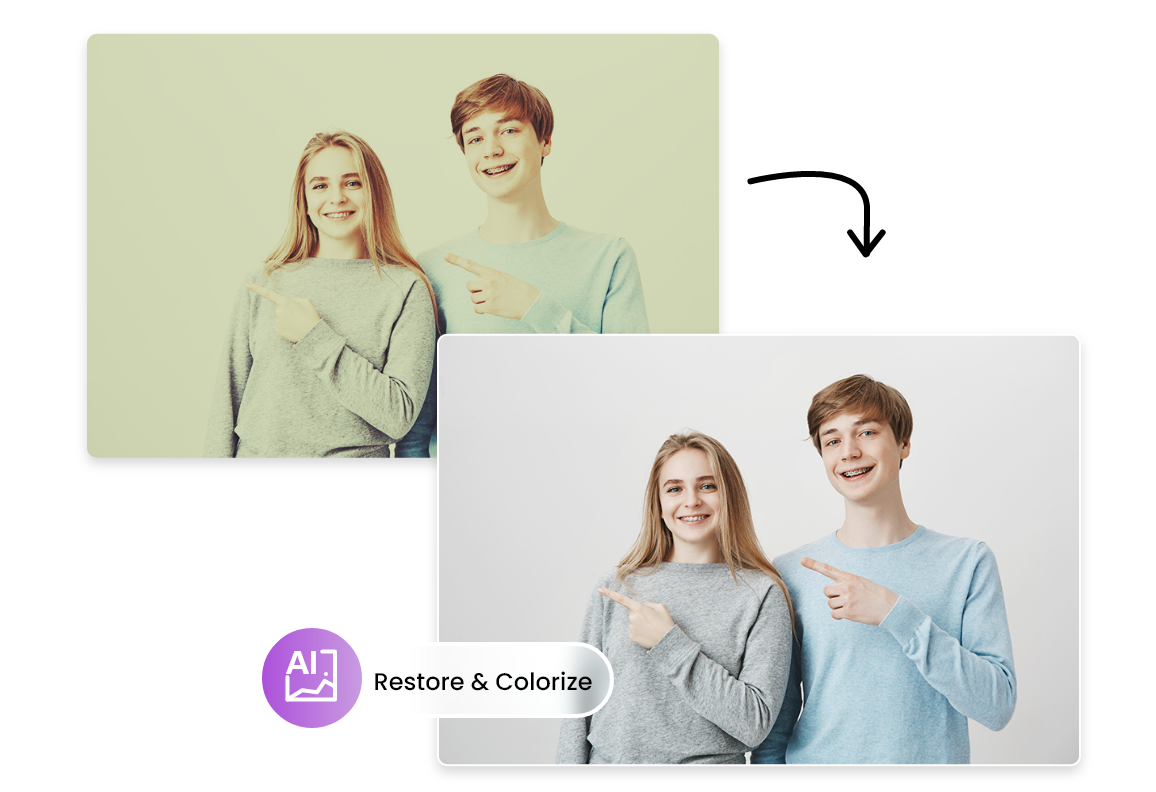
Vidnoz AI blur image can do more than just blur. You can basically use all the image editing features, such as image restore, colorize, remove emoji, and so on. And all these features can be realized by entering the respective prompts. Start editing images now!
It automatically applies blur effects to photos, helping you hide sensitive details, remove distractions, or create a soft-focus look.
No. Just upload your image, enter the blur level or area, and the tool handles everything for you.
Yes. This AI blur tool lets you enter specific areas—like faces, backgrounds, text, or objects—to blur while keeping the rest clear.
Yes. The tool keeps your image sharp where needed and only blurs the part you choose, so the final result still looks clean.
This AI tool deletes your uploads after processing and doesn't store your images.
The best-in-class AI blur image tool. Free and online.