Vidnoz Free Image Border Creator | Add Border to Image from Text
Vidnoz AI Border Creator excels with its intuitive text-based editing, unlimited customization options, and professional results. Discover the remarkable capabilities of this free online photo editing tool!
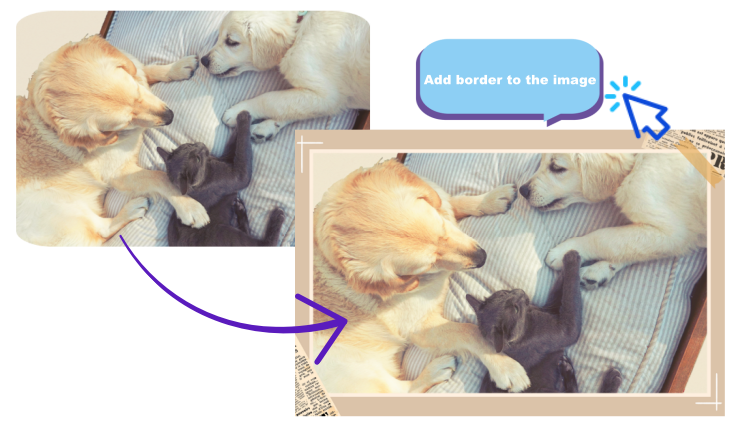
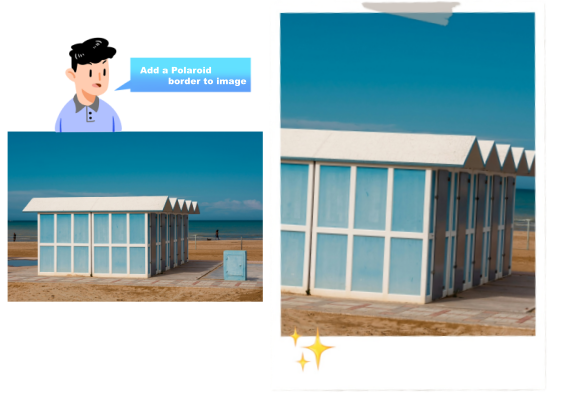
No need to add border to images manually, Vidnoz simplifies photo framing from prompt. Just upload any image and describe the border you want - the AI will analyze your words and deliver perfectly framed results instantly. Say goodbye to painstakingly selecting borders from a vast array of options to match your images.
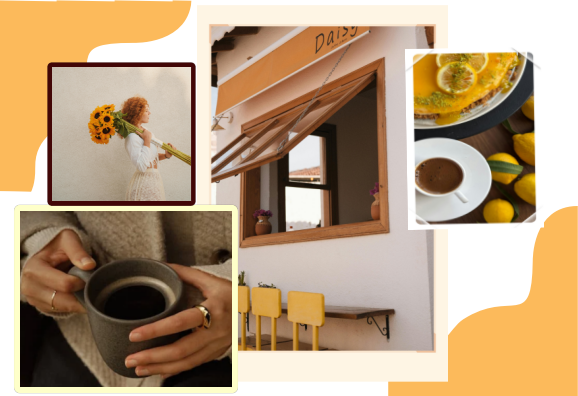
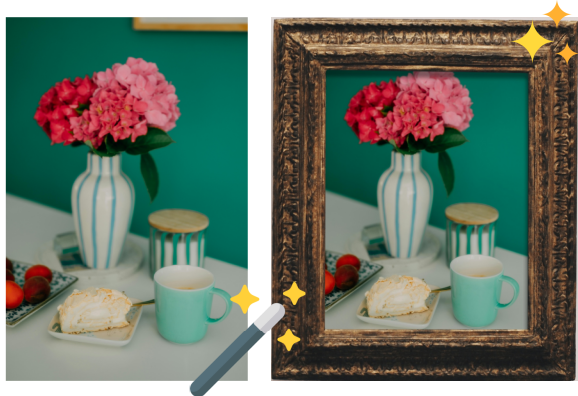
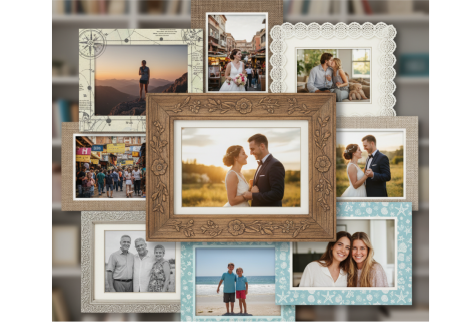
Create any border style - modern, vintage, artistic, minimalist online for free. Unlike basic photo editors with limited frame options, Vidnoz offers complete creative freedom. Describe any border you imagine - floral patterns, neon lights, vintage film frames, mosaic edges, or custom designs. Add decorative elements, and set any color scheme you prefer.
Powered by advanced image analysis and generative AI, Vidnoz intelligently adapts borders to complement your photos. The technology carefully matches border proportions, colors, and textures to your image's content and style while preserving the original photo quality. Your framed images look professionally designed every time.
As a comprehensive AI photo editor, Vidnoz offers more than just border creation. You can simultaneously adjust image lighting, apply filters, unpixelate image or enhance colors while adding frames. Bring all your creative visions to life effortlessly and make your photos stand out in any context. Easily refine your creation with new text prompts or upload different photos for additional editing.
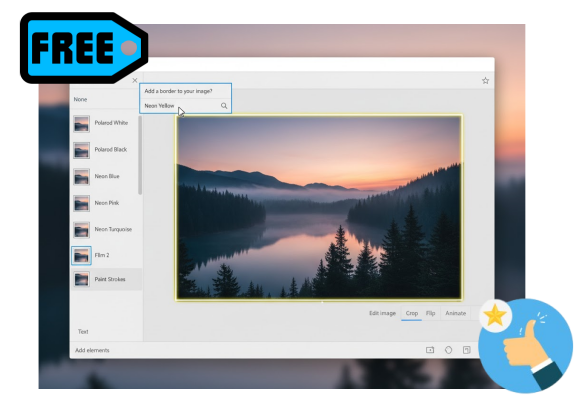
Simply upload your photo, describe the border you want in the text box, and let the AI generate your perfectly framed image instantly.
Yes, Vidnoz offers free border creation with unlimited style options and no hidden costs. Turn your inspirations into beautiful artworks.
The advanced AI analyzes your text descriptions, recognizing style preferences, colors, patterns, and artistic elements to create matching borders.
Absolutely! Use the same text prompt across different photos to maintain a consistent framing style throughout your project.
Vidnoz only allows processing one photo at a time, but due to its fast speed, you can batch process unlimited photos one by one in a short time.
Try any border style on your images online from prompts only. Discover your perfect framing solution with no downloads or design experience required!