Imagine turning a simple blog post, sales pitch, or training script into a fully polished video with voiceovers, transitions, and AI avatars in minutes. Tools like Visla AI say they can do that.
So stay with us as we'll look at what Visla AI can achieve, its true benefits and drawbacks, and how much it costs. We'll also show you other ways to make videos that are free or don't cost much. So by the end of this, you will be sure of how Visla AI video generator stacks up against other video-making tools if you want to make videos.
- On This Page
-
What is Visla AI?
-
Is Visla AI Good? Pros & Cons
-
How Much Does Visla AI Cost?
-
Visla AI Alternatives for All Kinds of Video Creation
#Vidnoz AI - Best Visla Free Alternative
What is Visla AI?
Visla AI is a cloud-based application for generating videos that helps organizations build videos that appear professional quickly and easily. With generative AI and the ability to work together on a project, Visla AI makes making films easier. Teachers, coaches, marketing teams, and video creators who want to make good videos can now do so without needing to learn how to edit them.
AI Text / Script to Video Generation
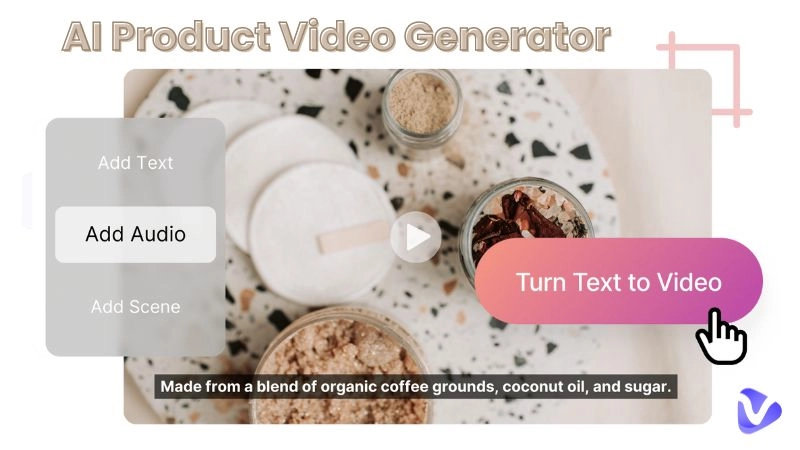
The main advantage of Visla AI video generator is that it can turn written material or scripts into videos in the blink of an eye. If you copy and paste your text, the AI will turn it into a storyboard with pictures, changes, and suggestions for how fast the story should go.
The images, voiceovers, or timing can all be changed to improve it. This saves time and effort to turn blogs, training scripts, or product details into interesting videos.
Turn Text into Video with AI - FREE
Generate high-quality videos from PDFs, PPTs, and URLs in one step!
AI Avatars & Voiceovers
Visla uses AI avatars and synthetic voiceovers to make your writing come to life. In premium plans, you can choose from a library of realistic avatars or make your own. Its ability to generate voices in several languages makes creating content for people worldwide possible, making it easy to translate and adapt for worldwide audiences without recording new voice tracks.
Screen & Camera Recording
With Visla's built-in recording tools, you can record your screen, your webcam, or both at the same time. This function is ideal for online training, product demonstrations, and tutorials. To improve recorded clips, employ AI edits, transitions, and overlays. This lets you mix genuine video with AI-generated features for a professional look.
Team Collaboration & Workspaces
Visla AI was made to help people work together. Teams may work in shared workspaces, edit real-time drafts, and manage branded templates. Version control and asset organization help marketing and education teams work together to generate films while keeping the look and feel of the brand consistent across all outputs.
Beyond Basics: Intelligent Editing & Media Tools
Visla AI does more than only make videos; it also uses AI to make editing faster and smarter. It automatically finds scenes, cuts out pauses and unnecessary words, syncs subtitles, and suggests graphics accompanying the text. Its built-in stock library gives you access to quality video, audio, and B-roll.
Want to personalise your data? Visla AI has your back; it lets you seamlessly do this by adding brand elements like logos, intros, and custom color schemes, aligning every video with your brand identity. Visla gives enterprise users full control with admin dashboards, permission settings, and usage data.
Create Your AI Talking Avatar - FREE
- 1900+ realistic AI avatars of different races
- Vivid lip-syncing AI voices & gestures
- Support 140+ languages with multiple accents
Is Visla AI Good? Pros & Cons
Visla AI brings compelling capabilities, but it’s not perfect. Here’s a balanced view based on hands-on reports and reviews:
Pros
- Speed & automation: It dramatically reduces the time to turn text or media into a video, automatically handling many tedious editing steps.
- Ease of use: Its interface and AI assistants are forgiving for non-editors, letting marketers or content creators work without deep video skills.
- Collaboration built in: The team workspace and shared editing make it well-suited for multi-stakeholder production.
- Rich media integration: Access to stock visuals, B-roll, music, and AI recommendations elevates output quality and reduces external sourcing.
Cons
- Limited control & customization: For users needing granular control over every frame, transitions, or visual style, it may feel restrictive.
- Voiceover realism: While useful, synthetic voices and avatars can sometimes sound robotic or less natural than human voice talent.
- Quality depends on input: A messy script, poor audio, or unclear structure in input material may lead to less polished results.
- Cost for premium features: Many advanced features—custom avatars, Getty Images, higher export quality—are behind more expensive plans.
In practice, Visla AI works well for quick marketing or explainer-style videos. However, tools with deeper flexibility will still be needed for cinematic output or highly creative editing.
How Much Does Visla AI Cost?
Visla AI offers multiple pricing tiers to cater to different user needs. Below is a breakdown:
|
Plan
|
Price / Notes
|
Key Features / Limits
|
Target User
|
|
Free
|
$0
|
Includes basic AI video creation, editing, collaboration tools, and limited credits (e.g., 1,000 credits/month)
|
Beginners, trial usage, small projects
|
|
Pro
|
~$18/month (monthly billing) with discounts on annual plans
|
Enhanced credits, access to premium media, API access, more avatars & voices
|
Individual creators, small teams
|
|
Business
|
~$59/month (monthly)
|
High credit allocation, full branding features (brand kits, custom avatars, higher resolutions)
|
Marketing departments, agencies
|
|
Enterprise
|
Custom pricing
|
Unlimited custom avatars, voices, multiple workspaces, branding, onboarding, SSO, API scaling
|
Large organizations with advanced needs
|
The Pro plan is often cited as a mid-tier sweet spot. Always check the latest rates on Visla’s official site, as pricing (and credit models) may change.
Visla AI Alternatives for All Kinds of Video Creation
If Visla AI doesn’t fit your workflow, budget, or creative demands, here are three strong alternatives worth exploring:
#Vidnoz AI - Best Visla Free Alternative
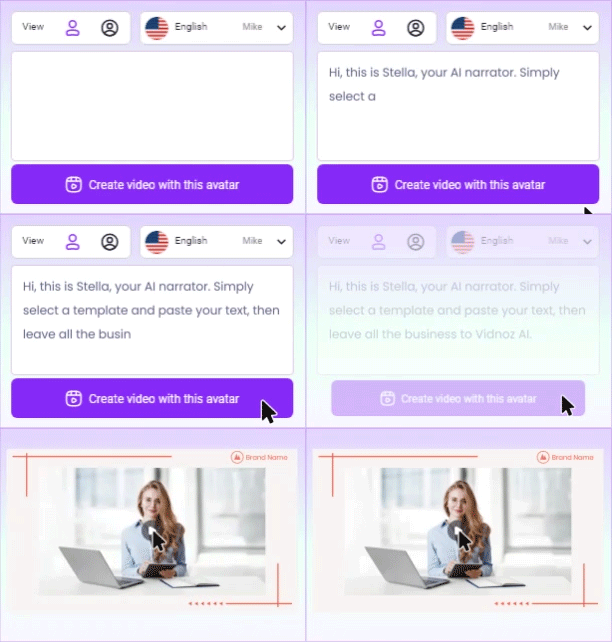
As the preferred alternative to Visla AI, Vidnoz AI does many of the same activities, such as creating videos with avatars and voiceovers, converting text, PPT, and PDF files to videos, and including a built-in screen recorder. You can even use its online recorder to make tutorials or give presentations.
Vidnoz also provides product avatars for influencer or e-commerce videos. New users may make short 15-second videos for free, a great way to try out the platform. Many people make social media content with its simple, easy-to-use interface.

Vidnoz AI - Create Free Engaging AI Video with Talking Avatar
- Easily create professional AI videos with realistic avatars.
- Text-to-speech lip sync voices of different languages.
- 2800+ video templates for multiple scenarios.
#HeyGen
HeyGen is another popular AI video producer that generates videos with scripts and talking avatars. All you have to do to make a video is type in your words, choose an avatar, and click "Generate."
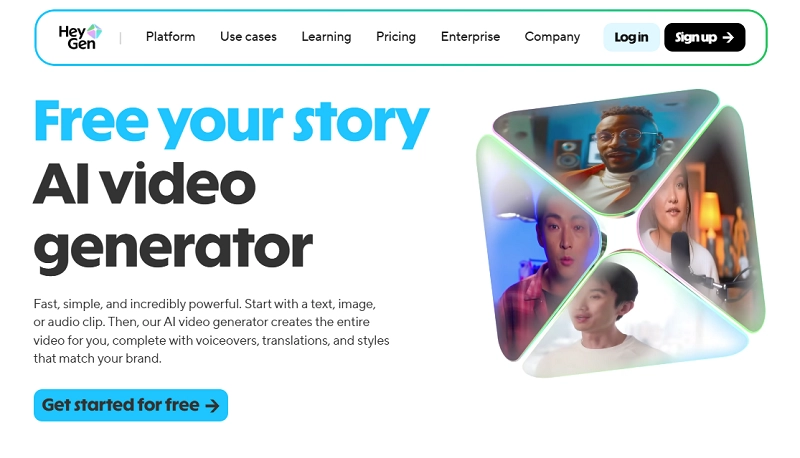
The platform supports several languages and localization, which makes it great for organizations that have clients all over the world. HeyGen doesn't offer the same complicated editing and screen recording tools as Visla, but it does let you build avatar-based marketing and explainer videos quickly and efficiently.
#Lumen5
Lumen5 does things differently by translating written content into videos, such as blog posts or articles. When you paste it in, the AI will automatically propose pictures, music, and layouts accompanying your text.
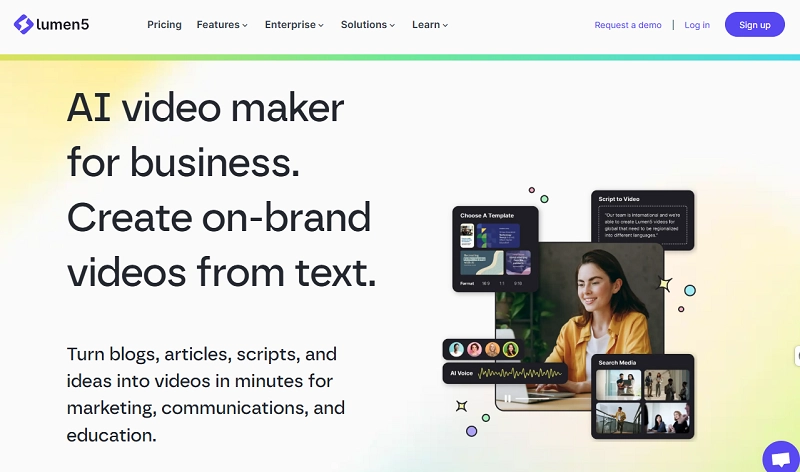
It is ideal for marketers who want to repurpose written content in social media or campaigns. Lumen5 doesn't have avatars or voice cloning like Visla or HeyGen, but it's great for making videos quickly, in a way that looks good, and using templates.
The Bottom Line
Visla AI is a sophisticated all-in-one video creation platform that uses generative and assistive AI to simplify marketing, training, and internal video workflows. Many people find it appealing since it can turn text and scripts into professional videos, add avatars and voiceovers, and help teams work together. If you need a lot of creative control or are on a tight budget, you might want to look into alternatives like Vidnoz AI, HeyGen, or Lumen5.
In short, Visla AI is a great choice for content and commercial teams who want to make videos faster without losing quality.