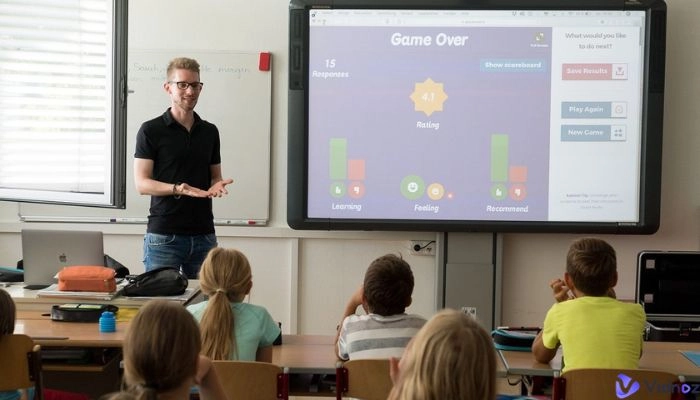
A wonderful teacher possesses clear, calm, and confident tones. They can explain ideas, guide lessons, and help keep learners focused. Trust and comfort radiate from every teacher's voice; it embodies patience, warmth, and energy.
Voices can be powerful. Advanced tools can now help recreate this power digitally. A teacher's AI voice can smoothly deliver lessons, even adjusting emotion to sound realistic. This also saves time and cost for teachers when creating video lessons.
This post presents the 5 best AI teacher voice generators designed for education. Continue reading to discover your next AI teaching partner.
- On This Page
-
Catch the Point of Engaging AI Teacher Voice
-
5 Best AI Teacher Voice Generators Worth Trying
-
How to Generate a Realistic Teacher AI Voice Free
-
Create an Innovative Educational Video with Teacher Voices
Catch the Point of Engaging AI Teacher Voice
A good teacher AI voice has a fair combination of tone, pace, and clear delivery.
- A tone that embraces and welcomes the listener feels more natural.
- The variation added by the pitch keeps the listener's attention alive.
- The pace of speech should be slow enough to allow for understanding, but not so slow as to be boring.
- Clarity contributes to easy understanding of what is being said.
- Emotional expression helps inspire and add trust and warmth.
All of the above make a voice more memorable to the listener. In movies, podcasts, and eLearning, such voices add emotion and focus. Recording content has become easier without repeating and fussing over retakes due to the availability of AI. Digital tools offer a voice cloning feature. They can also create new sounds using voice simulation-matching to offer a seamless projection of the teacher's voice. Some common examples of teacher AI voice types:
AI Teacher Voice Example 1: Calm female voice explaining a science topic.
AI Teacher Voice Example 2: Warm male voice guiding a language lesson.
AI Teacher Voice Example 3: Cheerful tone teaching a short poem.
5 Best AI Teacher Voice Generators Worth Trying
Let's discover 5 remarkable platforms that provide teacher AI voices to create real-life experiences.
1. ElevenLabs
ElevenLabs is a top-notch tool in voice generation technology. It is recognized for the realism of its classroom-style voices. It provides a teacher's voice that is human, expressive, and crystal clear.
Main Features:
- Tailored AI voice models for teaching tone.
- Storytelling, lectures, and podcasts support.
- Natural language delivery that dynamically shifts in pitch and emotionality.
2. Vidnoz Text to Speech
Vidnoz AI Text to Speech provides quick, eloquent, and expressive voice generation. This makes it perfect for narrating educational content. It takes lesson scripts and transforms them into professional narrations in mere seconds. Vidnoz AI Text to Speech feature saves educators and content creators hours of valuable time. It allows educators and content creators to effortlessly produce engaging audio lessons.
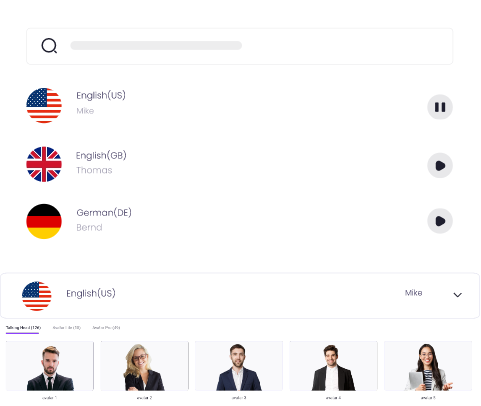
Create Text-to-Speech AI Voices - FREE
Make natural voice text to speech in various languages, accents, and ethnicities. Try it free now!
Main Features:
- Ultra-Realistic Voice Outputs: Generate automatic, humanlike narrations while maintaining a warm and teacher-like tone.
- Access to 1200+ Lifelike AI Voices: Choose from different accents, languages, and emotions to match the lesson.
- Customizable Speech Controls: Alter the tone, pace, pitch, and emphasis to suit the classroom.
- Instant Text-to-Speech Conversion: Text lessons can be pasted and uploaded. A voice can be selected, and audio lessons will be generated in seconds.
- Multi-Language Support: Generate and produce teacher voices in over 50 languages.
- Simple Export Options: Extract audio files in MP3 or WAV formats for seamless integration into videos, e-learning platforms, or presentations.
Vidnoz is perfect for schools creating online lectures, videos with AI voice, or digital storytelling. It works well with the teacher avatar feature, too.
3. LOVO AI
LOVO AI provides excellent voiceovers for educators. The quality of the tone and natural pacing it offers works wonders for concept explanations.
Main Features:
- Provides realistic professor voice changer options for formal lessons.
- Custom AI training for better tone control.
- Diverse audio export options.
4. Speakatoo
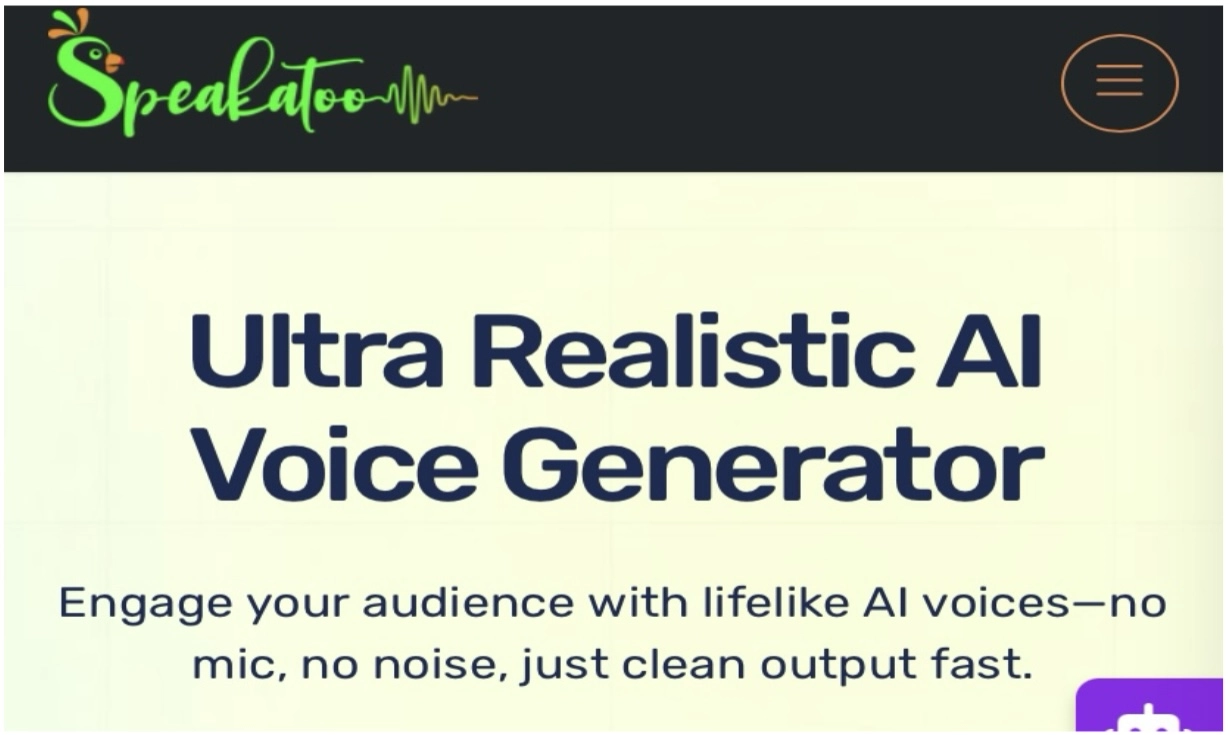
For teachers who want a good professor's voice to convert lessons to realistic audio, Speakatoo is very helpful. It offers crisp, human-like audio for all classroom and online videos.
Main Features:
- Professional teacher AI voice recordings are made very fast.
- Multiple voice tones for learning and e-course materials.
- It is compatible with the teacher voice changer for PC. Text inputs are also available.
5. SpeechGen
SpeechGen is also a big name among trusted, simple voice generation platforms. It is famous for being fast and reliable.
Main Features:
- Multiple classroom-style voice options.
- Custom AI voice creation.
- Set tone and speed for voice generation.
How to Generate a Realistic Teacher AI Voice Free
Now that we're familiar with the most useful tools, let's construct your first voice. Follow these steps on Vidnoz Text to Speech:
Step 1. Go to Vidnoz Text to Speech.
Step 2. Write your teaching script or copy and paste it.
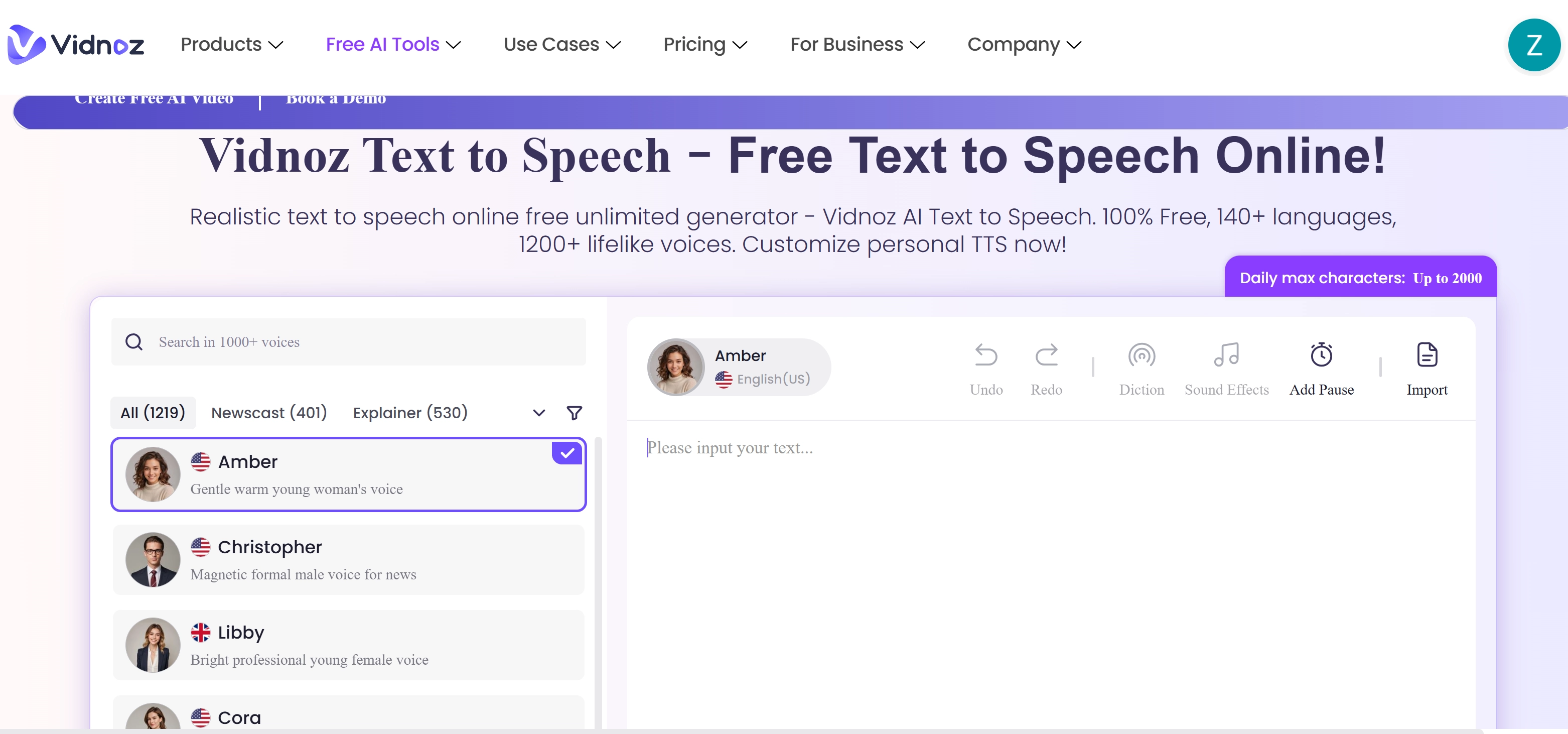
Step 3. Add Pauses.
Step 4. Hit "Generate" and you will get your lifelike teacher voice.
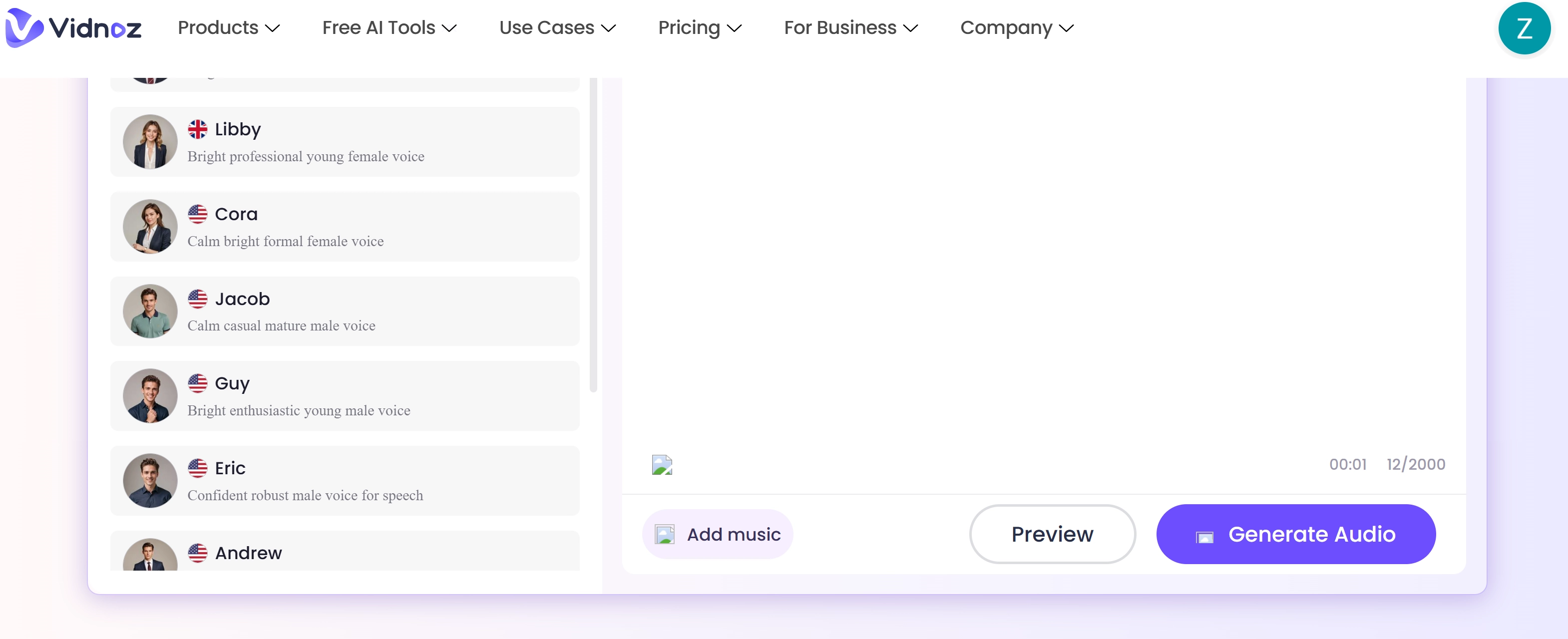
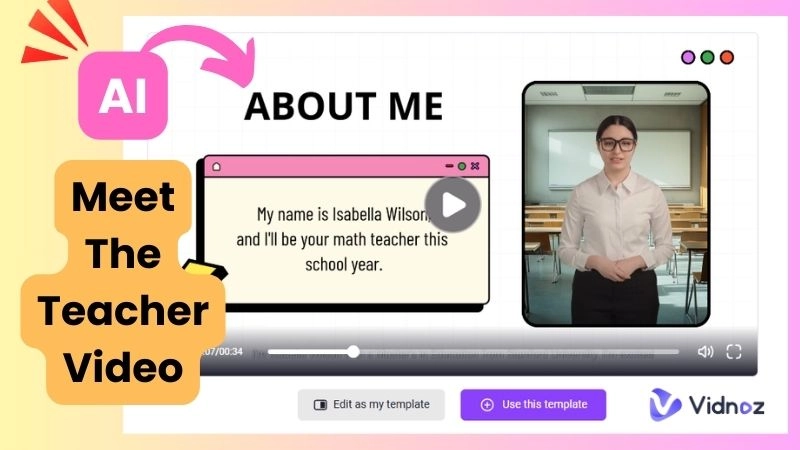
This tool will be helpful for your meet-the-teacher video or for any other teaching-related material. It doesn't require any downloads. The process is also fast and straightforward.
Create an Innovative Educational Video with Teacher Voices
A video is always better than just an audio for your lessons. With Vidnoz, you can use a free AI video generator to create complete educational clips. It is an all-in-one service as it creates the voice, video, and animations in just a few minutes.

Vidnoz AI - Create Free Engaging AI Video with Talking Avatar
- Easily create professional AI videos with realistic avatars.
- Text-to-speech lip sync voices of different languages.
- 2800+ video templates for multiple scenarios.
Vidnoz AI is one of the best AI teaching video generators that is great for your budget. You won’t have to spend any money to use it. It also helps you save time. With Vidnoz AI, you can eliminate the tedious editing process. Furthermore, there are plenty of diverse, customizable AI avatars available for you to use. You can select from a wide variety of virtual characters. Vidnoz also has a vast collection of stock material to create engaging videos. It gives you the option to select your music, backgrounds, and icons.
This is how you can create an educational video using Vidnoz AI:
Step 1: Visit the Vidnoz site by clicking the button below.
Step 2: Pick a template for teaching videos.

Step 3: Choose a teacher avatar and enter your script.
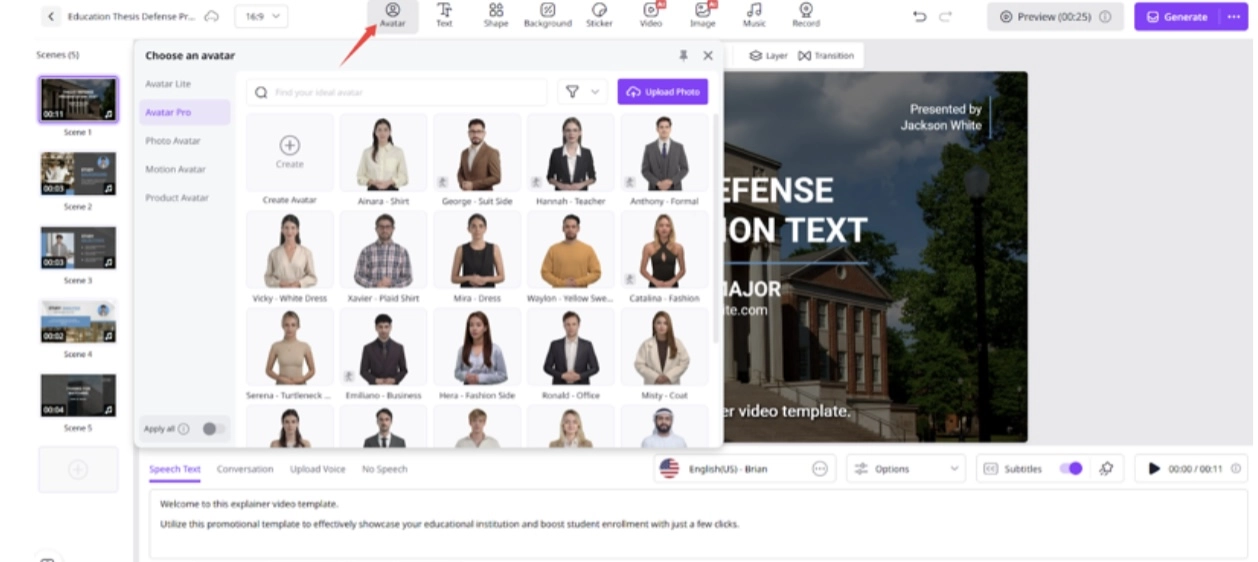
Step 4: Use AI voice cloning and pick your desired voice.
Step 5: Export the video after previewing it.
Along with these features, Vidnoz is equipped with angry text-to-speech, voice transforming from male to female, and AI celebrity voice effects. For any classroom project, these features will add fun and personality.
Conclusion
A good teacher AI voice makes every lesson easy to follow. Every lesson inspires and is made easier with a good teacher's voice. Using Vidnoz AI modern tools, teaching can incorporate emotion, tone, and style into every lesson. Teacher voice generators streamline online teaching, making it quicker and personal. The tool will help you make custom AI teacher voice videos.
Engage your students like never before with Vidnoz AI.
Vidnoz AI - Create Free Engaging AI Video with Talking Avatar
- Easily create professional AI videos with realistic avatars.
- Text-to-speech lip sync voices of different languages.
- 2800+ video templates for multiple scenarios.