As digital communication continues to evolve, spoken content has become one of the most common ways people share information. From virtual meetings and online courses to podcasts and social videos, voice-based content dominates modern workflows. However, spoken information is not always easy to store, search, or reuse. This growing challenge is exactly why a speech to text translator has become essential, especially when paired with AI platforms like Vidnoz.
By using a speech to text translator, users can convert spoken words into readable text within minutes instead of hours. Instead of replaying recordings repeatedly, modern speech to text online tools allow you to work more efficiently with audio and video files. As AI ecosystems expand to include features such as text to video AI, transcription is increasingly becoming part of a complete content workflow.
- On This Page
-
What Is a Speech to Text Translator?
-
Key Benefits of Using a Speech to Text Translator
-
Speech to Text for Audio Files: Transcribe Speech Easily with Vidnoz Audio to Text
Step-by-Step: How to Transcribe Audio with Vidnoz Audio to Text
-
Speech to Text for Video Files: Transcribe and Translate with Vidnoz AI Video Translator
Step-by-Step: How to Transcribe and Translate Video Speech
-
Common Use Cases for Speech to Text Translators
-
FAQs About Speech to Text Translators
What Is a Speech to Text Translator?
Before selecting a tool, it’s helpful to understand what a speech to text translator actually does. At its core, a speech to text translator listens to spoken language and automatically converts it into written text.
In more advanced platforms, transcription often goes hand in hand with translation. This is where speech to text translate functionality becomes valuable, allowing users to transcribe speech and convert it into another language. While some users rely on tools like translate speech to text Google, dedicated solutions such as Vidnoz AI Voice Translator typically offer better accuracy and flexibility for longer or multilingual content.
Key Benefits of Using a Speech to Text Translator
Once you understand how speech to text works, the benefits become immediately clear. A speech to text translator dramatically reduces the time required to turn spoken content into usable text.
In addition, speech to text online tools improve productivity by making conversations searchable, editable, and easy to repurpose. With speech to text translate capabilities, users can also communicate across languages without rewriting content manually. These advantages complement related tools such as text to speech, which allow written content to be converted back into voice for broader accessibility.
Speech to Text for Audio Files: Transcribe Speech Easily with Vidnoz Audio to Text
When working specifically with audio recordings, transcription presents unique challenges. Background noise, accents, and inconsistent audio quality can reduce accuracy when using basic tools.
Many users initially search for a voice to text converter online free, but free tools often limit file length or deliver inconsistent results. For more dependable transcription, a specialized speech to text translator is a better option. Vidnoz Audio to Text is designed to convert audio speech into text efficiently while maintaining high accuracy.
Transcribe Any Audio to Text with AI - Free
- Ultra-fast transcription for any audio at one click
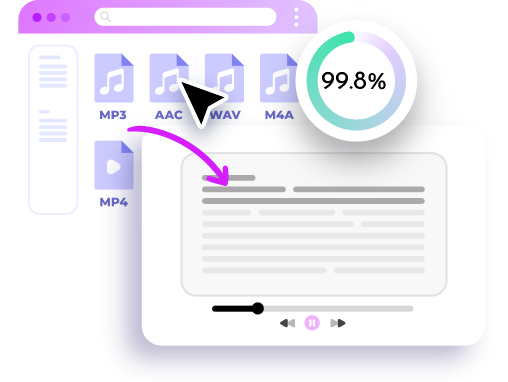
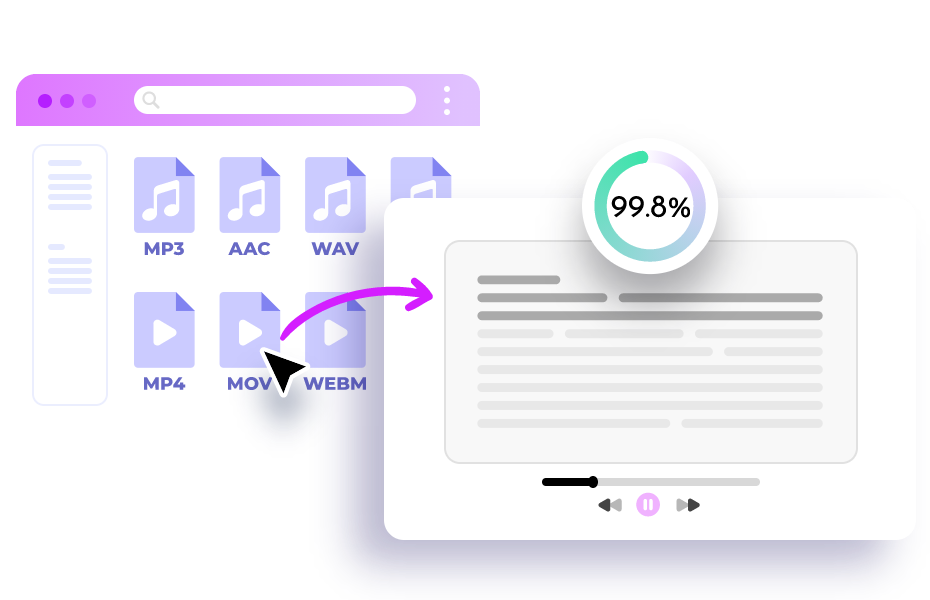
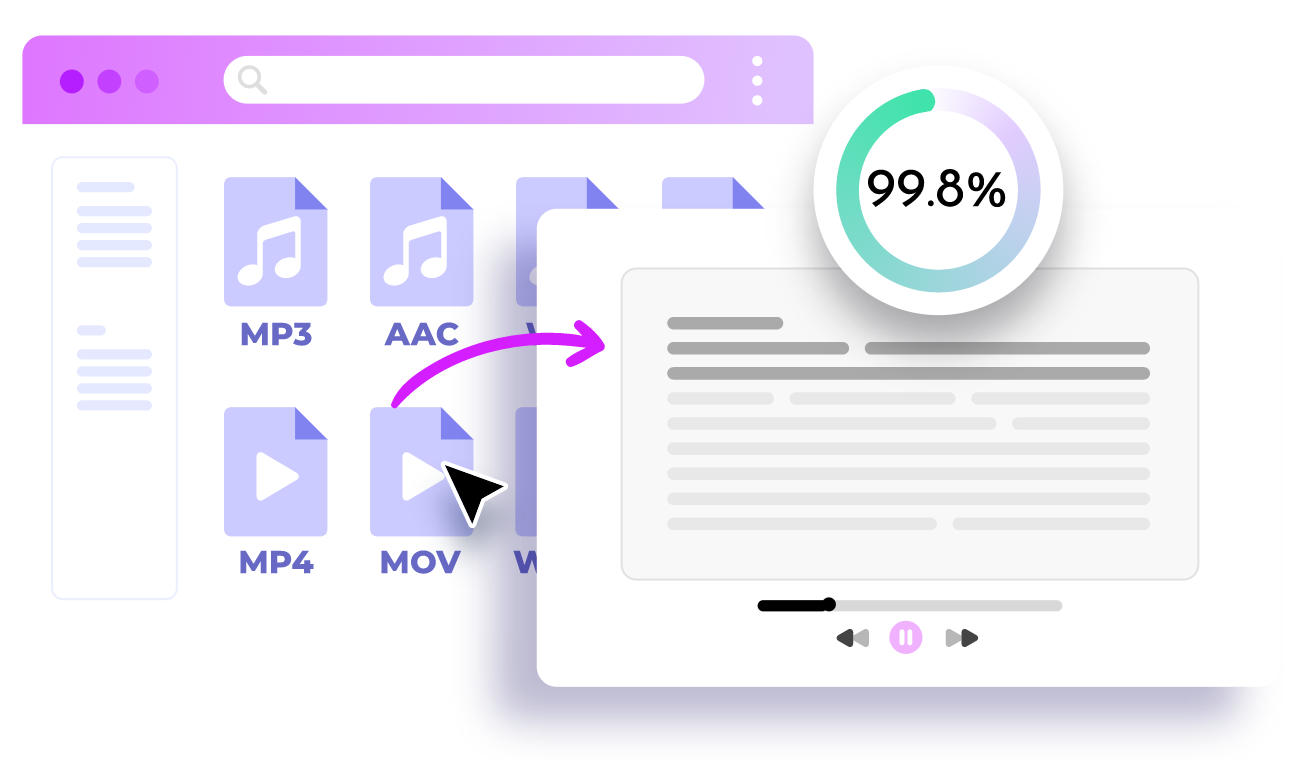
- 99.8% accuracy with advanced AI technology
- Supports 25+ different languages
Transcribe Audio to Text
Step-by-Step: How to Transcribe Audio with Vidnoz Audio to Text
To make the process simple, here’s how users typically transcribe audio files:
Step 1. Upload your audio file
Start by uploading your voice recording, podcast, interview, or lecture file to the platform.
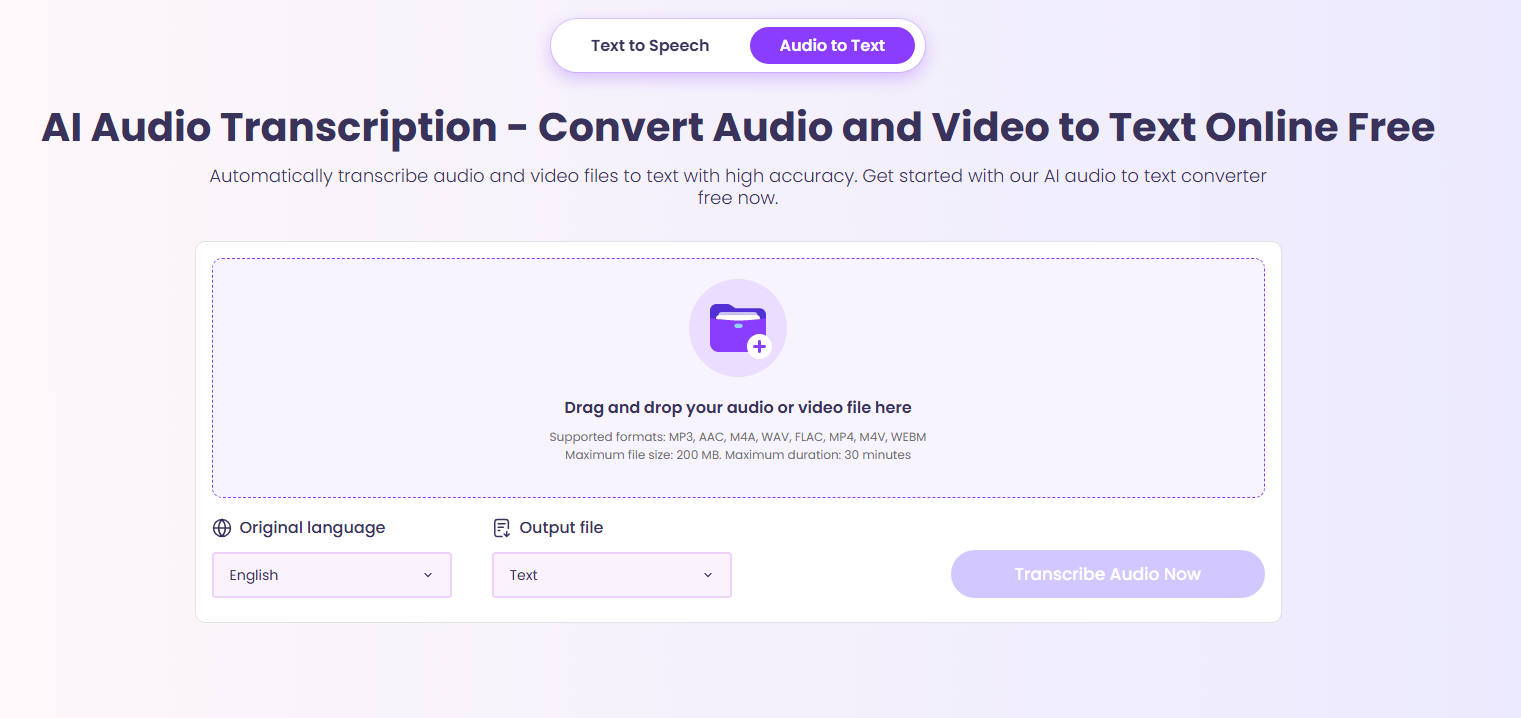
Step 2. Choose transcription settings
Select the language and let the AI automatically detect speech patterns.
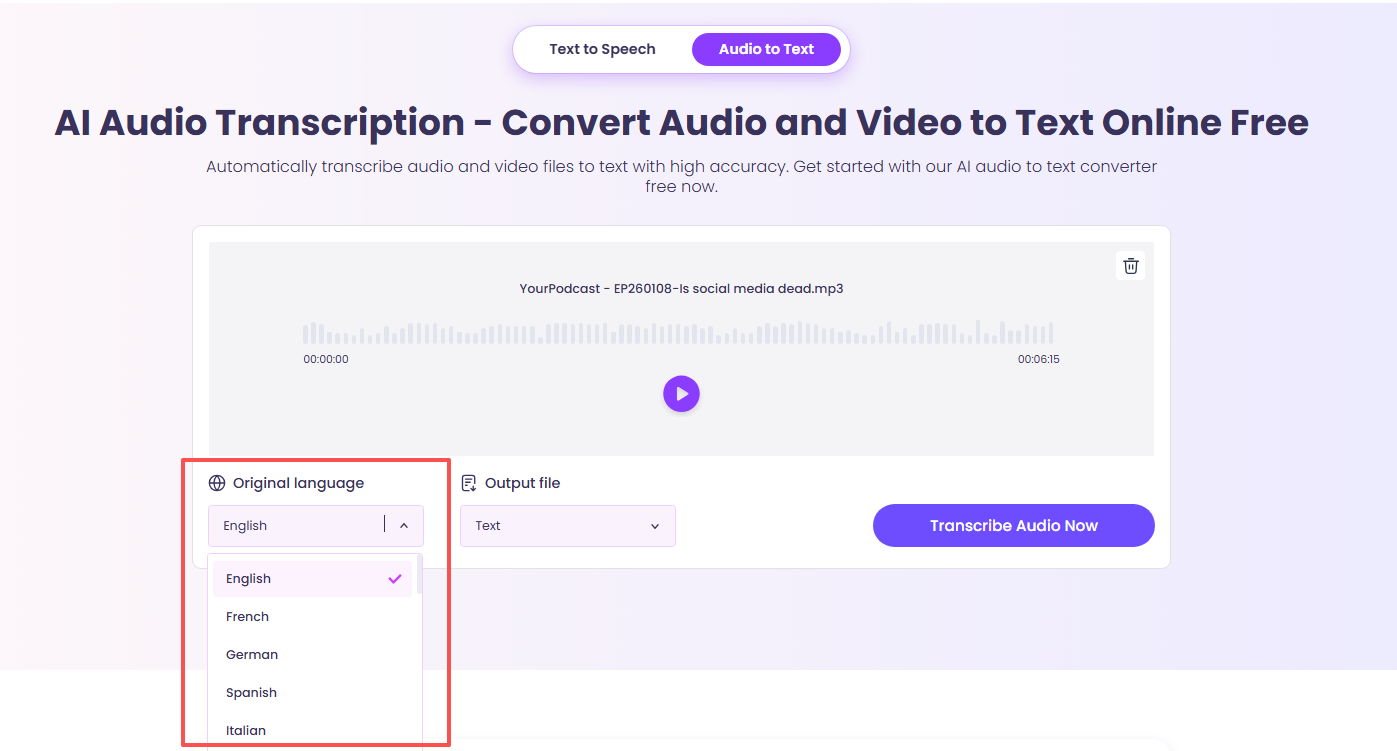
Step 3. Convert speech to text
The tool processes the audio and generates text within minutes.
Step 4. Download the converted text or share it.
You can share your document directly or download it to save locally.
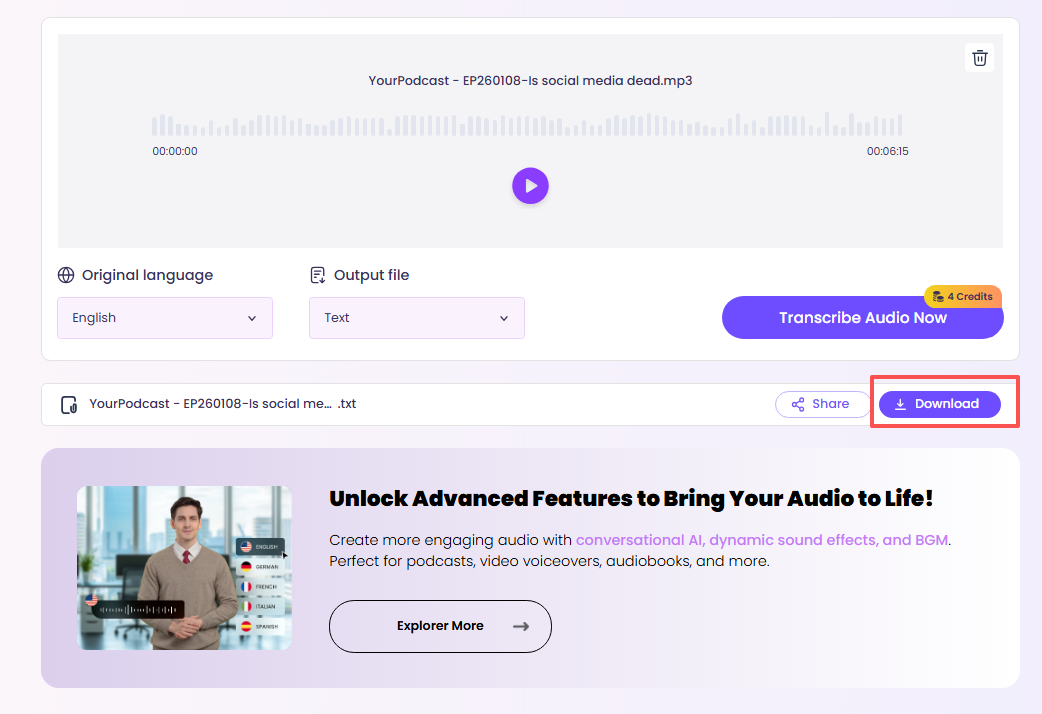
As a browser-based speech to text online solution, Vidnoz Audio to Text is far more reliable than a basic voice to text converter online free, especially for longer audio content.
Speech to Text for Video Files: Transcribe and Translate with Vidnoz AI Video Translator
While audio transcription is common, video content now plays an even larger role in communication. Videos combine speech, visuals, and context, making accurate transcription essential for subtitles and localization.
To address this need, Vidnoz AI Video Translator functions as a powerful speech to text translator for video files. It extracts spoken dialogue and applies speech to text translate features to produce multilingual transcripts.
Translate Videos in One Click with AI - Free
- Instantly translate local files and video URLs in 1 minute.
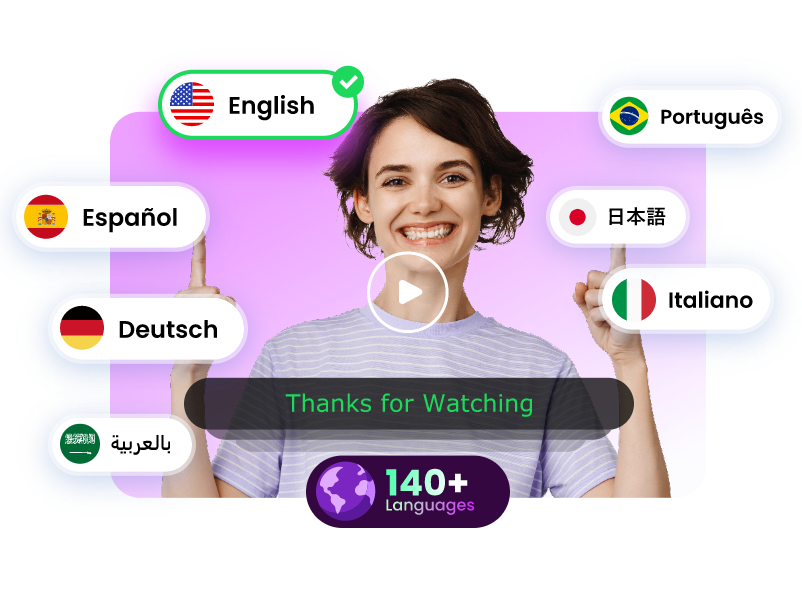
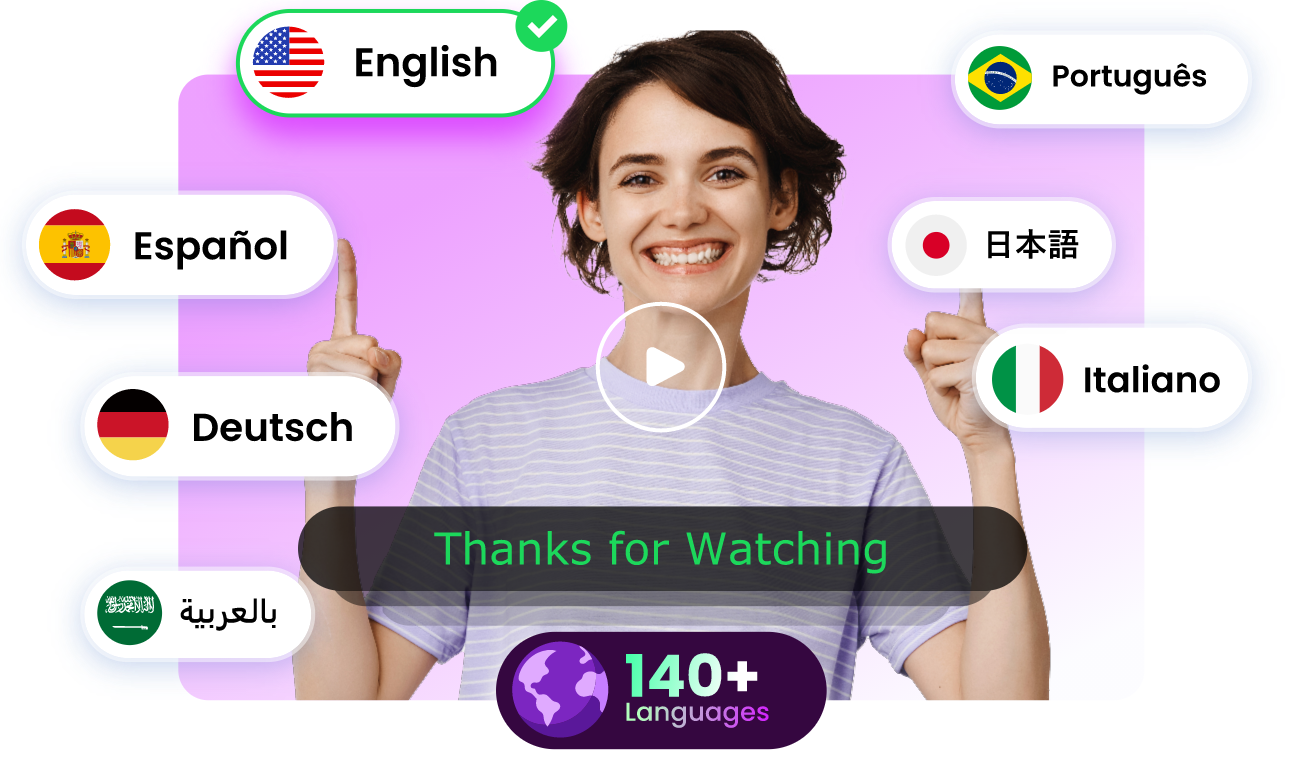
- Accurate translation in 140+ languages for global reach.
- Perfect lip sync and speech rate for authentic results.
Translate Video Now
Step-by-Step: How to Transcribe and Translate Video Speech
Here’s how users typically convert video speech into text:
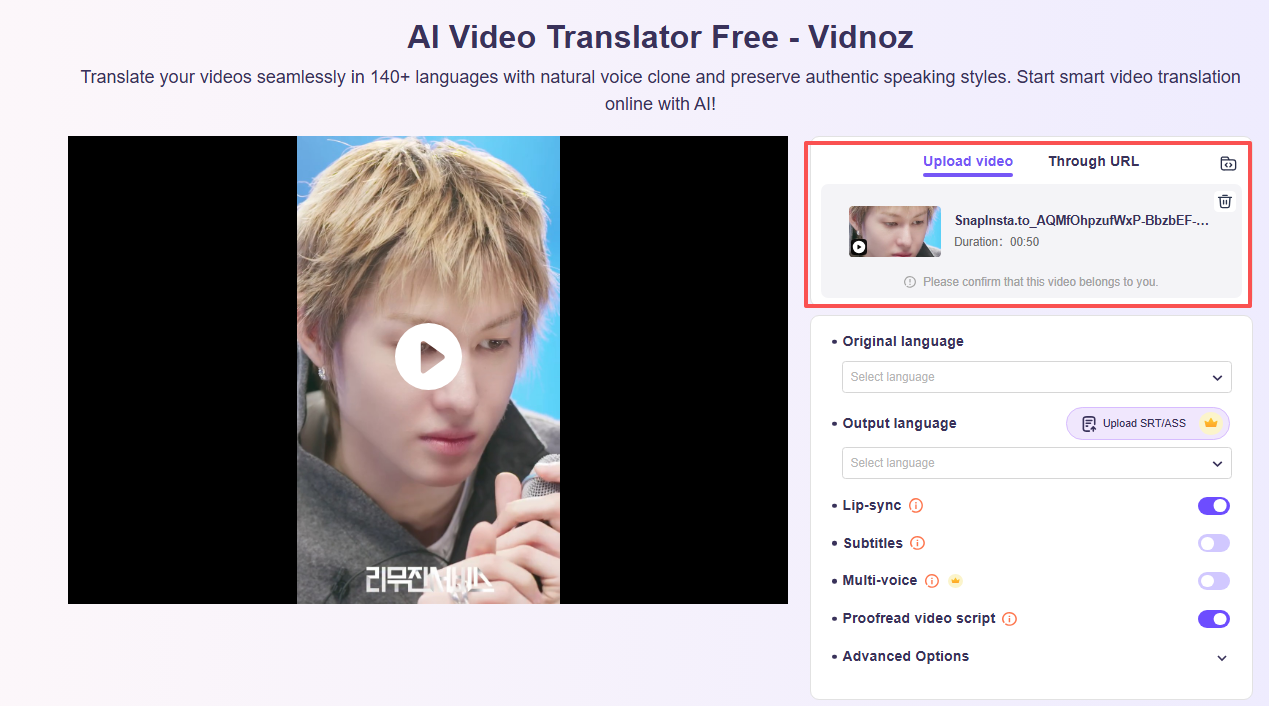
Step 1. Upload your video file
Add your video, such as a YouTube clip, webinar, or recorded presentation.
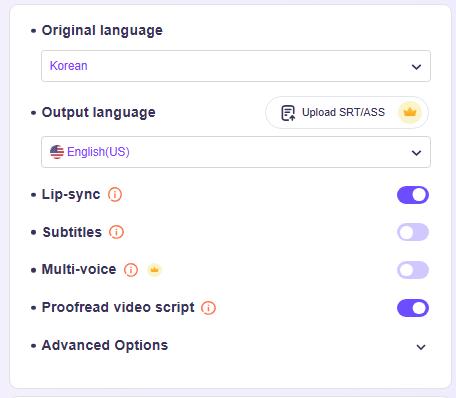
Step 2. Select transcription and translation options
Choose the original language and target translation language if needed.
Step 3. Generate speech-to-text output
The AI extracts speech and converts it into readable text automatically.
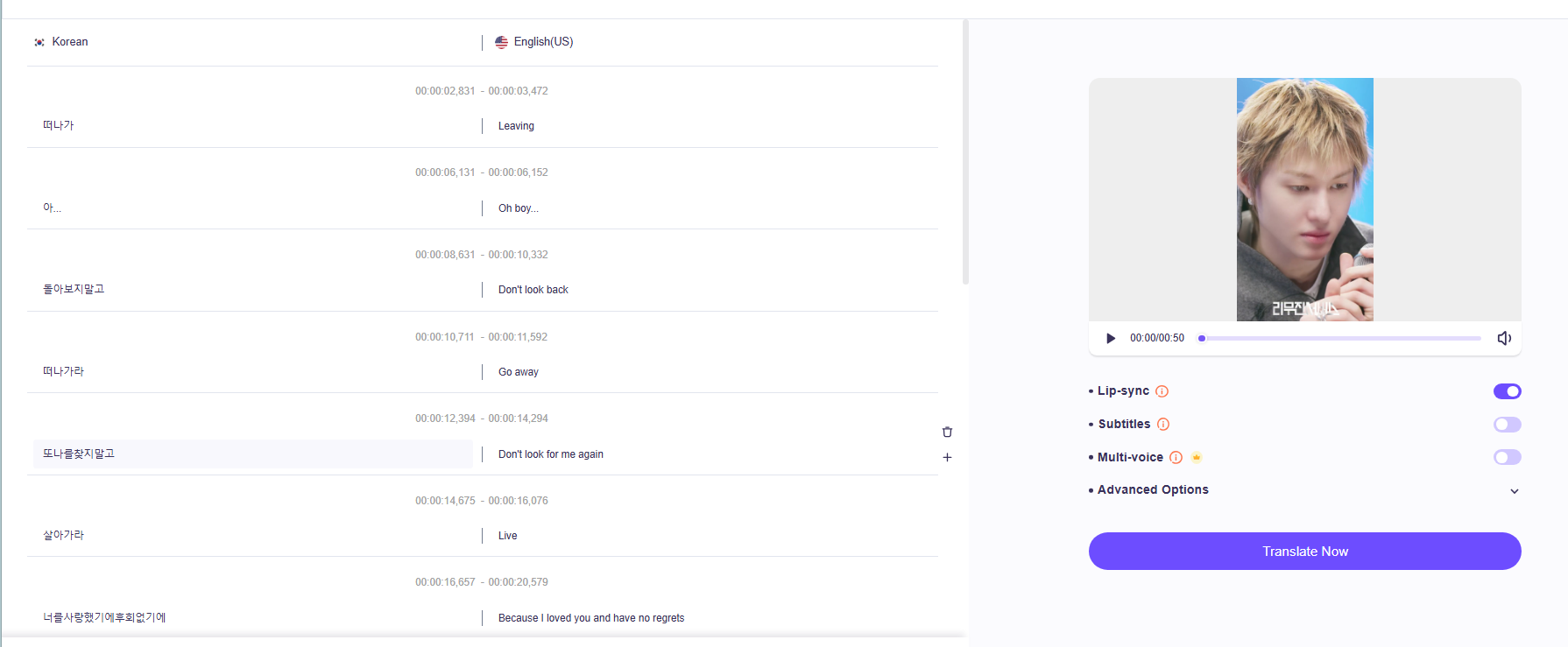
Stepp 4. Translate the speech and download the text
Use the transcript for captions, subtitles, or content repurposing.
Compared to general tools like translate speech to text Google, Vidnoz AI Video Translator is better suited for longer videos and professional use cases, making it ideal for educators, marketers, and global creators.
Common Use Cases for Speech to Text Translators
With both audio and video transcription covered, it’s helpful to see how these tools are used in real situations. A speech to text translator supports a wide range of industries.
In business settings, teams use speech to text online tools to transcribe meetings and interviews. In education, lectures are converted into text for easier study and review. Content creators also combine transcription with tools like text to speech avatar to turn scripts into engaging AI-driven videos.
Researchers and journalists rely on speech to text translators to quickly convert recorded interviews into searchable text, reducing manual workload significantly.
FAQs About Speech to Text Translators
To help users make informed decisions, several common questions often come up when choosing a tool.
Is a speech to text translator accurate?
Yes. Modern AI-powered tools deliver high accuracy, especially when audio or video quality is clear.
Can I convert both audio and video files to text?
Yes. Audio files are best handled by Vidnoz Audio to Text, while videos can be processed with Vidnoz AI Video Translator.
Is a voice to text converter online free reliable?
Free tools may work for short clips, but they often lack accuracy and advanced features.
Can speech to text translate content into other languages?
Yes. Many platforms support speech to text translate, allowing easy multilingual transcription.
Does speech to text online support different accents?
Most advanced speech to text translators recognize various accents, though clarity still affects results.
Conclusion
As spoken content continues to dominate digital communication, efficient transcription has become a necessity. A reliable speech to text translator allows you to convert audio and video into usable text quickly and accurately.
For audio files, Vidnoz Audio to Text delivers consistent results beyond a basic voice to text converter online free. For video content, Vidnoz AI Video Translator enables seamless transcription and speech to text translate features for global reach. When combined with the broader AI tools offered by Vidnoz, transcription becomes part of a powerful, end-to-end content creation strategy.

Vidnoz AI - Create Free Engaging AI Video with Talking Avatar
- Easily create professional AI videos with realistic avatars.
- Text-to-speech lip sync voices of different languages.
- 2800+ video templates for multiple scenarios.