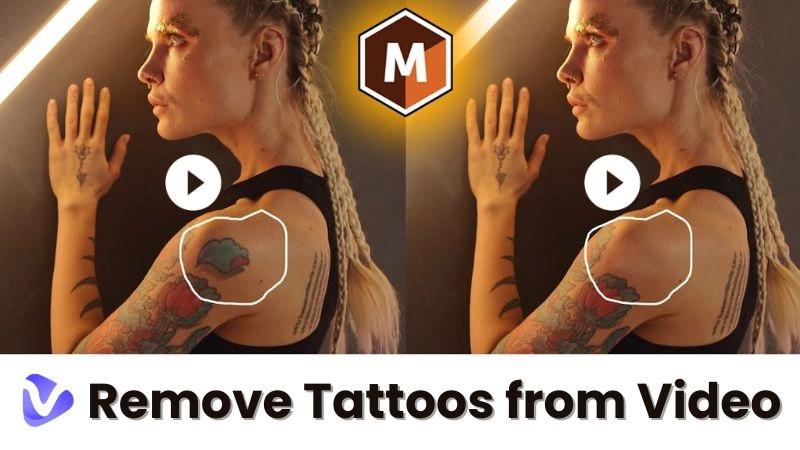
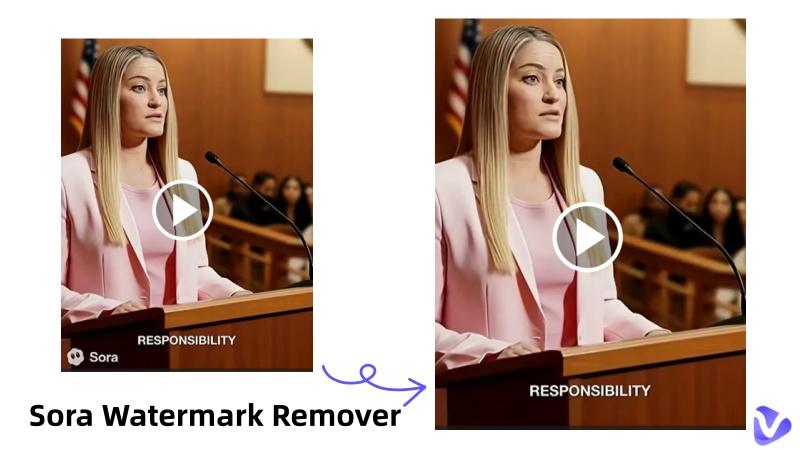
A photo with a tattoo can affect our professionalism. Like in a resume photo, a professional profile, or for social media posts, a picture with a tattoo is not accepted. That's the reason many are looking for a way to remove tattoo from photo. Rather than removing tattoos from your body or hiring an editor, you can now remove tattoo from photo online free in just a few clicks. In this article, we’ll discuss the 6 best AI tattoo removers and apps to remove tattoos from photo free, where your skin color and features remain the same.

- On This Page
-
Why People Want to Remove Tattoo from Photo?
-
Best 6 Tattoo Removers to Remove Tattoo from Photo
1. Vidnoz AI Photo Editor – Best AI Tattoo Remover Free Online
2. OpenArt – Remove Tattoo from Picture Online
3. RemixAI – Remove Tattoo from Photo Free
4. BYLO AI – Remove Tattoo from Image Online
5. FlexClip – Remove Tattoo Photo Editor
6. YouCam Perfect – Best Tattoo Removal App for Mobile
-
How to Remove Tattoo from Photo Online for Free [Step-by-Step]
-
Bonus Tip: Turn Tattoo-Free Photos into Lifelike AI Videos
Why People Want to Remove Tattoo from Photo?
Let's be honest, people don't want to hide tattoo from image, they actually want a professional look in their picture. A tattoo looks cool at casual events or normal life, but it sounds loud in a formal photo. So, when someone tries to remove tattoo from photo, it's because of practical reasons like:
- Job or visa applications demand a professional look for employees.
- Business accounts like LinkedIn or portfolios need a clear headshot picture.
- Social accounts, or personal branding, express a clear aesthetic without a tattoo picture.
- People want to share family pictures with their elders without exiting.
- Some creators also use tattoo removal photos before and after to show different looks.
Best 6 Tattoo Removers to Remove Tattoo from Photo
Tattoo removal from an image is no longer something that only professionals can do. Anyone can now remove a tattoo from an image while keeping the natural tone of skin. But not every tattoo photo editor gives you the same result. Here are some practical tools you can explore to get real results.
1. Vidnoz AI Photo Editor – Best AI Tattoo Remover Free Online
Vidnoz is one of the best tools to remove tattoo from photo online in the easiest andmost natural way. The tool uses AI technology to detect a tattoo in a picture, remove it, and then rebuild it in nanoseconds. Meanwhile, its output is an unblurred and unpatched photo. More importantly, the tool is 100% free and everyone can remove tattoos in 1 click.

Pros
- Natural look in output
- User-friendly for beginners
- Run faster in the browser
- Best for professional pictures
Vidnoz also offers other creative tools like the free AI video generator and even an image to video AI. So do much more after tattoo removal from photos.
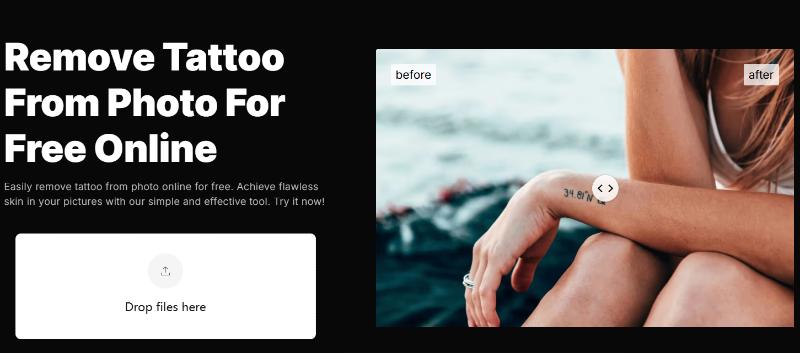
2. OpenArt – Remove Tattoo from Picture Online
If your concern is to quickly remove tattoo from picture, try OpenArt. It uses an AI inpainting feature. You just have to highlight the tattoo area, and the AI fills it naturally. It works best for small and simple edits.
Pros
- Simple interface for beginners
- Best for small-to-medium tattoos
- Fully online, no download needed
- Fast processing
Cons
- Results vary for darker or detailed tattoos
- Free usage is limited
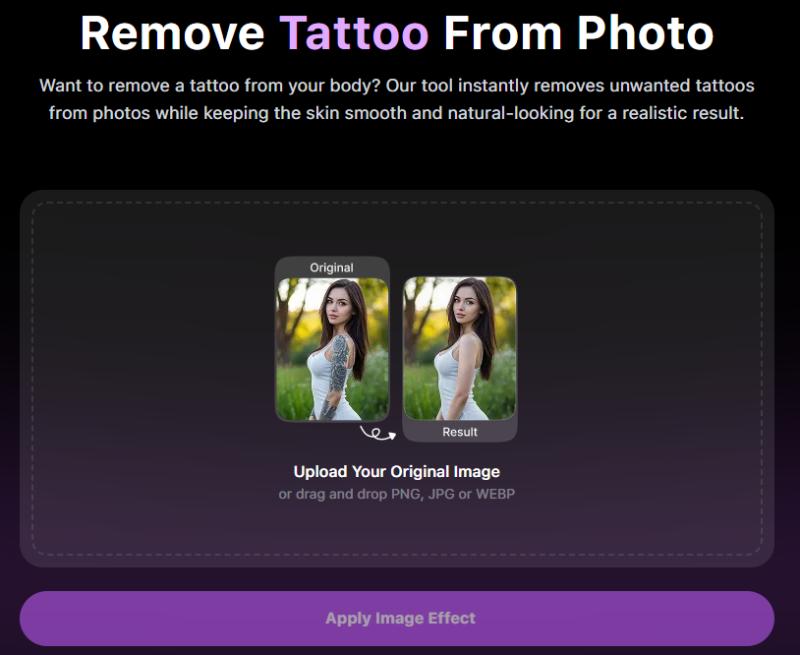
3. RemixAI – Remove Tattoo from Photo Free
RemixAI focuses on speed and simplicity. If you want to remove tattoo from photo free without dealing with complex settings, this tool is a solid choice. It’s especially helpful for faint tattoos or casual social media edits where perfection isn’t the main goal.
Pros
- Easy upload-and-generate workflow
- Beginner-friendly, no learning needed
- Works well for light tattoos
- Accessible from any browser
Cons
- Deep tattoos may not fully disappear
- Limited customization
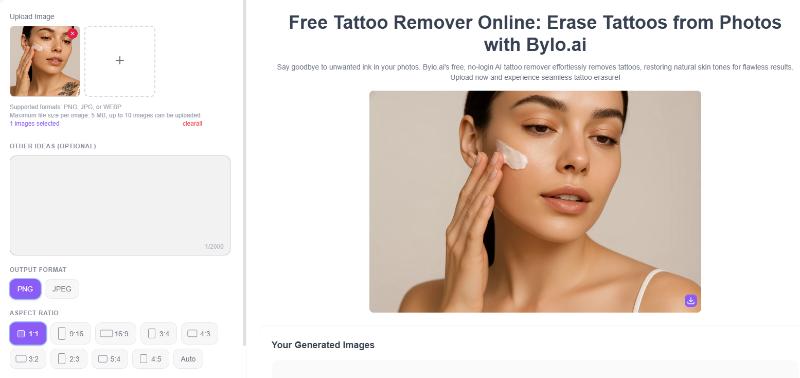
4. BYLO AI – Remove Tattoo from Image Online
BYLO AI is the best tool to remove tattoo from image while retaining lighting and skin tone consistency. This AI photo editor is especially useful for close-up photos where your small details matter. The AI restores your skin area instead of simply blurring it, which helps results look more natural.
Pros
- Strong skin tone and lighting matching
- Online tool with no installation required
- Better blending for close-up portraits
- Simple guided workflow
Cons
- Processing time can be slower for high-resolution images
- Does not support batch image editing
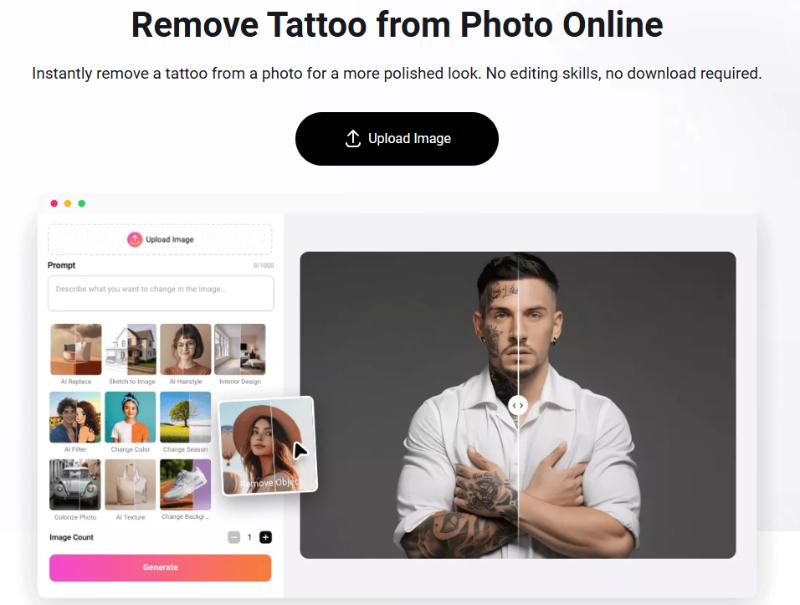
5. FlexClip – Remove Tattoo Photo Editor
FlexClip is primarily a creative editor, but it can also function as a remove tattoo photo editor for users who want basic tattoo cleanup alongside other edits. It’s suitable when tattoo removal is part of a larger editing workflow.
Pros
- All-in-one editor for multiple photo adjustments
- Easy interface for non-technical users
- Useful when combining tattoo removal with other edits
- Browser-based and accessible
Cons
- Tattoo removal is not its core focus
- Results may require manual refinement
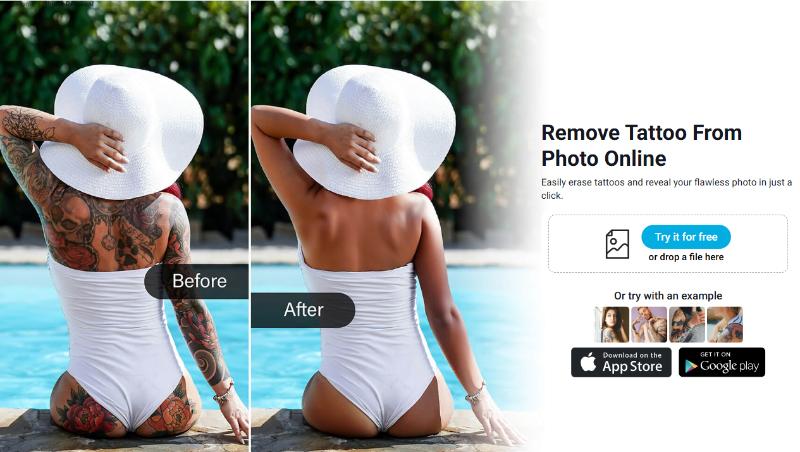
6. YouCam Perfect – Best Tattoo Removal App for Mobile
YouCam Perfect is a mobile based tattoo removal app. If you prefer editing on Android or iPhone, use it. It uses AI retouching tools to help remove tattoo from photo quickly on the go.
Pros
- Optimized for mobile devices
- Quick AI detection for tattoos
- Useful for casual and social media images
- Supports high-resolution exports
Cons
- Free version includes ads
- Advanced features may require in-app purchases
How to Remove Tattoo from Photo Online for Free [Step-by-Step]
If you’re wondering how to remove tattoo from photo without using complicated software, try Vidnoz, which offers a simple and beginner-friendly process. With its AI-powered interface, you can remove tattoo from photo in just a few guided steps while keeping skin texture realistic.
Step 1: Open Vidnoz AI Photo Editor.
Step 2: Upload Your Tattoo Image and Set Details.
Upload the photo that you want to remove the tattoo from. Use clear images to get the best natural results. Type something like remove tattoo naturally in the description box. This helps the tattoo remover AI understand what you want.
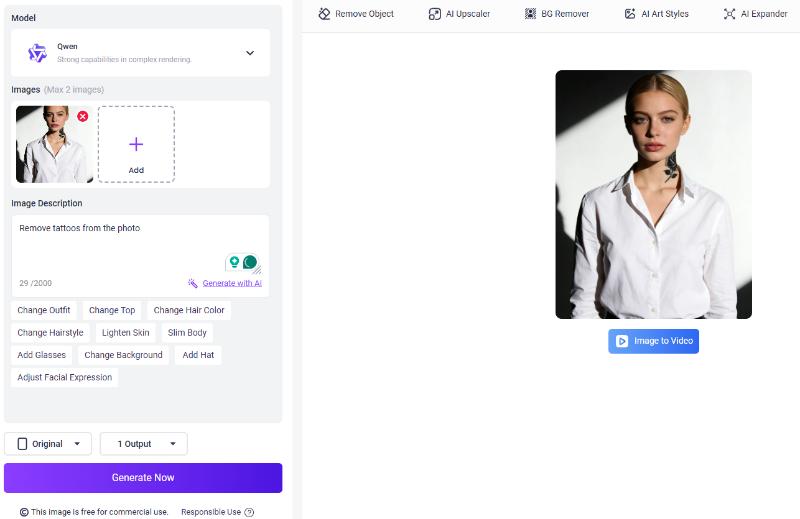
Step 3: Generate and Download the Tattoo-Free Photo.
Click on the Generate with AI button and wait a few seconds. Vidnoz will automatically blend the tattoo area with your real skin texture.

That’s it, you’ve successfully used an AI tattoo remover to remove a tattoo from a photo online for free.
Bonus Tip: Turn Tattoo-Free Photos into Lifelike AI Videos
After successful removal of tattoo from photo, you can turn tattoo-free photos into professional AI videos with Vidnoz free AI video generator. It's perfect for personal branding, social media posts, etc.
You can explore the full Vidnoz platform as well. It even helps you create clean, tattoo-free avatars for video content. Here are the easy steps to turn tattoo-free photos into AI videos with Vidnoz AI.
Step 1: Click the button below to go to Vidnoz AI.
Step 2: Choose a video template.
After opening the Vidnoz platform, select a video template that matches your purpose, like presentation, news, YouTube video, etc.

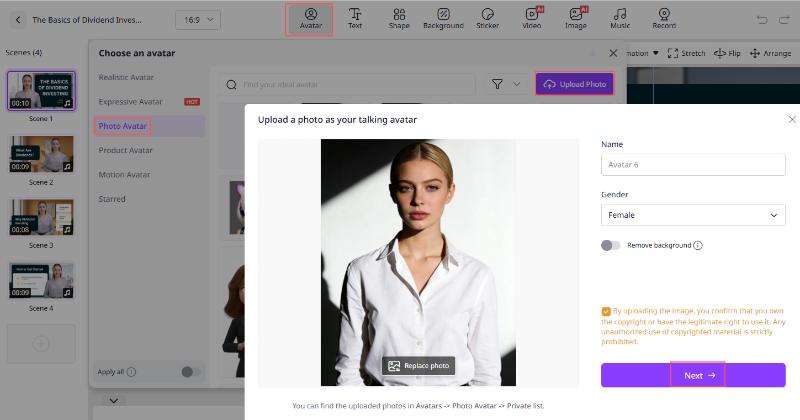
Step 3: Customize your avatar with your tattoo-free photo.
Click Avatar > Photo Avatar > Upload Photo > Next to customize your tattoo-free avatar. You can make adjustments like Styles, Circle head, remove background, etc.
Step 4: Customize the video and generate the video.
You can input the text in the Speech Text box and customize the video with music or a sticker in Vidnoz. Click on the generate option and Vidnoz will create a lifelike video within seconds.

The Bottom Line
AI tool usage makes it easy to remove tattoo from photo online free in a flexible and realistic way. For quick edits, a professional look, Vidnoz is one of the best choices to remove tattoo from photo free and create tattoo-free videos. Try it today and upgrade your visuals instantly.

Vidnoz AI - Create Free Engaging AI Video with Talking Avatar
- Easily create professional AI videos with realistic avatars.
- Text-to-speech lip sync voices of different languages.
- 2800+ video templates for multiple scenarios.