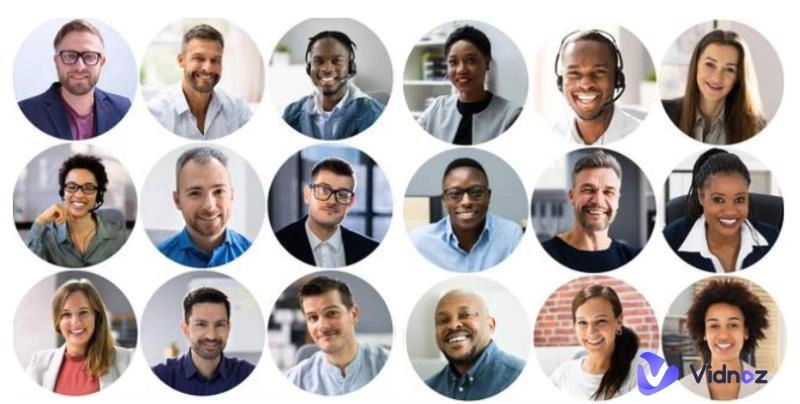
A portrait avatar is a business card in the digital age. It directly displays your personality and conveys your unique charm. It decides what kind of first impression you make on others on social media. How to create self portrait avatars? In this post, we will share 5 versatile and highly efficient portrait avatar generators to help you easily generate your own avatar portrait.
- On This Page
-
5 Types of Portrait Avatars and Examples
1. Professional & Corporate Portrait Avatars
2. Fantasy & Themed Portrait Avatars
3. Cartoon & Anime Portrait Avatars
4. AI-Generated & Customizable Portrait Avatars
5. 3D Character Models Portrait Avatars
-
5 Best Portrait Avatar Makers Online [Free & Paid]
#1. Vidnoz AI Headshot Generator - Best Free Professional Portrait Avatar
#2. OpenArt Fantasy Portrait Generator - Best Fantasy Portrait Avatar
#3. Vidnoz Cartoon Generator - Best Cartoon Portrait Avatar Creator
#4. Vidnoz AI Avatar Generator - Best AI Portrait Avatar Generator from Text
#5. Avaturn 3D Avatar Maker - Best 3D Portrait Avatar
-
Creative Portrait Avatar Ideas for Different Uses
-
Extra Tips: Make Your Portrait Avatar Talk with AI
5 Types of Portrait Avatars and Examples
Before showing you the best portrait avatar makers, you may want to know the types of avatar portraits. Here are the main 5 types:
1. Professional & Corporate Portrait Avatars
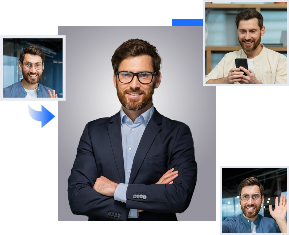
Professional & corporate portrait avatars feature simple and formal style. This type of AI portrait is used for social interaction in the workplace. You can find them on official websites, promotional materials and other formal scenarios.

2. Fantasy & Themed Portrait Avatars
The fantasy & themed avatar comes with imaginative style. You can find magic and science fiction elements on them and they are mostly used in games and creative communities.

3. Cartoon & Anime Portrait Avatars
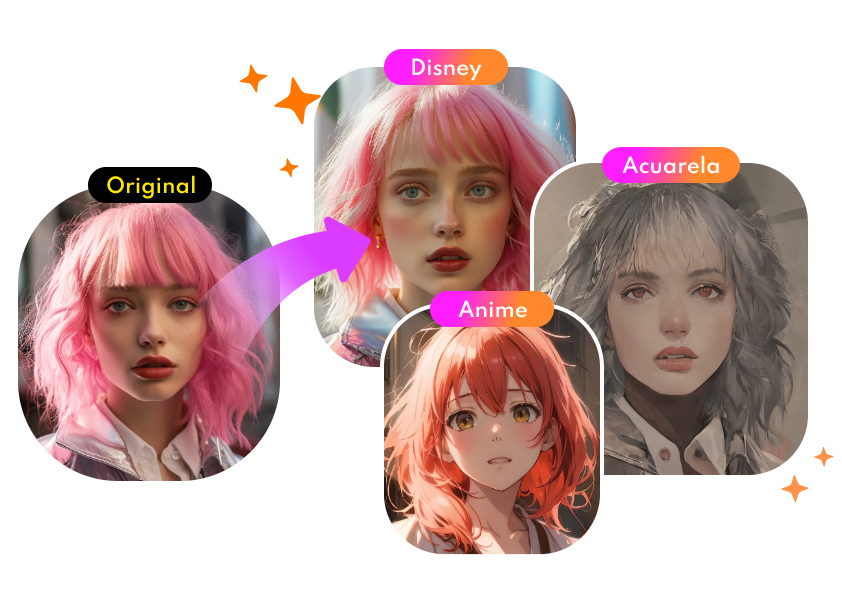
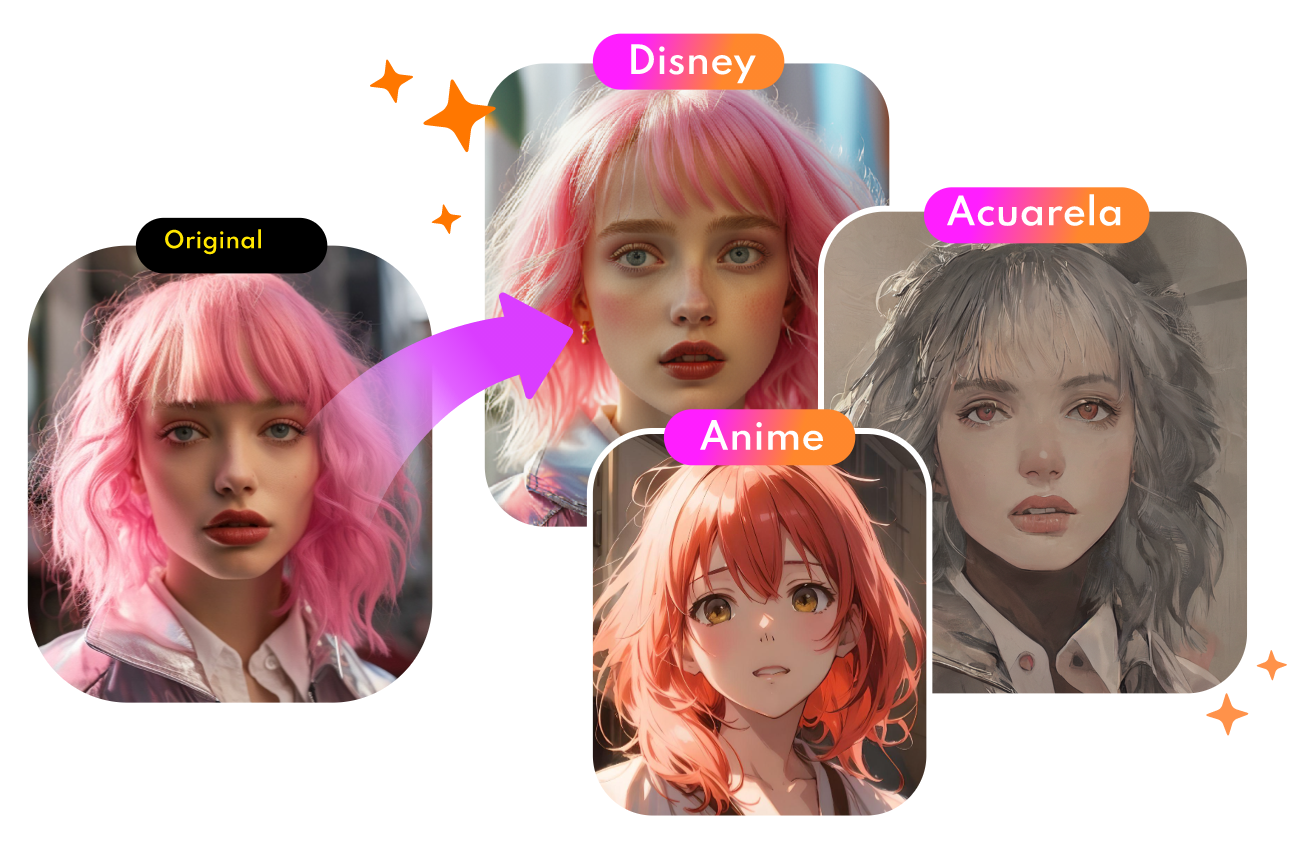
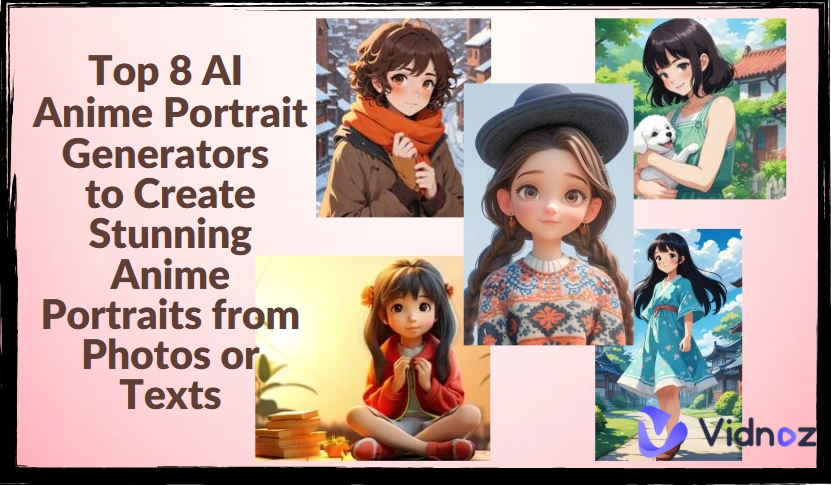
The cartoon & anime avatar style is cute and vivid with bright lines and colors. This type of avatar portrait is suitable for social platforms, anime communities and personal creative displays.

4. AI-Generated & Customizable Portrait Avatars
There are too many different styles for AI-generated & customized avatar. Parameter adjustment is supported, and they are suitable for all-scenario social interaction.

5. 3D Character Models Portrait Avatars
3D character models portrait avatar is in three-dimensional and realistic style with exquisite details. It is often used in games, film and television, virtual social and professional design fields.

5 Best Portrait Avatar Makers Online [Free & Paid]
AI portrait avatars can meet the requirements in different scenarios. Come and find great portrait avatar makers in this part to create portrait avatars online.
#1. Vidnoz AI Headshot Generator - Best Free Professional Portrait Avatar
Vidnoz AI Headshot Generator is one of the greatest online tools to create professional portrait avatar free. This is an AI portrait generator free of charge and without registration. It provides 40+ backdrops and formal clothing, which can fit all business scenarios and requirements. The output headshots are of high quality. Also, you can create unique professional styles by choosing different gestures and backgrounds.
AI Headshot Generator
Easily create professional headshots from your selfies without physical photo shoot, saving time & energy.
See how to make your own avatar for professional use with this free portrait avatar maker.
Step 1. Open Vidnoz AI and head to AI Headshot Generator. Click “Upload Photo” to import your photo.

Step 2. Choose the gender and the style from the library.

Step 3. Click “Create Headshots Now”. Then 2 high-quality professional portrait avatars without watermarks will be generated in seconds.

#2. OpenArt Fantasy Portrait Generator - Best Fantasy Portrait Avatar
OpenArt fantasy portrait generator is free to use and can transform your inspiration into fantasy-style avatars. Its AI avatar generation feature allows you to select a theme and enter keywords, and then AI generates unique fantasy avatars based on them for personality display, etc.

Here is the guide to make fantasy portrait avatars with OpenArt.
Step 1. Go to the website and press “Start Creating”.
Step 2. Choose the avatar style and enter a prompt to describe the details of the avatar you want.

Step 3. Hit “Create” and wait for the result.
#3. Vidnoz Cartoon Generator - Best Cartoon Portrait Avatar Creator
Vidnoz Cartoon Generator is a great portrait avatar creator if you want to create cartoon-style portrait avatars. This tool is also 100% free. Without paying a penny, you can enjoy all the features and get cute cartoon avatars in a few clicks.
Convert Photo to Cartoon - FREE
- Convert any photo into a high-quality cartoon version for free. Choose from a variety of styles. Instant and Natural!
Turn Photo into Cartoon
See how to create cartoon avatar portraits with the Vidnoz cartoon portrait avatar maker.
Step 1. Hit the button below and head to Cartoon Generator.
Step 2. Click “Upload an image”.

Step 3. Hit “Generate Now” and get the 4 cartoon portrait avatars.

#4. Vidnoz AI Avatar Generator - Best AI Portrait Avatar Generator from Text
Vidnoz AI Avatar Generator is a free portrait avatar maker from text. You can create self portrait avatars in a few clicks. What’s the difference? You don’t need an image to create a portrait. Just choose and gender describe the look of the photo. Then AI will return a high-quality portrait avatar for options.

Here are the 3 steps to create AI portrait avatar from text with Vidnoz AI.
Step 1. Go to Vidnoz AI Avatar Generator.
Step 2. Select the gender and describe the photo such as the age, hair, and clothing.

Step 3. Press “Generate Avatar” and it will return four AI-generated headshots.

#5. Avaturn 3D Avatar Maker - Best 3D Portrait Avatar
Avaturn 3D Avatar Maker is an AI-driven 3D portrait avatar generation platform. It can generate realistic 3D models by uploading photos and provide more than 10,000 personalized customization options, such as facial features, hairstyles, and clothing.
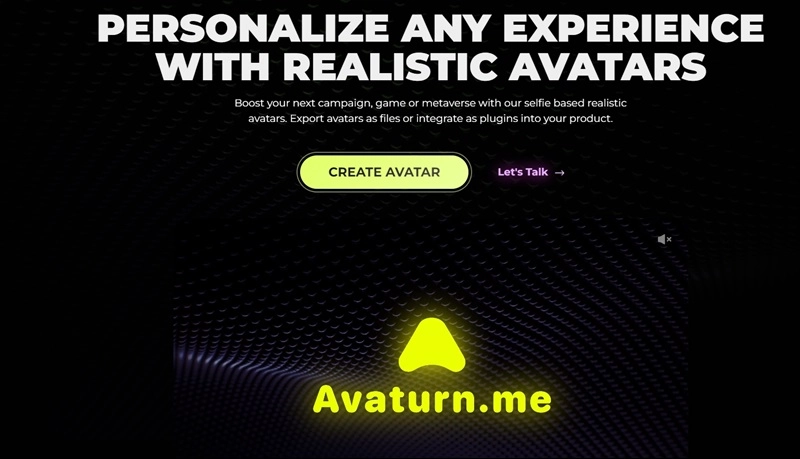
Follow the steps to create 3D Portrait Avatar with Avaturn.
Step 1. Open the website and hit “Create Avatar”. Click on “New Avatar” to upload your own photo.
Step 2. Scan the QR code to make some customizations on your mobile, such as the gender. Then you are required to take a selfie from different angles.

Step 3. Return to the computer and wait a moment. You can set the parameters to create a 3D avatar.

Creative Portrait Avatar Ideas for Different Uses
With all these useful tools, you can make creative avatars based on your needs. Here are some ideas for reference to create ideal portrait avatars.
- Hard Light: Make good use of lights. You can try positioning the light source to cast strong, sharp shadows to add intensity and contrast to the portrait.
- Smoke Bombs: Colorful smoke bombs can create dramatic effects and add visual interest.
- High-Angle Shots: Photographs from above can create a sense of vulnerability or softness in your portrait avatar.
- Double Exposure: Combine two images in post-processing for a surreal and artistic effect.
- Creative backgrounds: Choose backgrounds that reflect the subject's personality. You can make a Simpsons avatar by adding yourself to a scene.
Extra Tips: Make Your Portrait Avatar Talk with AI
Congrats. You already know how to create great portrait avatars. To allow others to know about you, a video may help. You can create an AI talking head with the original avatar portraits. That’s where Vidnoz Talking Photo comes in. It delivers a free service to turn realistic photos into talking photos. You can decide on the speech text and get a natural video.
Create Your AI Talking Avatar - FREE
- 1900+ realistic AI avatars of different races
- Vivid lip-syncing AI voices & gestures
- Support 140+ languages with multiple accents
Here are the easy steps to make your portrait talk with Vidnoz talking photo.
Step 1. Go to Vidnoz AI Talking Photo and upload your portrait avatar.

Step 2. Enter the speech text and choose a few parameters, such as accent, voice, etc.

Step 3. Press “Generate Video” and wait for the result.
The Bottom Line
In this post, we shared 5 useful AI portrait avatar generator to create different types of portrait avatars. You may notice that Vidnoz is integrated with different tools. You can even create talking photos with it. Come and explore this powerful platform now.







![5 Best Faceless Portrait Generators to Unleash Your Creativity [Free/Paid]](https://www.vidnoz.com/bimg/faceless-portrait-generator.webp)
![Best 6 Apps to Make Photo Talk: Make Your Pics Speak Instantly [2026]](https://www.vidnoz.com/bimg/best-app-to-make-photo-talk.webp)
