Have you ever thought about taking a podcast to a whole new country and getting an audience all over the world? When you have a podcast translator, your content will be taken to new heights, and your message will be heard around the world.
Whether you want accurate podcast translation into Spanish(or others) or just a rough translation, using the right tool is very important. So, how do you go about podcast translation in the first place? You're about to find out all the info in this article.
- On This Page
-
Why Do You Need a Podcast Translator?
2 Ways to Translate a Podcast
-
4 AI Podcast Translators to Help Your Pods Go Global
1. Vidnoz AI Voice Translator: Translate Video Podcasts with Voice Cloning
2. FlexClip: Translate Audio Podcasts in a Brief
3. Rask: Best Podcast Translator for Long Audios
4. Maestra: Transcribe & Translate Audio Podcasts to Text in 100+ Languages
-
How to Translate a Podcast in a Minute?
Guide 1. Translate Podcasts Using the Original Voice
Guide 2. Translate Audio Tracks Only from Podcasts
Why Do You Need a Podcast Translator?
- To Spread Worthy Information
Language can limit worldwide exposure to great ideas, so if you want to deliver those values to other countries(especially those speak totally different languages), doing podcast translation could be the most straightforward way.
- To Resonate with Global Audiences
So, you have the same potential message to billions of listeners out there. The cultural resonance of your podcast across Spanish, French, Chinese, or any major language translates into deep connections. It makes your content relatable and easy to grasp, increasing global listener engagement.
Sometimes, audio isn't ideal. Then, as people commonly browse in libraries or workplaces, where one is less than likely to yell out what they are searching for, podcasts with translated transcripts or subtitles become more accessible, which makes them easier to find and enables more users, including hearing-impaired listeners, to enjoy your content.
2 Ways to Translate a Podcast
#1. Translate Both Content and Voice
This technique involves replicating or mimicking the original voice by voice cloning technology, translated audio from the podcast. It retains character and timber, giving a near-native listening experience in multiple languages.
#2. Translate Content Only
This is where you transcribe the audio, translate the text, and create subtitles or a text-based transcript. It's great in places where audio isn't appropriate and also caters to those who are either more inclined to read or need to quickly re-scan information.
4 AI Podcast Translators to Help Your Pods Go Global
1. Vidnoz AI Voice Translator: Translate Video Podcasts with Voice Cloning
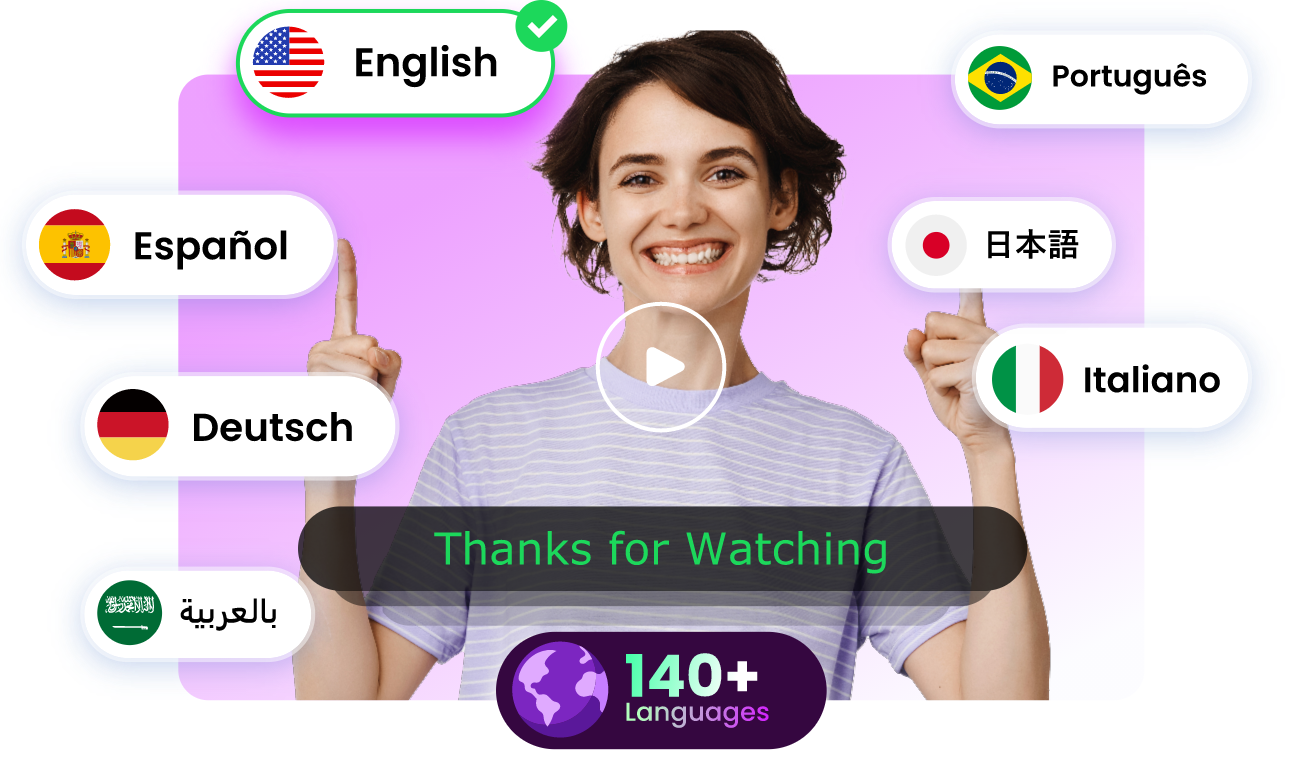
Translate Videos in One Click with AI - Free
- Instantly translate local files and video URLs in 1 minute.
- Accurate translation in 140+ languages for global reach.
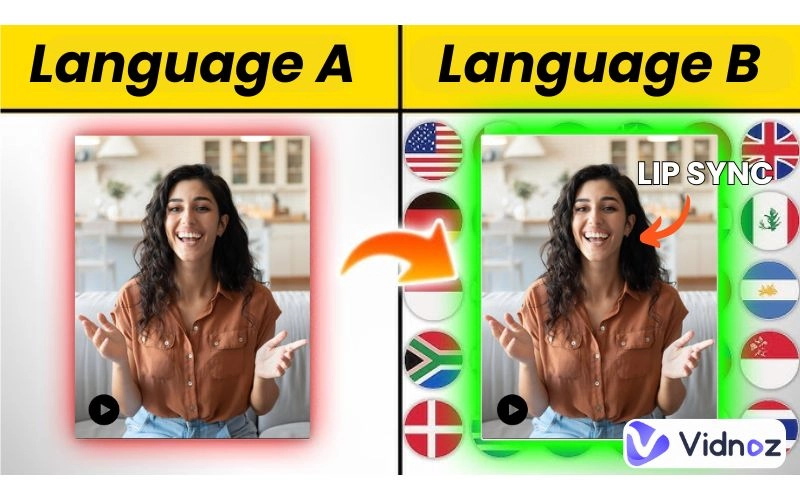
- Perfect lip sync and speech rate for authentic results.
Translate Video Now
Vidnoz AI Voice Translator is an all-in-one AI podcast translator that allows you to translate your podcast within minutes, changing over a multilingual video into sounds your worldwide audience can feel and comprehend. Its focus? This free AI video generator can translate video podcasts by both adding subtitles and translating voice with cutting-edge AI.
Pros
- Quick and easy podcast translations;
- Voice cloning & lip-synced voiceover;
- Supports 140+ languages.
Cons
- Can't translate audio podcasts;
- Occasional lip-sync issues on complex sentences or specific languages.
2. FlexClip: Translate Audio Podcasts in a Brief
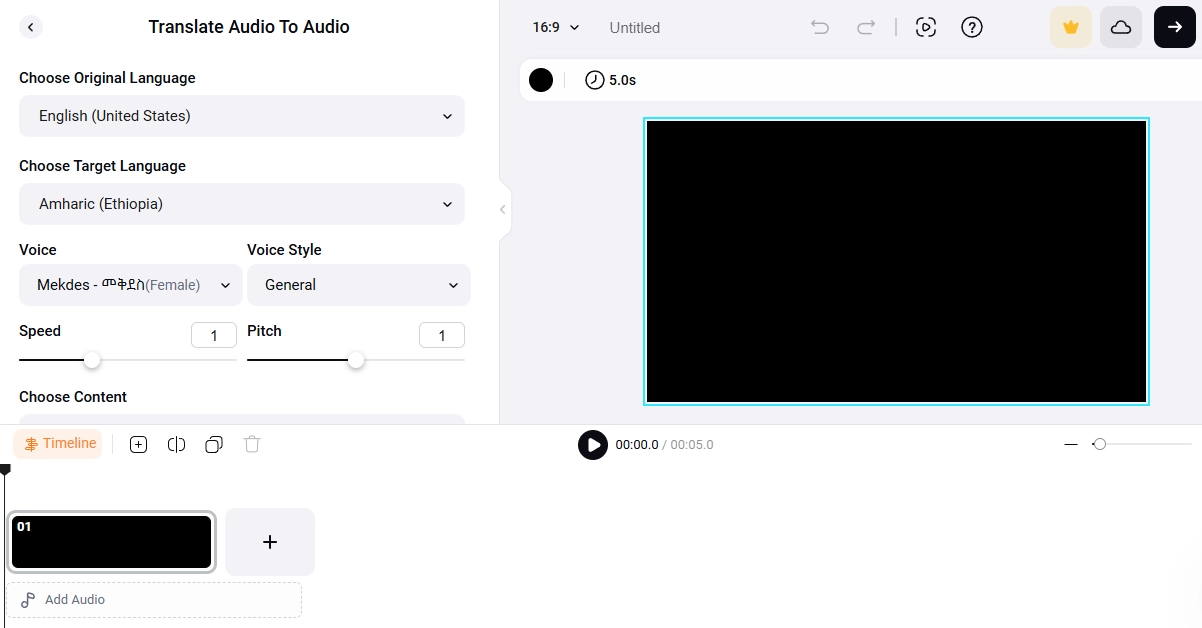
If you need an intuitive podcast rough translation that can streamline your workflow, look no further than FlexClip. It's also great for transcribing audio podcasts with AI voices, which is excellent for creators who need speed. It's a perfect solution for podcasters looking to translate voiceovers, transcribe into subtitles, or repurpose their content for a multilingual audience.
Pros
- Translate audio podcasts roughly;
- Clone the original voice to translate;
- One-click transcription plus subtitles, exporting in SRT, TXT, or VTT formats.
Cons
- Tedious sounds;
- No accuracy guarantee on the final translated version;
- Requires clean audio uploading.
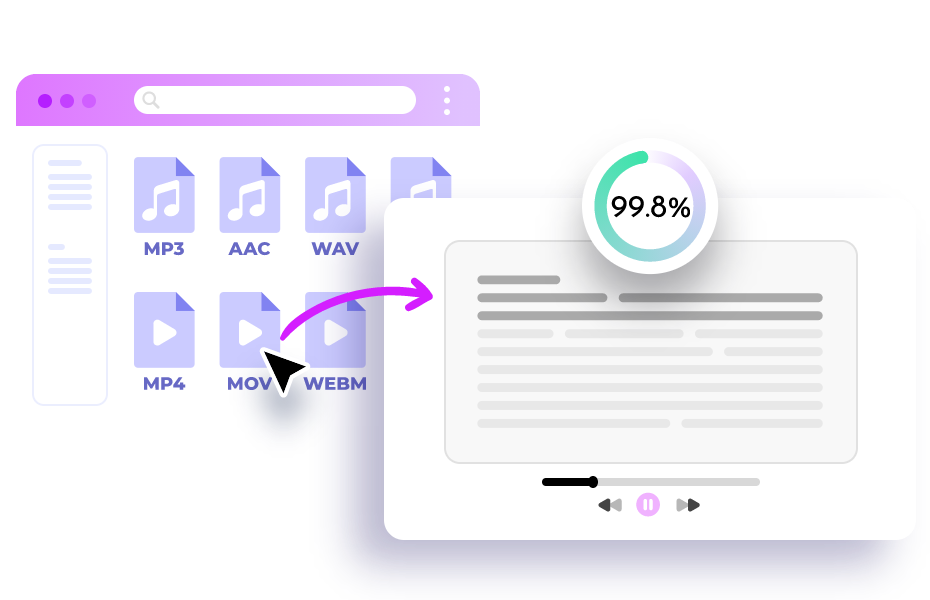
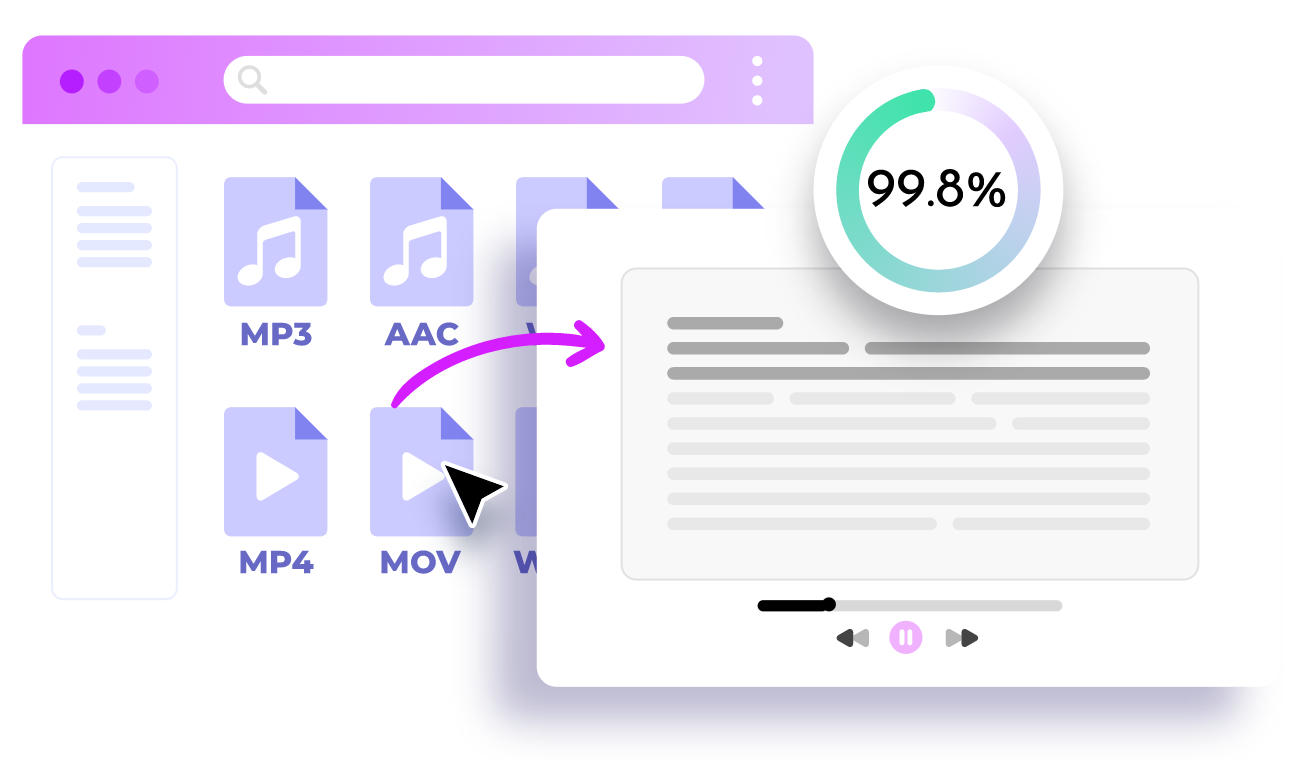
Transcribe Any Audio to Text with AI - Free
- Ultra-fast transcription for any audio at one click
- 99.8% accuracy with advanced AI technology
- Supports 25+ different languages
Transcribe Audio to Text
3. Rask: Best Podcast Translator for Long Audios
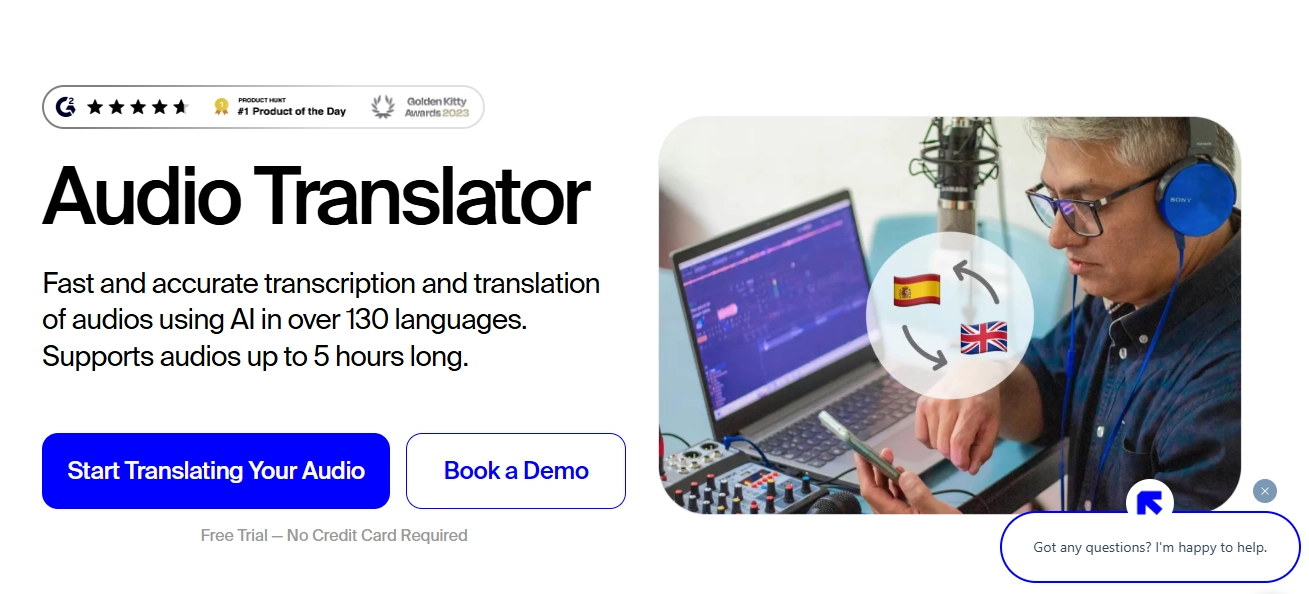
Rask is a podcast translator powerhouse for translating all those marathon audio sessions. It is created for accurate transcription and translation of long podcast episodes, so you can use it for sure if you are an entrepreneur or a pro creator in need of a fast and scalable solution.
Pros
- Accurate translation;
- Multi-speaker recognition;
- Flexible export formats;
- Supports 130+ languages.
Cons
- Relatively expensive;
- Inconsistent support and occasional bugs;
- Lip-sync glitches occur.
4. Maestra: Transcribe & Translate Audio Podcasts to Text in 100+ Languages
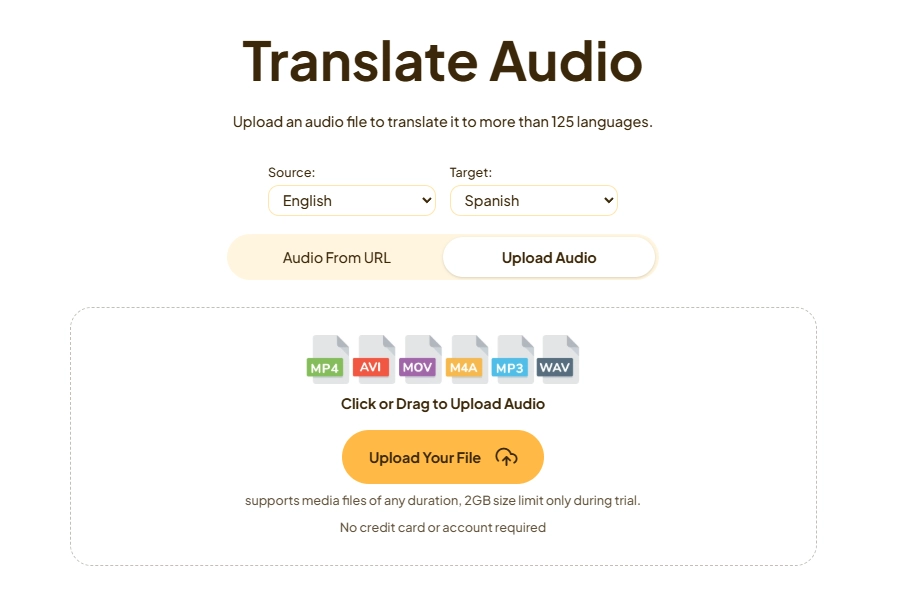
Are you in search of a decent podcast translator for text? Maestra converts your audio Podcasts into accurately translated transcripts in 125+ languages. It is ideal for your listeners in quiet environments or who prefer to read. It's great for people with hearing loss or when you can't easily hear the audio.
Pros
- Translate MP3 podcasts into texts;
- Supports 125+ languages;
- Fast and accurate transcription.
Cons
- No voice translation;
- Inaccuracy with noisy or multi-speaker files;
- The free version is limited.
How to Translate a Podcast in a Minute?
Whether you want to save the original voice or just translate the audio,we will show you how to translate a podcast in two ways:
Guide 1. Translate Podcasts Using the Original Voice
We will be using Vidnoz as an example:
Step 1.Upload a Podcast File
Go to Vidnoz AI voice translator and upload your video podcast of M4V, MP4, MOV, or WebM file.

You can also paste a YouTube link directly.
Step 2.Set-Up Your Translation Preferences
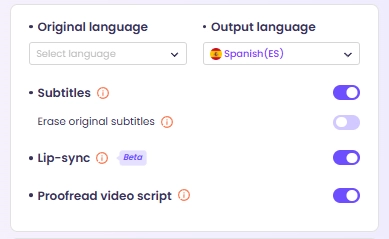
Choose the target language. Use voice cloning to match your own voice tones. Enable lip-sync to match the translations with on-screen action.
Step 3.Click and Wait
Hit Translate and give it a few minutes for the final translated podcast.
Guide 2. Translate Audio Tracks Only from Podcasts
For this second guide, we will be using FlexClip audio-to-audio translator as an example.
Step 1.Upload an Audio Podcast
Navigate to "Tools → Audio → AI Translator → Translate Audio to Audio" and upload your audio podcast file (e.g. MP3).
Noisy audio may cause the failure of podcast translation, so you’d better extract the audio track and background noises. You can do that using an AI vocal remover.
Step 2.Set-Up the Translation Preferences
Choose your target language and the style of AI voice. You can change pitch and speed to fit the vibe of your podcast.
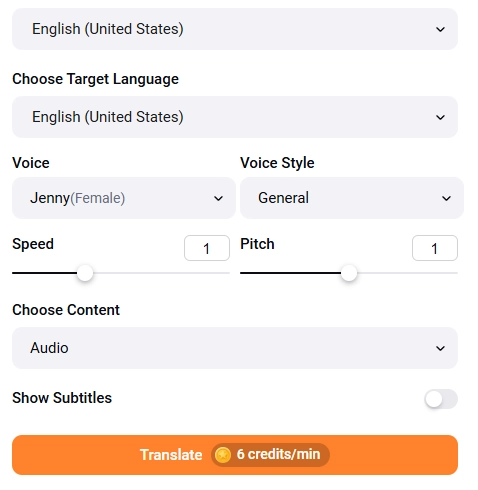
>> Do you still prefer the original voice in podcasts? Try clone voice by AI and personalize your translated podcast voiceovers.
Step 3.Tap to Translate
FlexClip charges 6 credits per minute for audio podcast rough translation.
Conclusion
It’s that easy to use those helpful podcast translators and swap the languages. Whether it’s keeping your voice in video-form, or creating an audio-only version. A smart AI translator like Vidnoz enables you to reach worldwide audiences in a few minutes. Now it's over to you to put them to work. Experiment with brief or accurate podcast translation in other languages, and watch your show fill up with listeners from the entire world!
Translate Videos in One Click with AI - Free
- Instantly translate local files and video URLs in 1 minute.
- Accurate translation in 140+ languages for global reach.
- Perfect lip sync and speech rate for authentic results.
Translate Video Now




![How to Create Engaging AI Podcast Channels? [Beginner-Friendly Guide]](https://www.vidnoz.com/bimg/ai-podcast-channel.webp)