With global internet speeds improving and international marketing booming, creators—like YouTubers, bloggers, educators, and marketers—need AI video translator with lip sync solutions to reach wider audiences. Thanks to AI video translation with lip sync technology, videos can be translated into multiple languages while preserving realistic mouth movements and speaker identity. Meanwhile, features like AI video translation with voice cloning and lip sync make the experience truly immersive.
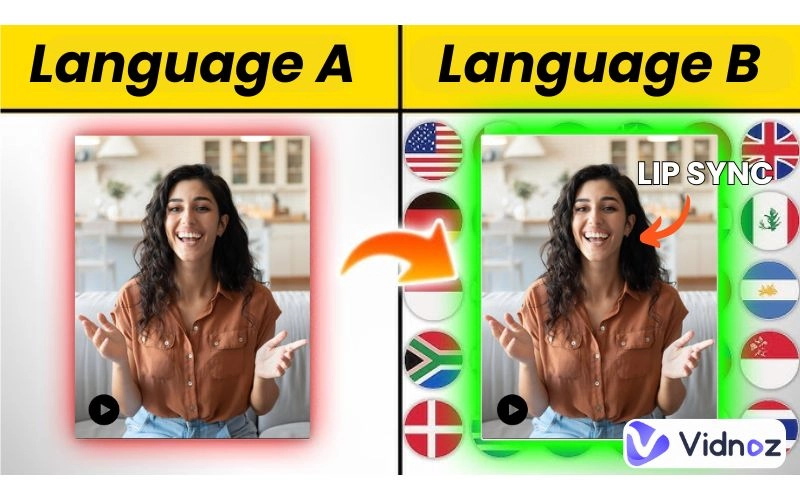
In this article, we explore five standout tools—free and paid—including the best AI video translator with lip sync free options, helping you choose the one best suited to your workflow and goals.
- On This Page
-
Why Lip Syncing Matters for Video Translation
-
Best 5 AI Video Translators with Lip Sync [Free & Paid]
1. Vidnoz AI Video Translator Free with Automatic Lip Sync
2. AKOOL AI Video Translator with Voice Cloning & Lip Sync
3. Filmora Video Editor with Lip‑sync AI Translation Embedded
4. RASK Video Translator: Premium AI Video Translator with Lip Sync
5. BlipCut Video Translator: Single or Batch Translation with Lip Sync
-
AI Video Translation with Lip Sync User Cases
Why Lip Syncing Matters for Video Translation
Translating a video isn't just about words—it’s about immersion. Here's why lip syncing is essential:
- More realistic viewing experience – Poorly dubbed videos distract viewers when the mouth movements don't align. Smooth lip syncing ensures synergy between speech and visuals.
- Increase engagement – When content feels natural, audiences stay longer, boosting watch time and sharing.
- Accessible for more viewers – Viewers with hearing challenges rely on lip-reading cues; accurate lip sync makes content more inclusive.
- Pro-level polish – Content creators aiming for professional quality need seamless audiovisuals. Lip syncing reflects attention to detail.
- Subtitles become optional – With compelling lip sync, audiences understand the message even without subtitles, making content feel native and seamless.
In short, AI video translators with lip sync bridge language gaps with style and professionalism.
Best 5 AI Video Translators with Lip Sync [Free & Paid]
Here are the top five tools, highlighting features, workflow, lip-sync accuracy, and pros and cons.
1. Vidnoz AI Video Translator Free with Automatic Lip Sync
Translate Videos in One Click with AI - Free
- Instantly translate local files and video URLs in 1 minute.
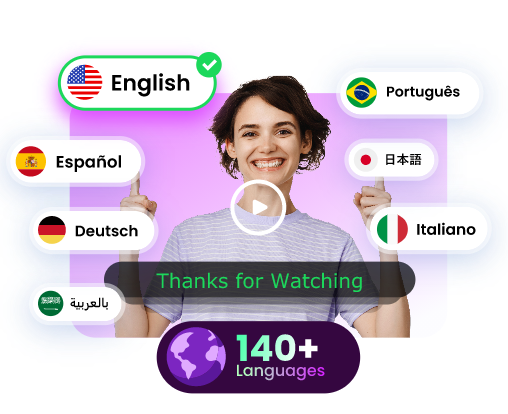
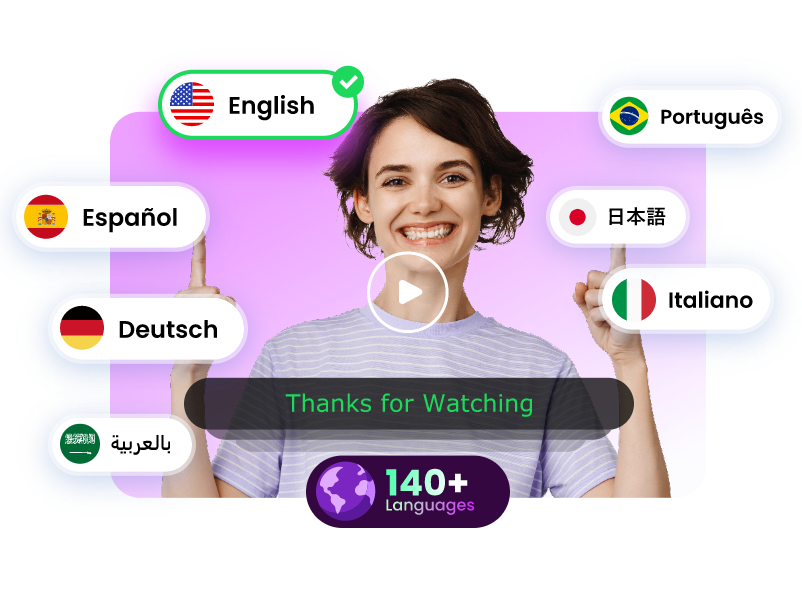
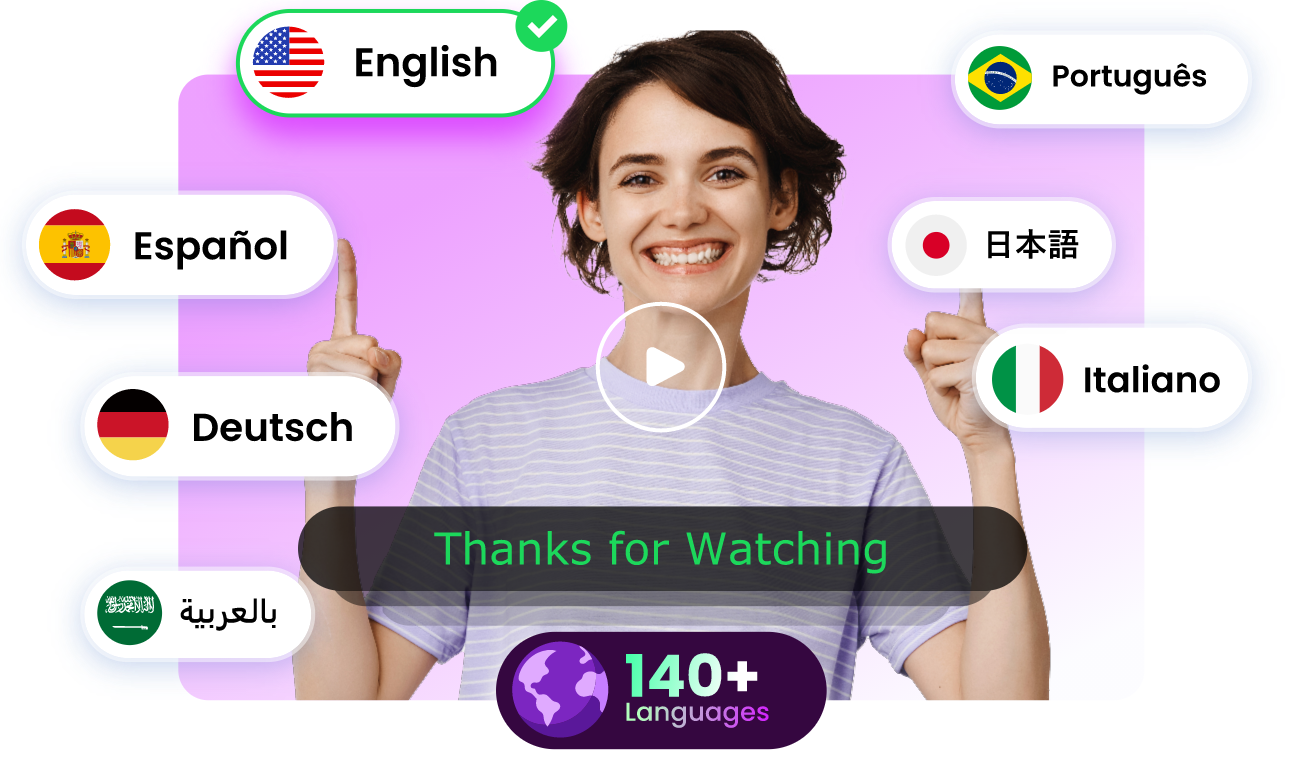
- Accurate translation in 140+ languages for global reach.
- Perfect lip sync and speech rate for authentic results.
Translate Video Now
Vidnoz AI Video Translator offers fast, AI video translation with lip sync into over 140 languages in just three steps. Upload a video or YouTube URL, select languages, and click “Translate” to generate dubbed audio, synced lips, and editable subtitles.
The free tier covers up to 90 seconds per video, with options to upload SRT/ASS files, automatically adjust speech speed, and proofread scripts. It’s a simple, high‑quality AI video translator with lip sync free for creators and educators. If you are managing a small-scale project, it’s a go-to choice for quick results.
Video Input: M4V, MP4, MOV, YouTube
File Size Limit: 500 MB
Lip‑sync quality: Smooth and believable for 60 s clips, syncing lips to new language audio well.
Pricing: Free tier; Pro starts at $19.99/mo
Pros
-
Free tool without login
-
Supports YouTube links
-
Editable SRT export
Vidnoz stands out as a top AI video translator with lip sync free option—ideal for sample testing or short intros.
2. AKOOL AI Video Translator with Voice Cloning & Lip Sync
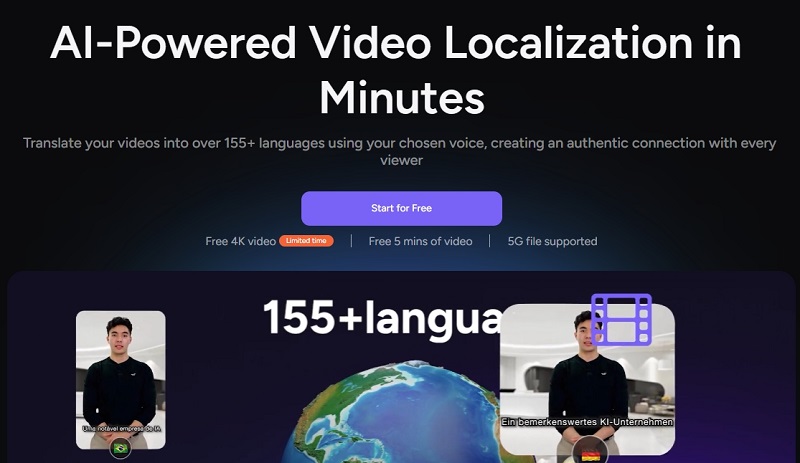
AKOOL offers AI-powered video localization with lip-sync, voice cloning, and AI voice in 155+ languages. Reach global audiences with realistic dubbing, multi-speaker detection, subtitle options, and support for SRT/ASS files.
It’s ideal for creating emotional, multilingual content for online education, presentations, and content creation. Trusted by Fortune 500 companies, AKOOL provides 4K video, free 5-minute trials, and 5G file support. With enhanced proofreading, AI tools, and studio voice, it’s the future of fast, accurate video localization.
Video Input: MP4, MOV, AVI
File Size Limit: Under 5 minutes for free
Pricing: Free trial; Paid from $21/mo
Pros
-
155 + languages supported
-
Works with online platforms
-
Displays captions in original/translations
AKOOL shines for its combination of AI video translation with voice cloning and lip sync, giving creativity and branding control.
3. Filmora Video Editor with Lip‑sync AI Translation Embedded
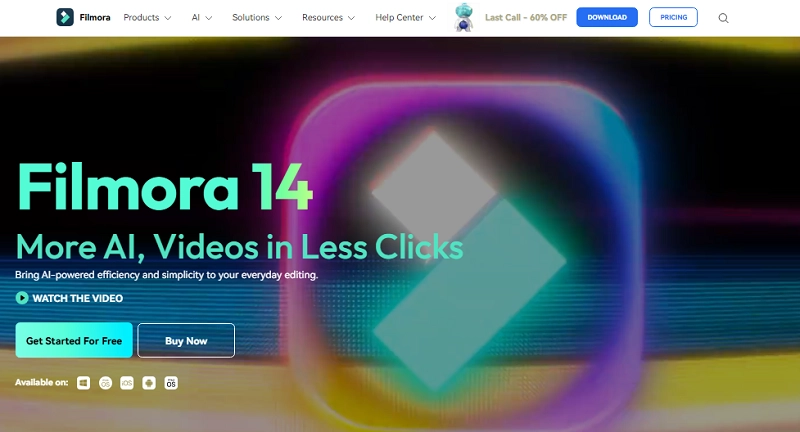
Filmora from Wondershare is more than a video editor—it includes a built-in AI video translation with lip sync function. Designed for desktop users, Filmora is ideal for creators who want to handle translation and video editing in one software.
With smart tools like AI Video Enhancer, Auto Reframe, Smart Short Clips, and AI Audio to Video, you can polish videos in just a few clicks. You will be able to enjoy features like multi-camera editing, magnetic timeline, and planar tracking. With templates, filters, transitions, and more offered by Flimora, you can create stunning content fast.
Video Input: MP4, MOV, AVI, M4V, MKV
File Size Limit: Up to system capacity
Lip‑sync quality: High accuracy, especially with clear audio and unaccented narration.
Pricing: Free trial; Standard 9.99/mo
Filmora is ideal if you want offline capability and integrated editing alongside AI video translator with lip sync features.
Translate Videos in One Click with AI - Free
- Instantly translate local files and video URLs in 1 minute.
- Accurate translation in 140+ languages for global reach.
- Perfect lip sync and speech rate for authentic results.
Translate Video Now
4. RASK Video Translator: Premium AI Video Translator with Lip Sync
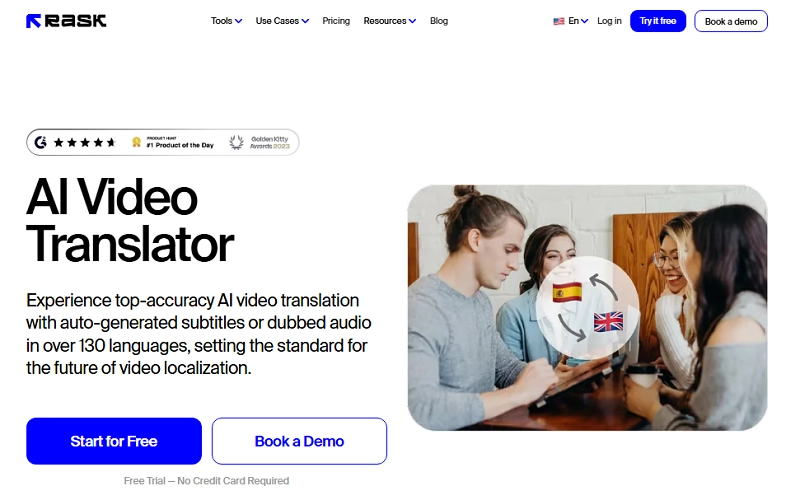
RASK is a professional-grade AI video translator, trusted by over 2 million users worldwide. It supports 130+ languages, voice cloning, and auto subtitle generation or dubbed audio. With a user-friendly interface, you can translate videos online in just a few steps—upload, select language, and click translate.
RASK also offers real-time preview, emotional voiceovers, and full subtitle editing. Whether for ads, education, or social media, it's one of the best AI video translators with lip sync today.
Video Input: MP4, MOV, WebM, MKV, MP3, WAV, YouTube, Google Drive, Vimeo
File Size Limit: 15 s–1 h
Lip‑sync quality: Very natural; matches mouth shapes exceptionally well.
Pricing: Free trial; Paid from $35/mo
RASK is suited for creators who need a top‑tier AI video translator with lip sync accuracy and flexibility.
5. BlipCut Video Translator: Single or Batch Translation with Lip Sync
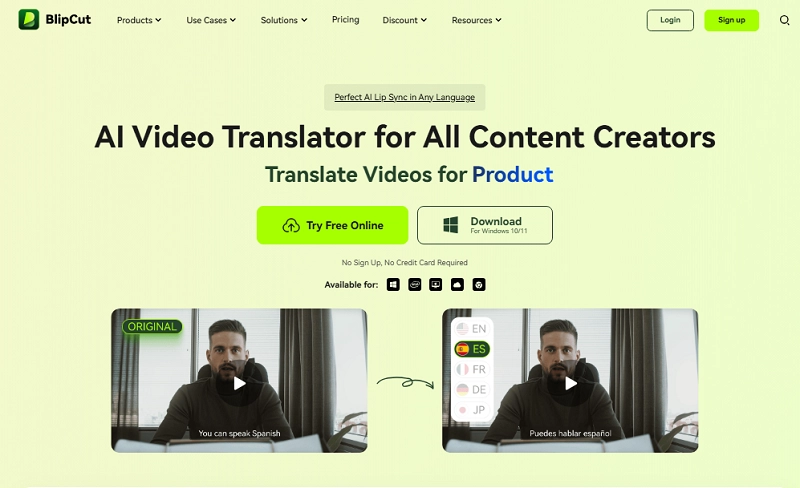
BlipCut is a robust and highly scalable AI video translator with lip sync, designed for creators, educators, marketers, and businesses aiming to localize content fast and at scale. What sets it apart is its ability to handle both single and batch video translations into over 130 languages, complete with accurate AI lip syncing and multi-speaker voice cloning.
BlipCut supports automatic source language detection, real-time editing of transcripts and translations, and includes a vast voice library—all without requiring voice actors. What makes BlipCut unique is its batch translation feature, which lets users process multiple videos at once, ideal for content agencies and educators.
Video Input: MP4, MOV, AVI, MKV, MP3, WAV, MPEG, M4V, AVI,3G2, 3GP, 3GP2, 3GPP, OGV, DVR-MS, MPG, OGM, WEBM.
File Size Limit: 5 GB per file, and the file must be under 2 hours
Lip‑sync quality: Solid for short clips; batch lip syncing performed well.
Pricing: Free tier; Pro from $39.99/mo
BlipCut is efficient for creators needing bulk processing with consistent lip‑sync results.
Translate Videos in One Click with AI - Free
- Instantly translate local files and video URLs in 1 minute.
- Accurate translation in 140+ languages for global reach.
- Perfect lip sync and speech rate for authentic results.
Translate Video Now
AI Video Translation with Lip Sync User Cases
Here are real-world scenarios where AI video translator with lip sync transforms content:
- Global marketing campaigns: Convert brand video ads into multiple languages, keeping lip sync intact to boost viewer trust.
- International e-learning: RE instructors deliver courses with lifelike lip‑sync, reducing friction for non-native students.
- Movie/TV localization: Indie filmmakers and streaming producers adapt short films or show clips with synced dialogue, avoiding awkward dubbing.
- Social content localization: TikTok or Instagram creators rapidly translate and lip‑sync short-form content to new regions.
- Personal entertainment: Travel vloggers convert footage for international fan bases, syncing translated dialogue for an immersive experience.
Conclusion
In today’s global digital scene, leveraging an AI video translator with lip sync brings your content to life in any language. Among the top five tools, the AI video translator powered by Vidnoz free AI video generator stands out for its effortless and free experience, perfect for creators testing multilingual reach with short clips. For more advanced needs, tools like AKOOL, Filmora, RASK, or BlipCut offer richer capabilities, including voice cloning, batch processing, and offline editing. Give Vidnoz a try today—translate and lip‑sync any video into your favorite languages with just a few clicks!




![How to Translate TikTok Videos Seamlessly [100% Free]](https://www.vidnoz.com/bimg/how-to-translate-tiktok-video.webp)