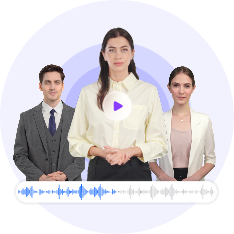
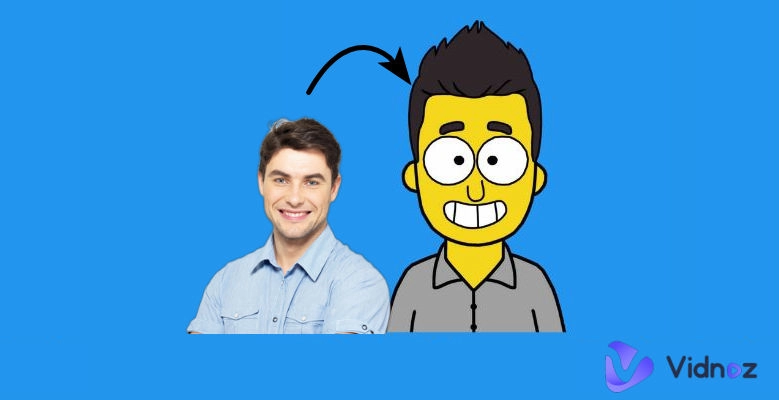
Virtual avatars have come a long way from simple facial expressions and basic full- or half-body animations. Today, the focus is on live avatars capable of dynamically adapting their emotions, expressions, and movements based on live voice or text input. These real-time avatars aim to respond naturally in the moment, creating more immersive and human-like digital interactions.
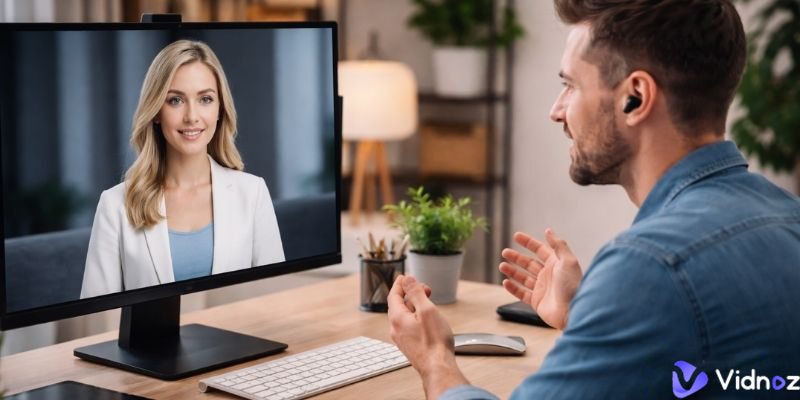
If you are curious about how AI live avatar technology works or want to add interactive virtual avatars to your own product, this article highlights several advanced avatar projects worth exploring. These examples showcase different technical approaches, helping you understand what’s possible right now and where the technology is headed.
- On This Page
-
Why Chasing Live Avatars?
-
Uneeq Digital Humans as Live Avatar
-
HeyGen Live Avatar
-
Live Avatar Projects on GitHub
-
Generating Videos with AI Avatars With Ease
How to Turn Your Photo into An Expressive Avatar for Video Creation
Why Chasing Live Avatars?
Even though people are fully aware that they are interacting with a piece of technology, they still expect AI to feel human-like. This means AI should be able to think, communicate, and behave in ways that resemble real people. They need to be able to respond naturally, express emotion, and adapt to context. Users are no longer satisfied with cold, robotic systems, static avatars, or rigid, scripted animations that repeat the same motions regardless of the situation.
Instead, they want AI experiences that feel alive and responsive. Human-like live AI avatars build trust, keep users engaged, and make interactions more intuitive and comfortable. When an avatar can speak with natural timing, show emotion through facial expressions and body language, and react dynamically to voice or text input, it transforms technology from a tool into a more relatable digital presence.
These responsive avatars are very useful for customer support, education, streaming, gaming, marketing, broadcasting, and meeting experiences.
Uneeq Digital Humans as Live Avatar
Uneeq Digital Humans focuses on creating fully customizable live avatars for businesses, with a strong emphasis on employee training and AI brand ambassadors. The company makes an AI avatar from the ground up, tailored to specific goals, branding, and use cases per your needs.
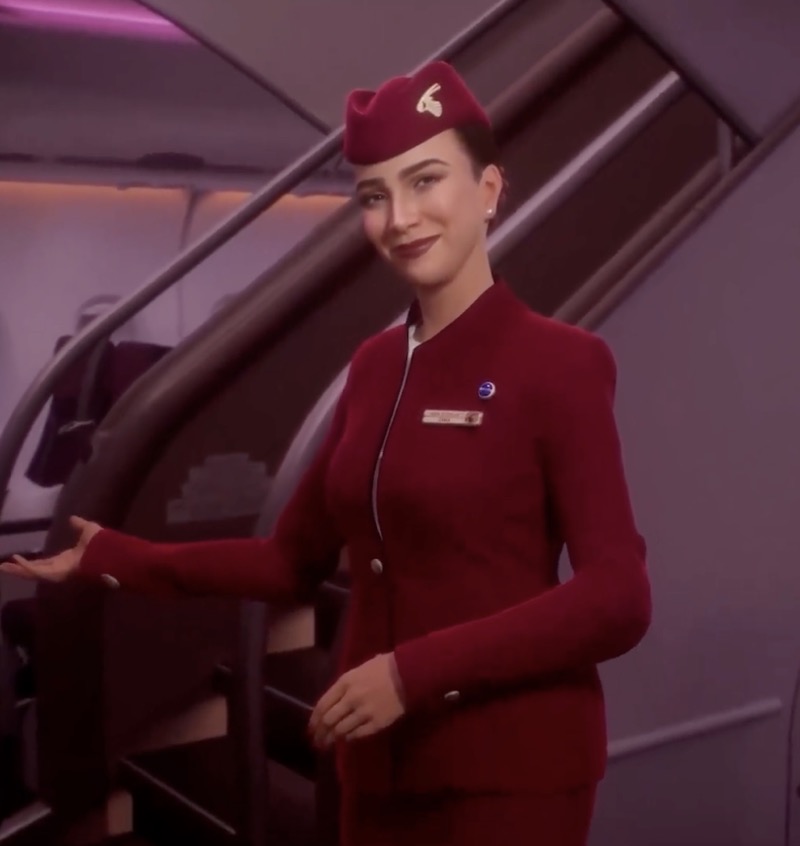
These digital humans can then be seamlessly integrated into training systems, websites, and other digital channels. They are ideal for organizations that want to deliver more engaging learning experiences and strengthen brand presence wherever users interact.
Uneeq's digital humans are not designed for personal use, as the cost and implementation process for live avatars can be complex and expensive. However, if you are looking for an enterprise-level or corporate solution, this is a strong and reliable option.
HeyGen Live Avatar
HeyGen Live Avatar offers a ready-to-use API that can be easily plugged into your software, enabling spontaneous AI-driven conversations with natural facial expressions and accurate AI lip-sync.
LiveAvatar offers two main build options: Full Mode and Custom Mode. With Full Mode, the platform handles everything needed for seamless real-time avatar conversations, while still giving you control over key details like the avatar, voice, and conversation context through its default setup. Custom Mode focuses solely on avatar streaming, allowing you to integrate your own voice, speech, and AI solutions for maximum flexibility.
HeyGen’s AI live avatar API is a solid choice for developers looking to build software that features interactive, human-like avatars for engaging with end users.
Live Avatar Projects on GitHub
GitHub is home to some of the most talented developers in the world, collaborating on open-source projects that push technology forward. Recently, one community that has been gaining a lot of attention is focused on live AI video avatar projects, where developers are experimenting with real-time, interactive digital humans.
Below are two of the most outstanding examples of live avatar projects on GitHub.
LiveAvatar
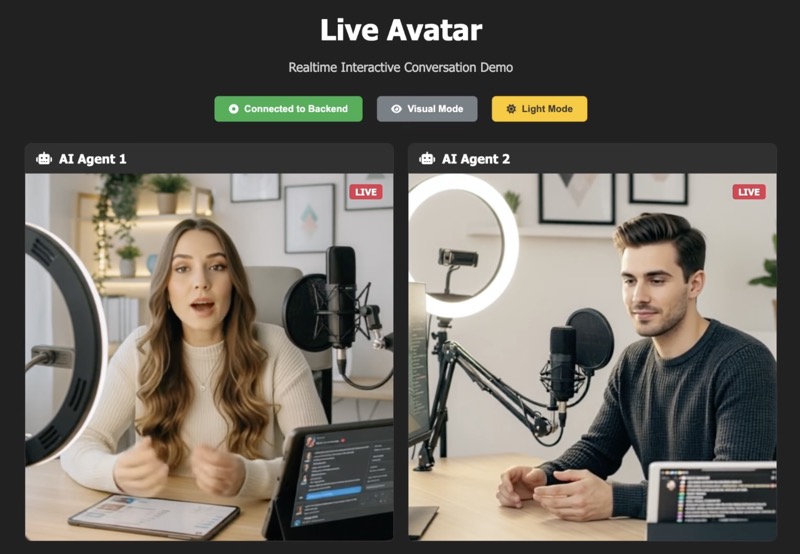
The LiveAvatar project on GitHub is a system framework built for real-time, streaming, and unlimited-length live AI avatar video generation. It allows users to have natural, face-to-face conversations using a microphone and camera, with the avatar responding instantly through live visual feedback.
Omni Avatar
OmniAvatar is another innovative live avatar project on GitHub that focuses on audio-driven video generation. Its core model enhances human animation by delivering more accurate lip-sync and more natural movements, helping avatars feel less robotic and more lifelike. Currently, OmniAvatar performs especially well in facial and half-body live avatar video generation.
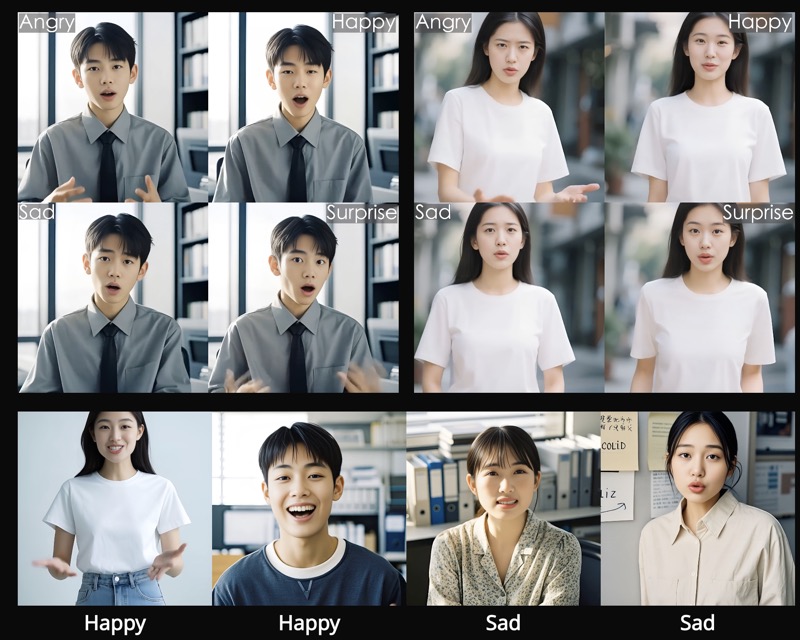
Generating Videos with AI Avatars With Ease
However, even when highly realistic real-time avatars are available, using them effectively is a different challenge. Real-time rendering requires heavy CPU and GPU resources on your device, which can significantly impact device performance.
For videos such as training modules or sales presentations that don’t require frequent changes to the spoken content, pre-made avatars can be just as effective. They offer a simple, cost-efficient way to deliver consistent messaging without the complexity of real-time interaction, making them ideal for repeatable content that only needs occasional updates.
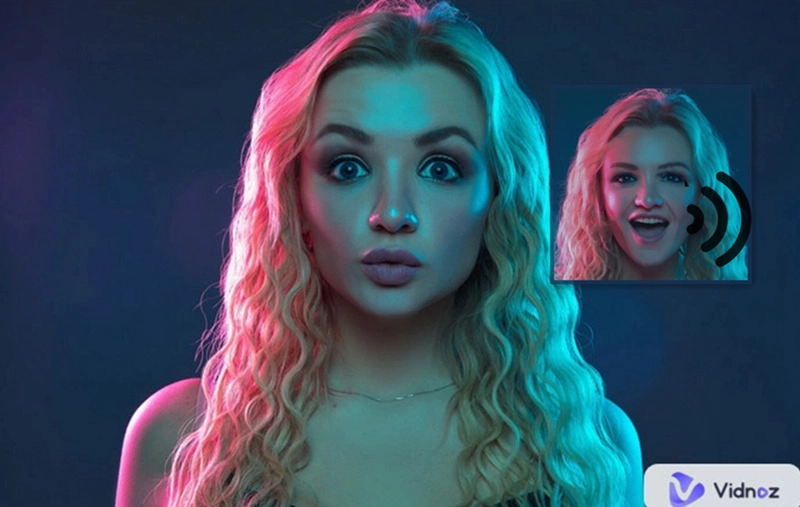
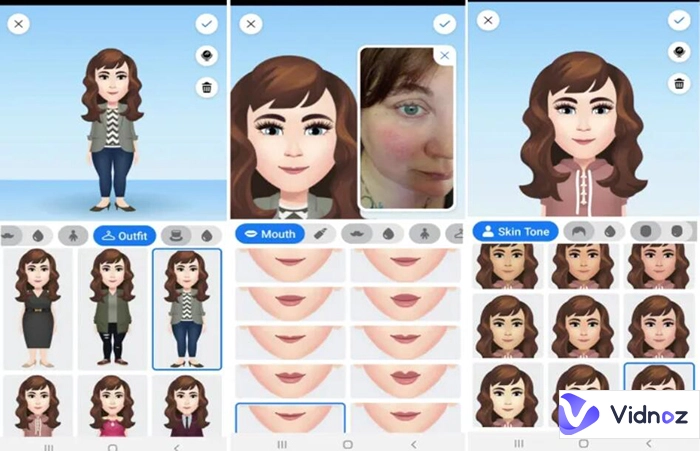
Vidnoz AI is a pioneer in the AI avatar space, offering an all-in-one solution for AI avatar video creation. The platform combines AI avatars, text-to-speech, accurate lip-sync, and built-in video editing tools, making it easy to produce professional-looking videos from a single dashboard. It also allows you to turn a photo into an expressive avatar, giving creators more flexibility to build custom avatars without complex setup or technical expertise.
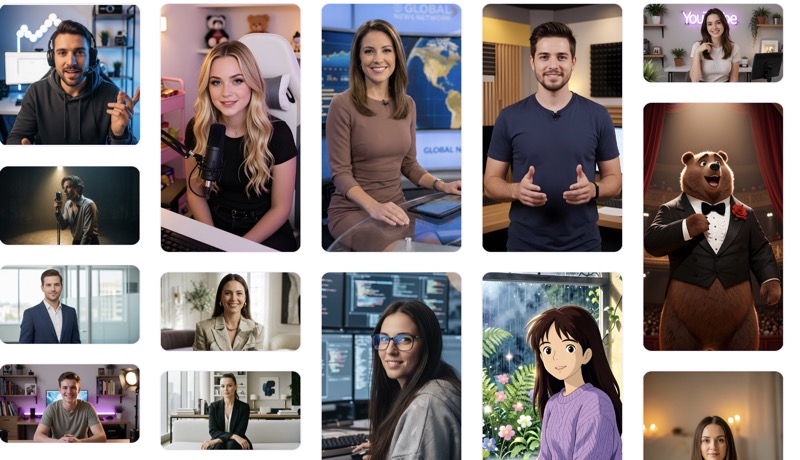
Key Feature
- Turn a static photo into a realistic, talking avatar
- Add natural-sounding speech using multilingual text-to-speech
- Enjoy accurate, real-time lip-sync for believable delivery
- Create lifelike movements, facial expressions, and human-like behaviors
- Clone voices to make the avatar fully personal and unique
- Support human, cartoon, or anime-style characters
How to Turn Your Photo into An Expressive Avatar for Video Creation
Vidnoz AI offers hundreds of expressive AI avatars to choose from, along with dozens of ready-made templates that help you create AI transition videos or other professional and playful content. If you would rather turn your own photo into a talking avatar, simply follow the steps below to get started.
Step 1. Visit the Vidnoz Photo Avatar website and sign in with a free account. This lets you save your generated avatars and videos for later use.
Step 2. Upload a photo of yourself or anyone else to create a digital twin, or generate a brand-new character using text prompts.
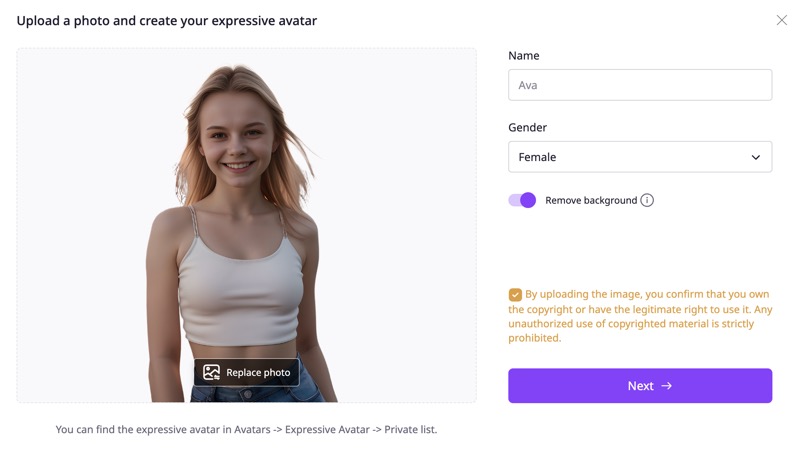
Step 3. Pick a pose and facial movement style that best fits how and where the avatar will be used.
Step 4. Choose a voice and enter the script you want the avatar to speak.
Step 5. Click Generate to turn your photo into an expressive talking avatar, then add it to your video on Vidnoz.
Create Your AI Talking Avatar - FREE
- 1900+ realistic AI avatars of different races
- Vivid lip-syncing AI voices & gestures
- Support 140+ languages with multiple accents
Conclusion
Live avatars are clearly the future of AI avatars, combining artificial intelligence with real-time responses to create more natural interactions. However, platforms like Uneeq, HeyGen, and open-source projects on GitHub are mainly built for enterprise or product-level use, making them complex and expensive for personal creators. In addition, as of today, live AI avatar products still struggle to deliver truly high-quality realistic full-body avatars.
If you simply want digital avatars in your videos, the Expressive Avatars are a practical alternative by Vidnoz AI. They deliver natural movements, facial expressions, and accurate lip-sync, and can produce live-avatar-like results using fixed scripts without the technical complexity of real-time systems.